In this app, you can transcribe, edit, and share handwritten notes on digital paper using a Neo smartpen. Includes note search, file sharing, and recording features.
AppRecs review analysis
AppRecs rating 1.6. Trustworthiness 0 out of 100. Review manipulation risk 0 out of 100. Based on a review sample analyzed.
★☆☆☆☆
1.6
AppRecs Rating
Ratings breakdown
5 star
10%
4 star
2%
3 star
0%
2 star
18%
1 star
70%
What to know
✓
Authentic reviews
Natural distribution, no red flags
⚠
Mixed user feedback
Average 1.6★ rating suggests room for improvement
⚠
High negative review ratio
88% of sampled ratings are 1–2 stars
About Neo Studio
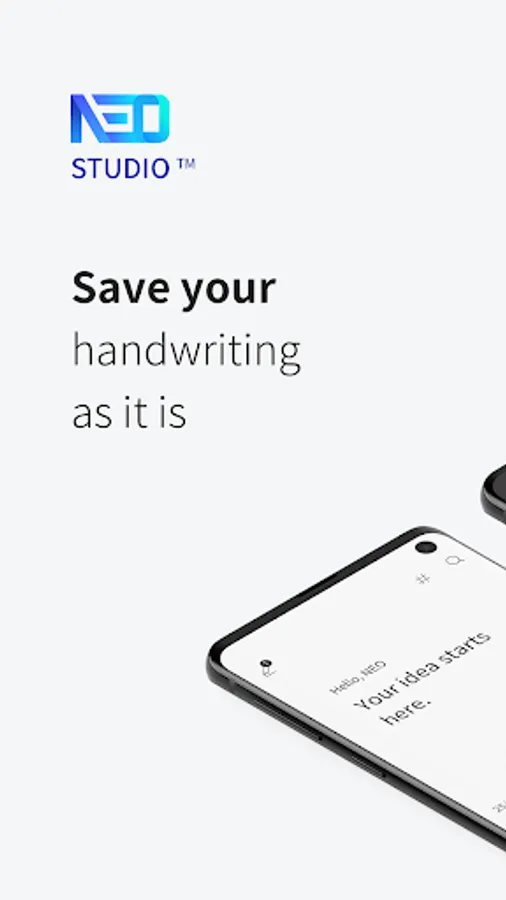
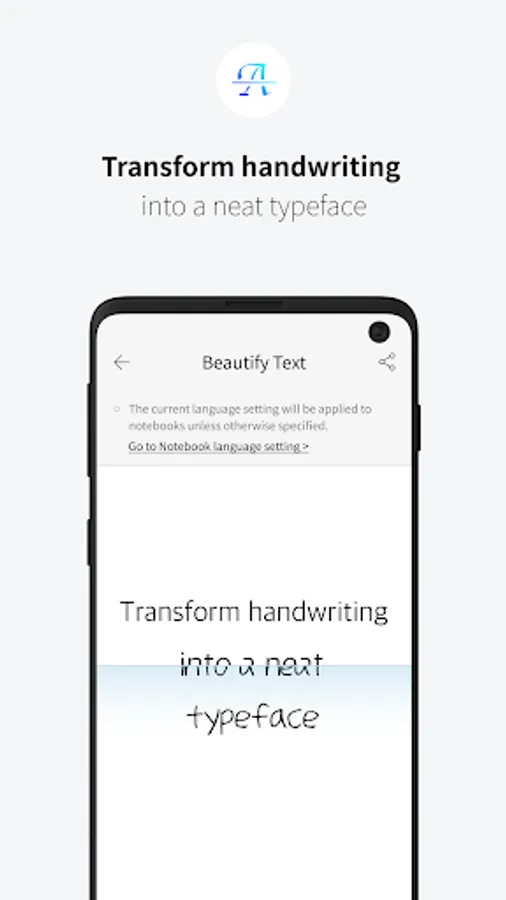
Write in analog and enjoy digitally! Neo Studio is an exclusive application for Neo smartpen which transcribe, edit and share handwritings on digital paper.
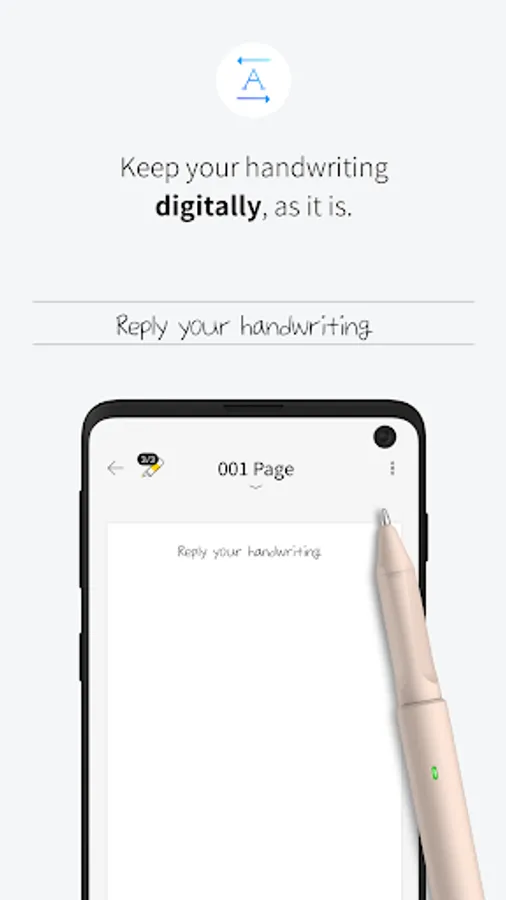
[Digital handwriting] Keep your handwriting digitally, as it is. You can even replay your writings!
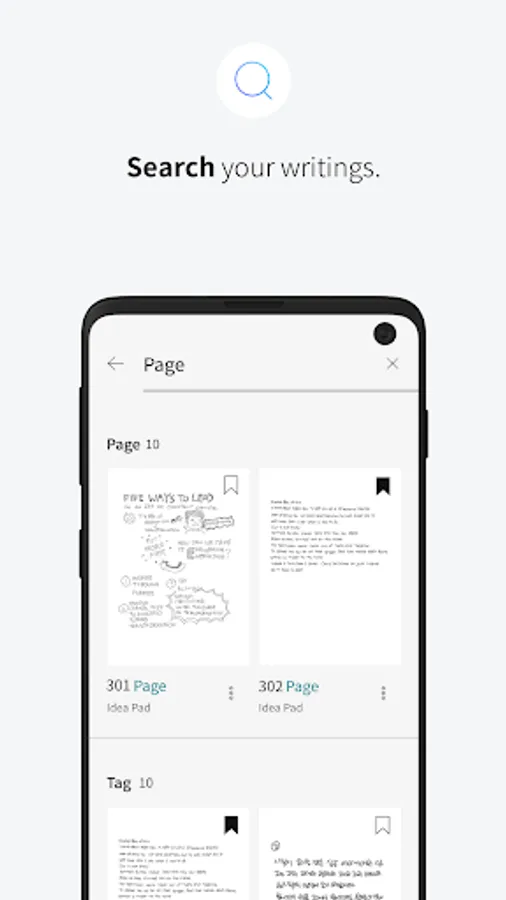
[Page search] Search your writings. You can search by keywords, page names or tags.
[Easy Sharing] Share your notes easily. You can share PDFs, images, and SVG (vector) files through various social media. Share your notes, ideas, and sketches as soon as you jot them down.
[Media Sharing] Share your writings, drawings and doodlings in GIFs, that show the process of it all.
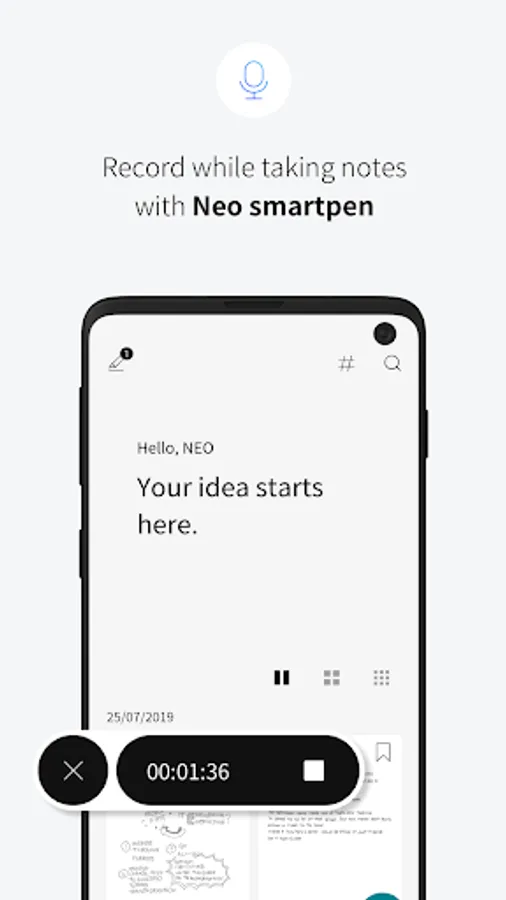
[Record / Replay] Record while taking notes with Neo smartpen. Never miss a word from lectures or seminars anymore. You don’t have to go through all your recordings. Just tap your writing in the application to play the audio recorded at that moment.
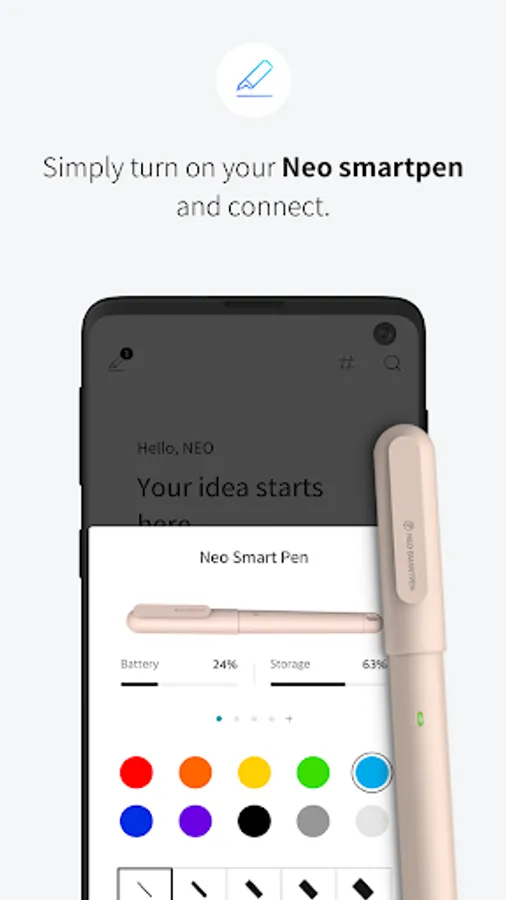
[Easy Connect] Simply turn on your Neo smartpen and connect. Turn on, register, connect and you are ready to use it.
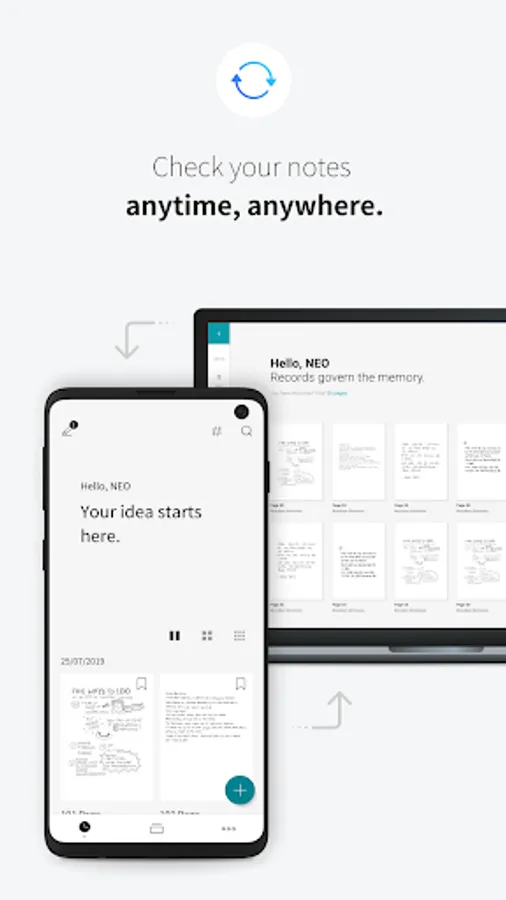
[Timeline] Check out your writings in timeline mode. You can browse your records more conveniently.
[Tag] You can sort your writings with tags. You can organize your written data better by tagging a group of data with similar themes.
[Favorites] Manage separately the pages you frequently visit through Favorites.
[View All Handwriting & Pages] You can see all your notes and planners in one view.
[Change Theme] Set various themes.
[Edit] Edit your writings. Diverse editing functions are perfect for sketching out your thoughts.
[Calendar Synchronization] Synchronize your plans in N Planner 2020 with your calendar. Registering and sharing your plans are a lot easier now. (* Planner use is limited for Neo smartpen dimo)
[Neo Studio Supported Smartpens]
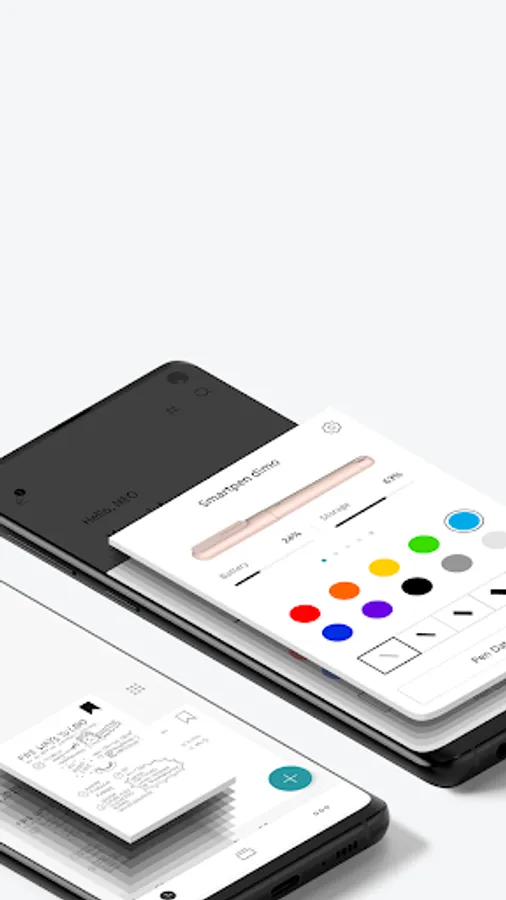
Neo smartpen M1(NWP-F50), Neo smartpen M1+(NWP-F51), Neo smartpen N2(NWP-F121C), Neo smartpen dimo(NWP-F30)
[Service Access Authorization]
* Required Access Rights
- Location Information: Used to connect smartphone through Bluetooth
- Photo/Media File Access: Used to save in albums when sharing image files from Neo Studio
* Optional Access Rights
-Bluetooth: Used to connect smartpen and device via Bluetooth
-Audio Recording and Microphone: Used in voice recording(memo) functions
-Contacts or Account Information : Used for logging in Google accounts to share files
* Neo Studio can be used without accepting optional access rights. However, there may be difficulties in using some functions of the service.
* Neo Studio app is available for versions higher than Android 6.0 / Bluetooth 4.2.
[Digital handwriting] Keep your handwriting digitally, as it is. You can even replay your writings!
[Page search] Search your writings. You can search by keywords, page names or tags.
[Easy Sharing] Share your notes easily. You can share PDFs, images, and SVG (vector) files through various social media. Share your notes, ideas, and sketches as soon as you jot them down.
[Media Sharing] Share your writings, drawings and doodlings in GIFs, that show the process of it all.
[Record / Replay] Record while taking notes with Neo smartpen. Never miss a word from lectures or seminars anymore. You don’t have to go through all your recordings. Just tap your writing in the application to play the audio recorded at that moment.
[Easy Connect] Simply turn on your Neo smartpen and connect. Turn on, register, connect and you are ready to use it.
[Timeline] Check out your writings in timeline mode. You can browse your records more conveniently.
[Tag] You can sort your writings with tags. You can organize your written data better by tagging a group of data with similar themes.
[Favorites] Manage separately the pages you frequently visit through Favorites.
[View All Handwriting & Pages] You can see all your notes and planners in one view.
[Change Theme] Set various themes.
[Edit] Edit your writings. Diverse editing functions are perfect for sketching out your thoughts.
[Calendar Synchronization] Synchronize your plans in N Planner 2020 with your calendar. Registering and sharing your plans are a lot easier now. (* Planner use is limited for Neo smartpen dimo)
[Neo Studio Supported Smartpens]
Neo smartpen M1(NWP-F50), Neo smartpen M1+(NWP-F51), Neo smartpen N2(NWP-F121C), Neo smartpen dimo(NWP-F30)
[Service Access Authorization]
* Required Access Rights
- Location Information: Used to connect smartphone through Bluetooth
- Photo/Media File Access: Used to save in albums when sharing image files from Neo Studio
* Optional Access Rights
-Bluetooth: Used to connect smartpen and device via Bluetooth
-Audio Recording and Microphone: Used in voice recording(memo) functions
-Contacts or Account Information : Used for logging in Google accounts to share files
* Neo Studio can be used without accepting optional access rights. However, there may be difficulties in using some functions of the service.
* Neo Studio app is available for versions higher than Android 6.0 / Bluetooth 4.2.
Neo Studio Screenshots
Tap to Rate: