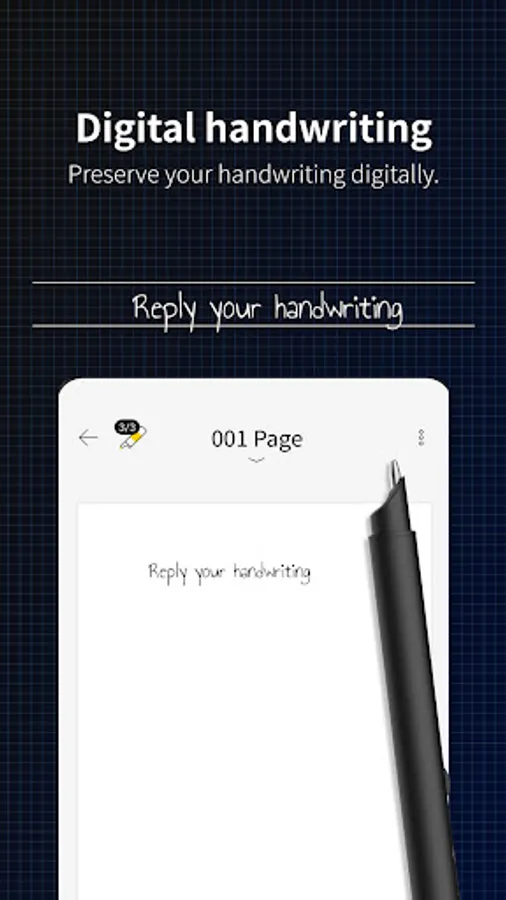
In this note-taking app, users digitize handwriting and organize notes efficiently. Includes page view, text extraction, real-time synchronization, and pen connection features.
AppRecs review analysis
AppRecs rating 1.8. Trustworthiness 85 out of 100. Review manipulation risk 16 out of 100. Based on a review sample analyzed.
★☆☆☆☆
1.8
AppRecs Rating
Ratings breakdown
5 star
8%
4 star
0%
3 star
8%
2 star
34%
1 star
51%
What to know
✓
Low review manipulation risk
16% review manipulation risk
⚠
Mixed user feedback
Average 1.8★ rating suggests room for improvement
⚠
High negative review ratio
84% of sampled ratings are 1–2 stars
About Neo Studio 2
Reborn as the dedicated application for Neo Smartpen: Neo Studio 2!
Experience the improved Neo Studio 2 with a more convenient and streamlined note-taking environment, expanding the handwriting paradigm.
#Introduction of Main Features
[Page View]
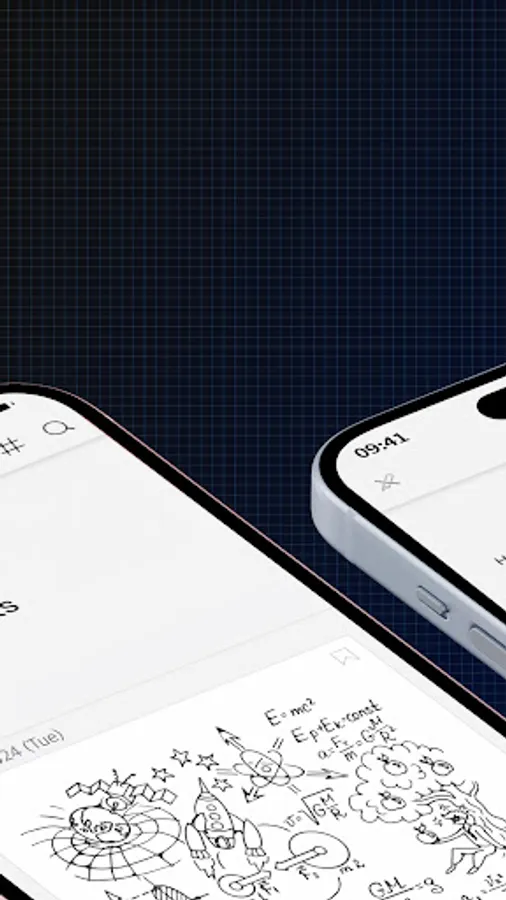
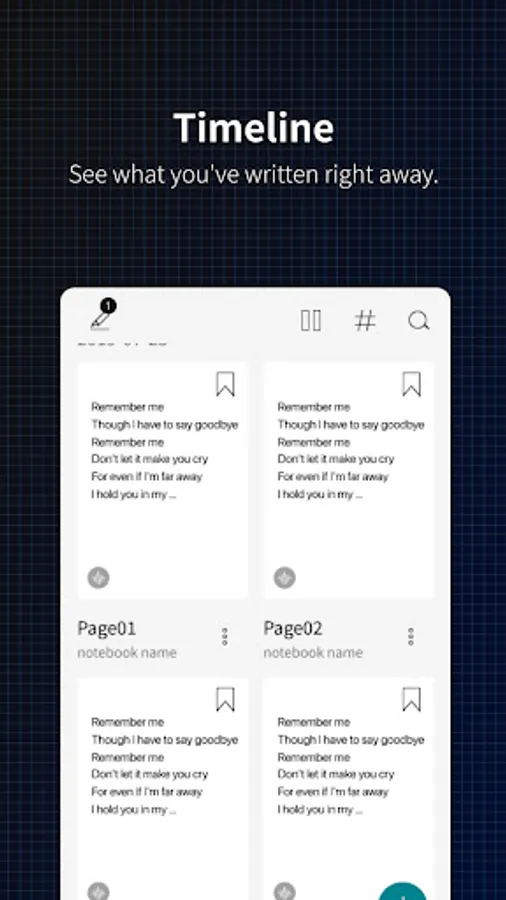
Now you can scroll through the timeline with a single page view. You can easily check your handwritten notes without entering a detailed page.
[Text Extraction]
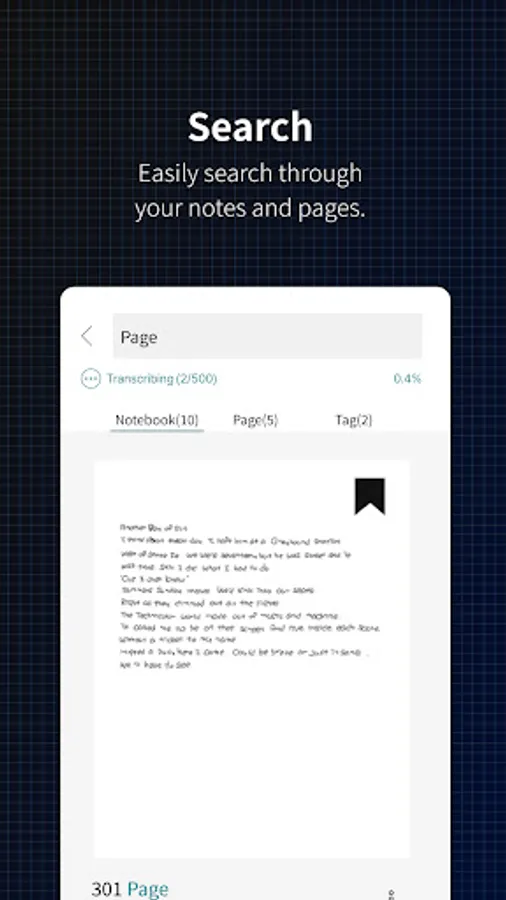
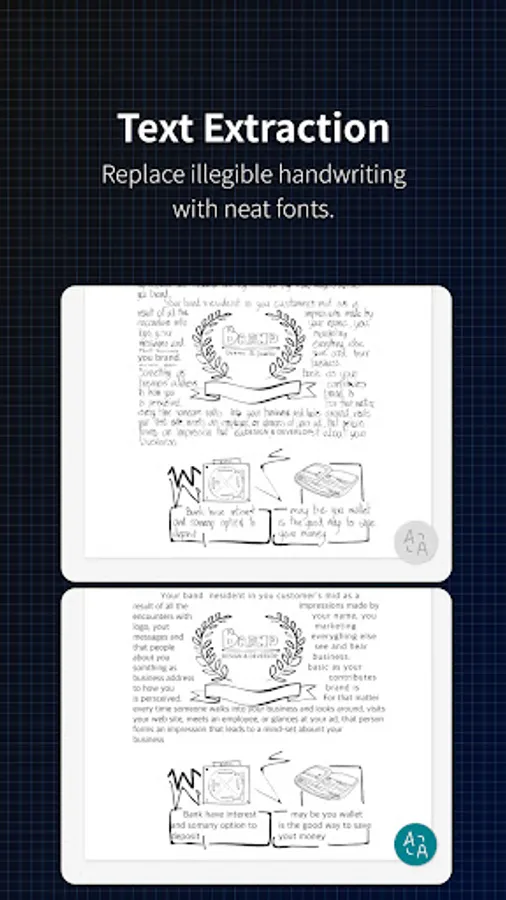
The previous 'Handwriting Recognition' function has been renamed to 'Text Extraction.' It has also been changed to a button at the bottom right of the handwriting detail page, allowing you to instantly convert your handwritten content into text.
[Lasso Tool]
In the handwriting detail page, you can select specific areas with the Lasso Tool for text extraction or to share only the selected area.
[Split]
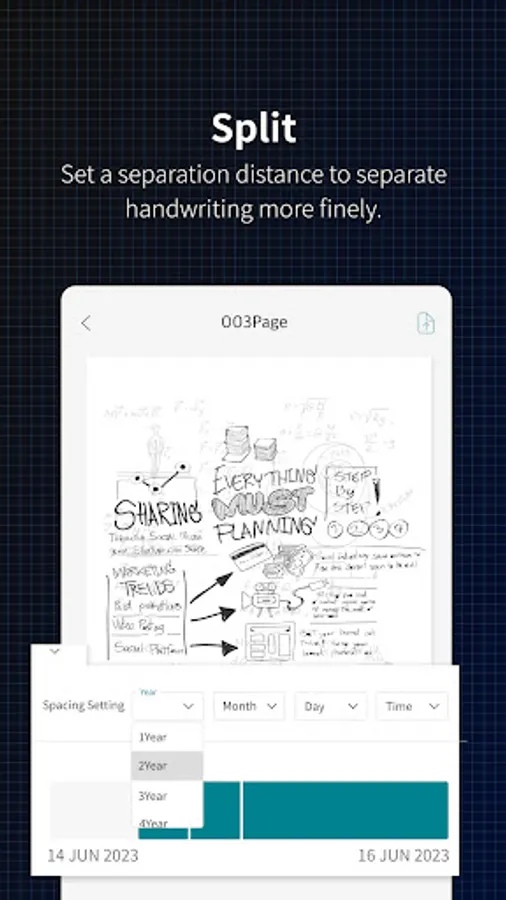
Now overlapping handwriting is automatically separated. This addresses the issue of choosing the right time of overlapping notes, allowing you to isolate them and then automatically separate into the same notebook as the first writing.
[Connect Only This Pen]
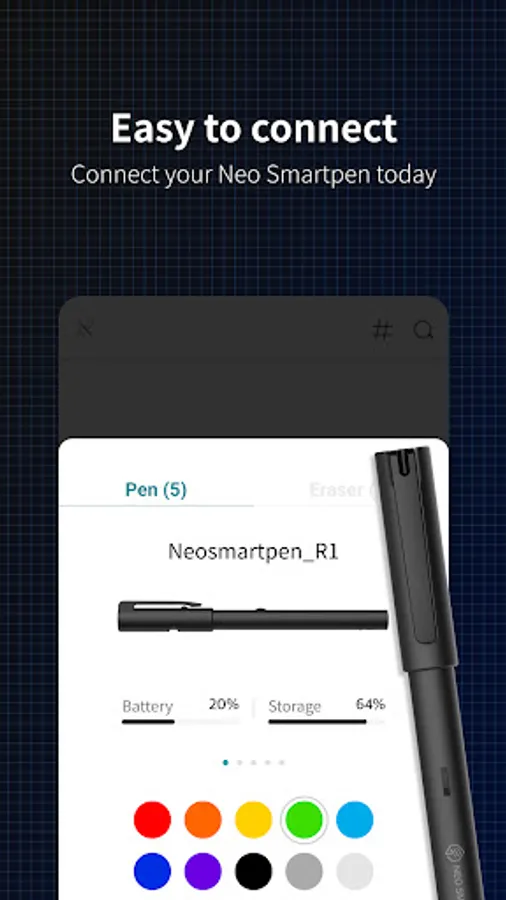
If other smart pens are on, they may automatically connect to the app, but now you can focus on one pen, adding this feature to boost concentration.
[Synchronization]
Synchronization is now done in real-time without manual intervention, so you can log in with your existing account on any device, and your handwritten data will be reflected automatically.
[Compatible Smartpens for Neo Studio]
Neo Smartpen A1 (NWP-F151), Neo Smartpen R1 (NWP-F40), Neo Smartpen R1(NWP-F45-NC), Neo Smartpen M1 (NWP-F50), Neo Smartpen M1+ (NWP-F51), Neo Smartpen N2 (NWP-F121C), Neo Smartpen dimo (NWP-F30), LAMY Sadari all black ncode (NWP-F80)
[Service Access Permissions Guide]
■ Required Permissions
Nearby device info: Used to search for nearby smartpens via Bluetooth
Audio recording & microphone: Used for the voice recording feature of Neo Studio 2
■ Optional Permissions
Location: Used when connecting the smartpen via Bluetooth
Bluetooth: Used to connect the smartpen and device
Contacts or account info: Used for login and email sending via Google account
Photos & media access: Used to save shared images from pages to your device album
You can use the app without agreeing to optional permissions.
Some features may not work properly if optional permissions are denied.
Neo Studio 2 is available for Android 8.0 / Bluetooth 4.2 and above.
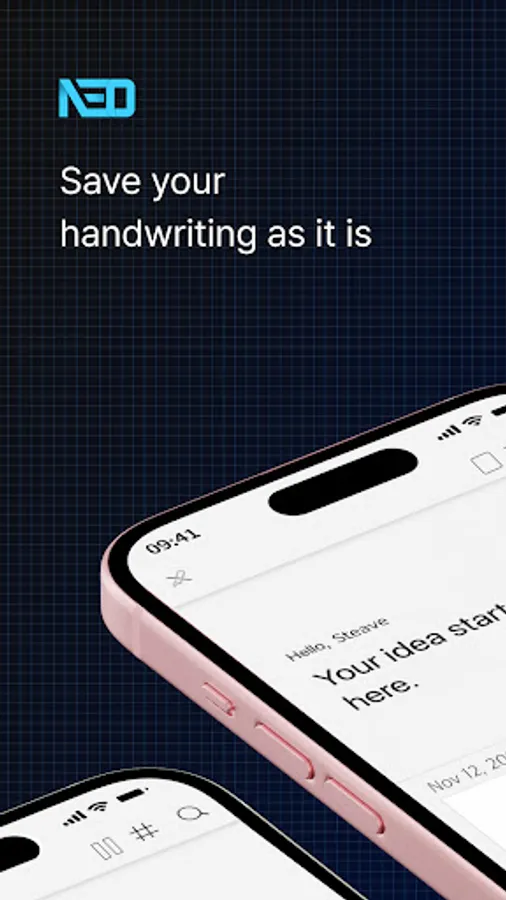
Neo Studio 2 Screenshots
Tap to Rate:
Reviews for Neo Studio 2
Marcello Benati
5/16/2025
Another totally disastrous update. I am missing all the pages in all my notebooks, not able to synch more than one pen and that synch works sporadically. Reverting back to tbe stable 2022 version which is now discontinued by the company. Please test application basic functionality and synch before putting into production and causing havoc. I am almost to the point of creating my own app to read 10 years of notebooks. It is a great idea, good pen concept but horrible support and UI...
Igor Korshunov
5/8/2025
Can't copy transcribed writing