
In this app, you can access, upload, and manage photos and files stored in your iCloud account and share files between Android and iOS devices. Includes secure login, background transfer, and support for multiple file uploads.
AppRecs review analysis
AppRecs rating 4.4. Trustworthiness 76 out of 100. Review manipulation risk 35 out of 100. Based on a review sample analyzed.
★★★★☆
4.4
AppRecs Rating
Ratings breakdown
5 star
66%
4 star
17%
3 star
5%
2 star
2%
1 star
10%
What to know
✓
Credible reviews
76% trustworthiness score from analyzed reviews
✓
High user satisfaction
83% of sampled ratings are 4+ stars (4.3★ average)
✓
Authentic reviews
Natural distribution, no red flags
About Sync: iPhotos & iDrive
With Sync you can
- Sync with Apple iCloud
- Access, upload, download and manage photos stored in your iCloud account
- Share files between Android and iOS through iDrive
Instructions:
1.) Make sure that your iCloud account has been set up, and that iCloud Email and Files have been enabled.
2.) Enter your username and password to log in.
3.) You will receive a code on your registered iOS devices. You may also opt to receive the code via SMS*
Notes:
- Before using this app, make sure that you can log in to the iCloud website from a web browser.
- Photos can only be accessed if these have been enabled in your account
- App specific passwords are not supported.
*charges may apply
Features:
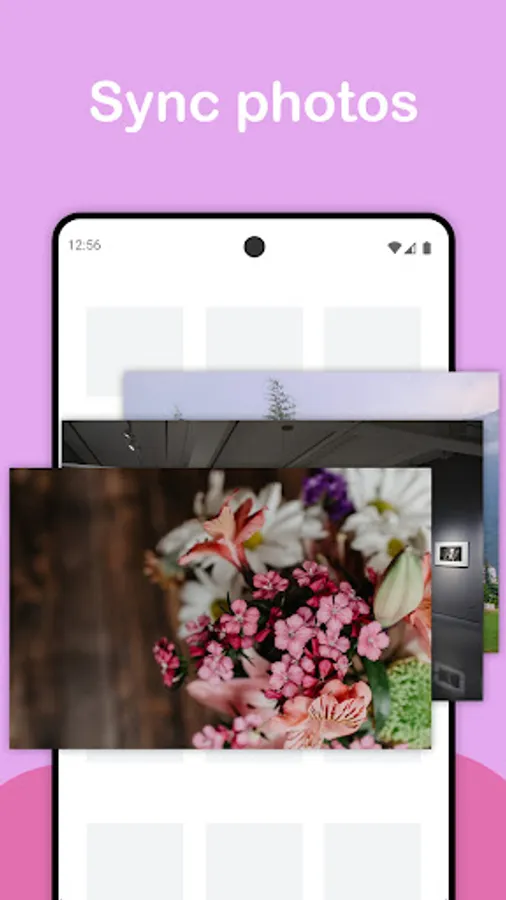
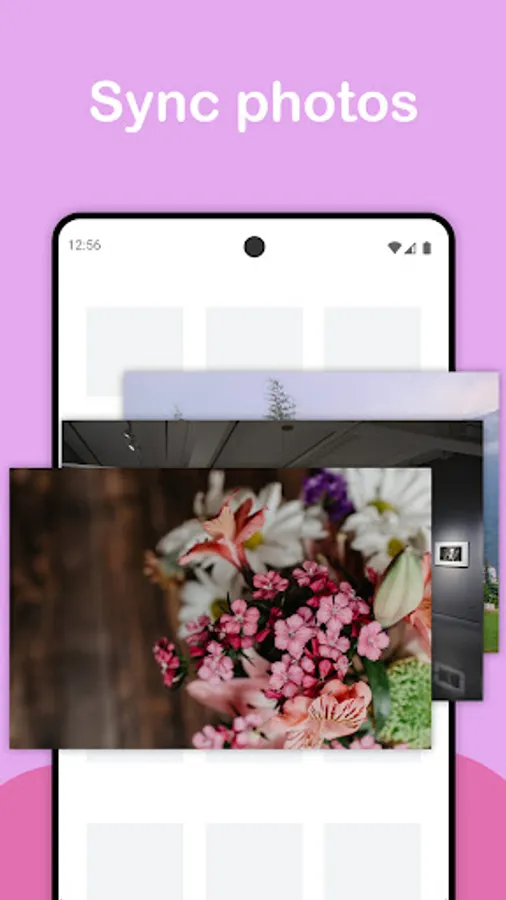
- Access iCloud photos - download, upload, and manage.
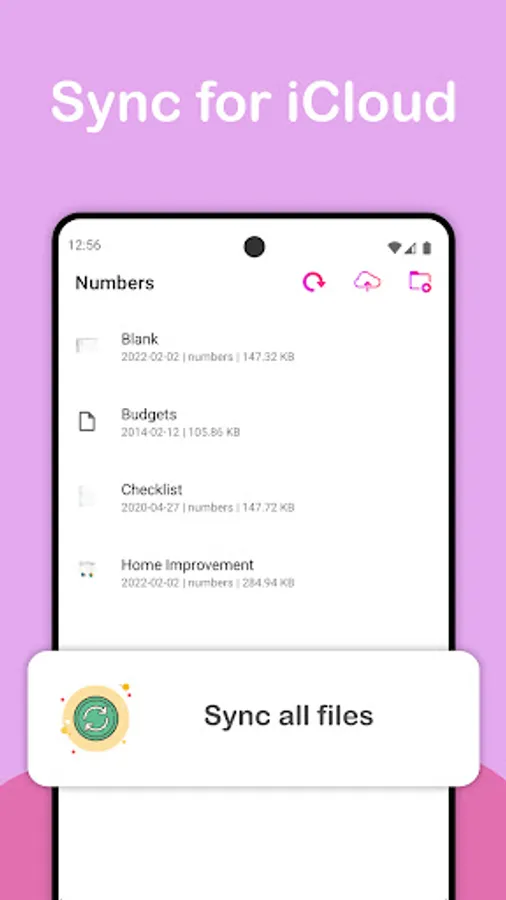
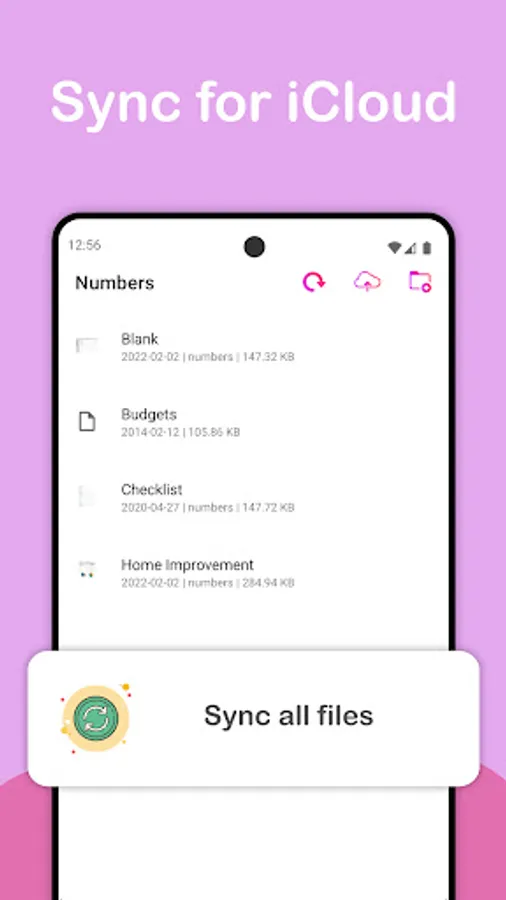
- Access iCloud files and folders.
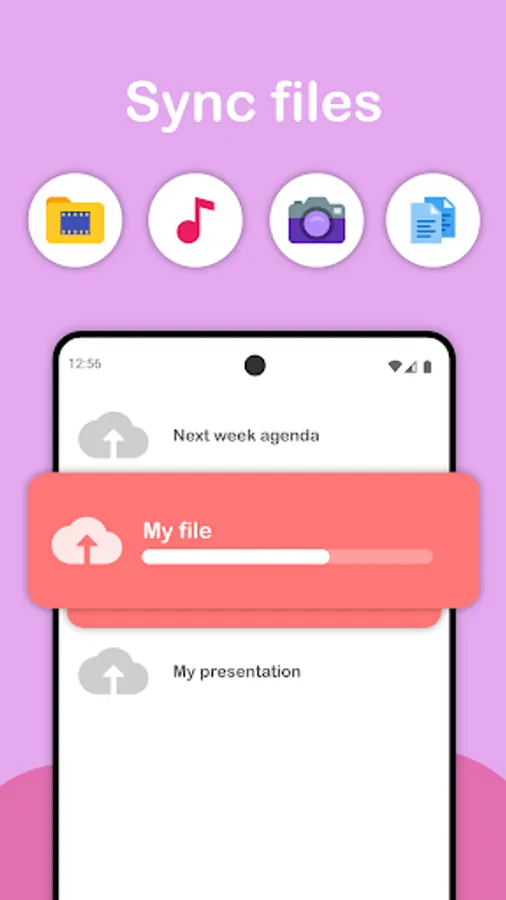
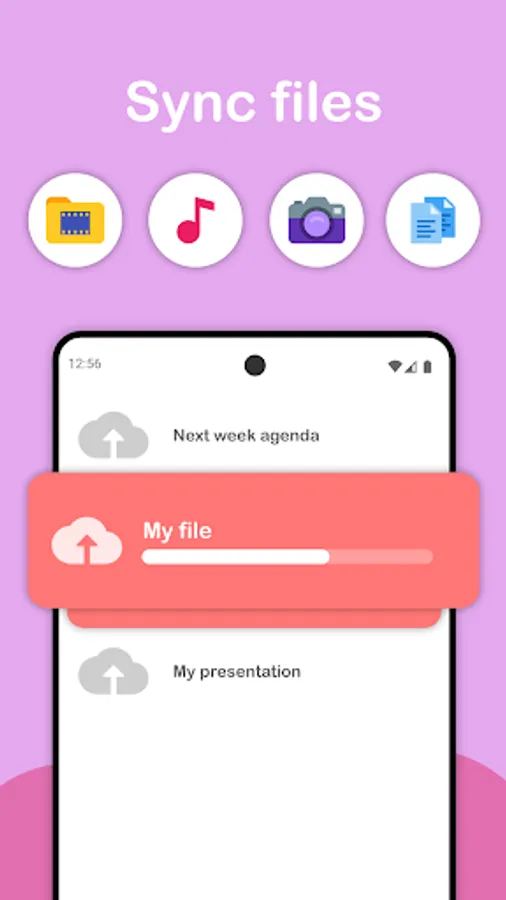
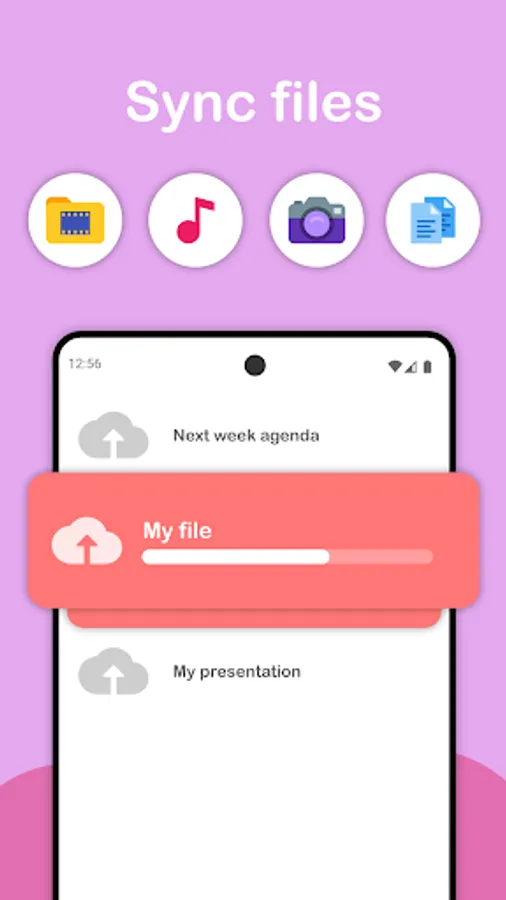
- SyncCloud supports the upload and download of multiple files and photos at once.
- Uploading/downloading of files is performed in the background, allowing you to do other tasks during download/upload.
- Support for dynamic theme and light/dark mode.
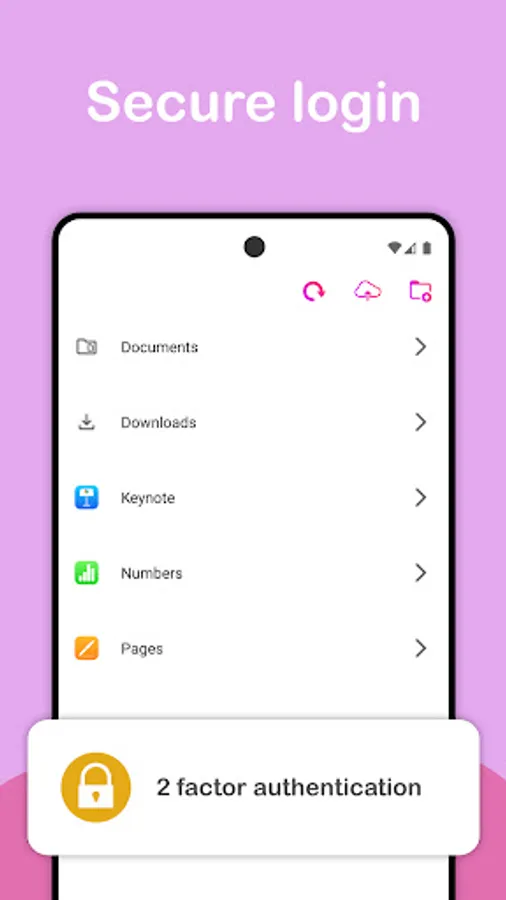
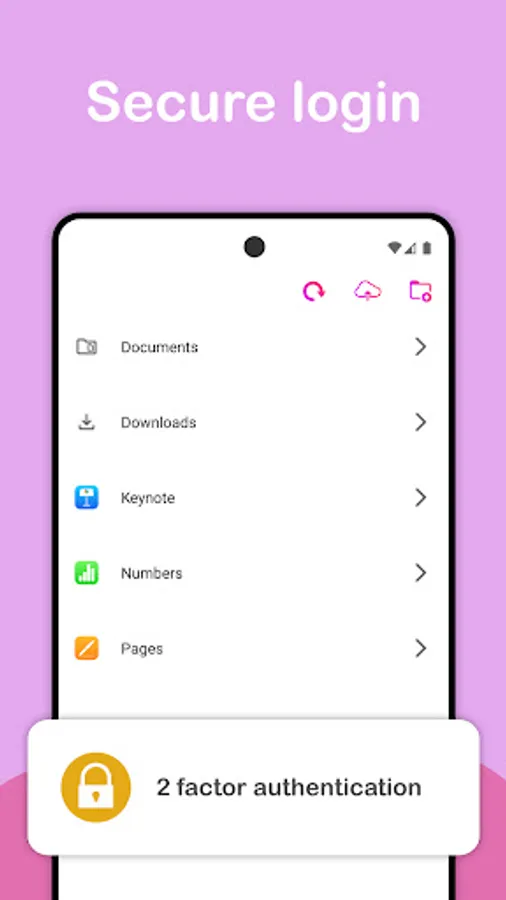
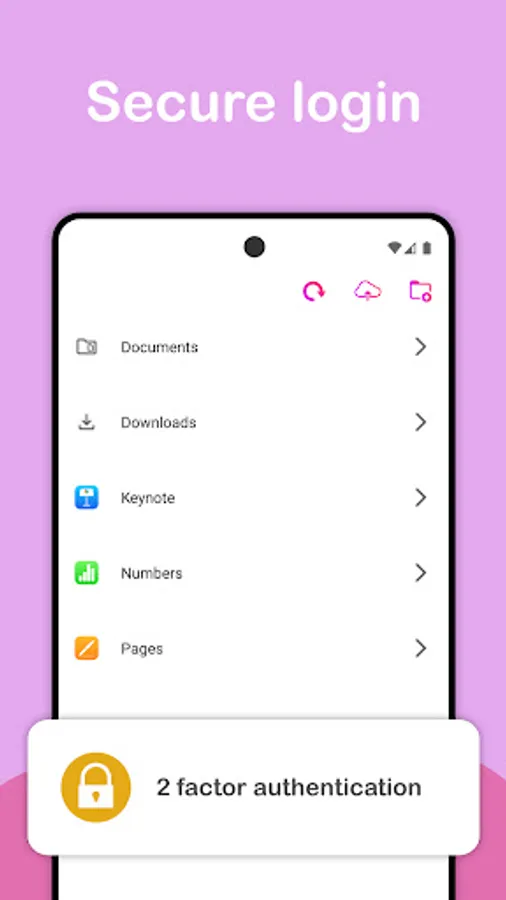
- 2 factor authentication support (no need for app specific password).
- Connects using HTTPS encryption.
- Connects directly to Apple servers.
- Download files to your downloads folder.
- Share files from other apps to Sync to upload directly from third party apps.
Privacy:
The app communicates directly with Apple servers and does not make use of any third party servers. This allows for secure login and secure file transfer between your device and Apple servers. Visit our website for more privacy information.
—
Apple is a trademark of Apple Inc., registered in the U.S. and other countries and regions.
- Sync with Apple iCloud
- Access, upload, download and manage photos stored in your iCloud account
- Share files between Android and iOS through iDrive
Instructions:
1.) Make sure that your iCloud account has been set up, and that iCloud Email and Files have been enabled.
2.) Enter your username and password to log in.
3.) You will receive a code on your registered iOS devices. You may also opt to receive the code via SMS*
Notes:
- Before using this app, make sure that you can log in to the iCloud website from a web browser.
- Photos can only be accessed if these have been enabled in your account
- App specific passwords are not supported.
*charges may apply
Features:
- Access iCloud photos - download, upload, and manage.
- Access iCloud files and folders.
- SyncCloud supports the upload and download of multiple files and photos at once.
- Uploading/downloading of files is performed in the background, allowing you to do other tasks during download/upload.
- Support for dynamic theme and light/dark mode.
- 2 factor authentication support (no need for app specific password).
- Connects using HTTPS encryption.
- Connects directly to Apple servers.
- Download files to your downloads folder.
- Share files from other apps to Sync to upload directly from third party apps.
Privacy:
The app communicates directly with Apple servers and does not make use of any third party servers. This allows for secure login and secure file transfer between your device and Apple servers. Visit our website for more privacy information.
—
Apple is a trademark of Apple Inc., registered in the U.S. and other countries and regions.
Sync: iPhotos & iDrive Screenshots
Tap to Rate:
Reviews for Sync: iPhotos & iDrive
Mark Allshouse
12/27/2025
All permissions grant, signed in, doesn't work.
DULIP UDAYNGA. BASS GUITARIST
12/21/2025
supper cool ap👍👍👌👌👌👍👍🦾