
AppRecs review analysis
AppRecs rating . Trustworthiness 65 out of 100. Review manipulation risk 19 out of 100. Based on a review sample analyzed.
★
AppRecs Rating
Ratings breakdown
5 star
100%
4 star
0%
3 star
0%
2 star
0%
1 star
0%
What to know
✓
Low review manipulation risk
19% review manipulation risk
✓
High user satisfaction
100% of sampled ratings are 5 stars
About FretBuzz Progressions
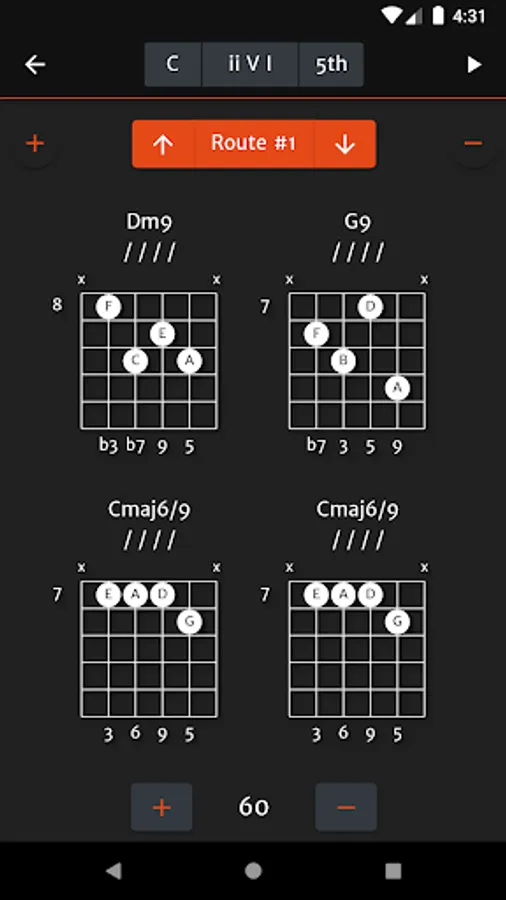
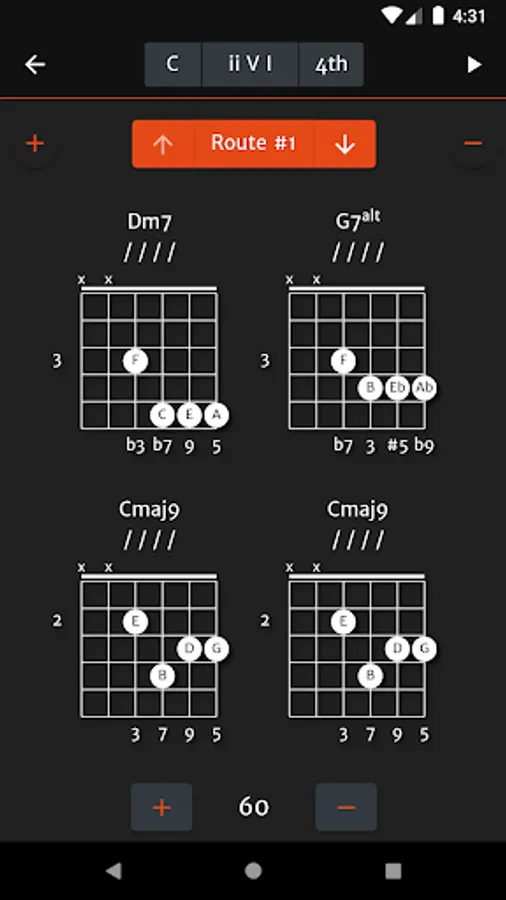
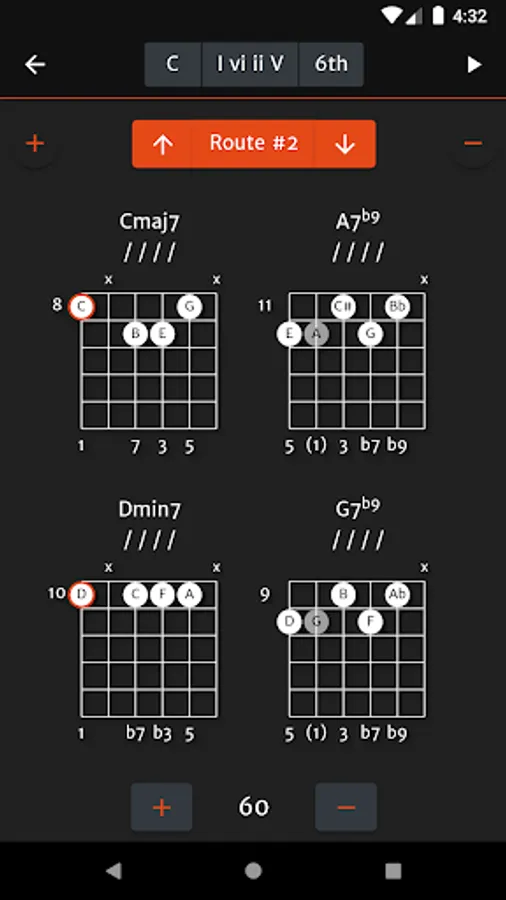
FretBuzz Progressions is an application for learning and practicing common jazz chord progressions on guitar.
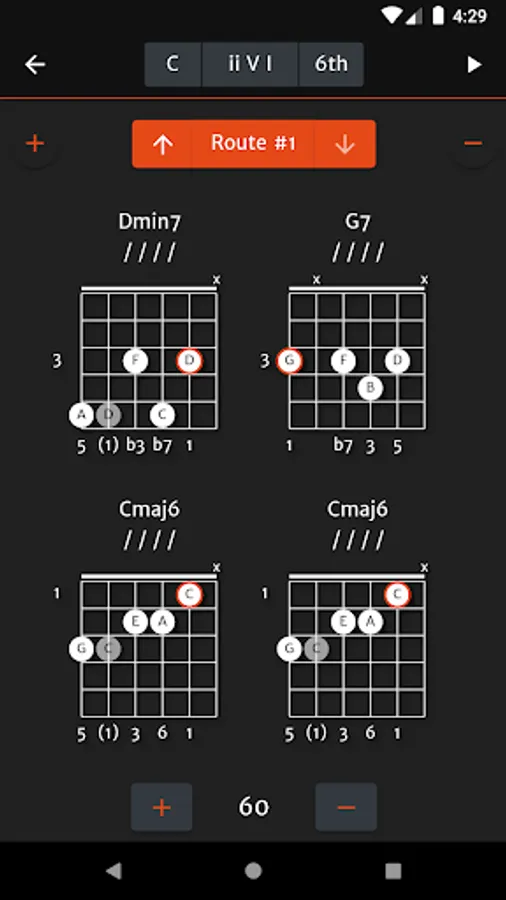
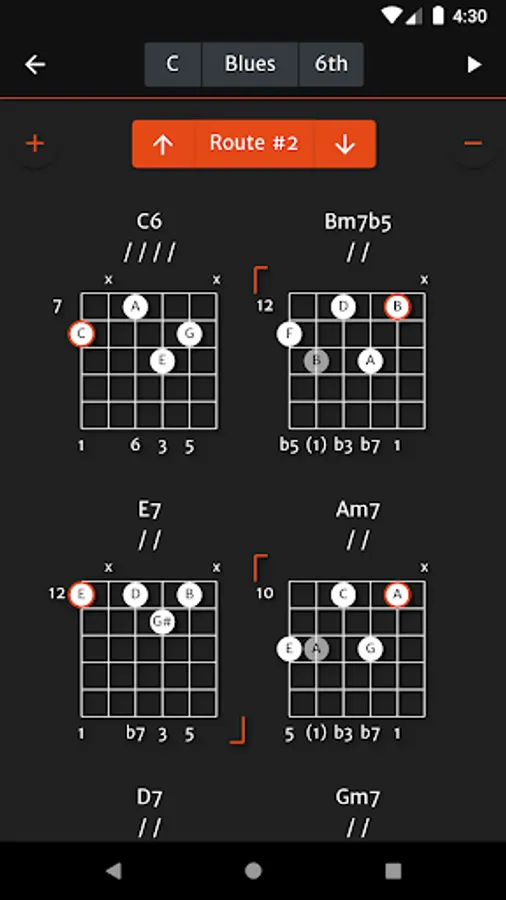
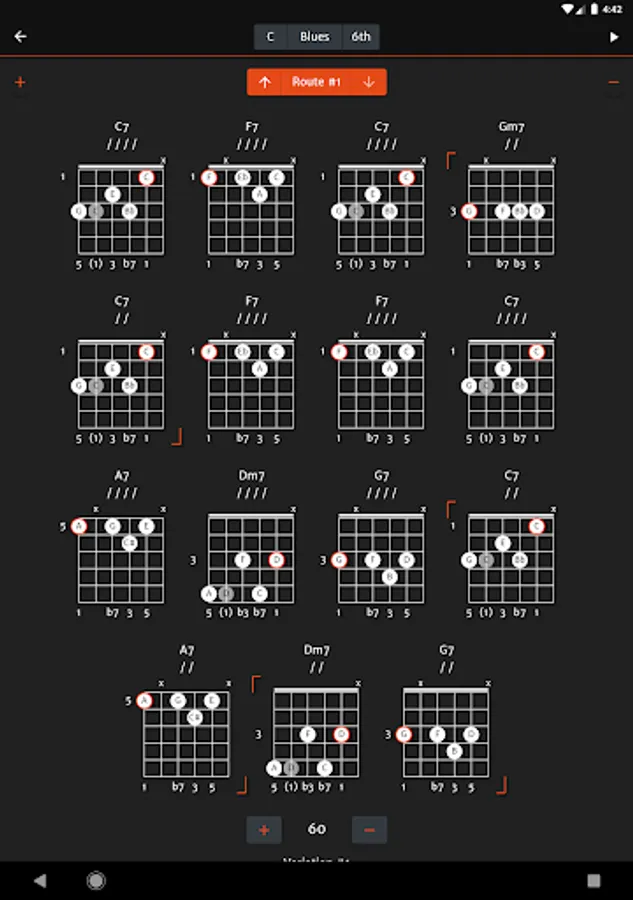
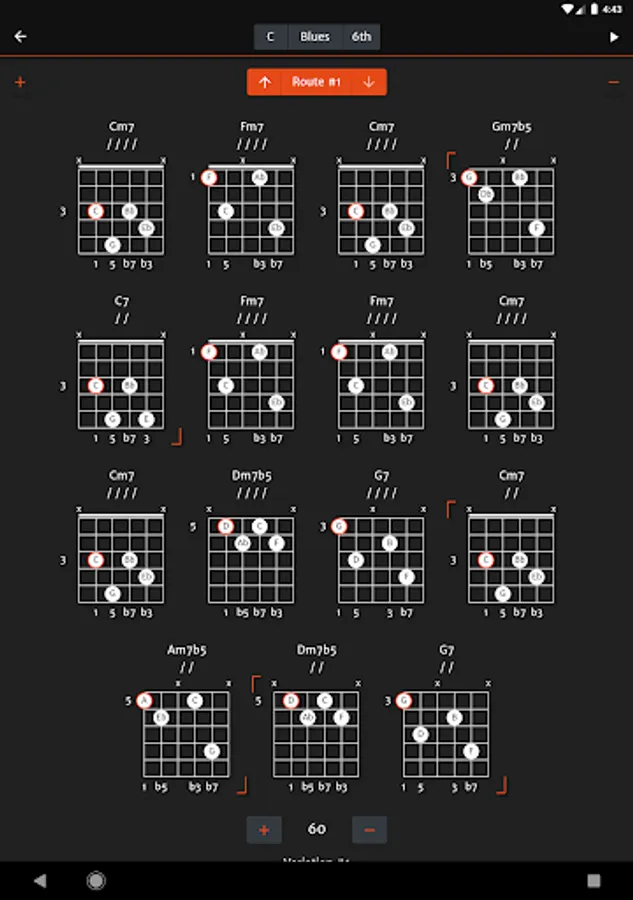
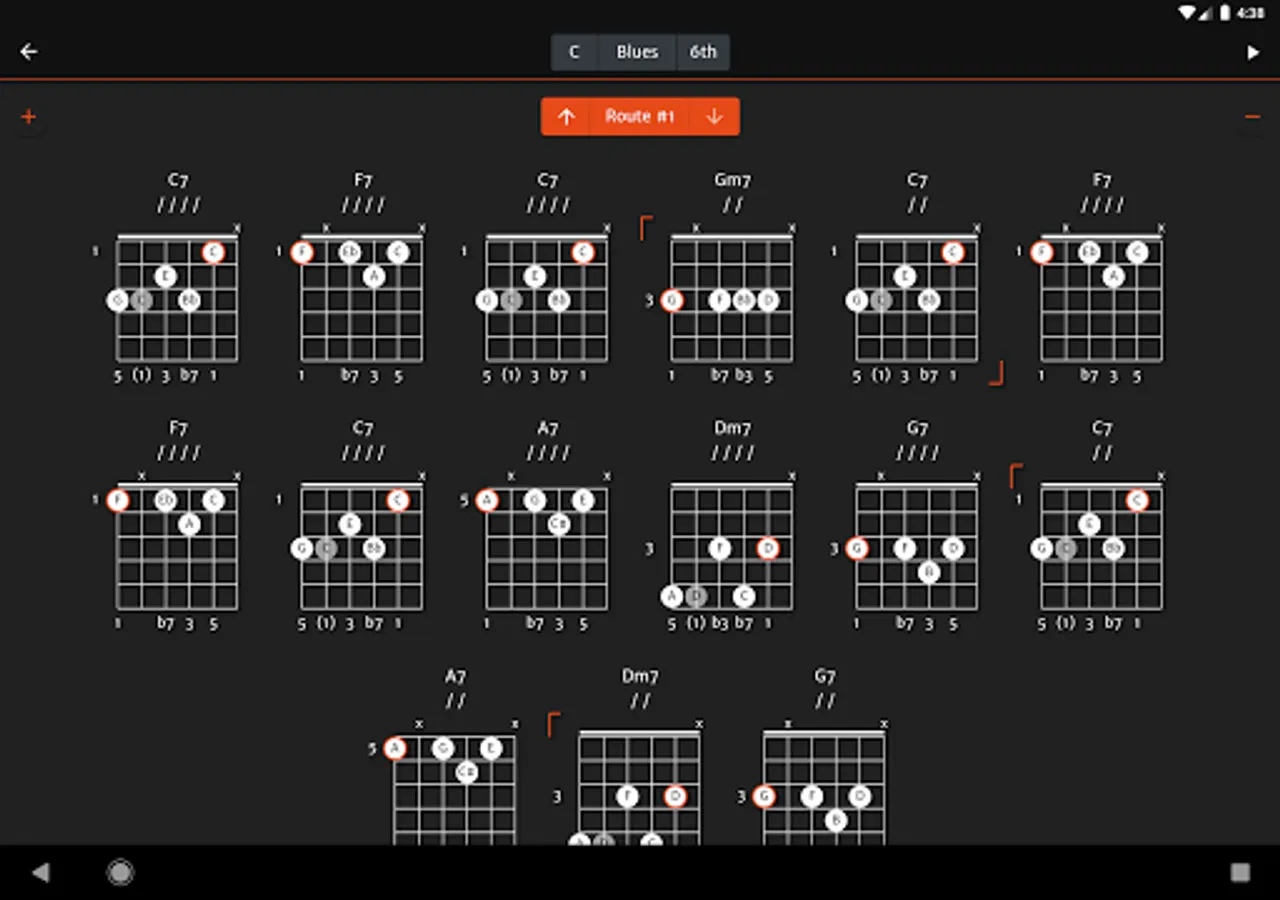
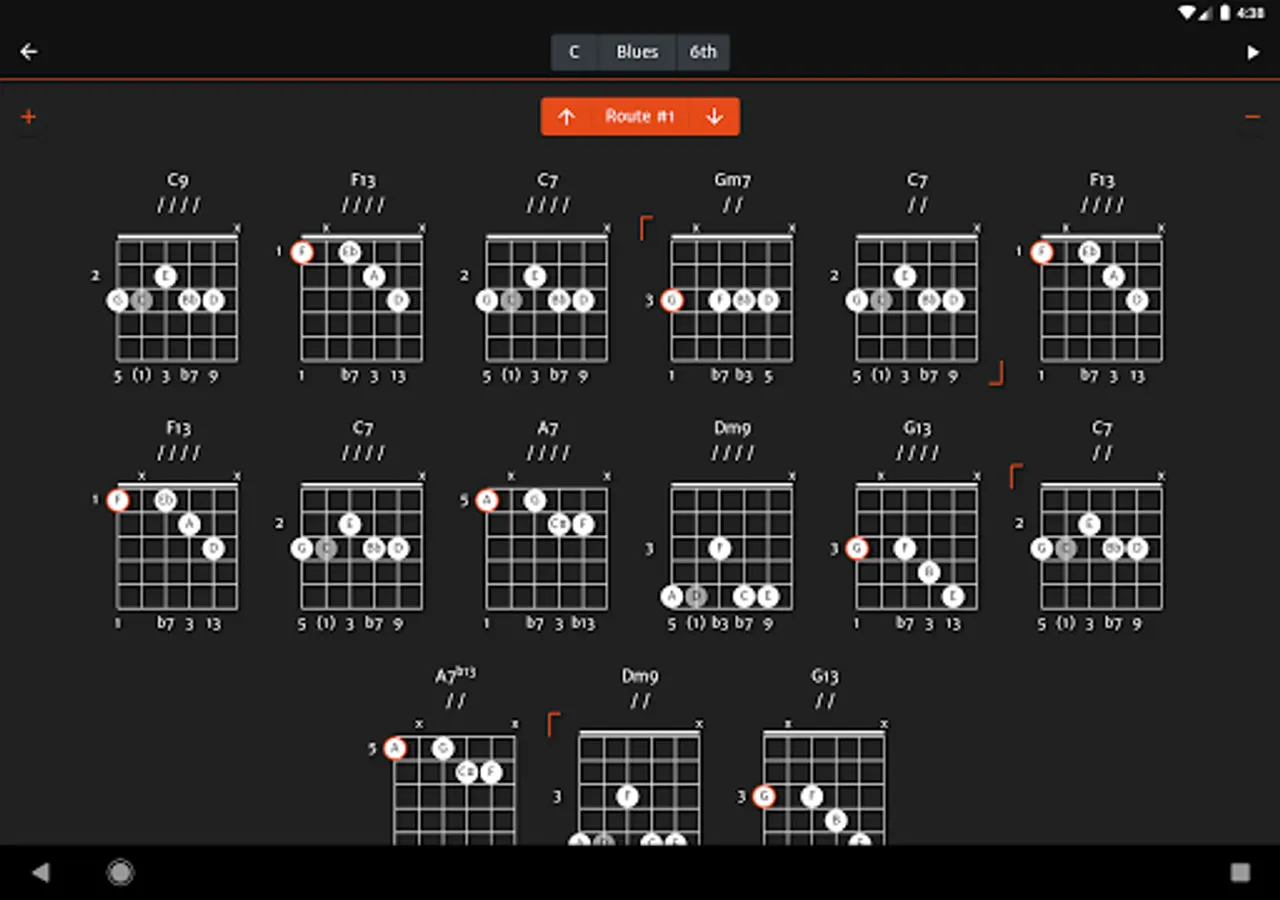
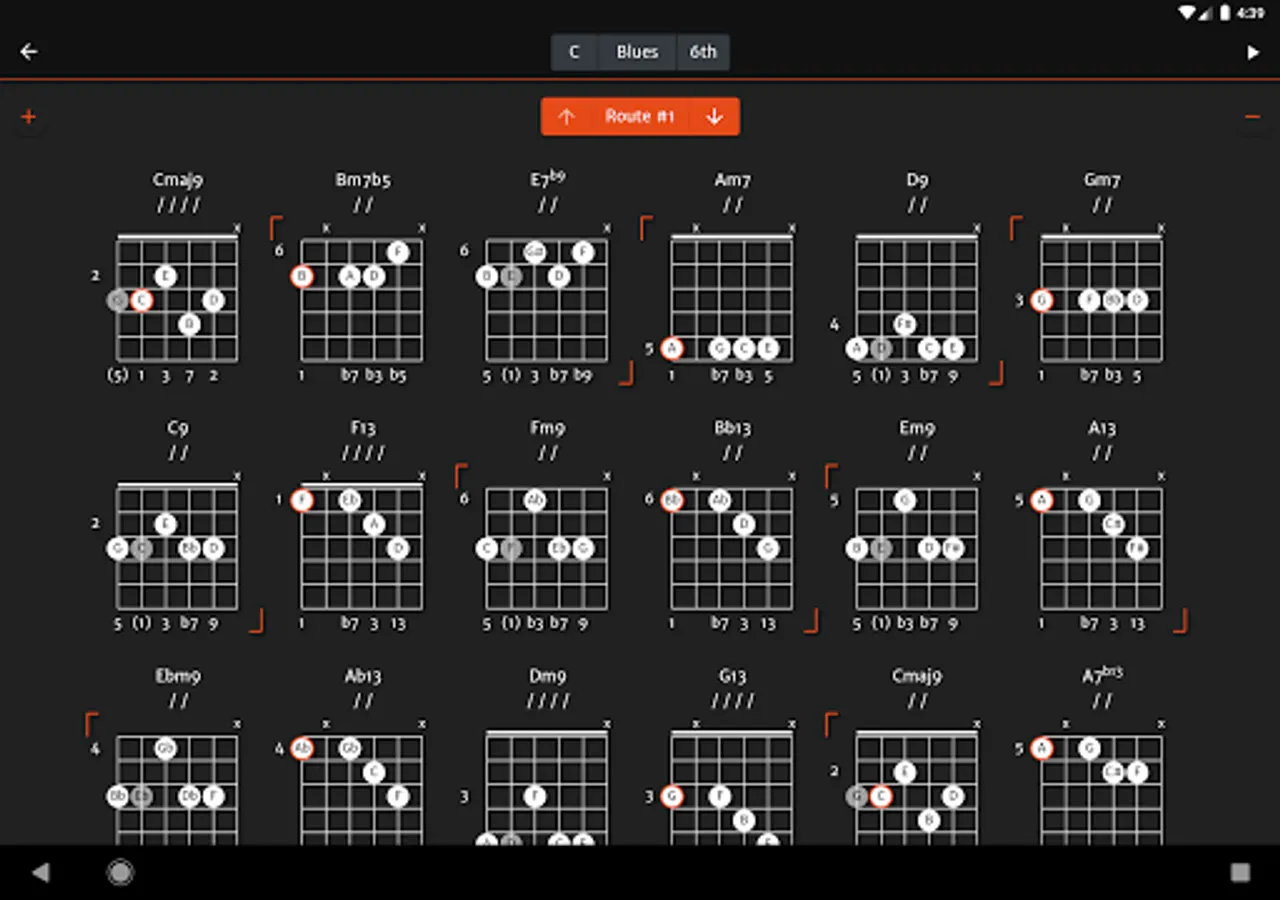
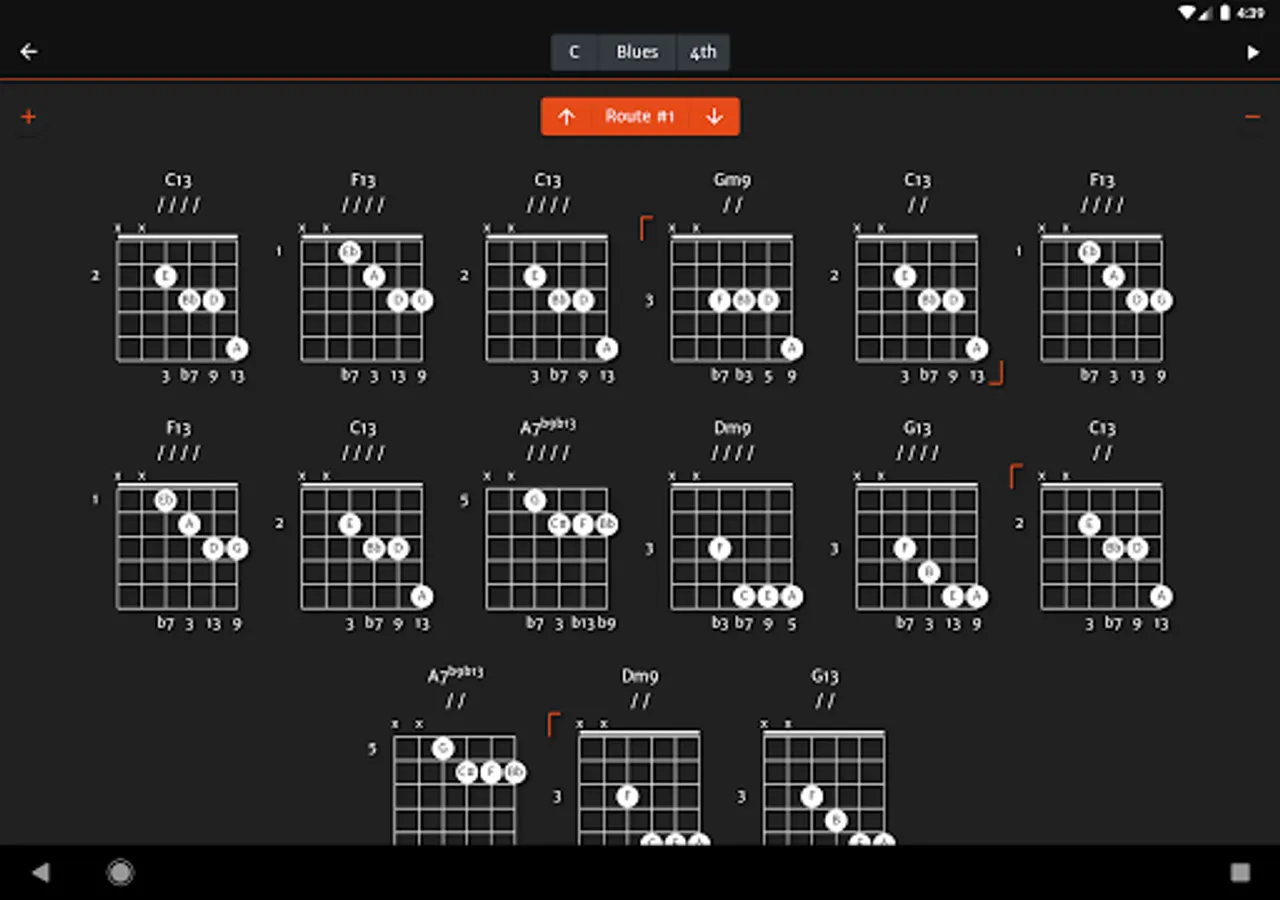
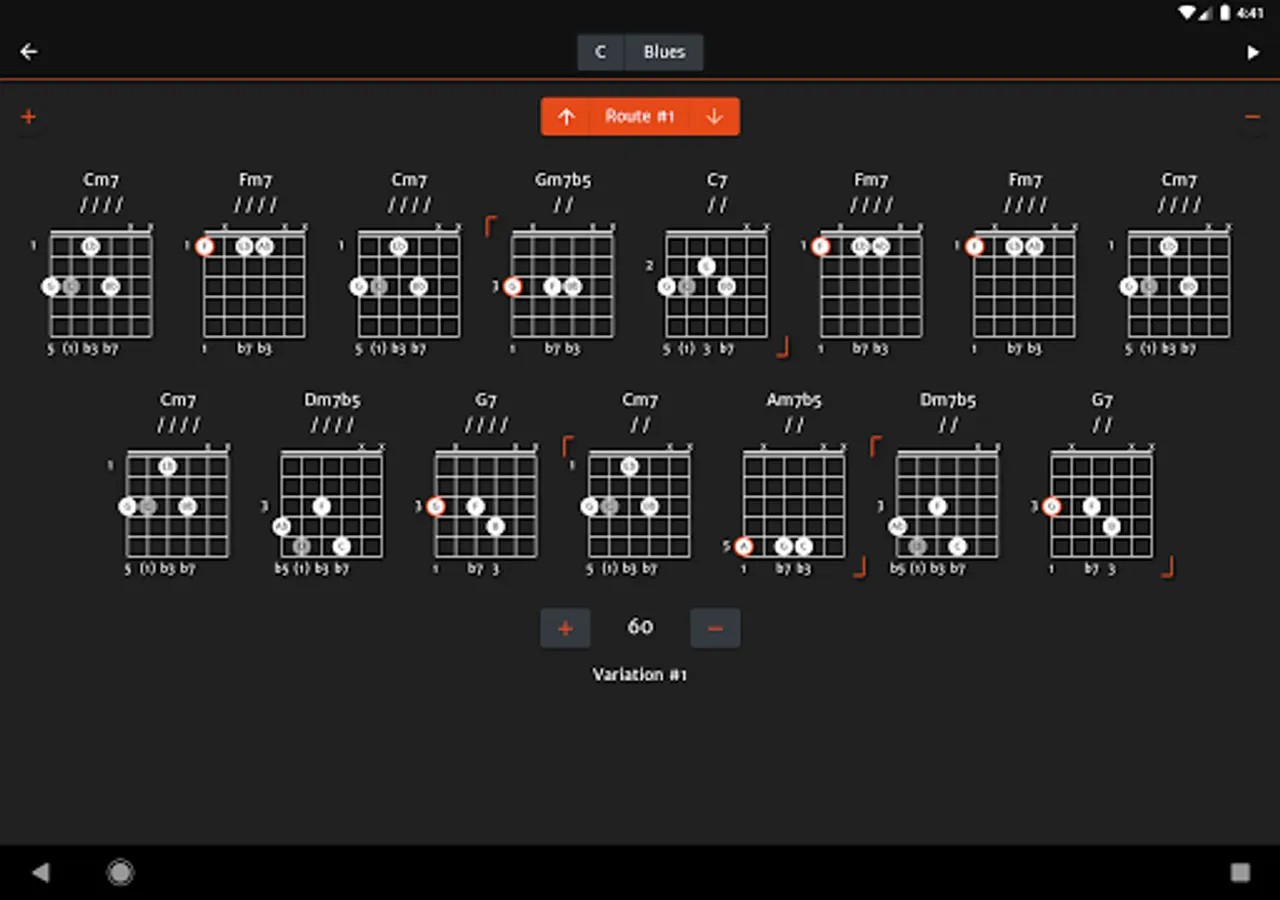
It shows chord diagrams for ii V I, I vi ii V and Blues progressions.
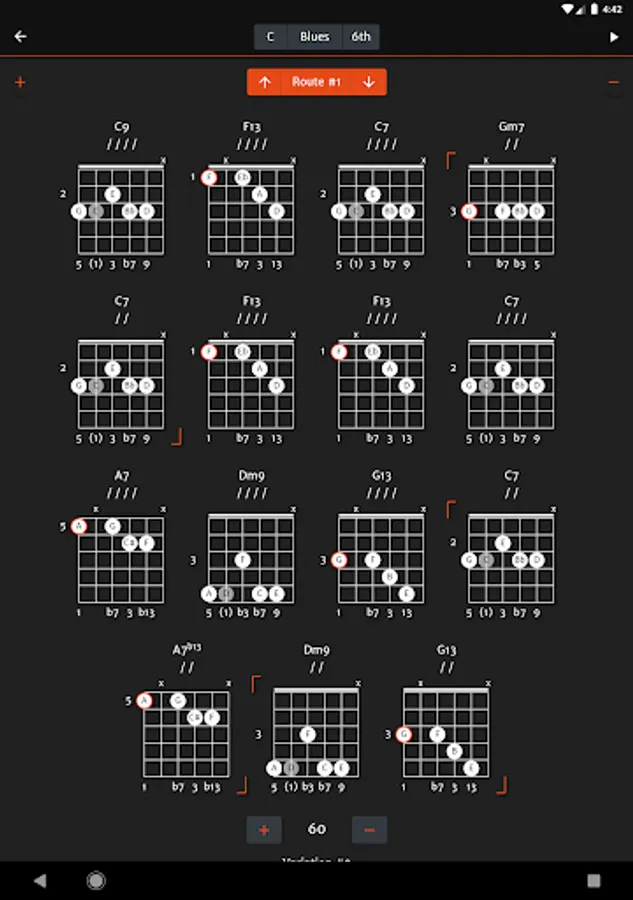
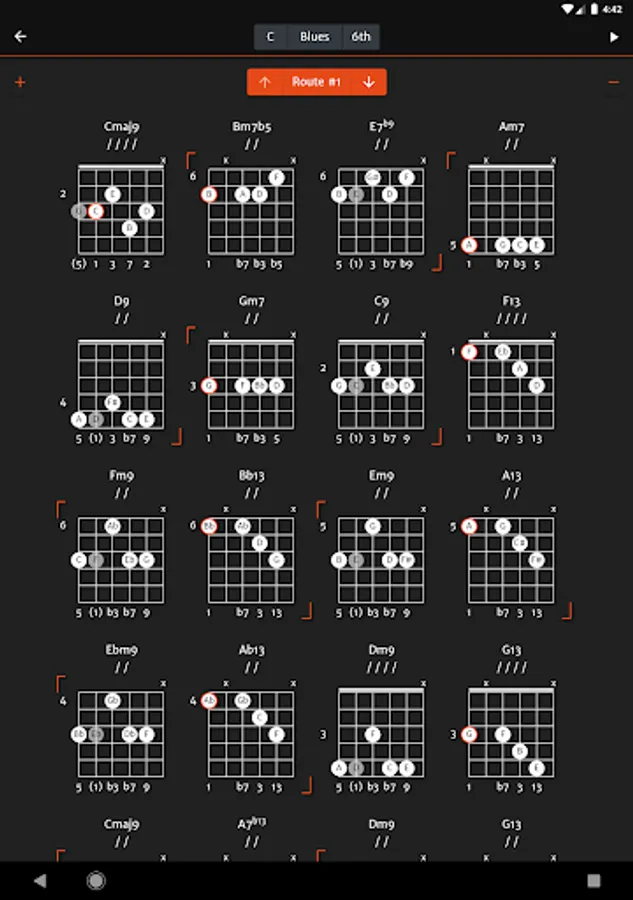
Blues progressions cover basic blues with two fives and turnarounds and advances to Charle Parker's Blues for Alice.
The chords/diagrams listed start with basic chords/diagrams and then advance to chords/diagrams with extensions and alterations (when possible).
All chords/diagrams are connected with smooth voice leading.
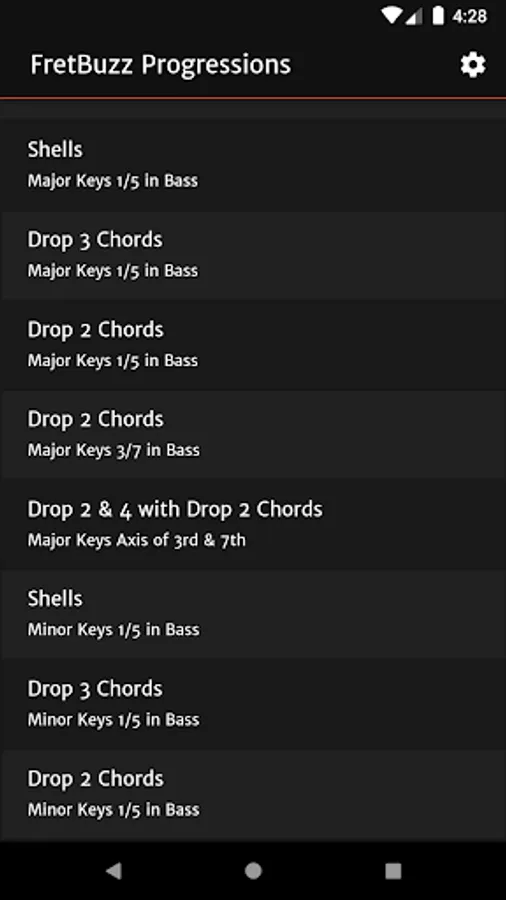
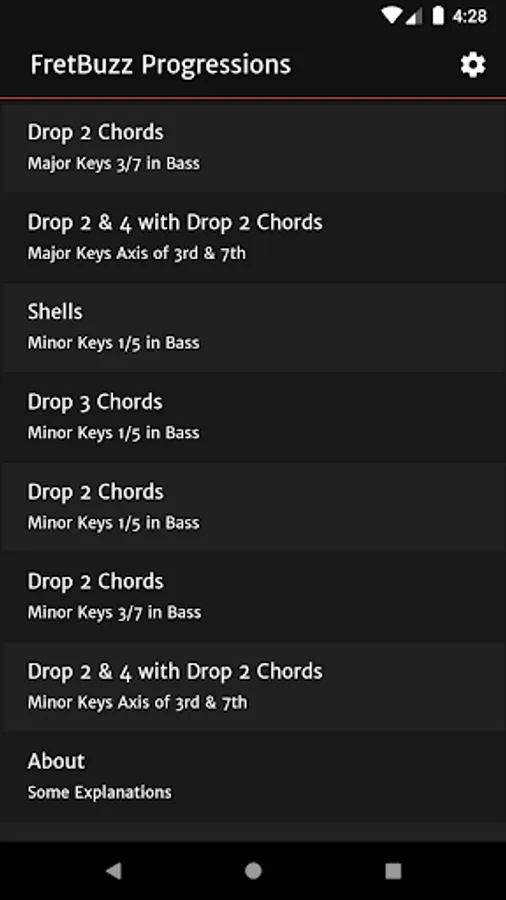
The chord diagrams used are the common chord shapes used in jazz guitar;
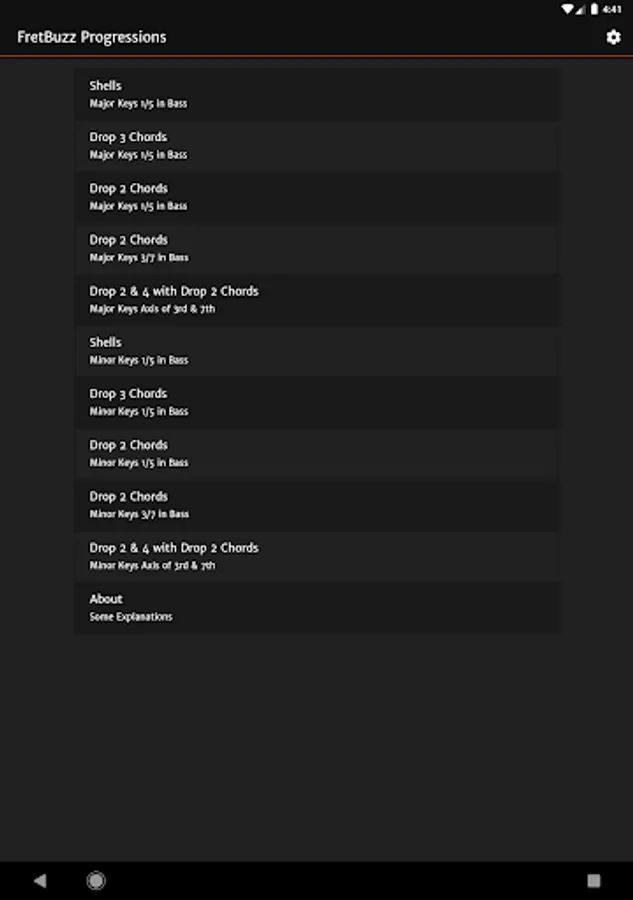
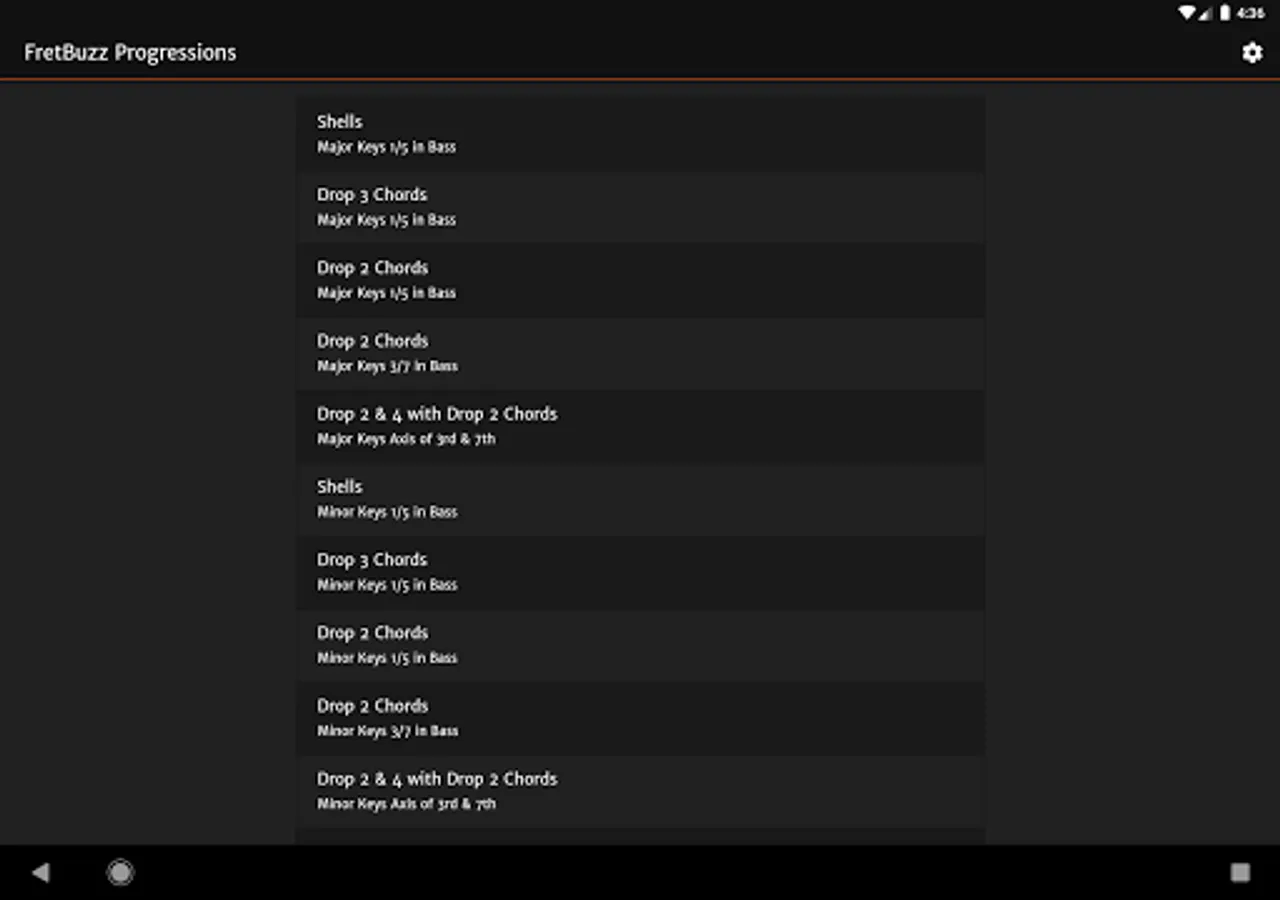
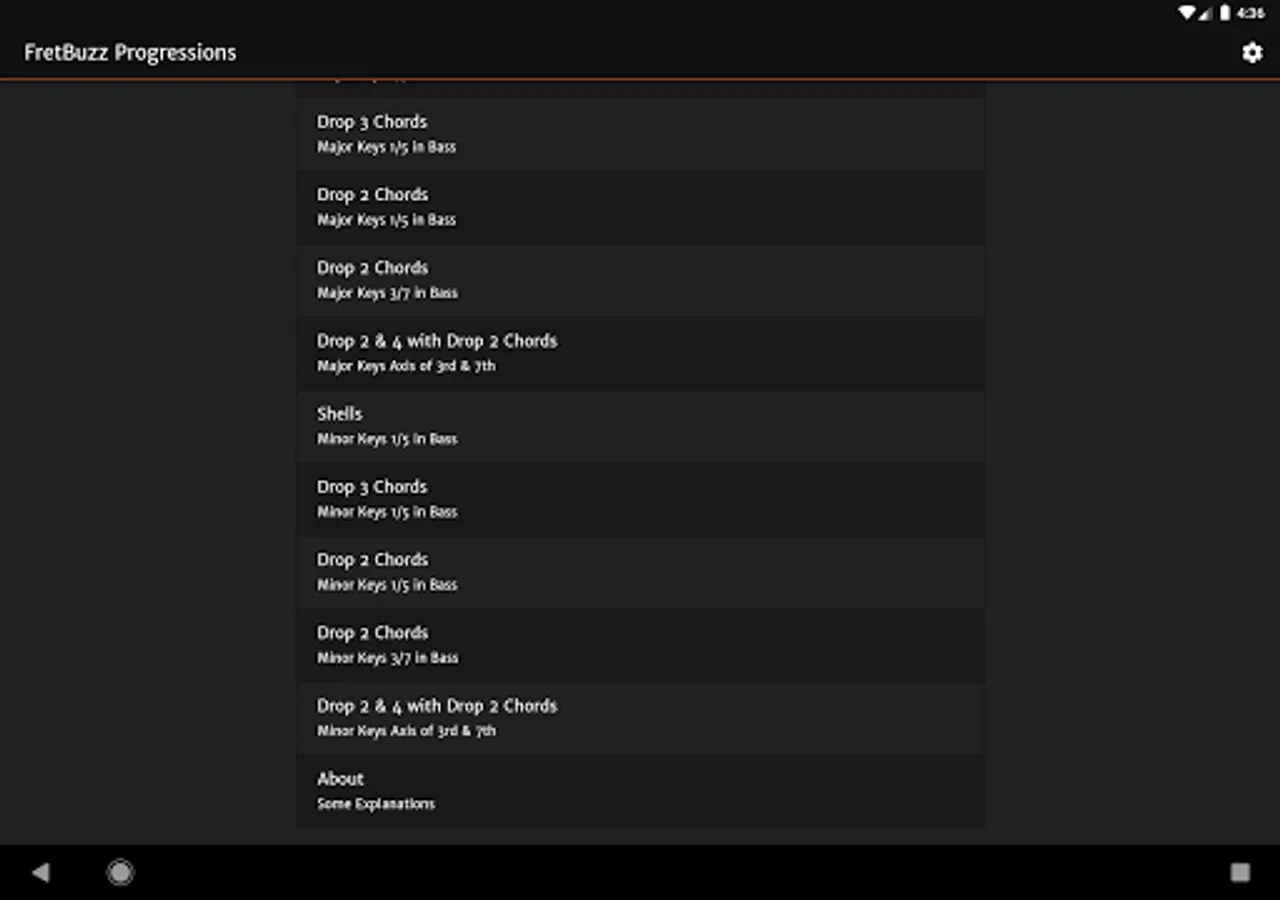
- Shells
- Drop 3 Chords
- Drop 2 Chords
- Drop 2 & 4 and Drop 2 Chords.
The application can play the progression and it's variation you choose along with a metronome. You can set the speed of the metronome and follow along as the playing chord/diagram is highlighted.
You can tap on the chord name to hear its sound. Tapping on a chord note will play only that particular note.
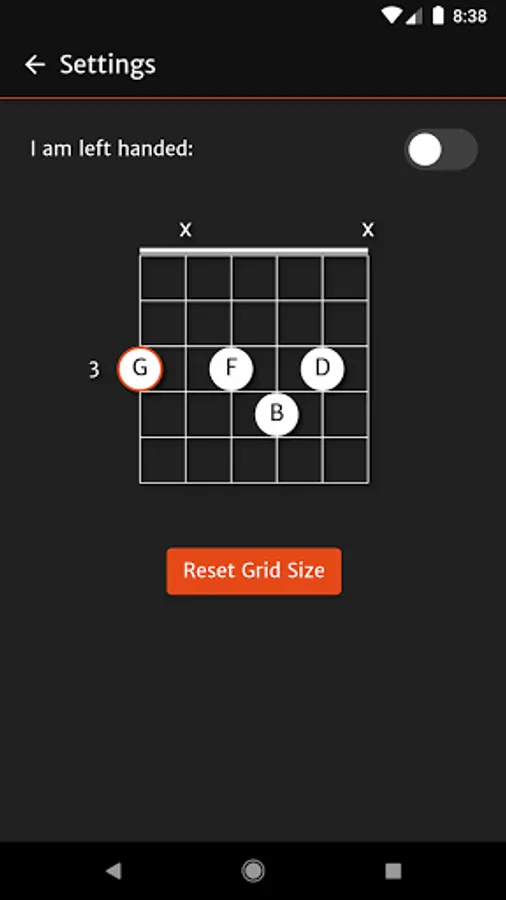
You can adjust the size of the chord diagrams for your device.
There is also a left handed option in the settings.
You can think of this application as volume II of my FretBuzz Chords application.
It shows chord diagrams for ii V I, I vi ii V and Blues progressions.
Blues progressions cover basic blues with two fives and turnarounds and advances to Charle Parker's Blues for Alice.
The chords/diagrams listed start with basic chords/diagrams and then advance to chords/diagrams with extensions and alterations (when possible).
All chords/diagrams are connected with smooth voice leading.
The chord diagrams used are the common chord shapes used in jazz guitar;
- Shells
- Drop 3 Chords
- Drop 2 Chords
- Drop 2 & 4 and Drop 2 Chords.
The application can play the progression and it's variation you choose along with a metronome. You can set the speed of the metronome and follow along as the playing chord/diagram is highlighted.
You can tap on the chord name to hear its sound. Tapping on a chord note will play only that particular note.
You can adjust the size of the chord diagrams for your device.
There is also a left handed option in the settings.
You can think of this application as volume II of my FretBuzz Chords application.
FretBuzz Progressions Screenshots
Tap to Rate:
Reviews for FretBuzz Progressions
God Zoo
4/29/2023
Without question this series of apps are among the most useful for serious jazz guitar study available and worth every penny. GREAT WORK.
Paulo G
11/7/2020
clear and concise. one place all scales master your fret board