
Proximity Screen Off
Backslash-\t
3.4 ★
353 ratings
100,000+
downloads
Free
+ in-app
With this app, you can turn off your screen using proximity sensor detection to prevent accidental touches and save battery. Includes support for quick setting tiles and Tasker plugin integration.
AppRecs review analysis
AppRecs rating 3.4. Trustworthiness 0 out of 100. Review manipulation risk 0 out of 100. Based on a review sample analyzed.
★★★☆☆
3.4
AppRecs Rating
Ratings breakdown
5 star
59%
4 star
0%
3 star
0%
2 star
5%
1 star
36%
What to know
✓
Authentic reviews
No red flags detected
⚠
High negative review ratio
41% of sampled ratings are 1–2 stars
About Proximity Screen Off
Proximity screen off help you to turn the screen off when you don't need the screen to be on
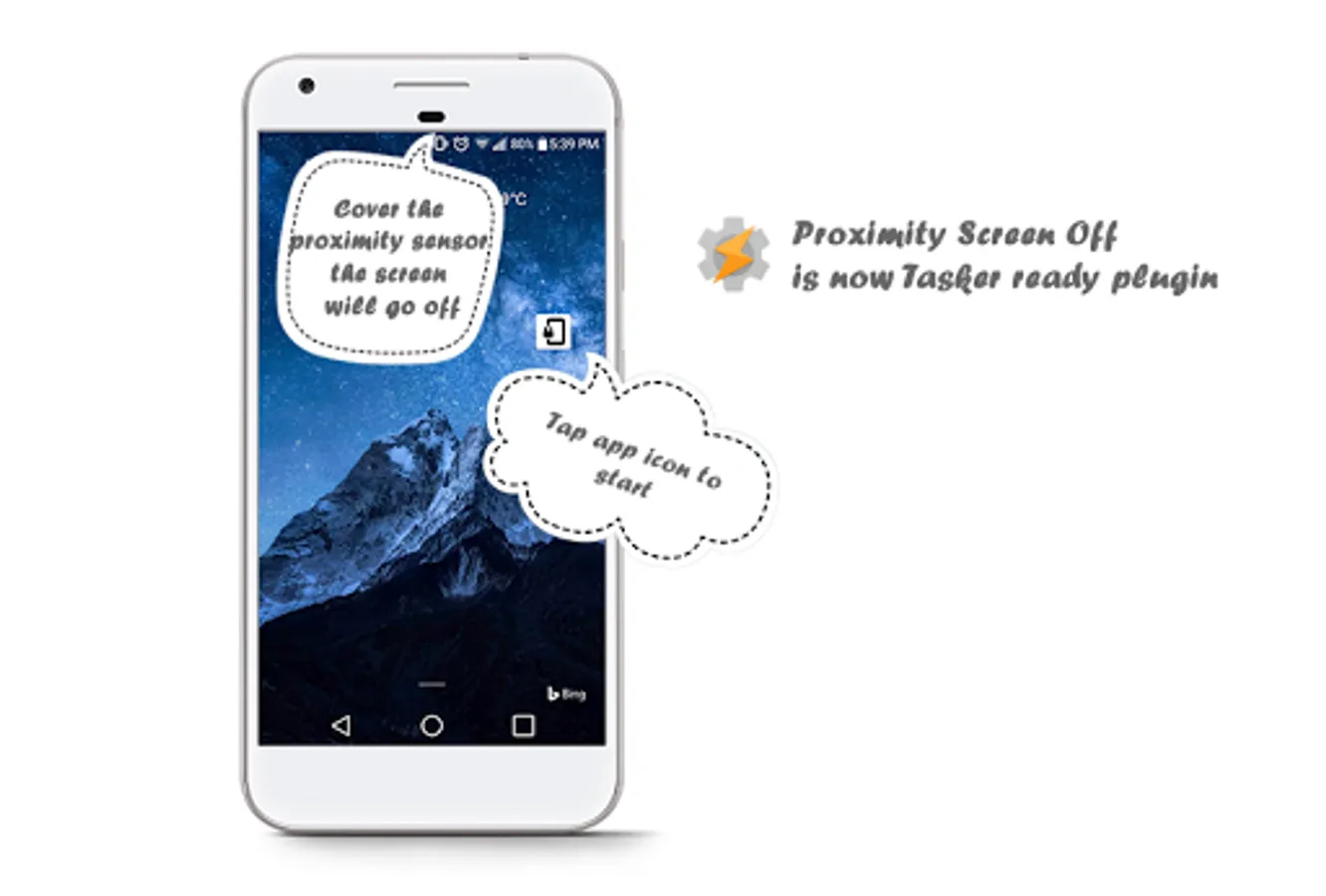
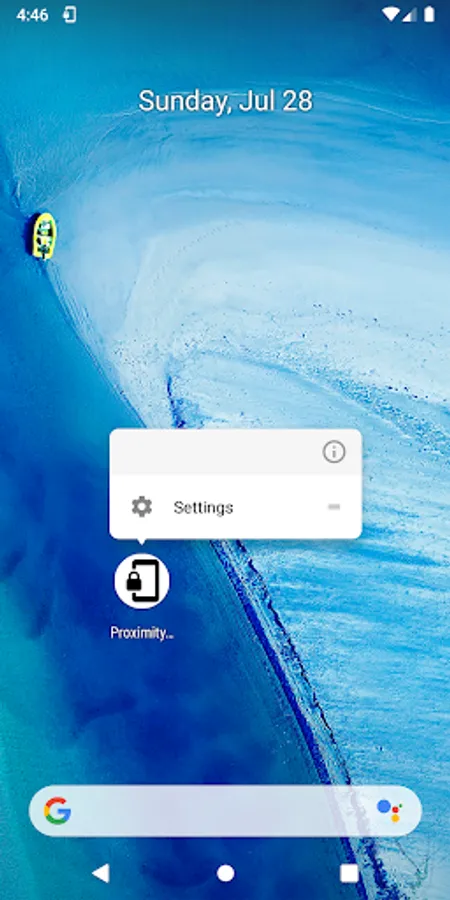
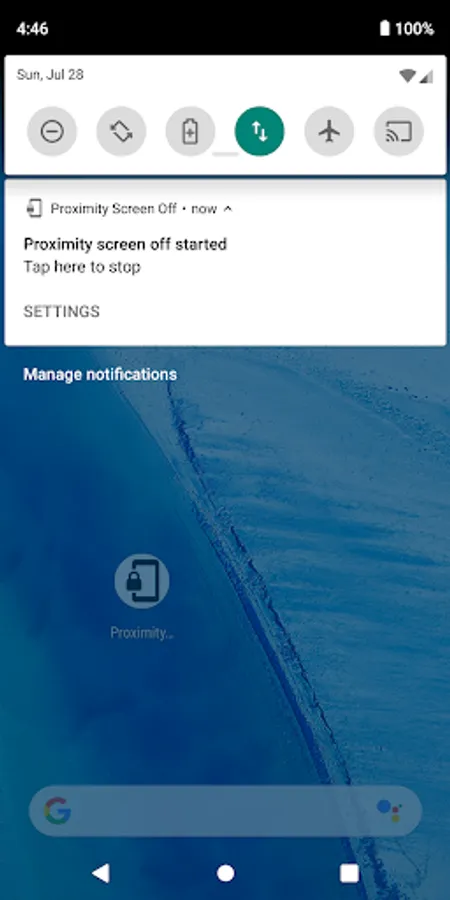
simple UI ( no UI at all, only a single icon to start and stop ), tap the icon to start and stop
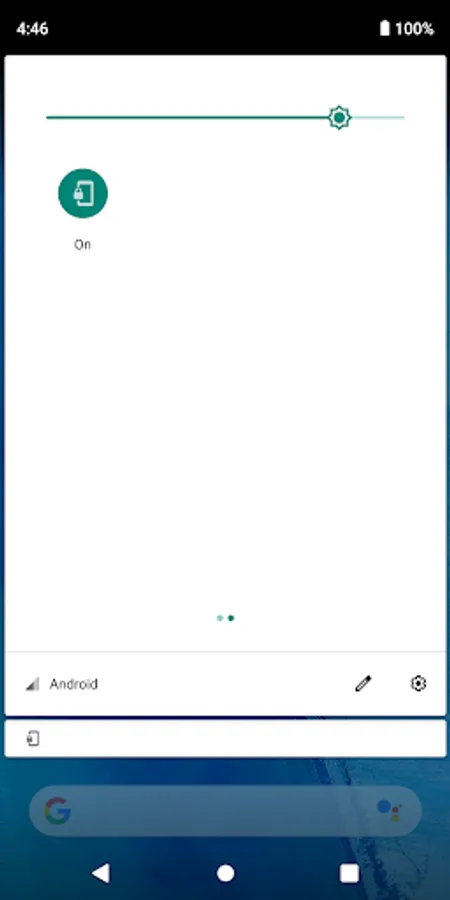
or adding the quick setting tile for android 7.0 and above
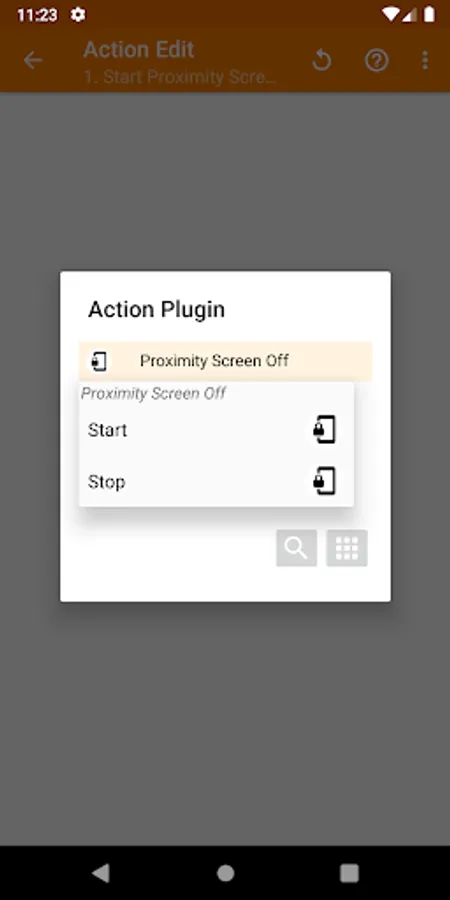
support Tasker plugin event to turn it on and off
Where to find the proximity sensor?
usually, it will be around the front facing speaker( the speaker that use for a phone call)
How does it work?
It works exactly like you did a phone call when you bring the phone near your ear the screen turn off to prevent any accident touch while maintaining everything working in the background
What situation will this app benefit us?
example
• When you listen to YouTube but you don't need to watch the video
• Playing a game for egg hatching, you don't need the screen to be on, so just drop your phone in your pocket the screen will turn off to save battery that using the screen
simple UI ( no UI at all, only a single icon to start and stop ), tap the icon to start and stop
or adding the quick setting tile for android 7.0 and above
support Tasker plugin event to turn it on and off
Where to find the proximity sensor?
usually, it will be around the front facing speaker( the speaker that use for a phone call)
How does it work?
It works exactly like you did a phone call when you bring the phone near your ear the screen turn off to prevent any accident touch while maintaining everything working in the background
What situation will this app benefit us?
example
• When you listen to YouTube but you don't need to watch the video
• Playing a game for egg hatching, you don't need the screen to be on, so just drop your phone in your pocket the screen will turn off to save battery that using the screen
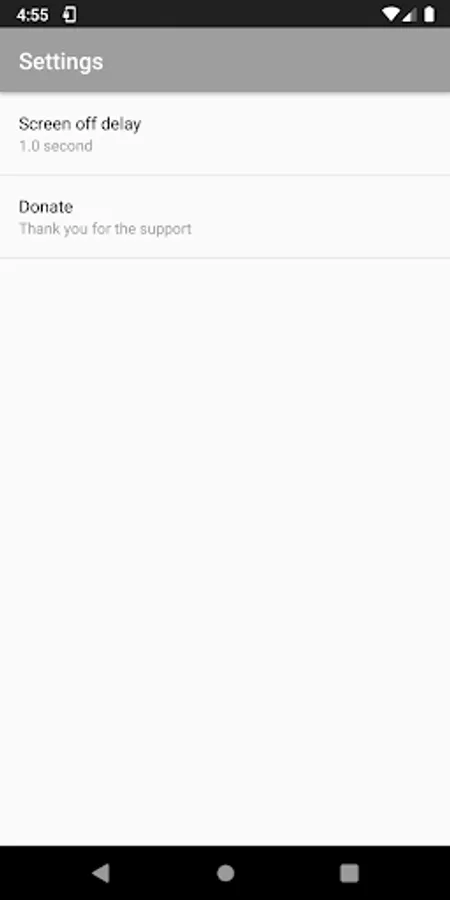
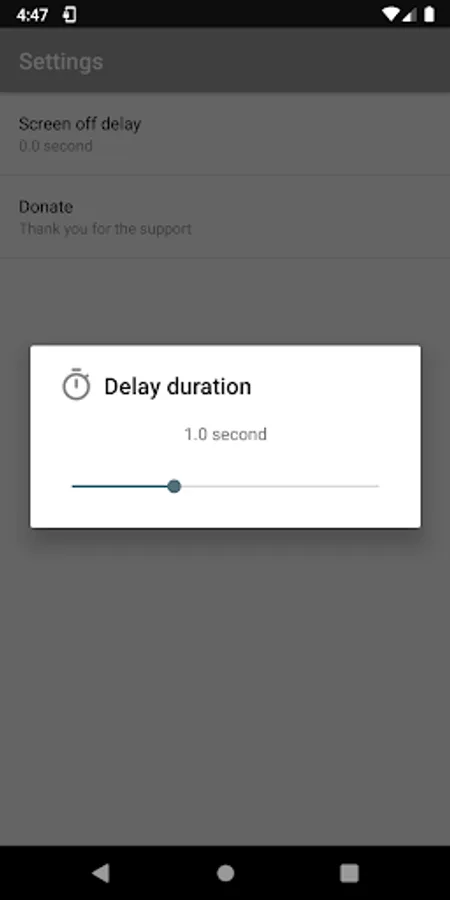
Proximity Screen Off Screenshots
Tap to Rate: