Display Lab
CreateAbit
5.0 ★
store rating
1,000+
downloads
Free
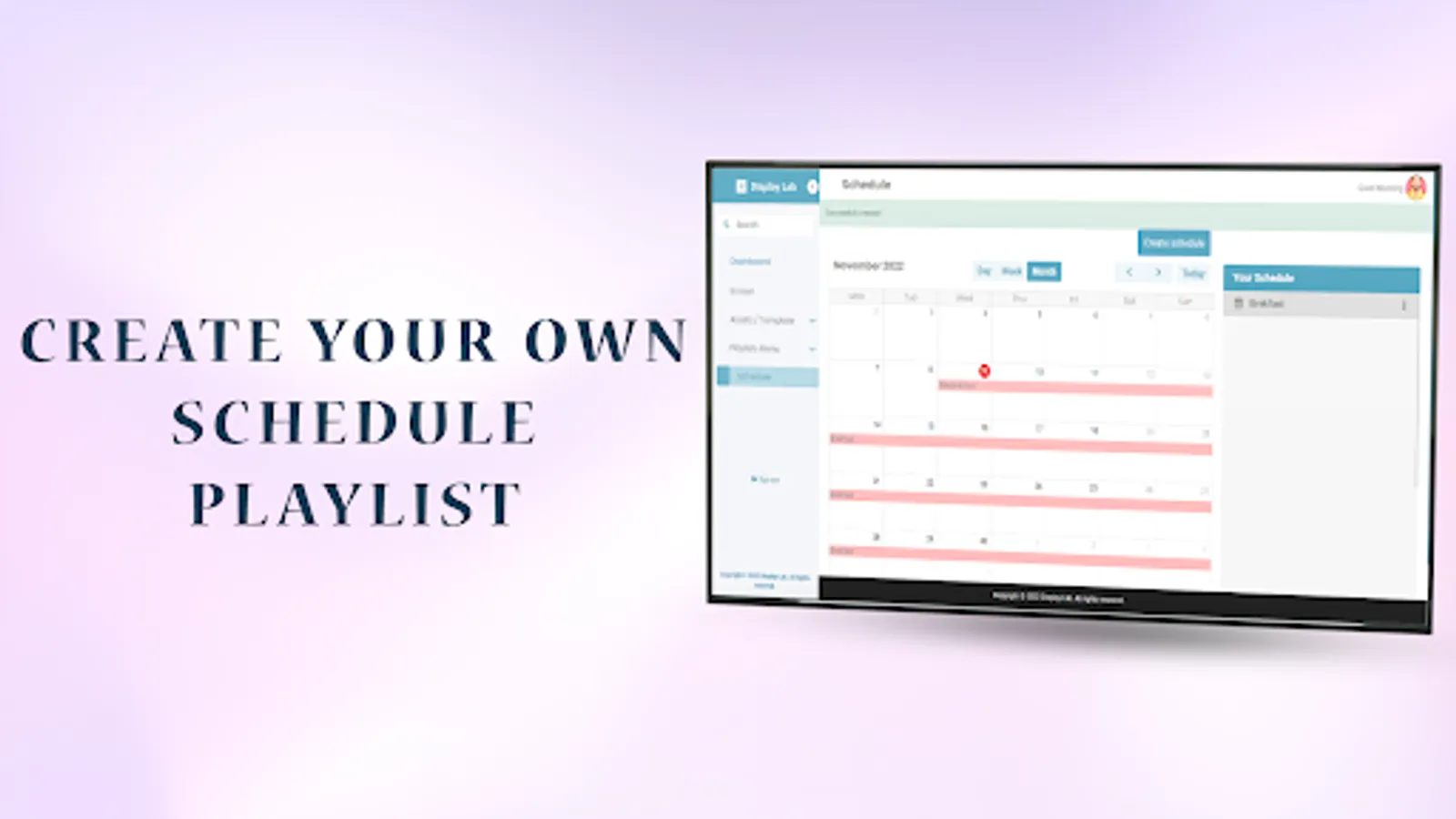
With this app, you can transform screens into digital signs and manage content remotely. Includes content scheduling, playlist creation, and template customization features.
AppRecs review analysis
AppRecs rating 4.0. Trustworthiness 53 out of 100. Review manipulation risk 48 out of 100. Based on a review sample analyzed.
★★★★☆
4.0
AppRecs Rating
Ratings breakdown
5 star
100%
4 star
0%
3 star
0%
2 star
0%
1 star
0%
What to know
⚠
Questionable review patterns
48% review manipulation risk - some review patterns appear unusual
⚠
Unusually uniform ratings
100% of sampled ratings are 5 stars with very little variation
About Display Lab
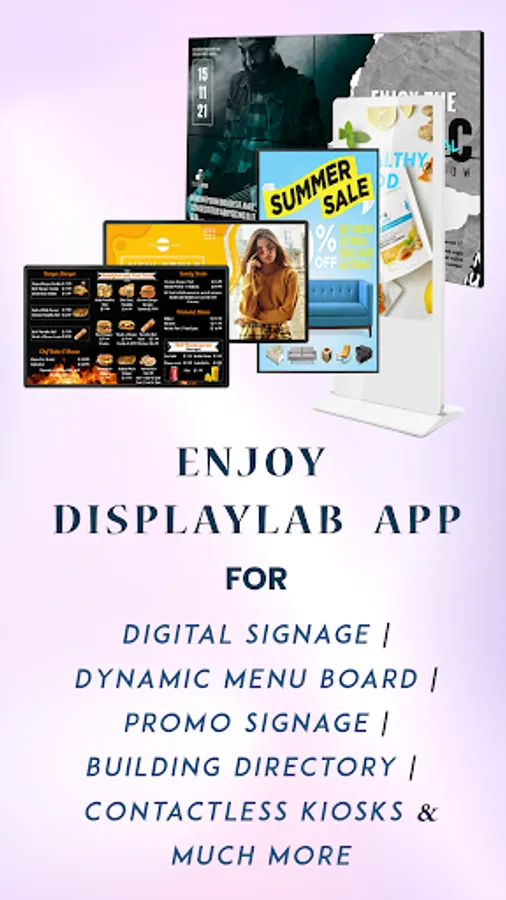
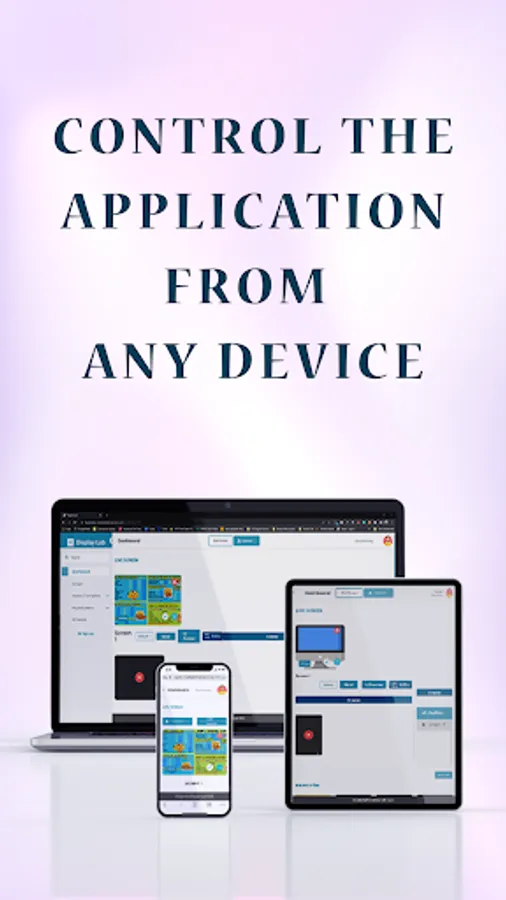
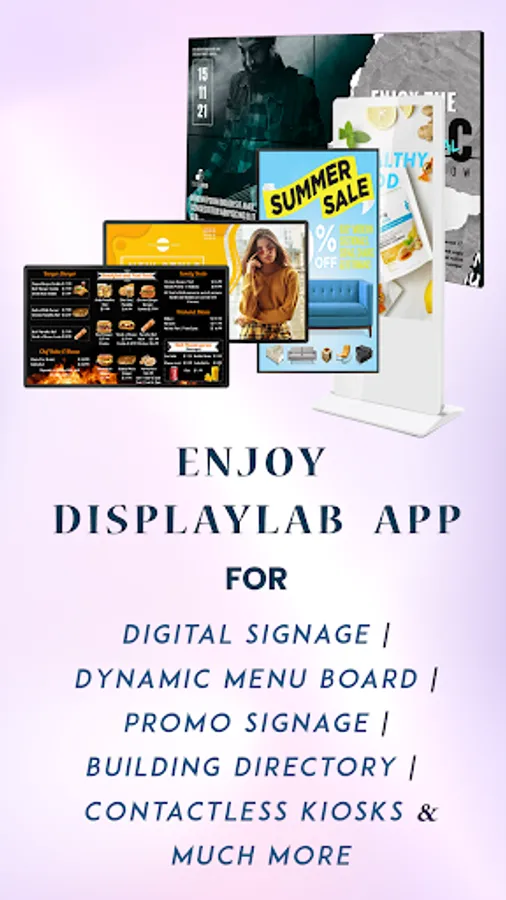
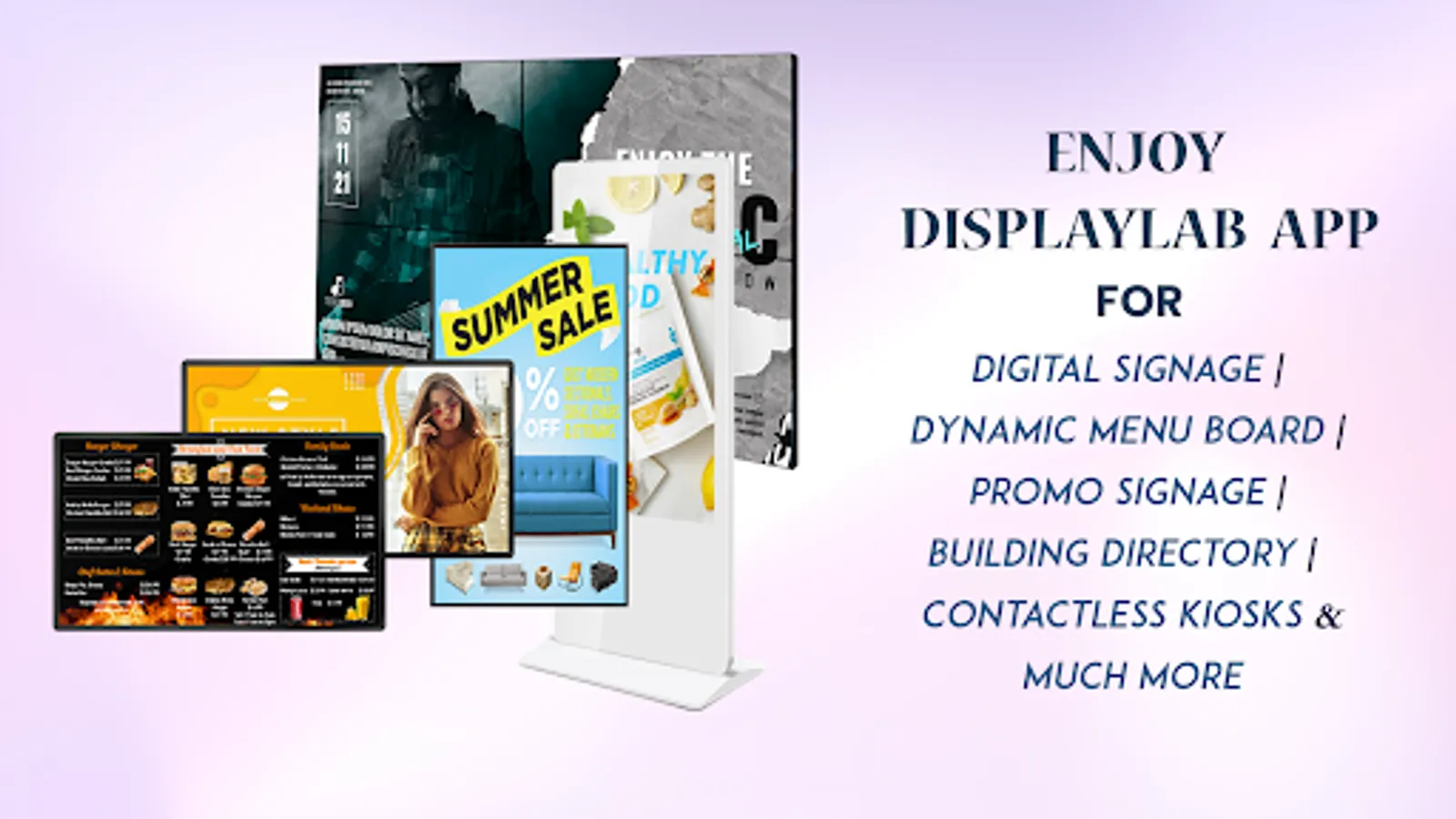
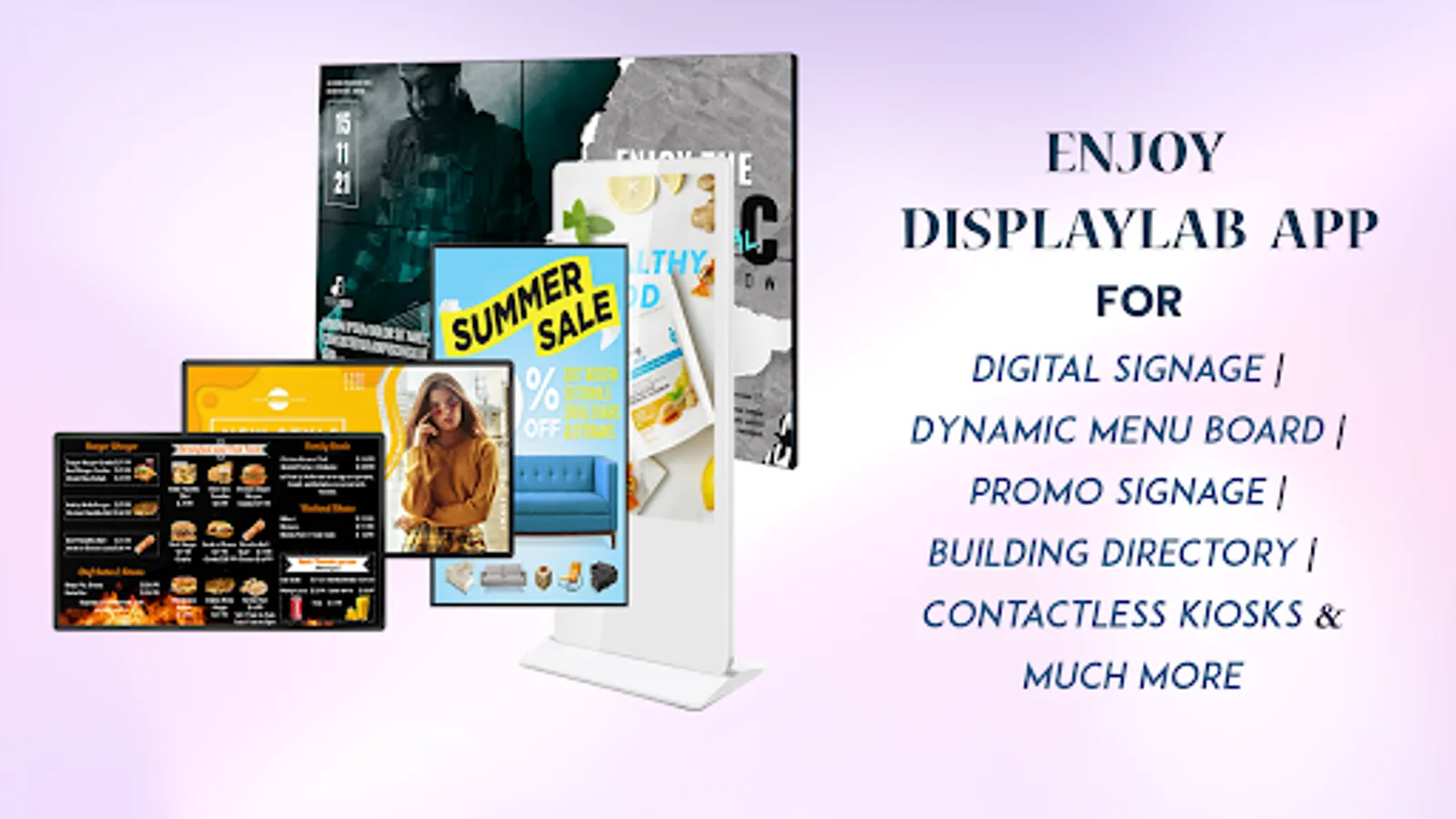
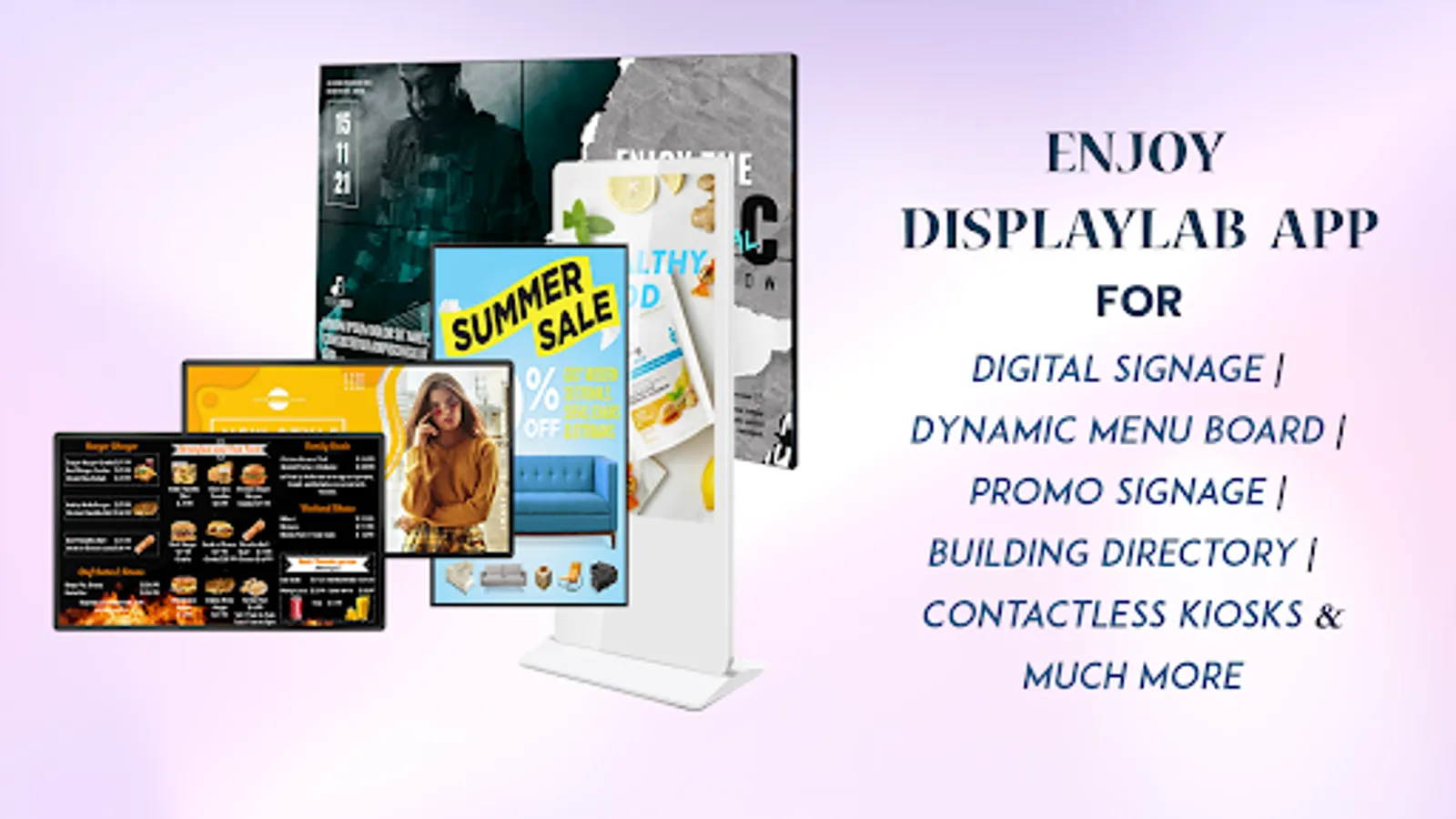
Transform any screen into a digital sign with Display Lab app and manage your content remotely from our CMS portal.
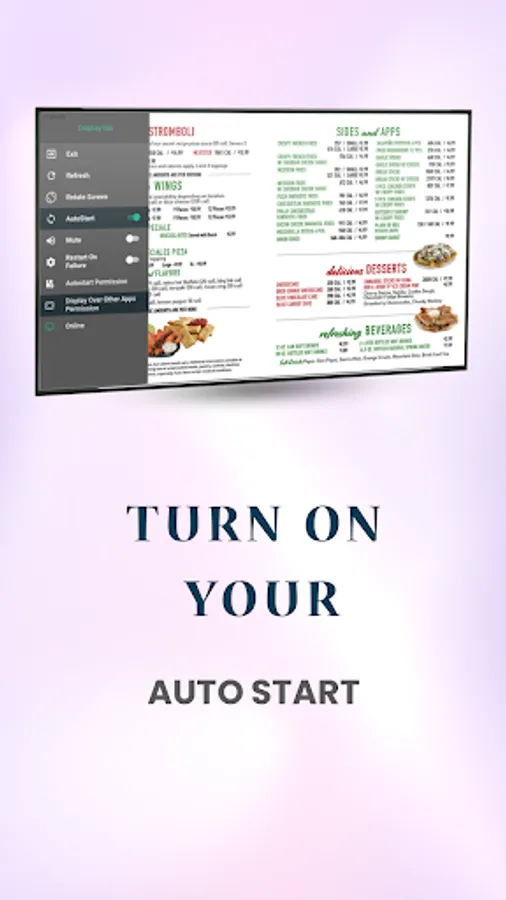
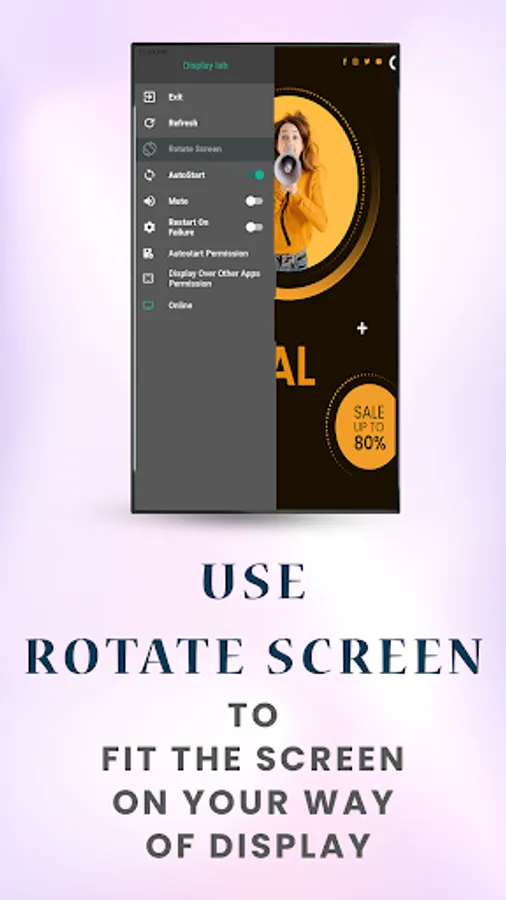
• Convert screens into digital signs.
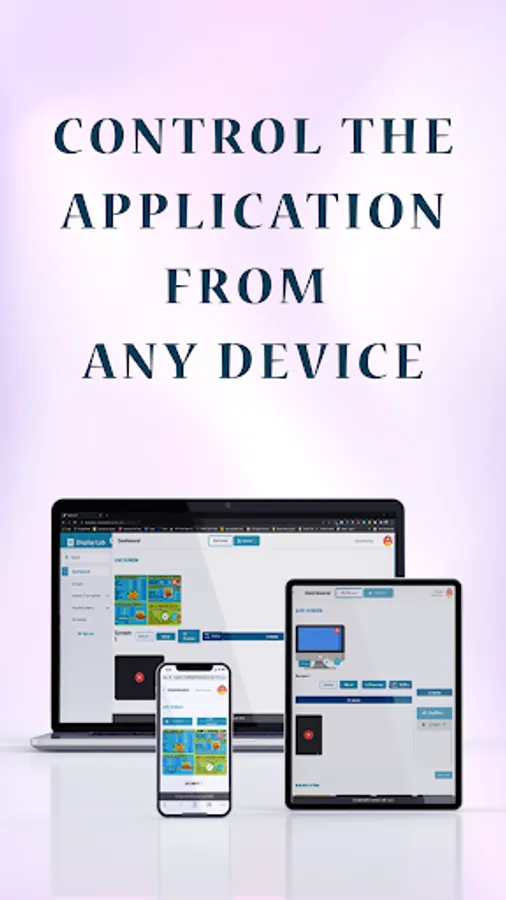
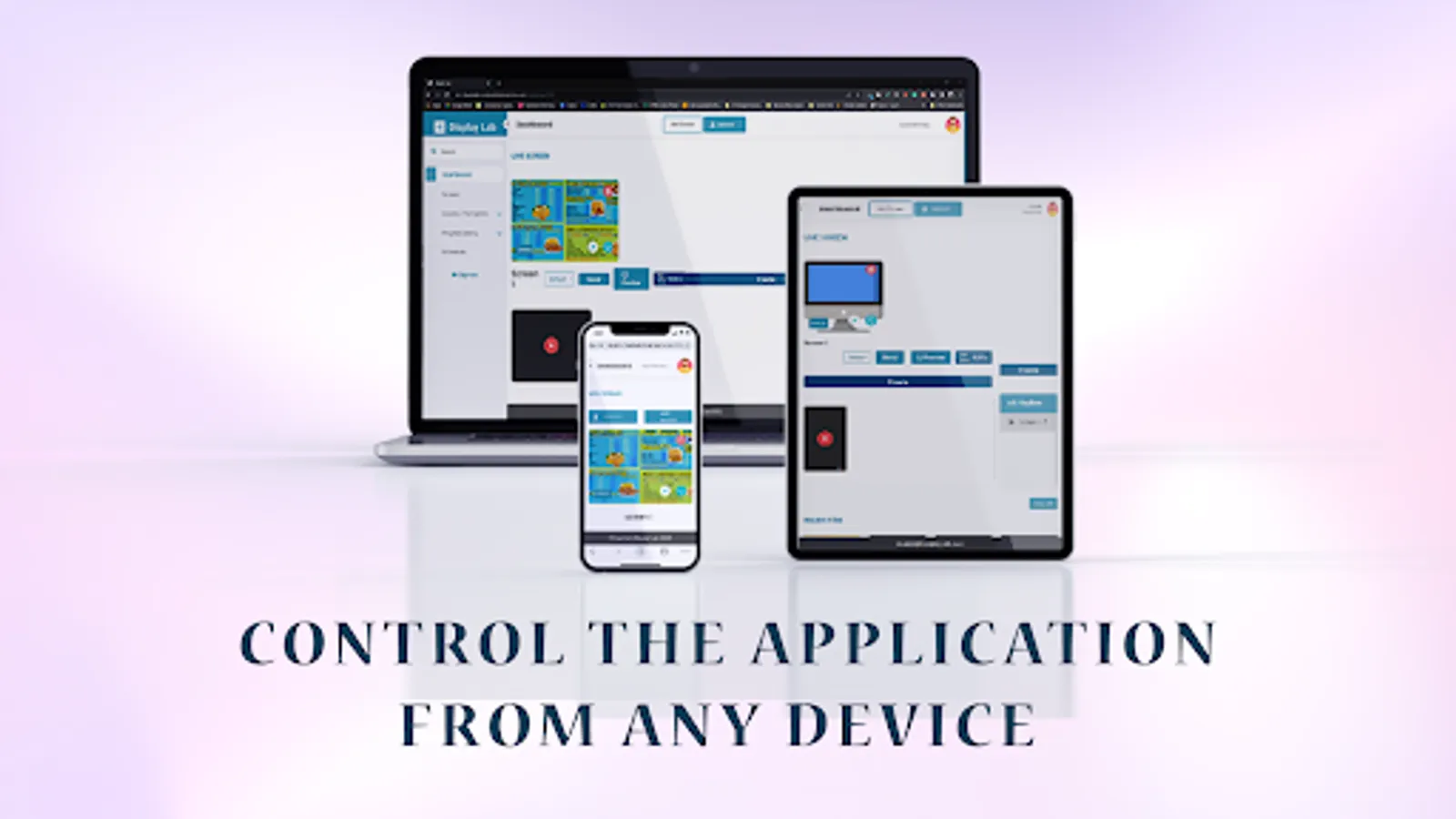
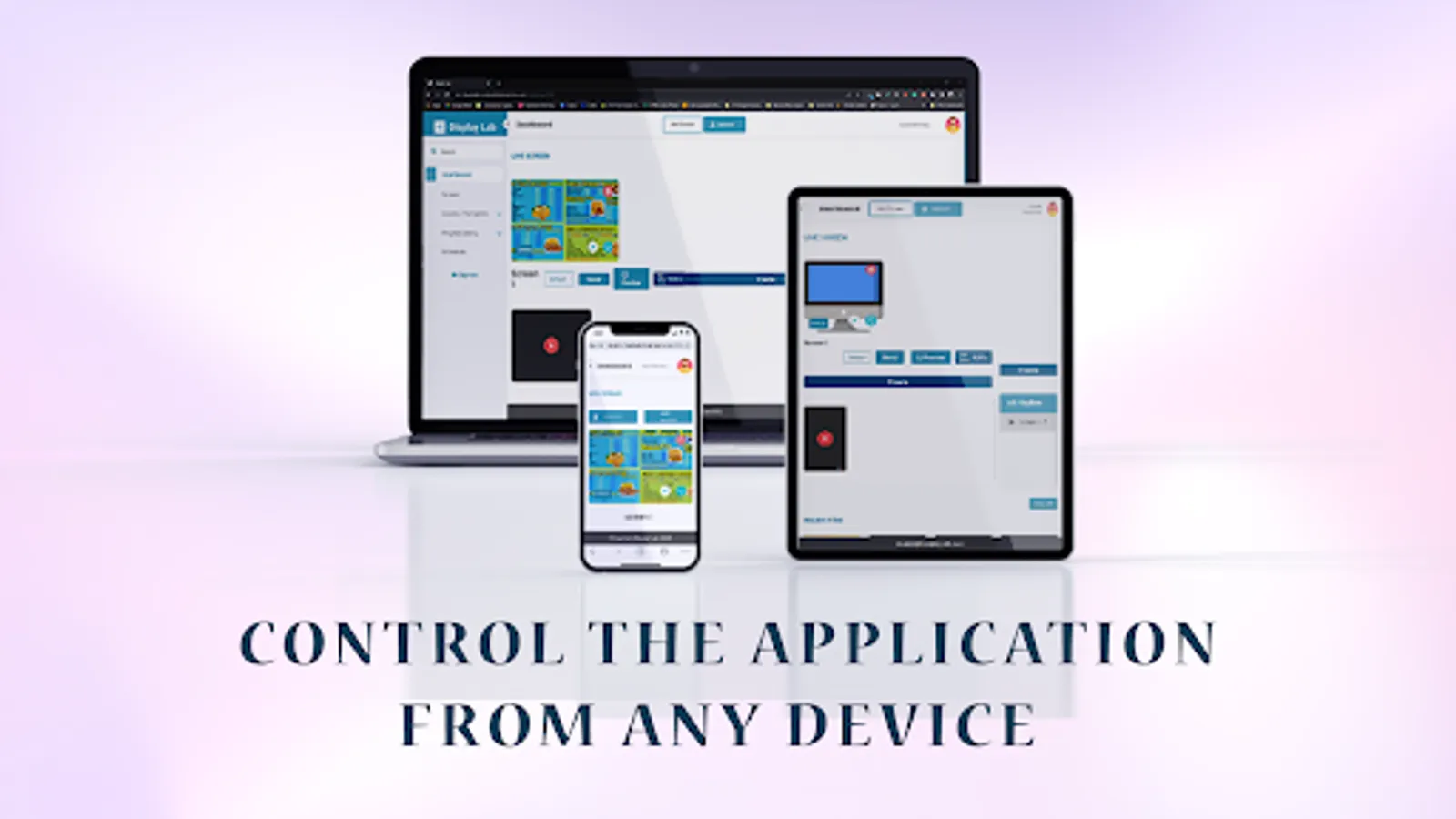
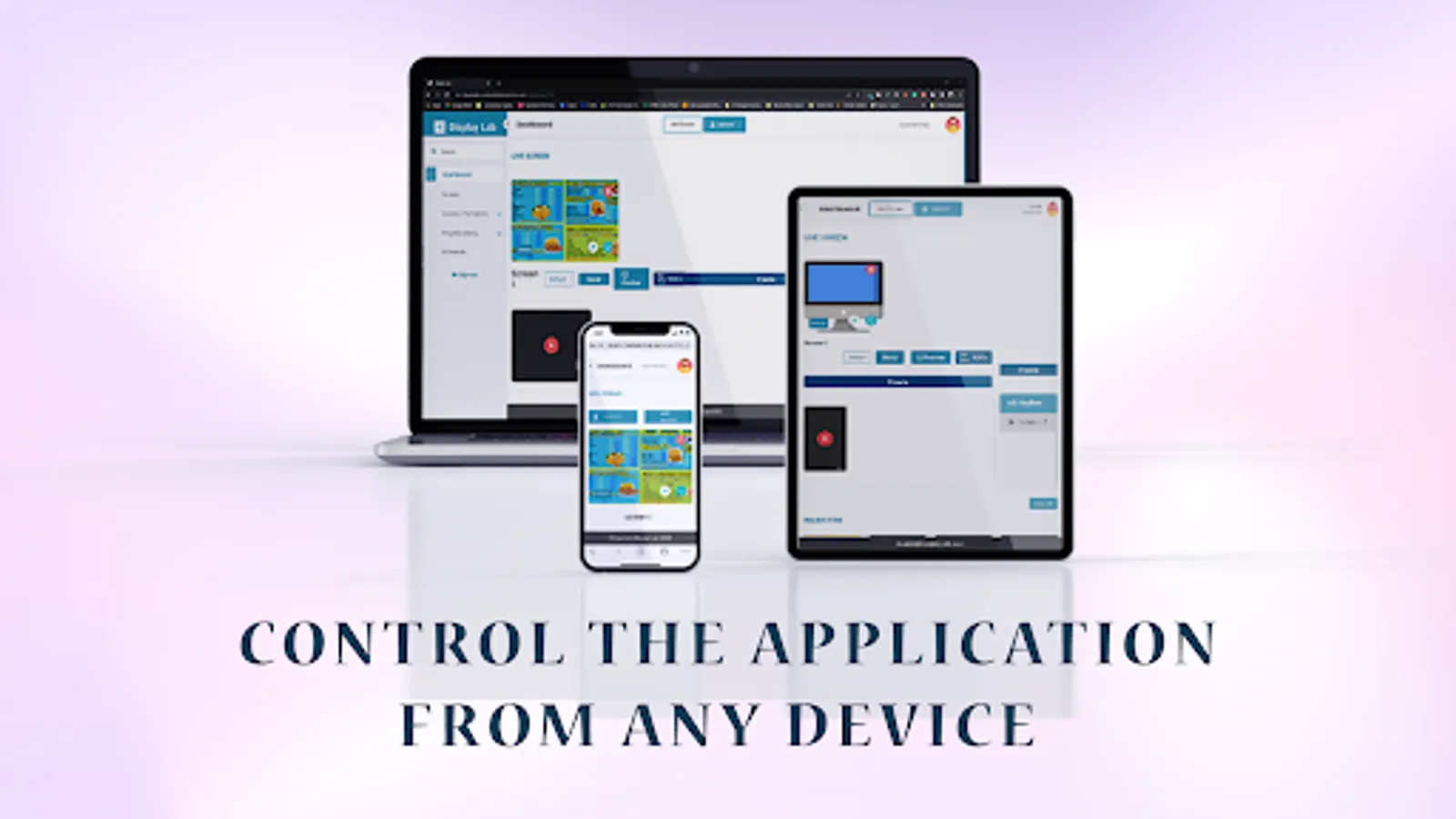
• Update and manage content remotely.
• Show images, videos, and documents.
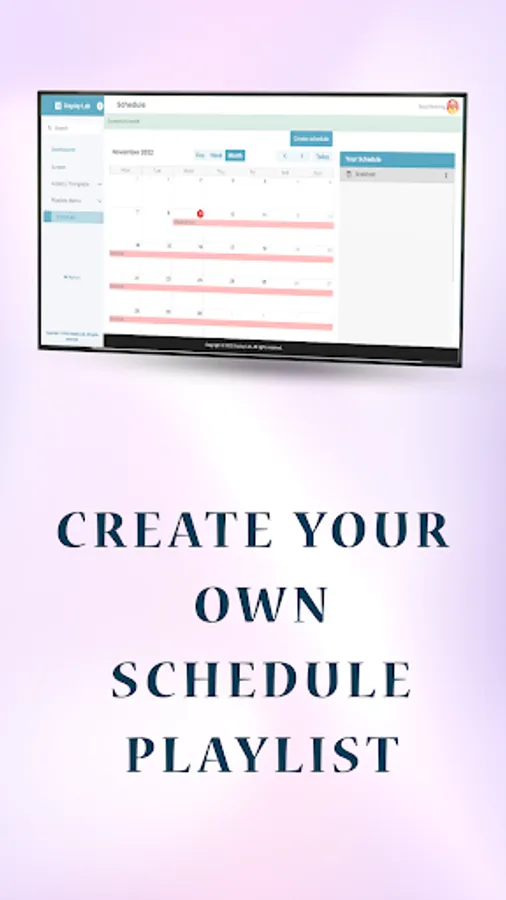
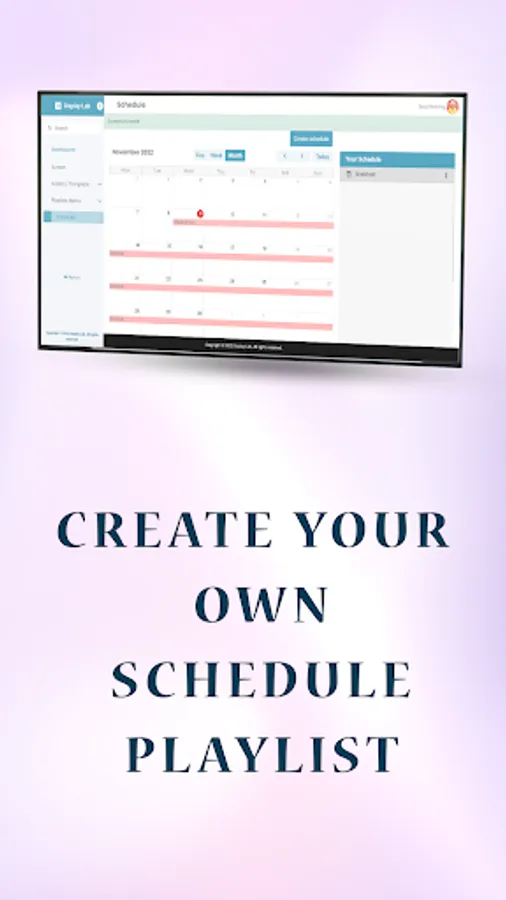
• Create custom playlists.
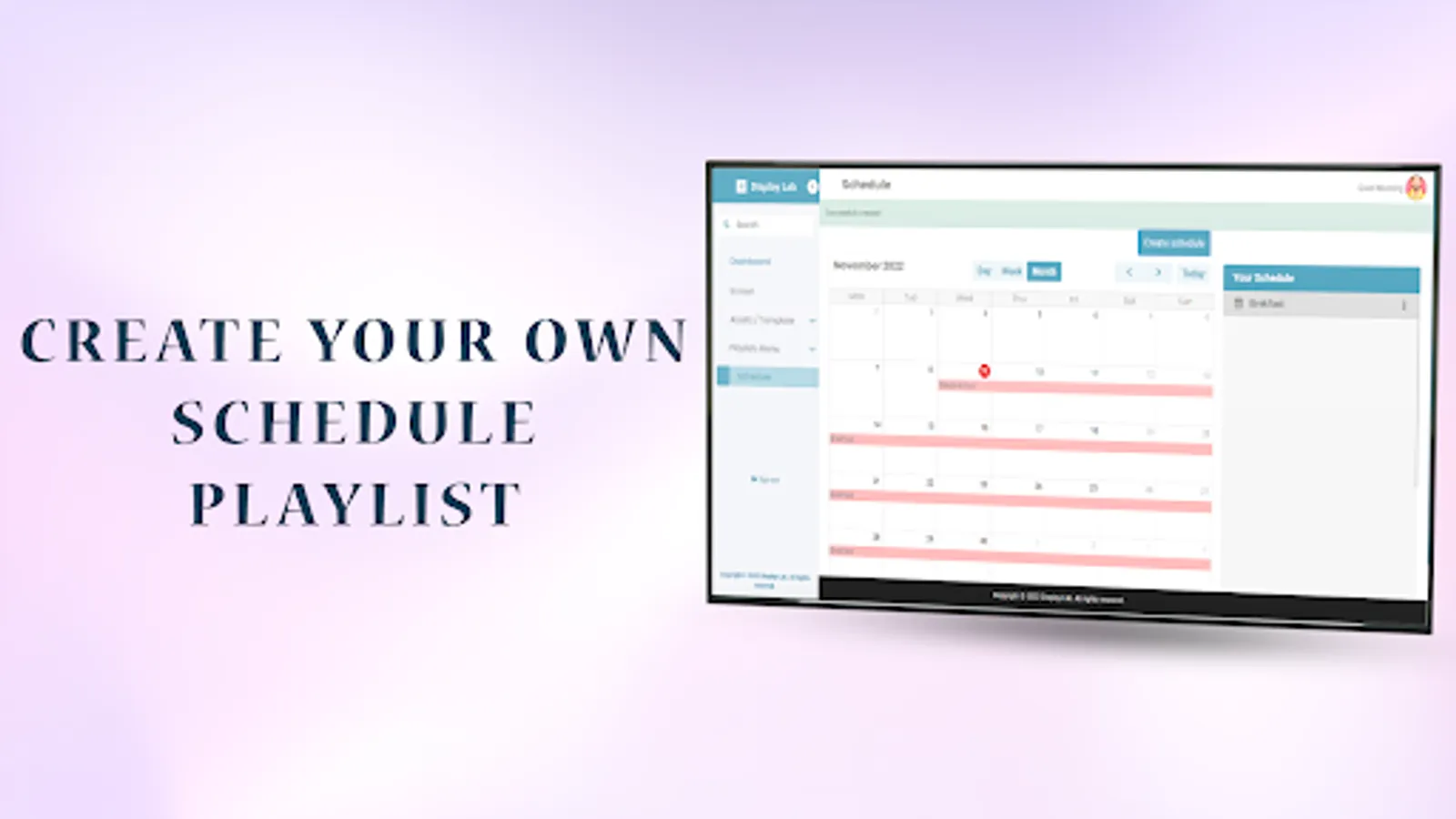
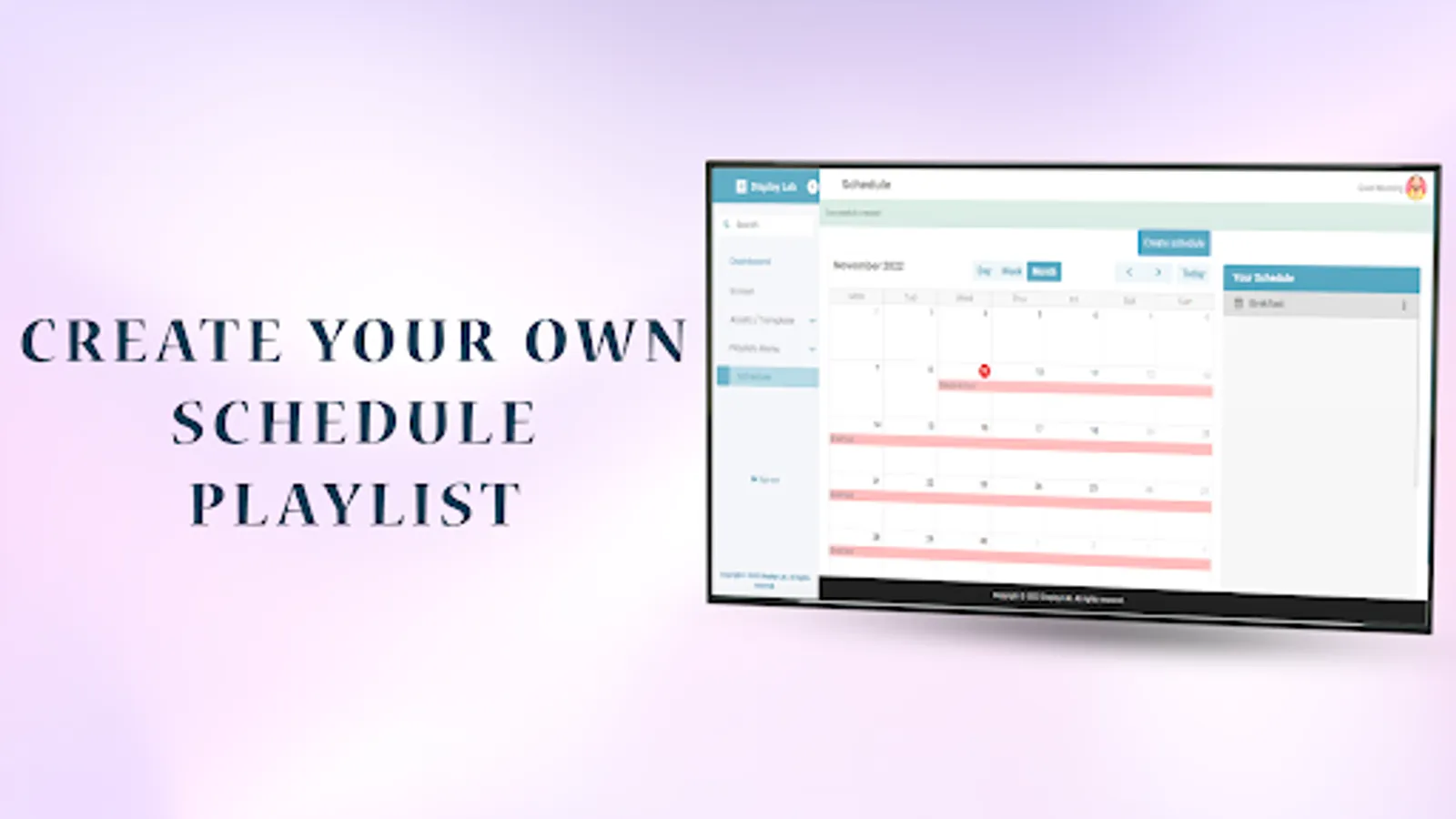
• Schedule content display times.
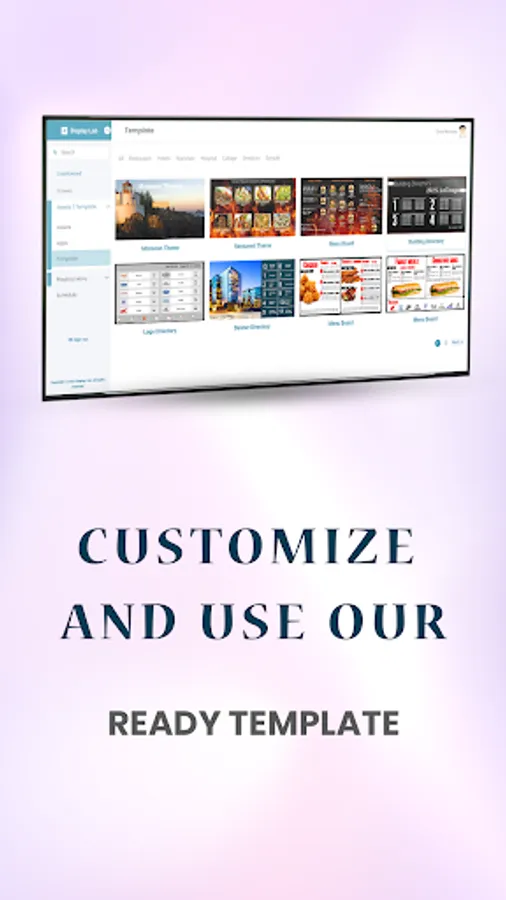
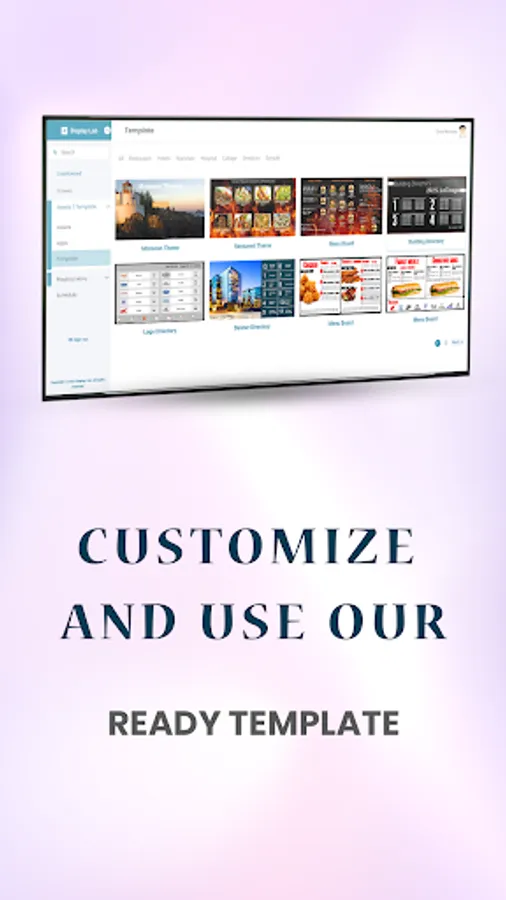
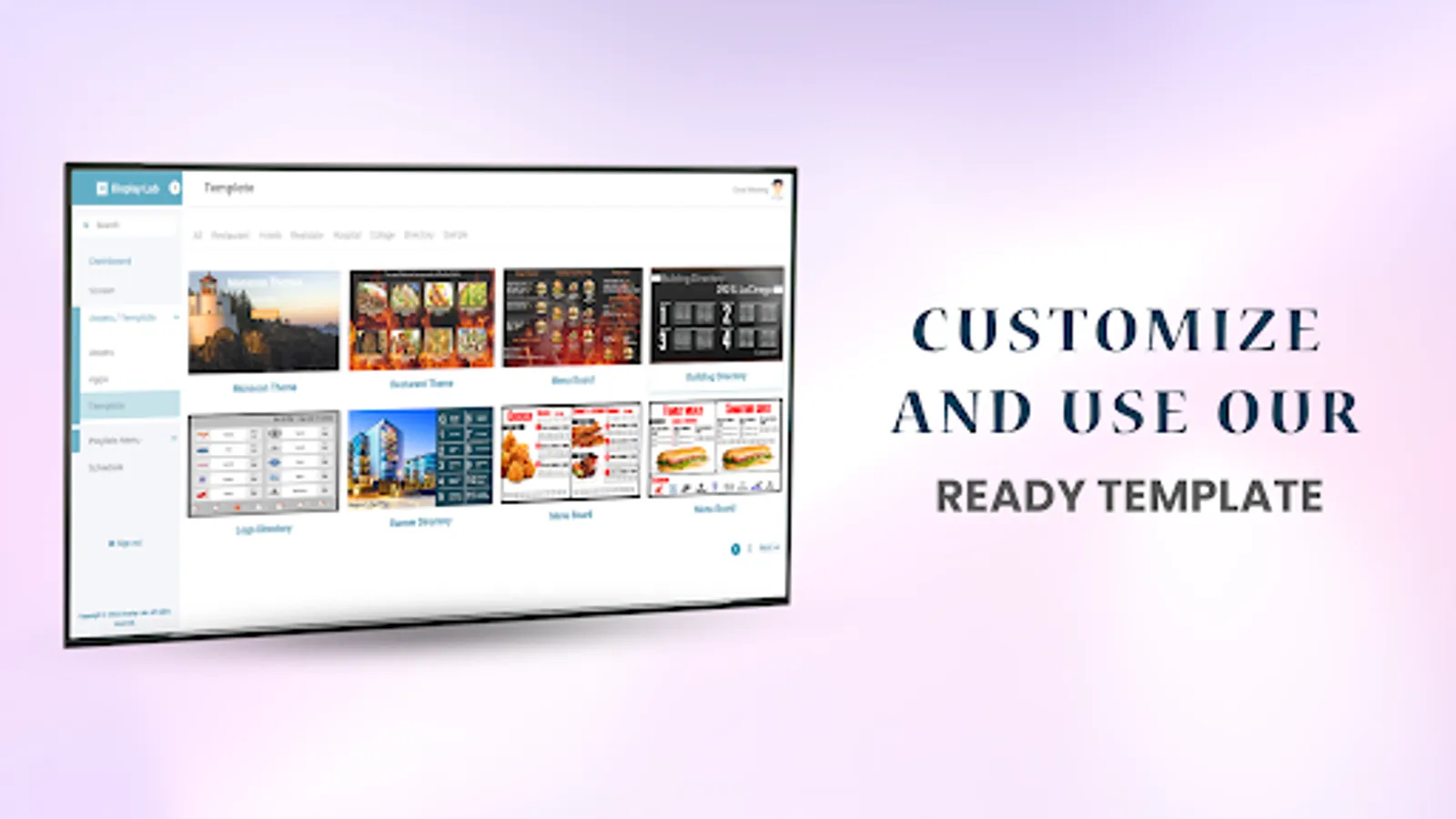
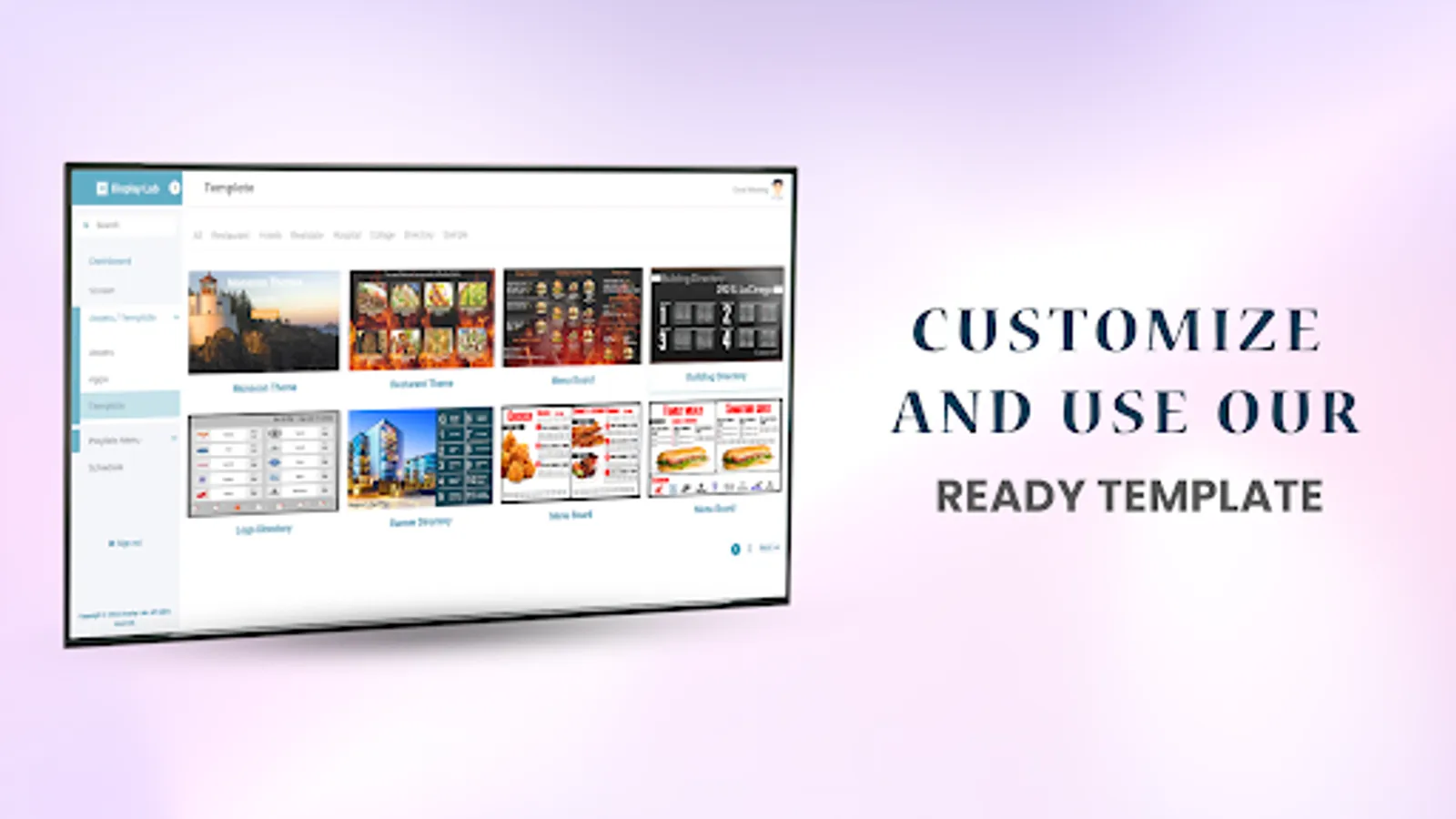
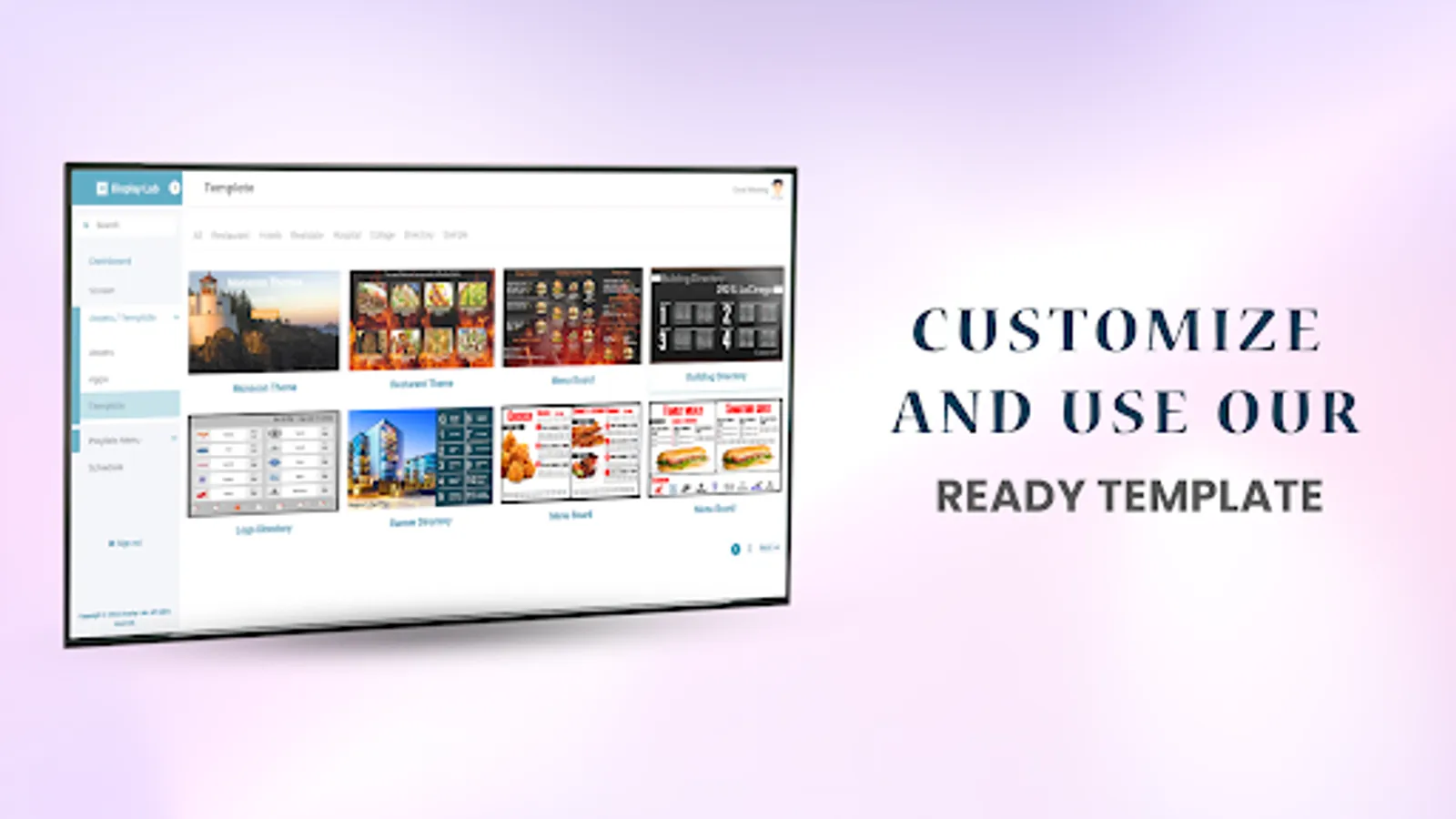
• Use our drag and drop pre-Design Template
Get Started in Three Simple Steps:
1. Install the App: Download and install the Display Lab App on your Android/Google TV device.
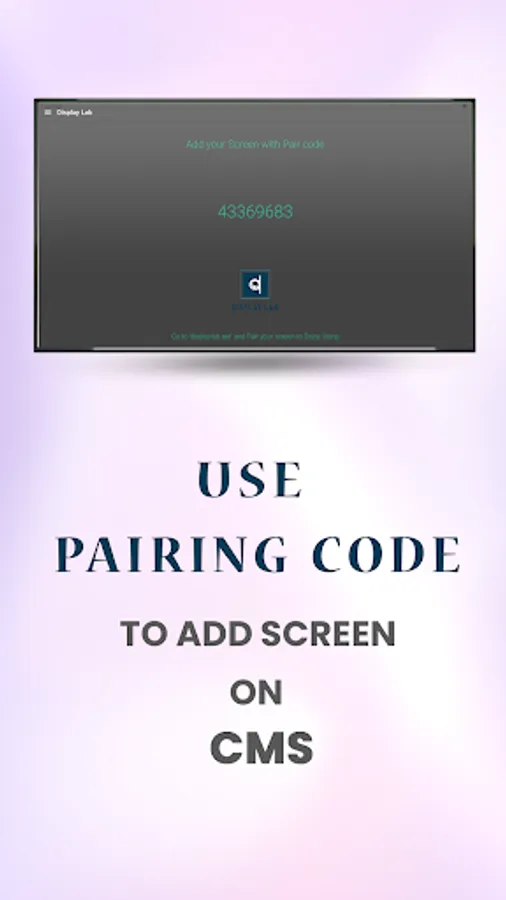
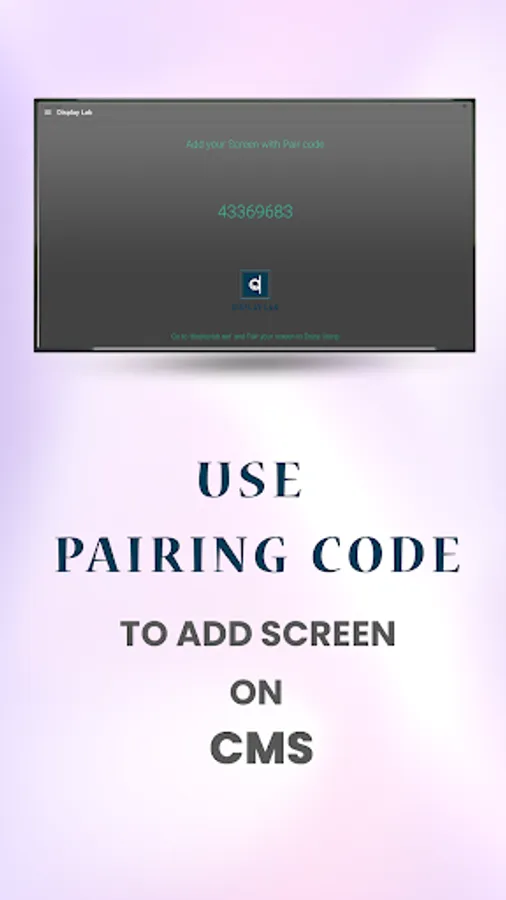
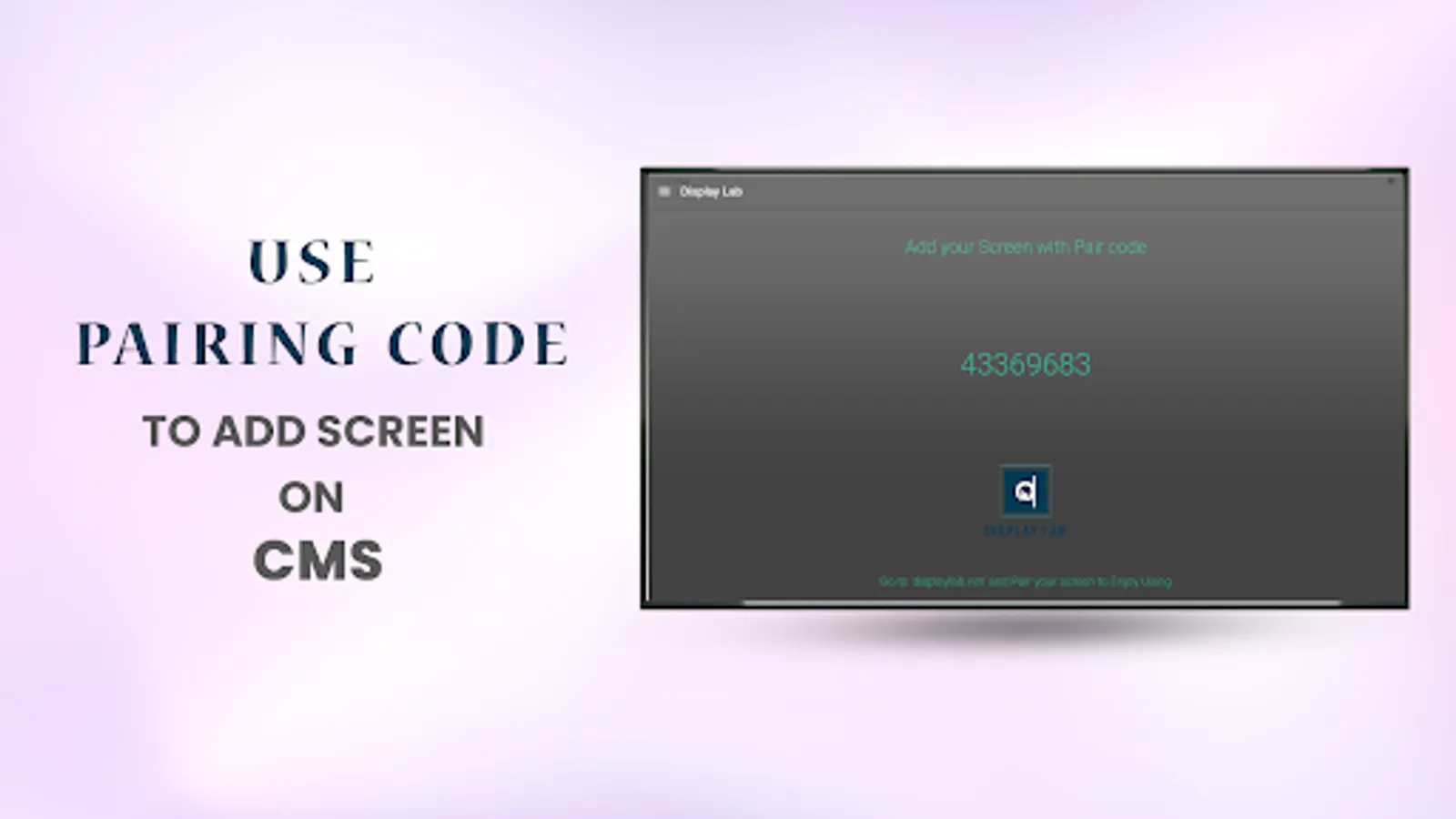
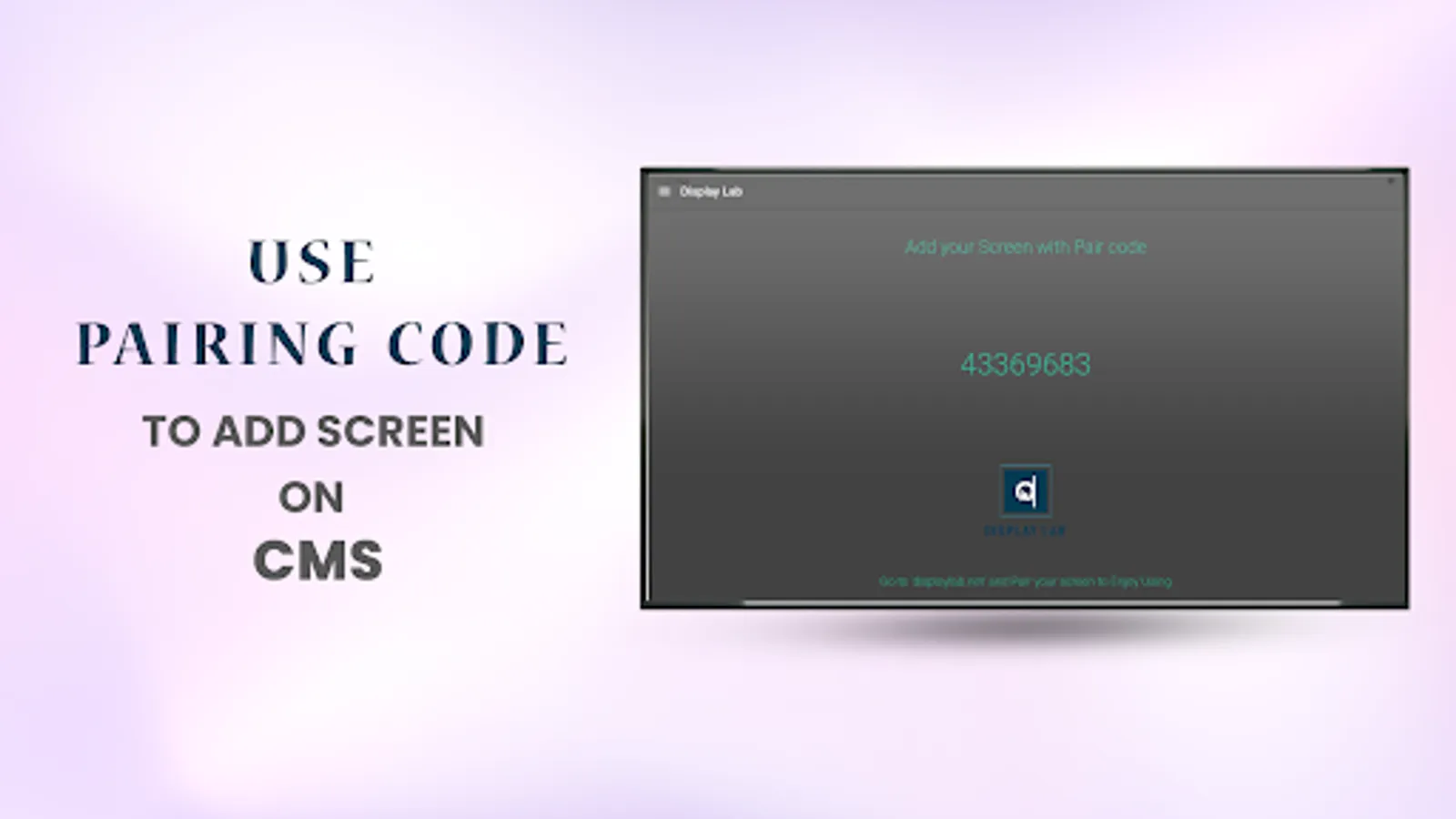
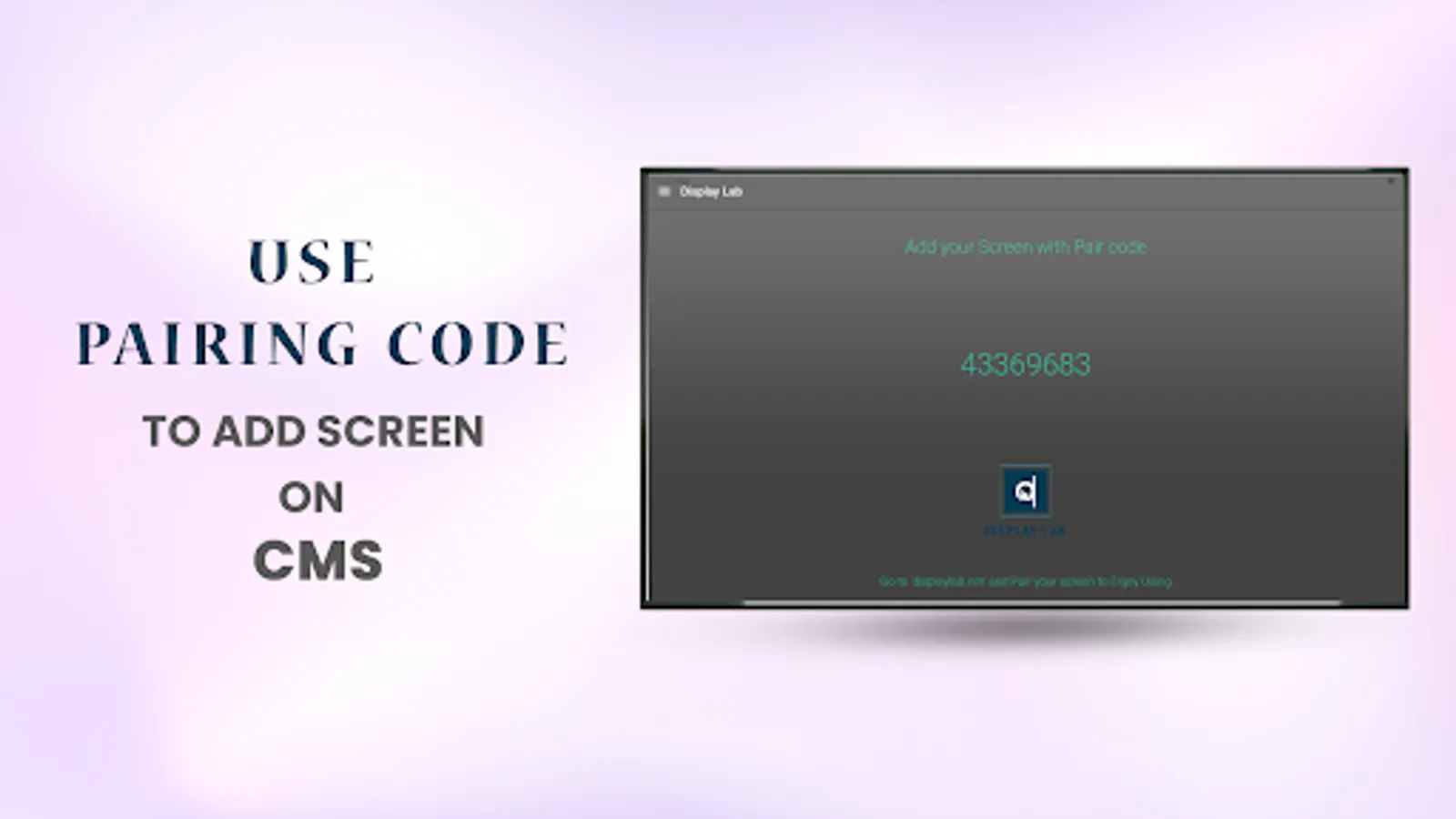
2. Sign In & Pair: Visit displaylab.net, sign in, and pair your screen using the code displayed in the app.
3. Create & Display: Upload your media, then create a playlist or broadcast to showcase your content exactly how you want it.
• Convert screens into digital signs.
• Update and manage content remotely.
• Show images, videos, and documents.
• Create custom playlists.
• Schedule content display times.
• Use our drag and drop pre-Design Template
Get Started in Three Simple Steps:
1. Install the App: Download and install the Display Lab App on your Android/Google TV device.
2. Sign In & Pair: Visit displaylab.net, sign in, and pair your screen using the code displayed in the app.
3. Create & Display: Upload your media, then create a playlist or broadcast to showcase your content exactly how you want it.