Yangon (Rangoon) Myanmar Map
KV Maps
5.0 ★
store rating
50,000+
downloads
Free
With this map app, you can search points of interest, filter results, and navigate between locations. Includes GPS tracking, route mapping, and travel guides.
AppRecs review analysis
AppRecs rating 3.5. Trustworthiness 68 out of 100. Review manipulation risk 51 out of 100. Based on a review sample analyzed.
★★★☆☆
3.5
AppRecs Rating
Ratings breakdown
5 star
100%
4 star
0%
3 star
0%
2 star
0%
1 star
0%
What to know
⚠
Questionable review patterns
51% review manipulation risk - some review patterns appear unusual
⚠
Unusually uniform ratings
100% of sampled ratings are 5 stars with very little variation
⚠
Review quality concerns
88% of sampled 5-star reviews are very short
About Yangon (Rangoon) Myanmar Map
A MAPS APP FOR YOUR TRAVEL NEEDS
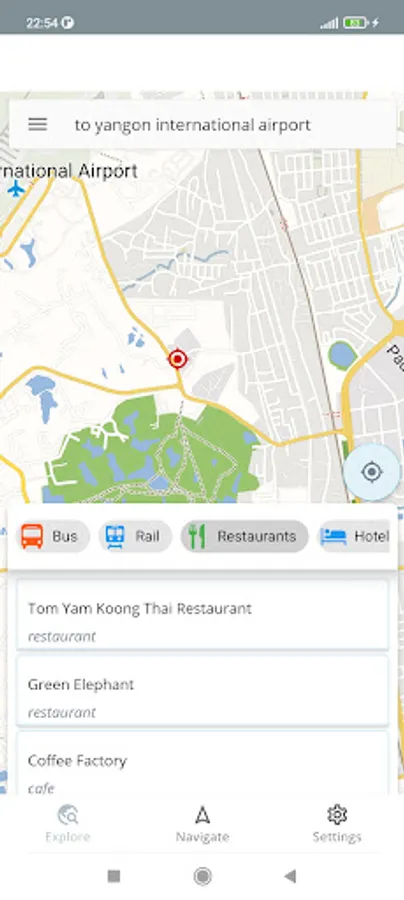
EXPLORE TAB
Search most of the points of interest within the map area.
Click on the map to see the points of interest around that area.
Filter following points of interest within the shown map area.
* Bus
* Rail
* Restaurants
* Hotels
* Hospitals
* Shops
* Pharmacies
* Attractions
* Tourism
Navigate to any selected point of interest from your current location.
See your current GPS location.
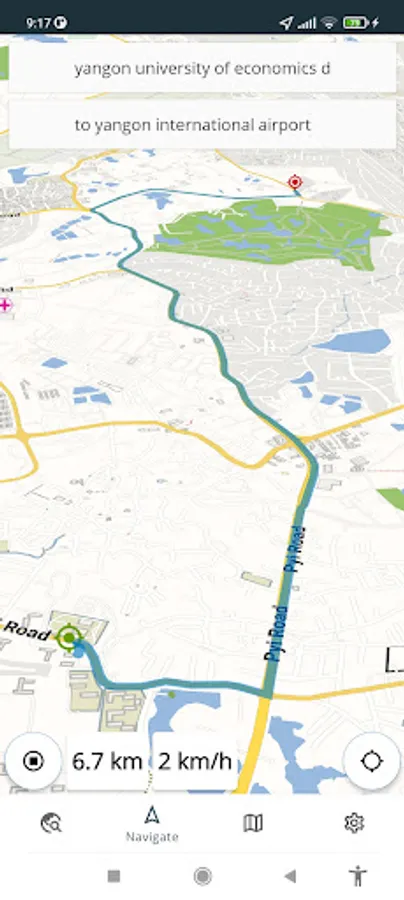
NAVIGATE TAB
Select a point of interest as a start location.
Select a point of interest as an end location / If you only enter end location, your current location will be selected as the start location.
Click on the map to select start/end locations.
See the car routing path from start location to the destination.
See the travel distance through the routing path.
Click on the navigate icon to show your location related to the selected route.
See your real-time location while navigating.
See your real-time GPS speed if available.
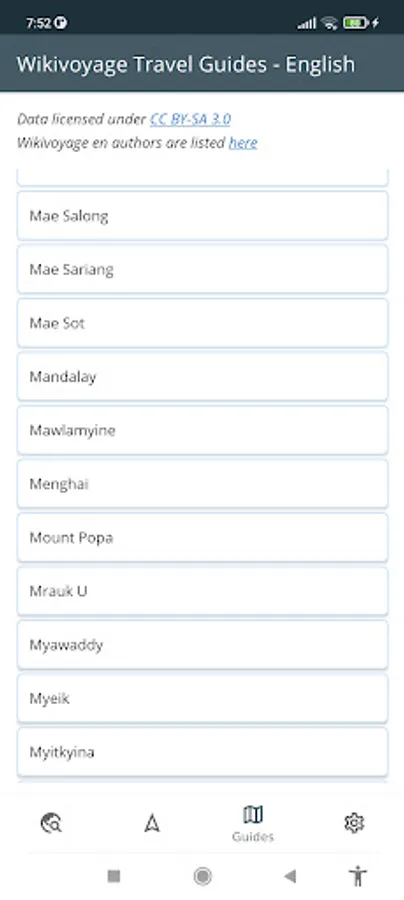
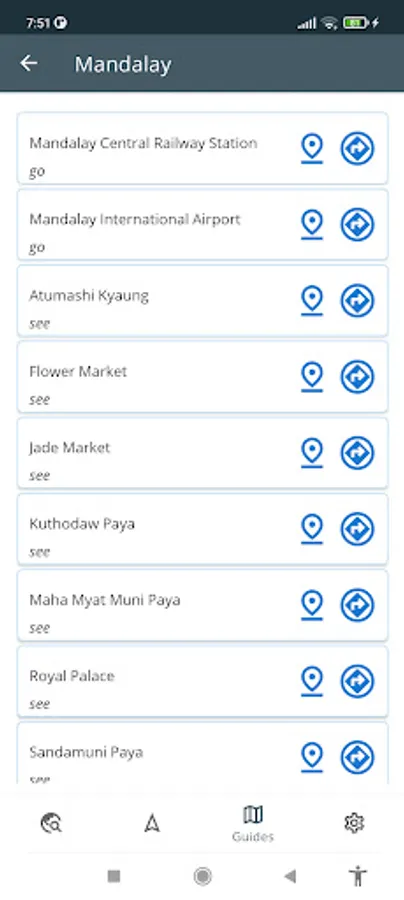
GUIDES TAB
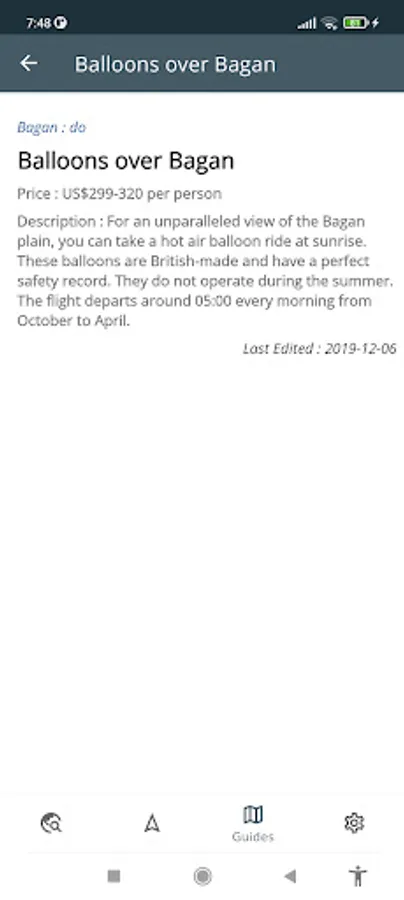
See Wikivoyage travel guides for the Country the map belongs to.
Locate/Navigate to Wikivoyage places with GPS location.
SETTINGS TAB
Change map language if available
Change map style
EXPLORE TAB
Search most of the points of interest within the map area.
Click on the map to see the points of interest around that area.
Filter following points of interest within the shown map area.
* Bus
* Rail
* Restaurants
* Hotels
* Hospitals
* Shops
* Pharmacies
* Attractions
* Tourism
Navigate to any selected point of interest from your current location.
See your current GPS location.
NAVIGATE TAB
Select a point of interest as a start location.
Select a point of interest as an end location / If you only enter end location, your current location will be selected as the start location.
Click on the map to select start/end locations.
See the car routing path from start location to the destination.
See the travel distance through the routing path.
Click on the navigate icon to show your location related to the selected route.
See your real-time location while navigating.
See your real-time GPS speed if available.
GUIDES TAB
See Wikivoyage travel guides for the Country the map belongs to.
Locate/Navigate to Wikivoyage places with GPS location.
SETTINGS TAB
Change map language if available
Change map style