Do Not Disturb Toggle
Darko Bunic
3.5 ★
332 ratings
50,000+
downloads
Free
With this app, you can quickly toggle "Do Not Disturb" mode from your screen widget and customize its behavior. Includes permission setup, access to DnD settings, and option to manage exceptions.
AppRecs review analysis
AppRecs rating 3.5. Trustworthiness 0 out of 100. Review manipulation risk 0 out of 100. Based on a review sample analyzed.
★★★☆☆
3.5
AppRecs Rating
Ratings breakdown
5 star
47%
4 star
15%
3 star
6%
2 star
8%
1 star
24%
What to know
✓
Good user ratings
62% positive sampled reviews
✓
Authentic reviews
Natural distribution, no red flags
⚠
High negative review ratio
32% of sampled ratings are 1–2 stars
About Do Not Disturb Toggle
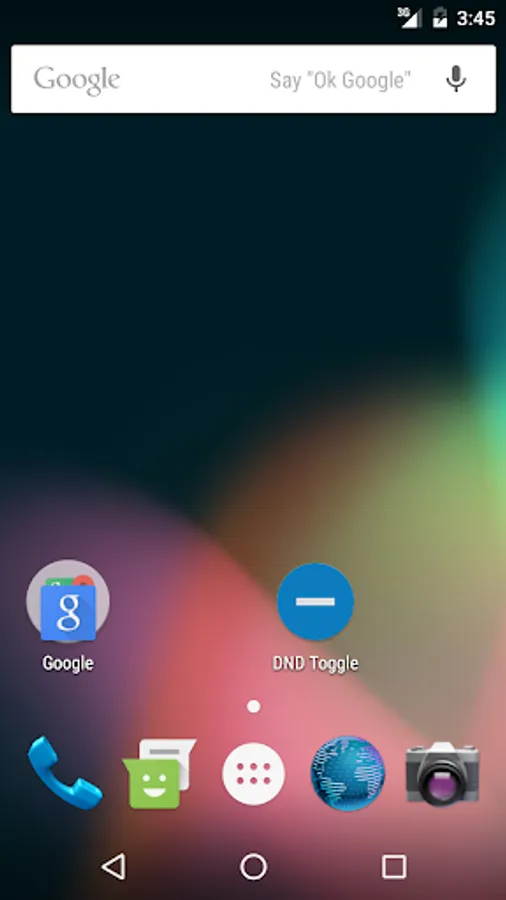
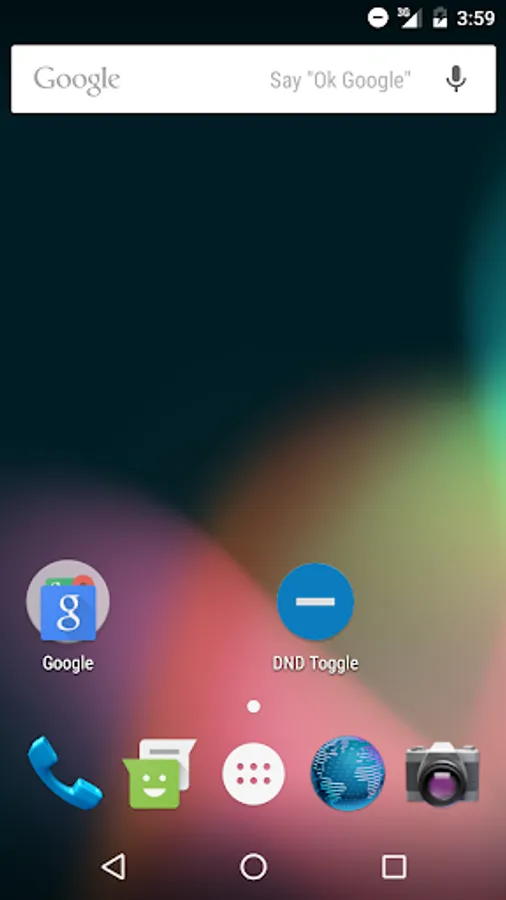
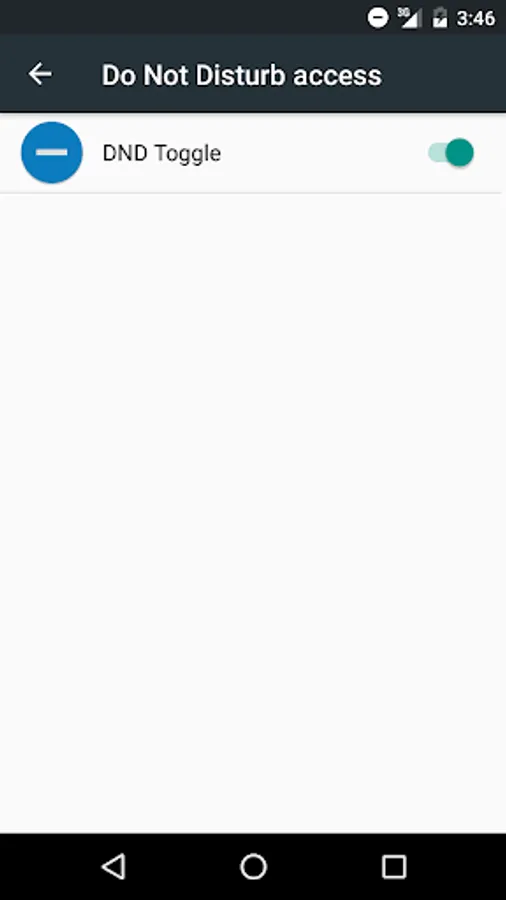
The main idea was to have simple app to turn on/off "Do Not Disturb" mode. I needed mini app accessed from screen widget to easily set quiet mode for important business meetings. For the first use, you'll have to set permissions to toggle "Do Not Disturb" mode and app will open settings screen for you. Just set app permission and click back. From that moment, app will be allowed to toggle quiet/normal mode.
In Android 6.0 (like my Samsung S7), app permission path is on the following location:
Settings -> Lock screen and security -> Other security settings -> Do not disturb permission
And is possible to customize how DnD mode will behave - like without any exceptions (as it's for Alarms). Just open the settings on the following path and set:
Settings -> Do not disturb -> Allow exceptions
In Android 6.0 (like my Samsung S7), app permission path is on the following location:
Settings -> Lock screen and security -> Other security settings -> Do not disturb permission
And is possible to customize how DnD mode will behave - like without any exceptions (as it's for Alarms). Just open the settings on the following path and set:
Settings -> Do not disturb -> Allow exceptions