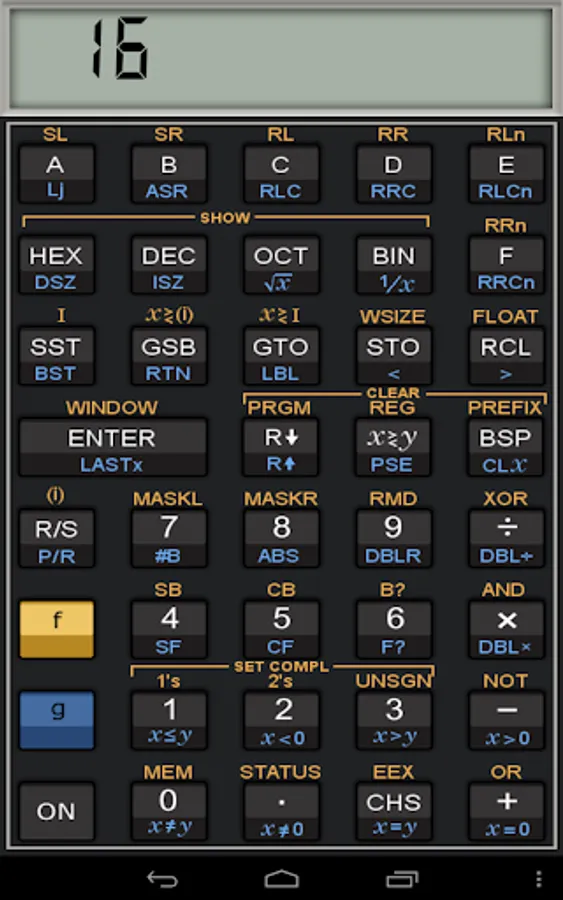
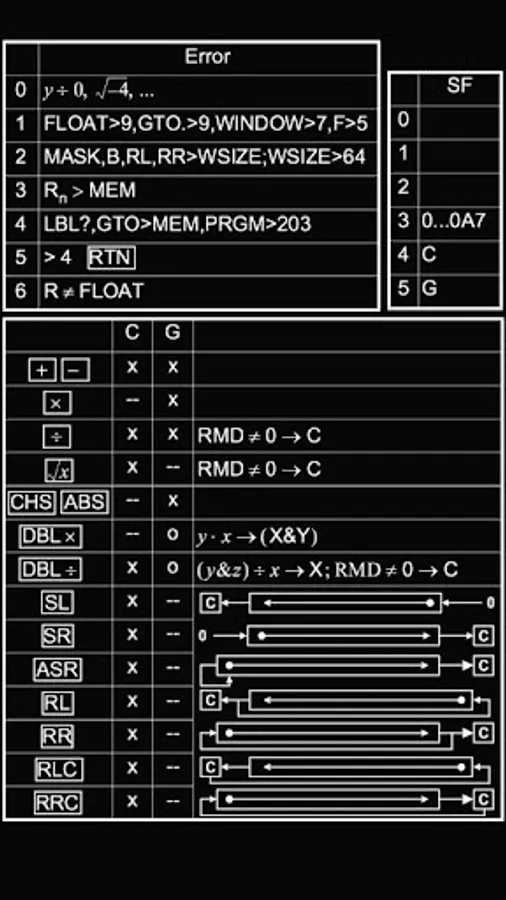
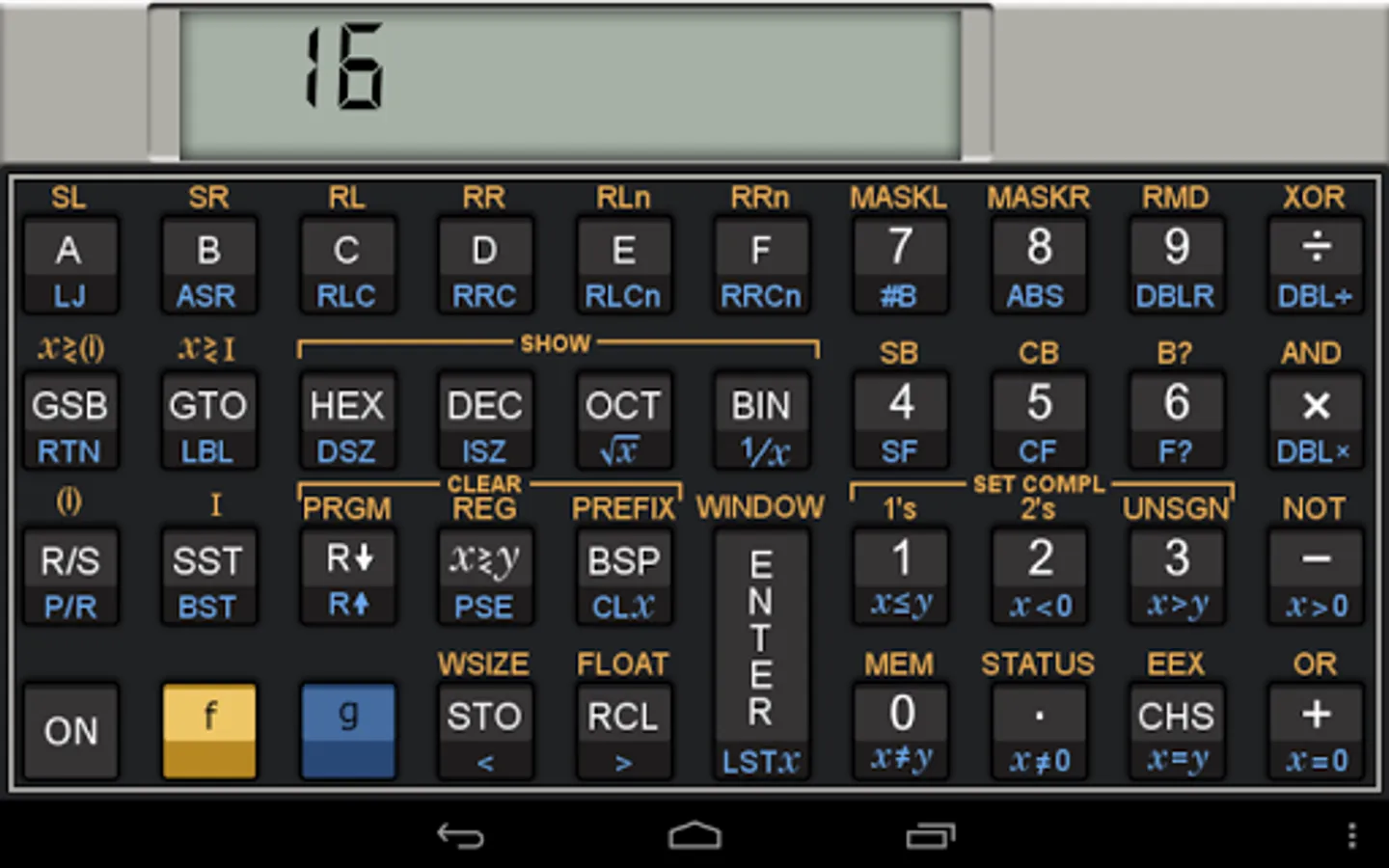
In this hardware emulator, users can operate a virtual HP 16C calculator, perform tests, and adjust the speed of calculations. Includes support for portrait and landscape modes, automatic save and load, and full textual programming.
AppRecs review analysis
AppRecs rating 4.2. Trustworthiness 0 out of 100. Review manipulation risk 0 out of 100. Based on a review sample analyzed.
★★★★☆
4.2
AppRecs Rating
Ratings breakdown
5 star
89%
4 star
0%
3 star
0%
2 star
0%
1 star
11%
What to know
✓
High user satisfaction
89% of sampled ratings are 5 stars
About go16c
HP 16C hardware emulator.
YOU NEED TO HAVE THE ROM DUMP OF THIS CALCULATOR TO USE IT.
(see http://sites.google.com/site/olivier2smet2/home/go1xc)
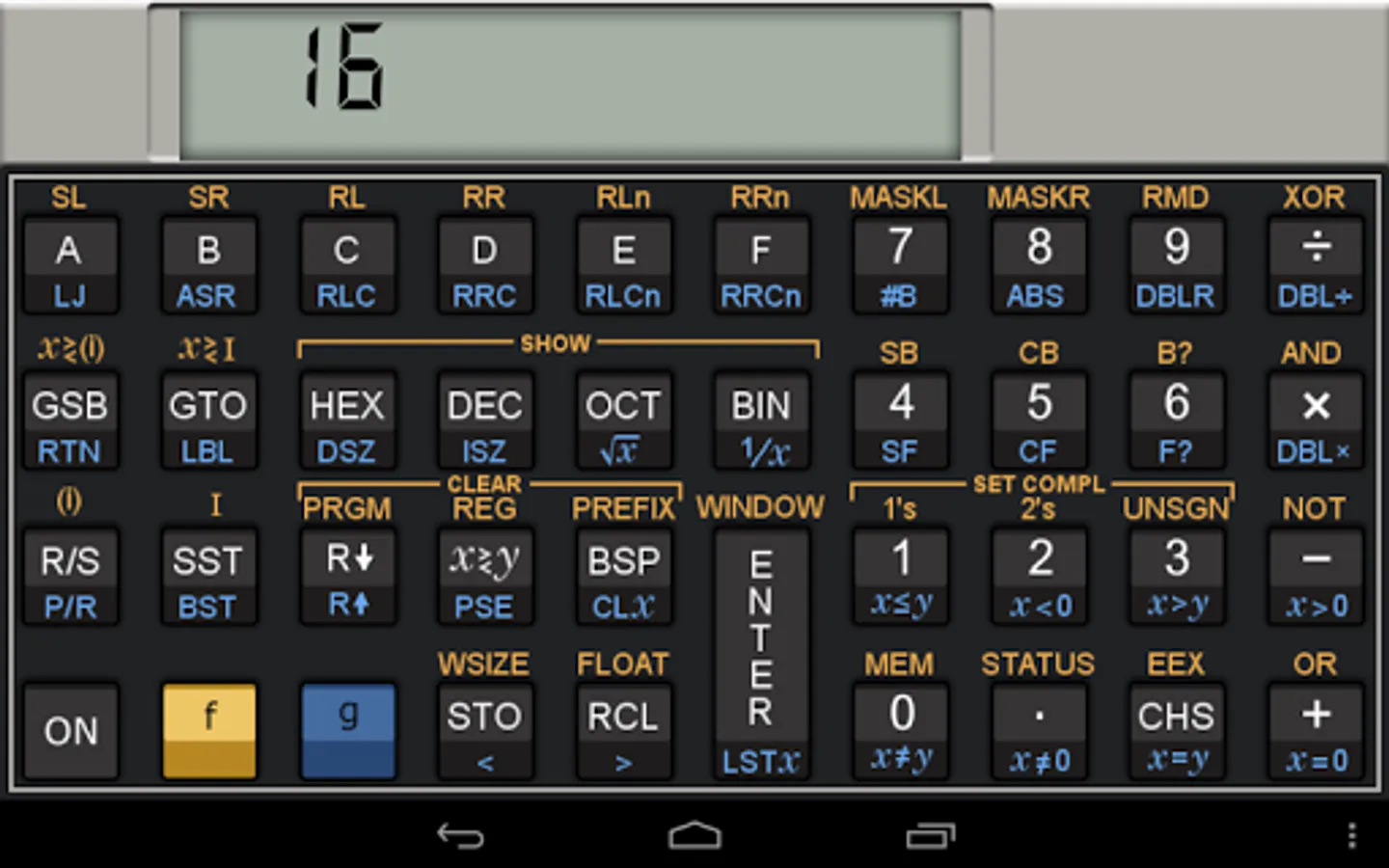
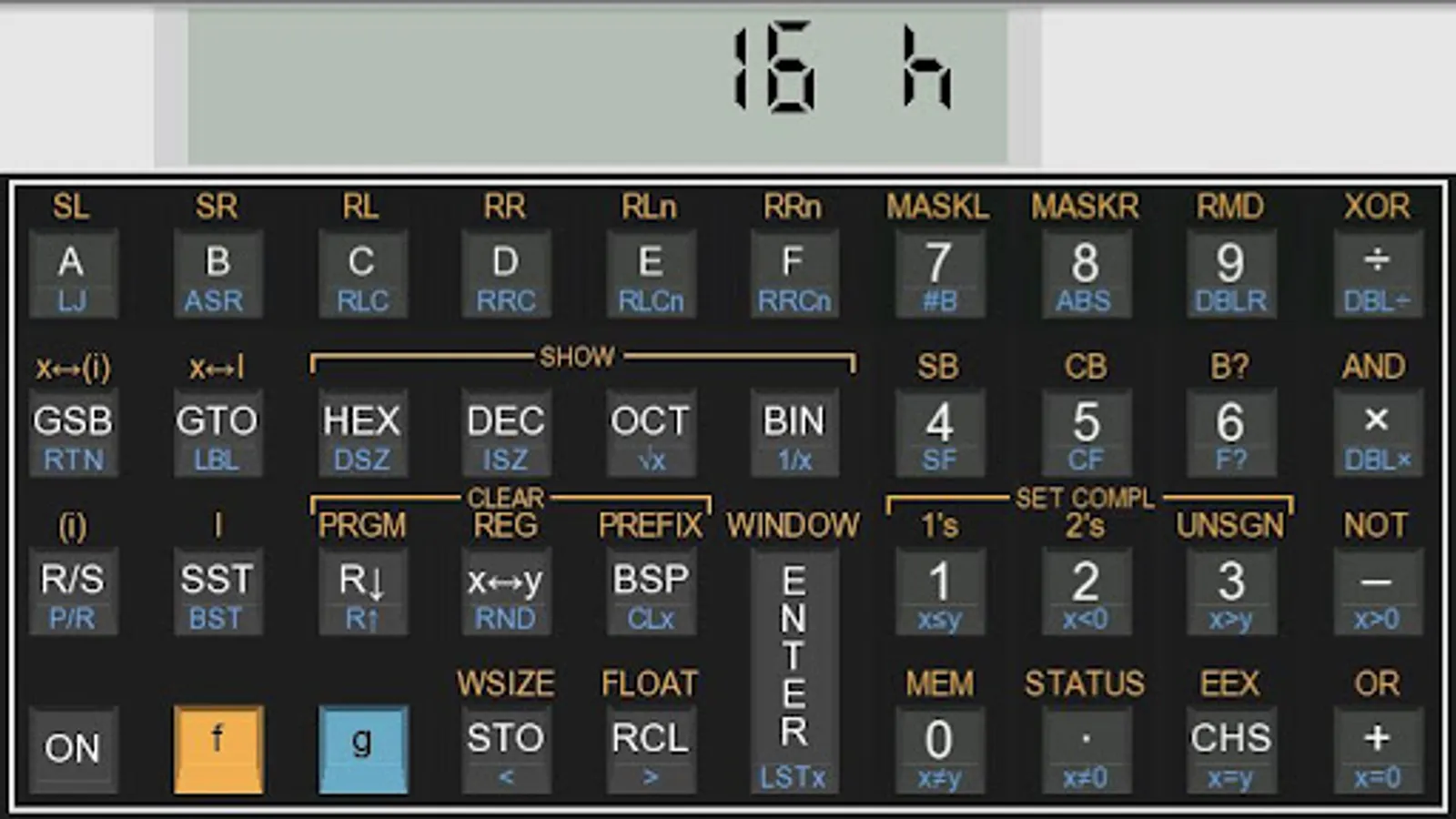
- portrait and landscape mode.
- automatic save and load of state.
- 'ON' only active on 'longtouch' to avoid mistakes.
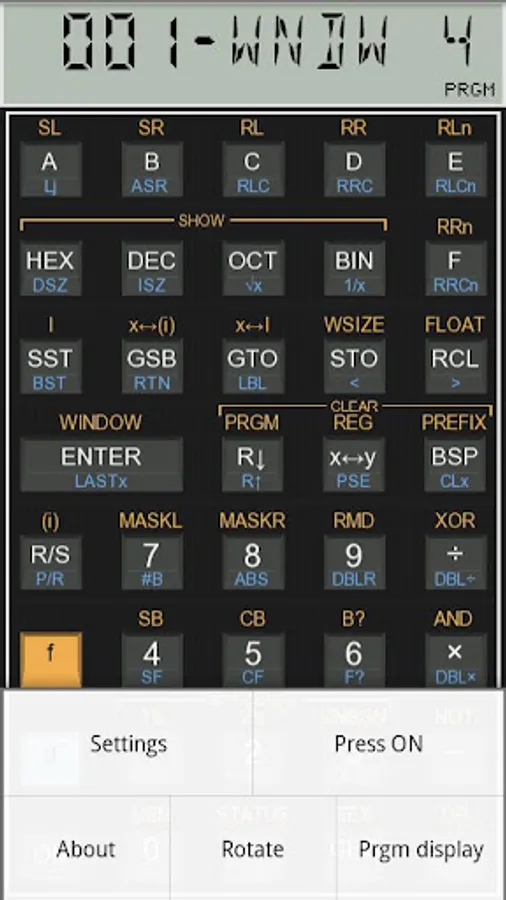
tests supported (use 'press on' menu when calculator is off then press '+-/*,'.
- speed up from x1 up to x32.
- full textual programming mode (needed due to keyboard remapping).
On S5 devices, long press the right hardware button to get the menu.
YOU NEED TO HAVE THE ROM DUMP OF THIS CALCULATOR TO USE IT.
(see http://sites.google.com/site/olivier2smet2/home/go1xc)
- portrait and landscape mode.
- automatic save and load of state.
- 'ON' only active on 'longtouch' to avoid mistakes.
tests supported (use 'press on' menu when calculator is off then press '+-/*,'.
- speed up from x1 up to x32.
- full textual programming mode (needed due to keyboard remapping).
On S5 devices, long press the right hardware button to get the menu.
go16c Screenshots
Tap to Rate: