In this hardware emulator, users can run legacy HP 87 software with configurable RAM, CPU speed, and display modes. Includes support for disk images, ROMs, external keyboard, and multiple CRT resolutions.
AppRecs review analysis
AppRecs rating 4.5. Trustworthiness 0 out of 100. Review manipulation risk 0 out of 100. Based on a review sample analyzed.
★★★★☆
4.5
AppRecs Rating
Ratings breakdown
5 star
100%
4 star
0%
3 star
0%
2 star
0%
1 star
0%
What to know
✓
High user satisfaction
100% of sampled ratings are 5 stars
About go87
HP 87 hardware emulator (best display on 1280x800 screen device)
- include one quad disc HP9121 compatible disk unit (use RAW disc image)
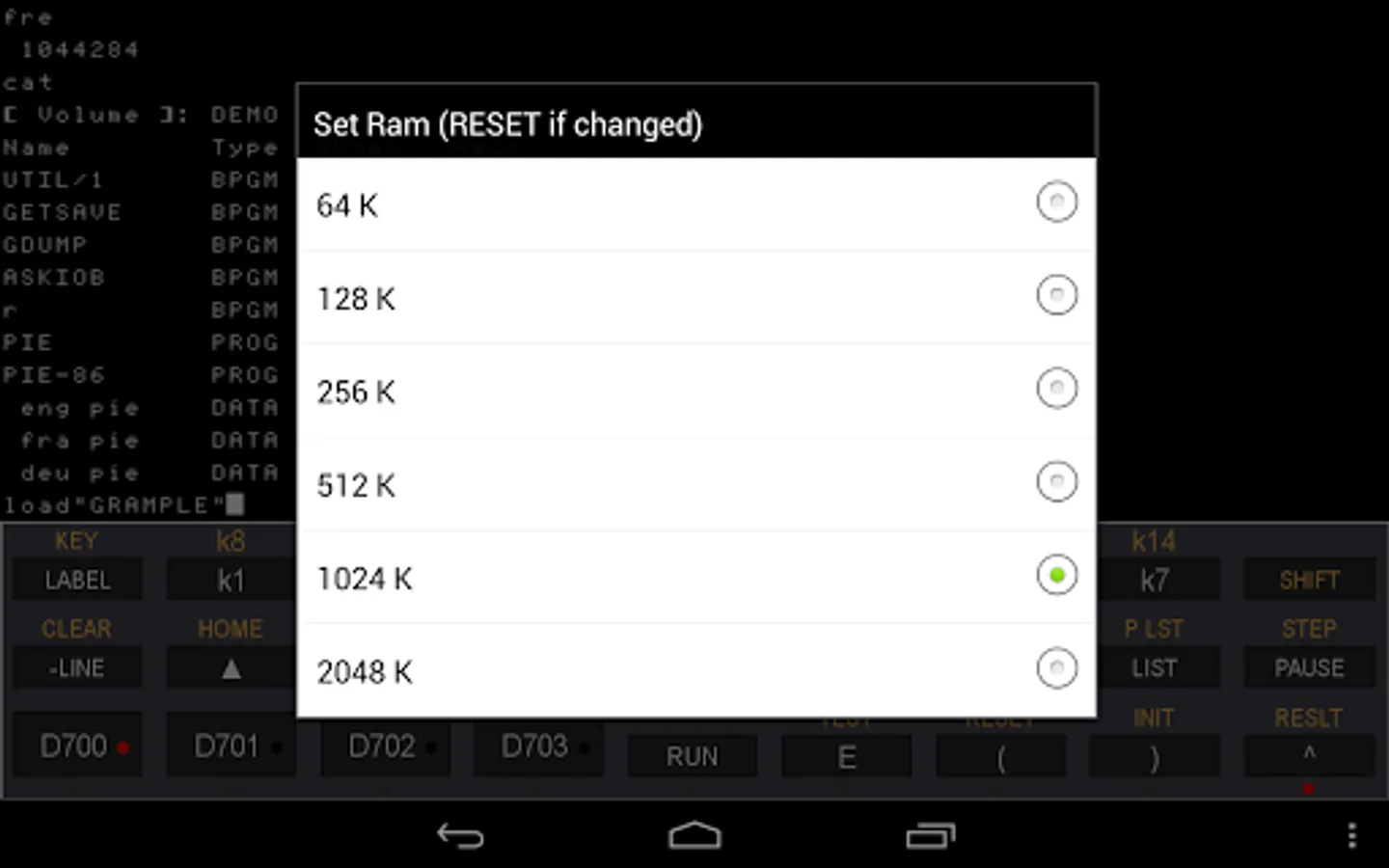
- ram from 64 KB upto 2 MB (if you need more, 16 MB is possible, 8 MB for basic, 8MB for electronic disc)
- cpu speed from x1 upto x50 (now UCSD pascal is fast enough)
- rom drawer support (some usefull roms included)
- external keyboard support (physical or bluetooth)
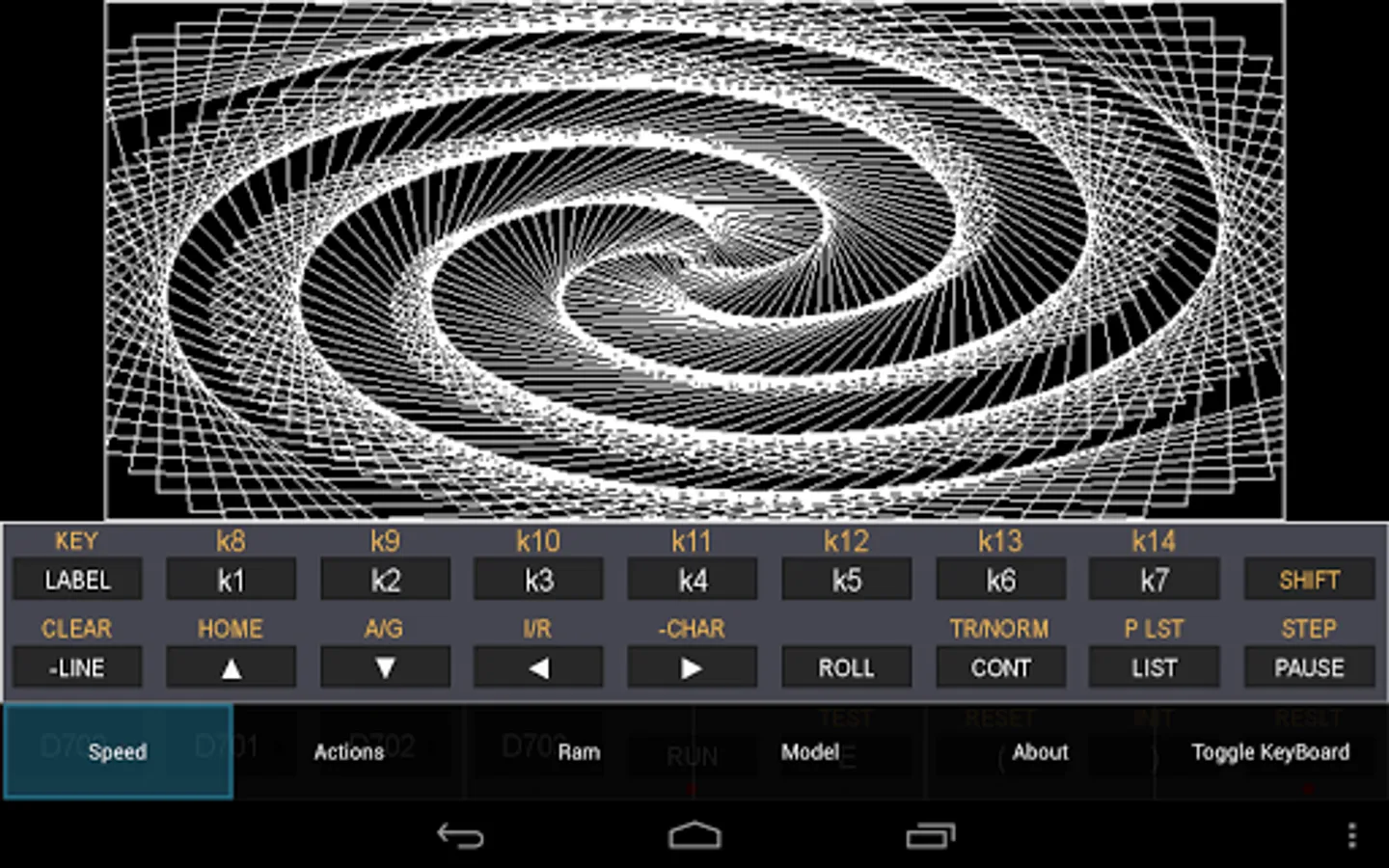
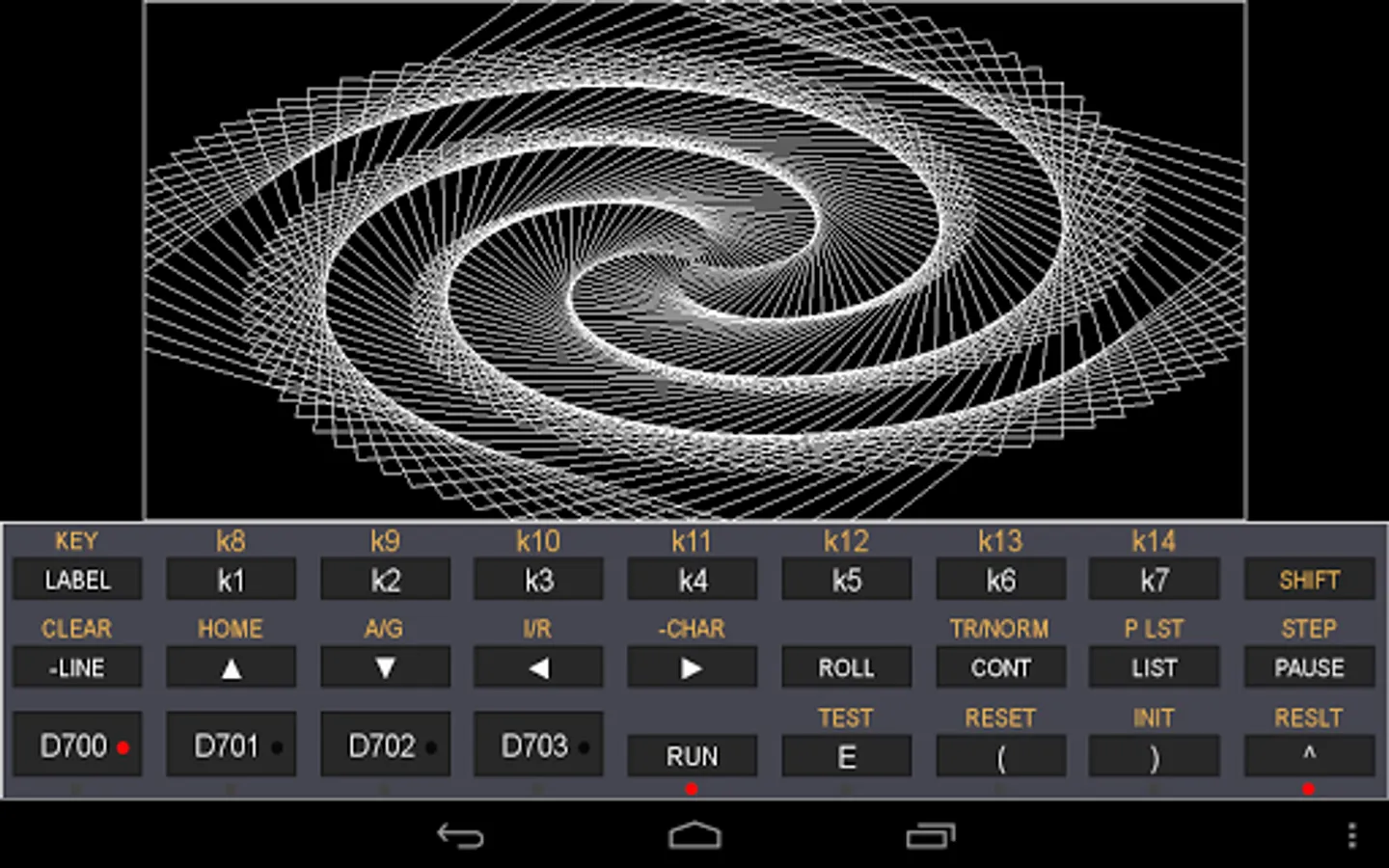
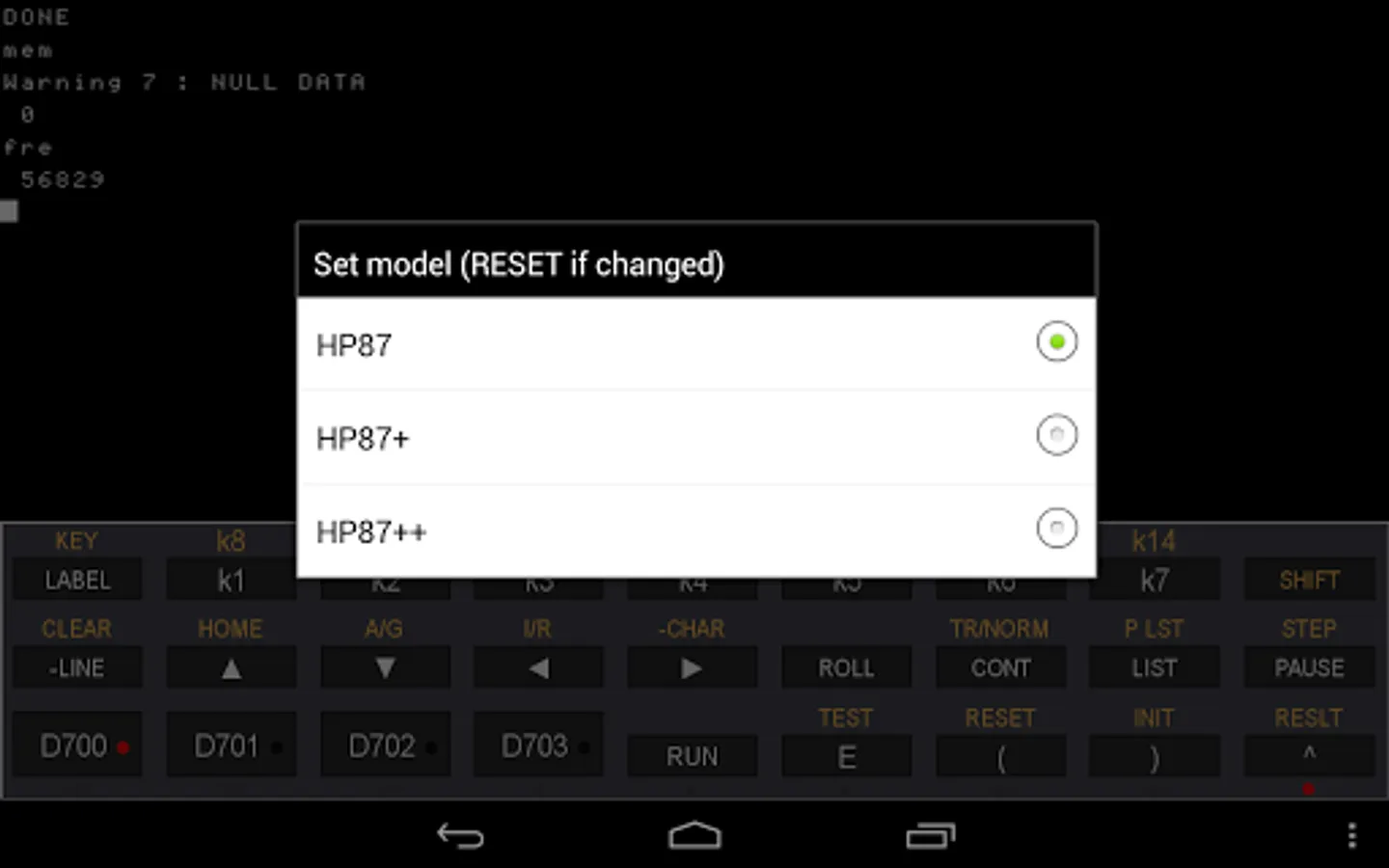
- HP87 base model : graph crt at 544x240 as the real computer
- HP87+ : graph crt at 640x480 (roms patched)
- HP87++ : graph crt at 1016x480 (roms patched)
- cpu emulated in native C code for speed up
- landscape and portrait mode
- no sound
Directory base is /go87 for android < 4.4 and /Android/data/o2s.emul.hp87/files for other
On S5 devices, long press the right hardware button to get the menu.
Settings : press left part of emulated crt
Disks : put raw images named zzzz.d87 in go87/disks on sd card
Roms : put raw images (8K) named zzzz.r87 in go87/roms on sd card
To insert or remove disk : long press D70x buttons
Landscape mode is better for 87++ mode,
Portrait mode, use 'menu/actions/rotate' the choose ratio (HP87 crt or HP86 crt) with 'menu/actions/...ratio'
For some infos look at
http://www.series80.org/
http://sites.google.com/site/olivier2smet2/hpseries80/fpga-hp86b
- include one quad disc HP9121 compatible disk unit (use RAW disc image)
- ram from 64 KB upto 2 MB (if you need more, 16 MB is possible, 8 MB for basic, 8MB for electronic disc)
- cpu speed from x1 upto x50 (now UCSD pascal is fast enough)
- rom drawer support (some usefull roms included)
- external keyboard support (physical or bluetooth)
- HP87 base model : graph crt at 544x240 as the real computer
- HP87+ : graph crt at 640x480 (roms patched)
- HP87++ : graph crt at 1016x480 (roms patched)
- cpu emulated in native C code for speed up
- landscape and portrait mode
- no sound
Directory base is /go87 for android < 4.4 and /Android/data/o2s.emul.hp87/files for other
On S5 devices, long press the right hardware button to get the menu.
Settings : press left part of emulated crt
Disks : put raw images named zzzz.d87 in go87/disks on sd card
Roms : put raw images (8K) named zzzz.r87 in go87/roms on sd card
To insert or remove disk : long press D70x buttons
Landscape mode is better for 87++ mode,
Portrait mode, use 'menu/actions/rotate' the choose ratio (HP87 crt or HP86 crt) with 'menu/actions/...ratio'
For some infos look at
http://www.series80.org/
http://sites.google.com/site/olivier2smet2/hpseries80/fpga-hp86b
go87 Screenshots
Tap to Rate: