AppRecs review analysis
AppRecs rating . Trustworthiness 42 out of 100. Review manipulation risk 35 out of 100. Based on a review sample analyzed.
★
AppRecs Rating
Ratings breakdown
5 star
80%
4 star
0%
3 star
0%
2 star
3%
1 star
17%
About MFord Radio Code Pro
If you are disconnect a car battery. You'll need to re-enter the radio security code (Ford vehicle).
If you've lost your Ford radio code, you can recover it quickly and easily with this app.
Why do you paid this app? Because It is full radio code and price is very cheap.
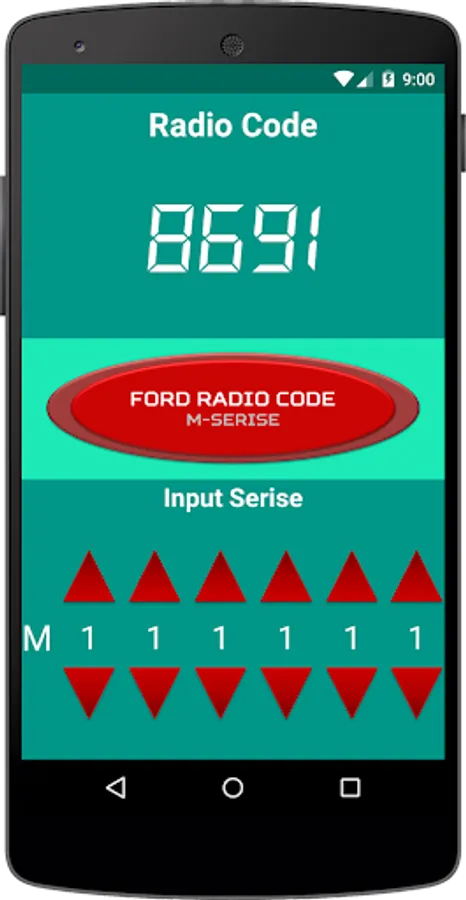
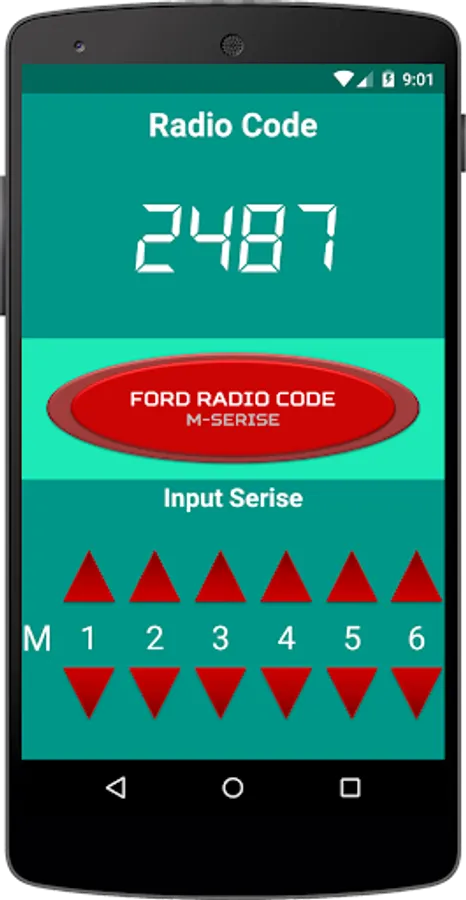
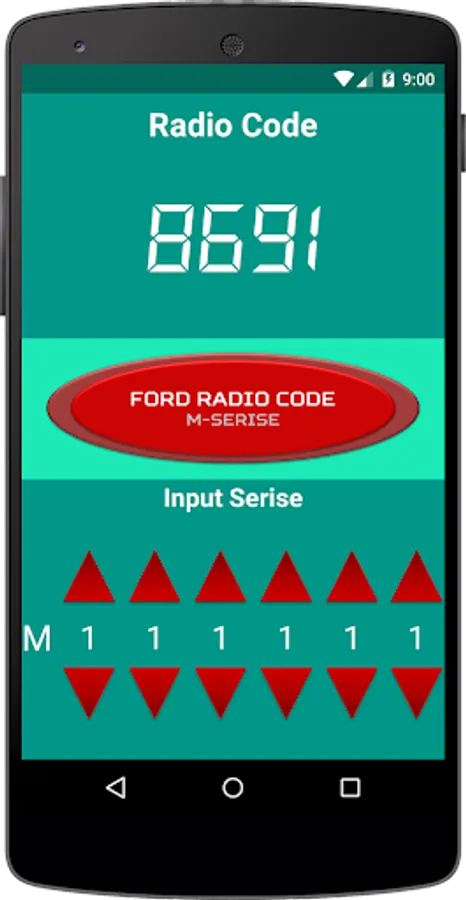
✤You need to do is:
- Remove the stereo radio unit from the dashboard. (Search remove method in internet and workshop manual)
- See the unit serial number. (Mxxxxxx)
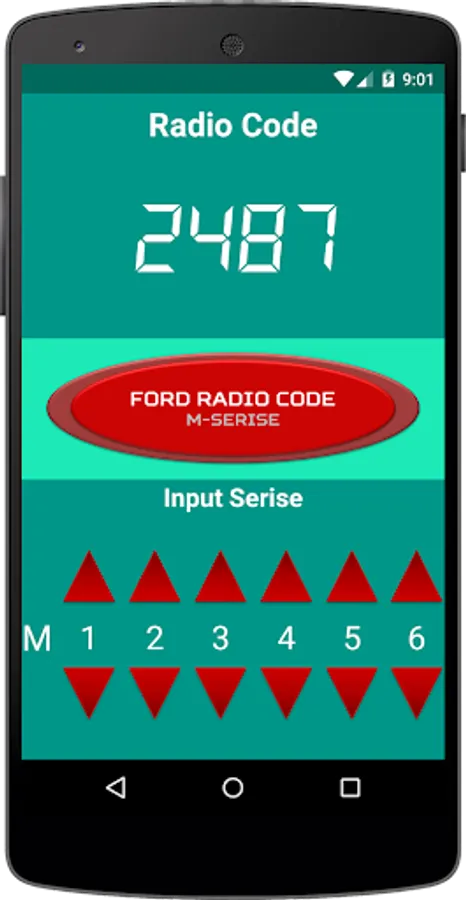
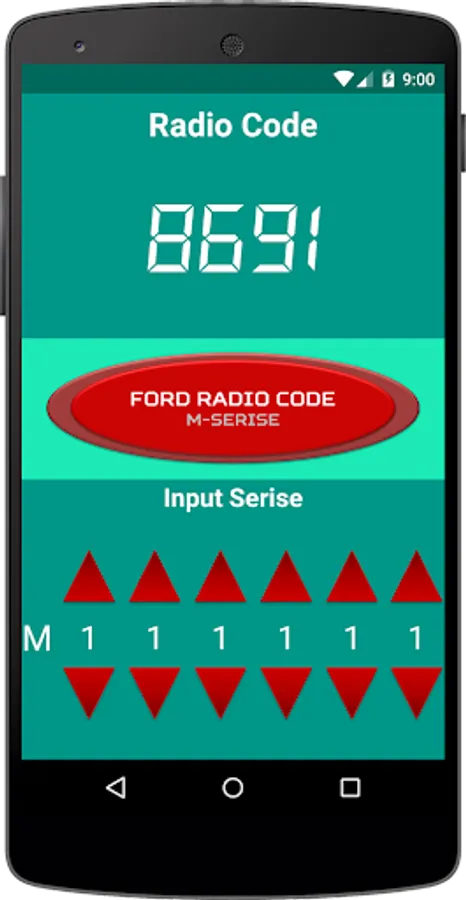
- Input serial number to app.
- Press calculator button and waiting radio code.
✤Follow steps by step to enter security code:
- Switch on the Radio.
- Display CODE with " _ _ _ _".
- Press " 1 " button for 1st Digit.
- Press " 2 " button for 2nd Digit.
- Press " 3 " button for 3rd Digit.
- Press " 4 " button for 4th Digit.
- Press " 5 " button to Enter.
✤Support Language: Germany, Spanish, French, Italian, Polish, Russia
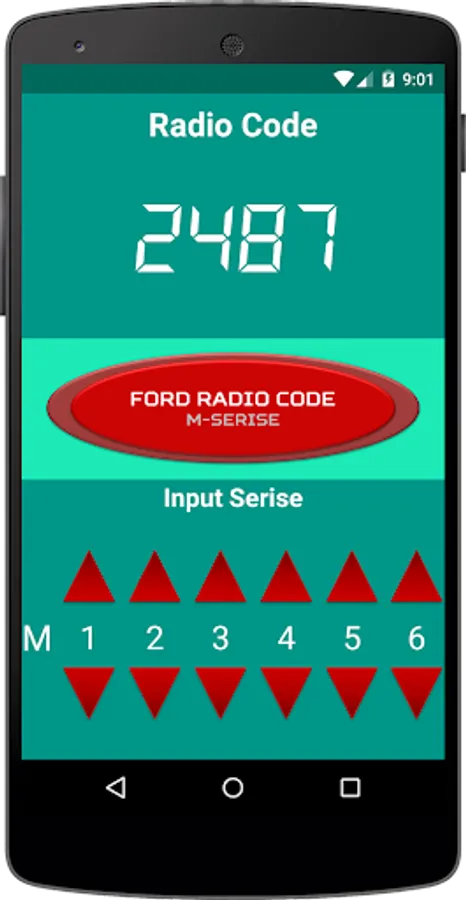
MFord Radio Code Pro Screenshots
Tap to Rate:
Reviews for MFord Radio Code Pro
A Google user
6/28/2019
Worked on first try, cheapest direct option i found
A Google user
10/25/2018
Had this app over 3 years no problems but stopped working now, removed and added but still the same, also tried my account on another phone and same issue, tried on both phones over a couple of months but still same, problem is it all looks fine and when you submit it doesnt show a code just blank, same as a few others said, clearly and issue or dodgy update, I have several code apps that all still work, some not available now on the app store still even work, not this ford M one.