Aline Pink: linear icon pack
One4Studio
5.0 ★
65 ratings
1,000+
downloads
$2.49
+ in-app
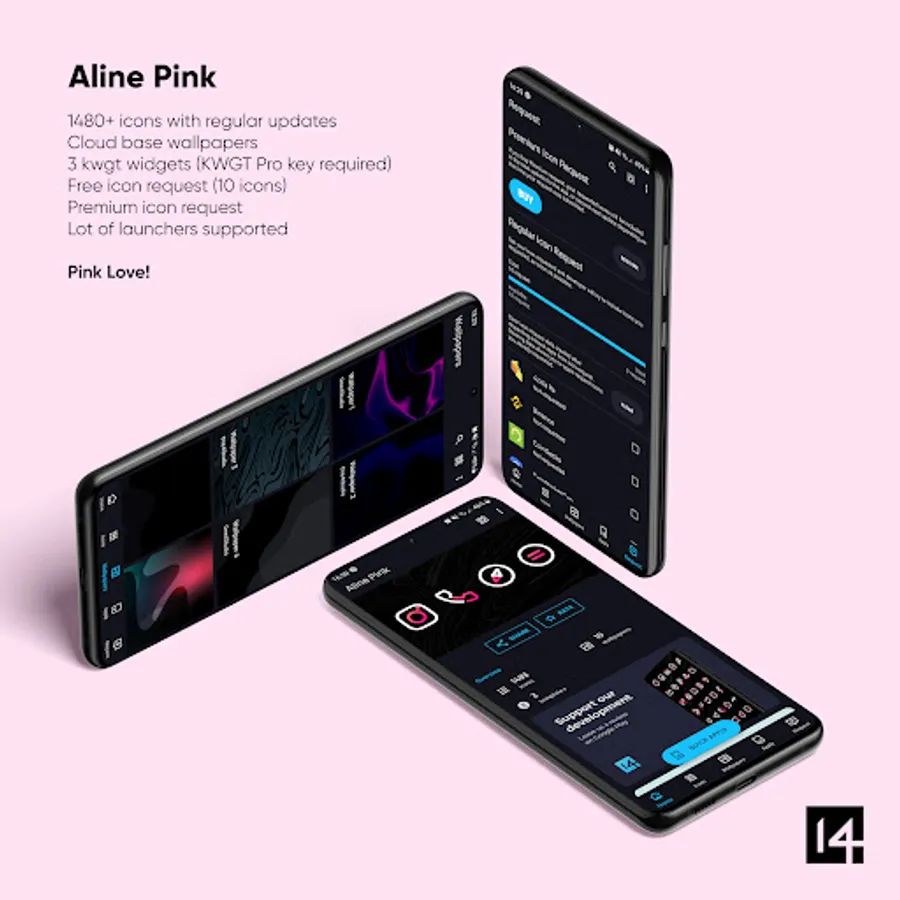
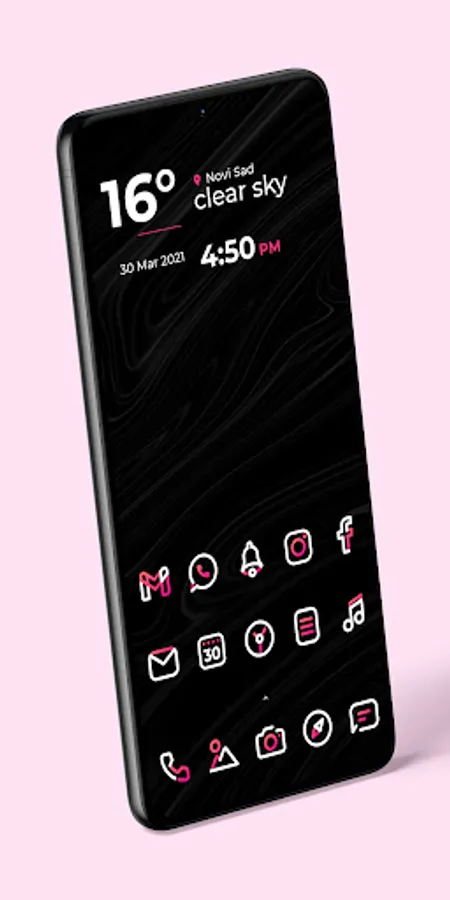
In this icon pack app, you can customize your home screen with bold linear icons and personalized wallpapers. Includes 3163 icons, 20 wallpapers, and 5 widgets for personalization.
AppRecs review analysis
AppRecs rating 4.5. Trustworthiness 63 out of 100. Review manipulation risk 28 out of 100. Based on a review sample analyzed.
★★★★☆
4.5
AppRecs Rating
Ratings breakdown
5 star
100%
4 star
0%
3 star
0%
2 star
0%
1 star
0%
What to know
✓
Low review manipulation risk
28% review manipulation risk
✓
High user satisfaction
100% of sampled ratings are 5 stars
✓
Authentic reviews
No red flags detected
About Aline Pink: linear icon pack
Why do you need a custom icon pack?
Unified icons make your home screen and app drawer much prettier, and since we all use our phones a few hours per day, it will significantly improve your experience.
What do you get from Aline Pink?
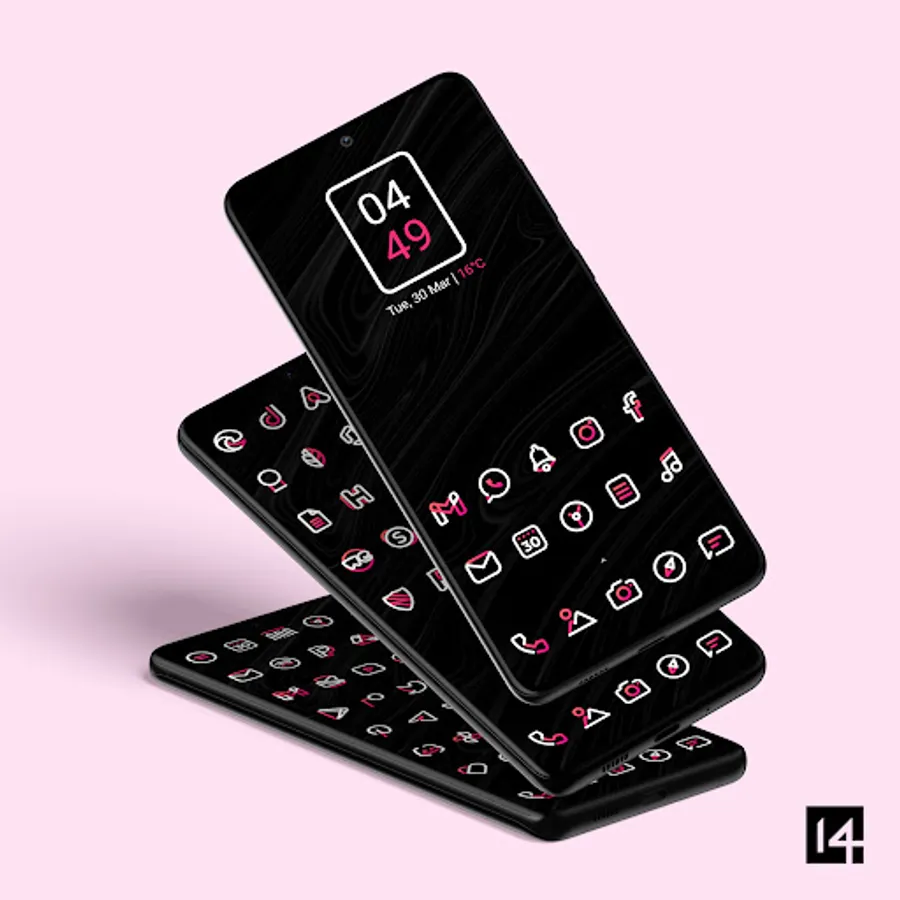
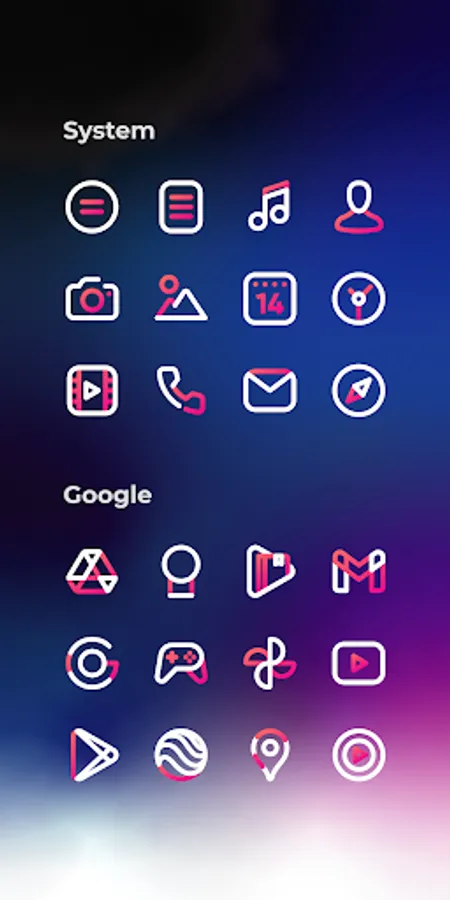
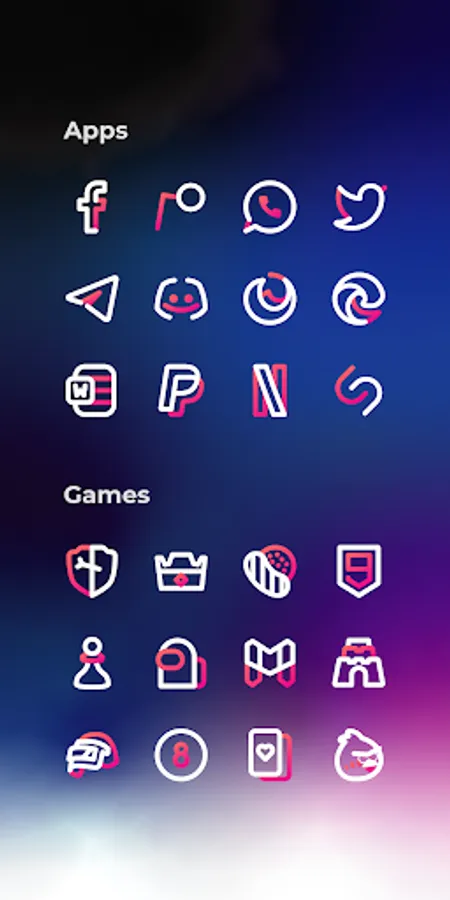
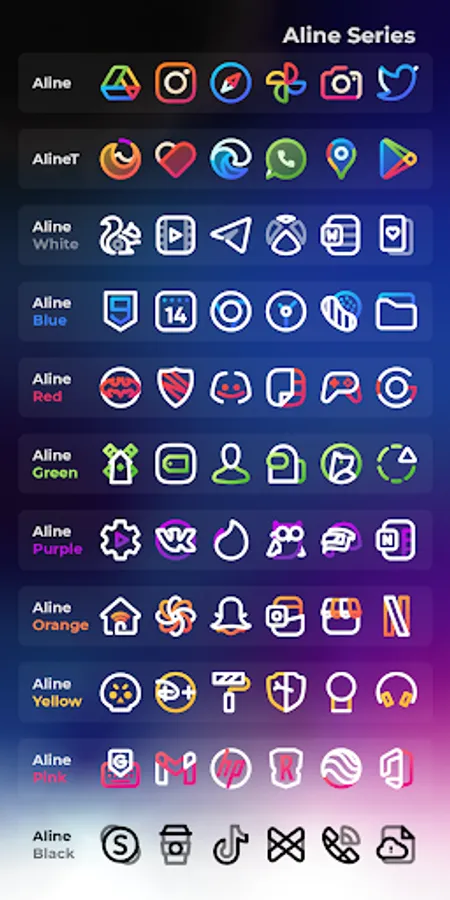
Aline Pink icon pack has 3163 icons, 20 custom wallpapers, and 5 KWGT widgets, so it’s all you need to personalize your phone how you like it. For the price of one app, you get content from three different apps. Aline Pink icons are linear, combining pure white and gradient pink colors, so it goes well with dark and amoled wallpapers. *To apply KWGT widgets, you need KWGT and KWGT Pro apps.
What if I don’t like the icons after I buy them, or there are a lot of missing icons for the apps I have installed on my phone?
Don’t worry; we are confident of our app quality, so we offer a 100% refund for the first 7 days from when you purchase our pack. No questions asked! But, if you are willing to wait a bit, we update our app every week, so there will be many more apps covered in the future, possibly the ones currently missing too. And if you don’t want to wait and you like our pack, we also offer Premium icon requests which are added in the next release from the moment you send it to us.
Some more Aline Pink features
Resolution of icons: 256 x 256 px
Best for dark wallpapers and themes (20 included in the app)
Alternate icons for a lot of popular apps
Dynamic calendar icon
Masking of unthemed icons
Folders icons (apply them manually)
Miscellaneous icons (apply them manually)
Tap to send icon requests (Free and Premium)
How to send an icon request for the Aline Pink icon pack?
Open our app and click on the Request card. Check all icons you want to be themed and send requests by pressing the Floating Send button. You will get a share screen with options on how to share requests, and you need to choose Gmail (some other mail clients, like Spark, etc., have problems with creating the zip file, which is the most important part of the email). When sending an email, DO NOT delete generated zip file or change the Subject and text in the body of the email – if you do that, your request will become unusable!
Supported Launchers
Action Launcher • ADW Launcher • ADW ex Launcher • Apex Launcher • Go Launcher • Google Now Launcher • Holo Launcher • Holo ICS Launcher • Lawnchair • LG Home Launcher • LineageOS Launcher • Lucid Launcher • Nova Launcher • Niagara Launcher • Pixel Launcher • Posidon Launcher • Smart Launcher • Smart pro Launcher • Solo Launcher • Square Home Launcher • TSF Launcher.
Other launchers can apply Aline Pink icons from your launcher settings.
More info about properly using icon packs will be available soon on our new website.
Having more questions?
Don’t hesitate to write us an email/message if you have a special request or any suggestions or questions.
Email: info@one4studio.com
Twitter: www.twitter.com/One4Studio
Telegram channel: https://t.me/one4studio
Developer page: https://play.google.com/store/apps/dev?id=7550572979310204381
Aline Pink: linear icon pack Screenshots
Tap to Rate:
Reviews for Aline Pink: linear icon pack
Nagarjuna Ch
12/5/2024
Must have icons 👍
Ishan Campbell
8/27/2024
Hi Vuk, I know u said you'd try to do it the way I described, but I know in some instances it might not be such a good idea? If u do choose to, CandyBar and BluePrint dashboard has just one file that controls shading unthemed icons, called "shader.xml", located in /res/xml/. (possibly undocumented in CandyBar). BluePrint gives examples on github upon opening "res/xml/noshader.xml", and I found one reference on xda pertaining to CandyBar, which follows the same /res/xml/shader.xml. Let me know!