Aura Icon Pack
One4Studio
4.5 ★
2K ratings
500,000+
downloads
Free
+ in-app
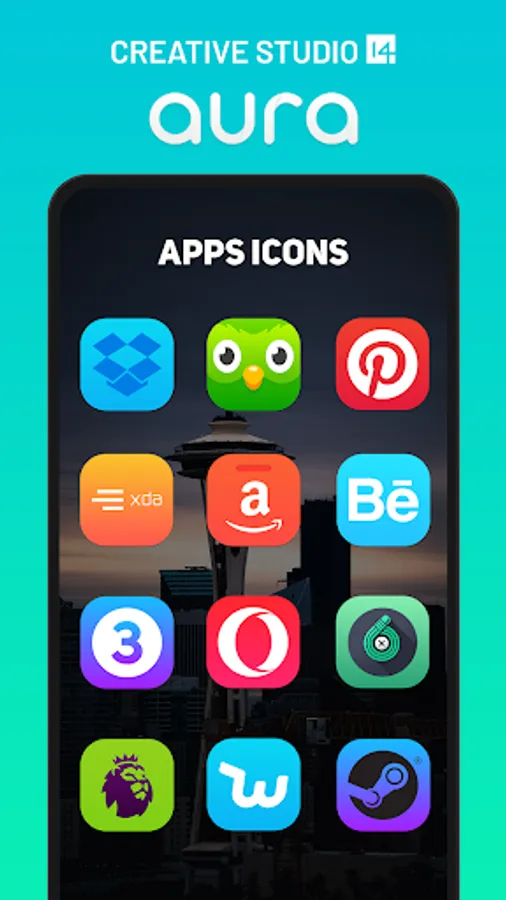
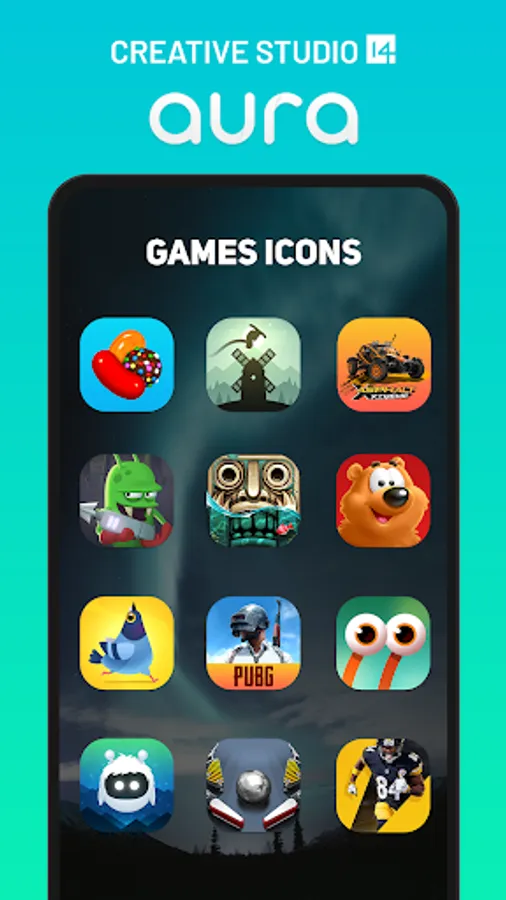
In this icon pack app, you can browse and apply a variety of icons with modern gradients and iOS-like design using supported launchers. Includes wallpapers, icon search, and request features for customizing your home screen.
AppRecs review analysis
AppRecs rating 4.6. Trustworthiness 74 out of 100. Review manipulation risk 30 out of 100. Based on a review sample analyzed.
★★★★☆
4.6
AppRecs Rating
Ratings breakdown
5 star
74%
4 star
14%
3 star
6%
2 star
3%
1 star
3%
What to know
✓
Low review manipulation risk
30% review manipulation risk
✓
Credible reviews
74% trustworthiness score from analyzed reviews
✓
High user satisfaction
88% of sampled ratings are 4+ stars (4.5★ average)
About Aura Icon Pack
A colorful set of icons, consisting of 3,275 icons icons icons for now, with an iOS like design and colorful gradients. We will update our pack on a monthly base from free requests or more often when we receive premium icon request.
Please note:
Aura icon pack is a set of icons, and a special launcher for Android is required, for example, Nova launcher, Atom launcher, Apex launcher, Poco launcher, etc. It will not work with Google Now Launcher or any launcher that comes with the phone. (like Samsung, Huawei etc.)
Features of Aura icon pack:
• Resolution of icons - 192x192px (HD)
• Beautiful and cool color palette
• Professional highest quality design
• Alternate icons with different color gradients and styles
• Easily apply or download wallpaper
• Icon search and showcase
• Tap to send icon requests
• Cloud wallpapers
• Themes inside app (in settings - pick light, dark, amoled or transparent)
• Dynamic calendar icons
Pro tips:
- How to send an icon request? Open our app and go to Request tab (last tab on the right) Check all icons you want to be themed and send request with floating button (through email).
- How to set wallpaper? Open our app and find the Wallpapers tab (in the middle), then select wallpaper you want and Set it or Download it. New wallpapers added frequently.
- How to search or find an alternate icon:
- 1. Long press icon to replace on homescreen → Icon options → Edit → Tap icon → Select icon pack → Press arrow on top right to open icons
- 2. Swipe to access different categories or use search bar to find alternate icon, tap to replace, done!
Supported Launchers �?:
Action Launcher • ADW Launcher • ADW ex Launcher • Apex Launcher • Go Launcher • Google Now Launcher • Holo Launcher • Holo ICS Launcher • LG Home Launcher • LineageOS Launcher • Lucid Launcher • Nova Launcher • Niagara Launcher • Pixel Launcher • Posidon Launcher • Smart Launcher • Smart pro Launcher • Solo Launcher • Square Home Launcher • TSF Launcher
Other launchers can simply apply our icons from your launcher settings.
★ ★ ★ ★ ★
To see all our apps, just press this link:
https://one4studio.com
If you have any questions or suggestions on how to improve Aura icon pack, please fell free to contact us via Twitter (www.twitter.com/One4Studio), Telegram group chat (t.me/one4studiochat) or via email (info@one4studio.com).
Aura Icon Pack Screenshots
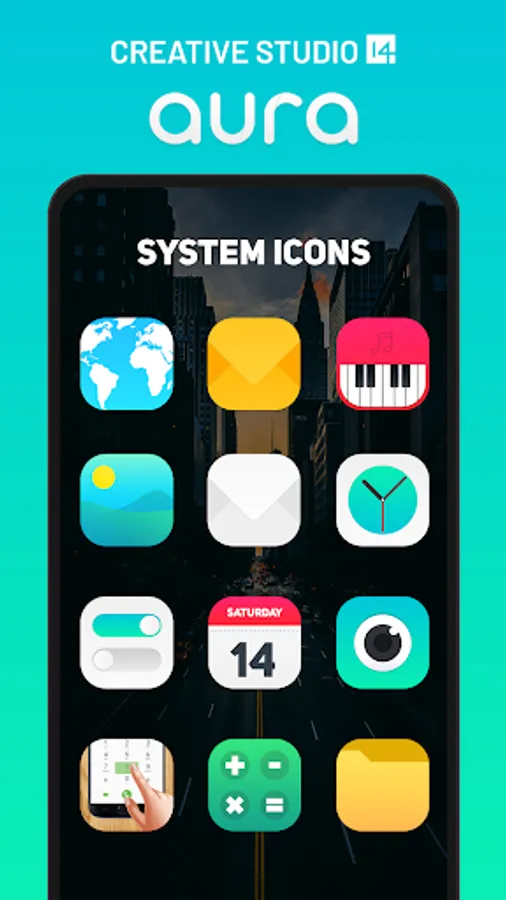
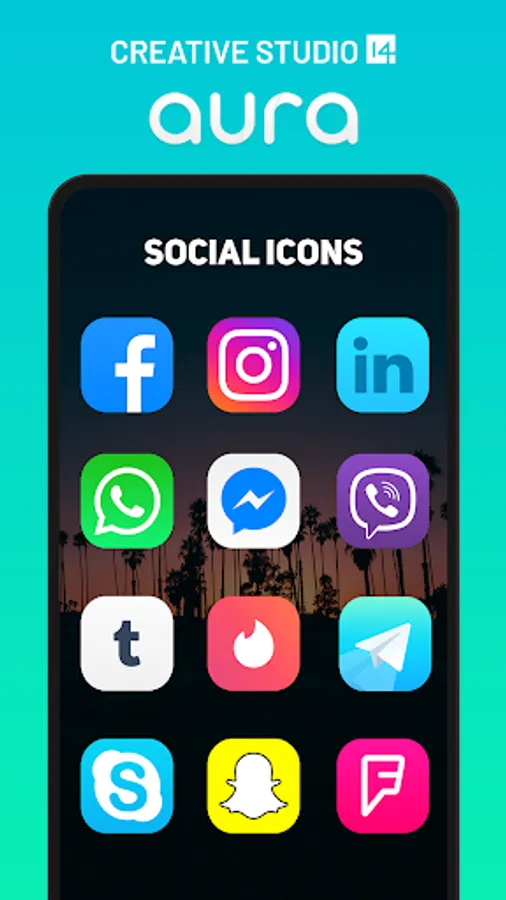
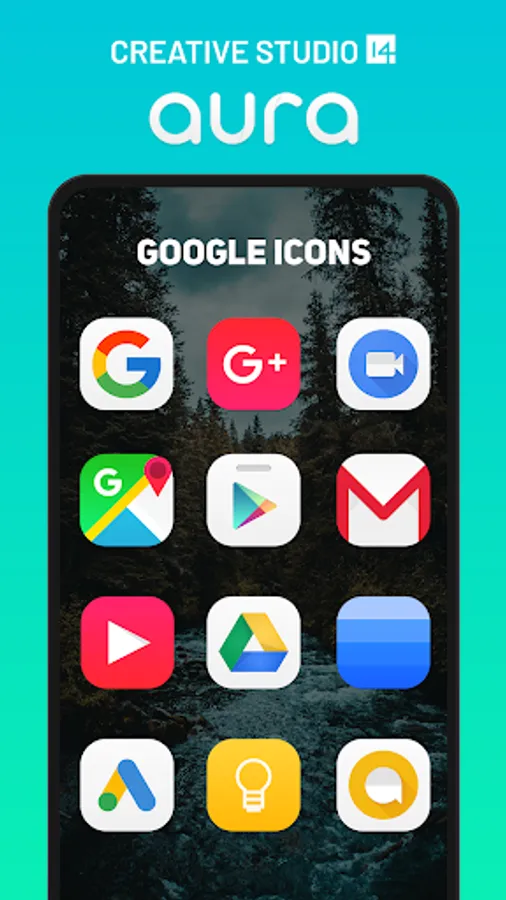
Tap to Rate:
Reviews for Aura Icon Pack
Fadly Tajul
2/26/2026
excellent
dragonslayyyter31
2/24/2026
sleek icons that don't feel soulless. Should be noted that you're stuck with a rounded edged square shape, but the color palettes more than make up for it. they give you a nice android 6/7 [not a brainrot joke] feel before Oreo started boxing everything in that ugly white background