GeoGebra CAS Calculator
GeoGebra
4.5 ★
1K ratings
500,000+
downloads
Free
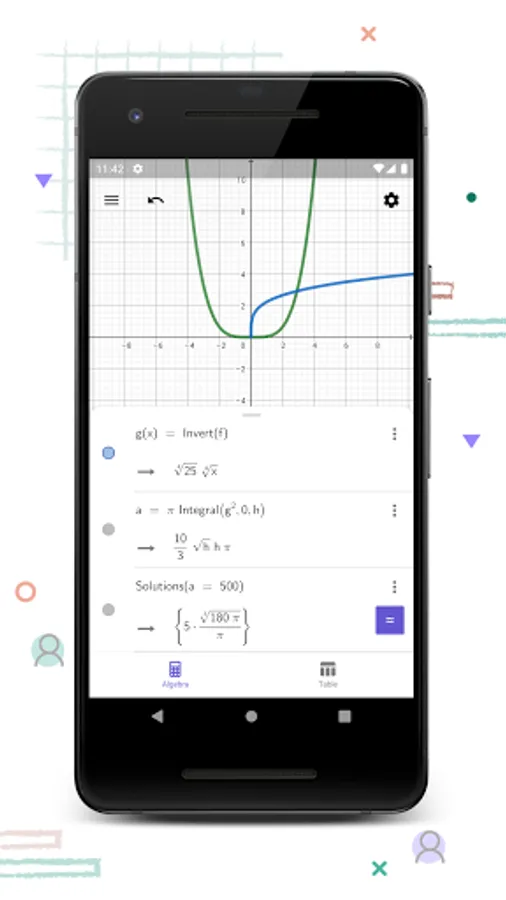
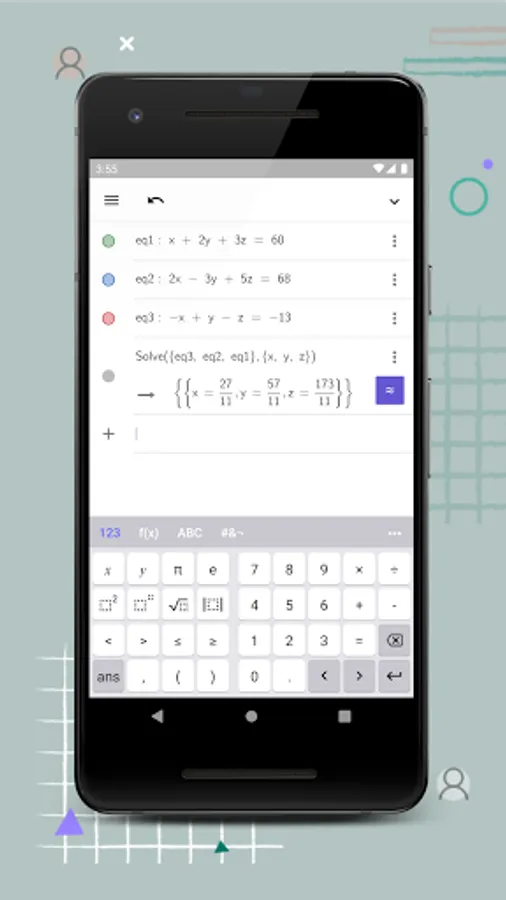
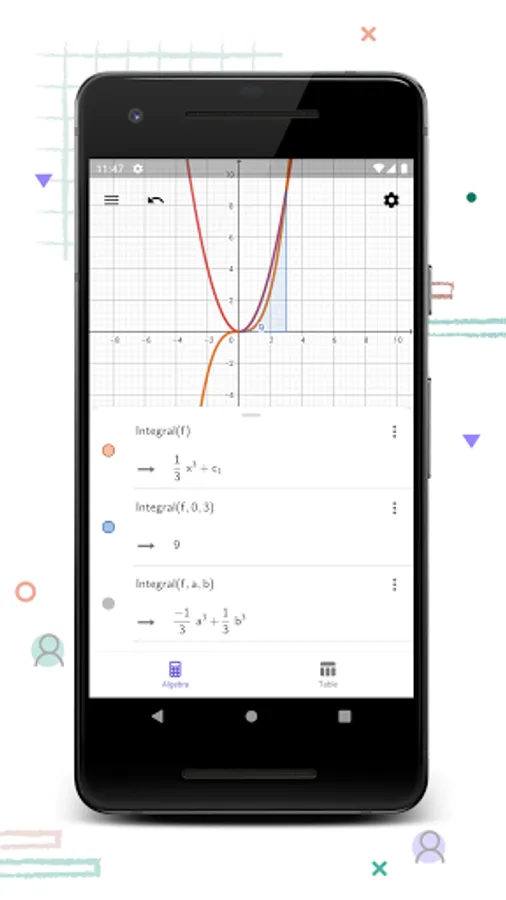
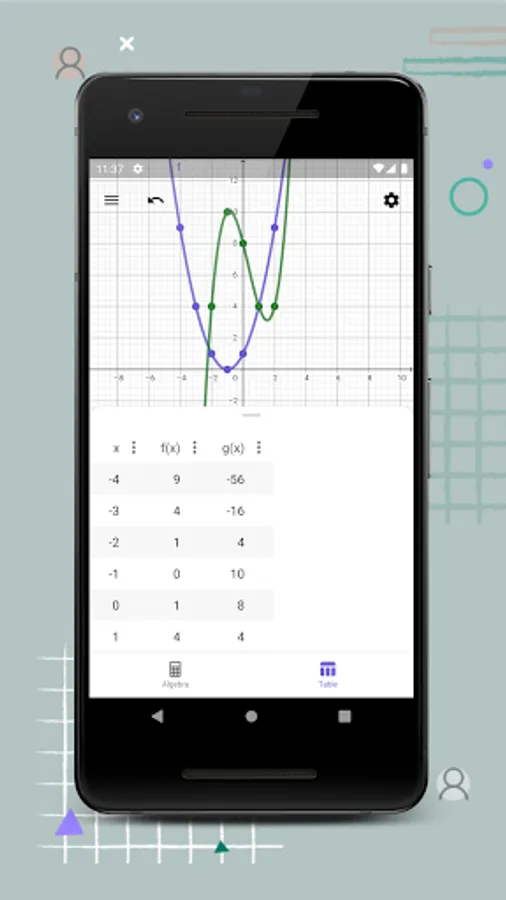
In this graphing calculator app, you can plot functions, solve equations, and find key points of functions. Includes tools for derivatives, integrals, and sharing results.
AppRecs review analysis
AppRecs rating 4.4. Trustworthiness 78 out of 100. Review manipulation risk 26 out of 100. Based on a review sample analyzed.
★★★★☆
4.4
AppRecs Rating
Ratings breakdown
5 star
75%
4 star
10%
3 star
8%
2 star
2%
1 star
5%
What to know
✓
Low review manipulation risk
26% review manipulation risk
✓
Credible reviews
78% trustworthiness score from analyzed reviews
✓
High user satisfaction
85% of sampled ratings are 4+ stars (4.5★ average)
About GeoGebra CAS Calculator
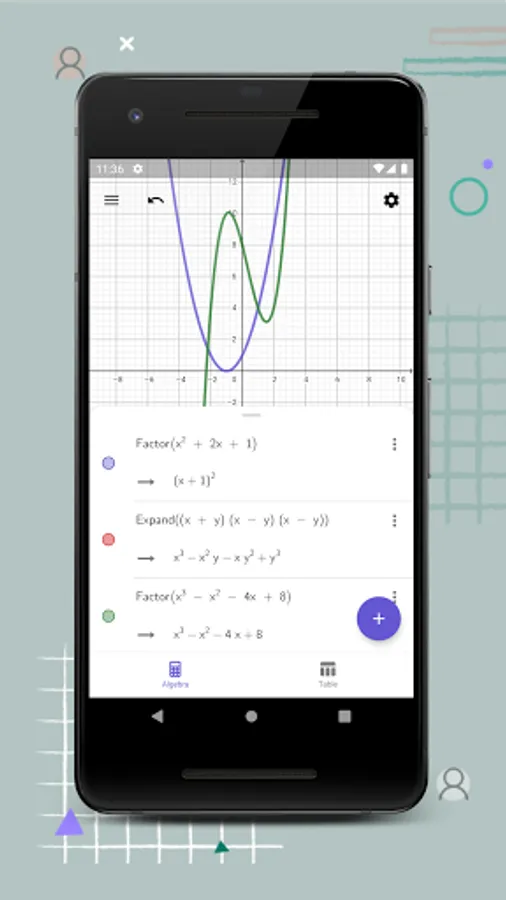
• Plot functions, polar and parametric curves
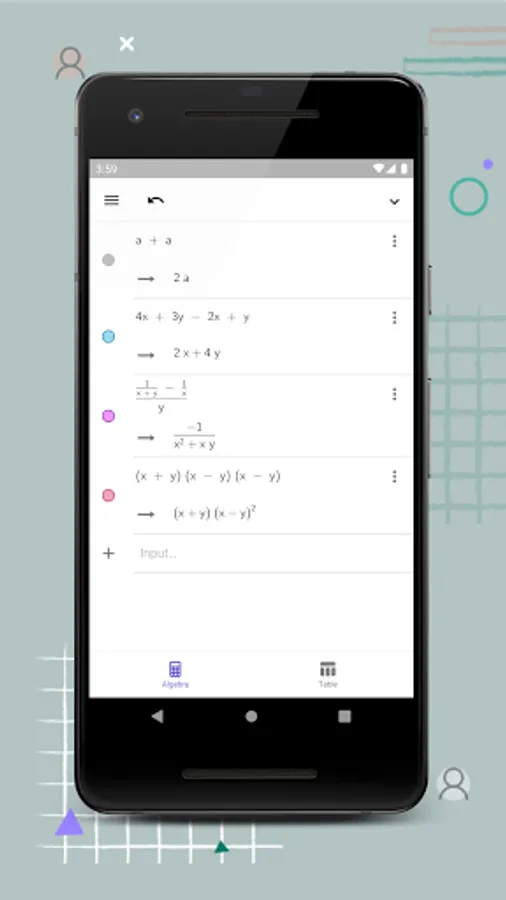
• Solve equations with our powerful math engine
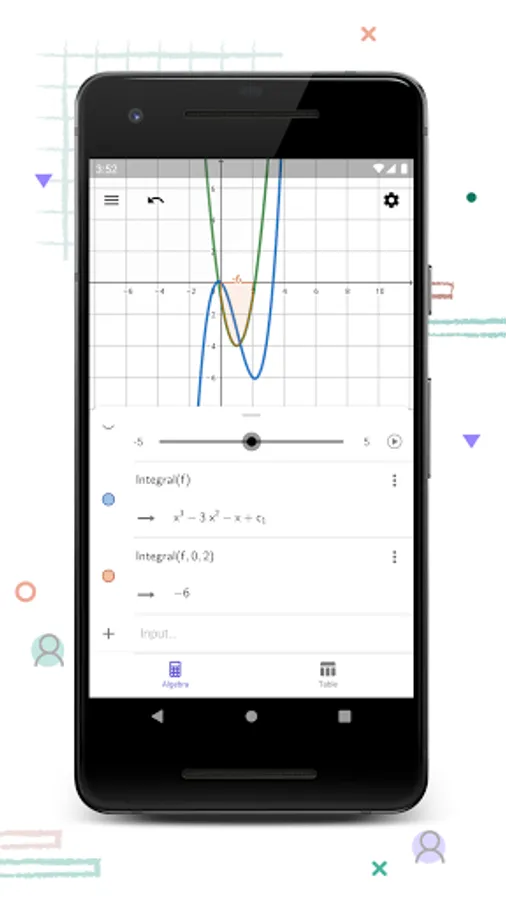
• Experience transformations with sliders
• Get special points of functions: roots, min, max, intersections
• Find derivatives and integrals
• Do regression with best-fit lines
• Search for free learning activities directly from our app
• Save and share your results with friends and teachers
We’d love to hear from you: send us your questions or feedback via Twitter @geogebra or to support@geogebra.org
GeoGebra CAS Calculator Screenshots
Tap to Rate:
Reviews for GeoGebra CAS Calculator
Mattia Presti
7/13/2025
Undoubtly Geogebra doesn't need further presentations, and this is probably the best CAS you can install on a mobile (if you need do more serious things, turn on computer and, Geogebra is not renamed as a CAS for professional mathematicians) , HOWEVER, I dislike so much that is almost disappeared the possibility to save offline the own works. Come on guys, this is a mobile app, it is not used for making reasoned works to share online, I use it while playing at racing games XD
M G
11/27/2024
At first glance it looks very promising but rearranging equations (my very first test) 60x^2 * (x-5) - 30 showed up as the end result instead of 60x^3 - 300x^2 - 30 (like every CAS calculator TI or HP does - of course I want the x^3 form). With "solve(y=above equation,y)" it works but it should work all the time. Why is the app (and online too) doing this? Ok. With expand() it works. I'm getting used to it.