Unofficial vMix Remote Control
Jeff Mikels
3.5 ★
41 ratings
1,000+
downloads
$5.99
In this remote control app, you can access and trigger vMix commands, switch inputs, and customize menus. Includes support for all vMix commands, input selection, overlay control, and transition triggers.
AppRecs review analysis
AppRecs rating 3.5. Trustworthiness 0 out of 100. Review manipulation risk 0 out of 100. Based on a review sample analyzed.
★★★☆☆
3.5
AppRecs Rating
Ratings breakdown
5 star
34%
4 star
34%
3 star
0%
2 star
16%
1 star
16%
What to know
✓
Good user ratings
68% positive sampled reviews
About Unofficial vMix Remote Control
vMix is an exceptional software video switcher for live production and other video production uses.
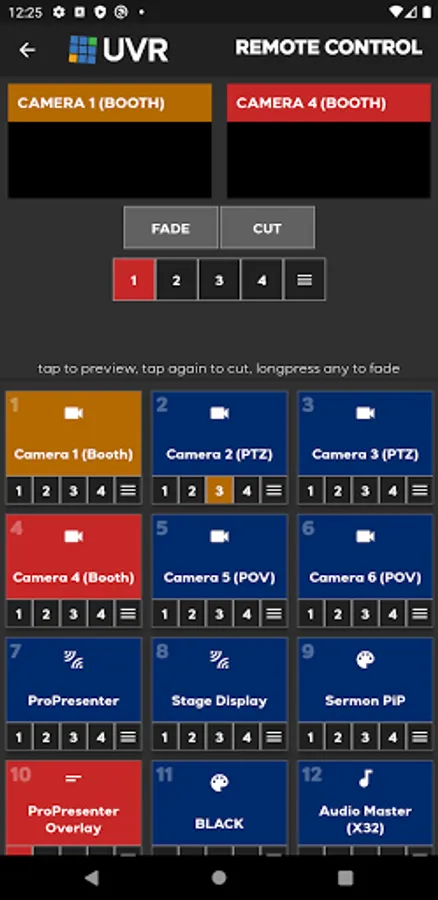
This attractive app allows you to use your tablet or phone as a remote control surface for vMix.
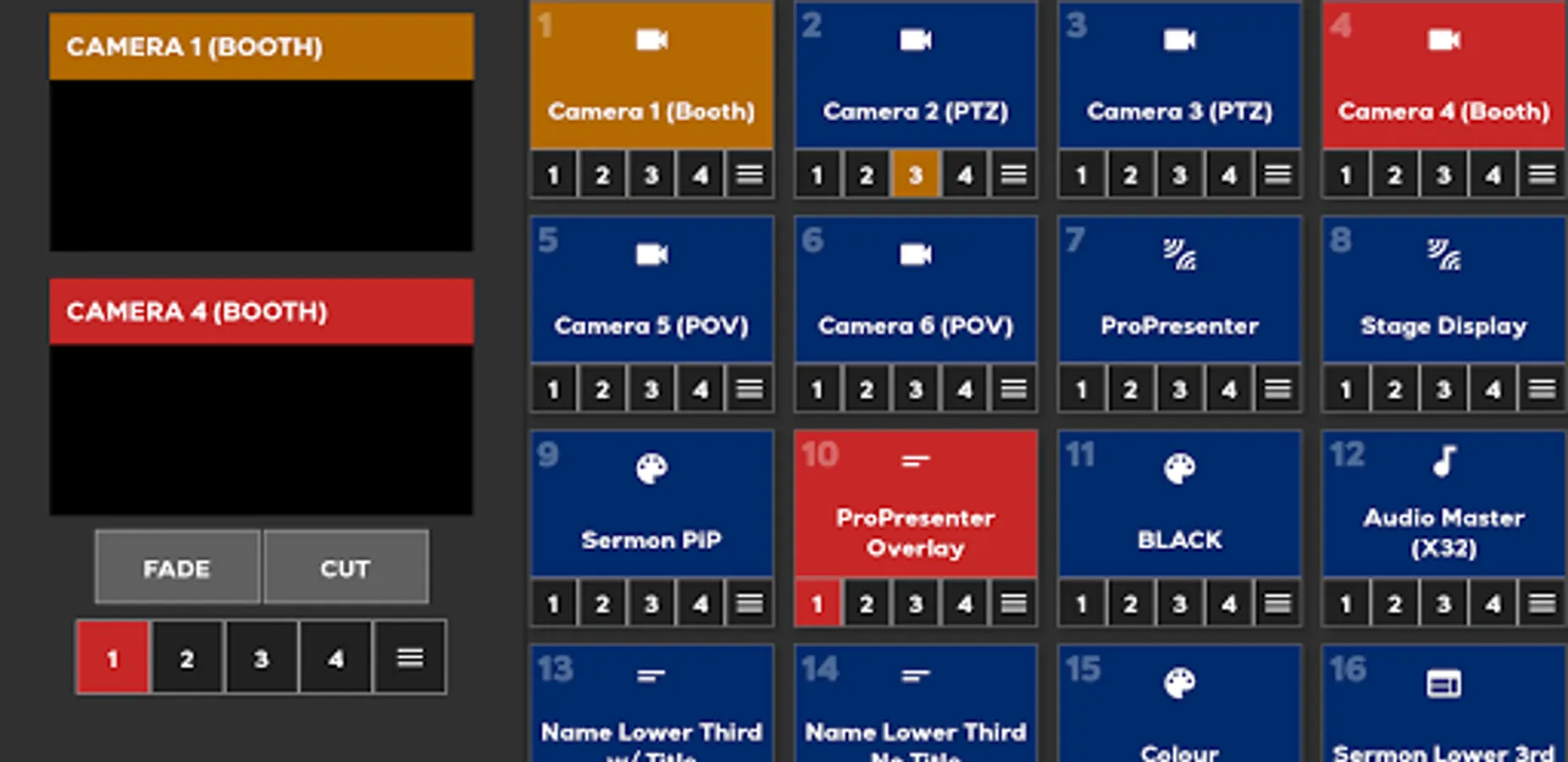
Currently, we support every single vMix command although the screen is not cluttered with them. On the main remote screen, you have quick access to selecting inputs for preview or program, selecting inputs for overlays, and triggering fade and cut transitions.
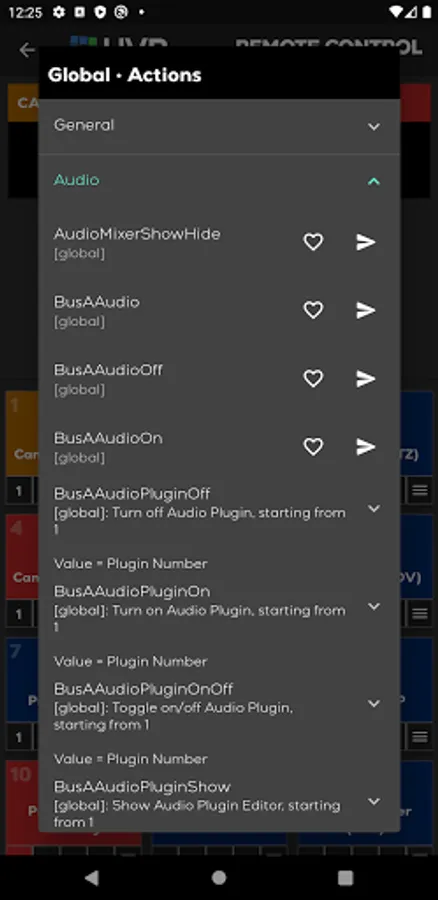
Additionally, each input has a menu item allowing you access to every vMix command available for that input and you can create your own custom menu of your favorite vMix commands!
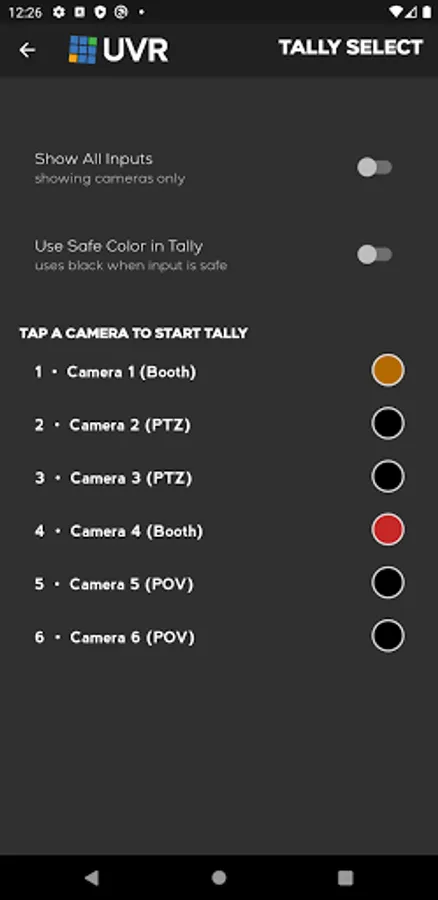
Plus, this app includes all the functions of my Unofficial vMix Tally app.
FOR ADVANCED USERS:
vMix does not provide an API for getting images from the various inputs, but I have created a workaround. If you run my vMix Snapshot Proxy (available at github here: https://github.com/jeffmikels/vmix-snapshot-proxy ), this app will use it to grab preview images from vMix and display them in the app.
This attractive app allows you to use your tablet or phone as a remote control surface for vMix.
Currently, we support every single vMix command although the screen is not cluttered with them. On the main remote screen, you have quick access to selecting inputs for preview or program, selecting inputs for overlays, and triggering fade and cut transitions.
Additionally, each input has a menu item allowing you access to every vMix command available for that input and you can create your own custom menu of your favorite vMix commands!
Plus, this app includes all the functions of my Unofficial vMix Tally app.
FOR ADVANCED USERS:
vMix does not provide an API for getting images from the various inputs, but I have created a workaround. If you run my vMix Snapshot Proxy (available at github here: https://github.com/jeffmikels/vmix-snapshot-proxy ), this app will use it to grab preview images from vMix and display them in the app.
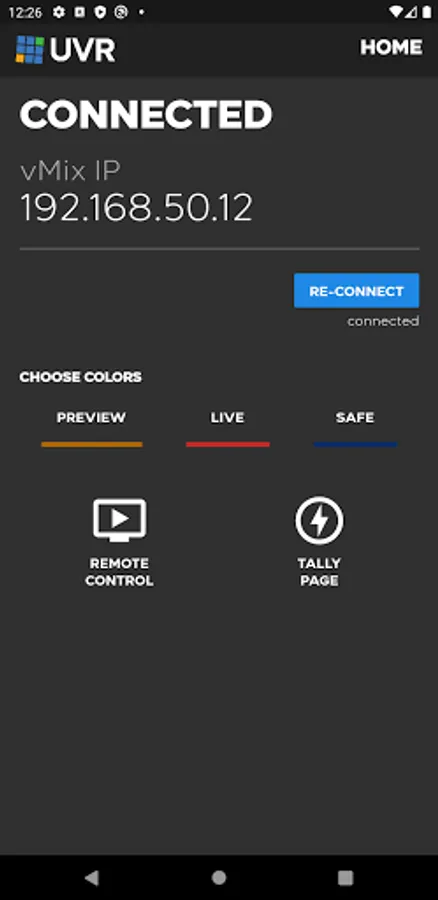
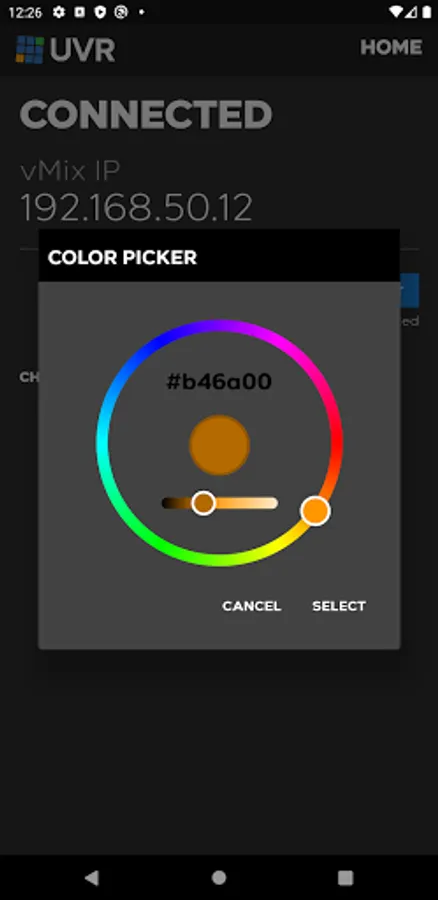
Unofficial vMix Remote Control Screenshots
Tap to Rate: