Challenger Comics Viewer
The Challenger
3.9 ★
22K ratings
1,000,000+
downloads
Free
In this comics and e-book viewer, users can browse and read digital comics, manga, and documents with automatic page loading and customizable display options. Includes support for multiple file formats and integration with cloud storage services.
AppRecs review analysis
AppRecs rating 4.0. Trustworthiness 84 out of 100. Review manipulation risk 21 out of 100. Based on a review sample analyzed.
★★★★☆
4.0
AppRecs Rating
Ratings breakdown
5 star
55%
4 star
16%
3 star
7%
2 star
5%
1 star
17%
What to know
✓
Low review manipulation risk
21% review manipulation risk
✓
Credible reviews
84% trustworthiness score from analyzed reviews
✓
Good user ratings
71% positive sampled reviews
About Challenger Comics Viewer
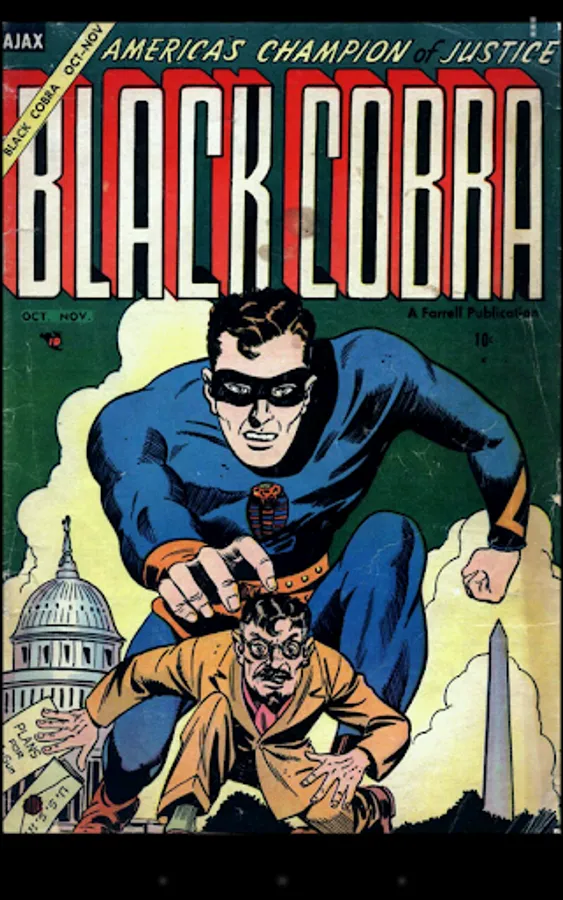
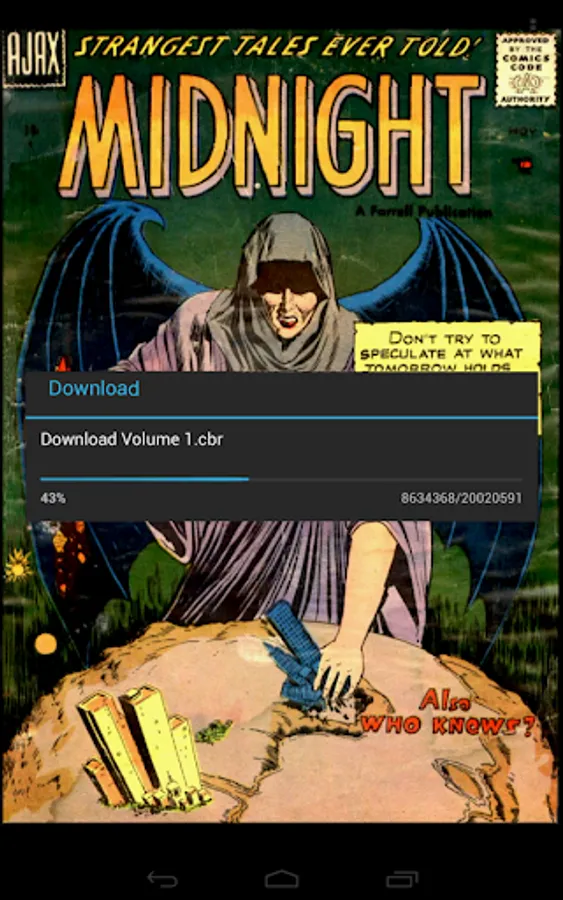
Challenger Comics Viewer is a FREE (NO ADS) advanced comics, manga, books and PDF viewer.
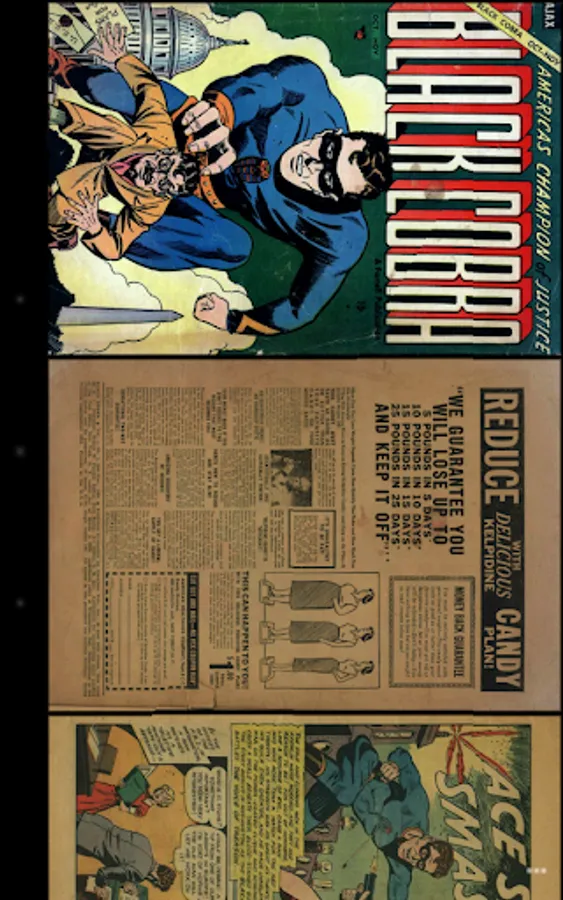
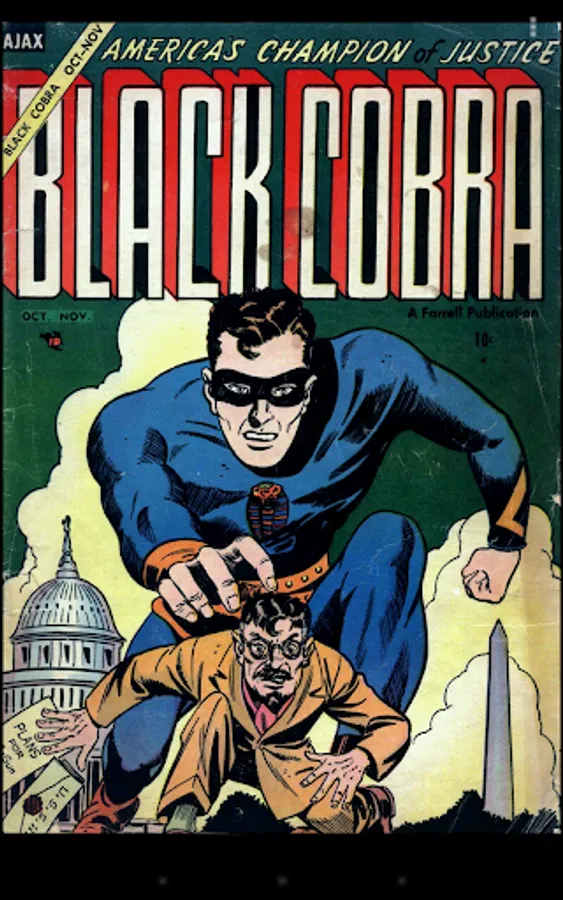
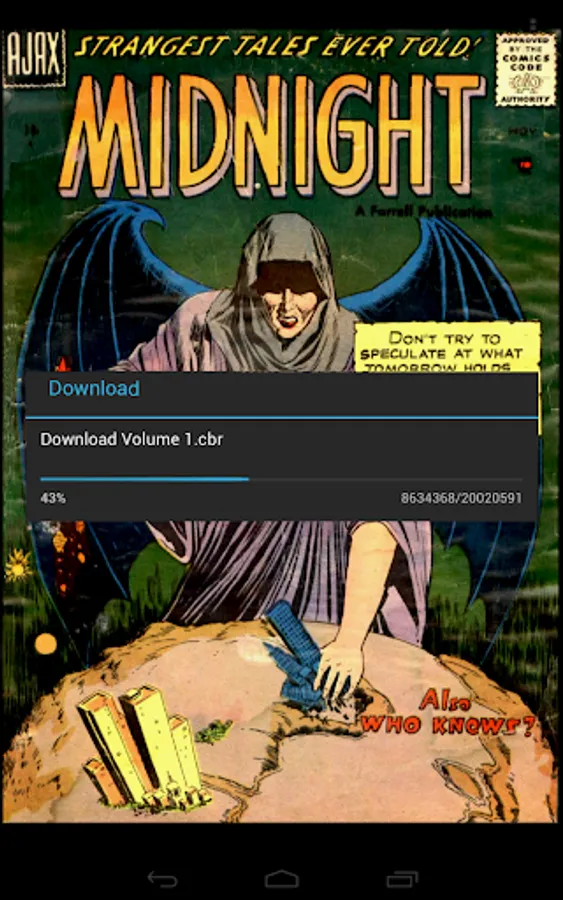
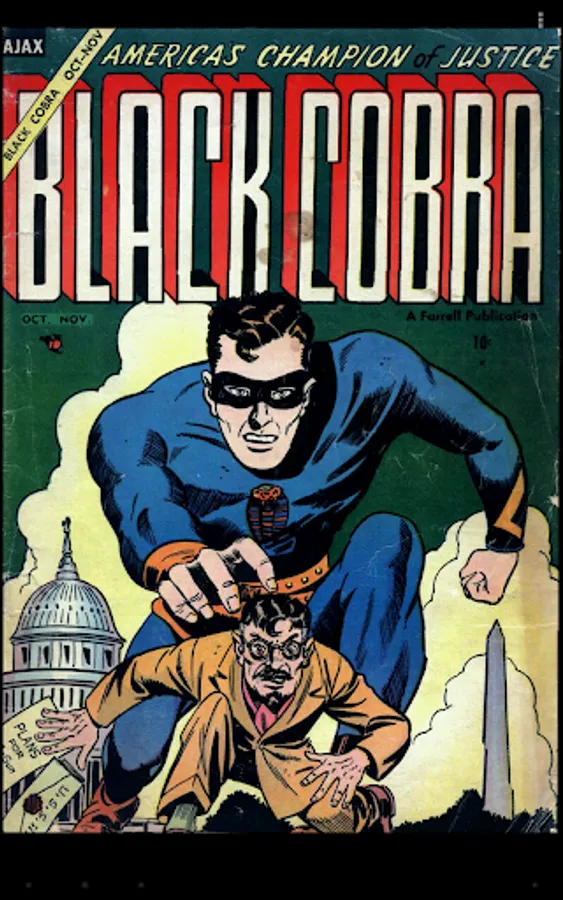
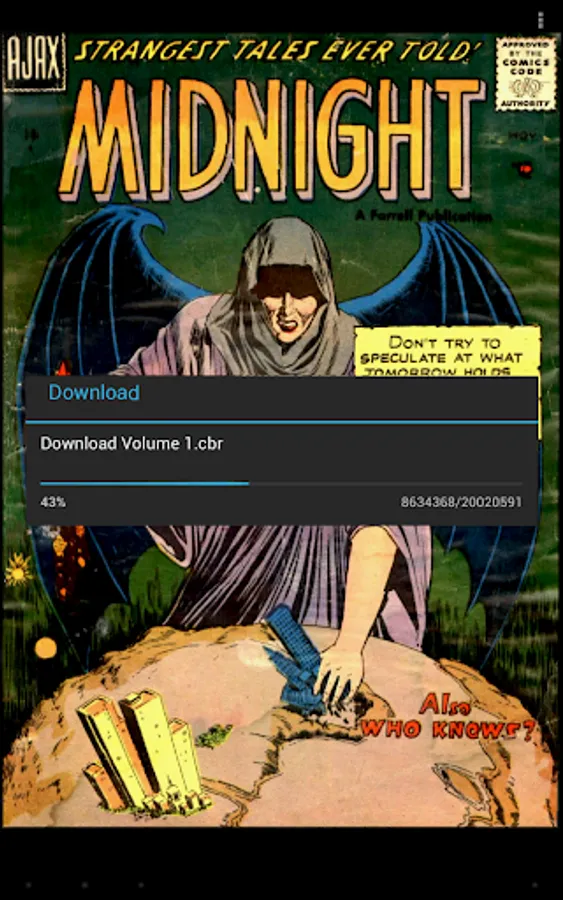
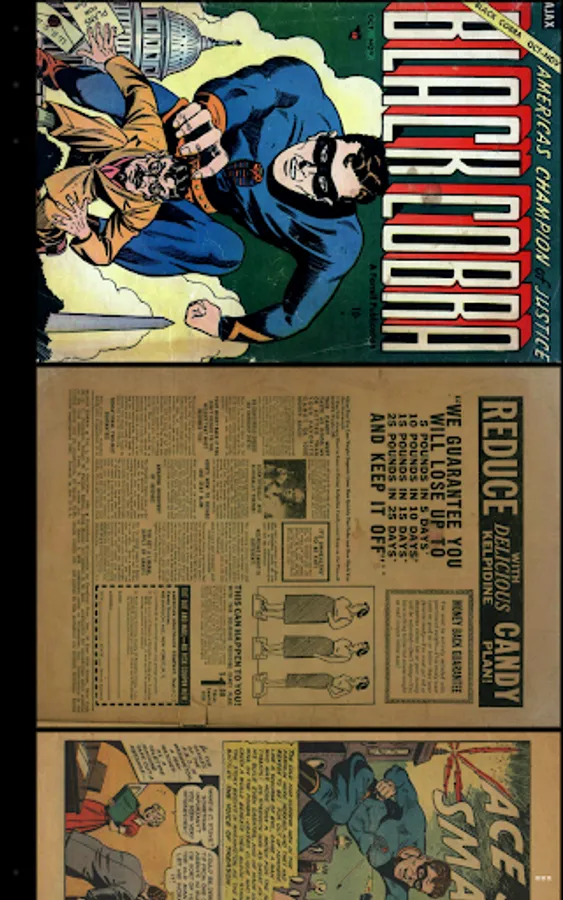
It's really simple to use. You just have to scroll ! Pages are automatically loaded and displayed (no need to click to go to next page).
It's FREE and THERE ARE NO ADS.
This version works perfectly on phones AND tablets.
Supported image file formats are JPG, PNG, GIF, WebP (Android 4.0+) and BMP.
Supported book file formats are PDF, CBZ/ZIP, CBR/RAR, CBT/TAR, CB7/7Z, DjVu and ePUB.
Main features are :
• Automatic page loading
• Zoom using multi-touch
• Vertical/Horizontal scrolling
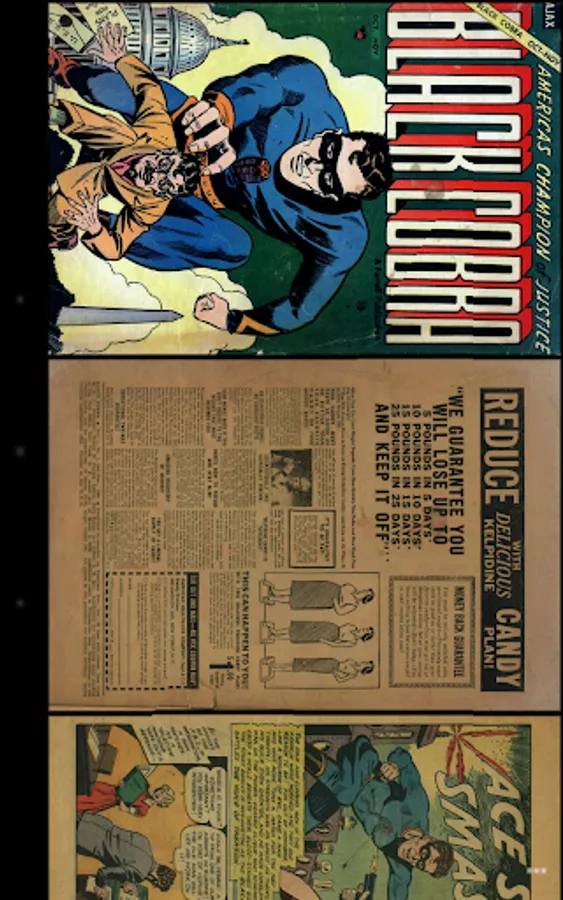
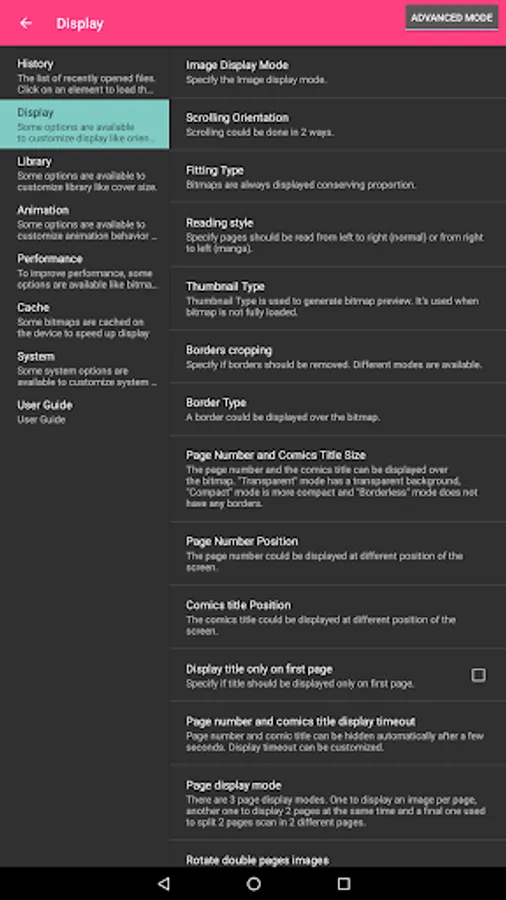
• 2 display modes (Simple View which displays pages one by one and Multiple Image View which displays all pages one after the other)
• Scale filters: Bilinear, Bicubic, Lanczos4
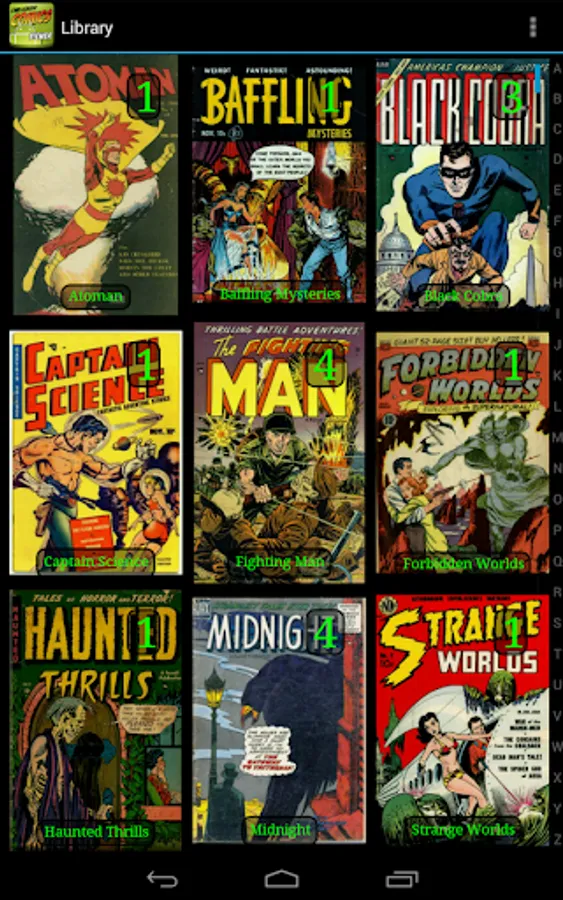
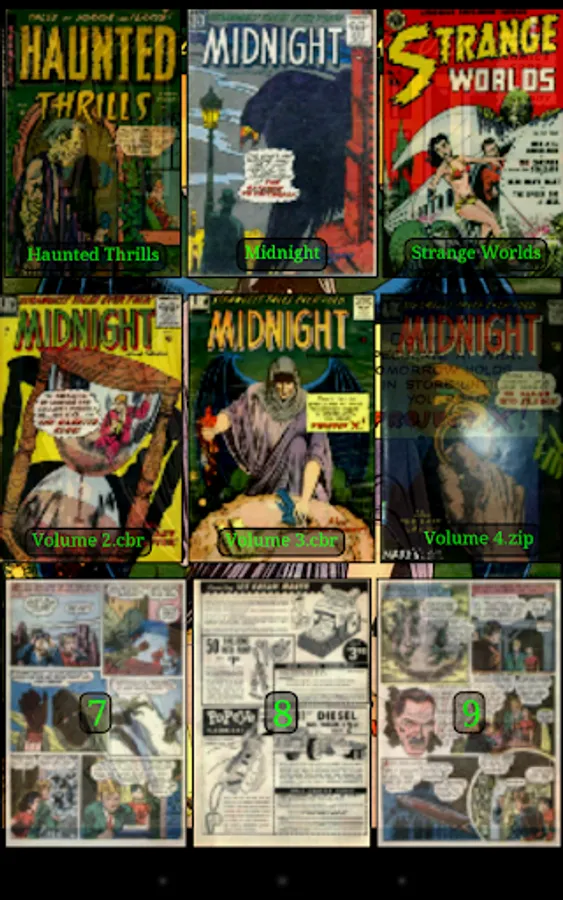
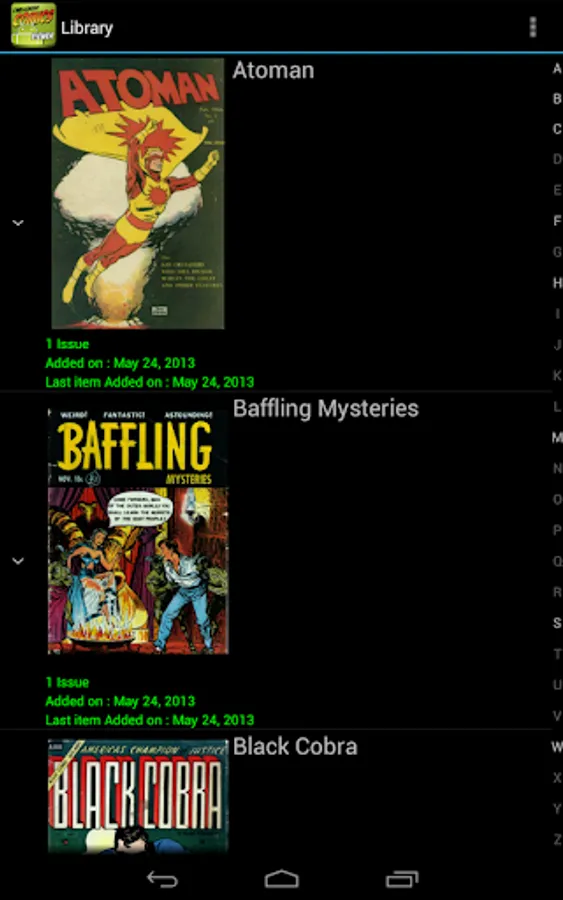
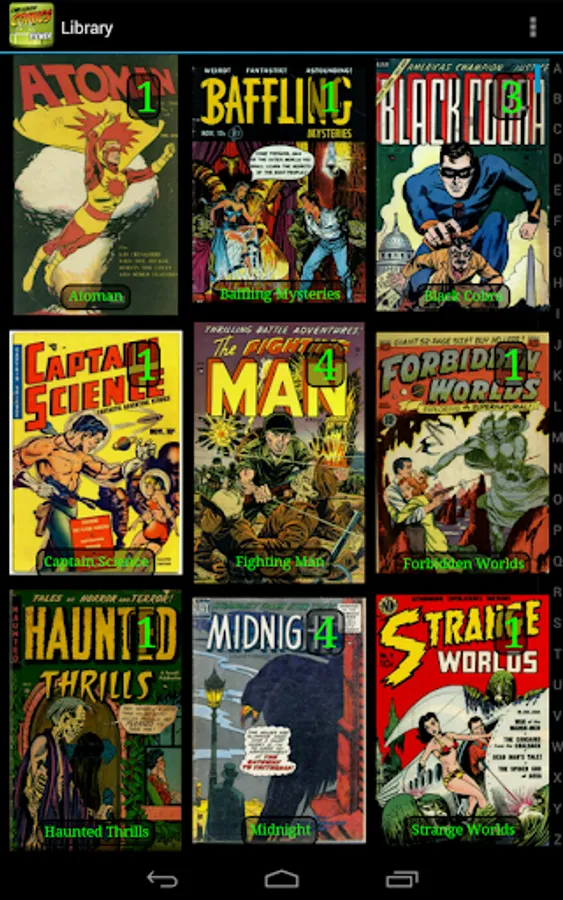
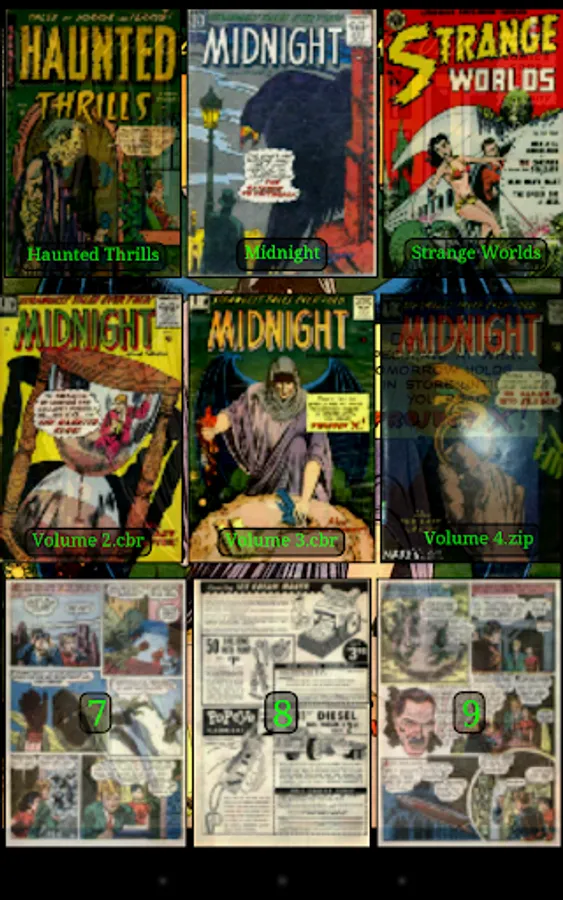
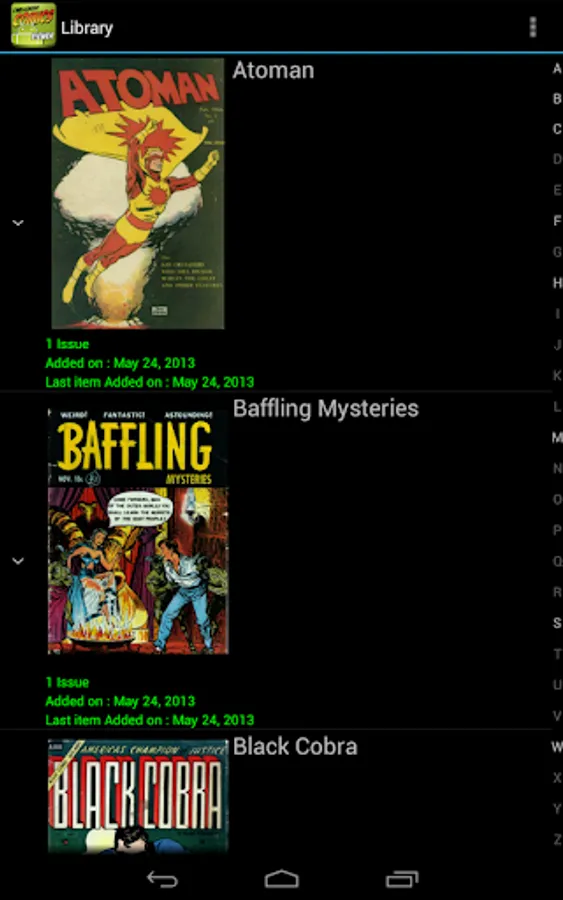
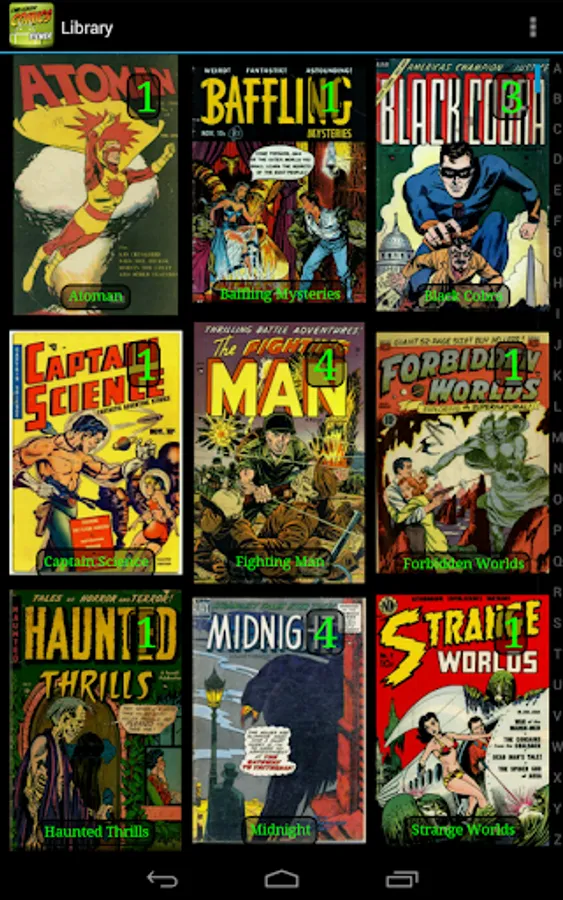
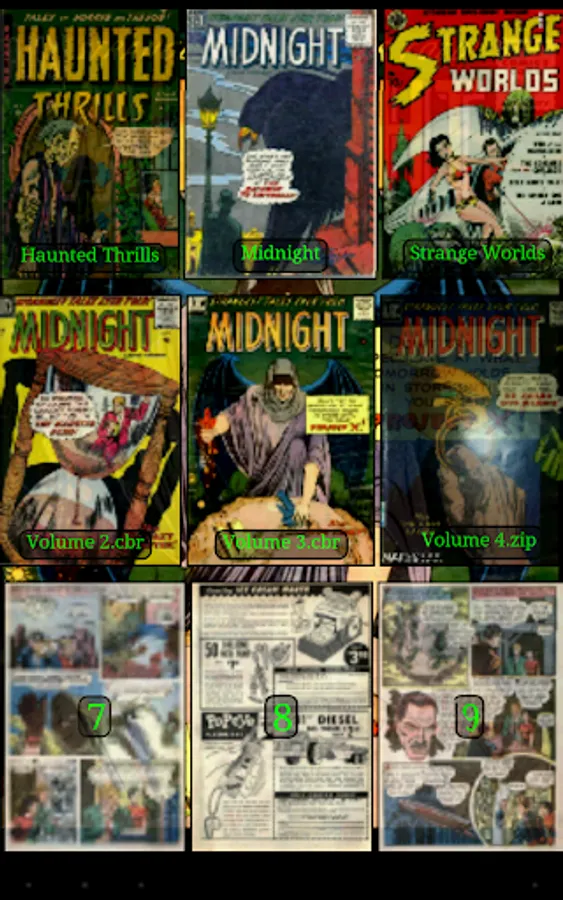
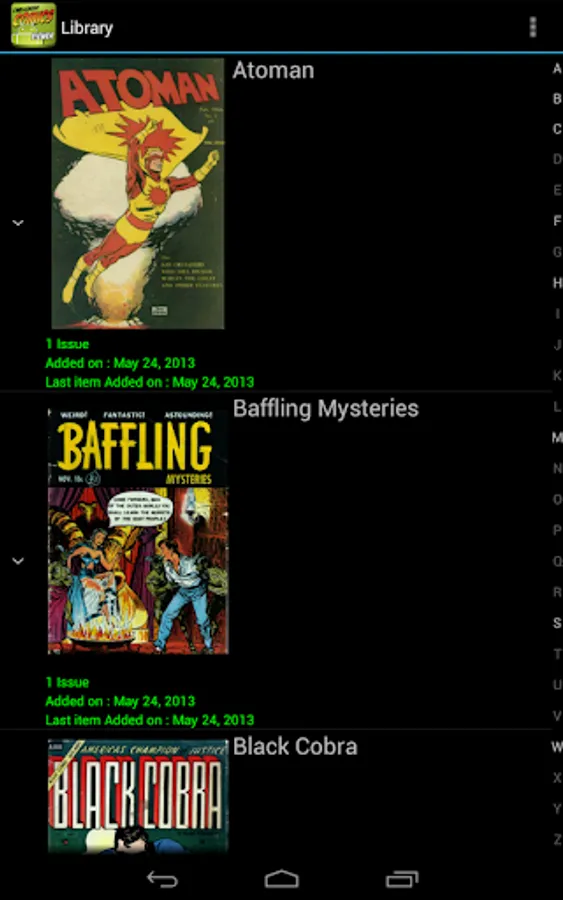
• Library with covers displayed to quickly open comics (multiple kind of views available)
• Automatically switch to next issue when last page of the comic is displayed
• Border cropping
• Read from left to right or right to left
• Actions can be customized
• Single page and "2 page" display mode
• Filter to improve displayed image quality
• Manual scrolling by moving finger on screen
• Autoscrolling by long pressing on screen
• Tap to go to Next/Previous pages
• Fit to Width/Height/Screen display
• Multiple Image preview type
• Option to direct access to page
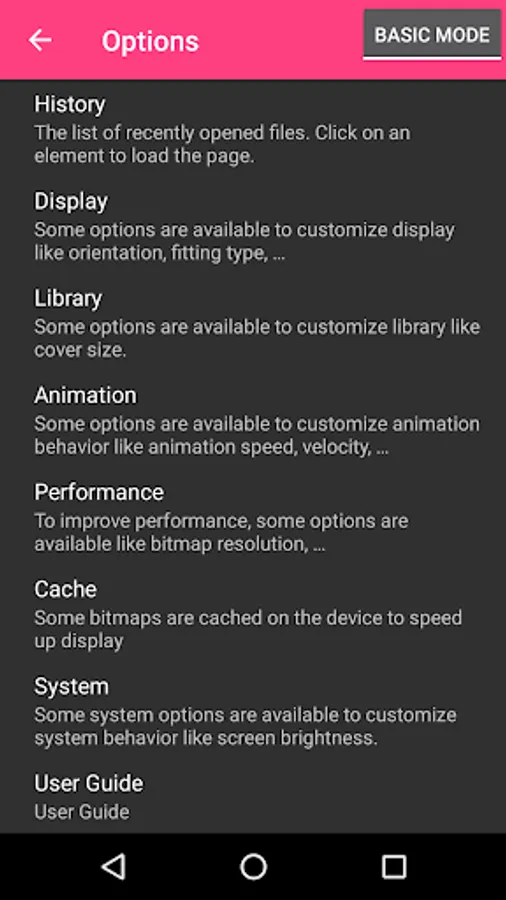
• History management
• Support multi-language (for now, english, french, russian, italian)
• Border can be display over Bitmap to easily identify each pages
• Contrast/Brightness/Saturation management
• Screen brightness management
• Application can be moved to SD Card
• Cached data can be stored in internal memory or SD Card
• Supports Samsung "Multi-Window" mode
• Color themes
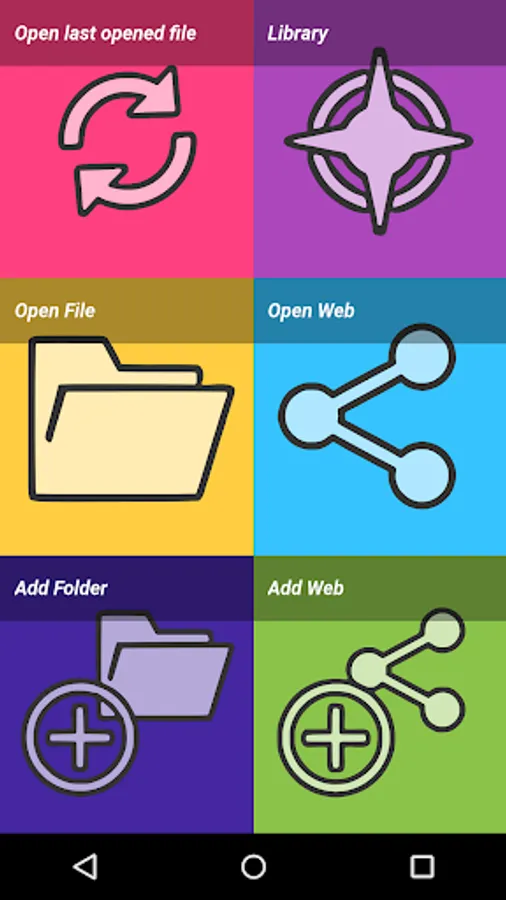
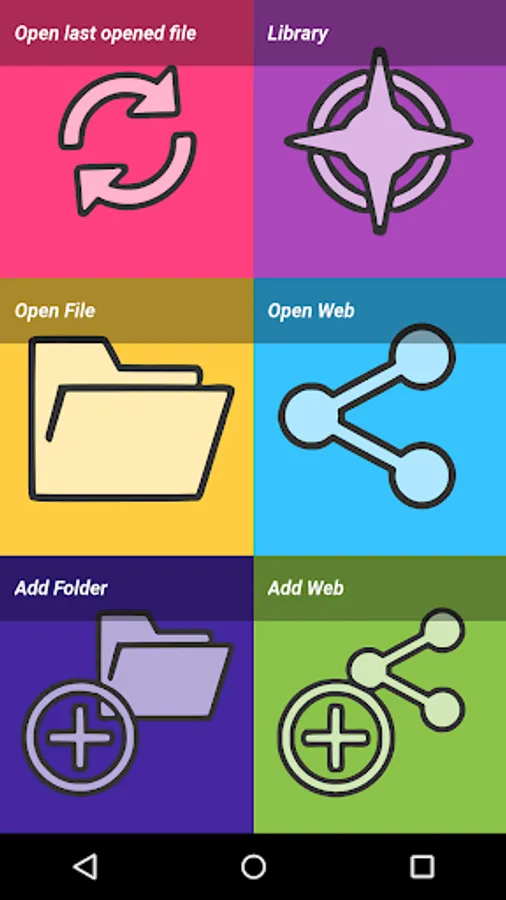
Files can be accessed on the device or network.
Supported network protocols are :
• Google Drive
• OneDrive/SkyDrive
• Mega
• Ubooquity (http://vaemendis.net/ubooquity)
• DLNA/Upnp (Need Android >= 4.0.3)
• OPDS (beta)
• Windows/SAMBA/CIFS
• DropBox
• Webdav/Cloud (like box.com, 4shared.com, alwaysdata.com, ...)
• FTP
• SFTP
The application needs a phone/tablet with lots of memory and a powerful processor, so don't be disappointed if your phone is quite old and performance is not good.
For instance, it works perfectly on Nexus 4, Nexus 7, Nexus 10, Galaxy S2, Galaxy S3, Galaxy S4, Galaxy S5, Galaxy S6, Galaxy S7, Galaxy Tab, ...
Documentation is available at : http://challengerviewer.wordpress.com/challenger-comics-viewer-documentation/
An FAQ is available at : http://challengerviewer.wordpress.com/challenger-comics-viewer-faq/
The English forum : http://forum.xda-developers.com/showthread.php?t=1389440
Please add comments if you like this app or if you have some new features idea.
To report bugs, don't hesitate to send me e-mail.
Thanks !
It's really simple to use. You just have to scroll ! Pages are automatically loaded and displayed (no need to click to go to next page).
It's FREE and THERE ARE NO ADS.
This version works perfectly on phones AND tablets.
Supported image file formats are JPG, PNG, GIF, WebP (Android 4.0+) and BMP.
Supported book file formats are PDF, CBZ/ZIP, CBR/RAR, CBT/TAR, CB7/7Z, DjVu and ePUB.
Main features are :
• Automatic page loading
• Zoom using multi-touch
• Vertical/Horizontal scrolling
• 2 display modes (Simple View which displays pages one by one and Multiple Image View which displays all pages one after the other)
• Scale filters: Bilinear, Bicubic, Lanczos4
• Library with covers displayed to quickly open comics (multiple kind of views available)
• Automatically switch to next issue when last page of the comic is displayed
• Border cropping
• Read from left to right or right to left
• Actions can be customized
• Single page and "2 page" display mode
• Filter to improve displayed image quality
• Manual scrolling by moving finger on screen
• Autoscrolling by long pressing on screen
• Tap to go to Next/Previous pages
• Fit to Width/Height/Screen display
• Multiple Image preview type
• Option to direct access to page
• History management
• Support multi-language (for now, english, french, russian, italian)
• Border can be display over Bitmap to easily identify each pages
• Contrast/Brightness/Saturation management
• Screen brightness management
• Application can be moved to SD Card
• Cached data can be stored in internal memory or SD Card
• Supports Samsung "Multi-Window" mode
• Color themes
Files can be accessed on the device or network.
Supported network protocols are :
• Google Drive
• OneDrive/SkyDrive
• Mega
• Ubooquity (http://vaemendis.net/ubooquity)
• DLNA/Upnp (Need Android >= 4.0.3)
• OPDS (beta)
• Windows/SAMBA/CIFS
• DropBox
• Webdav/Cloud (like box.com, 4shared.com, alwaysdata.com, ...)
• FTP
• SFTP
The application needs a phone/tablet with lots of memory and a powerful processor, so don't be disappointed if your phone is quite old and performance is not good.
For instance, it works perfectly on Nexus 4, Nexus 7, Nexus 10, Galaxy S2, Galaxy S3, Galaxy S4, Galaxy S5, Galaxy S6, Galaxy S7, Galaxy Tab, ...
Documentation is available at : http://challengerviewer.wordpress.com/challenger-comics-viewer-documentation/
An FAQ is available at : http://challengerviewer.wordpress.com/challenger-comics-viewer-faq/
The English forum : http://forum.xda-developers.com/showthread.php?t=1389440
Please add comments if you like this app or if you have some new features idea.
To report bugs, don't hesitate to send me e-mail.
Thanks !
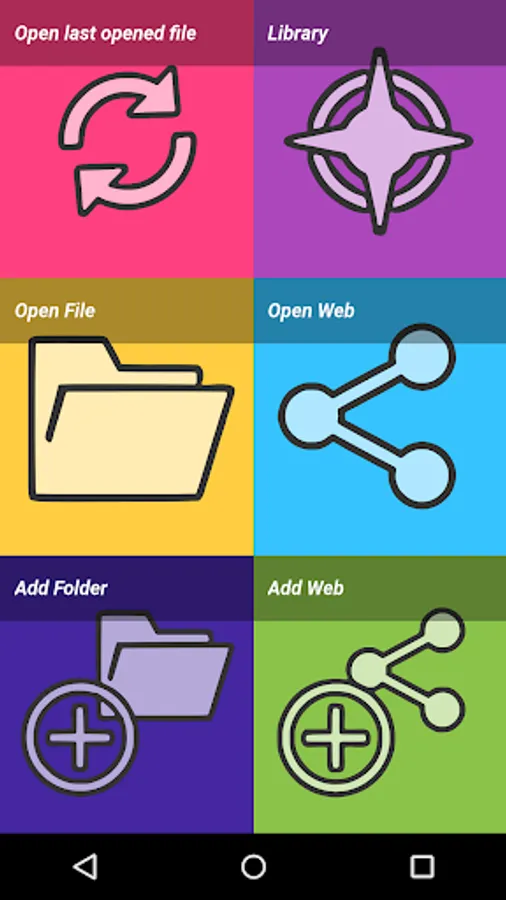
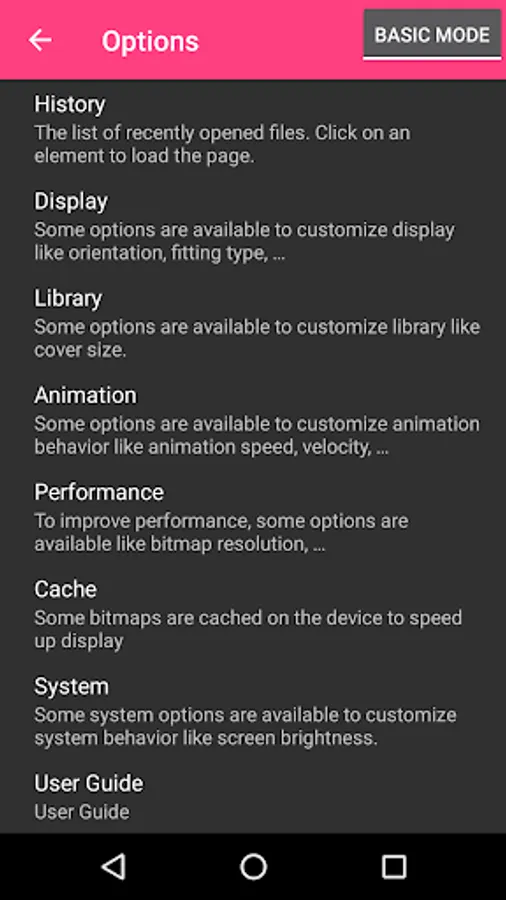
Challenger Comics Viewer Screenshots
Tap to Rate:
Reviews for Challenger Comics Viewer
Sameer Trivedi
12/21/2025
Buggy as hell, just cannot get smb to work and navigation is complex one wrong swipe and you are out of the app.
Esperanza Aponte
12/1/2025
It only says files and other things