Malwarebytes Mobile Security
Malwarebytes
4.5 ★
585K ratings
10,000,000+
downloads
Free
+ in-app
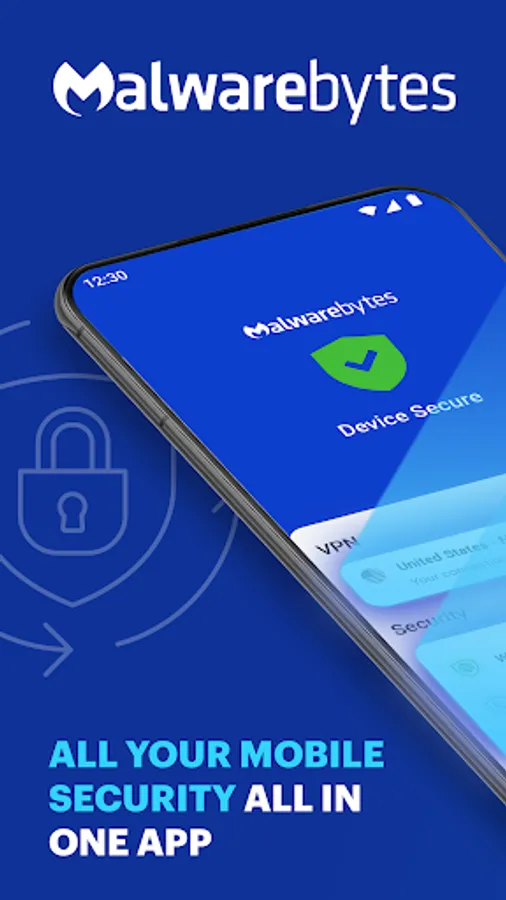
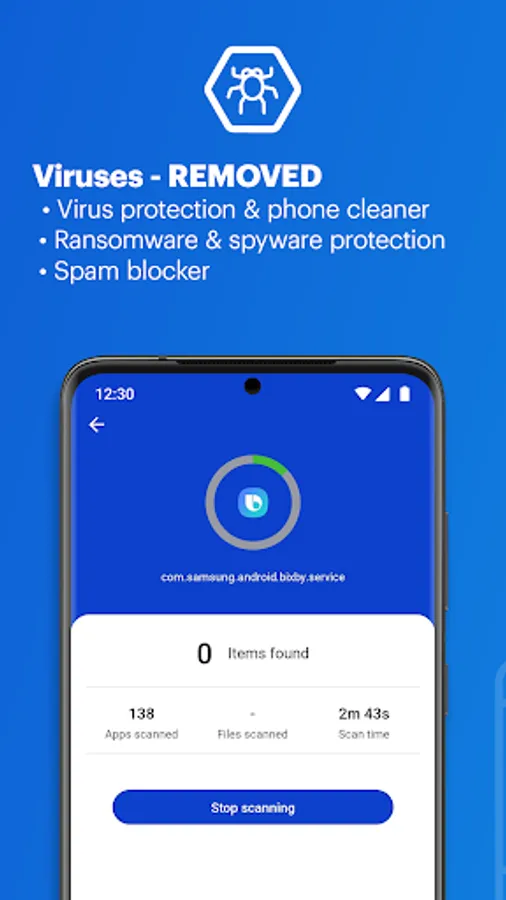
With this security app, you can scan for viruses, remove malware, and enable real-time threat protection. Includes anti-phishing alerts, Scam Guard, VPN, and privacy tools.
AppRecs review analysis
AppRecs rating 4.3. Trustworthiness 63 out of 100. Review manipulation risk 26 out of 100. Based on a review sample analyzed.
★★★★☆
4.3
AppRecs Rating
Ratings breakdown
5 star
74%
4 star
14%
3 star
5%
2 star
2%
1 star
6%
What to know
✓
Low review manipulation risk
26% review manipulation risk
✓
High user satisfaction
88% of sampled ratings are 4+ stars (4.5★ average)
⚠
Pricing complaints
Many low ratings mention paywalls or pricing
About Malwarebytes Mobile Security
Your Ultimate Mobile Guardian 🛡️
Stop Threats in their Tracks 🕵️♀️
NEW! Scam Guard: Stop scammers in their tracks with instant advice. Just upload text or a screenshot and get real-time guidance to avoid fraud, phishing, and identity theft.
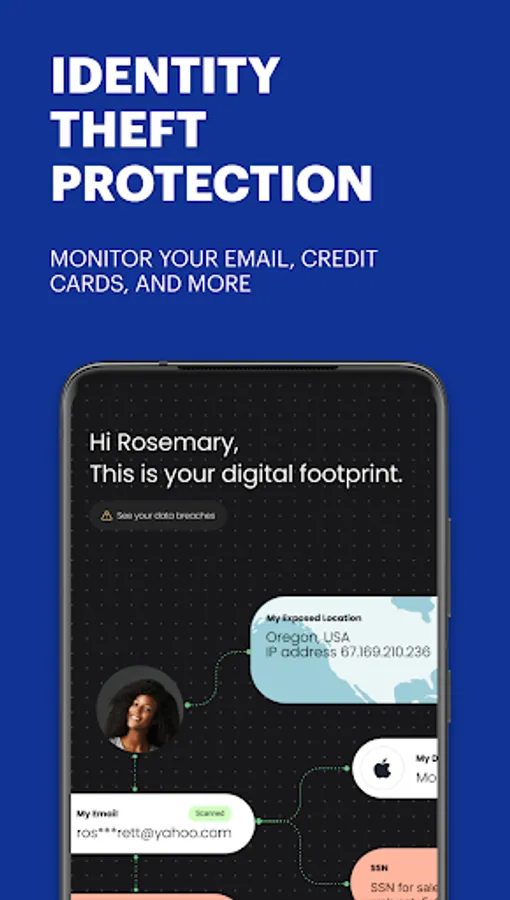
Powerful anti-virus cleaner blasts viruses and malware. Block spam – reclaim your peace! Surf and stream safely with enhanced privacy. Identity protection and credit monitoring alerts keep your sensitive data safe.
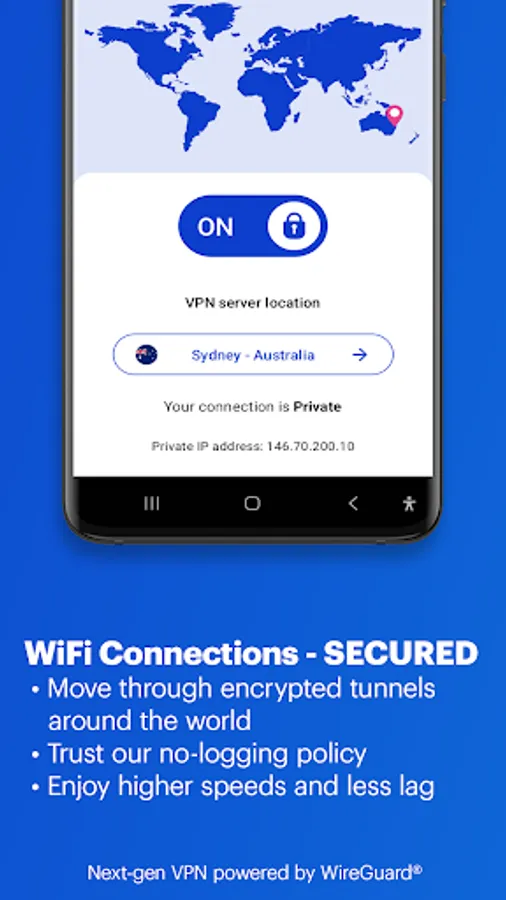
Next-Gen VPN: Your Digital Cloak
Browse privately and securely – your data is YOURS. Get Wi-Fi protection wherever you go – coffee shop, airport, anywhere! Enjoy blazing-fast browsing – no more buffering frustration.
Key Features:
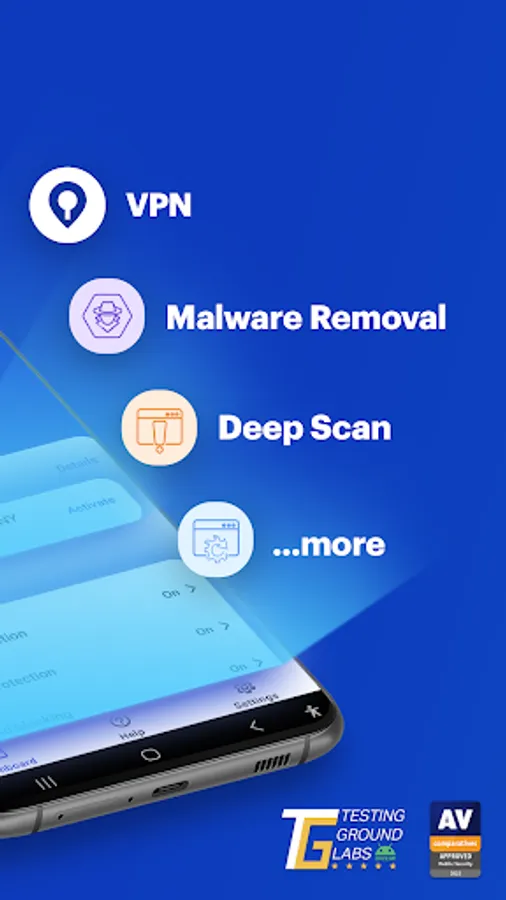
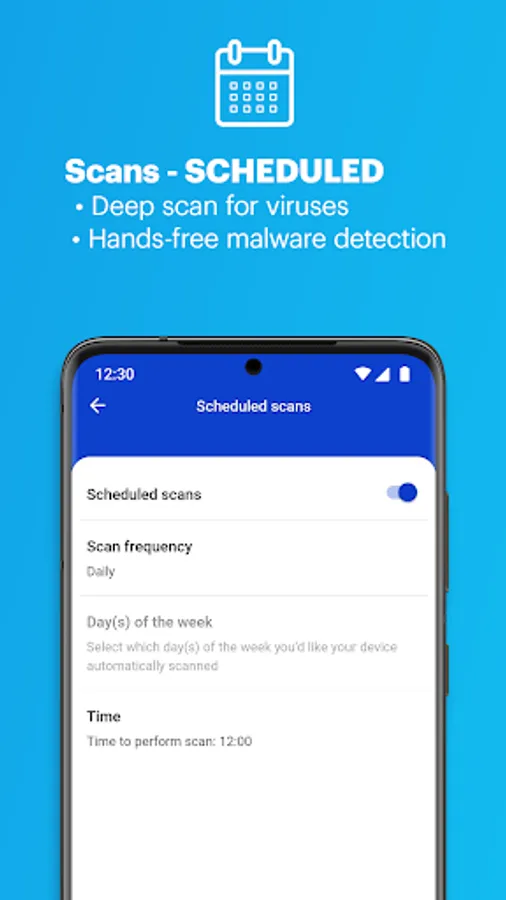
🛡️ Simple Antivirus Protection: Our easy-to-use free antivirus works quietly in the background, automatically shielding you from viruses, malware, and other online threats without complicated setup.
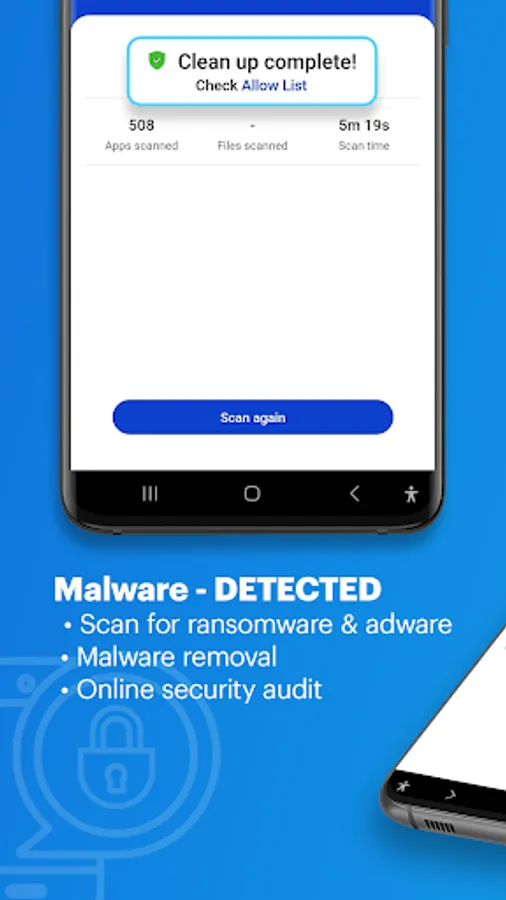
🔰 Virus Cleaner & Malware Removal: If your phone is infected, our virus cleaner scans and removes hidden malware or viruses in just a few clicks, keeping your phone clean and safe.
🔒 Real-Time Malware Protection: Stay protected from the latest threats, including malware and spyware. Malwarebytes monitors your device continuously, blocking new viruses before they cause harm. Your security is our priority.
🌐 Safe and Private Browsing with VPN: Protect your connection on public Wi-Fi with our secure VPN. Keep your online activity private and stop hackers from accessing your personal information.
🔔 Anti-Phishing Alerts: Avoid scams and phishing with real-time alerts. Malwarebytes warns you when you’re about to click on suspicious links, safeguarding your information from fraud.
🧠 Scam Guard: Upload suspicious messages or screenshots and get instant guidance on whether it's a scam and what to do next. Fast, simple, and private.
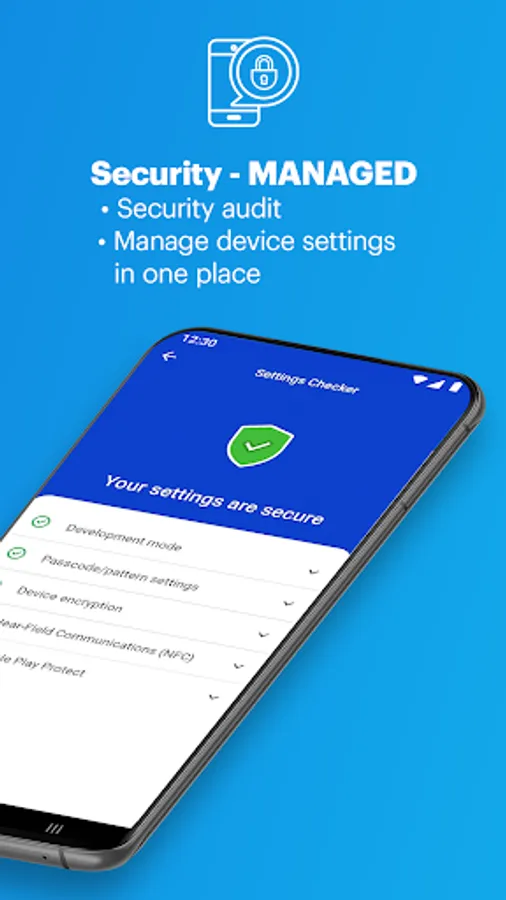
💼 Easy-to-Use Interface: Security should be simple. Malwarebytes offers an intuitive interface, making it easy to protect your phone, regardless of technical skills.
Why Choose Malwarebytes?
Trusted Antivirus Protection: Malwarebytes is a global leader in cybersecurity, trusted by millions to protect against viruses, malware, and other online threats.
Reliable Virus Cleaner: If your phone is acting up, our virus cleaner will quickly find and remove any malware or viruses, getting your device back to normal.
Real-Time Protection: Malwarebytes constantly monitors your device for viruses and malware, providing ongoing protection with no extra effort.
Note: The Internet Security/Safe Browsing feature requires Accessibility Service permission to read screen behavior and control your screen. Malwarebytes uses this to detect malicious websites.
Try Malwarebytes today and enjoy a FREE 7-day trial of advanced features that offer 24x7 protection.
Malwarebytes works on devices with Android 9+ and requires an active internet connection.
Malwarebytes Mobile Security Screenshots
Tap to Rate:
Reviews for Malwarebytes Mobile Security
Anne-Marie Kiehne
12/30/2025
Its annoying and terrible. it keeps telling to download it after Ive already done so.
Cindy Matu
12/30/2025
after a month of it being weird, it was back to working smoothly. it has saved my butt numerous times in not allowing bad sites or viruses or suspicious activity. i now am very grateful i have it! I'm not sure what's going on but I've got this malwarebytes ghost that gets in the way of doing anything. I move it to a corner and it ends up in the way. I'm not sure what's going on the cause it started a week or so back. Out of the blue it was there? Anyone please tell me.how to make it go away!