Control Center
AppX Studio
4.8 ★
store rating
100,000+
downloads
Free
AppRecs review analysis
AppRecs rating 4.6. Trustworthiness 82 out of 100. Review manipulation risk 26 out of 100. Based on a review sample analyzed.
★★★★☆
4.6
AppRecs Rating
Ratings breakdown
5 star
80%
4 star
20%
3 star
0%
2 star
0%
1 star
0%
What to know
✓
Low review manipulation risk
26% review manipulation risk
✓
Credible reviews
82% trustworthiness score from analyzed reviews
✓
High user satisfaction
80% of sampled ratings are 5 stars
About Control Center
Control Center - OS Style Quick Access Tool for Android
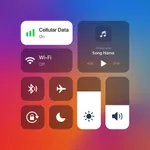
Take full control of your device with Control Center, designed to replicate the sleek and intuitive OS-style control center experience on your Android device. Manage essential settings, apps, and tools with a single swipe—just like on OS!
✨ Key Features
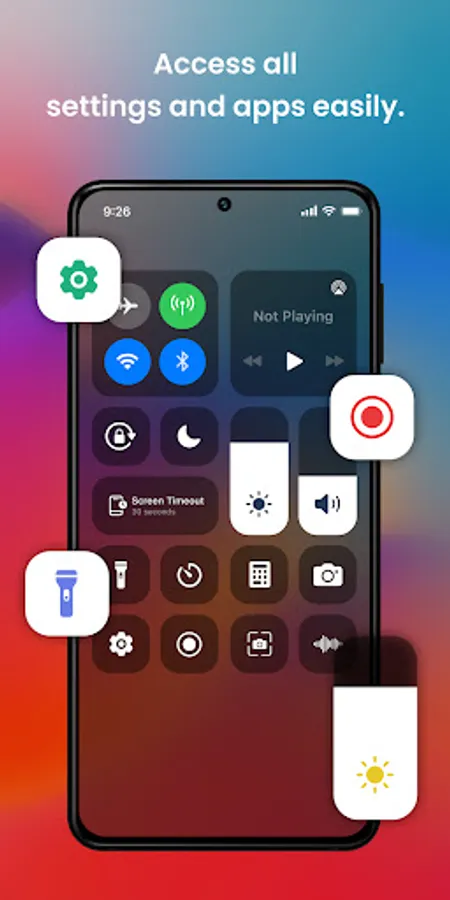
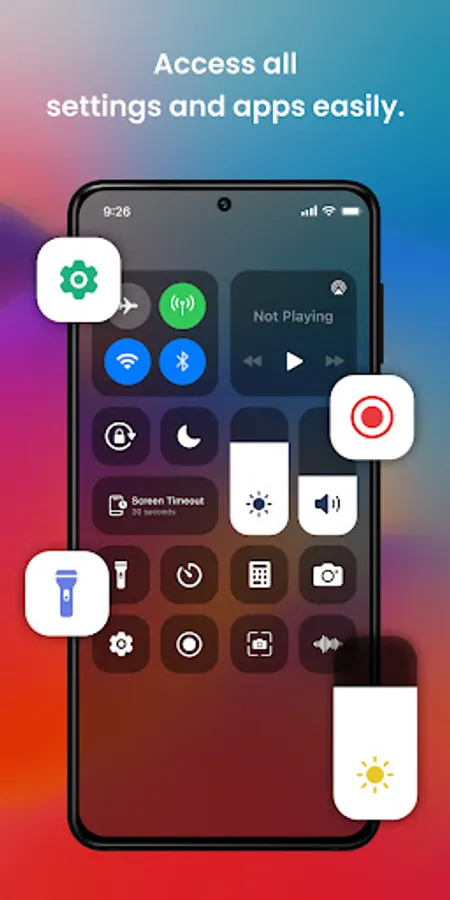
✅ OS-Style Quick Toggles
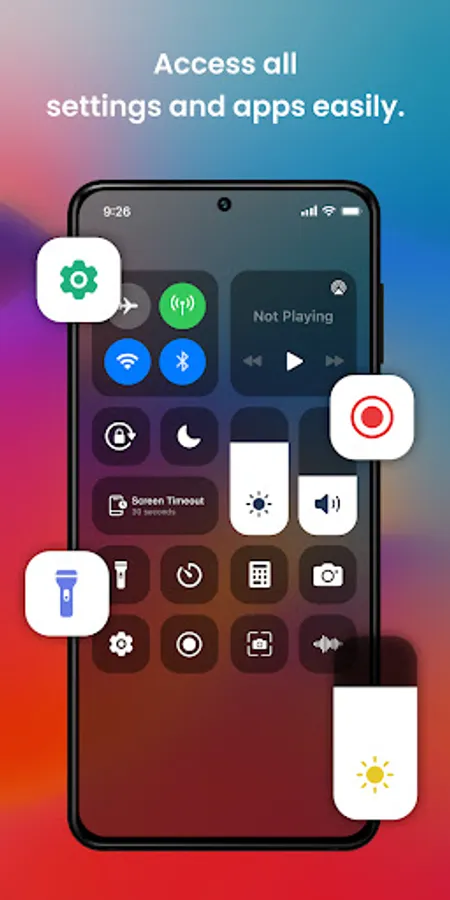
Instant access to Wi-Fi, Bluetooth, Airplane Mode, Do Not Disturb, Flashlight, and more with an iOS-inspired interface. Control your device settings effortlessly.
✅ Brightness & Volume Control
Adjust brightness and sound levels with smooth sliders, mimicking the iOS control center style, whether you're in a dim room or outdoors in the sun.
✅ Screen Recording & Screenshots
Capture screenshots or record tutorials, gameplay, and more with just a tap—all through an iOS-style control panel.
✅ Music Controls
Easily manage your music player from the control center. Play, pause, skip tracks, and adjust volume without opening your music app, just like on iOS devices.
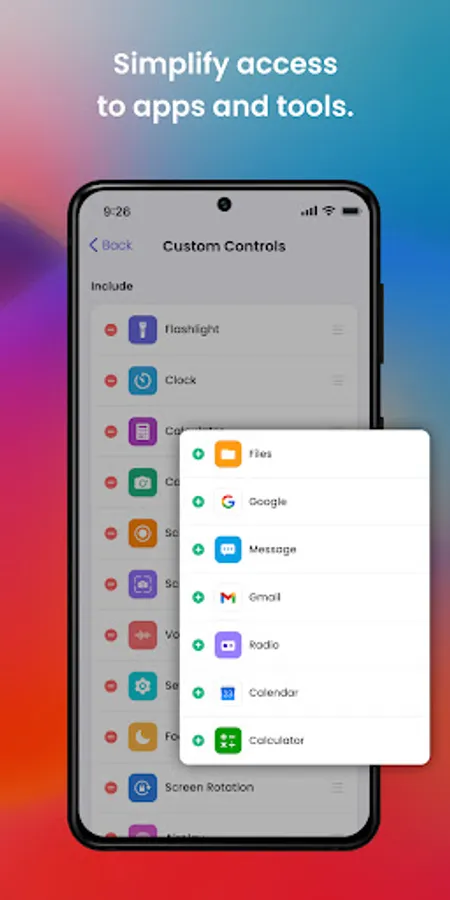
✅ App Shortcuts
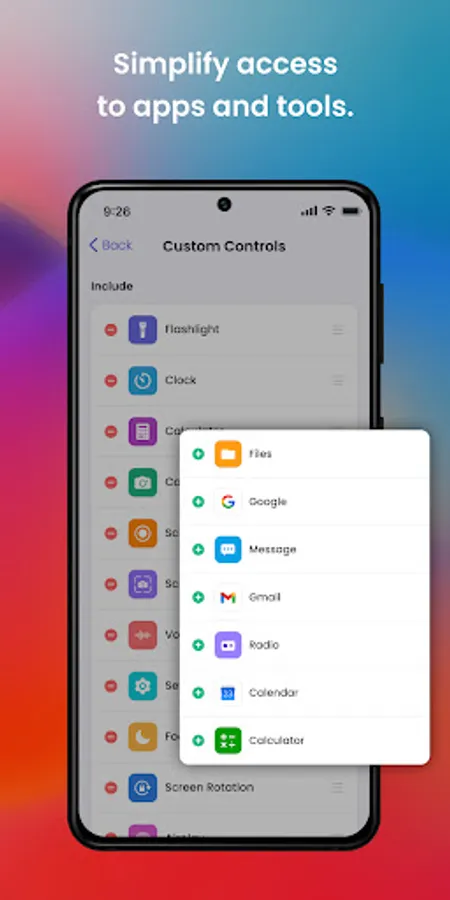
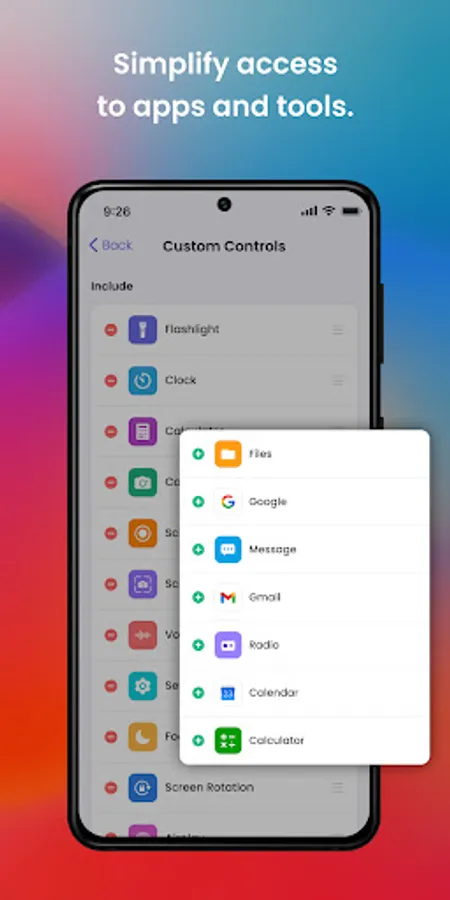
Customize your control center with quick-access shortcuts to your favorite apps like Camera, Messaging, or Gallery using an iOS-style interface.
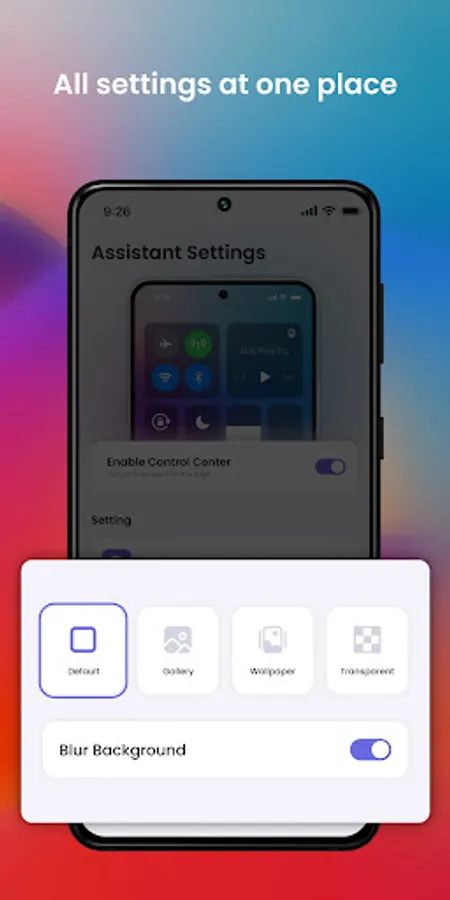
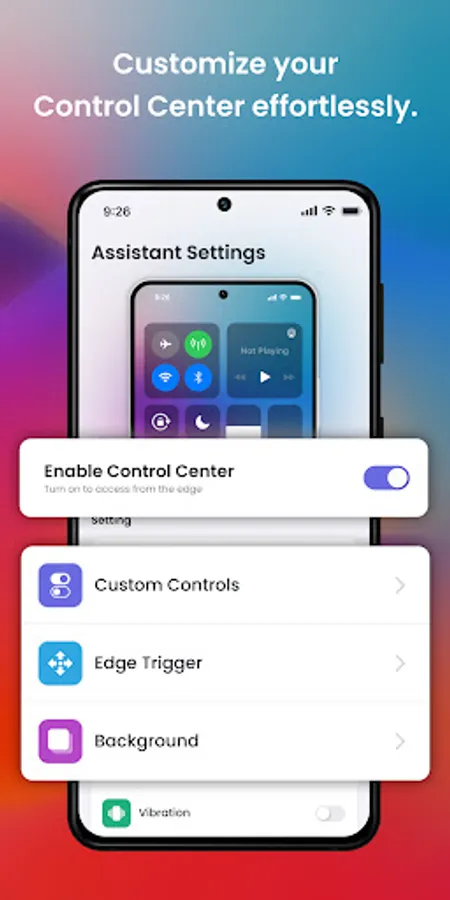
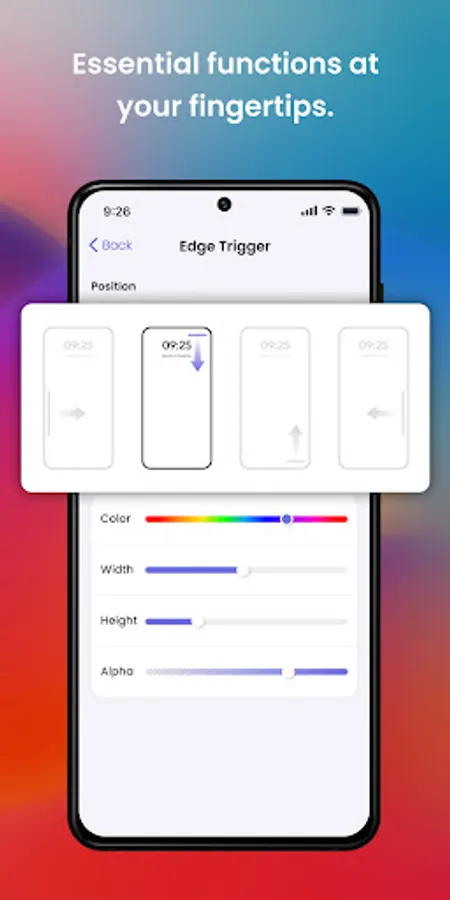
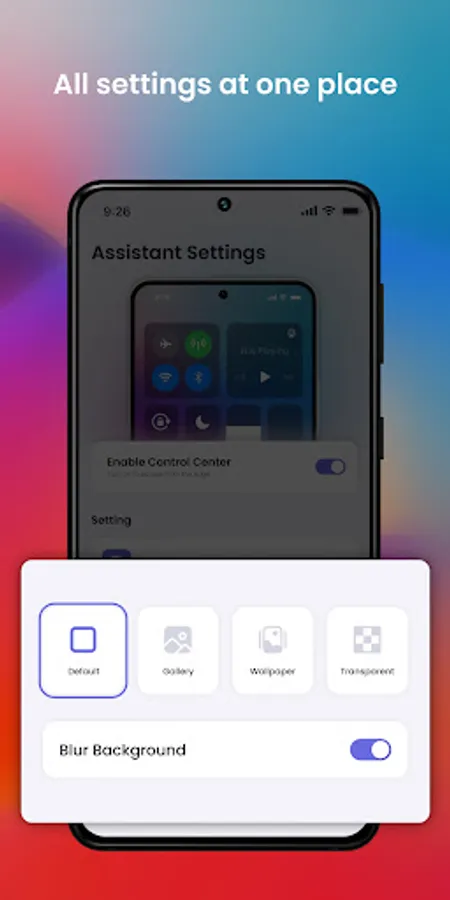
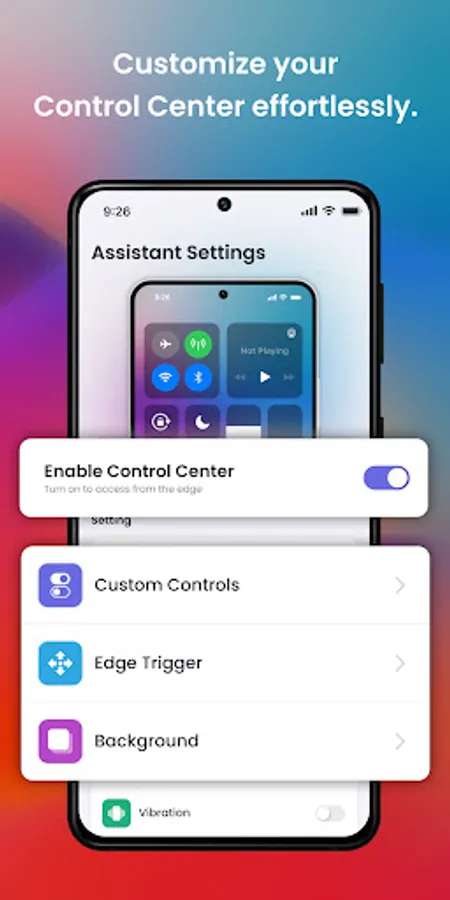
✅ Personalization Options
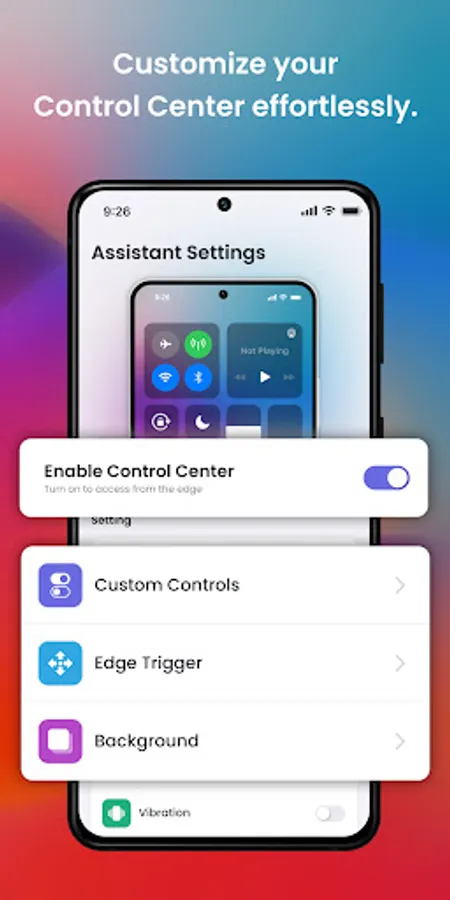
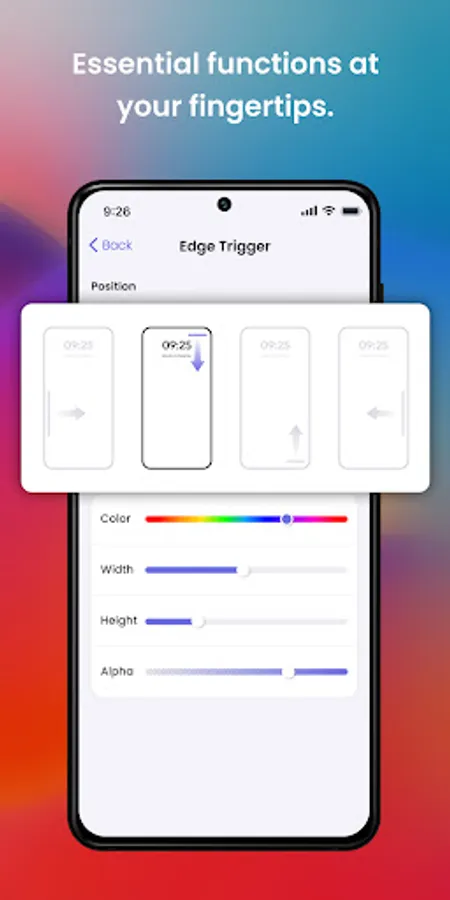
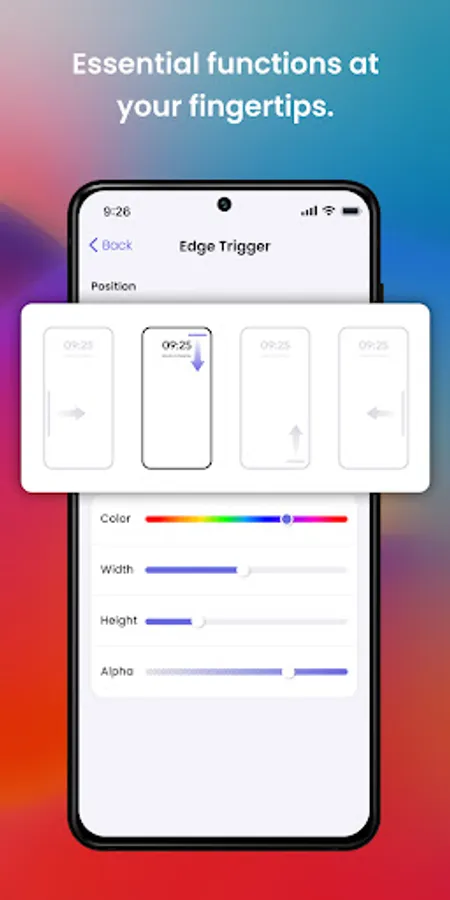
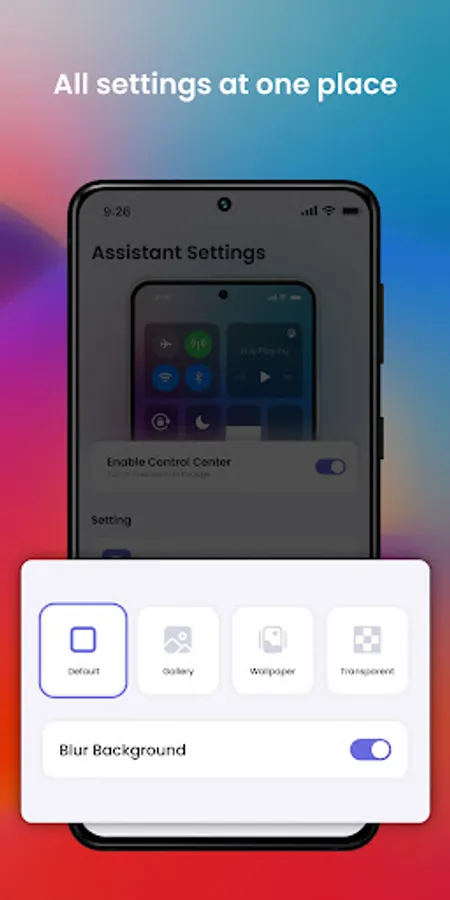
Tailor the look and feel of your control center. Adjust colors, icon styles, and panel size to replicate the iOS aesthetic.
✨ Why Choose Control Center?
- OS-Inspired User Interface: Get the sleek and intuitive look of OS on your Android device.
- Effortless Device Management: Access essential tools with a swipe, just like on OS devices.
- Highly Customizable: Personalize the control panel to match your preferences and replicate the OS experience.
✨ Privacy & Accessibility
This app uses Accessibility Services to provide a floating control panel. No personal data is collected or shared.
Enjoy a seamless and efficient experience with Control Center—bringing the best of OS-style quick access to Android!
Take full control of your device with Control Center, designed to replicate the sleek and intuitive OS-style control center experience on your Android device. Manage essential settings, apps, and tools with a single swipe—just like on OS!
✨ Key Features
✅ OS-Style Quick Toggles
Instant access to Wi-Fi, Bluetooth, Airplane Mode, Do Not Disturb, Flashlight, and more with an iOS-inspired interface. Control your device settings effortlessly.
✅ Brightness & Volume Control
Adjust brightness and sound levels with smooth sliders, mimicking the iOS control center style, whether you're in a dim room or outdoors in the sun.
✅ Screen Recording & Screenshots
Capture screenshots or record tutorials, gameplay, and more with just a tap—all through an iOS-style control panel.
✅ Music Controls
Easily manage your music player from the control center. Play, pause, skip tracks, and adjust volume without opening your music app, just like on iOS devices.
✅ App Shortcuts
Customize your control center with quick-access shortcuts to your favorite apps like Camera, Messaging, or Gallery using an iOS-style interface.
✅ Personalization Options
Tailor the look and feel of your control center. Adjust colors, icon styles, and panel size to replicate the iOS aesthetic.
✨ Why Choose Control Center?
- OS-Inspired User Interface: Get the sleek and intuitive look of OS on your Android device.
- Effortless Device Management: Access essential tools with a swipe, just like on OS devices.
- Highly Customizable: Personalize the control panel to match your preferences and replicate the OS experience.
✨ Privacy & Accessibility
This app uses Accessibility Services to provide a floating control panel. No personal data is collected or shared.
Enjoy a seamless and efficient experience with Control Center—bringing the best of OS-style quick access to Android!