PDF Reader - Read All PDF
1MB Apps Studio
4.6 ★
110K ratings
10,000,000+
downloads
Free
+ in-app
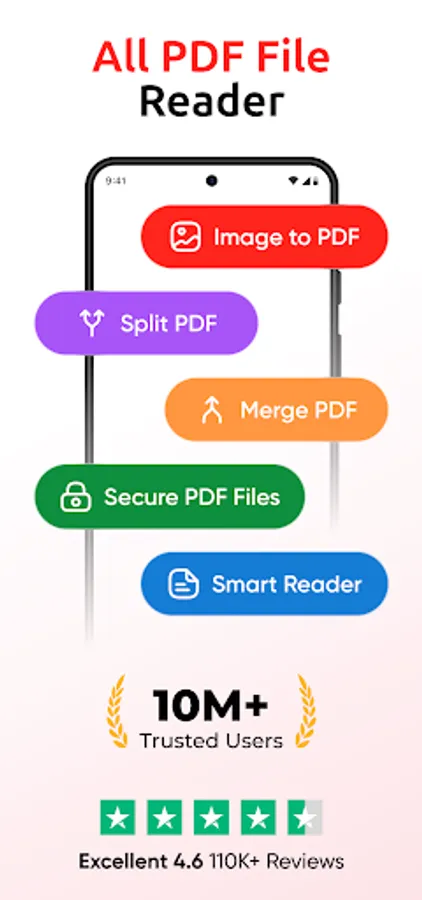
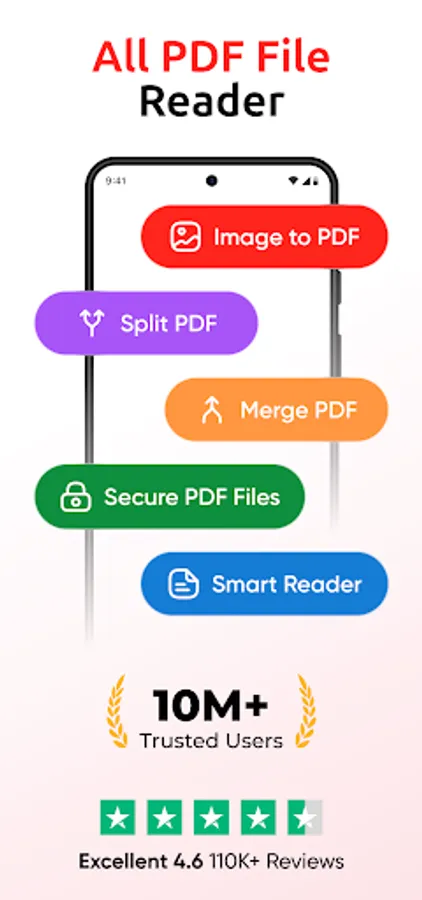
In this PDF reader app, you can open, read, and organize PDF files with features like zoom, full-screen viewing, and offline access. Includes file management tools, search function, and theme customization.
AppRecs review analysis
AppRecs rating 4.1. Trustworthiness 74 out of 100. Review manipulation risk 34 out of 100. Based on a review sample analyzed.
★★★★☆
4.1
AppRecs Rating
Ratings breakdown
5 star
82%
4 star
8%
3 star
1%
2 star
1%
1 star
7%
What to know
✓
Credible reviews
74% trustworthiness score from analyzed reviews
✓
High user satisfaction
82% of sampled ratings are 5 stars
⚠
Ad complaints
Many low ratings mention excessive ads
About PDF Reader - Read All PDF
Experience seamless PDF reading, managing, and converting with the advance PDF Reader app designed to simplify your digital document workflow. Whether you need to read work reports, study notes, ebooks, or organize your important PDFs, this PDF Reader & Viewer offers a smooth, user-friendly experience for all your PDF needs.
Effortless PDF Reading & Viewing
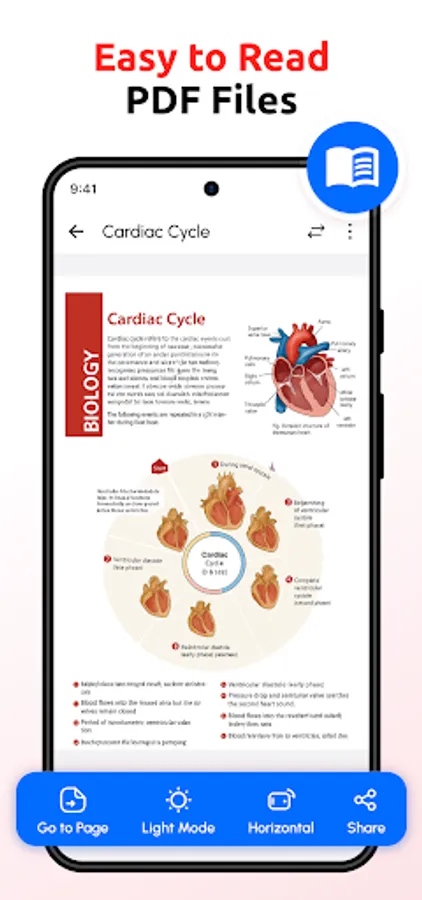
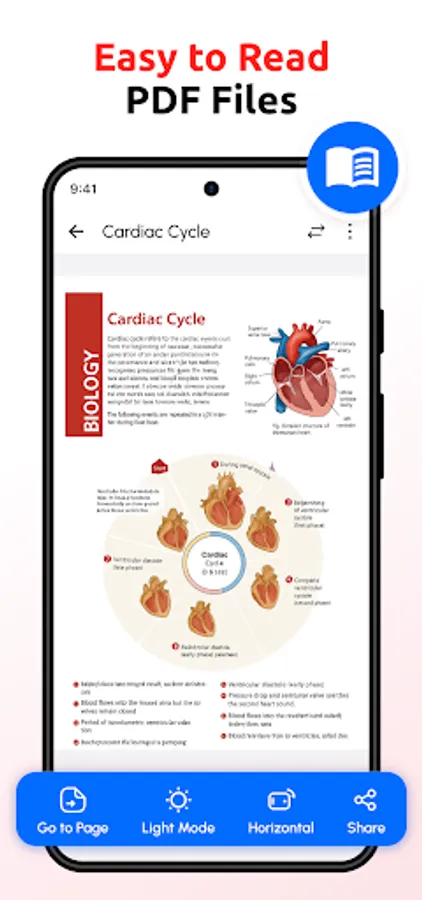
Open and read PDF files quickly with a responsive PDF viewer that supports both horizontal and vertical page viewing modes. Enjoy zooming in and out on pages for clear, comfortable reading. The full-screen mode enhances your reading experience by eliminating distractions and maximizing the content area. Our PDF Reader supports offline access, so you can view your PDFs anytime without needing an internet connection.
Image to PDF Converter & PDF Creator
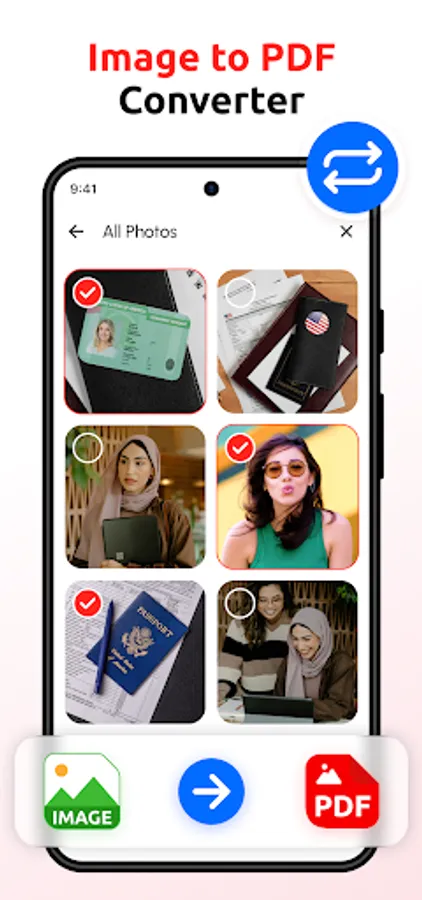
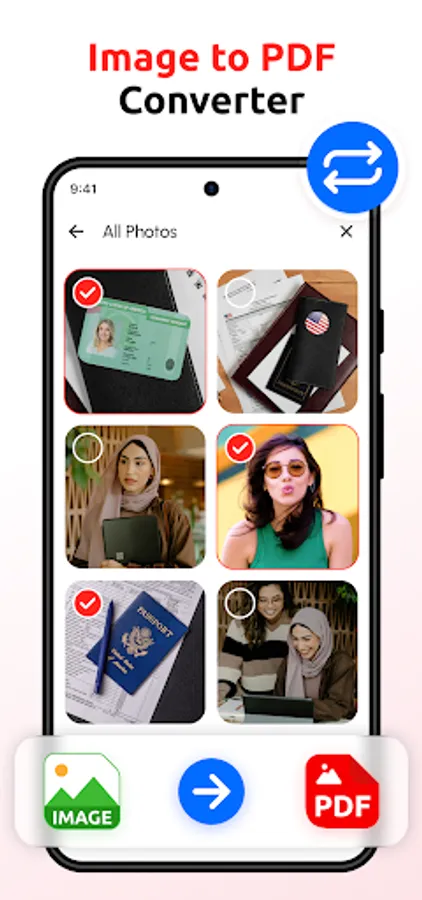
Convert images in JPG, JPEG, or PNG formats into professional PDF documents easily. Select multiple photos from your gallery and merge them into a single PDF file in just a few taps. This image-to-PDF conversion feature is ideal for organizing receipts, notes, photos, and scanned documents into one shareable PDF file.
Advanced PDF Management Tools
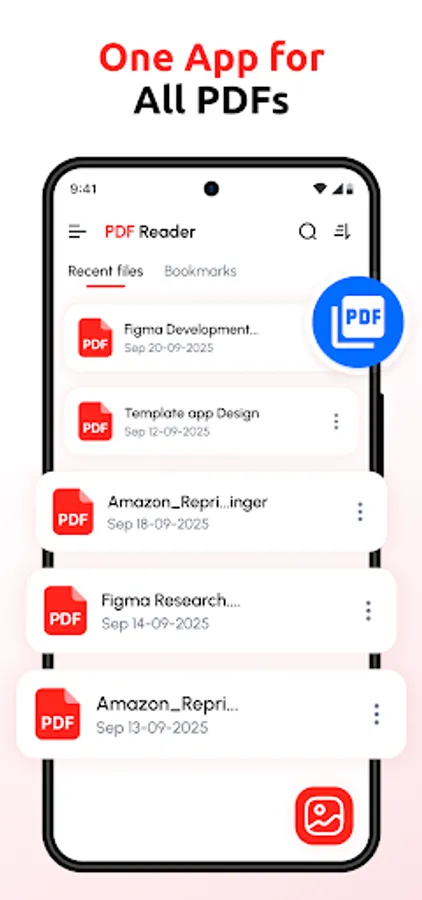
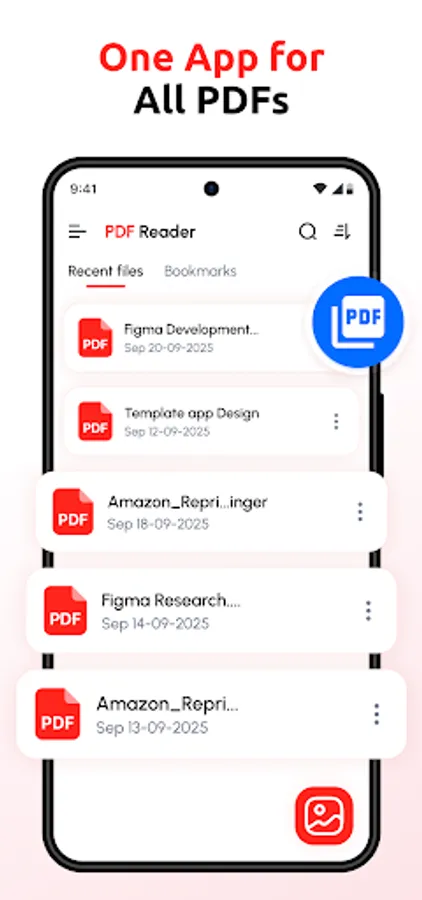
Stay organized with a built-in PDF manager that lets you rename, delete, and sort files by name, size, or modification date. Quickly search through your PDF list for instant access to important documents. Manage your files efficiently and keep your PDF collection tidy with simple and intuitive controls.
PDF Merger for Combining Multiple Files
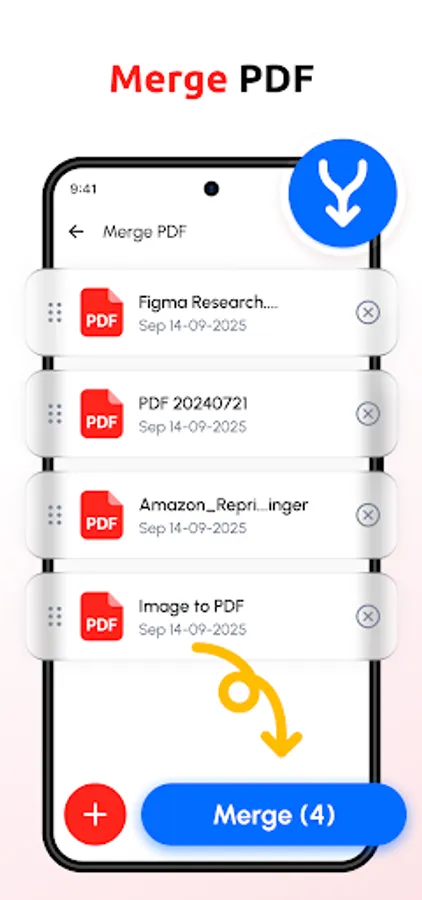
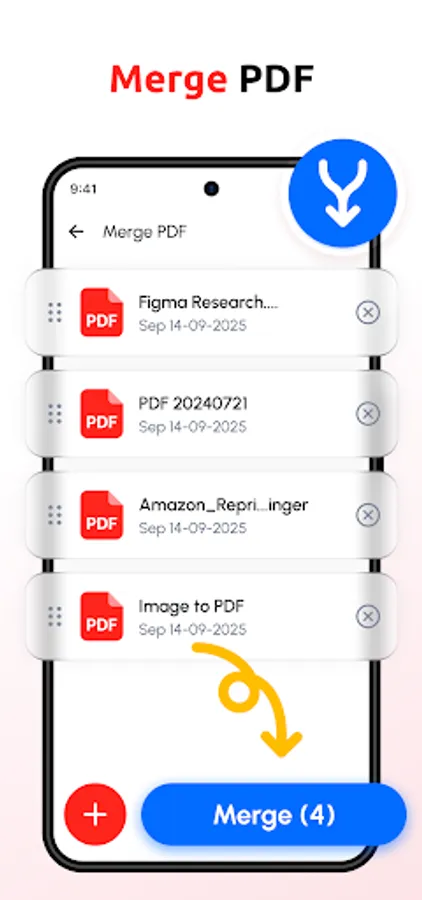
Combine multiple PDFs or images into one consolidated PDF document. This PDF merger tool helps you reduce clutter by grouping related files together, perfect for compiling reports, project documents, or study materials.
Customizable Reading Experience
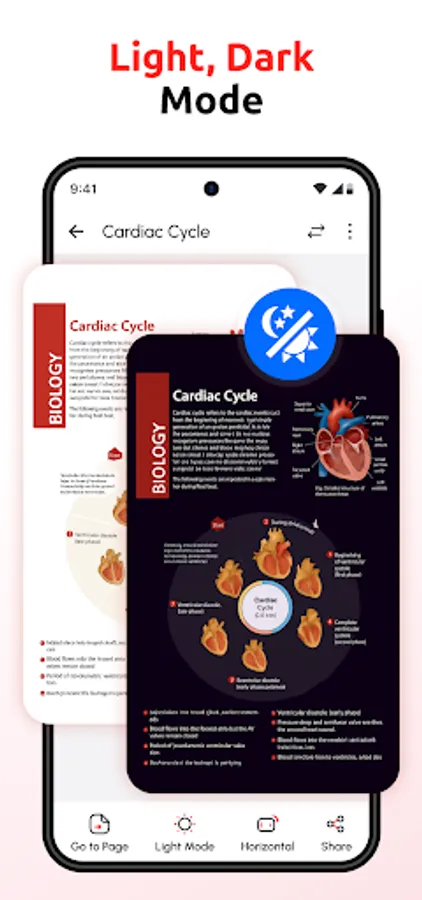
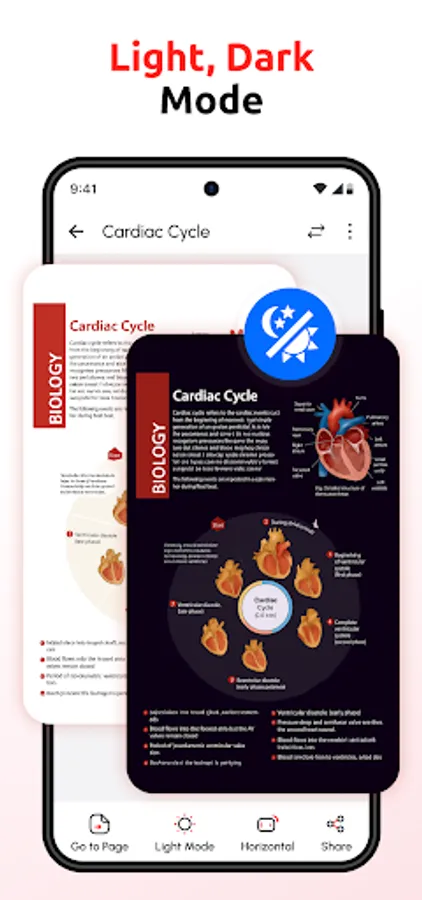
Switch between light and dark themes to protect your eyes and improve readability in any lighting environment. Customize your reading interface to suit your preferences and enjoy a comfortable experience whether it’s day or night.
Share and Print PDFs with Ease
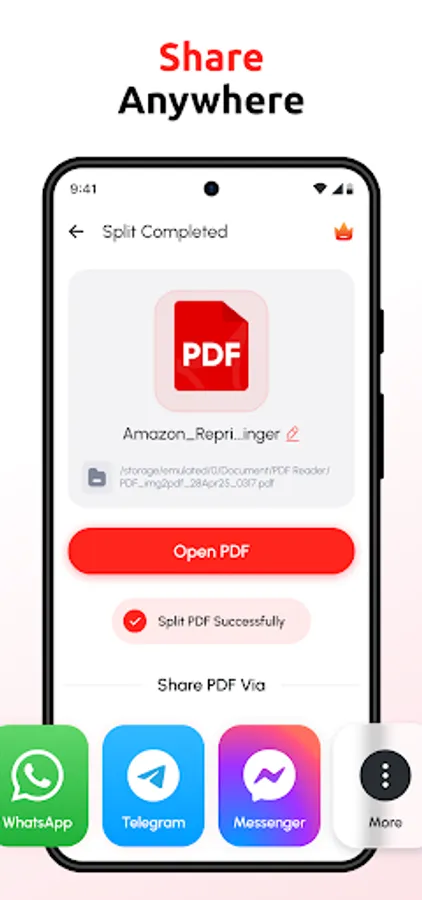
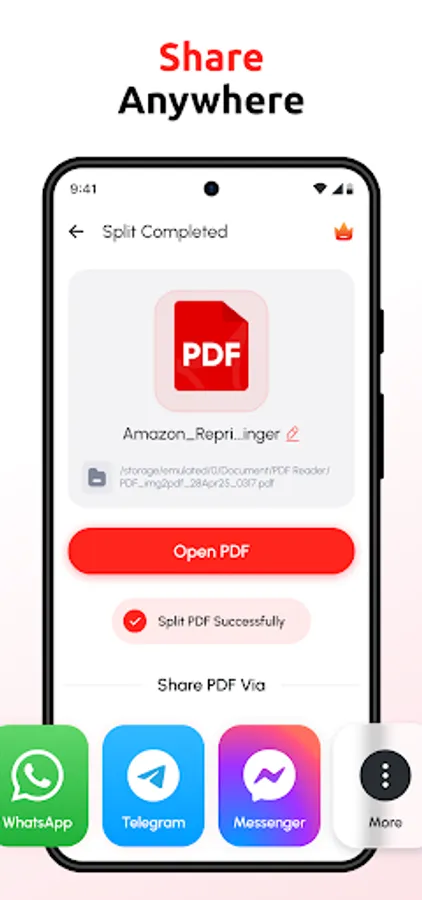
Share your PDF files directly from the app via email or messaging platforms, or send them to nearby printers for quick physical copies. Whether for work, school, or personal use, sharing documents has never been easier.
Additional Features to Enhance Productivity
• Organized PDF library with fast access
• Smooth scrolling for ebook reading
• View detailed file information to manage storage
• Supports a wide range of PDF file types and sizes
This PDF Reader app is an all-in-one solution for PDF viewing, file management, image to PDF conversion, and document sharing. Designed with a simple interface and powerful tools, it’s suitable for professionals, students, and anyone who works with PDFs regularly.
Download the PDF Reader app now and take control of your PDF documents with ease and efficiency.
For feedback, suggestions, or support, contact us at 1mbappsstudio@gmail.com
Effortless PDF Reading & Viewing
Open and read PDF files quickly with a responsive PDF viewer that supports both horizontal and vertical page viewing modes. Enjoy zooming in and out on pages for clear, comfortable reading. The full-screen mode enhances your reading experience by eliminating distractions and maximizing the content area. Our PDF Reader supports offline access, so you can view your PDFs anytime without needing an internet connection.
Image to PDF Converter & PDF Creator
Convert images in JPG, JPEG, or PNG formats into professional PDF documents easily. Select multiple photos from your gallery and merge them into a single PDF file in just a few taps. This image-to-PDF conversion feature is ideal for organizing receipts, notes, photos, and scanned documents into one shareable PDF file.
Advanced PDF Management Tools
Stay organized with a built-in PDF manager that lets you rename, delete, and sort files by name, size, or modification date. Quickly search through your PDF list for instant access to important documents. Manage your files efficiently and keep your PDF collection tidy with simple and intuitive controls.
PDF Merger for Combining Multiple Files
Combine multiple PDFs or images into one consolidated PDF document. This PDF merger tool helps you reduce clutter by grouping related files together, perfect for compiling reports, project documents, or study materials.
Customizable Reading Experience
Switch between light and dark themes to protect your eyes and improve readability in any lighting environment. Customize your reading interface to suit your preferences and enjoy a comfortable experience whether it’s day or night.
Share and Print PDFs with Ease
Share your PDF files directly from the app via email or messaging platforms, or send them to nearby printers for quick physical copies. Whether for work, school, or personal use, sharing documents has never been easier.
Additional Features to Enhance Productivity
• Organized PDF library with fast access
• Smooth scrolling for ebook reading
• View detailed file information to manage storage
• Supports a wide range of PDF file types and sizes
This PDF Reader app is an all-in-one solution for PDF viewing, file management, image to PDF conversion, and document sharing. Designed with a simple interface and powerful tools, it’s suitable for professionals, students, and anyone who works with PDFs regularly.
Download the PDF Reader app now and take control of your PDF documents with ease and efficiency.
For feedback, suggestions, or support, contact us at 1mbappsstudio@gmail.com