AppRecs review analysis
AppRecs rating . Trustworthiness 77 out of 100. Review manipulation risk 34 out of 100. Based on a review sample analyzed.
★
AppRecs Rating
Ratings breakdown
5 star
25%
4 star
25%
3 star
0%
2 star
0%
1 star
50%
What to know
✓
Credible reviews
77% trustworthiness score from analyzed reviews
⚠
Mixed user feedback
Average 2.8★ rating suggests room for improvement
About PDF to Word Converter
Welcome to PDF to Word Converter app, the one-stop solution for all your PDF to word conversion needs! 🎉
Key Features:
Easy to Convert: 📚 With our PDF to Word converter app, you can easily convert any PDF file into a Microsoft Word or Open office Document.
User friendly: 🌈 Just select your PDF file, and voila! Your Microsoft Word or Open office document is ready in just seconds or minute based on internet speed. ⏱️
High Quality Output: No more hassle with formatting or losing your file’s original layout. Our app keeps everything intact, just the way you want it. 🌟
Secure Convertion: 🔒 We value your privacy. All conversions happen securely, ensuring your files never leave our server. Your documents are safe 🛡️ with us and we will delete pdf and word files after file conversion.
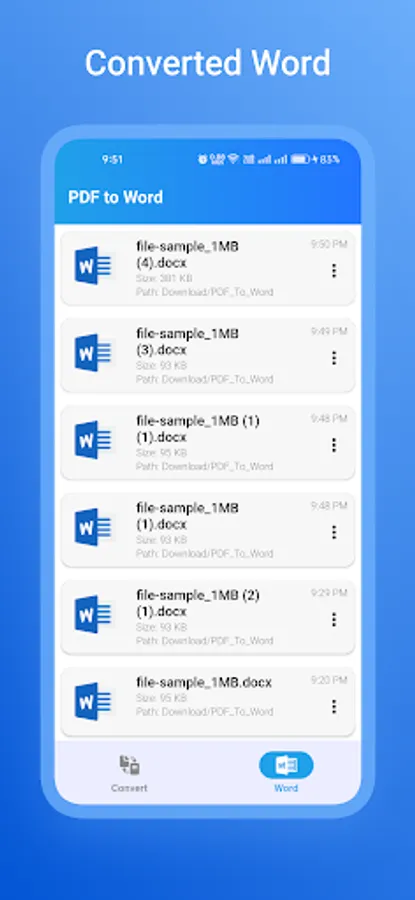
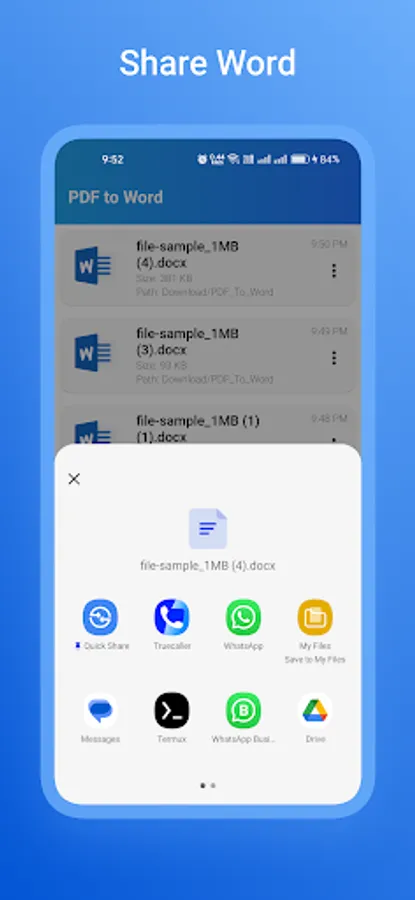
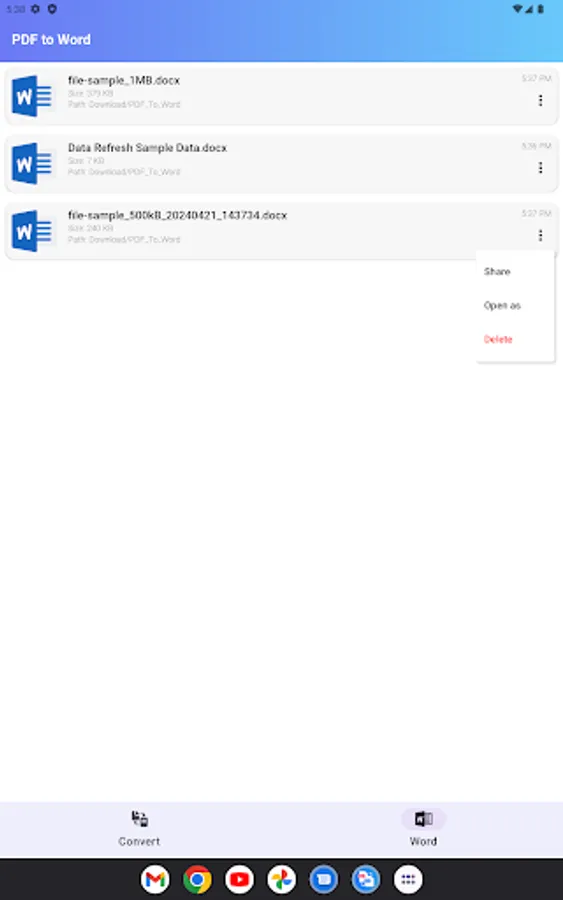
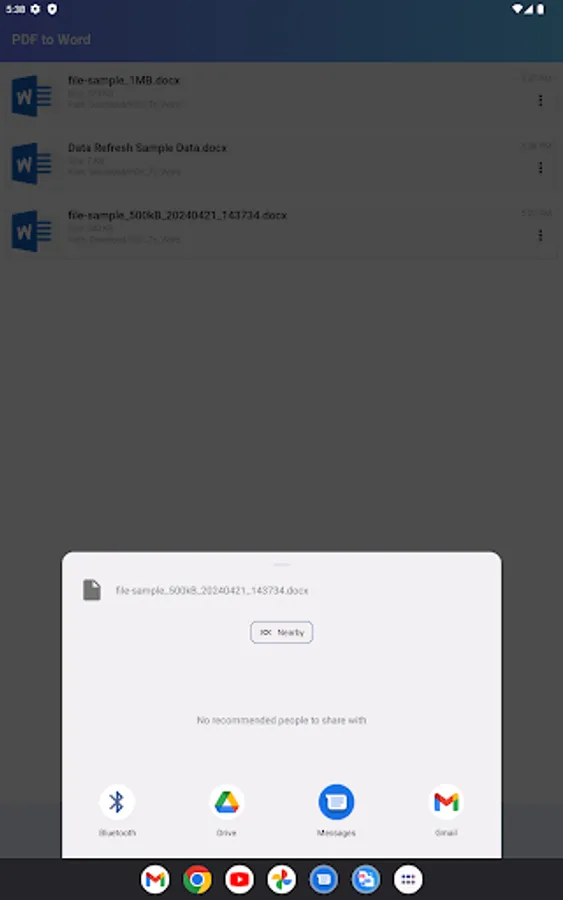
Save to Device: 📁 Save your converted files directly to your device or share them easily with friends and colleagues. 💌
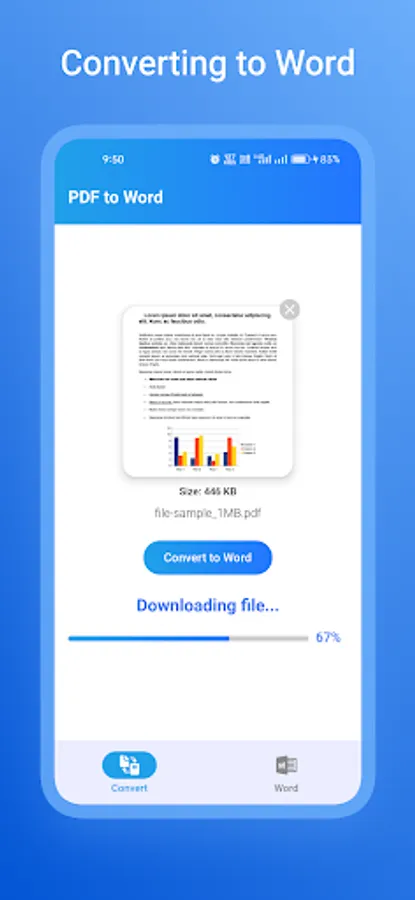
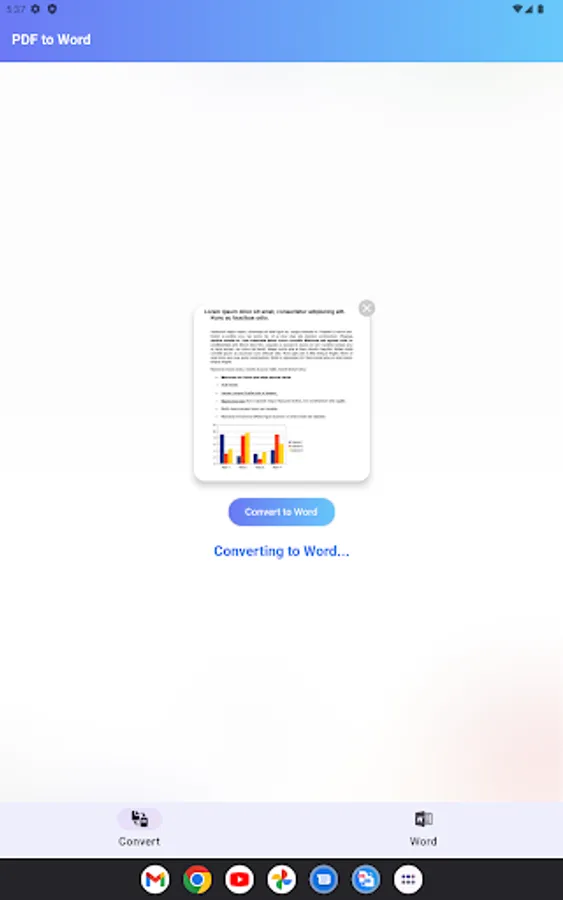
We will also show status of pdf file conversion in 3 stage. like,
1.Uploading PDF file
2.Converting to Word
3.Downloading Word file
📖 How to Use:
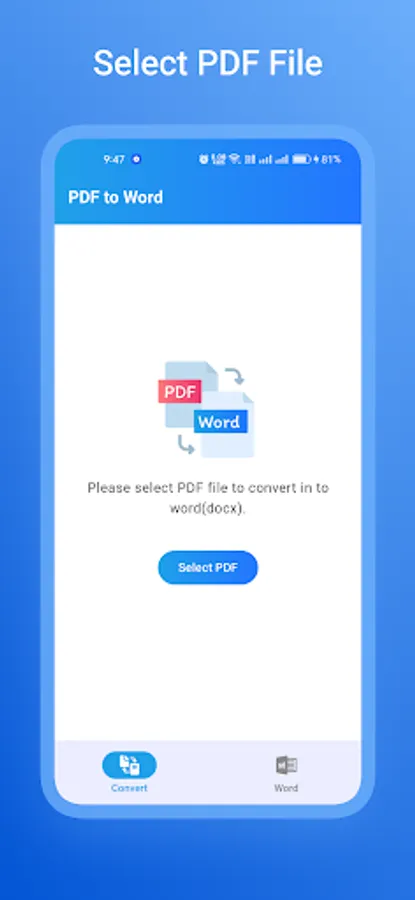
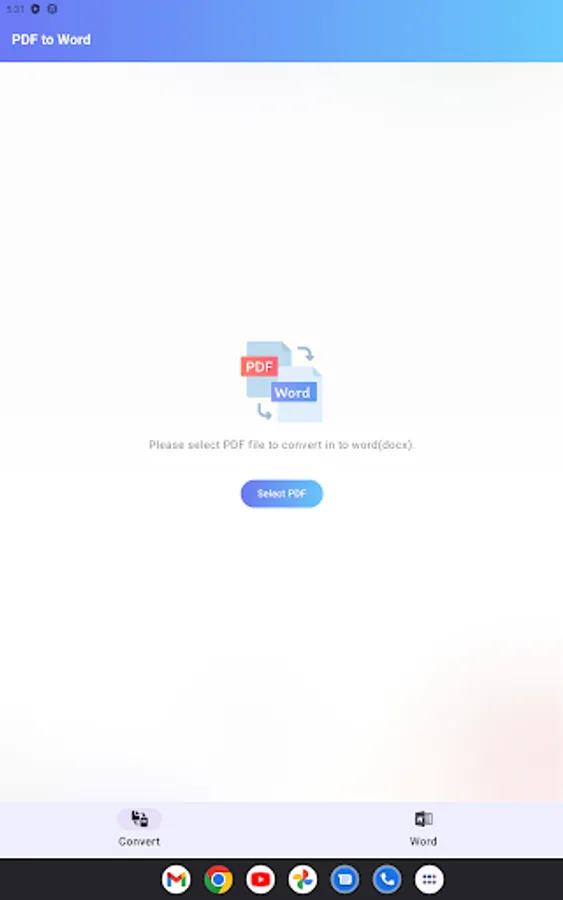
Select File: Choose the Any PDF file you want to convert.
Convert: Tap the convert button and let the magic happen.
Save/Share: Save the converted Word to your device or share it directly from the app.
In our PDF to Word app we will pick pdf as input and output as word document file like Docx file format.
Key Features:
Easy to Convert: 📚 With our PDF to Word converter app, you can easily convert any PDF file into a Microsoft Word or Open office Document.
User friendly: 🌈 Just select your PDF file, and voila! Your Microsoft Word or Open office document is ready in just seconds or minute based on internet speed. ⏱️
High Quality Output: No more hassle with formatting or losing your file’s original layout. Our app keeps everything intact, just the way you want it. 🌟
Secure Convertion: 🔒 We value your privacy. All conversions happen securely, ensuring your files never leave our server. Your documents are safe 🛡️ with us and we will delete pdf and word files after file conversion.
Save to Device: 📁 Save your converted files directly to your device or share them easily with friends and colleagues. 💌
We will also show status of pdf file conversion in 3 stage. like,
1.Uploading PDF file
2.Converting to Word
3.Downloading Word file
📖 How to Use:
Select File: Choose the Any PDF file you want to convert.
Convert: Tap the convert button and let the magic happen.
Save/Share: Save the converted Word to your device or share it directly from the app.
In our PDF to Word app we will pick pdf as input and output as word document file like Docx file format.
PDF to Word Converter Screenshots
Tap to Rate:
Reviews for PDF to Word Converter
shiv kumar sharma
9/16/2025
no work
khan afghan
9/4/2025
for edioting