AppRecs review analysis
AppRecs rating . Trustworthiness 70 out of 100. Review manipulation risk 42 out of 100. Based on a review sample analyzed.
★
AppRecs Rating
Ratings breakdown
5 star
91%
4 star
0%
3 star
0%
2 star
0%
1 star
9%
What to know
⚠
Questionable review patterns
42% review manipulation risk - some review patterns appear unusual
⚠
Rating authenticity concerns
High rating concentration (91% 5-star) in sampled ratings
About PPTX to PDF Converter
Transform your PowerPoint presentations into professional PDFs effortlessly with our PPTX to PDF Converter! Whether it's PPTX, PPT, or PPS files, convert them into high-quality PDF documents in just a few taps.
We will also support old power point presentation (1997 to 2003) and convert to PDF.
🌟 Key Features:
Multi-format Support: Convert Any PPTX, PPT, PPS PowerPoint files to PDF instantly.
High-Quality Conversion: Maintain the original layout, graphics, and fonts of your power point presentations.
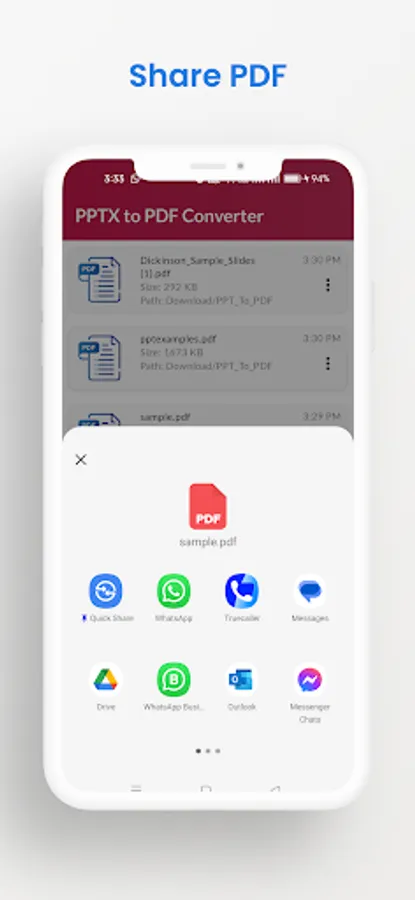
Easy Sharing: Share your PDFs directly from the app.
Fast & Lightweight: Small app size with blazing-fast performance.
🚀 How to Use pptx to pdf app:
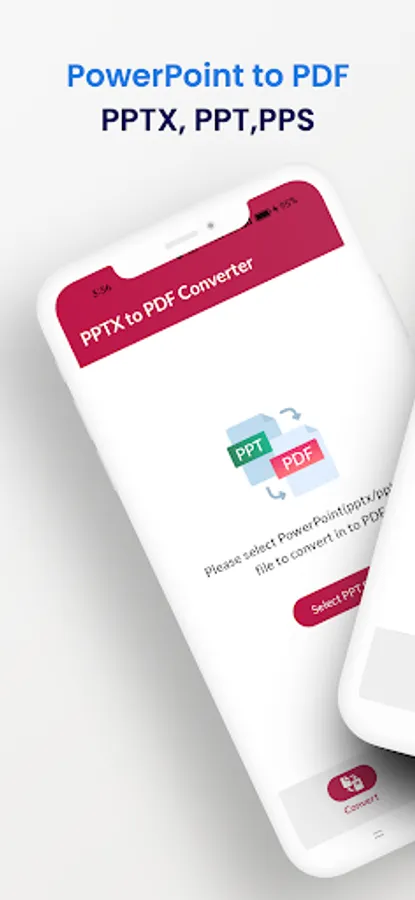
Select File: Tap on the "Select PPT File" button to choose your PowerPoint file like ppt, pptx, pps.
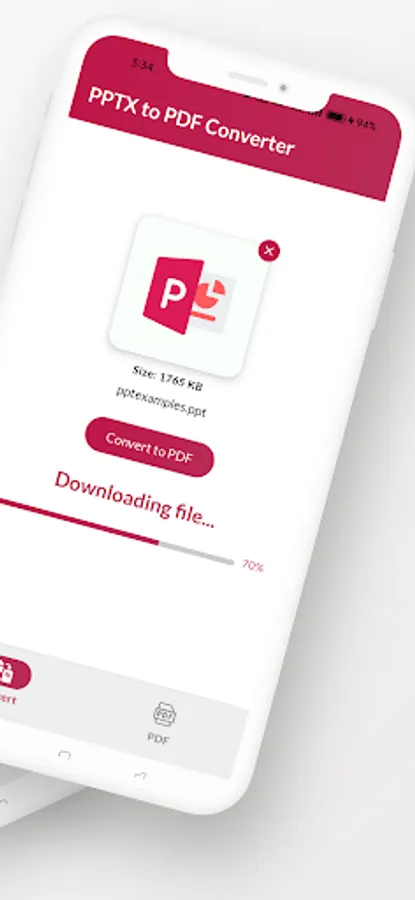
Convert: Press the "Convert to PDF" button and watch the conversion state like
1."Preparing PPT..."
2."Uploading file..."
3."Converting to PDF..."
4."Downloading file..."
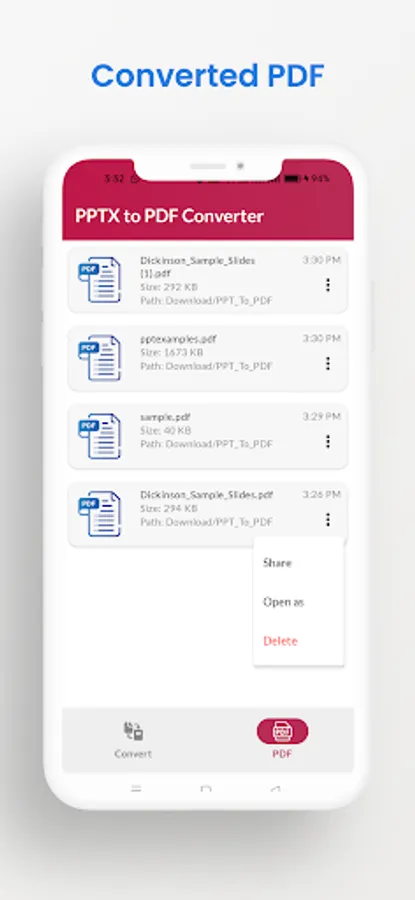
Save/Share: Converted PDF file will be save in device "Download/PPT_To_PDF" folder, you will also share it.
Whether you’re a student, business professional, or educator, our PPTX to PDF Converter is the perfect tool to help you create and share polished documents on the go!
We will also support old power point presentation (1997 to 2003) and convert to PDF.
🌟 Key Features:
Multi-format Support: Convert Any PPTX, PPT, PPS PowerPoint files to PDF instantly.
High-Quality Conversion: Maintain the original layout, graphics, and fonts of your power point presentations.
Easy Sharing: Share your PDFs directly from the app.
Fast & Lightweight: Small app size with blazing-fast performance.
🚀 How to Use pptx to pdf app:
Select File: Tap on the "Select PPT File" button to choose your PowerPoint file like ppt, pptx, pps.
Convert: Press the "Convert to PDF" button and watch the conversion state like
1."Preparing PPT..."
2."Uploading file..."
3."Converting to PDF..."
4."Downloading file..."
Save/Share: Converted PDF file will be save in device "Download/PPT_To_PDF" folder, you will also share it.
Whether you’re a student, business professional, or educator, our PPTX to PDF Converter is the perfect tool to help you create and share polished documents on the go!
PPTX to PDF Converter Screenshots
Tap to Rate:
Reviews for PPTX to PDF Converter
Timothy Mako
1/31/2026
cool app impressive job
Natholi Shumet
12/23/2025
thank you that is so cool