
Subbr Free: Subtitle Editor
Lukasz Majda
3.4 ★
2K ratings
100,000+
downloads
Free
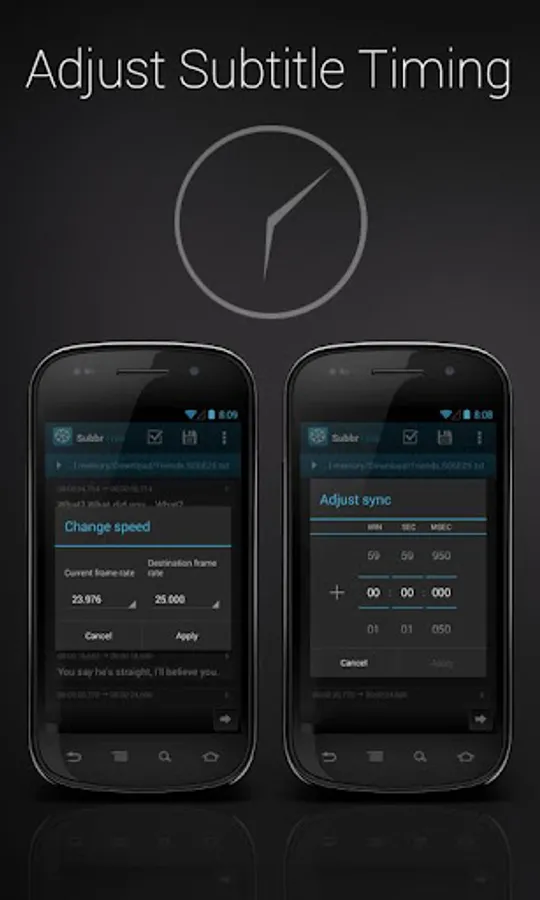
With this subtitle editor, you can adjust synchronization, edit texts, and convert formats easily. Includes automatic error detection, styling options, and support for multiple subtitle formats.
AppRecs review analysis
AppRecs rating 3.4. Trustworthiness 0 out of 100. Review manipulation risk 0 out of 100. Based on a review sample analyzed.
★★★☆☆
3.4
AppRecs Rating
Ratings breakdown
5 star
49%
4 star
12%
3 star
3%
2 star
6%
1 star
30%
What to know
✓
Authentic reviews
Natural distribution, no red flags
⚠
High negative review ratio
36% of sampled ratings are 1–2 stars
About Subbr Free: Subtitle Editor
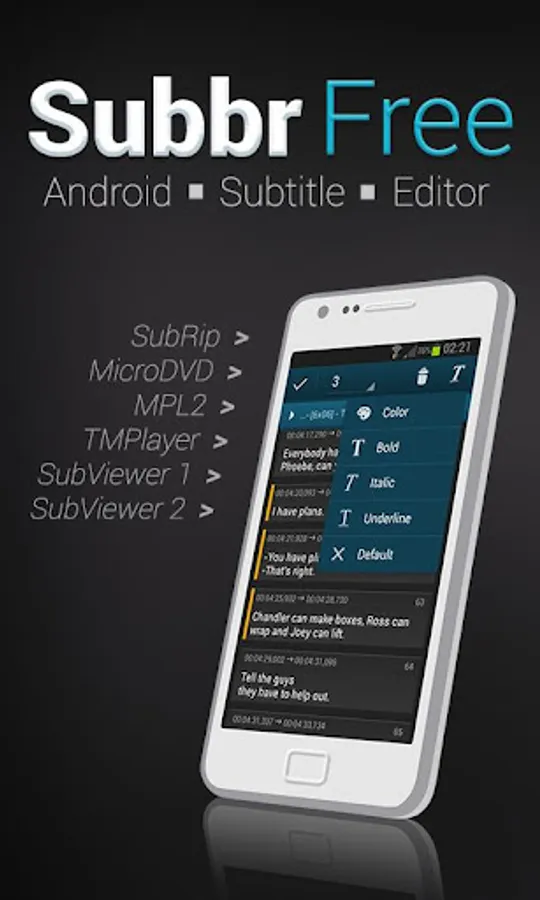
Subbr is Android application for editing and converting movie subtitles.
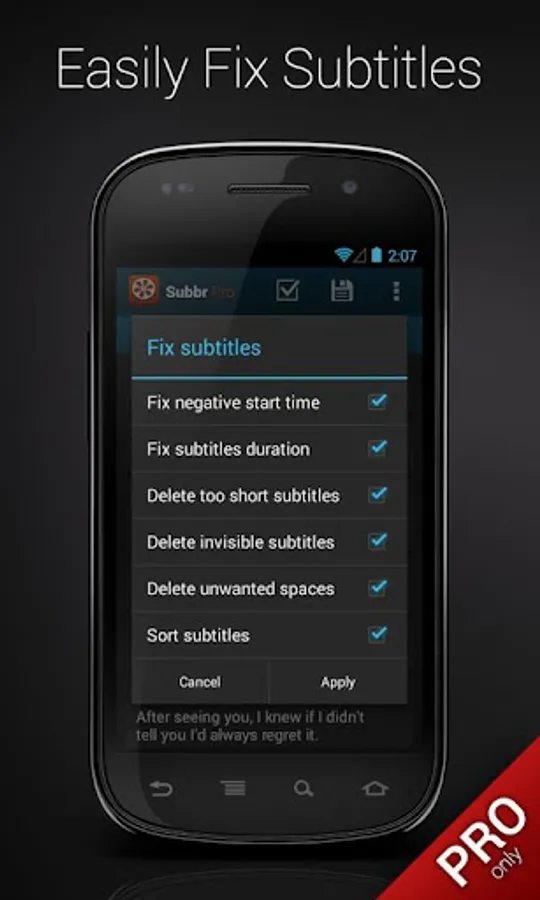
You will never have to use your PC when it turns out subtitles do not match movie you are watching. Adjusting poorly synchronized subtitles is no longer a problem. You can validate and automatically fix detected errors by a single click. Finally save changes to selected format.
Key Features:
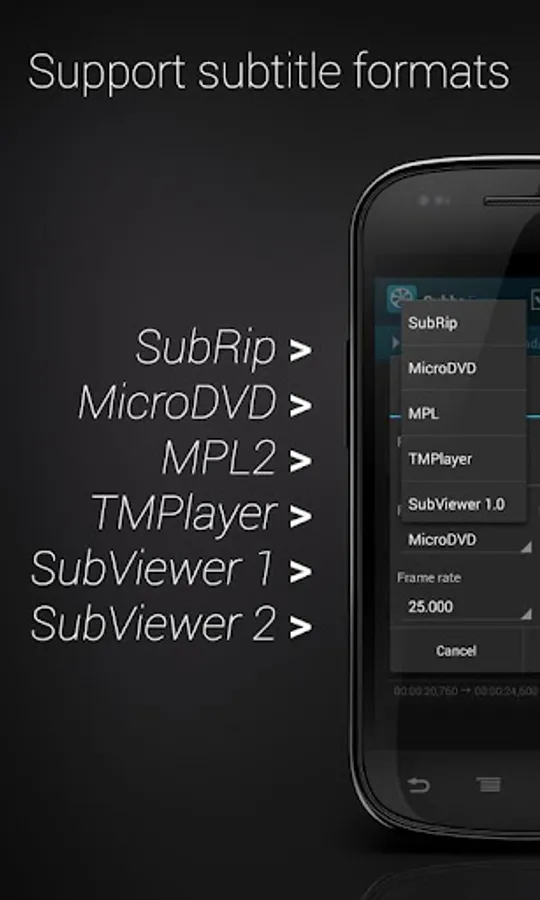
• Reading & writing following subtitle formats: TMPlayer, MPL, MicroDVD, SubRip (SRT), SubViewer 1.0, SubViewer 2.0
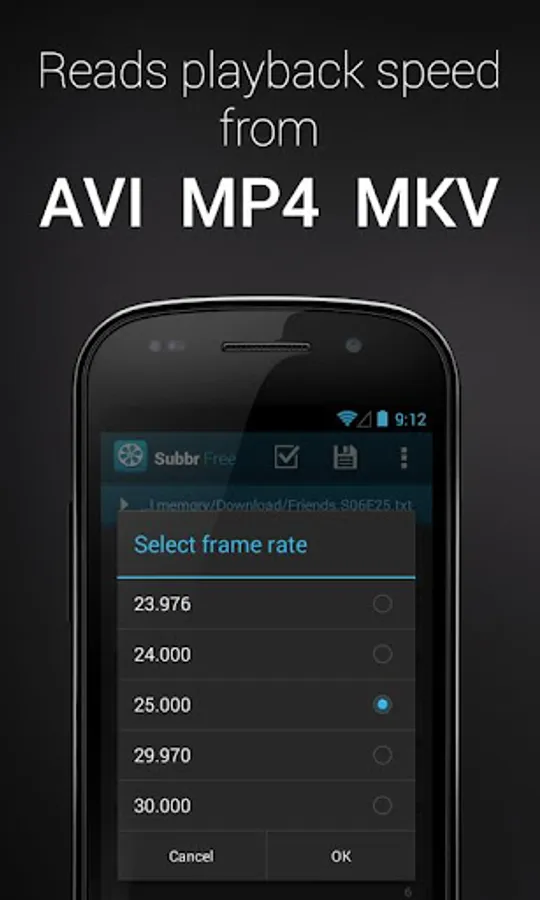
• Reading frame rate from associated video file in AVI, MP4, MKV format
• Detecting character encoding
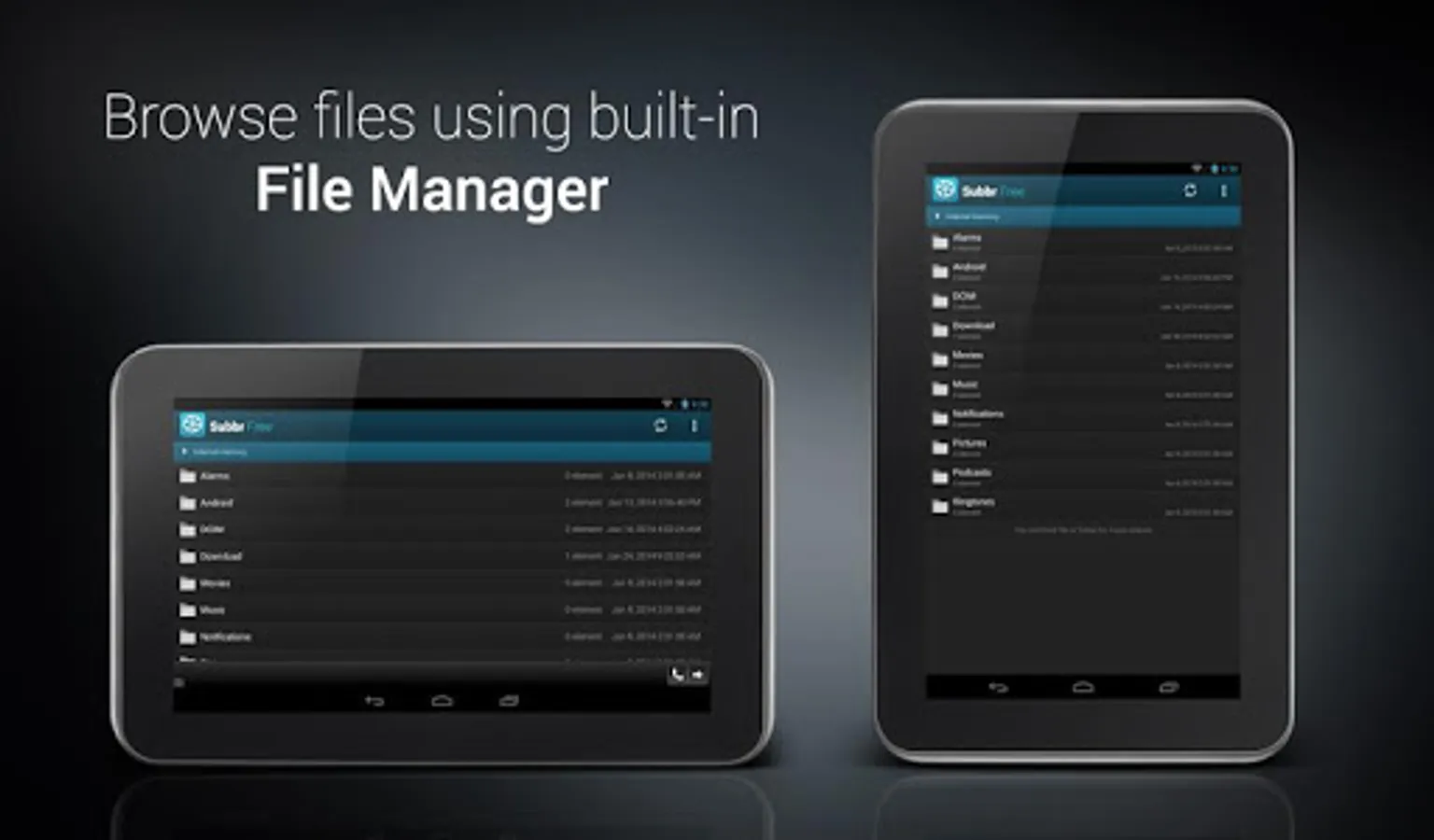
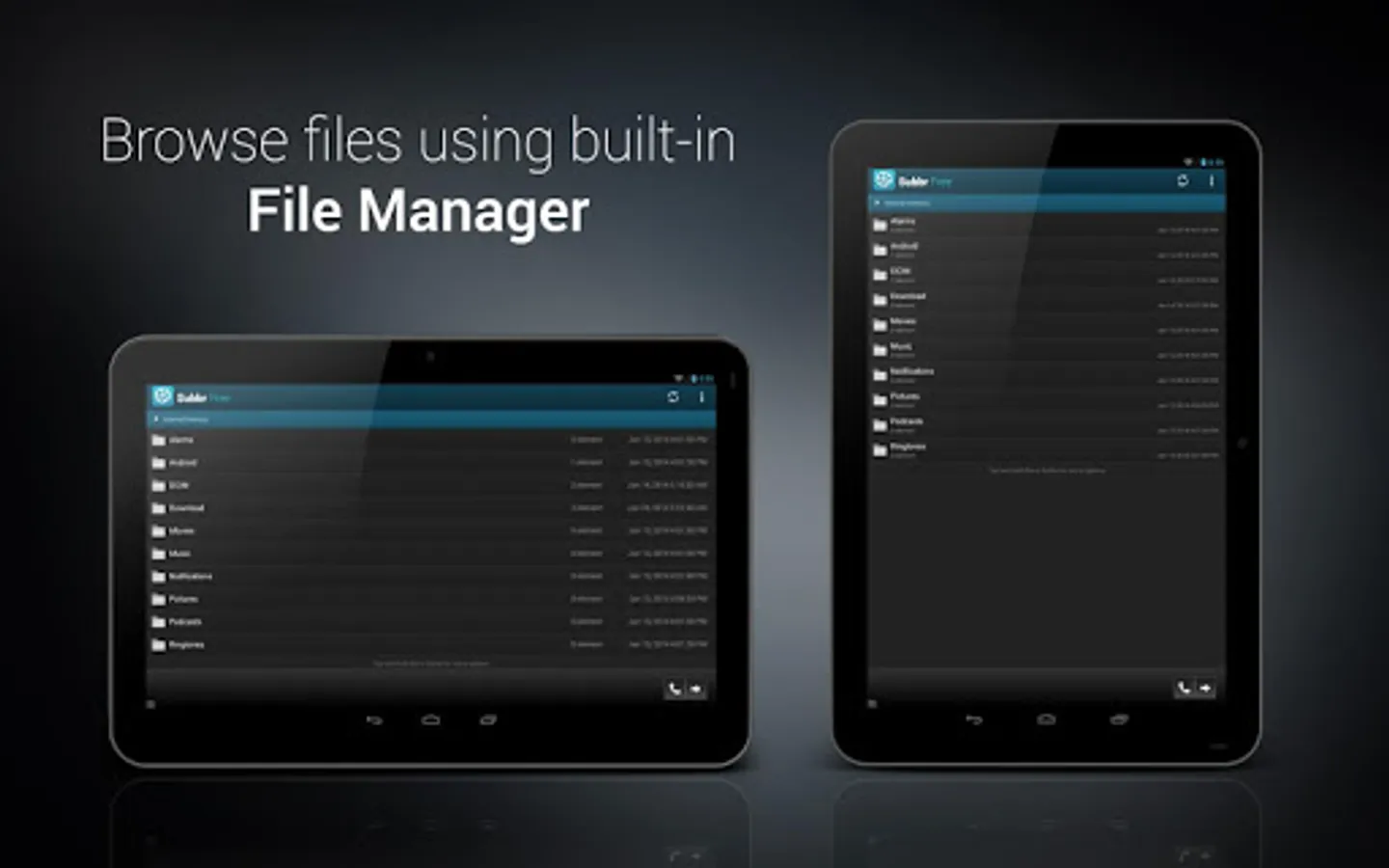
• Built-in file manager
• Automatic subtitles backup
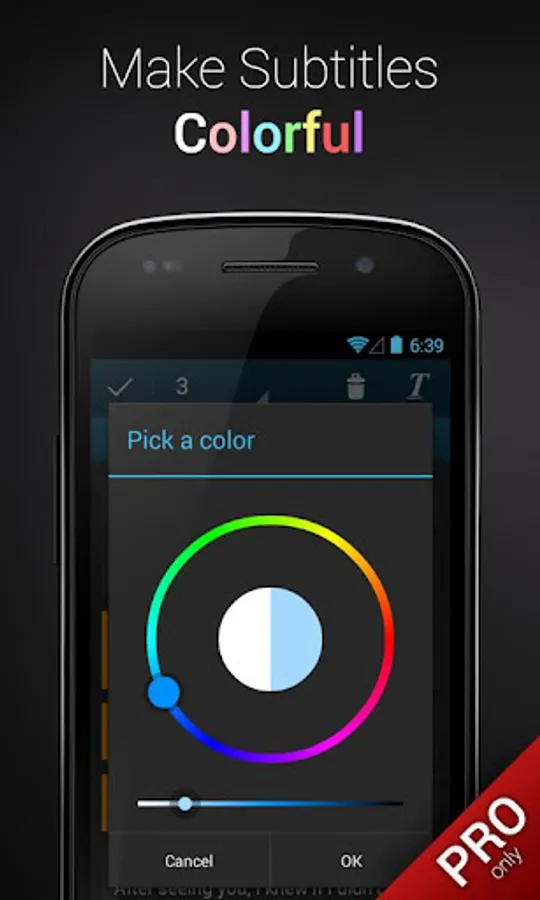
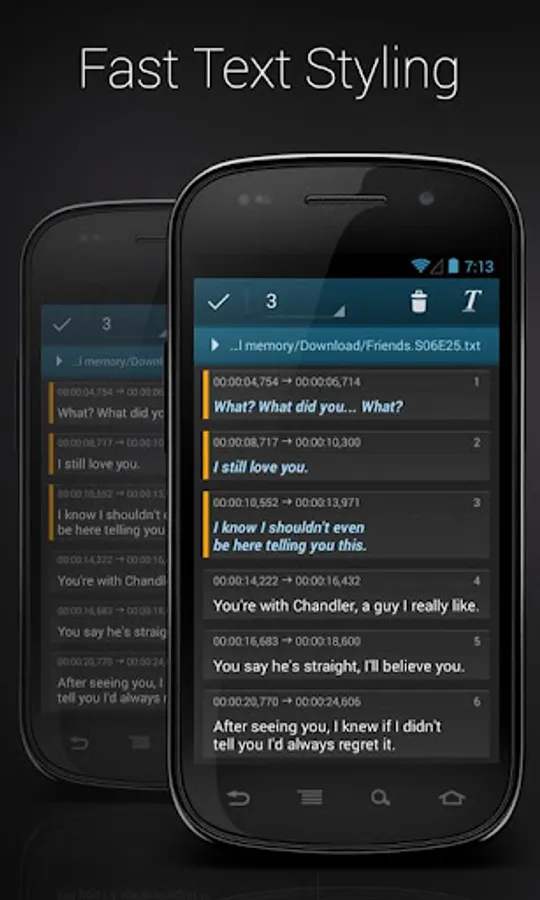
• Styling & coloring subtitles with one click
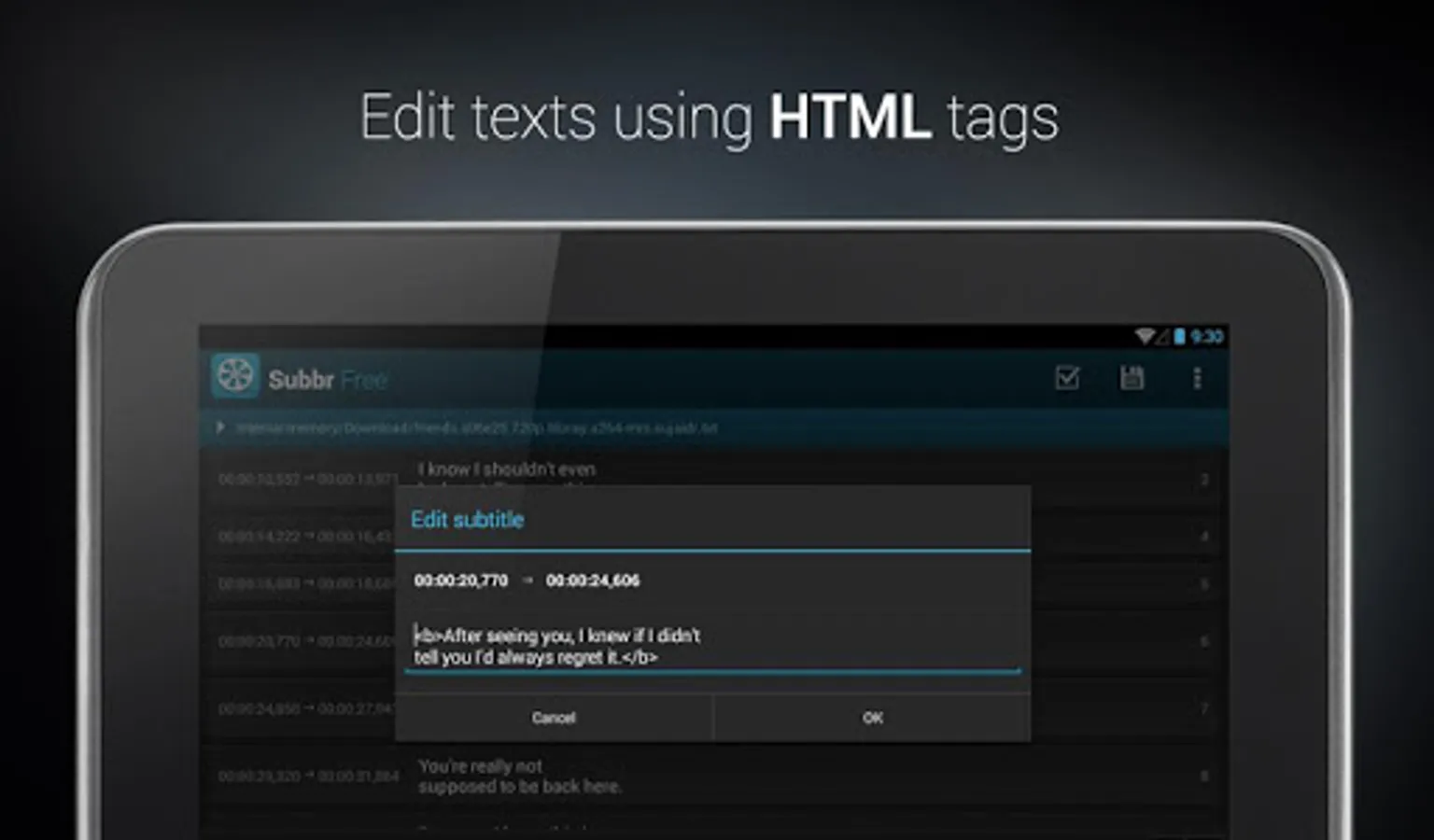
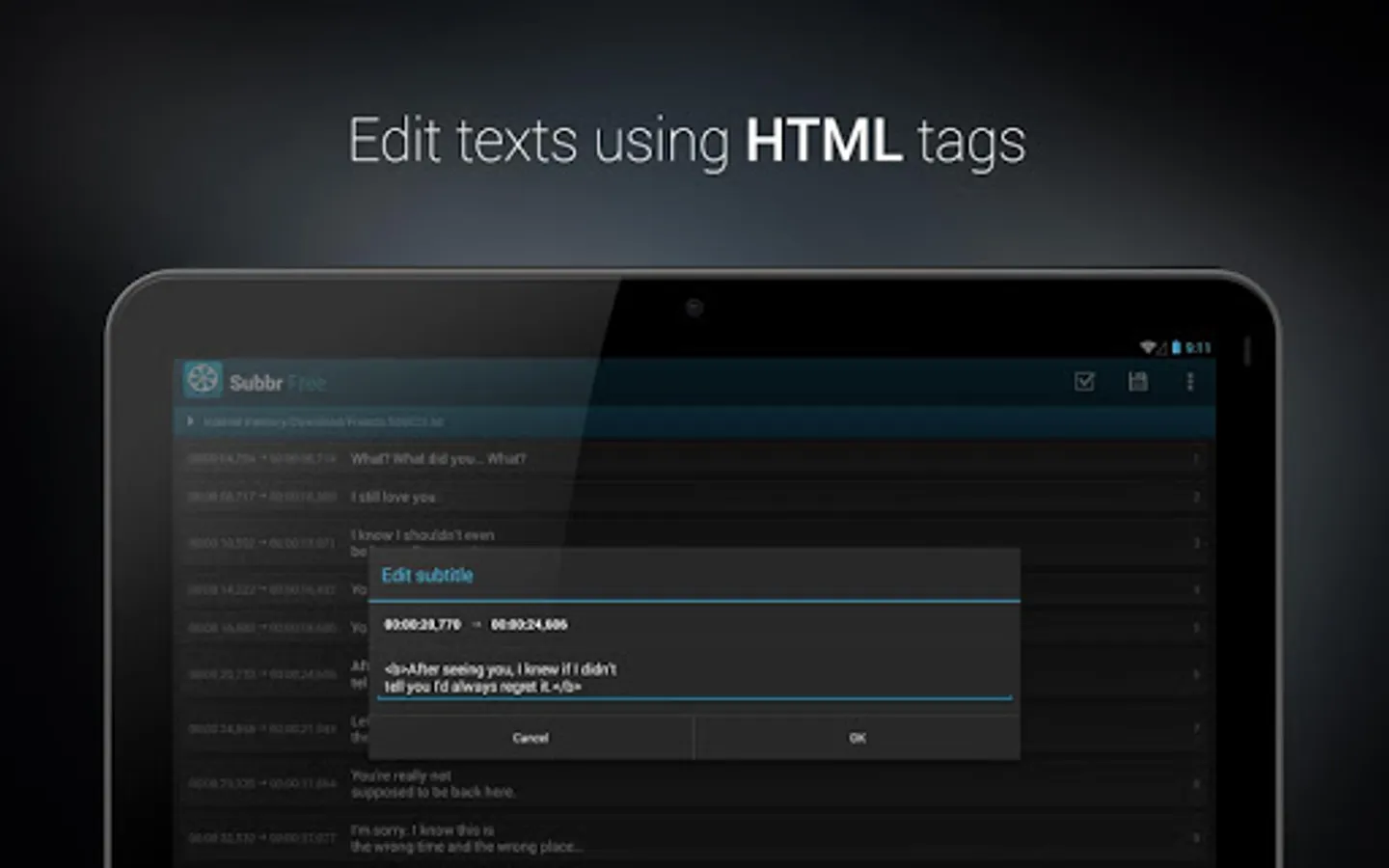
• Editing texts with HTML tags
• Validating and fixing faulty subtitles (PRO version)
Ready to use on phones and tablets.
In case of any problems with the application please contact me by sending an email.
You will never have to use your PC when it turns out subtitles do not match movie you are watching. Adjusting poorly synchronized subtitles is no longer a problem. You can validate and automatically fix detected errors by a single click. Finally save changes to selected format.
Key Features:
• Reading & writing following subtitle formats: TMPlayer, MPL, MicroDVD, SubRip (SRT), SubViewer 1.0, SubViewer 2.0
• Reading frame rate from associated video file in AVI, MP4, MKV format
• Detecting character encoding
• Built-in file manager
• Automatic subtitles backup
• Styling & coloring subtitles with one click
• Editing texts with HTML tags
• Validating and fixing faulty subtitles (PRO version)
Ready to use on phones and tablets.
In case of any problems with the application please contact me by sending an email.
Subbr Free: Subtitle Editor Screenshots
Tap to Rate: