
About Subbr Pro: Subtitle Editor
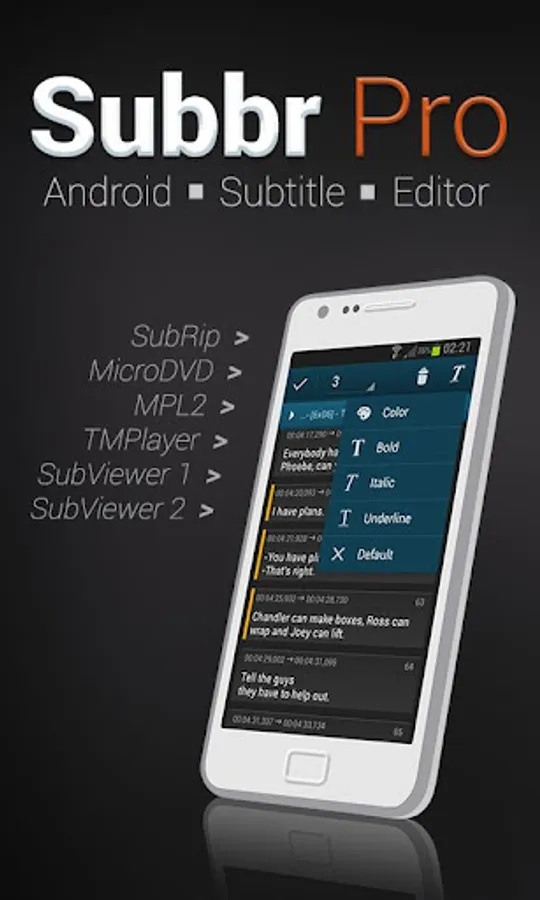
Subbr is Android application for editing and converting movie subtitles.
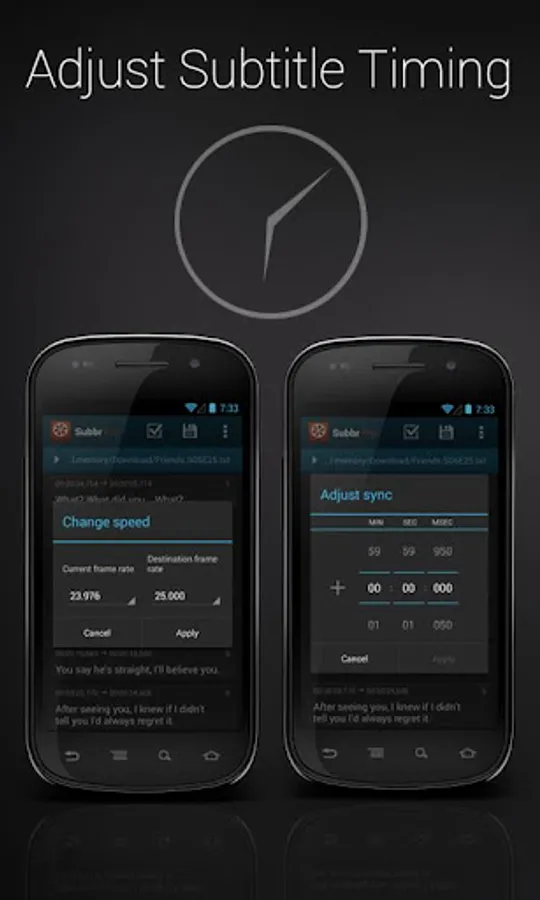
You will never have to use your PC when it turns out subtitles do not match movie you are watching. Adjusting poorly synchronized subtitles is no longer a problem. You can validate and automatically fix detected errors by a single click. Finally save changes to selected format.
What you get in PRO version:
• Full functionality of the free version
• No Ads
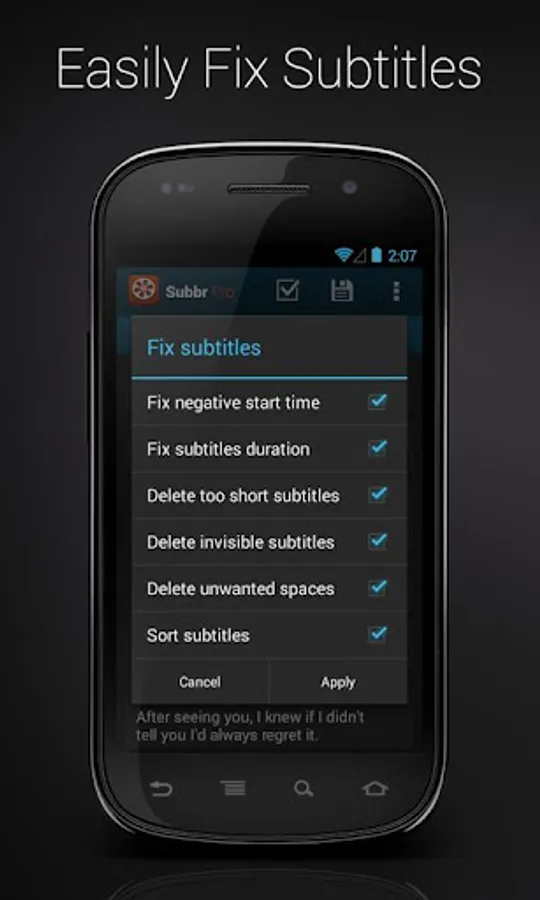
• Validating and fixing faulty subtitles
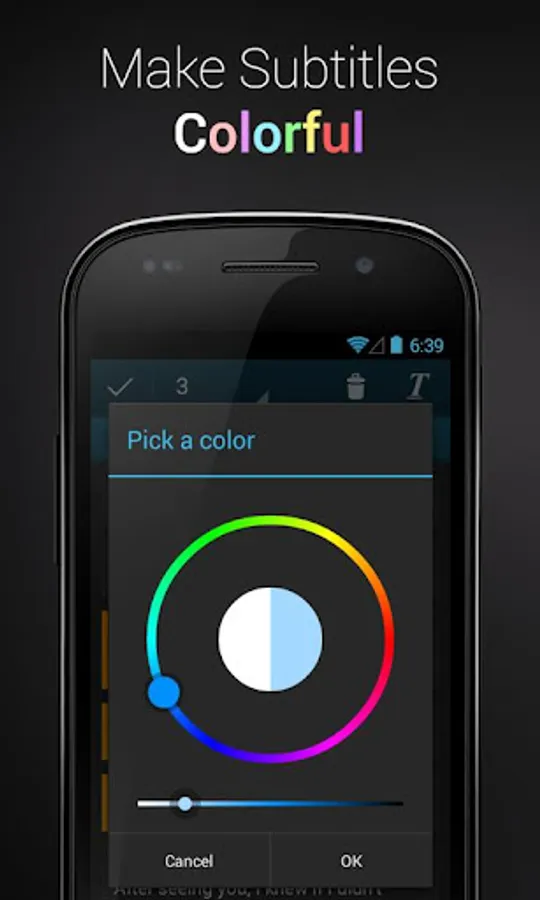
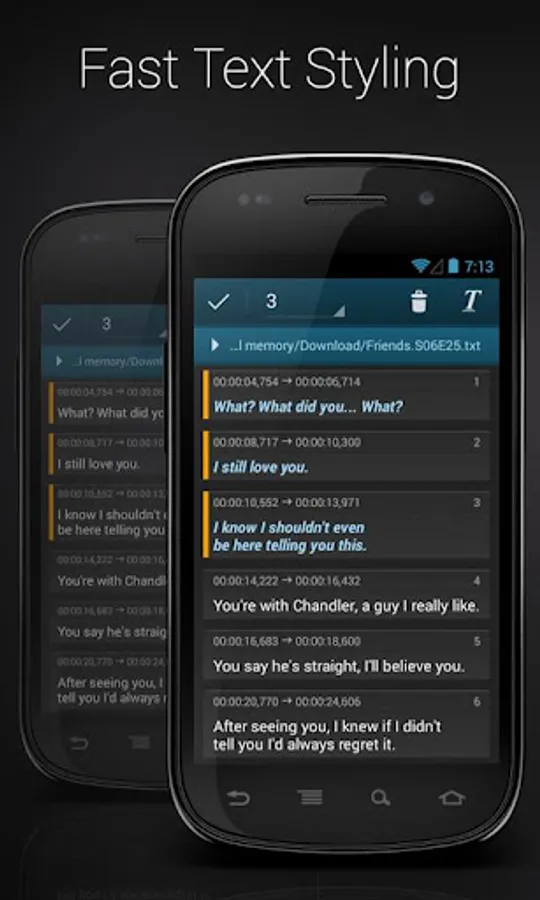
• Coloring subtitles with one click
• Aware that the developer wont walk hungry
• Belonging to a group of willing people
Key Features:
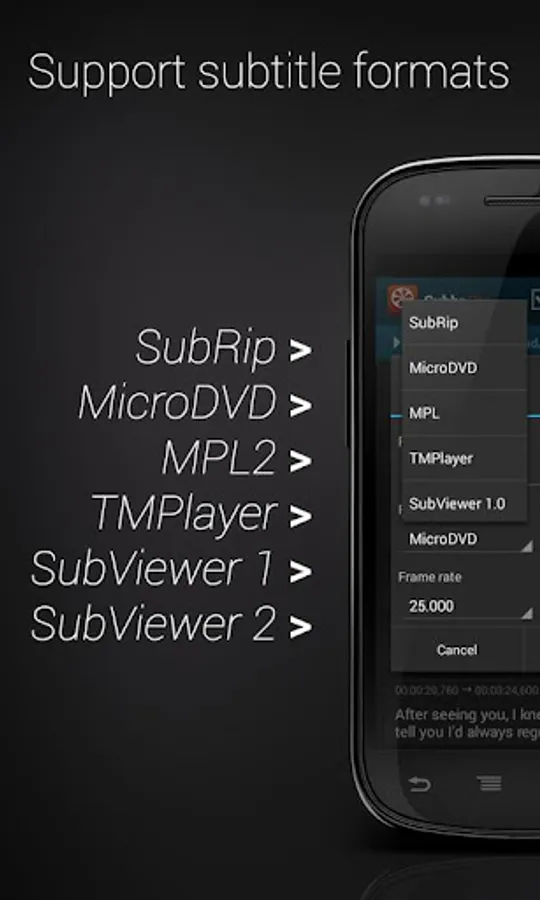
• Reading & writing following subtitle formats: TMPlayer, MPL, MicroDVD, SubRip (SRT), SubViewer 1.0, SubViewer 2.0
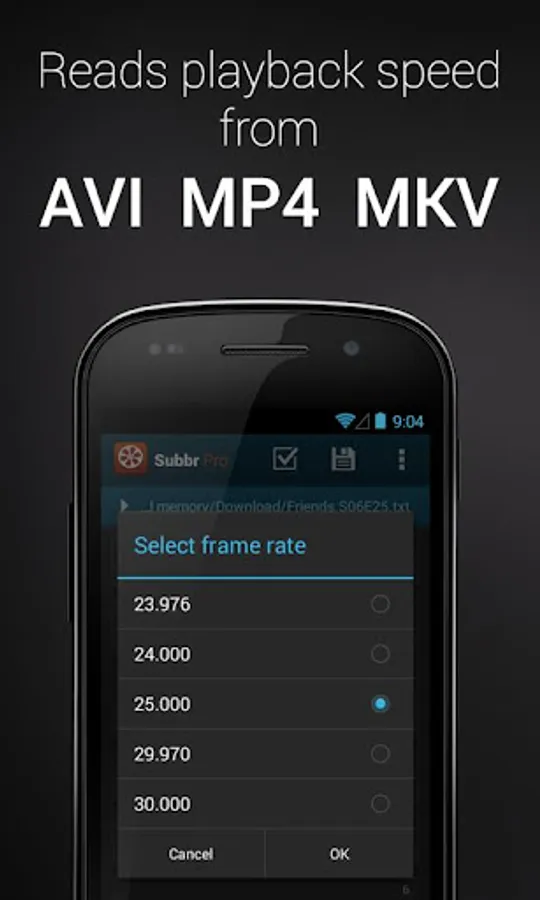
• Reading frame rate from associated video file in AVI, MP4, MKV format
• Detecting character encoding
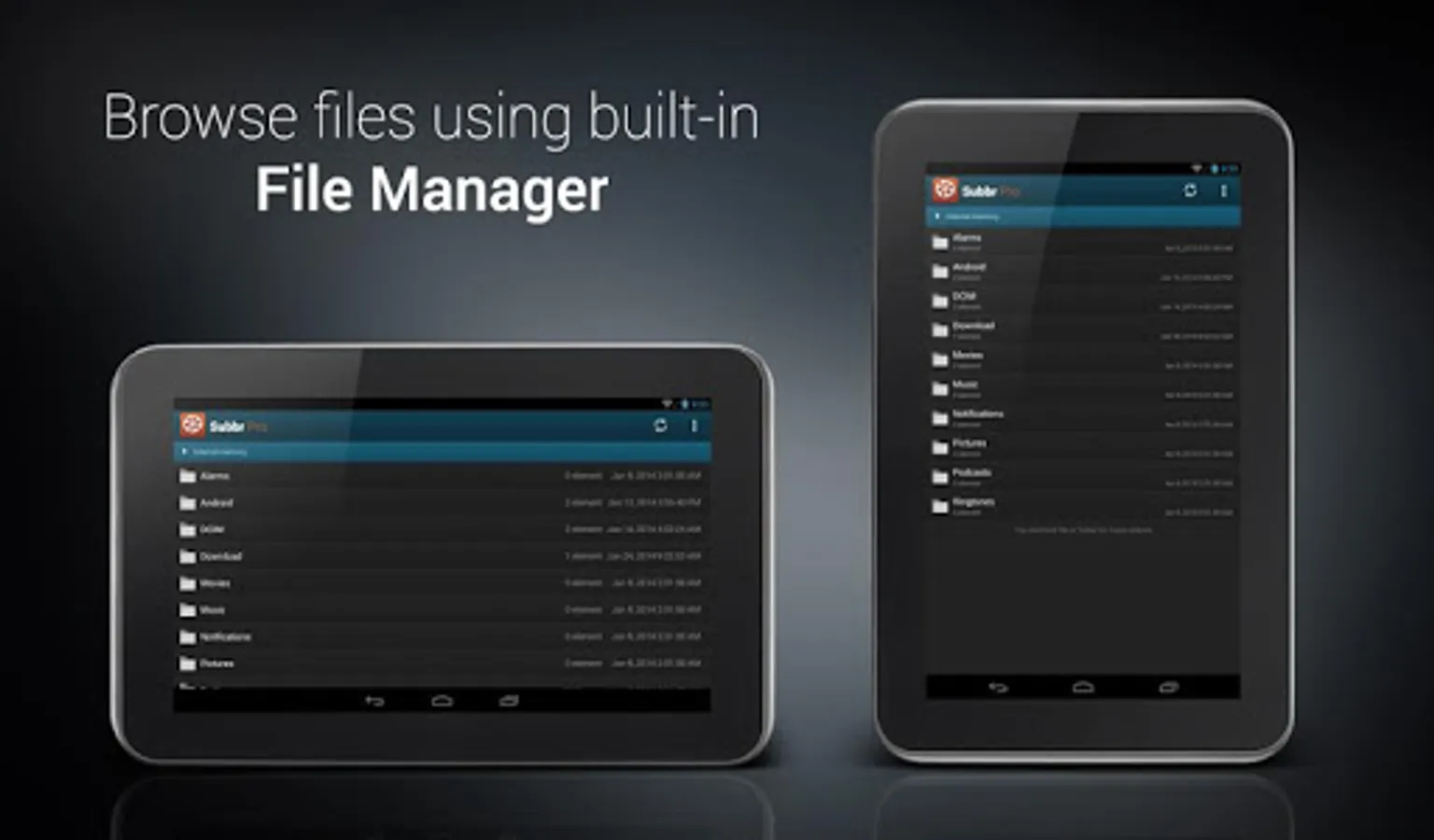
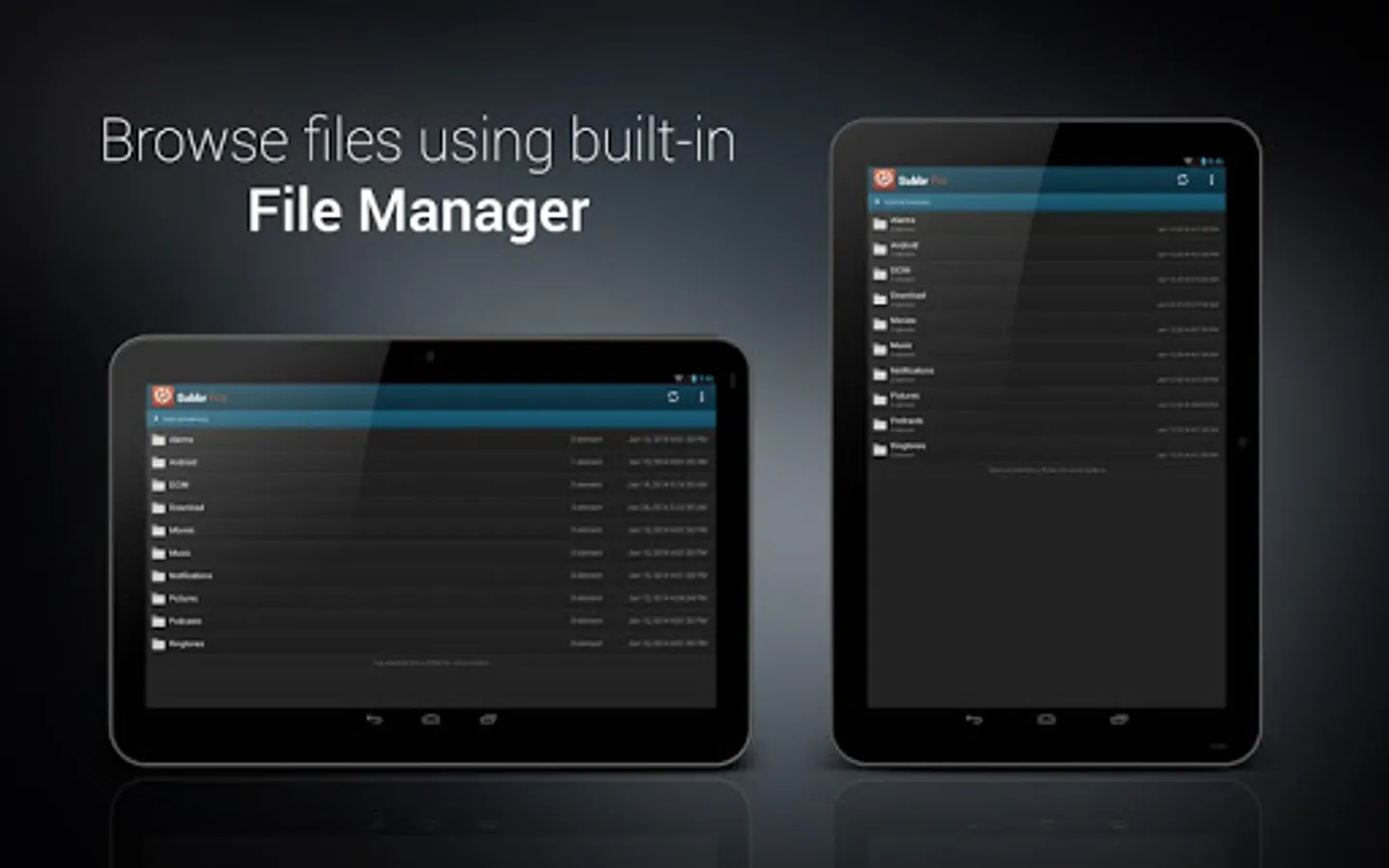
• Built-in file manager
• Automatic subtitles backup
• Styling & coloring subtitles with one click
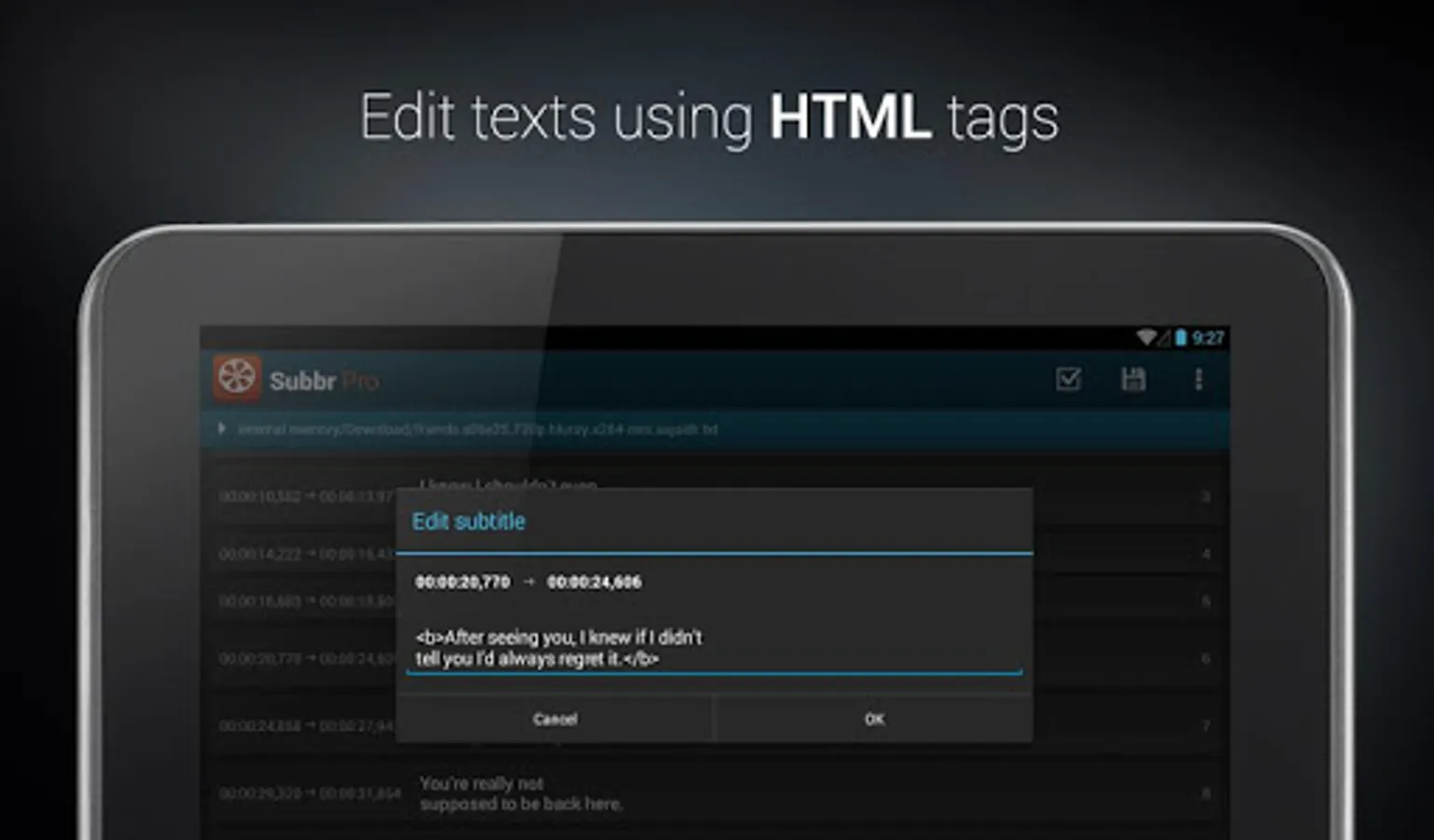
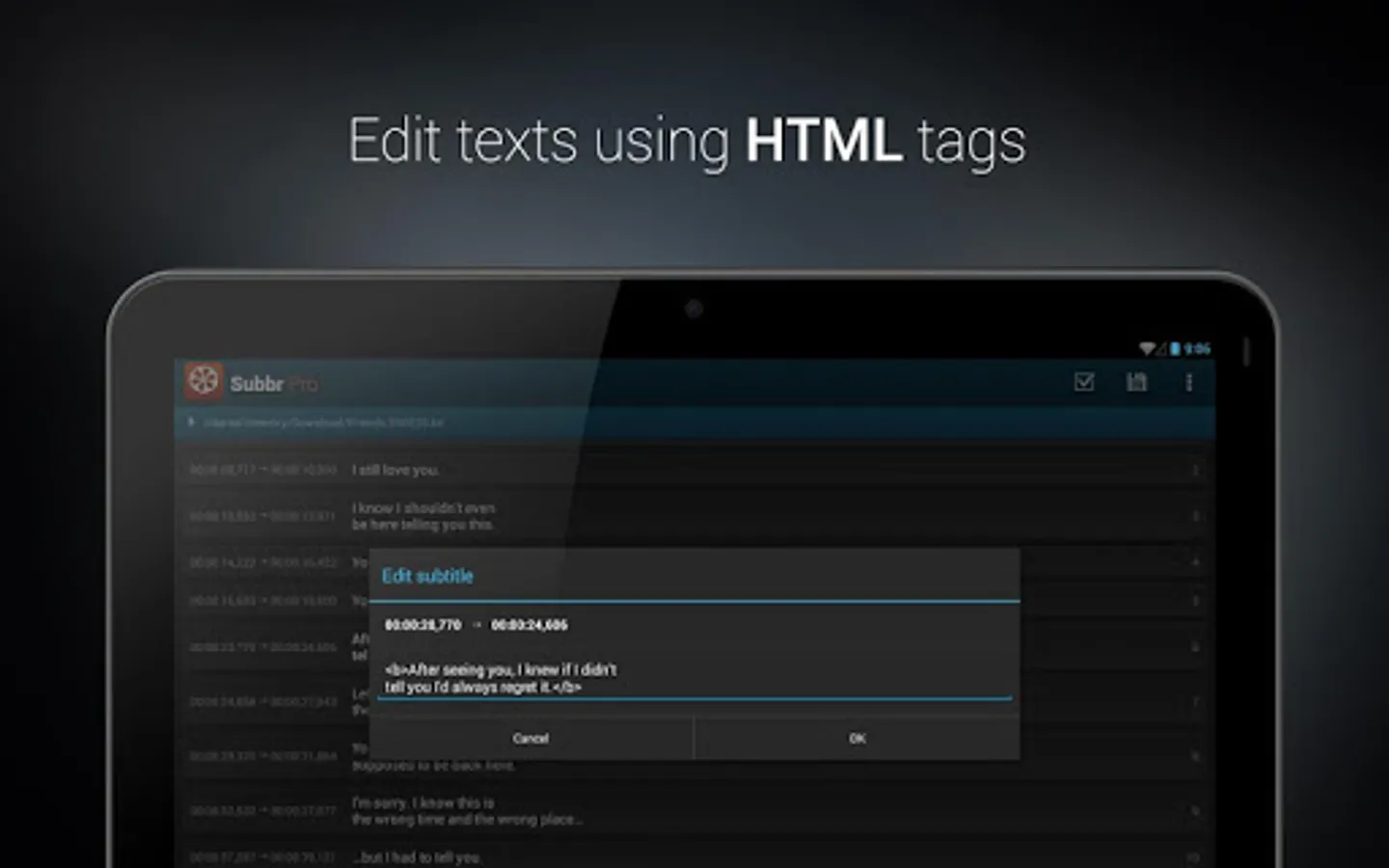
• Editing texts with HTML tags
• Validating and fixing faulty subtitles
Ready to use on phones and tablets.
In case of any problems with the application please contact me by sending an email.
! READ_PHONE_STATE premission is used ONLY for the sole purpose of generating a unique device ID. Device ID is required to validate the license.
You will never have to use your PC when it turns out subtitles do not match movie you are watching. Adjusting poorly synchronized subtitles is no longer a problem. You can validate and automatically fix detected errors by a single click. Finally save changes to selected format.
What you get in PRO version:
• Full functionality of the free version
• No Ads
• Validating and fixing faulty subtitles
• Coloring subtitles with one click
• Aware that the developer wont walk hungry
• Belonging to a group of willing people
Key Features:
• Reading & writing following subtitle formats: TMPlayer, MPL, MicroDVD, SubRip (SRT), SubViewer 1.0, SubViewer 2.0
• Reading frame rate from associated video file in AVI, MP4, MKV format
• Detecting character encoding
• Built-in file manager
• Automatic subtitles backup
• Styling & coloring subtitles with one click
• Editing texts with HTML tags
• Validating and fixing faulty subtitles
Ready to use on phones and tablets.
In case of any problems with the application please contact me by sending an email.
! READ_PHONE_STATE premission is used ONLY for the sole purpose of generating a unique device ID. Device ID is required to validate the license.
Subbr Pro: Subtitle Editor Screenshots
Tap to Rate: