Compass GPS Navigation Wear OS
Mobimax Apps
3.1 ★
370 ratings
100,000+
downloads
Free
+ in-app
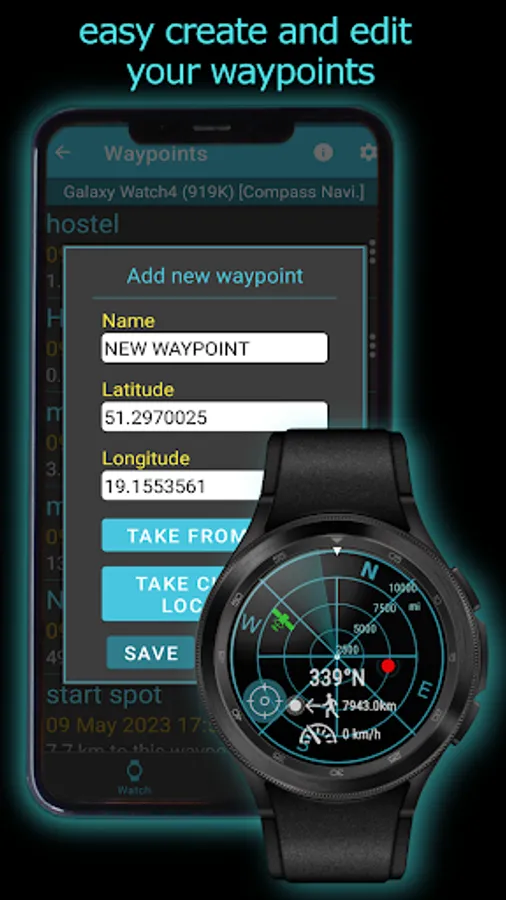
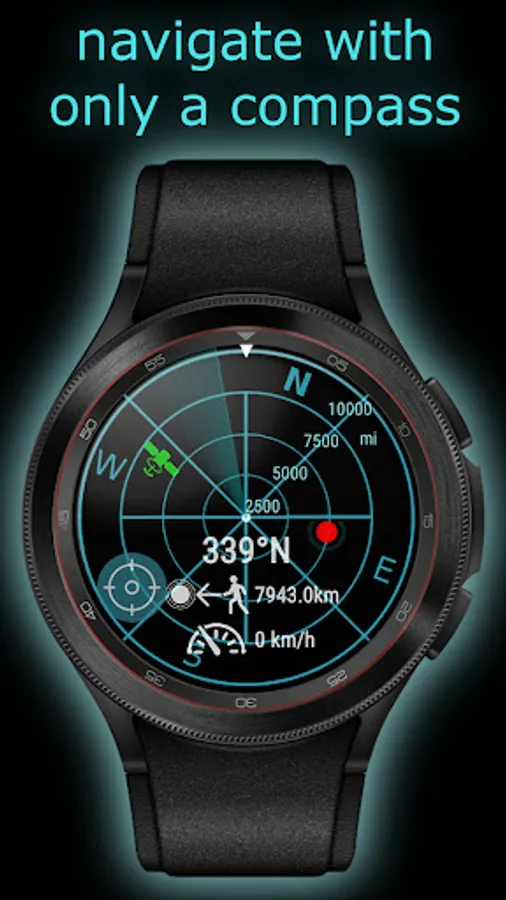
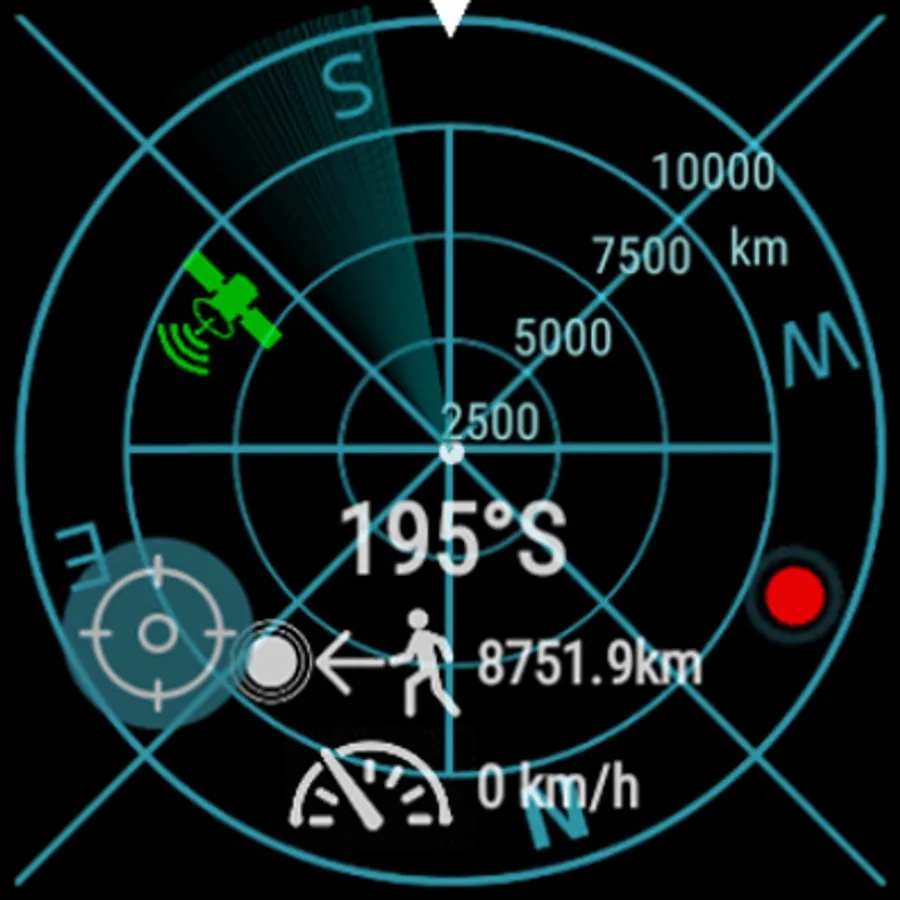
In this app, you can save your position and navigate back using a guiding arrow on your phone or Wear OS watch. Includes offline navigation, compass, altimeter, GPS, and speedometer features.
AppRecs review analysis
AppRecs rating 2.9. Trustworthiness 83 out of 100. Review manipulation risk 25 out of 100. Based on a review sample analyzed.
★★☆☆☆
2.9
AppRecs Rating
Ratings breakdown
5 star
33%
4 star
22%
3 star
3%
2 star
8%
1 star
33%
What to know
✓
Low review manipulation risk
25% review manipulation risk
✓
Credible reviews
83% trustworthiness score from analyzed reviews
⚠
High negative review ratio
42% of sampled ratings are 1–2 stars
About Compass GPS Navigation Wear OS
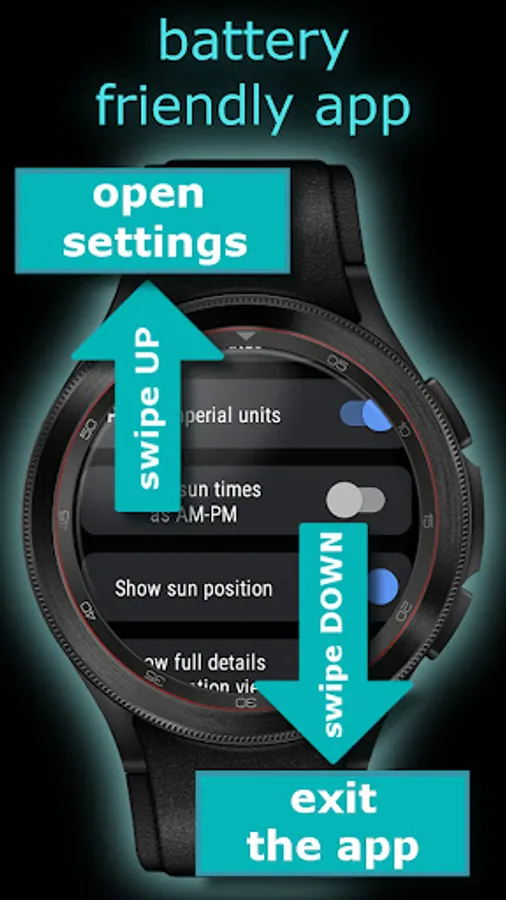
Compass Navigation supports phones and Wear OS powered watches.
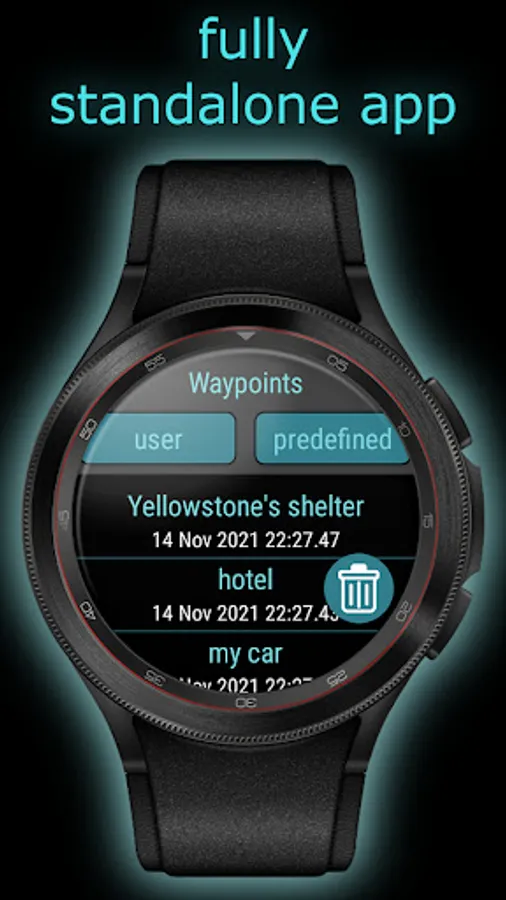
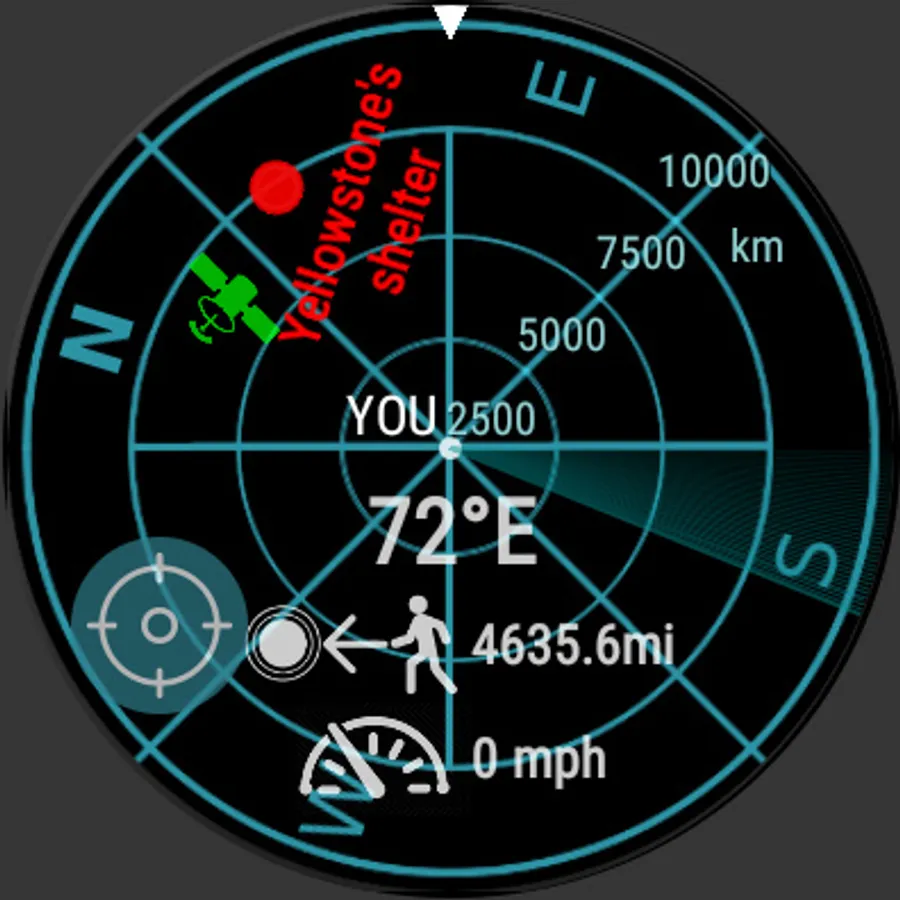
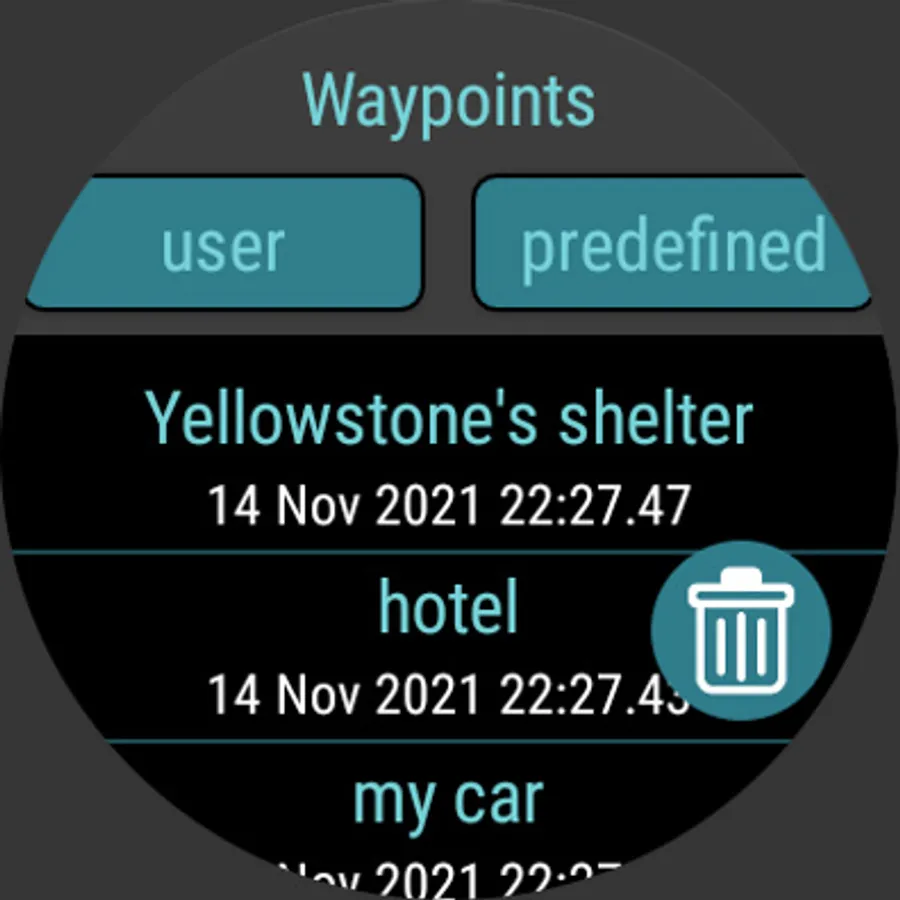
When you lost in forest/mountains or in crowded city, when you travel, climbing or fishing, save your position like parked car, shelter or hotel, and then navigate back following the guiding arrow on your phone/tablet or watch.
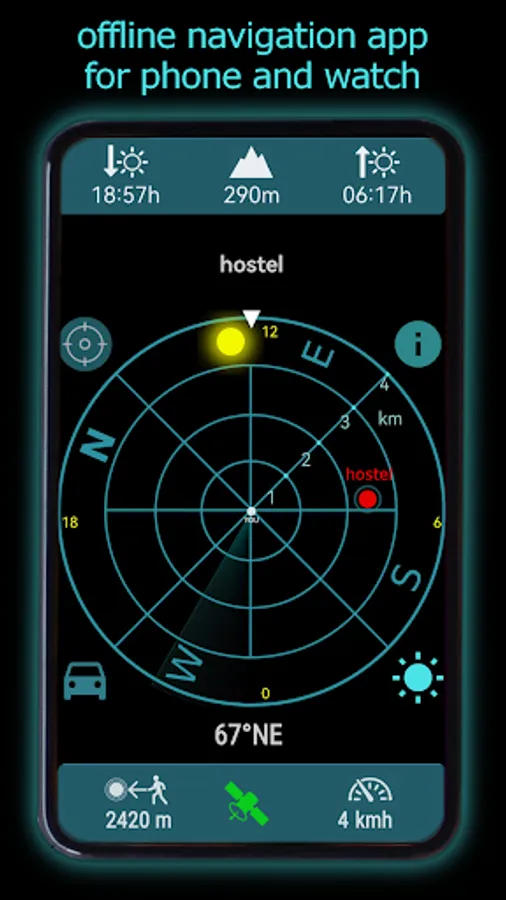
The application shows direction you should walk to get the target position like your home, hotel or parked car.
NAVIGATE EVERYWHERE WITHOUT MAPS AND INTERNET
• Offline navigation.
• GPS Navigation without maps
• Supports phones/tablets and wearable (Wear OS and *Harmony OS)
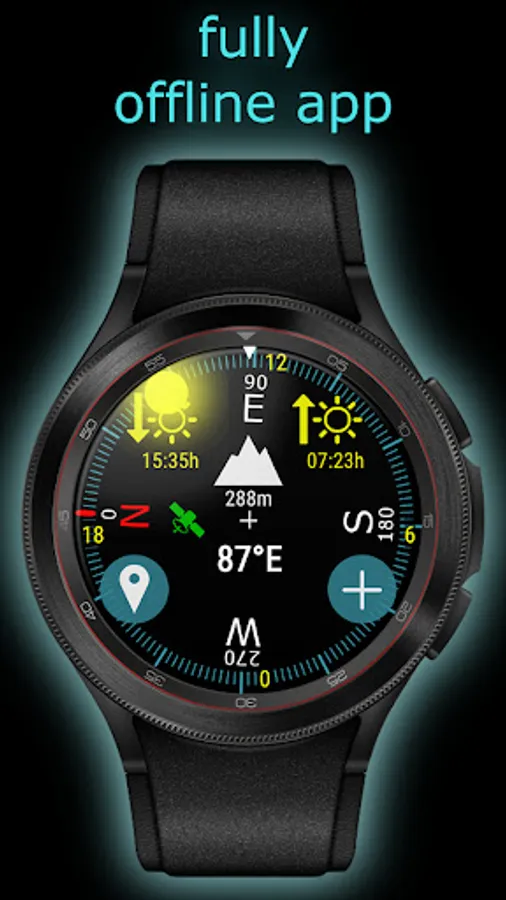
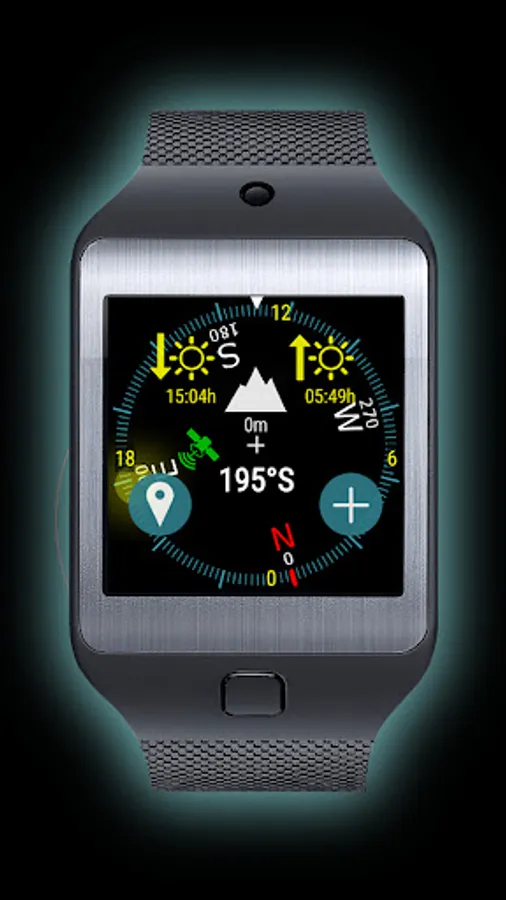
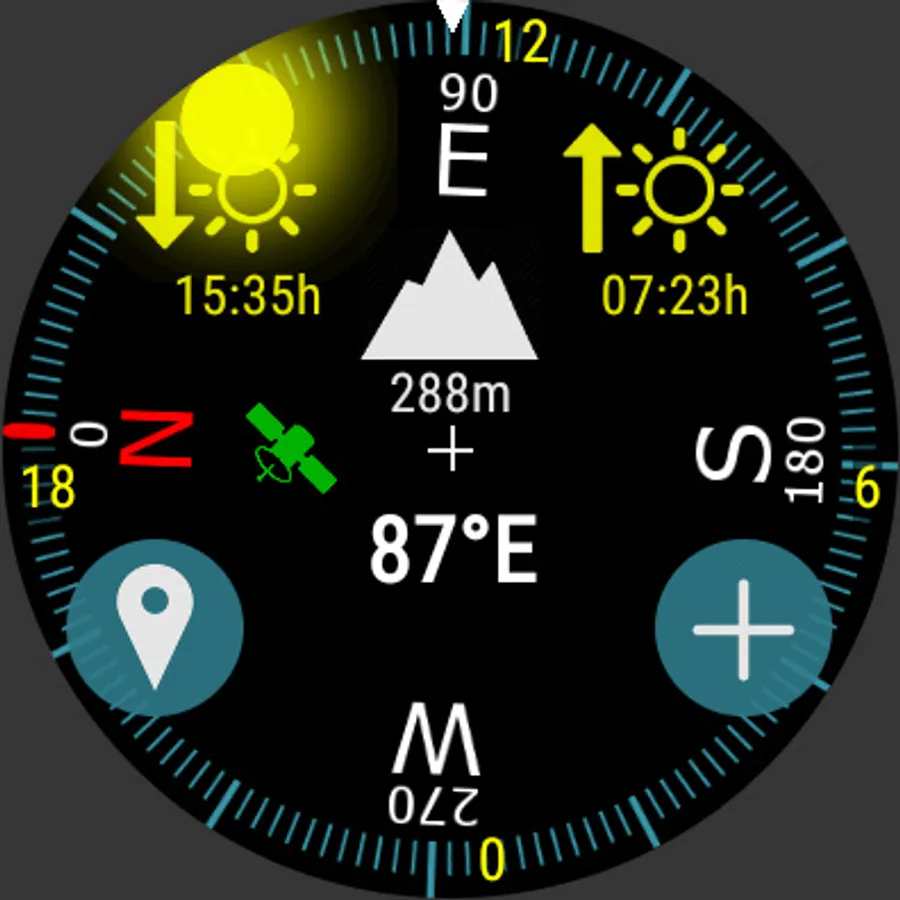
• 4 in 1: compass app, altimeter app, GPS navigation app and speedometer
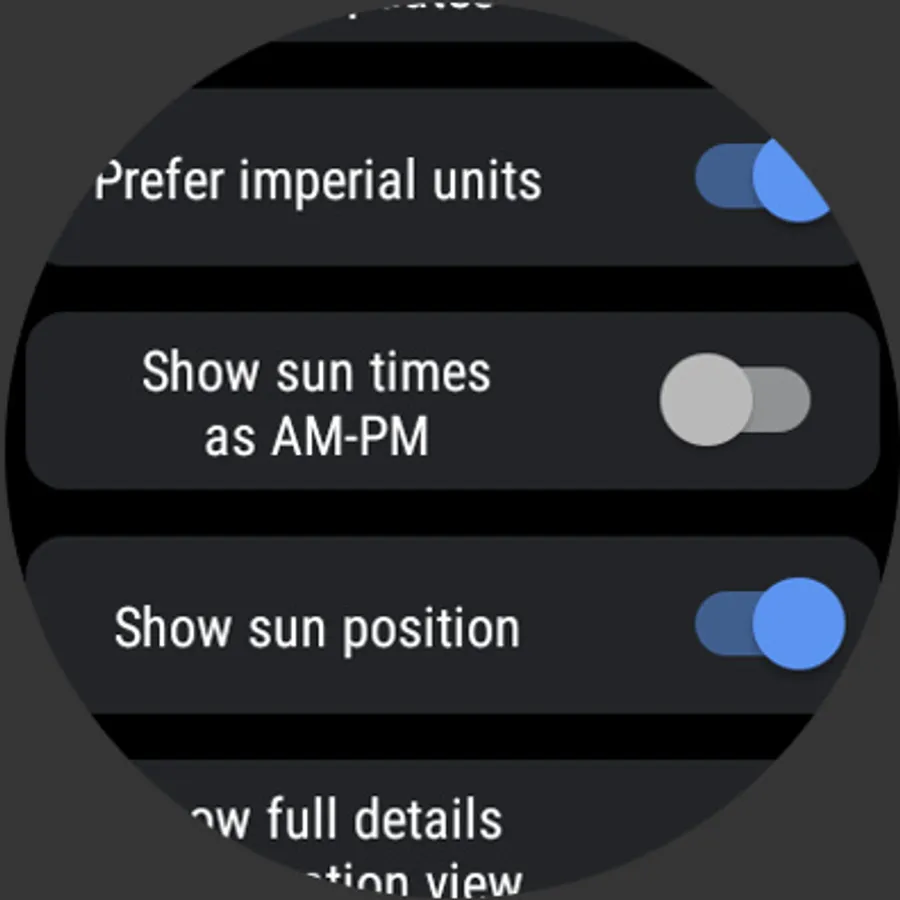
• Sun details: sunrise, sunset, sun position
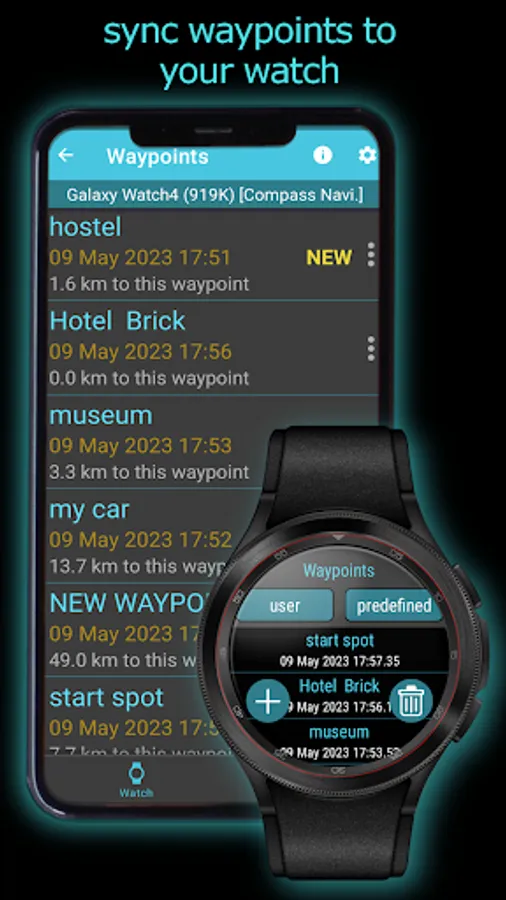
If you got Wear OS watch install Compass Navigation on your watch and sync data to Compass Navigation on phone app.
ⓘ In a car while you driving is recommend to switch to GPS sensor instead using magnetic field (magnetometer) sensor because magnetometer is not reliable in the car and might show incorrect bearing. Just disable 'Use magnetic field sensor' in settings views on watch app or click ‘car’ icon in case phone app. Note: the icon is not visible when device doesn’t support magnetometer.
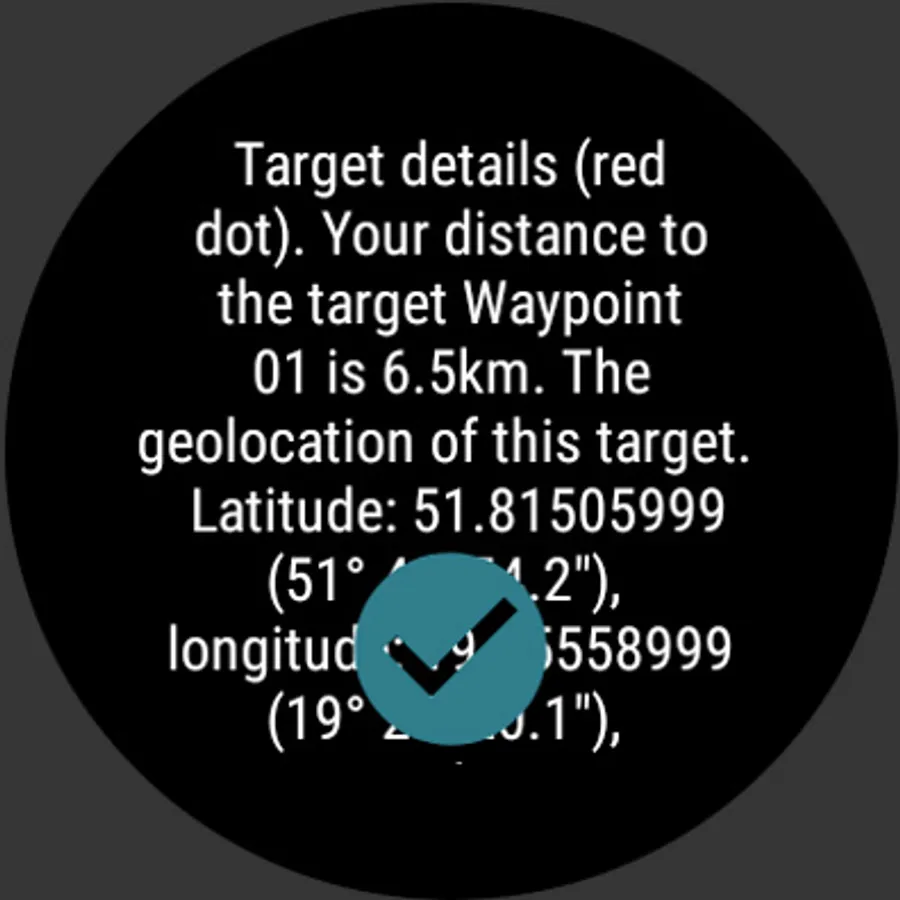
ⓘ No internet connection required. However, the internet permission is added to help pick up a location from a map when you add a new waypoint.
ⓘ Location permission required because the app uses GPS signal and magnetometer sensor to calculate navigation route.
* This version does NOT connect to Huawei watches. You have to install other version which supports communication with HarmonyOS powered watches.
Compass Navigation discussion forum: https://groups.google.com/g/compass-navigation
When you lost in forest/mountains or in crowded city, when you travel, climbing or fishing, save your position like parked car, shelter or hotel, and then navigate back following the guiding arrow on your phone/tablet or watch.
The application shows direction you should walk to get the target position like your home, hotel or parked car.
NAVIGATE EVERYWHERE WITHOUT MAPS AND INTERNET
• Offline navigation.
• GPS Navigation without maps
• Supports phones/tablets and wearable (Wear OS and *Harmony OS)
• 4 in 1: compass app, altimeter app, GPS navigation app and speedometer
• Sun details: sunrise, sunset, sun position
If you got Wear OS watch install Compass Navigation on your watch and sync data to Compass Navigation on phone app.
ⓘ In a car while you driving is recommend to switch to GPS sensor instead using magnetic field (magnetometer) sensor because magnetometer is not reliable in the car and might show incorrect bearing. Just disable 'Use magnetic field sensor' in settings views on watch app or click ‘car’ icon in case phone app. Note: the icon is not visible when device doesn’t support magnetometer.
ⓘ No internet connection required. However, the internet permission is added to help pick up a location from a map when you add a new waypoint.
ⓘ Location permission required because the app uses GPS signal and magnetometer sensor to calculate navigation route.
* This version does NOT connect to Huawei watches. You have to install other version which supports communication with HarmonyOS powered watches.
Compass Navigation discussion forum: https://groups.google.com/g/compass-navigation
Compass GPS Navigation Wear OS Screenshots
Tap to Rate:
Reviews for Compass GPS Navigation Wear OS
Tajammal Ali Cheema
10/3/2025
It's fake
Richard Kiralfy
9/16/2025
a great little compass app. Clear, concise and (as far as I can tell) accurate. Being able to see the current altitude on my Pixel 3 watch is a real plus.