Mega Plugin for Solid Explorer
NeatBytes
3.8 ★
987 ratings
10,000+
downloads
$0.99
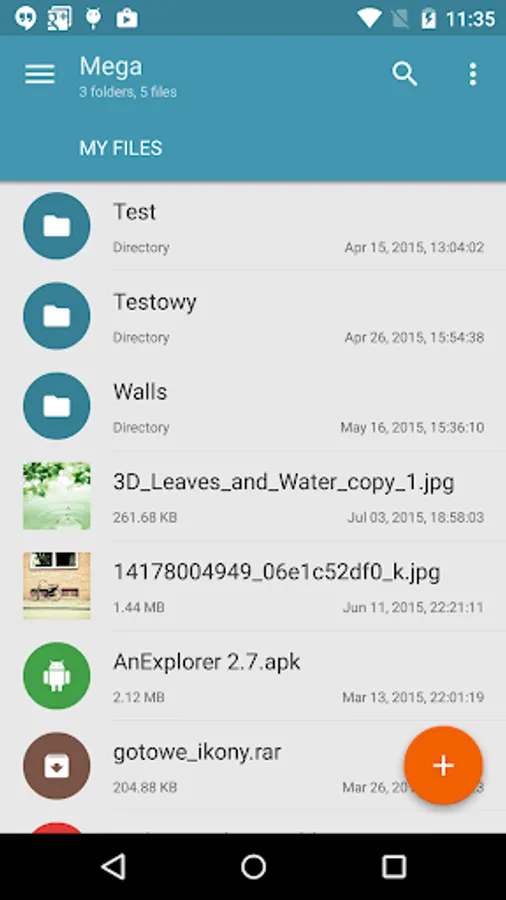
With this plugin for Solid Explorer, you can connect to your Mega account and manage files by copying, moving, renaming, viewing, downloading, uploading, and streaming media. Includes cloud connection setup, file management, and media streaming features.
AppRecs review analysis
AppRecs rating 3.7. Trustworthiness 85 out of 100. Review manipulation risk 24 out of 100. Based on a review sample analyzed.
★★★☆☆
3.7
AppRecs Rating
Ratings breakdown
5 star
63%
4 star
4%
3 star
3%
2 star
7%
1 star
23%
What to know
✓
Low review manipulation risk
24% review manipulation risk
✓
Credible reviews
85% trustworthiness score from analyzed reviews
✓
Good user ratings
67% positive sampled reviews
About Mega Plugin for Solid Explorer
This is a plugin for Solid Explorer, which lets you connect to your Mega account. You can do pretty much everything:
- copy, move, rename and view files
- download and upload files
- stream music and videos
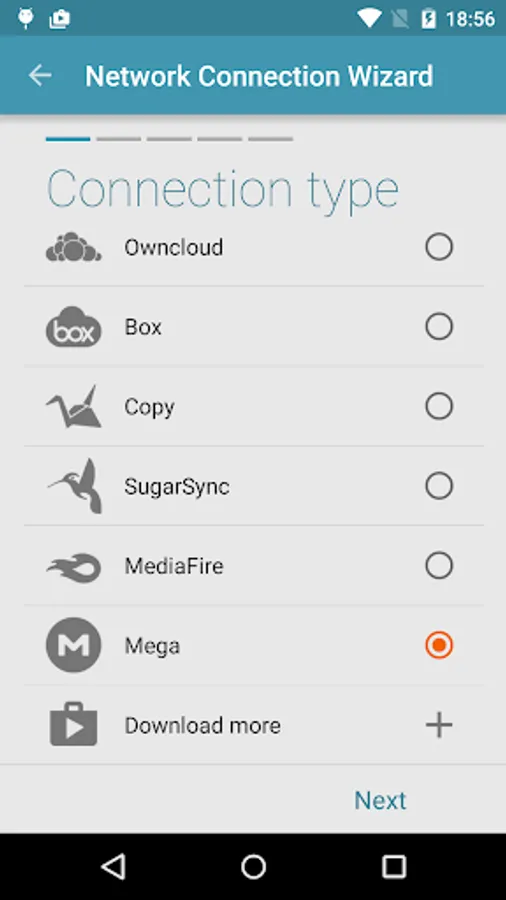
In order to connect to Mega, follow these steps:
1. Tap the + button
2. Choose "Cloud connection"
3. Select Mega option
4. Enter you login and password
5. Tap connect. Tap again to open your cloud drive.
- copy, move, rename and view files
- download and upload files
- stream music and videos
In order to connect to Mega, follow these steps:
1. Tap the + button
2. Choose "Cloud connection"
3. Select Mega option
4. Enter you login and password
5. Tap connect. Tap again to open your cloud drive.