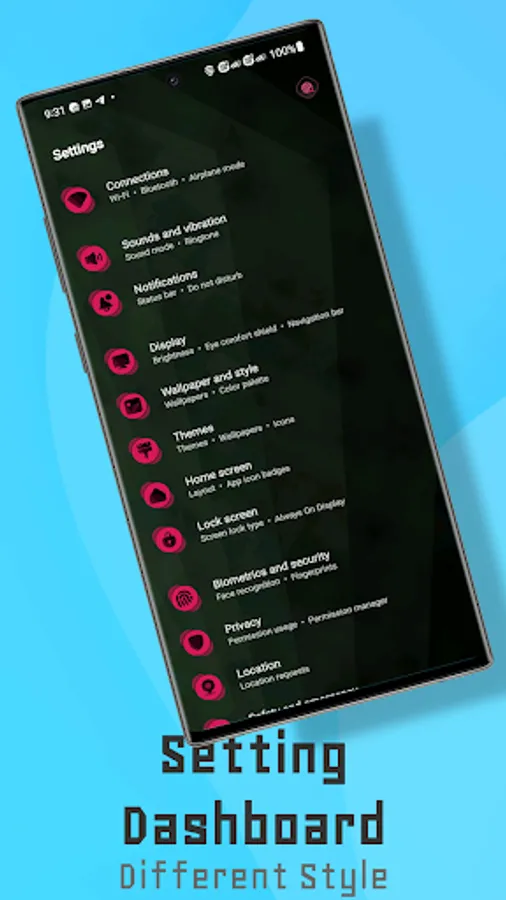
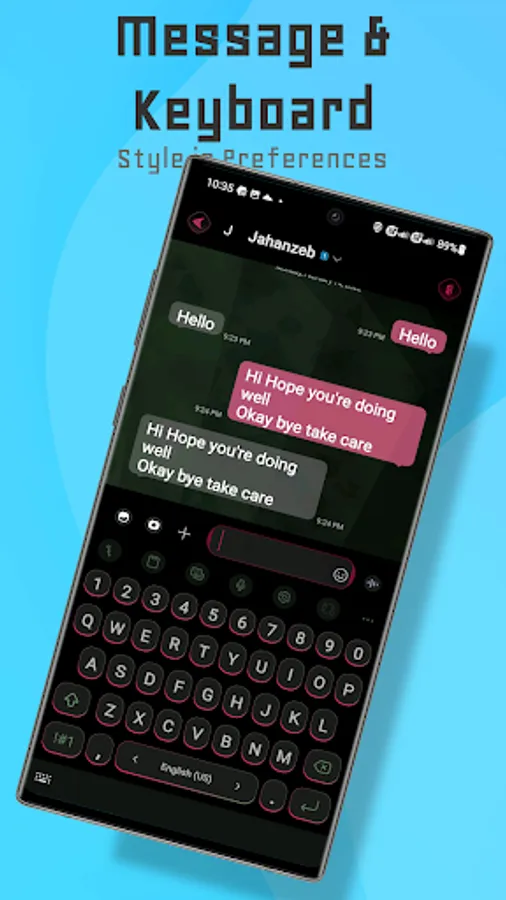
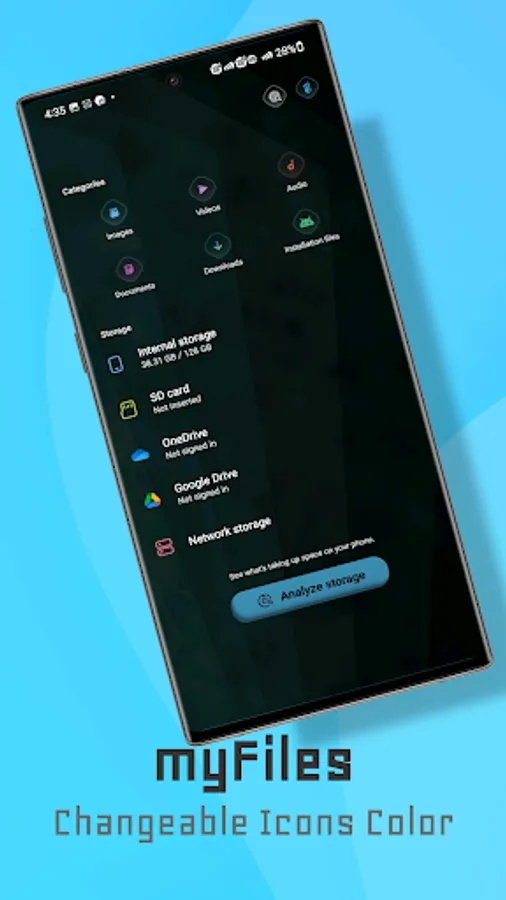
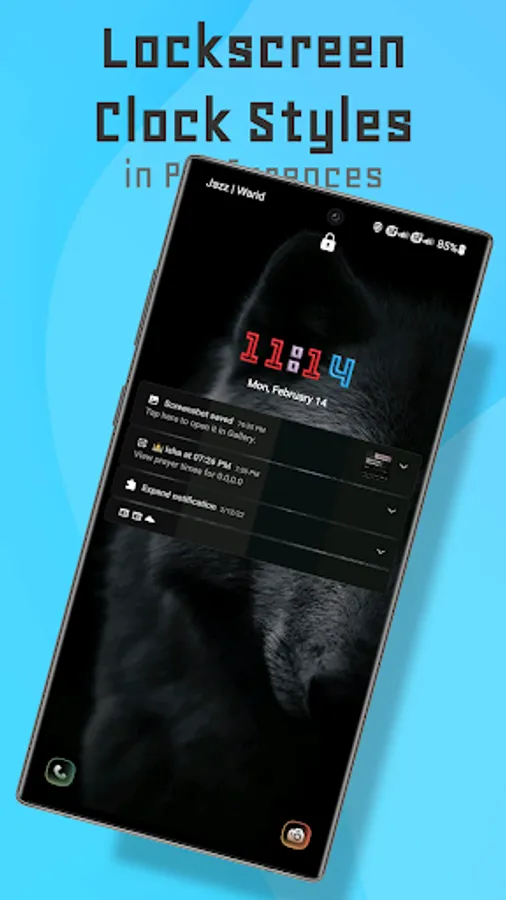
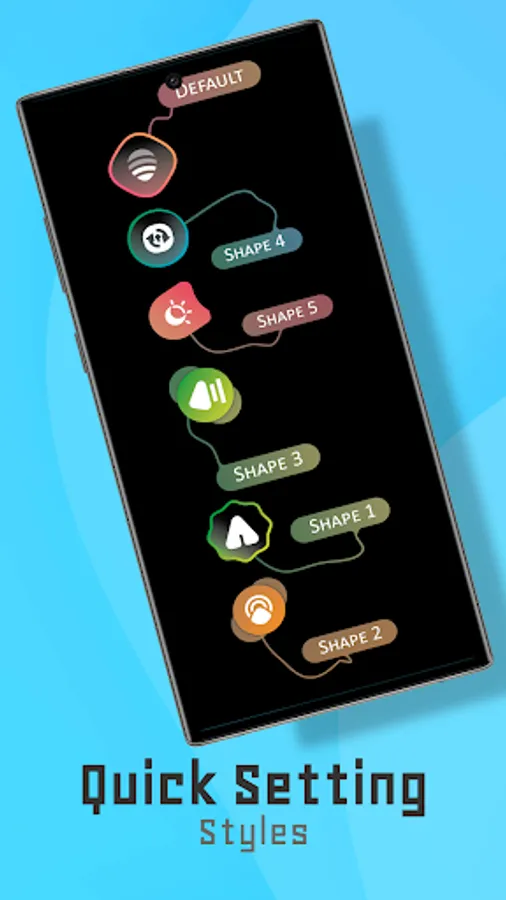
With this plugin, you can customize icons for UI components, app icons, and system bars on compatible Samsung devices. Includes quick-setting toggles, multicolor icons, and a settings dashboard.
AppRecs review analysis
AppRecs rating 4.4. Trustworthiness 81 out of 100. Review manipulation risk 15 out of 100. Based on a review sample analyzed.
★★★★☆
4.4
AppRecs Rating
Ratings breakdown
5 star
86%
4 star
0%
3 star
14%
2 star
0%
1 star
0%
What to know
✓
Low review manipulation risk
15% review manipulation risk
✓
Credible reviews
81% trustworthiness score from analyzed reviews
✓
High user satisfaction
86% of sampled ratings are 5 stars
About Hex Plugin - Project X
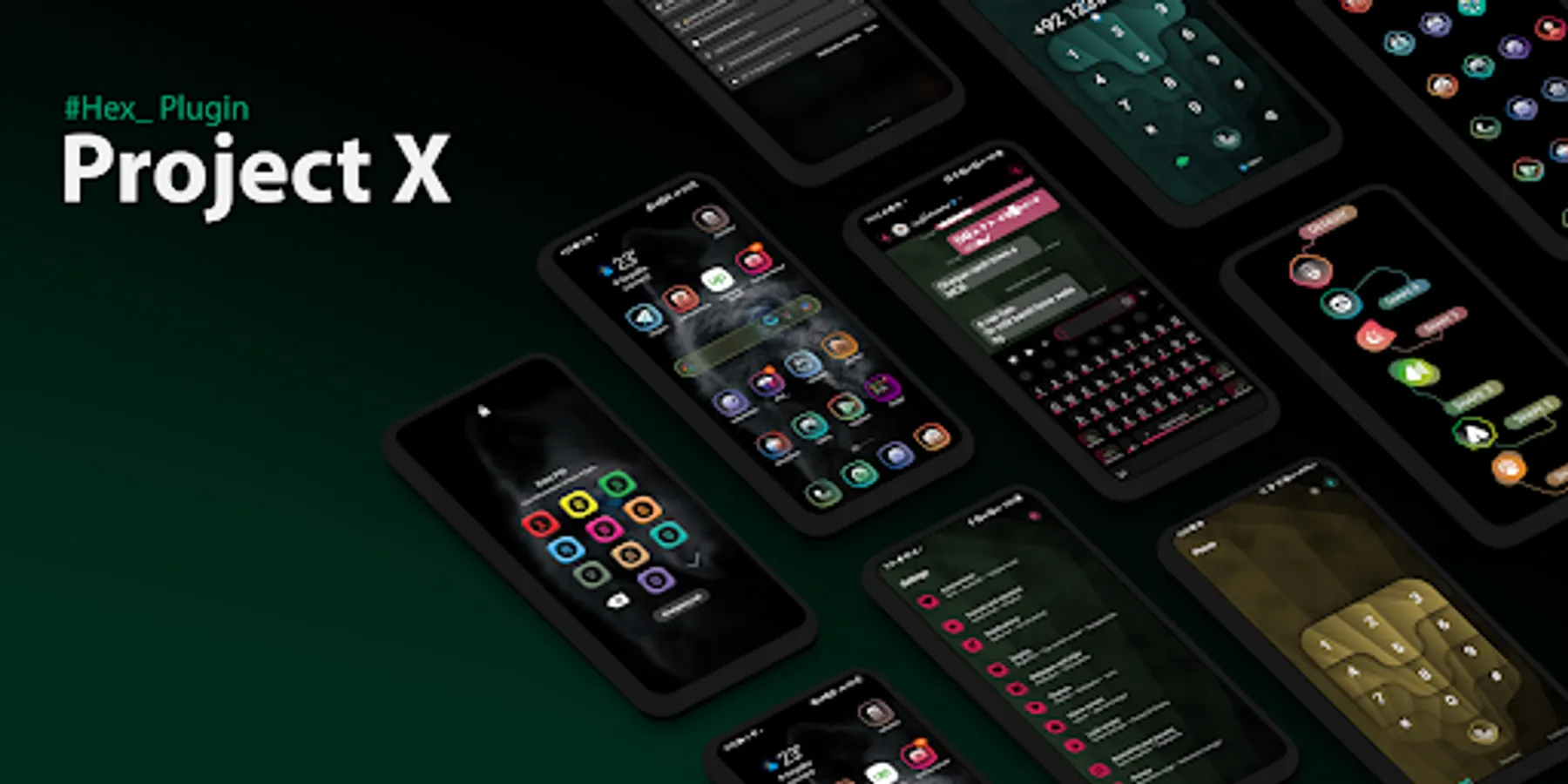
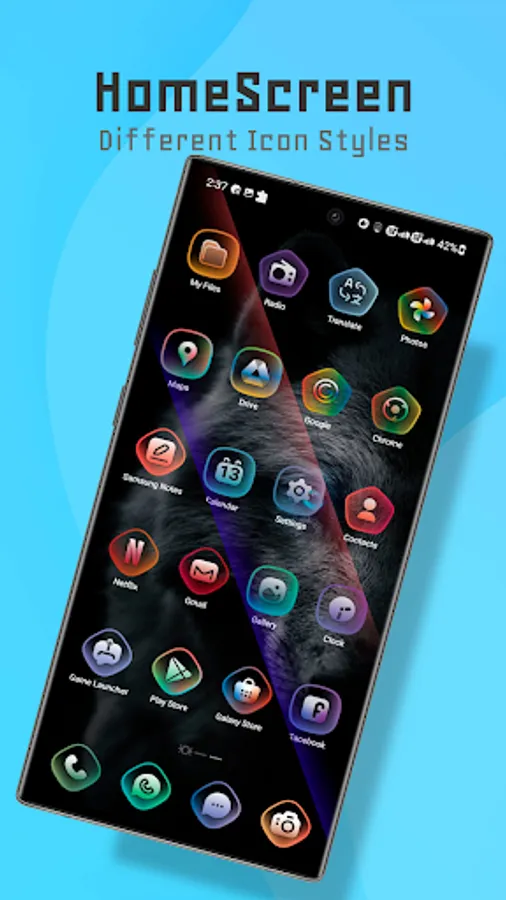
* Quick-Setting toggle icons
* Multicolor icons
* Multicolor Settings dashboard icons
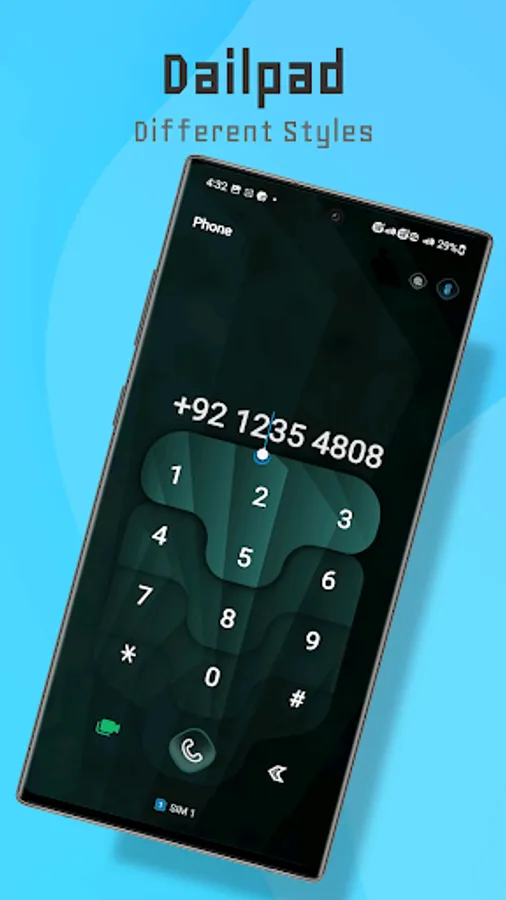
* UI Component icons
* App Icons
* Status-Bar and Navigation Bar Icons
This is a plugin for Hex App and works only on Samsung Devices running OneUI 1 to 4
If you notice my prices are high compared to other plugins please tell me I'll change it
I tried my best to provide you with the best quality and features but if something is left and you want to add an extra function in this plugin you can contact me via my support mail or via telegram @jahanzeb009.
Thank you
Jahanzeb
Hex Plugin - Project X Screenshots
Tap to Rate:
Reviews for Hex Plugin - Project X
Junior Ramirez
1/18/2024
Please fix the keyboard colors on day mode It doesn't matter what colors i choose the keyboard letters never change to other color, it's play black , i would like to create two dark mode themes instead of night & day mode. Unfortunately the day mode requires white or very light backgrounds , that's why when i choose dark background for day mode the keyboard it's hard to see. And the QS TILE MASK ALSO IT'S NOT WORKING, IT DOESN'T SHOW UP AT ALL.
Surender Reddy
6/7/2022
How can I change background multi color icons in message and settings .I have sent email no response