PS Remote Play Controller
TV Master - Smart TV Remote Control
4.7 ★
1K ratings
100,000+
downloads
Free
+ in-app
In this app, you can use your phone as a virtual PlayStation controller to stream games and navigate menus. Includes low-latency streaming, touchscreen controls, and gamepad mode settings.
AppRecs review analysis
AppRecs rating 4.4. Trustworthiness 73 out of 100. Review manipulation risk 37 out of 100. Based on a review sample analyzed.
★★★★☆
4.4
AppRecs Rating
Ratings breakdown
5 star
88%
4 star
6%
3 star
2%
2 star
2%
1 star
3%
What to know
✓
Credible reviews
73% trustworthiness score from analyzed reviews
✓
High user satisfaction
88% of sampled ratings are 5 stars
About PS Remote Play Controller
🎮PS Remote Play Controller– Your Phone, Your PlayStation Controller!
📱Ever wished your phone could double as a PlayStation controller? Well, wish granted!
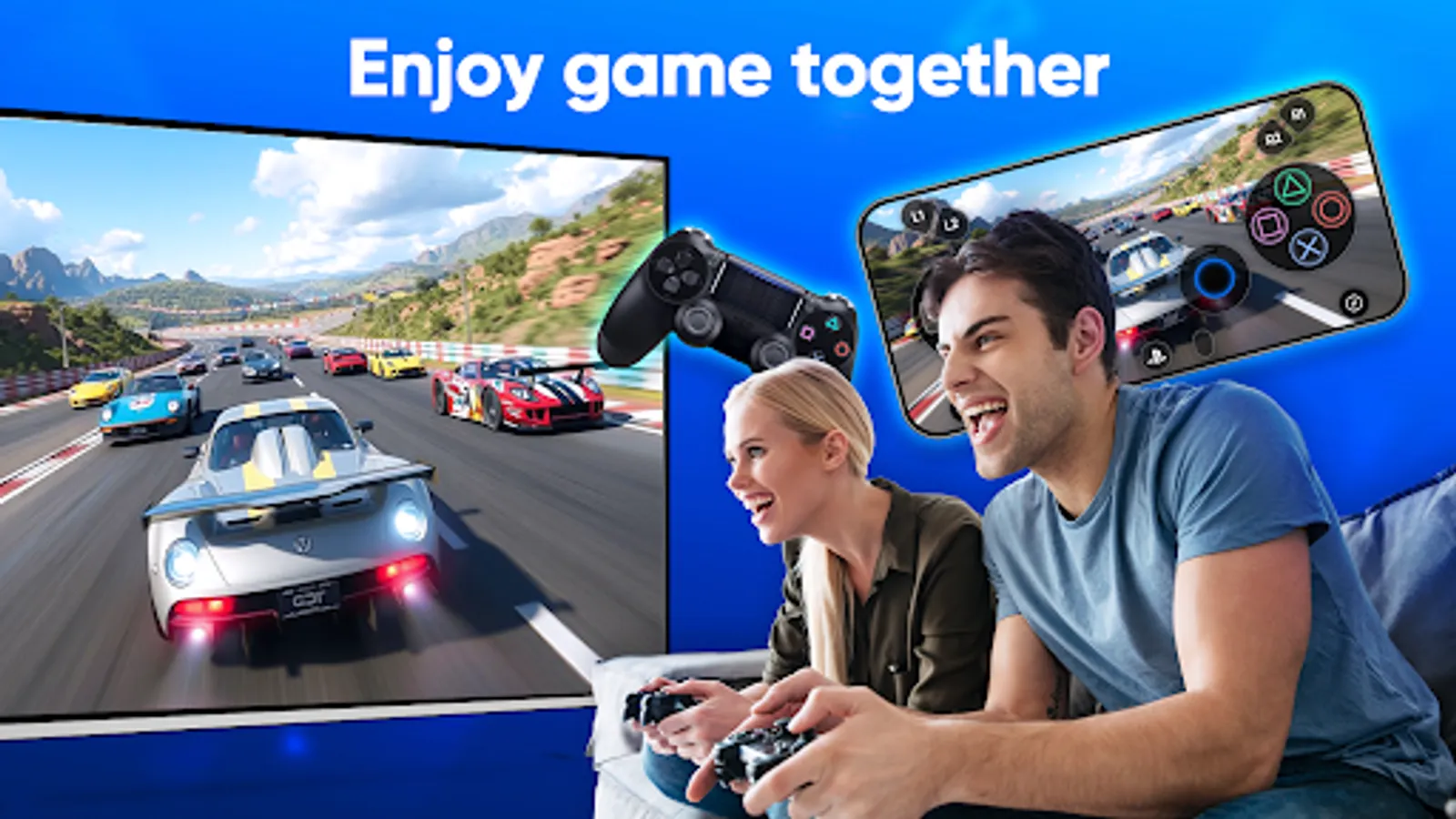
👬Ever wanted to play multiplayer games but only have one PS4 controller? No problem!
With Remote play for PS4, your phone can become a full-function DualShock controller, so you and your friends can game together, without worrying about missing an extra gamepad!
Key Features
📲Virtual DualShock Controller for PS4 & PS5
Use the on-screen controller on your mobile device, remote play for PS4/PS5
🎮PS Remote Play
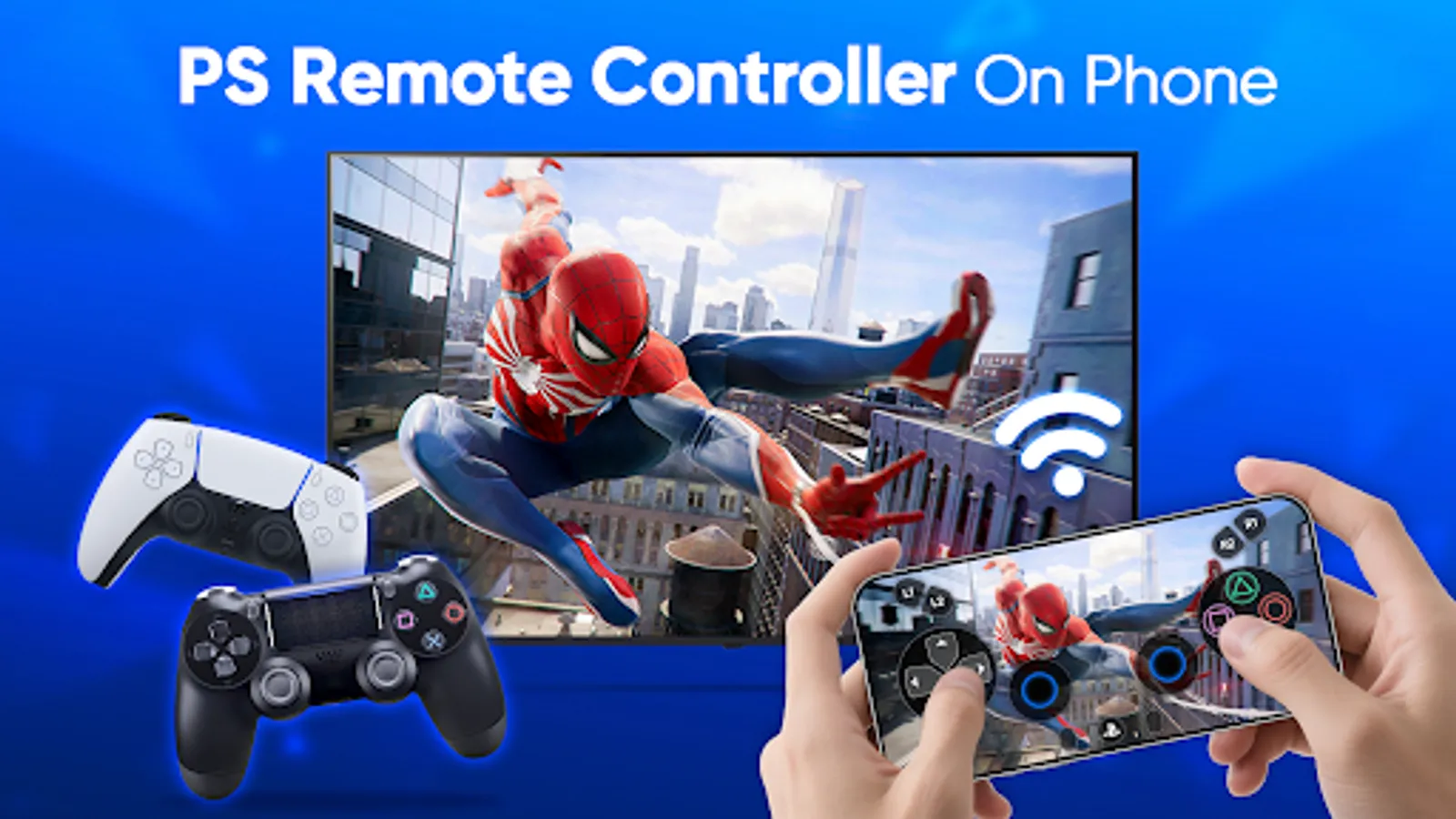
Stream PS4 & PS5 games to your device with low latency using your phone as a virtual joystick or joypad.
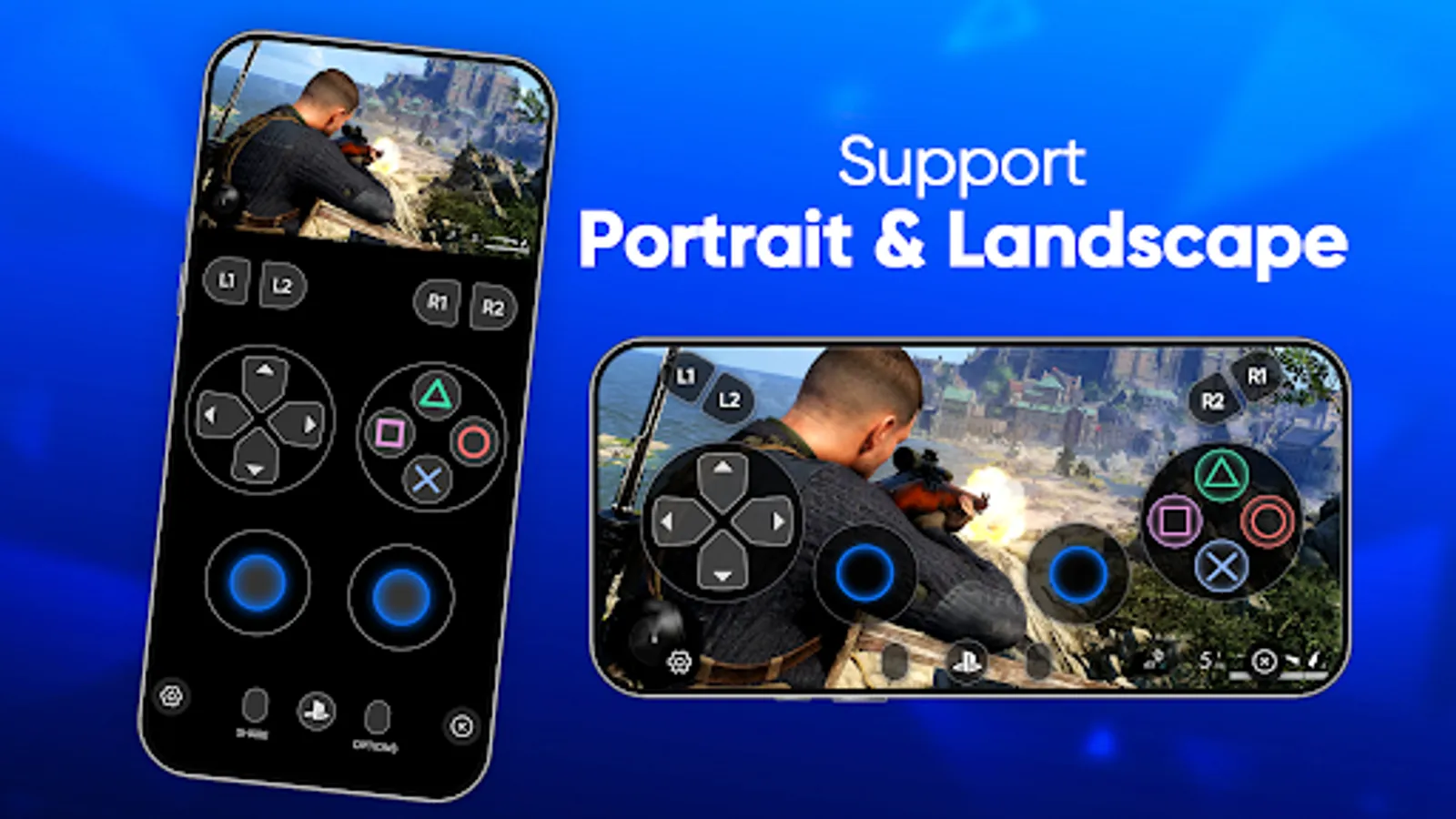
📺Screen Mode
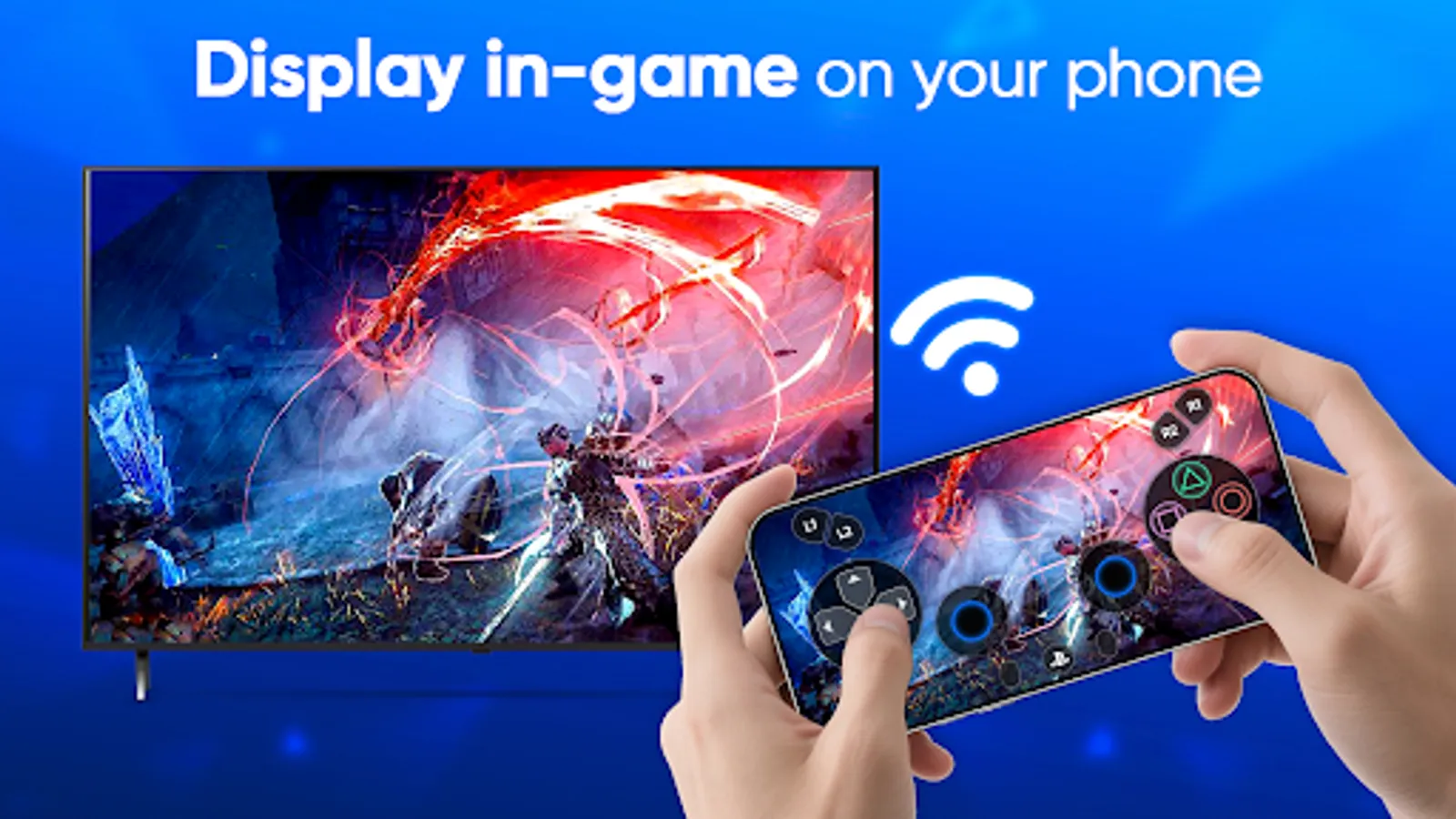
DisPlay PS4 & PS5 games directly on your phone, with real-time game streaming and full touchscreen controls.
🕹Gamepad Mode
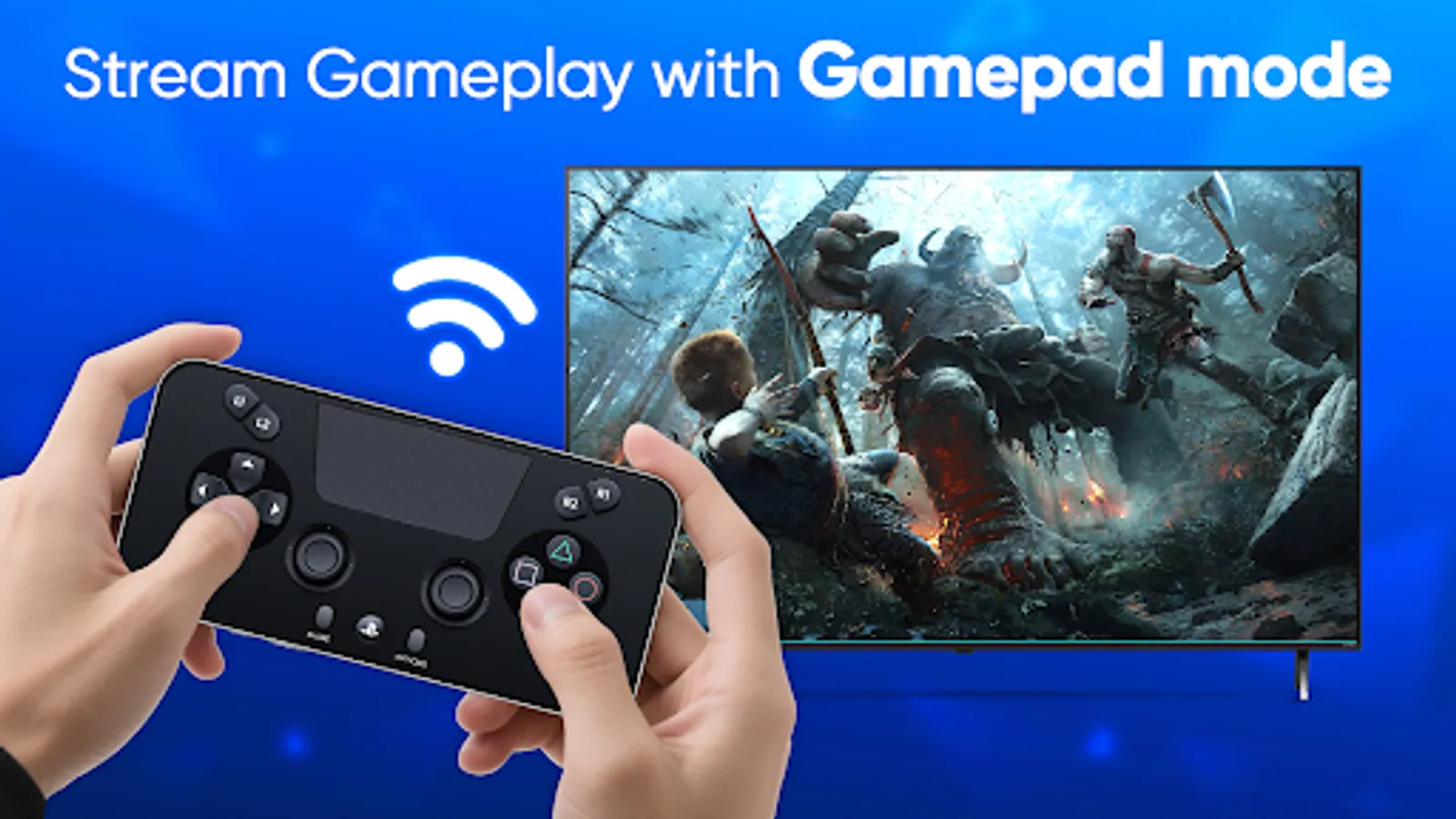
Your phone becomes a real game controller without displaying the game screen, so you can focus on playing on the TV—just like a real DualShock!
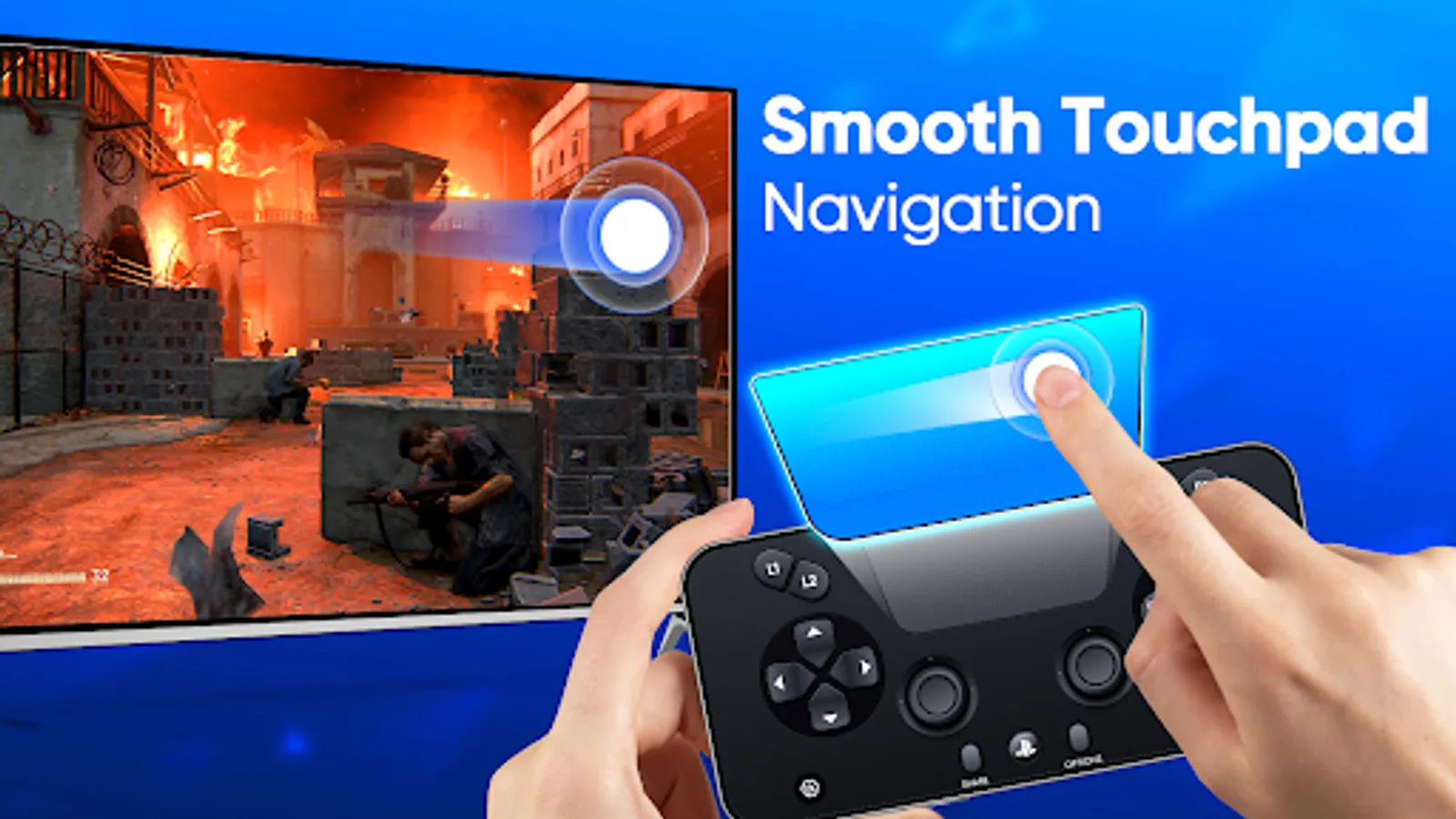
🖱Smooth Touchpad
Just tap or swipe on your phone to easily navigate PlayStation menus and select games!
📢 How to Get Started Remote Play App:
1️⃣ Make sure your PlayStation and phone are on the same Wi-Fi network.
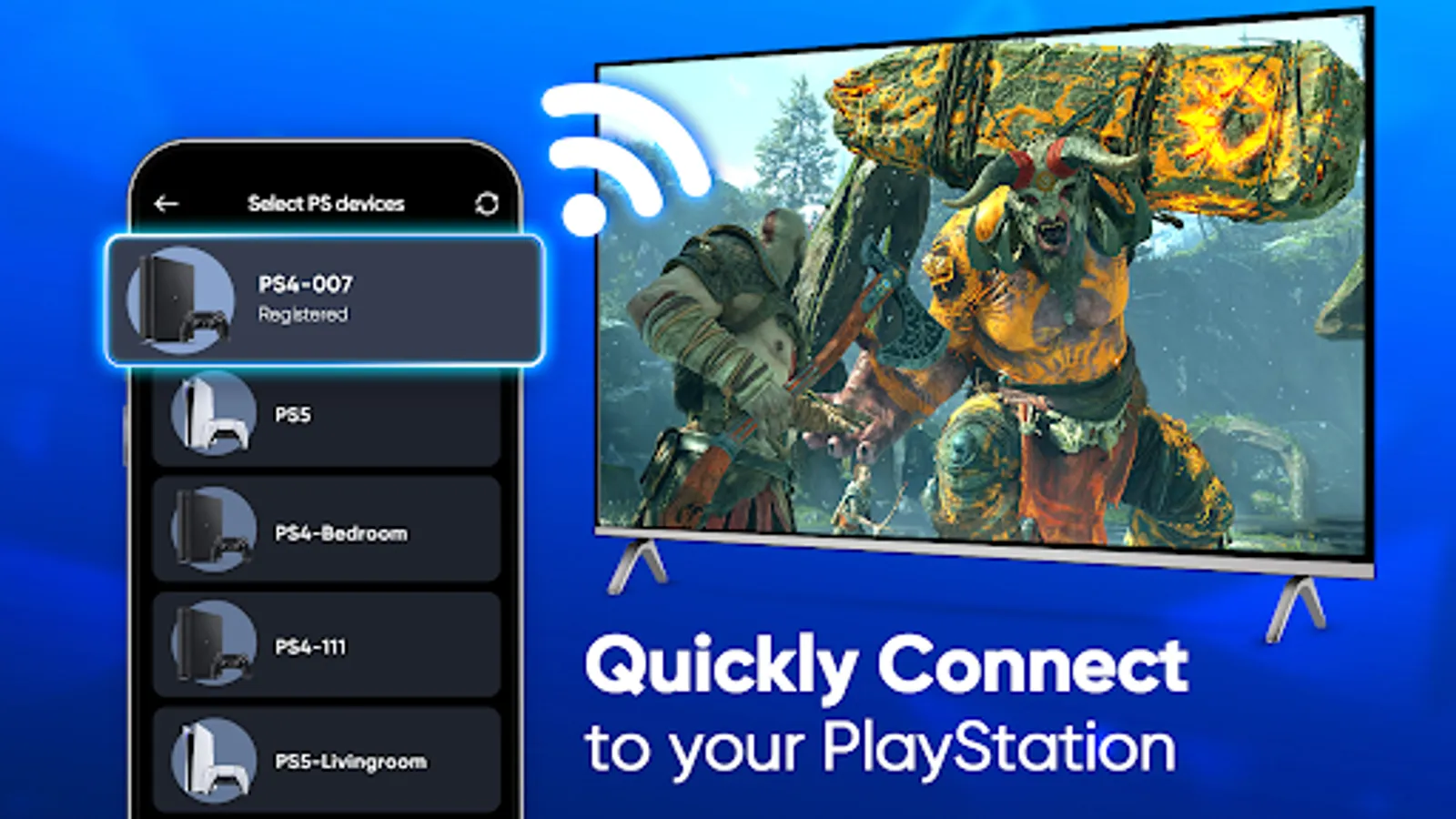
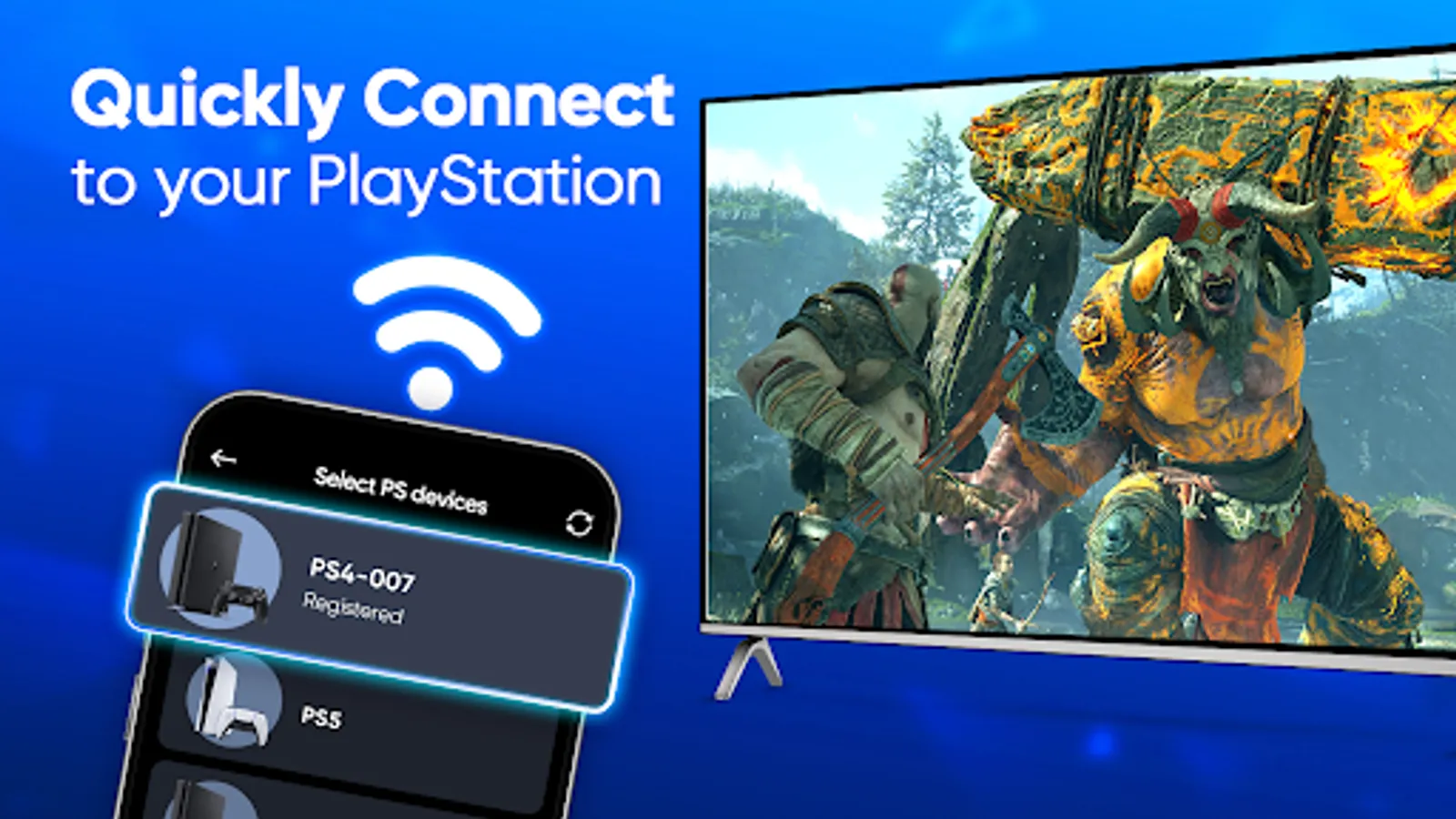
2️⃣ Connect to your PS4 or PS5 automatically or add it manually.
3️⃣ Pick Gamepad mode or Screen mode.
4️⃣ Log in to your PlayStation App account and start gaming on your phone!
Whether you're at home, on the go, or just want a better way to play, PS4 controller makes gaming more convenient than ever. Download game controller now and level up your controlling PS experience!
📌Disclaimer Of PS Remote Controller:
This remote play controller for PS is not affiliated with Sony Group Corporation and other remote controller for PS, or trademarks mentioned here such as: PlayStation, PS Remote Play, PlayStation app, PlayStation game, DualSense, DualShock, PS5, and PS4.
📱Ever wished your phone could double as a PlayStation controller? Well, wish granted!
👬Ever wanted to play multiplayer games but only have one PS4 controller? No problem!
With Remote play for PS4, your phone can become a full-function DualShock controller, so you and your friends can game together, without worrying about missing an extra gamepad!
Key Features
📲Virtual DualShock Controller for PS4 & PS5
Use the on-screen controller on your mobile device, remote play for PS4/PS5
🎮PS Remote Play
Stream PS4 & PS5 games to your device with low latency using your phone as a virtual joystick or joypad.
📺Screen Mode
DisPlay PS4 & PS5 games directly on your phone, with real-time game streaming and full touchscreen controls.
🕹Gamepad Mode
Your phone becomes a real game controller without displaying the game screen, so you can focus on playing on the TV—just like a real DualShock!
🖱Smooth Touchpad
Just tap or swipe on your phone to easily navigate PlayStation menus and select games!
📢 How to Get Started Remote Play App:
1️⃣ Make sure your PlayStation and phone are on the same Wi-Fi network.
2️⃣ Connect to your PS4 or PS5 automatically or add it manually.
3️⃣ Pick Gamepad mode or Screen mode.
4️⃣ Log in to your PlayStation App account and start gaming on your phone!
Whether you're at home, on the go, or just want a better way to play, PS4 controller makes gaming more convenient than ever. Download game controller now and level up your controlling PS experience!
📌Disclaimer Of PS Remote Controller:
This remote play controller for PS is not affiliated with Sony Group Corporation and other remote controller for PS, or trademarks mentioned here such as: PlayStation, PS Remote Play, PlayStation app, PlayStation game, DualSense, DualShock, PS5, and PS4.
PS Remote Play Controller Screenshots
Tap to Rate:
Reviews for PS Remote Play Controller
Donald lee Godfrey jr
12/28/2025
can you use this control for your PS4 system how do I connect my PlayStation 4 system to this so I can play it as a remote control
rama squash
12/28/2025
great app