
NoPopping - Auto DND mode
Xingchen & Rikka
3.9 ★
101 ratings
10,000+
downloads
Free
+ in-app
With this app, you can automatically disable notifications during selected apps by adjusting "Do Not Disturb" settings. Includes permission management, app selection, and access options for rooted and unrooted devices.
AppRecs review analysis
AppRecs rating 3.9. Trustworthiness 0 out of 100. Review manipulation risk 0 out of 100. Based on a review sample analyzed.
★★★☆☆
3.9
AppRecs Rating
Ratings breakdown
5 star
65%
4 star
4%
3 star
4%
2 star
9%
1 star
18%
What to know
✓
Good user ratings
69% positive sampled reviews
✓
Authentic reviews
Natural distribution, no red flags
About NoPopping - Auto DND mode
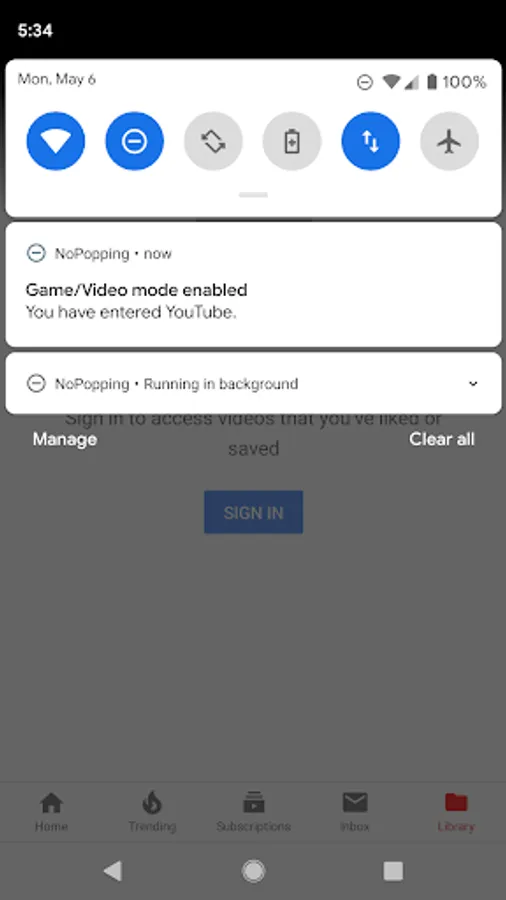
How do you feel when pop notifications show up if you are watching video or gaming?
If you found these notifications are annoying, you should have to try this app.
Special Note:
NoPopping is implemented by modifying the system Do Not Disturb settings, but many manufacturers may modify the setting and behavior of the do not disturb mode, and NoPopping will not work.
If you are experiencing such a situation, please blame the manufacturer instead of us.
Feature:
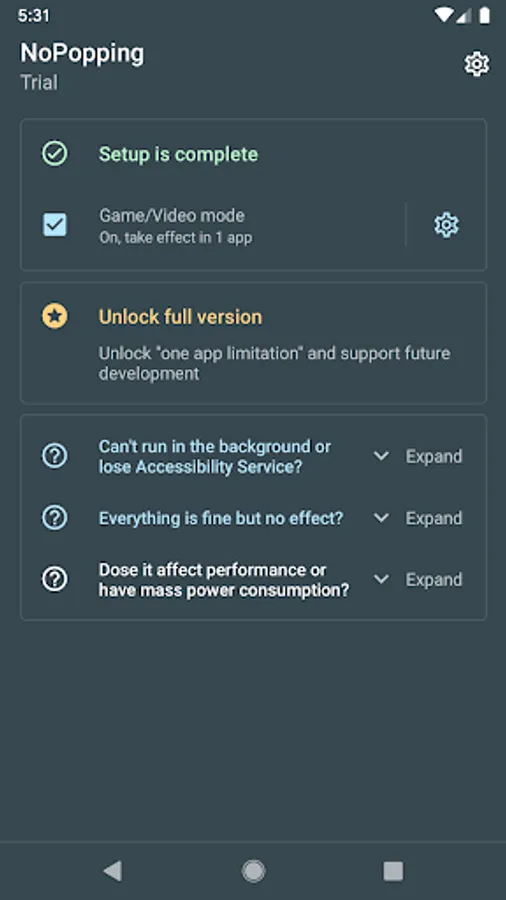
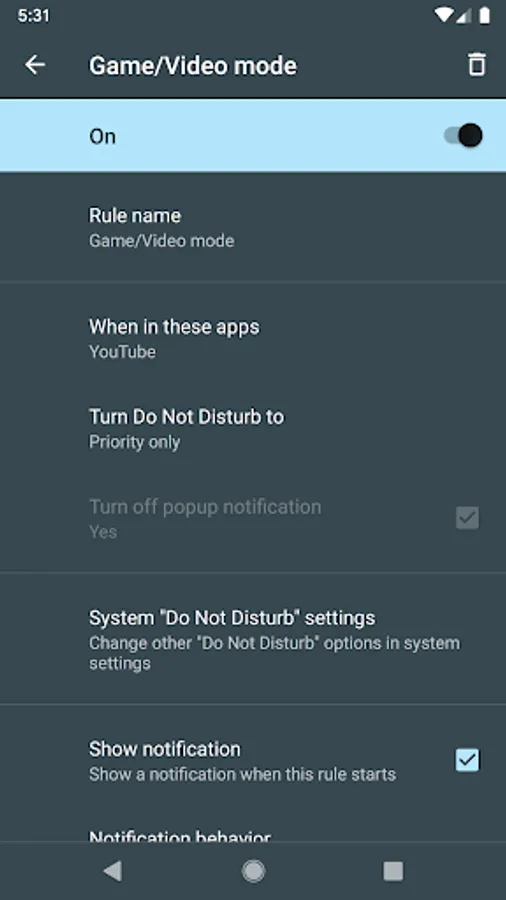
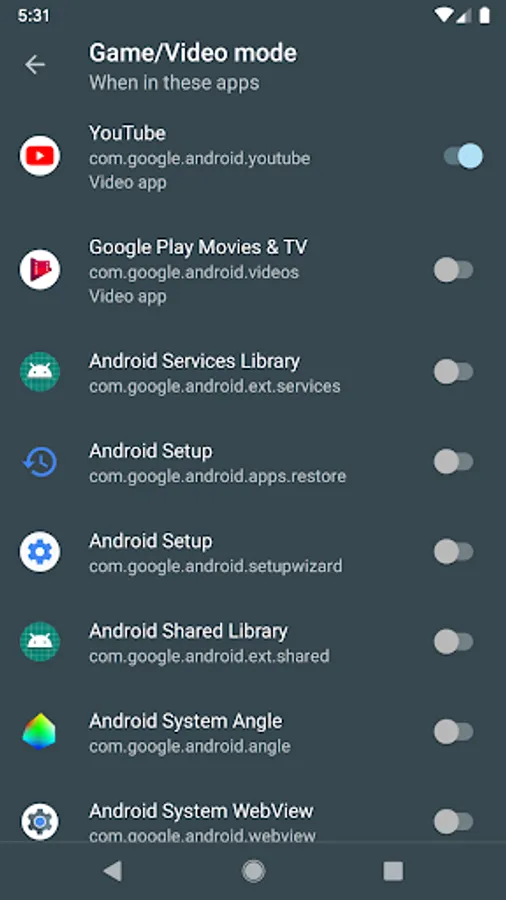
• Disable pop notifications (by changing "Do not disturb" settings) when you are in selected apps
Usage:
• Grant the permissions
• Selected the apps you want
• Enjoy!
Permissions:
• "Do Not Disturb" access: Change DND settings
• Accessibility Service (Option 1, available for all devices): Get notified when the current app changes
• Shizuku (Option 2, available for rooted devices): A way provided by Shizuku Manager to achieve the same result as Accessibility Service
About Shizuku:
Shizuku is a technology developed by us and open sourced. See https://github.com/RikkaApps/Shizuku for details.
If you found these notifications are annoying, you should have to try this app.
Special Note:
NoPopping is implemented by modifying the system Do Not Disturb settings, but many manufacturers may modify the setting and behavior of the do not disturb mode, and NoPopping will not work.
If you are experiencing such a situation, please blame the manufacturer instead of us.
Feature:
• Disable pop notifications (by changing "Do not disturb" settings) when you are in selected apps
Usage:
• Grant the permissions
• Selected the apps you want
• Enjoy!
Permissions:
• "Do Not Disturb" access: Change DND settings
• Accessibility Service (Option 1, available for all devices): Get notified when the current app changes
• Shizuku (Option 2, available for rooted devices): A way provided by Shizuku Manager to achieve the same result as Accessibility Service
About Shizuku:
Shizuku is a technology developed by us and open sourced. See https://github.com/RikkaApps/Shizuku for details.
NoPopping - Auto DND mode Screenshots
Tap to Rate: