Remote Control for Roku TVs
WorkerBee App
4.5 ★
5K ratings
500,000+
downloads
Free
+ in-app
In this remote control app, you can navigate, switch channels, and adjust the volume on your Roku TV using your smartphone. Includes channel browsing, casting, and screen mirroring features.
AppRecs review analysis
AppRecs rating 4.5. Trustworthiness 0 out of 100. Review manipulation risk 0 out of 100. Based on a review sample analyzed.
★★★★☆
4.5
AppRecs Rating
Ratings breakdown
5 star
77%
4 star
13%
3 star
2%
2 star
1%
1 star
6%
What to know
✓
High user satisfaction
77% of sampled ratings are 5 stars
✓
Authentic reviews
Natural distribution, no red flags
About Remote Control for Roku TVs
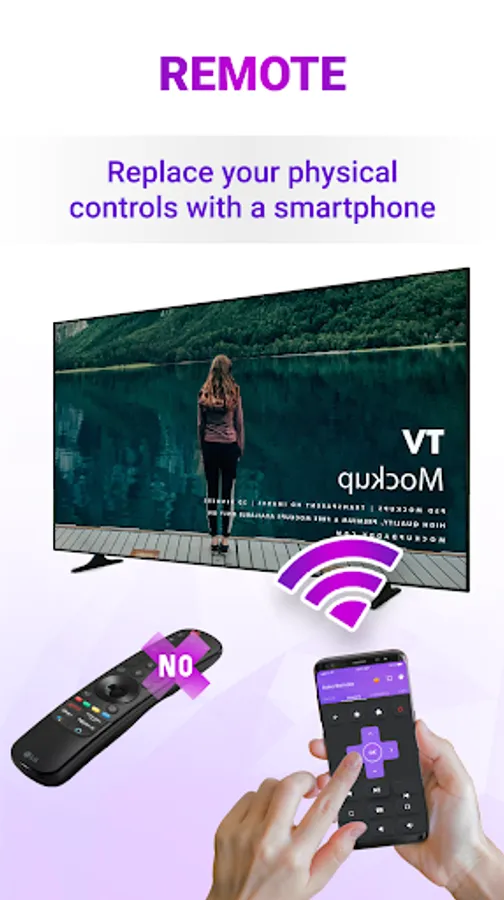
This Remote control is simple and easy to use as a normal remote for Roku TV. If you have lost your remote control for Roku, you can use your smartphone as a TV controller. It's amazing! Now you can adjust TV as you like on your smartphone. Remote for Roku TV is as simple and straightforward to use as a standard remote for your Roku TV. If you've misplaced your remote, you can use your smartphone as a TV controller. It's incredible! You can now adjust the TV on your smartphone as you like.
⁉️ What would you do if you couldn't find your remote control?
👉 Never concerned about it, let's install Remote for Roku TV app and you can control your TV on your smartphone easily.
⁉️ Are you looking for a smart device that allows you to control your TV without worrying about running out of battery?
👉 TV Remote for Roku - Remote Control for Roku will help you to do this. Remote Roku TV is the best software for using your phone as a remote control for your television. Download it FREE!
Remote for Roku TV has the following highlight features:
✓ Turn off Roku smart TV
✓ Switch channels by entering numbers or switch channels up/down.
✓ Pause or rewind while the TV is operating.
✓ Adjust the volume up or down.
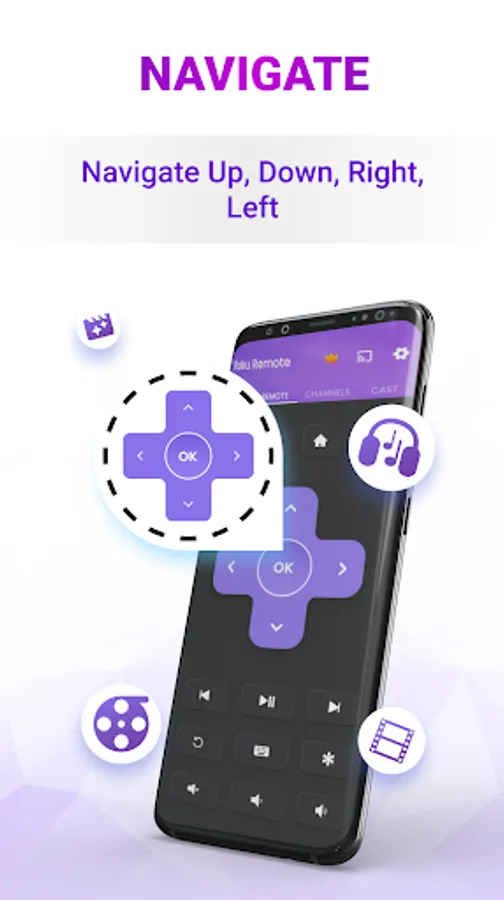
✓ Customize up, down, right, left.
✓ Switching the input source (HDMI...).
✓ Exit and back feature.
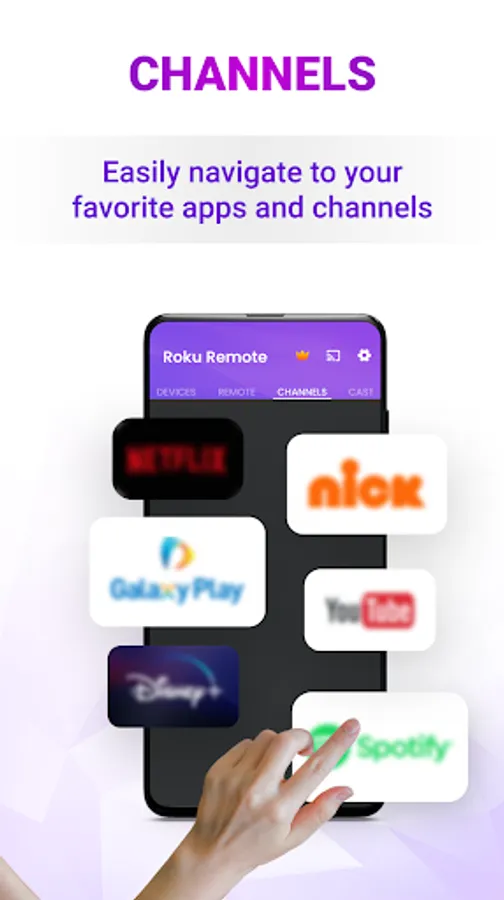
✓ Easily navigate accessible apps
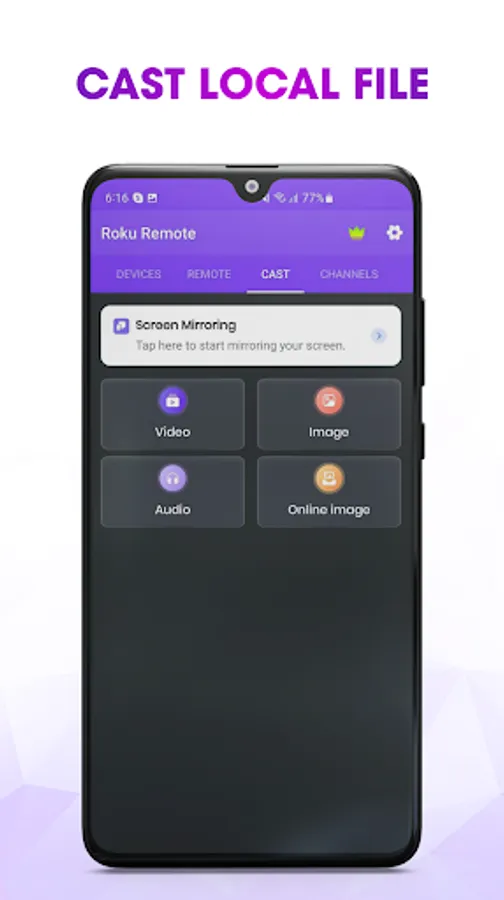
✓ Cast to Roku quickly including cast all photos, video, audio, PDF files...
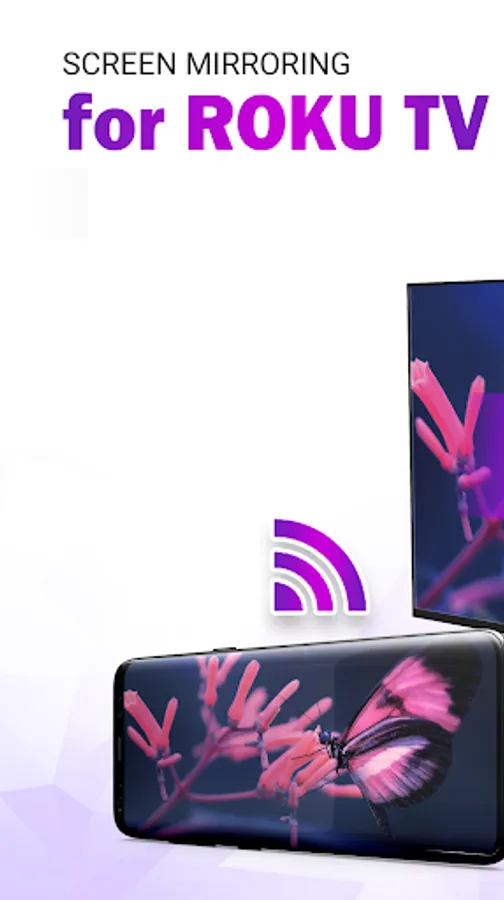
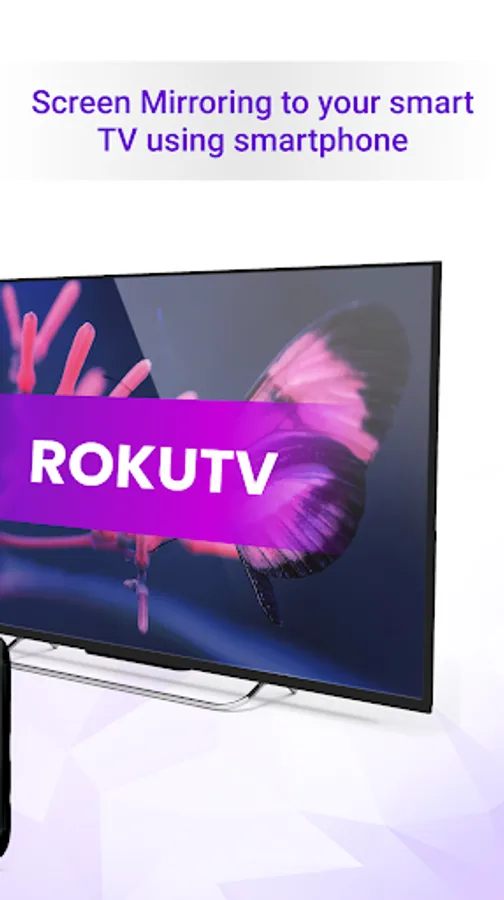
✓ Screen mirroring to your Roku TV
✓ Touch to your phone to navigate your Roku TV easily
✓ Simple interface, easy to use as a normal remote for Roku TV
✓ Installation is completely free
Remote Control for Roku enables you to see and launch all the channels on your device directly from the app; all the installed channels on your Roku are displayed and can be launched from the channels screen, allowing you to open your favorite app instantly. Remote for Roku TV is a free and simple mobile remote control. You can use your phone to monitor your TV, among other things. With TV Remote for Roku, you can turn your Android phone into a tremendous TV controller. You'll never have to worry about misplacing your remote or running out of battery power with this Remote Roku Controller.
Cast to Roku
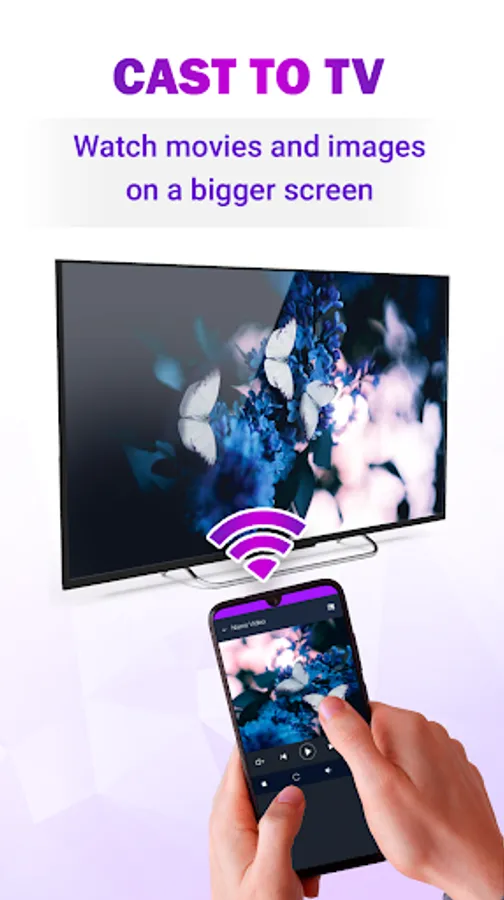
We have updated new features that allow you to cast any images, video, and files. Also, you can use screen mirroring to watch on the larger screen conveniently.
Screen mirroring to Roku TV
You enable mirror your screen to Roku TV quickly. You can protect your eyes when watching on the larger screen.
🔥 Download the Remote Control for Roku for Android now to try it out for FREE. Download Controller Roku for the best experience
☎️ If you have any questions about Remote for Roku TV, you can get in touch with our team at vapp.helpcenter@gmail.com . We are always looking forward to hearing your feedback to enhance Remote Control for Roku in the future. If you are interested in using this app, please give us good feedback.
✅ Thank you for using Remote for Roku TV, Remote Control for Roku app!
⁉️ What would you do if you couldn't find your remote control?
👉 Never concerned about it, let's install Remote for Roku TV app and you can control your TV on your smartphone easily.
⁉️ Are you looking for a smart device that allows you to control your TV without worrying about running out of battery?
👉 TV Remote for Roku - Remote Control for Roku will help you to do this. Remote Roku TV is the best software for using your phone as a remote control for your television. Download it FREE!
Remote for Roku TV has the following highlight features:
✓ Turn off Roku smart TV
✓ Switch channels by entering numbers or switch channels up/down.
✓ Pause or rewind while the TV is operating.
✓ Adjust the volume up or down.
✓ Customize up, down, right, left.
✓ Switching the input source (HDMI...).
✓ Exit and back feature.
✓ Easily navigate accessible apps
✓ Cast to Roku quickly including cast all photos, video, audio, PDF files...
✓ Screen mirroring to your Roku TV
✓ Touch to your phone to navigate your Roku TV easily
✓ Simple interface, easy to use as a normal remote for Roku TV
✓ Installation is completely free
Remote Control for Roku enables you to see and launch all the channels on your device directly from the app; all the installed channels on your Roku are displayed and can be launched from the channels screen, allowing you to open your favorite app instantly. Remote for Roku TV is a free and simple mobile remote control. You can use your phone to monitor your TV, among other things. With TV Remote for Roku, you can turn your Android phone into a tremendous TV controller. You'll never have to worry about misplacing your remote or running out of battery power with this Remote Roku Controller.
Cast to Roku
We have updated new features that allow you to cast any images, video, and files. Also, you can use screen mirroring to watch on the larger screen conveniently.
Screen mirroring to Roku TV
You enable mirror your screen to Roku TV quickly. You can protect your eyes when watching on the larger screen.
🔥 Download the Remote Control for Roku for Android now to try it out for FREE. Download Controller Roku for the best experience
☎️ If you have any questions about Remote for Roku TV, you can get in touch with our team at vapp.helpcenter@gmail.com . We are always looking forward to hearing your feedback to enhance Remote Control for Roku in the future. If you are interested in using this app, please give us good feedback.
✅ Thank you for using Remote for Roku TV, Remote Control for Roku app!
Remote Control for Roku TVs Screenshots
Tap to Rate: