Counter: Click Counter App
UXAPPS LTD
4.3 ★
store rating
1,000,000+
downloads
Free
+ in-app
AppRecs review analysis
AppRecs rating 3.3. Trustworthiness 84 out of 100. Review manipulation risk 23 out of 100. Based on a review sample analyzed.
★★★☆☆
3.3
AppRecs Rating
Ratings breakdown
5 star
72%
4 star
12%
3 star
2%
2 star
4%
1 star
10%
What to know
✓
Low review manipulation risk
23% review manipulation risk
⚠
Ad complaints
Many low ratings mention excessive ads
⚠
Review quality concerns
45% of sampled 5-star reviews are very short
About Counter: Click Counter App
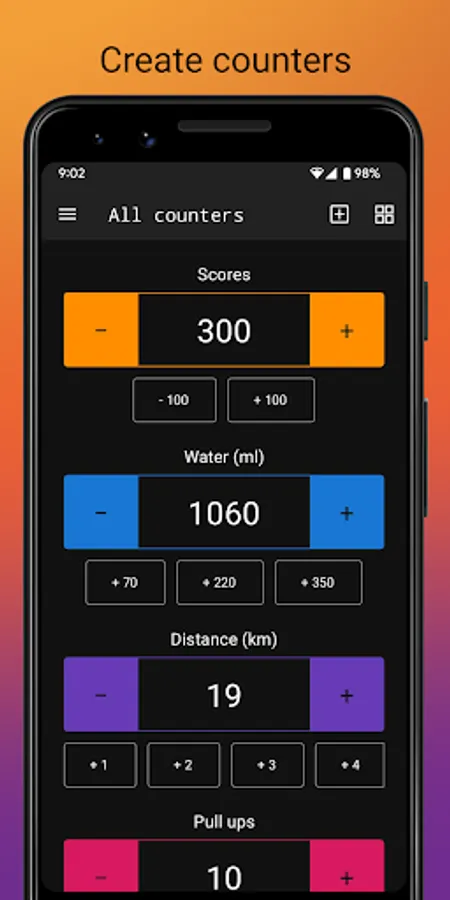
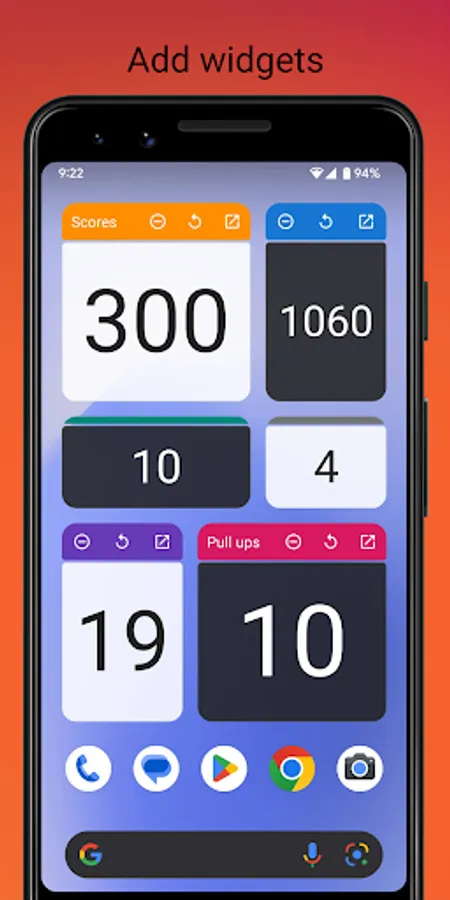
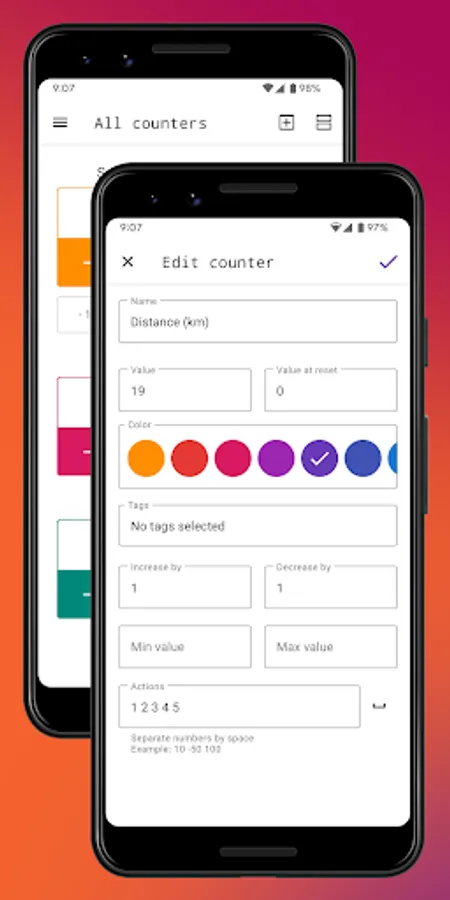
Click counter app by UXApps is a powerful and easy in use tap counter app to count things, items, clicks, days, events, habits, tasbeeh or anything else. You can use many parameters, such as an increment/decrement value or max/min value, to make counting app even more comfortable and effective. This counting app allows you to create several tally counters, sort them, organize in groups and a lot more. Also you can add tap counter widget to home screen for super fast counting app experience.
Features:
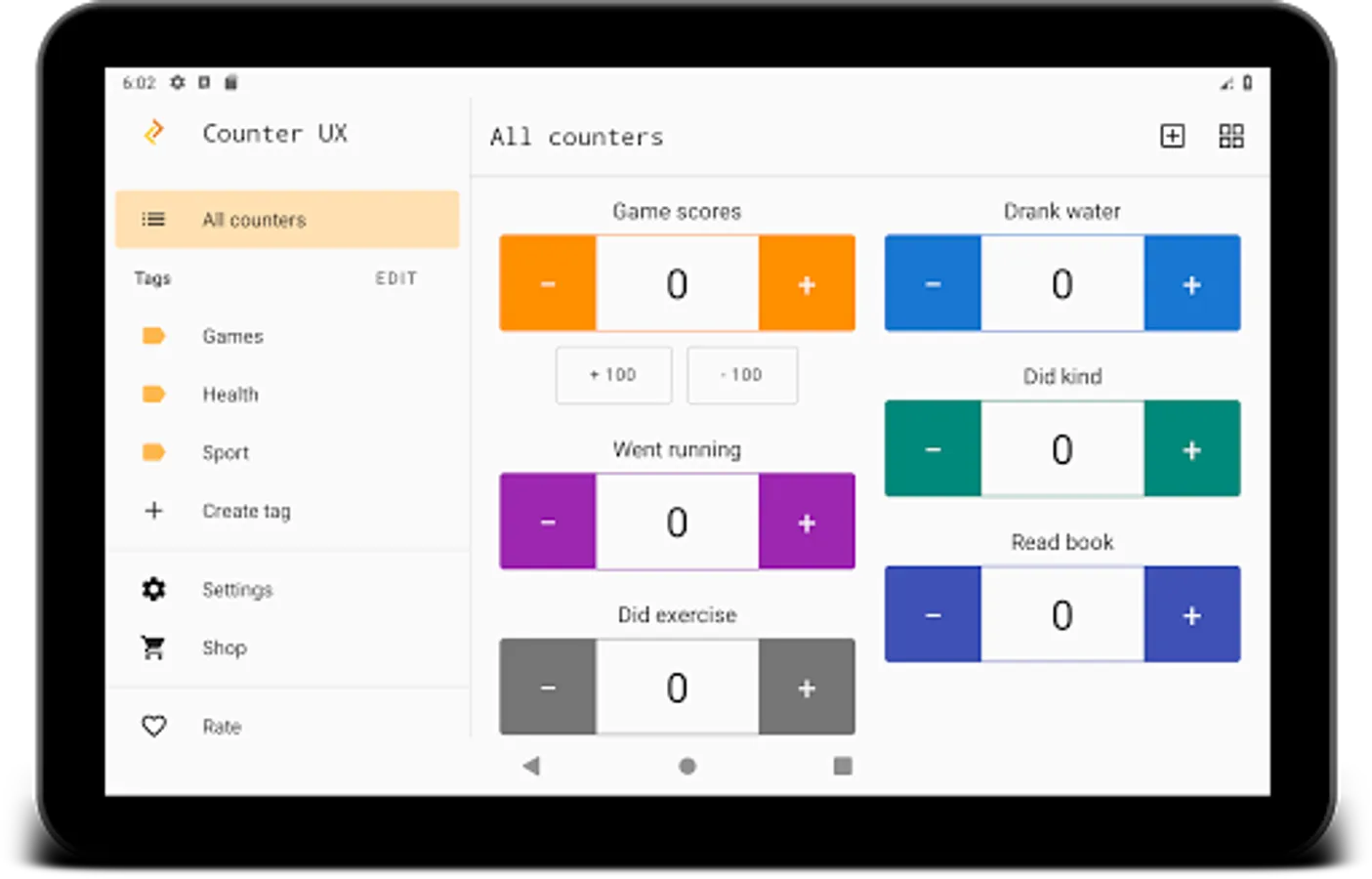
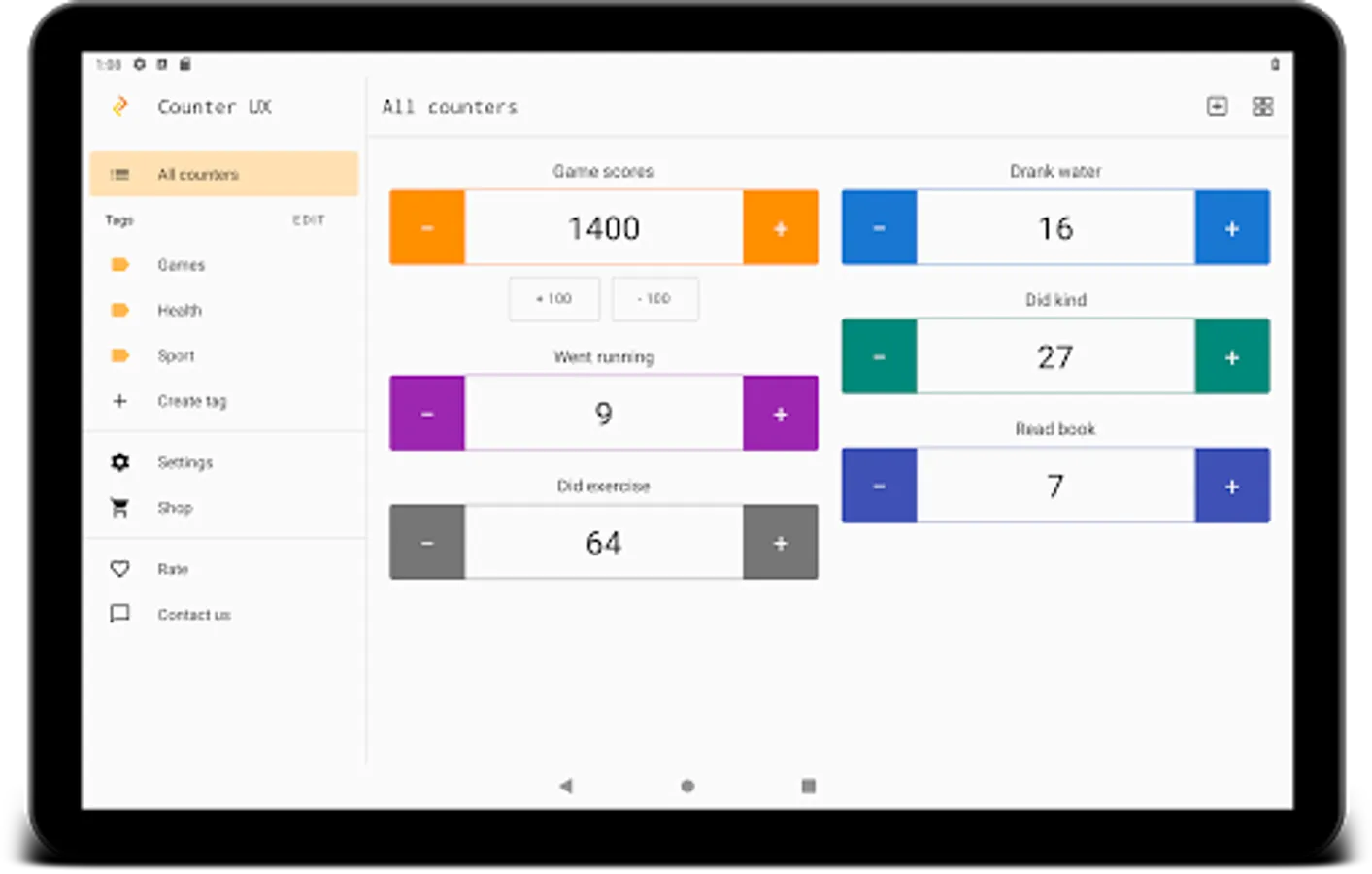
- Multiple click counter app, grid and list view
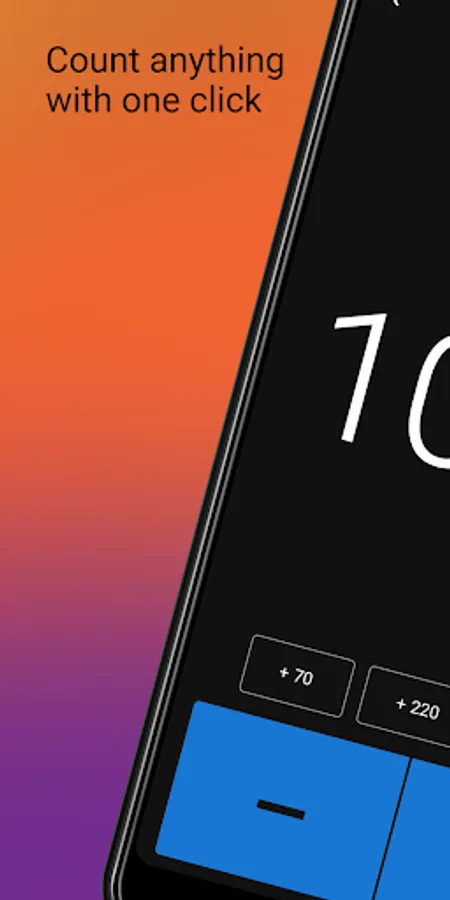
- Custom actions, for example: add 10, subtract 50
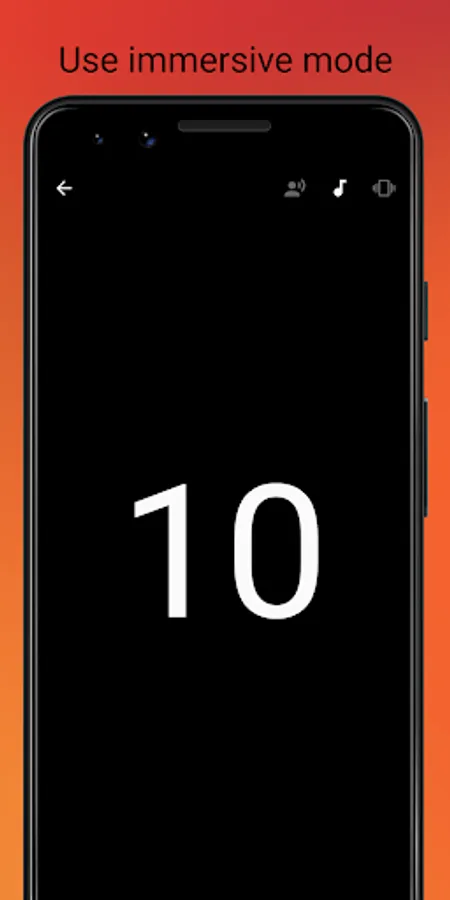
- Full screen mode: sound, vibration and voice feedback supported
- Detailed clicker statistics
- Custom tags to keep everything organized
- Custom sorting by dragging
- Count things using hardware volume buttons
- Fast counting mode with customizable speed. To activate it just long press on plus or minus button and hold for a while
- Group operations: count, delete, reset
- Tap counter widget support
- Negative values support
- Max and min value limits
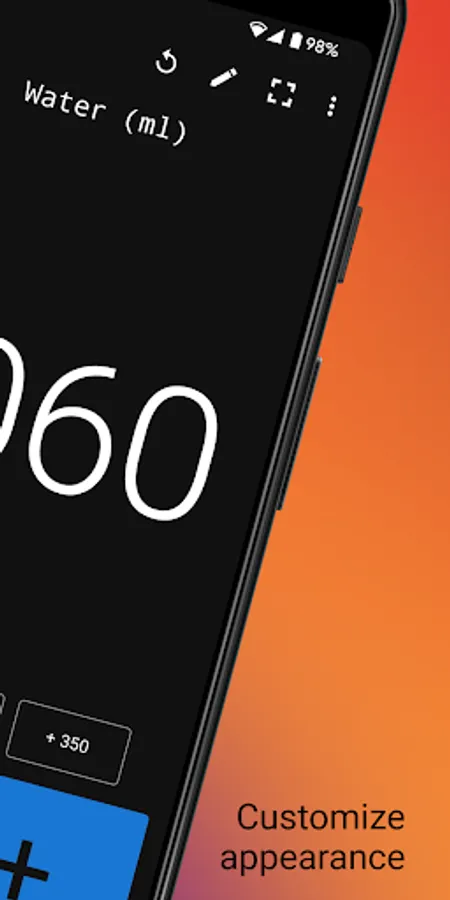
- Custom click counter colors
Features:
- Multiple click counter app, grid and list view
- Custom actions, for example: add 10, subtract 50
- Full screen mode: sound, vibration and voice feedback supported
- Detailed clicker statistics
- Custom tags to keep everything organized
- Custom sorting by dragging
- Count things using hardware volume buttons
- Fast counting mode with customizable speed. To activate it just long press on plus or minus button and hold for a while
- Group operations: count, delete, reset
- Tap counter widget support
- Negative values support
- Max and min value limits
- Custom click counter colors