Cast to TV - Mirroring
Protector & Security for Mobile Ltd
4.2 ★
34K ratings
1,000,000+
downloads
Free
+ in-app
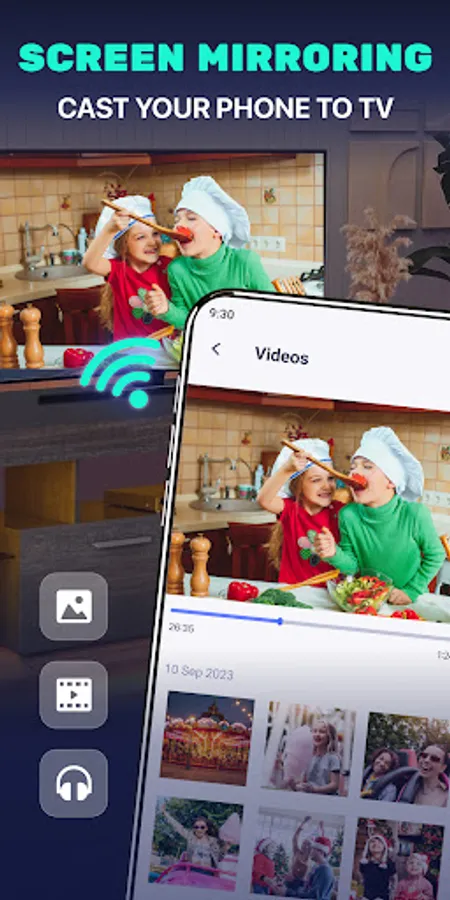
In this screen mirroring app, you can easily cast your phone screen to your TV with a fast and stable connection. Includes support for multiple devices, real-time display, and media file casting options.
AppRecs review analysis
AppRecs rating 4.3. Trustworthiness 74 out of 100. Review manipulation risk 33 out of 100. Based on a review sample analyzed.
★★★★☆
4.3
AppRecs Rating
Ratings breakdown
5 star
64%
4 star
11%
3 star
12%
2 star
5%
1 star
8%
What to know
✓
Credible reviews
74% trustworthiness score from analyzed reviews
✓
High user satisfaction
75% of sampled ratings are 4+ stars (4.2★ average)
✓
Authentic reviews
Natural distribution, no red flags
About Cast to TV - Mirroring
FREE APP FOR MIRRORING AND SCREEN CASTING TO TV
Are you looking to easily mirror your phone screen to TV?
Want the screen projection to be fast, stable, and responsive?
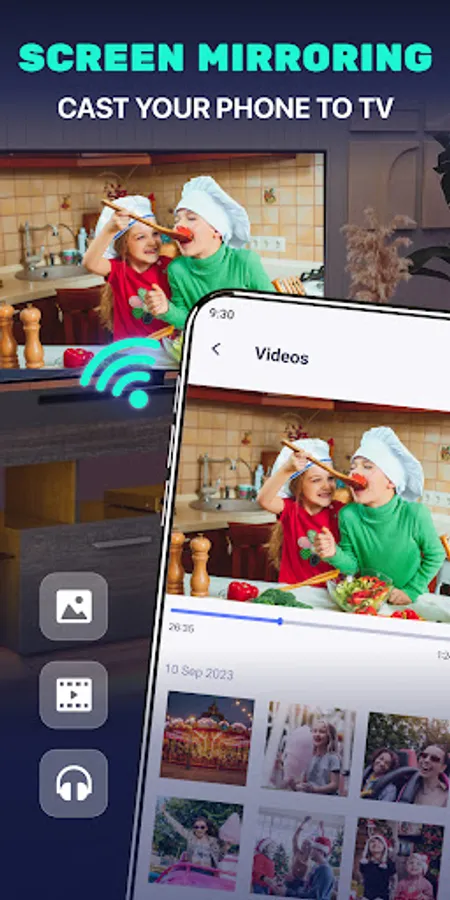
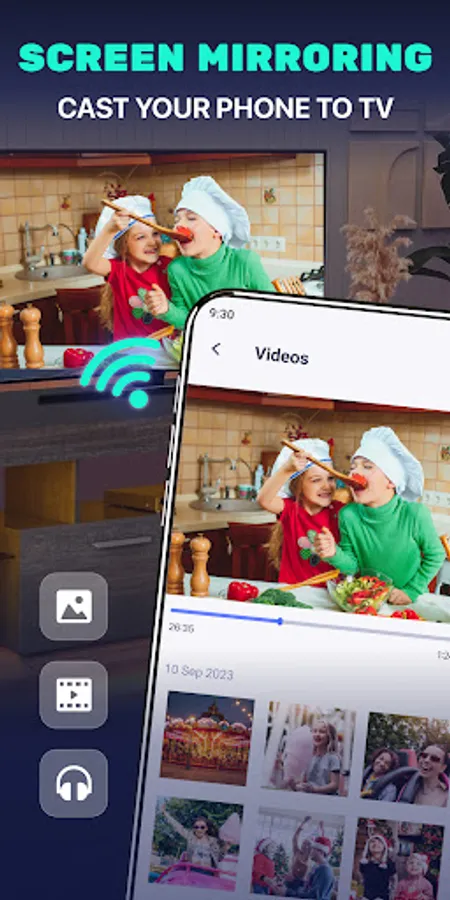
Use cast To TV - Mirroring , which is a screen mirroring free app that enables seamless mirroring of your smartphone onto the TV screen with superior quality. Enjoy streaming videos, music, photos, and more directly onto your large TV screen.
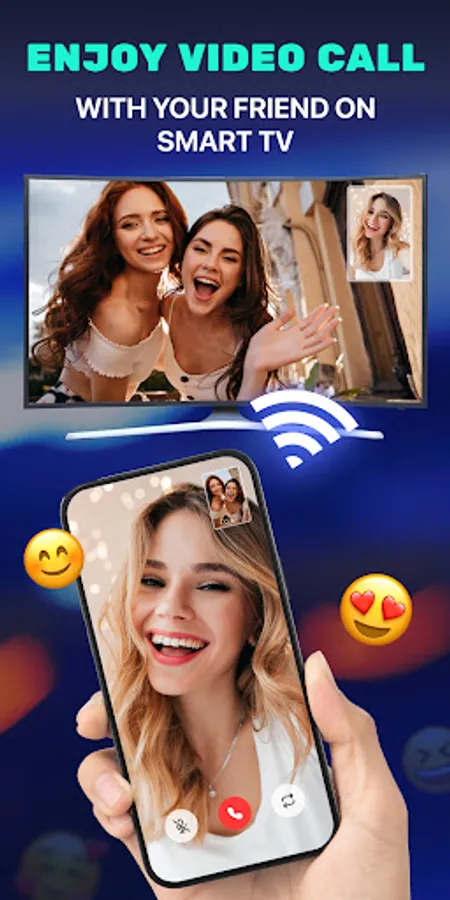
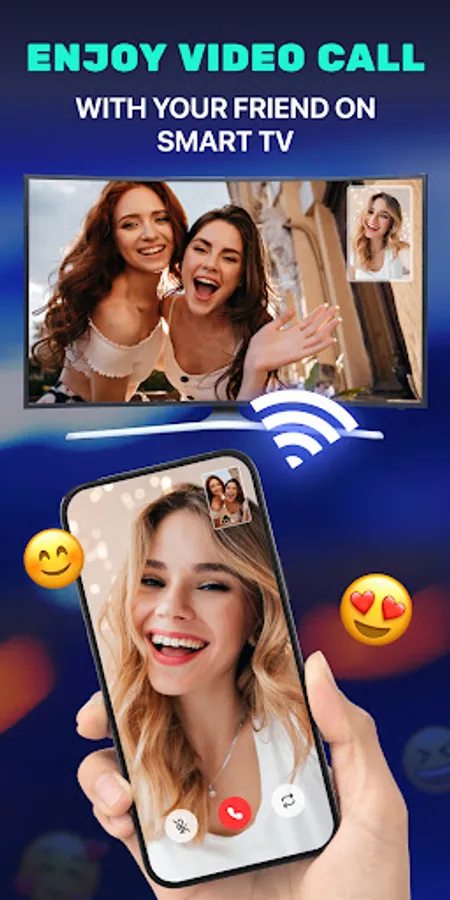
📱 The screen mirroring application facilitates swift and stable casting of your phone and tablet onto your TV. Our team designed a user-friendly interface and straightforward setup process, allowing users of all technical levels to easily cast phone screens or cast streams to TV.
🏅KEY FEATURES
✦ Cast smartphone screen to big TV screen stably
✦ Simple & fast connection with just a click
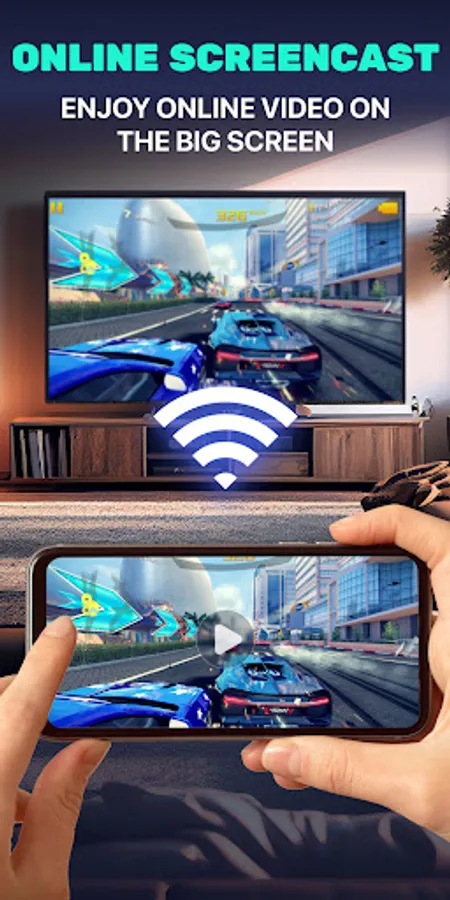
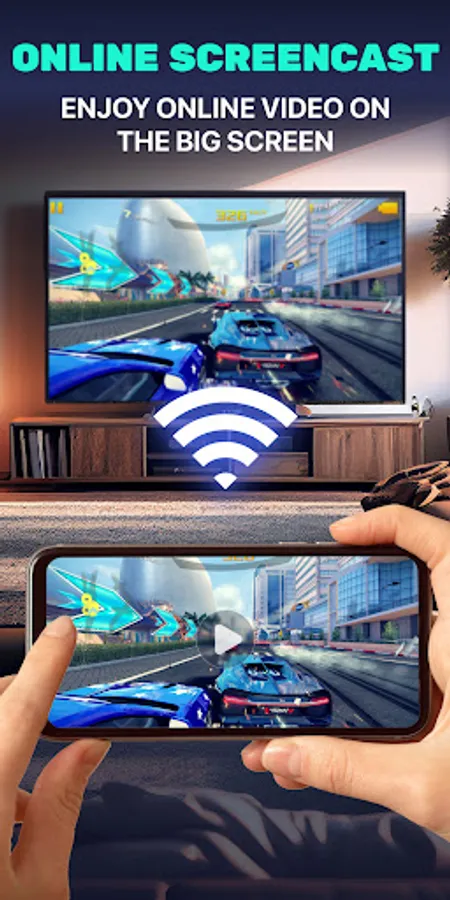
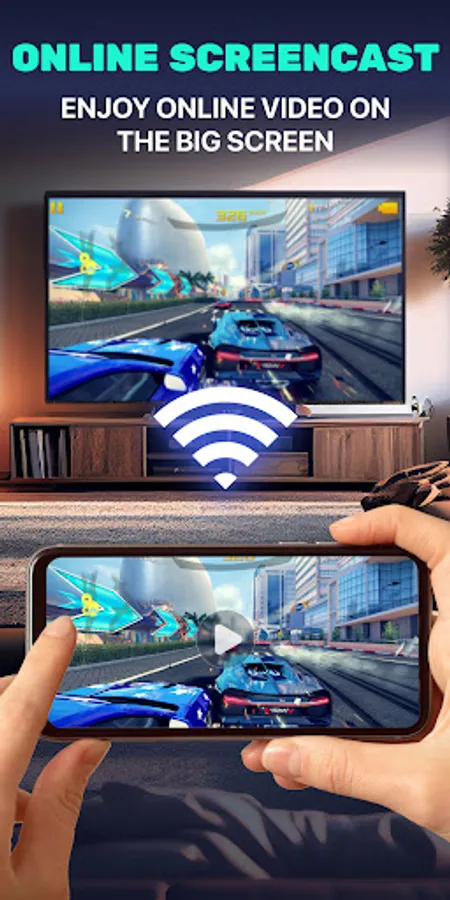
✦ Cast the mobile game to your big-screen TV
✦ All media files supported, including photos, audios, E-books, PDFs, etc.
✦ Show demonstrations in a meeting, watch travel slideshowswith family
✦ Neat & clean user interface to create a good experience
✦ Screen share in real-time speed.
📺Multiple Devices Supported
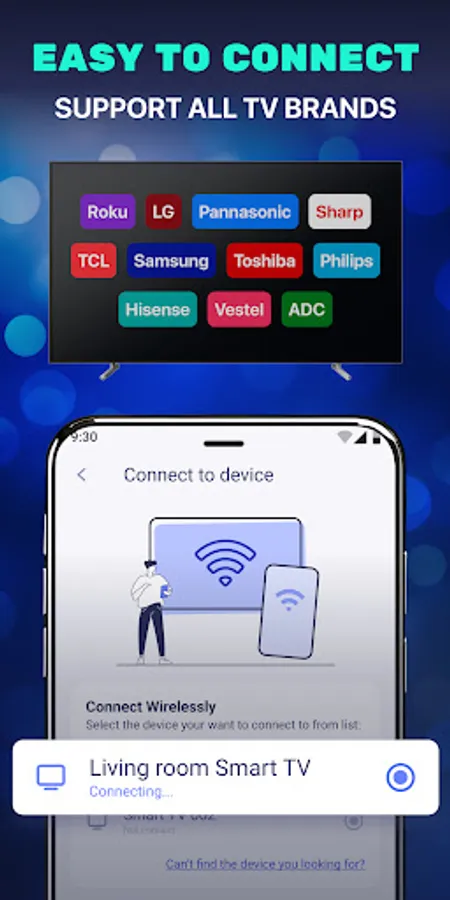
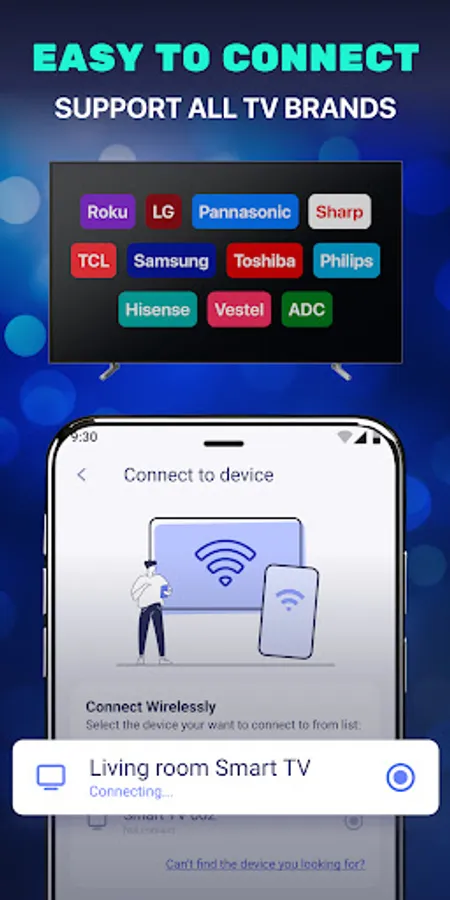
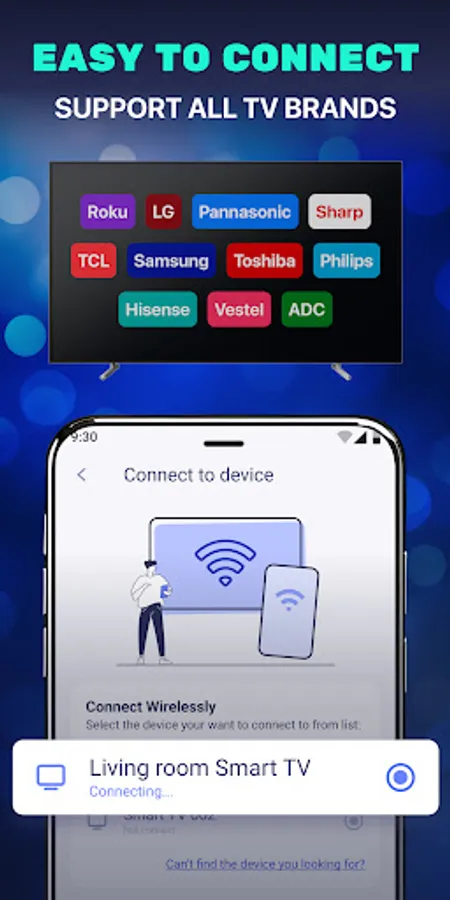
- Most smart TVs, LG, Samsung, Sony, TCL, Xiaomi, Hisense, etc.
- Google Chromecast
- Amazon Fire Stick & Fire TV
- Roku Stick & Roku TV
- AnyCast
- Other DLNA Receivers
- Other wireless adapters
- supports most Smart TVs, DLNA Receivers, and wireless DISPLAY adapters
🔍How to Use Screen Mirroring:
1. Make sure your phone/tablet and smart TV are connected to the same Wi-Fi network.
2. Enable “Wireless display” on your phone.
3. Enable “M R cast” on your smart TV.
4. Search and pair the device.
Note:
- Your TV should support a Wireless Display or any sort of Display Dongles and sticks.
- Before connecting the device, make sure your VPN is turned off (if any).
- The TV must be connected to a WI-FI network same as your phone for our app for mirroring screens to work.
- You can use our cast to tv tools such as the web browser, remote controller, image search, and more for a better experience.
Privacy Policy: https://mobileltd.org/about/privacy/
Are you looking to easily mirror your phone screen to TV?
Want the screen projection to be fast, stable, and responsive?
Use cast To TV - Mirroring , which is a screen mirroring free app that enables seamless mirroring of your smartphone onto the TV screen with superior quality. Enjoy streaming videos, music, photos, and more directly onto your large TV screen.
📱 The screen mirroring application facilitates swift and stable casting of your phone and tablet onto your TV. Our team designed a user-friendly interface and straightforward setup process, allowing users of all technical levels to easily cast phone screens or cast streams to TV.
🏅KEY FEATURES
✦ Cast smartphone screen to big TV screen stably
✦ Simple & fast connection with just a click
✦ Cast the mobile game to your big-screen TV
✦ All media files supported, including photos, audios, E-books, PDFs, etc.
✦ Show demonstrations in a meeting, watch travel slideshowswith family
✦ Neat & clean user interface to create a good experience
✦ Screen share in real-time speed.
📺Multiple Devices Supported
- Most smart TVs, LG, Samsung, Sony, TCL, Xiaomi, Hisense, etc.
- Google Chromecast
- Amazon Fire Stick & Fire TV
- Roku Stick & Roku TV
- AnyCast
- Other DLNA Receivers
- Other wireless adapters
- supports most Smart TVs, DLNA Receivers, and wireless DISPLAY adapters
🔍How to Use Screen Mirroring:
1. Make sure your phone/tablet and smart TV are connected to the same Wi-Fi network.
2. Enable “Wireless display” on your phone.
3. Enable “M R cast” on your smart TV.
4. Search and pair the device.
Note:
- Your TV should support a Wireless Display or any sort of Display Dongles and sticks.
- Before connecting the device, make sure your VPN is turned off (if any).
- The TV must be connected to a WI-FI network same as your phone for our app for mirroring screens to work.
- You can use our cast to tv tools such as the web browser, remote controller, image search, and more for a better experience.
Privacy Policy: https://mobileltd.org/about/privacy/
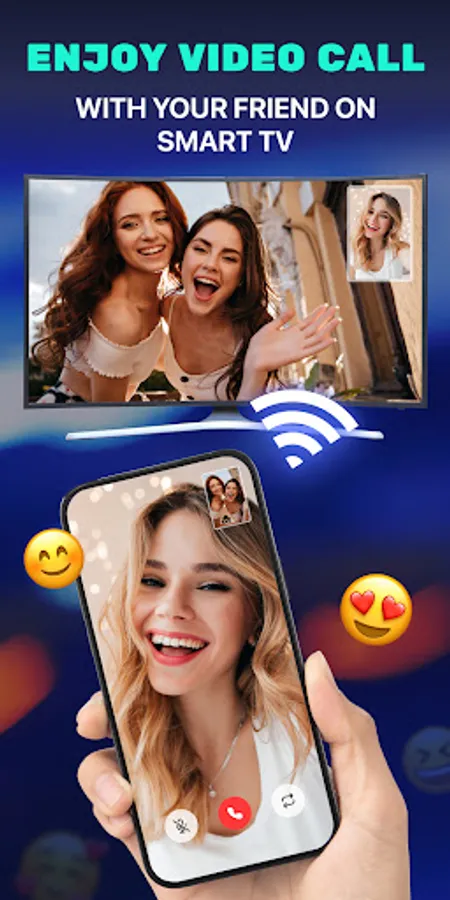
Cast to TV - Mirroring Screenshots
Tap to Rate:
Reviews for Cast to TV - Mirroring
Nigel Hodgkiss
12/3/2025
👍
Shahrukh Alam
10/30/2025
high-quality