Remote for Smart TV, TV Remote
ZANKHANA PTE LTD
4.4 ★
store rating
500,000+
downloads
Free
+ in-app
AppRecs review analysis
AppRecs rating 3.7. Trustworthiness 79 out of 100. Review manipulation risk 33 out of 100. Based on a review sample analyzed.
★★★☆☆
3.7
AppRecs Rating
Ratings breakdown
5 star
77%
4 star
8%
3 star
3%
2 star
1%
1 star
11%
What to know
⚠
Ad complaints
Many low ratings mention excessive ads
⚠
Pricing complaints
Many low ratings mention paywalls or pricing
⚠
Review quality concerns
57% of sampled 5-star reviews are very short
About Remote for Smart TV, TV Remote
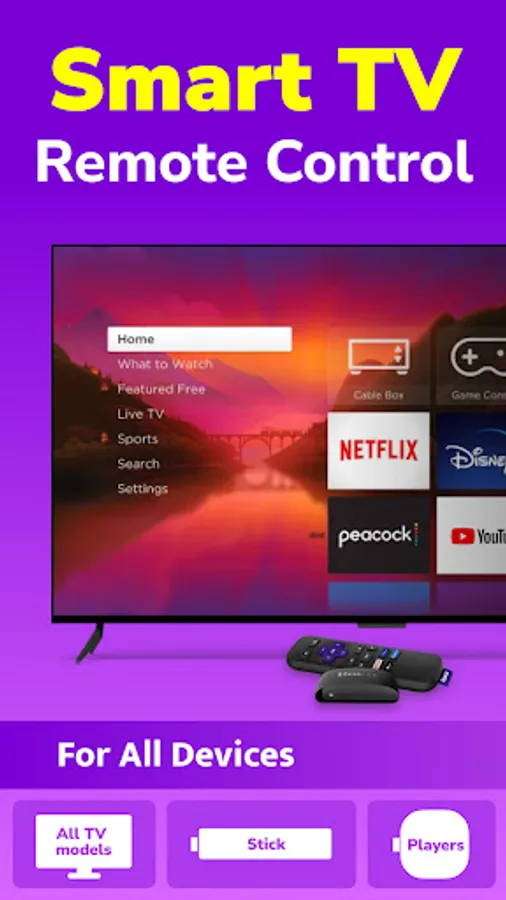
🏆 TV remote control is specially designed to replace the physical remote, allowing you to easily power on/off TV, adjust the volume, switch channels, and stream digital content over WiFi. Download it now! Transform your mobile phone into a versatile and convenient TV remote with one click!
📺 It can be quite frustrating when you want to watch TV but can't locate your remote control. Fret not! Just grab your phone, open this remote control app and you can easily operate your TV, convenient and fast!
🤩 Distinctive Features
- Quick connection: connect to your TV with one click
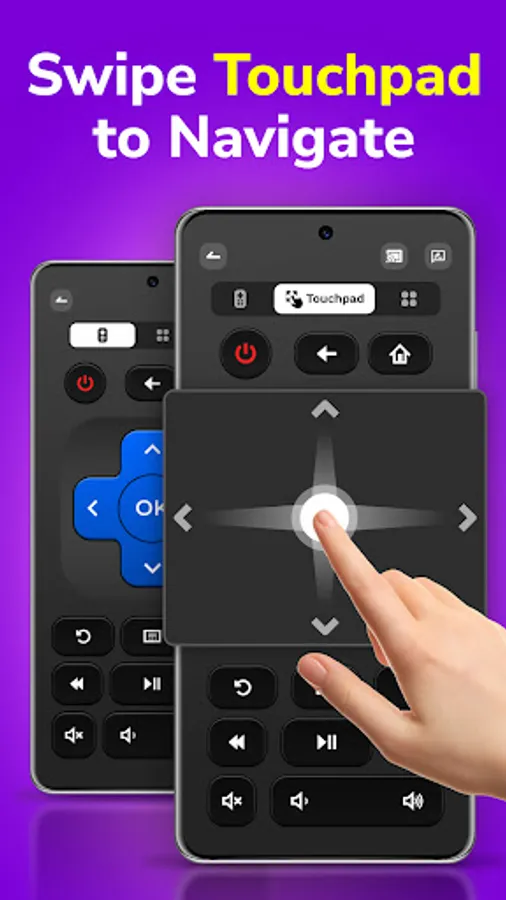
- Flexible touchpad: touch and swipe to easily navigate the TV interface
- Virtual keyboard: perfect experience for typing and searching on TV
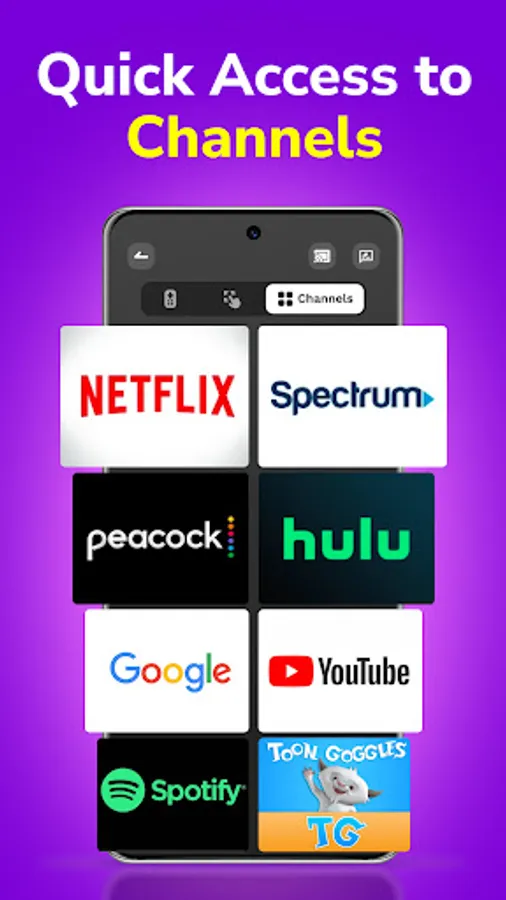
- Create favorite channels: set shortcuts to your favorite channels for quick access
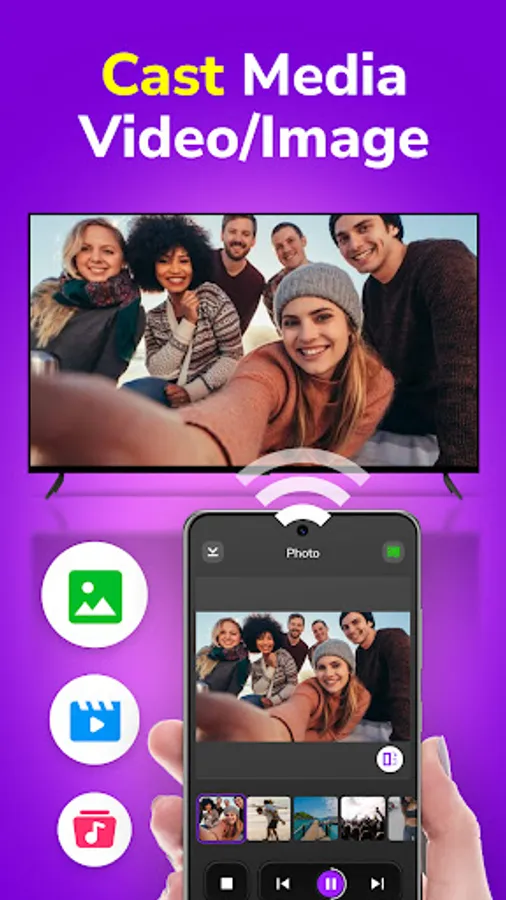
- Screen mirroring and casting: mirror and cast mobile contents to TV
📌 Easy to control
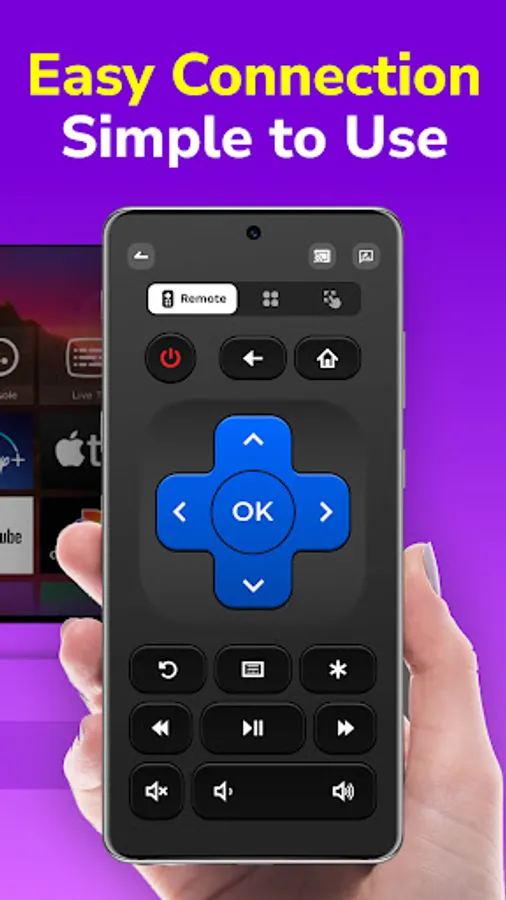
* Power on / off
* Volume up / down
* Channel up / down
* Fast forward / rewind
* Play / pause
* Numeric keypad
* One-touch mute
📌 How to use
1. Ensure your TV and Android phone (V6.0 or later) are connected to the same WiFi.
2. Install and open this remote app, then tap the desired device for connection.
3. Upon successful connection, you can utilize this remote control app to control your TV interface easily!
Tip
Most problems such as TV connection failure could be resolved by reinstalling this remote app and restarting your TV.
Whether you're turning on your TV, adjusting the volume, or exploring a world of streaming content, this remote has you covered. Download the Remote app now and effortlessly manage your TV with ease!
📺 It can be quite frustrating when you want to watch TV but can't locate your remote control. Fret not! Just grab your phone, open this remote control app and you can easily operate your TV, convenient and fast!
🤩 Distinctive Features
- Quick connection: connect to your TV with one click
- Flexible touchpad: touch and swipe to easily navigate the TV interface
- Virtual keyboard: perfect experience for typing and searching on TV
- Create favorite channels: set shortcuts to your favorite channels for quick access
- Screen mirroring and casting: mirror and cast mobile contents to TV
📌 Easy to control
* Power on / off
* Volume up / down
* Channel up / down
* Fast forward / rewind
* Play / pause
* Numeric keypad
* One-touch mute
📌 How to use
1. Ensure your TV and Android phone (V6.0 or later) are connected to the same WiFi.
2. Install and open this remote app, then tap the desired device for connection.
3. Upon successful connection, you can utilize this remote control app to control your TV interface easily!
Tip
Most problems such as TV connection failure could be resolved by reinstalling this remote app and restarting your TV.
Whether you're turning on your TV, adjusting the volume, or exploring a world of streaming content, this remote has you covered. Download the Remote app now and effortlessly manage your TV with ease!