Fractions Calculator
Philip Stephens
3.4 ★
2K ratings
500,000+
downloads
Free
With this calculator app, you can compute fractions and decimals, perform operations like square roots and powers, and customize entries with features such as variable precision and conversion options. Includes previous calculations storage, customizable colors, and user-defined decimal and thousands separators.
AppRecs review analysis
AppRecs rating 3.5. Trustworthiness 61 out of 100. Review manipulation risk 36 out of 100. Based on a review sample analyzed.
★★★☆☆
3.5
AppRecs Rating
Ratings breakdown
5 star
51%
4 star
9%
3 star
5%
2 star
4%
1 star
32%
What to know
✓
Authentic reviews
Natural distribution, no red flags
⚠
High negative review ratio
36% of sampled ratings are 1–2 stars
About Fractions Calculator
* Please be aware that this calculator uses the correct order of operations, so multiplication and division take precedence over addition and subtraction.
5 + 3 × 5 → 5 + 15 = 20
• Easy to use interface allows the calculation of fractions and decimals.
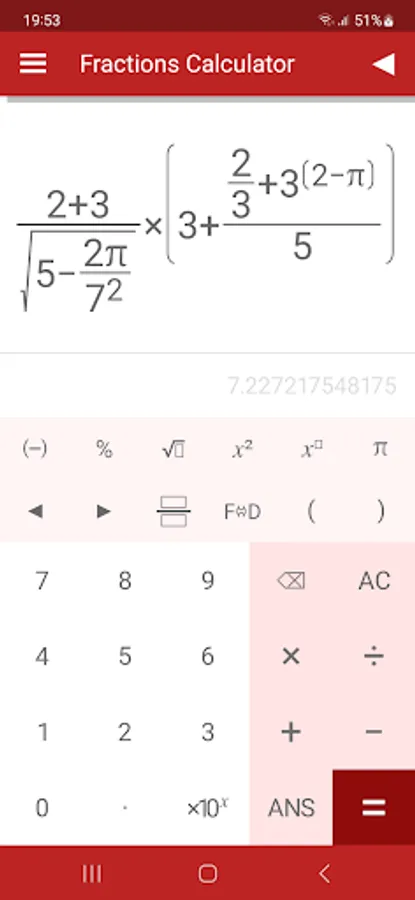
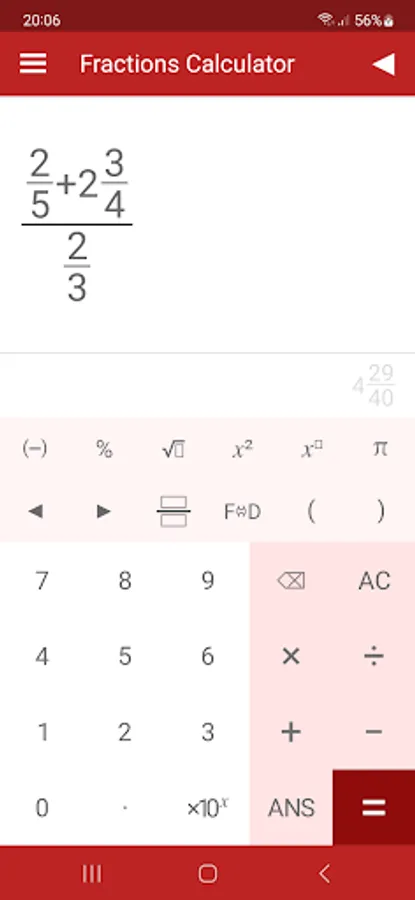
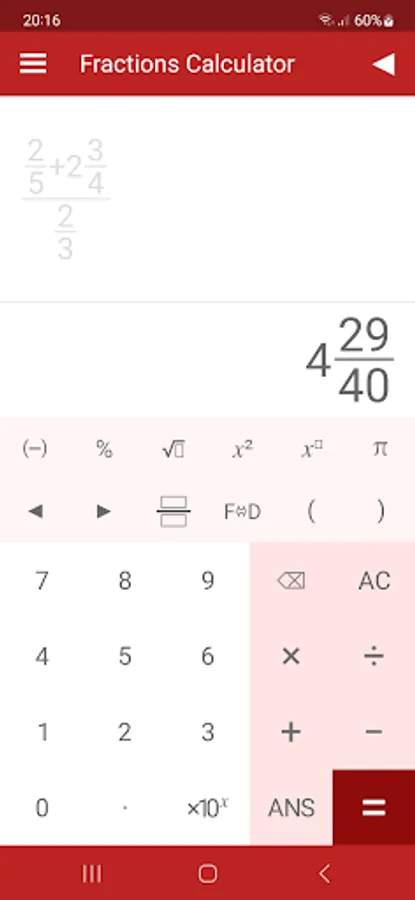
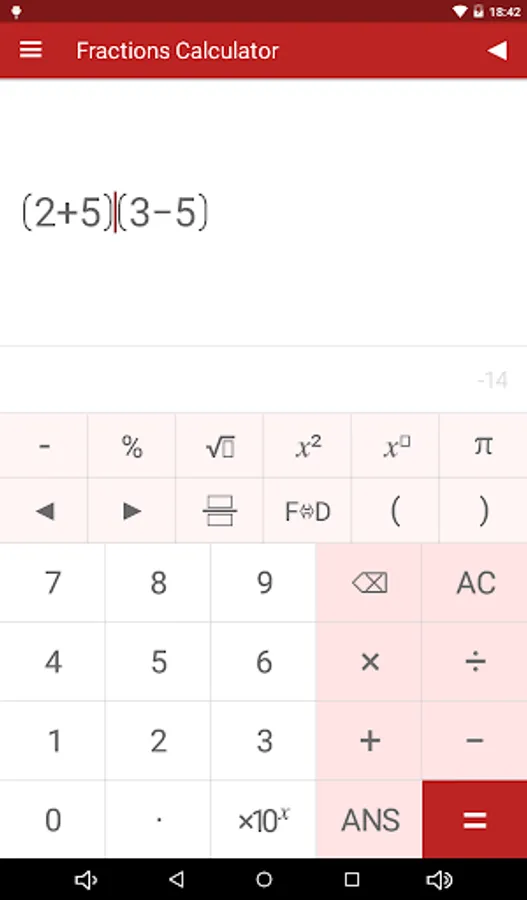
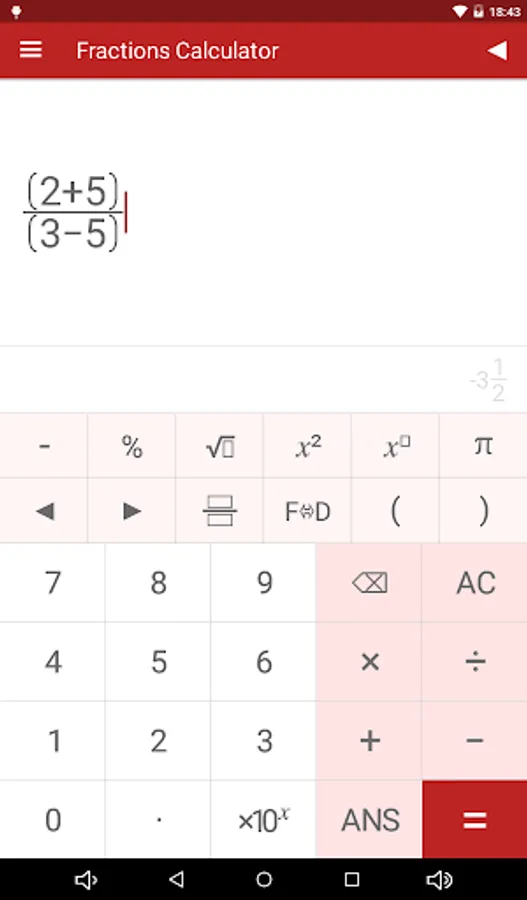
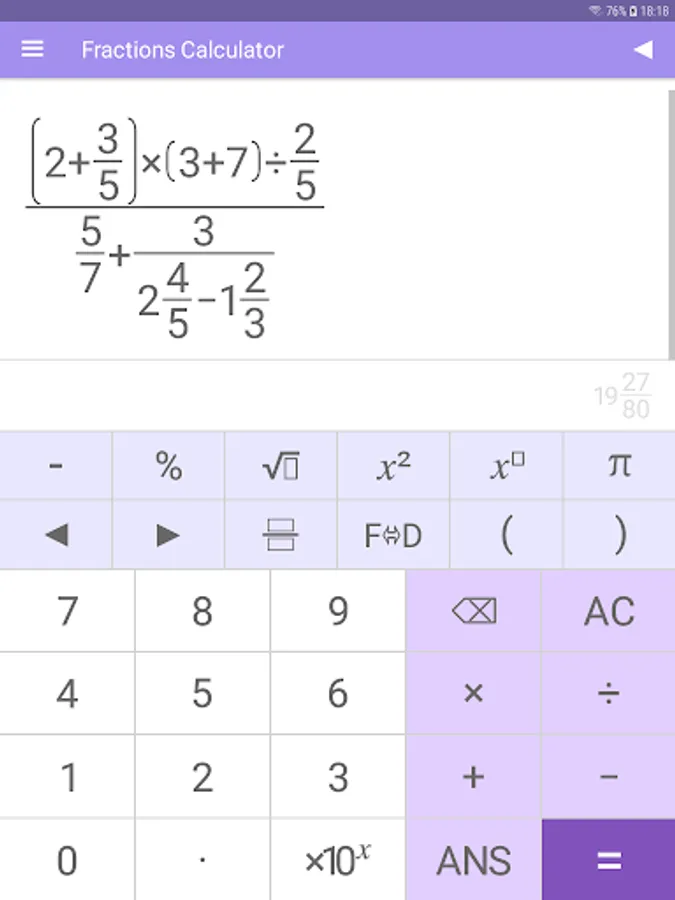
• The text-book style display allows you to enter calculations as they would be written.
• Calculate square roots, powers and percentages.
• Conversion between decimal and surd answers.
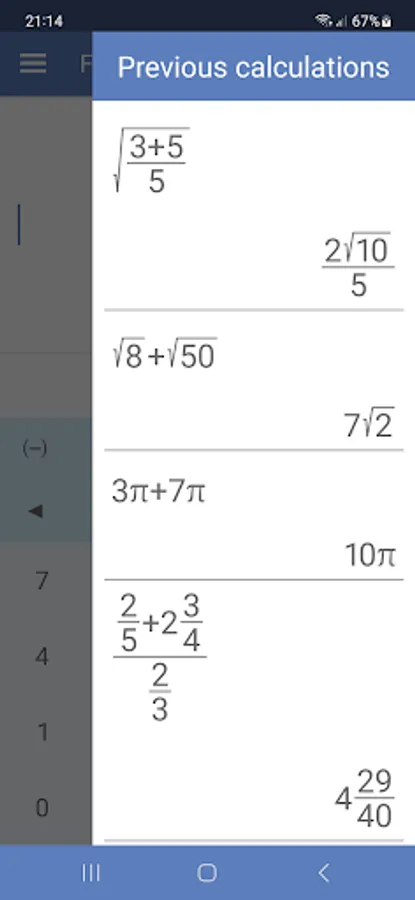
• Previous 10 calculations stored and re-editable.
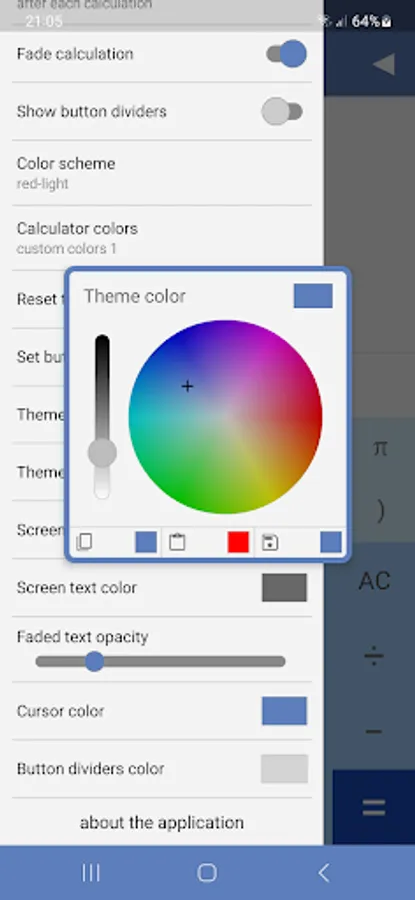
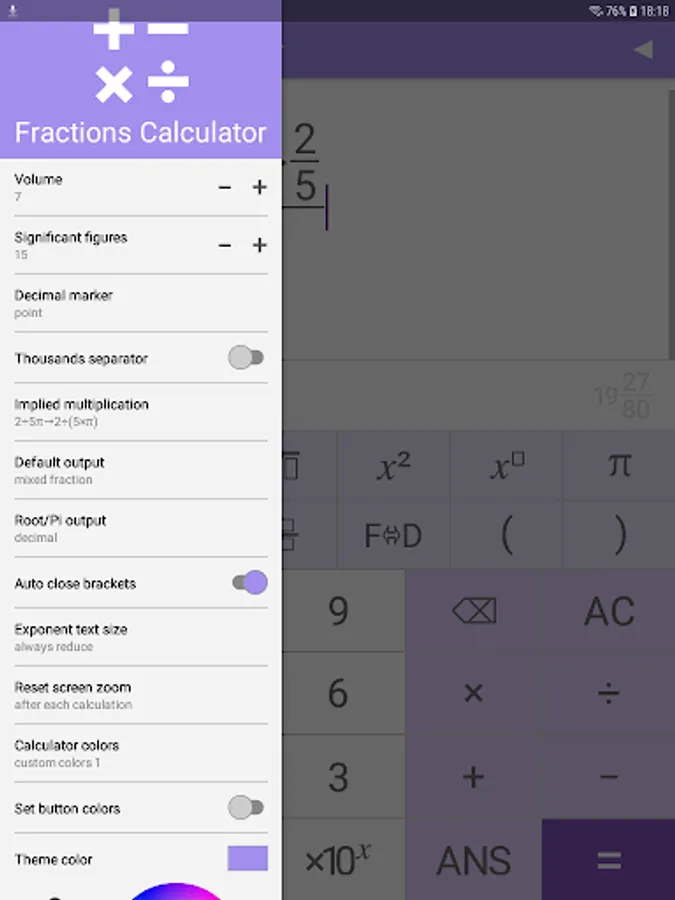
• The calculator's colors are customizable.
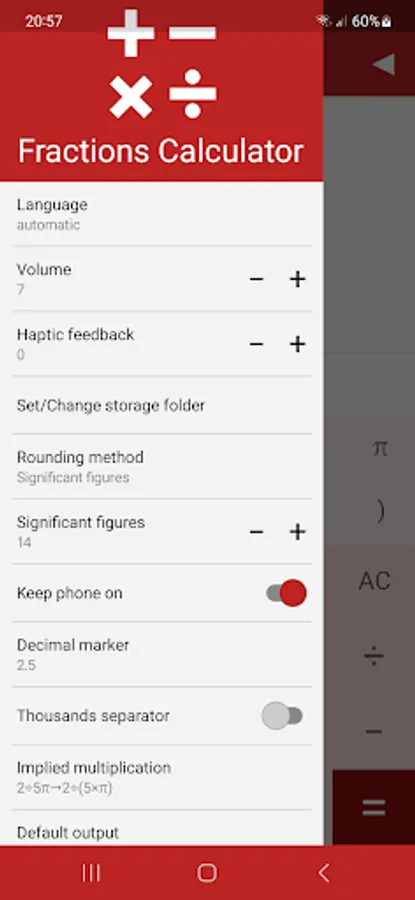
• User definable decimal marker (point or comma).
• Optional thousands separator. Choose between space or comma/point(depends on decimal marker).
• Variable precision up to 15 significant figures.
• Choose the precedence (order of operations) for implied multiplication:
2÷5π → 2÷(5×π)
2÷5π → 2÷5×π
An ad free version of the Fractions Calculator is also available.
5 + 3 × 5 → 5 + 15 = 20
• Easy to use interface allows the calculation of fractions and decimals.
• The text-book style display allows you to enter calculations as they would be written.
• Calculate square roots, powers and percentages.
• Conversion between decimal and surd answers.
• Previous 10 calculations stored and re-editable.
• The calculator's colors are customizable.
• User definable decimal marker (point or comma).
• Optional thousands separator. Choose between space or comma/point(depends on decimal marker).
• Variable precision up to 15 significant figures.
• Choose the precedence (order of operations) for implied multiplication:
2÷5π → 2÷(5×π)
2÷5π → 2÷5×π
An ad free version of the Fractions Calculator is also available.
Fractions Calculator Screenshots
Tap to Rate:
Reviews for Fractions Calculator
Rakesh shukla
3/24/2025
Excellent app because this app is the one which gets me divide fractions not like the regular calculator which does not interpret the correct answer
Tommy
3/21/2025
It needs the setting to where it has complex numbers and it needs an imaginary unit button.