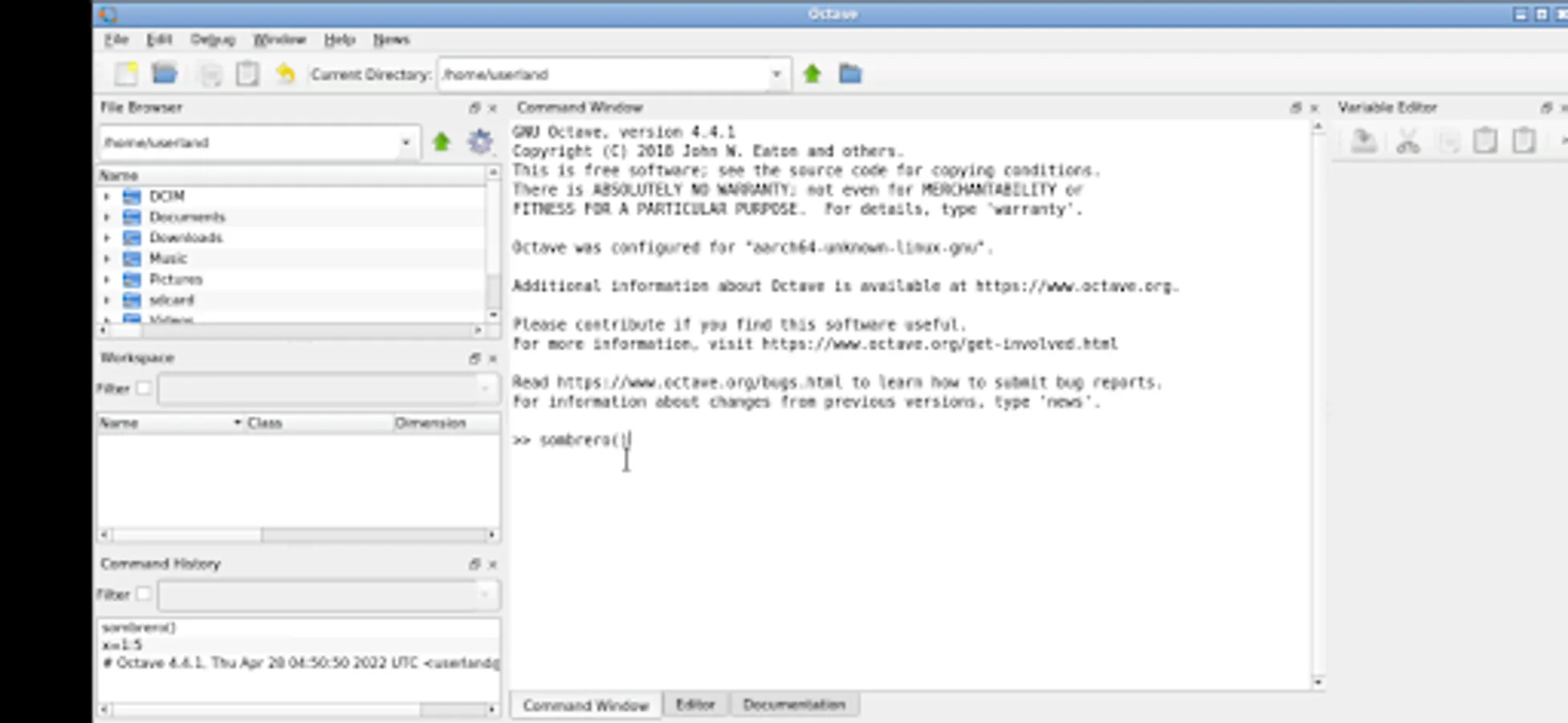
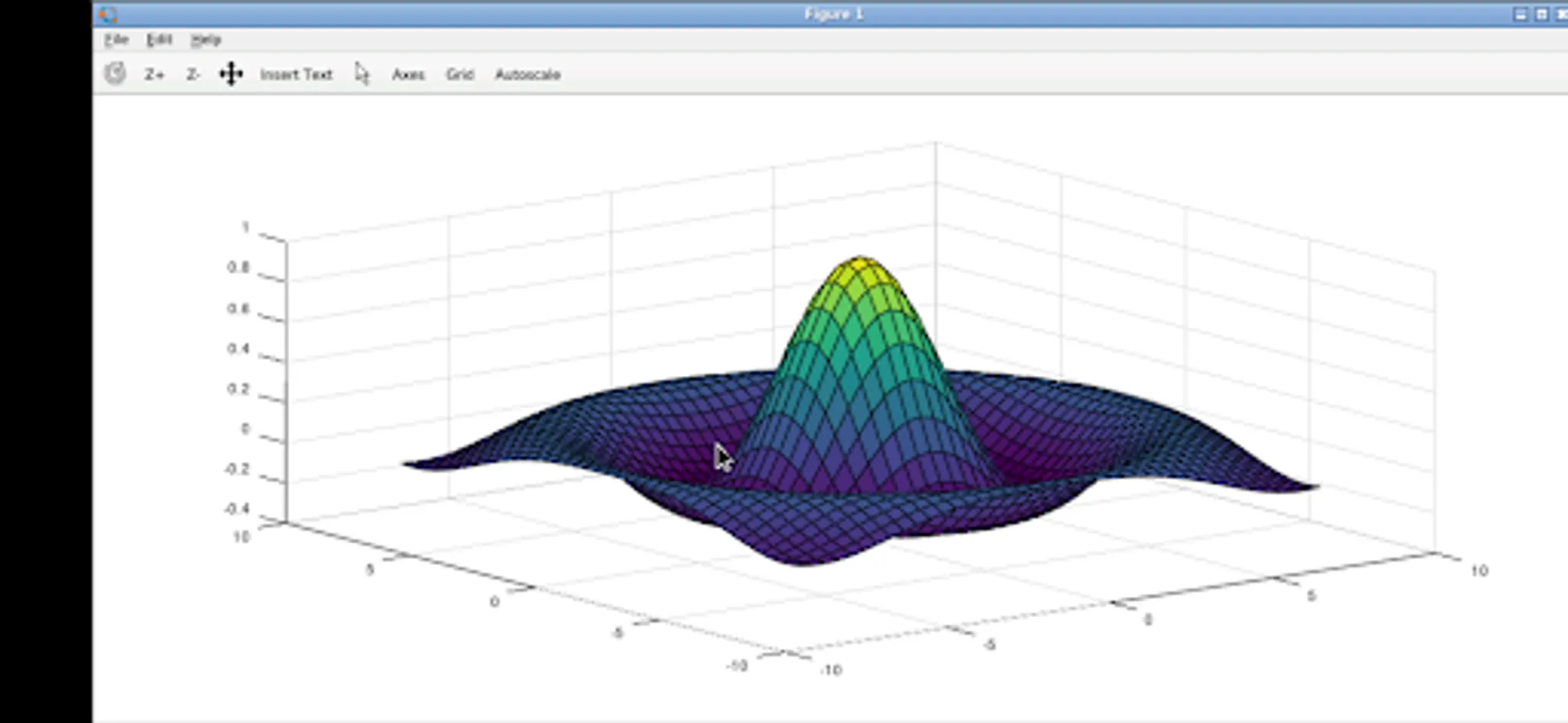
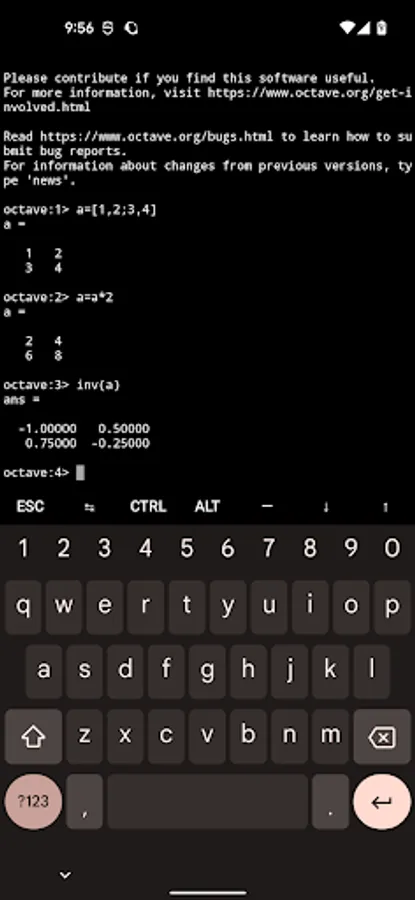
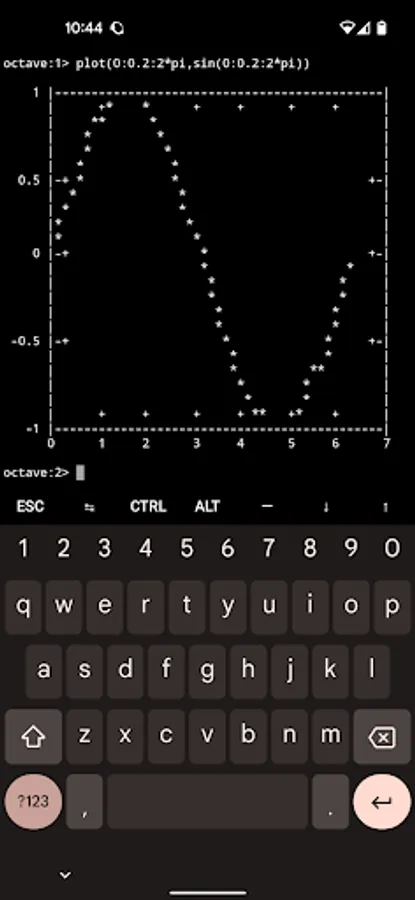
In this numerical computing app, you can run and execute Octave or MATLAB code locally with built-in plotting and visualization features. Includes file management, command execution, and graphical interface support.
AppRecs review analysis
AppRecs rating 4.1. Trustworthiness 83 out of 100. Review manipulation risk 20 out of 100. Based on a review sample analyzed.
★★★★☆
4.1
AppRecs Rating
Ratings breakdown
5 star
64%
4 star
16%
3 star
4%
2 star
0%
1 star
16%
What to know
✓
Low review manipulation risk
20% review manipulation risk
✓
Credible reviews
83% trustworthiness score from analyzed reviews
✓
High user satisfaction
80% of sampled ratings are 4+ stars (4.1★ average)
About Octave
This really is GNU Octave running on your device. It is full featured and professionally supported.
This lets you run Octave / Matlab code on your phone (not the cloud) and without restrictions.
About Octave:
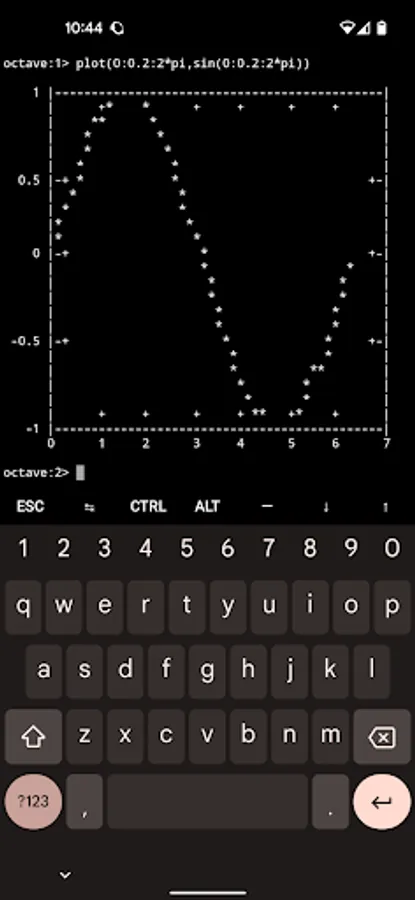
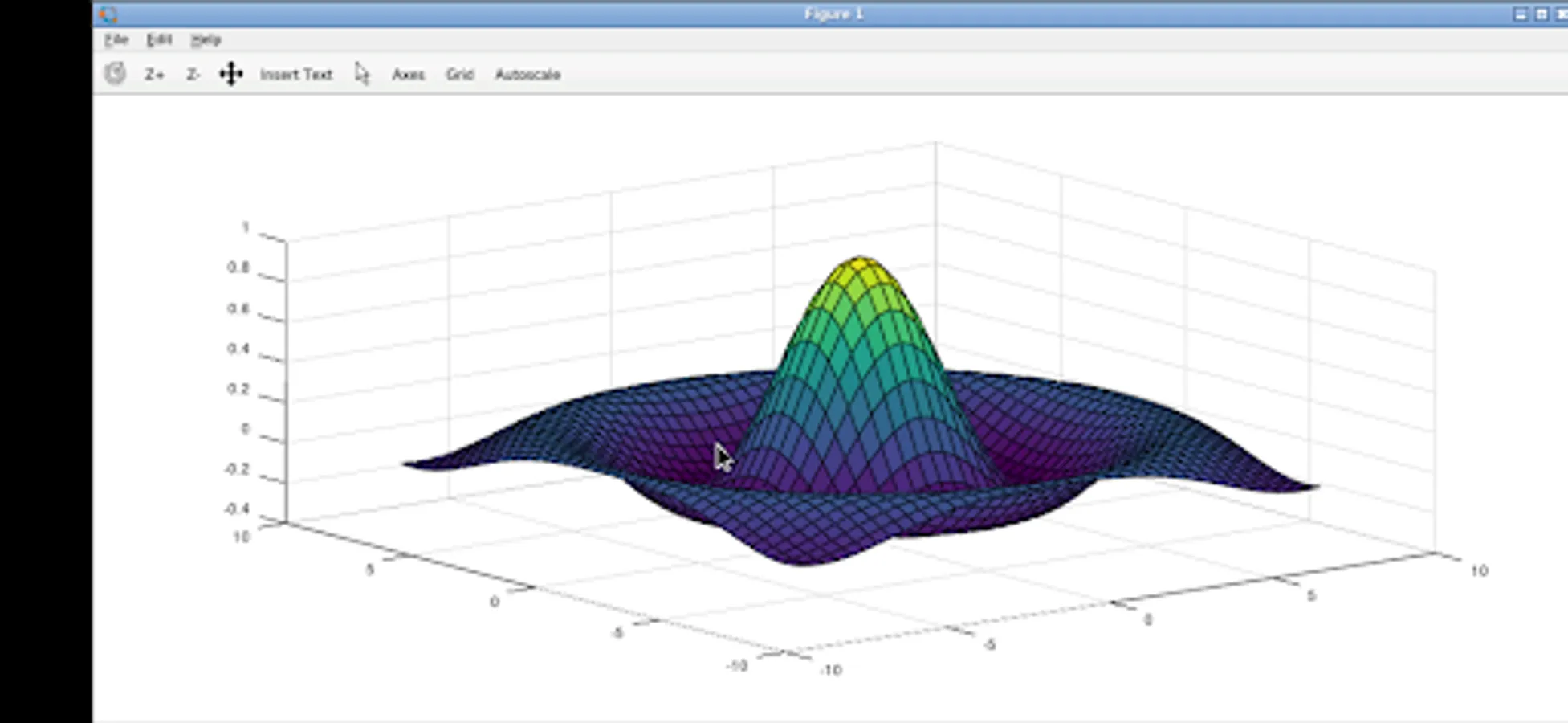
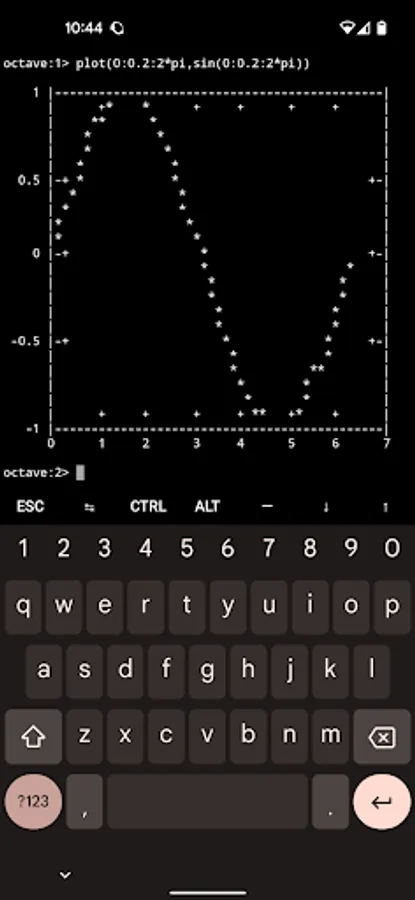
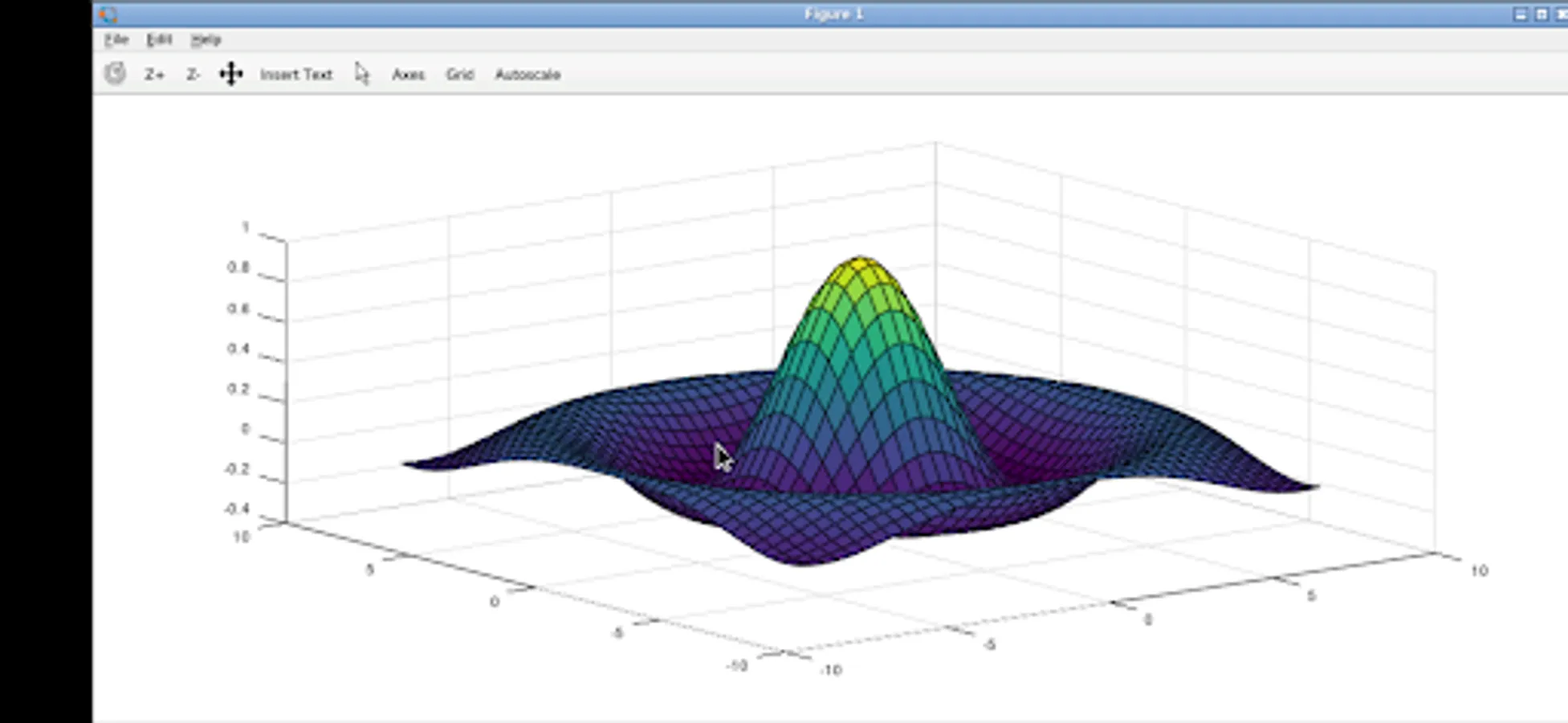
GNU Octave supports a powerful mathematics-oriented syntax with built-in 2D/3D plotting and visualization tools. It features a high-level programming language, primarily intended for numerical computations. Octave helps in solving linear and nonlinear problems numerically, and for performing other numerical experiments using a language that is mostly compatible with MATLAB. It may also be used as a batch-oriented language. It has too many features to list here, but you can check out the project page for more information: https://www.gnu.org/software/octave/
How to use this Octave Android app:
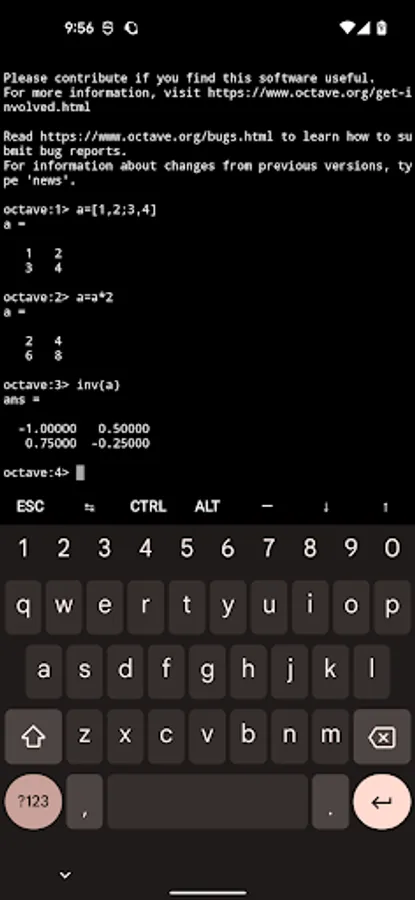
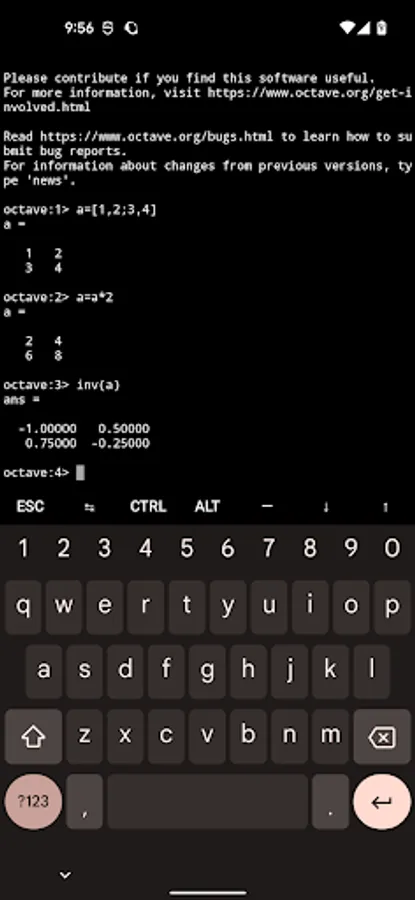
If using the terminal, you just start typing commands as you see fit.
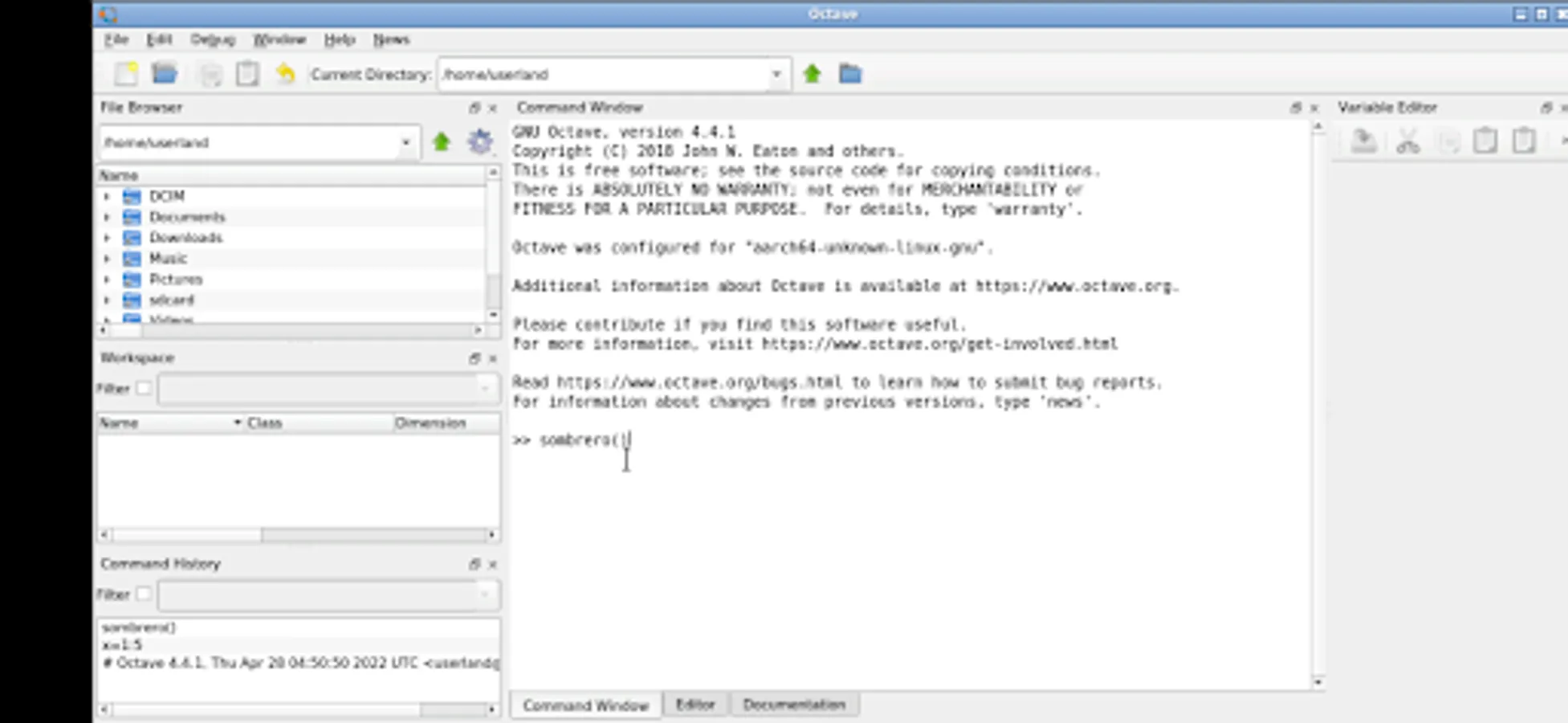
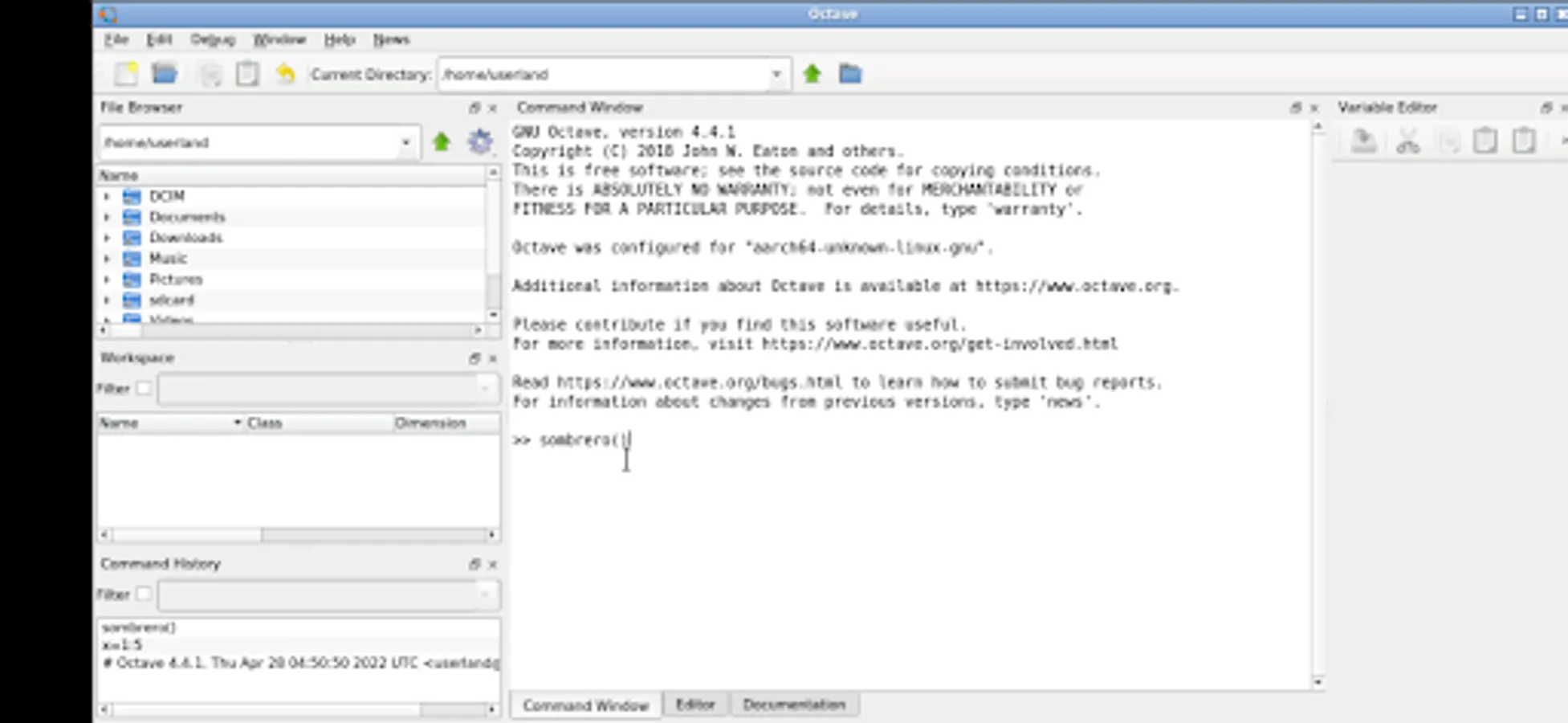
If using the graphical interface, use it just like normal. But here are some specifics to the Android interface.
* Tap with one figure to left click.
* Move mouse by sliding around one finger.
* Pinch to zoom.
* Press and hold and then slide one finger to pan (useful when zoomed in).
* Slide two fingers up and down to scroll.
* If you want to bring up a keyboard, tap on the screen to get a set of icons to appear and then click the keyboard icon.
* If you want to do the equivalent to a right click, tap with two fingers.
* If you want to change the desktop scaling, find the service android notification and click the settings. You have to stop and restart the app after changing this settings for it to take effect.
This is all easier to do on a tablet and with a stylus, but it can be done on a phone or using your finger as well.
To access files from the rest of Android, there are many useful links in your home directory (/home/userland) to places like your Documents, Pictures, etc. No need to import or export files.
If you don't want to, or cannot pay the cost of this app, you can run Octave via the UserLAnd app.
Licensing:
This app is released under the GPLv3. The source code can be found here:
https://github.com/CypherpunkArmory/octave
This app is not created by the main GNU Octave development team. Instead it is an adaptation that allows the Linux version to run on Android.
This lets you run Octave / Matlab code on your phone (not the cloud) and without restrictions.
About Octave:
GNU Octave supports a powerful mathematics-oriented syntax with built-in 2D/3D plotting and visualization tools. It features a high-level programming language, primarily intended for numerical computations. Octave helps in solving linear and nonlinear problems numerically, and for performing other numerical experiments using a language that is mostly compatible with MATLAB. It may also be used as a batch-oriented language. It has too many features to list here, but you can check out the project page for more information: https://www.gnu.org/software/octave/
How to use this Octave Android app:
If using the terminal, you just start typing commands as you see fit.
If using the graphical interface, use it just like normal. But here are some specifics to the Android interface.
* Tap with one figure to left click.
* Move mouse by sliding around one finger.
* Pinch to zoom.
* Press and hold and then slide one finger to pan (useful when zoomed in).
* Slide two fingers up and down to scroll.
* If you want to bring up a keyboard, tap on the screen to get a set of icons to appear and then click the keyboard icon.
* If you want to do the equivalent to a right click, tap with two fingers.
* If you want to change the desktop scaling, find the service android notification and click the settings. You have to stop and restart the app after changing this settings for it to take effect.
This is all easier to do on a tablet and with a stylus, but it can be done on a phone or using your finger as well.
To access files from the rest of Android, there are many useful links in your home directory (/home/userland) to places like your Documents, Pictures, etc. No need to import or export files.
If you don't want to, or cannot pay the cost of this app, you can run Octave via the UserLAnd app.
Licensing:
This app is released under the GPLv3. The source code can be found here:
https://github.com/CypherpunkArmory/octave
This app is not created by the main GNU Octave development team. Instead it is an adaptation that allows the Linux version to run on Android.
Octave Screenshots
Tap to Rate:
Reviews for Octave
Mkapa Majenda
12/12/2025
I paid subscription but it says octave has entered an illegal state am very disappointed
Cristian Emil Constantinescu
11/20/2025
just install and run... is similar to the desktop version. very nice!