UserLAnd - Linux on Android
UserLAnd Technologies
4.5 ★
19K ratings
1,000,000+
downloads
Free
+ in-app
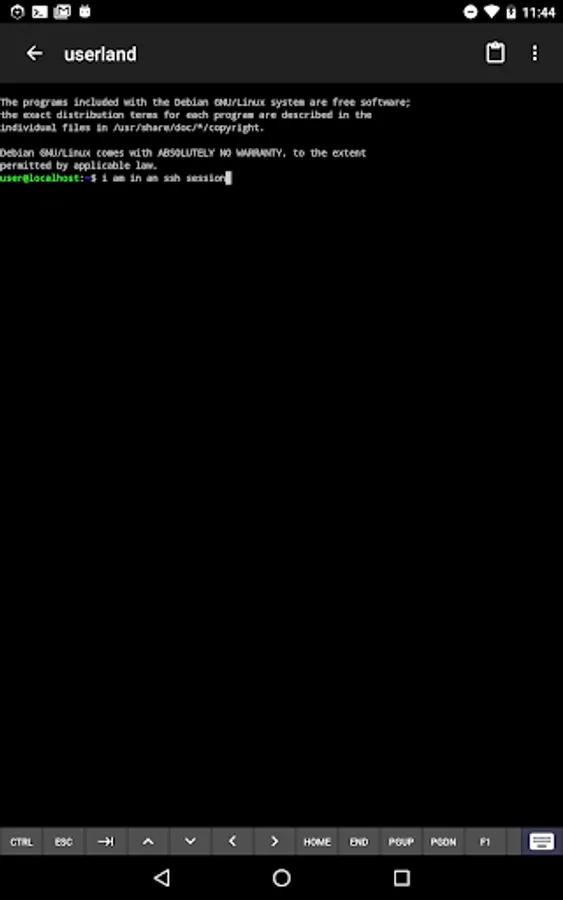
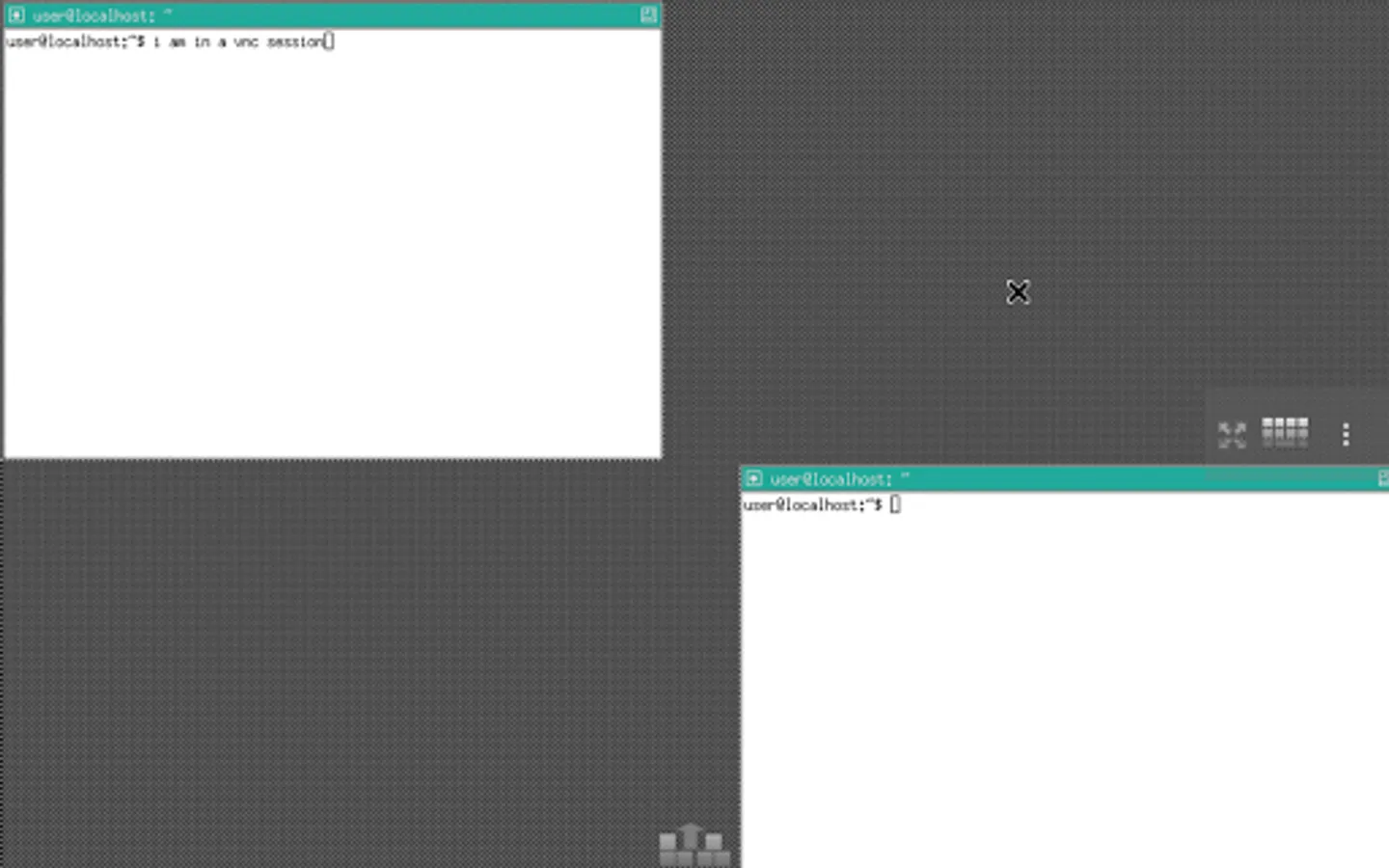
With this app, you can run multiple Linux distributions like Ubuntu and Debian on Android devices, access terminal shells, and connect to VNC sessions for graphical interfaces. Includes setup prompts for distributions and applications, along with support for terminal and VNC connections.
AppRecs review analysis
AppRecs rating 4.5. Trustworthiness 69 out of 100. Review manipulation risk 31 out of 100. Based on a review sample analyzed.
★★★★☆
4.5
AppRecs Rating
Ratings breakdown
5 star
77%
4 star
11%
3 star
5%
2 star
2%
1 star
4%
What to know
✓
High user satisfaction
77% of sampled ratings are 5 stars
✓
Authentic reviews
Natural distribution, no red flags
About UserLAnd - Linux on Android
UserLAnd is an open-source app which allows you to run several Linux distributions like Ubuntu,
Debian, and Kali.
- No need to root your device.
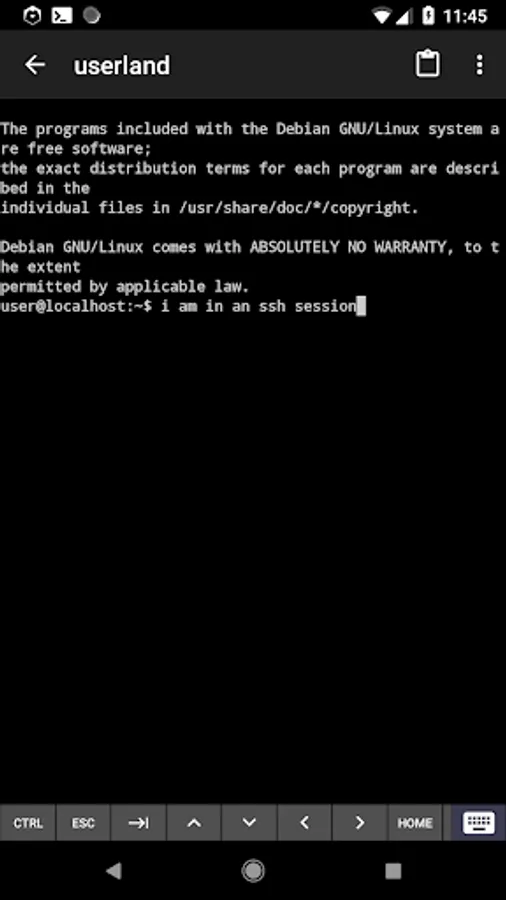
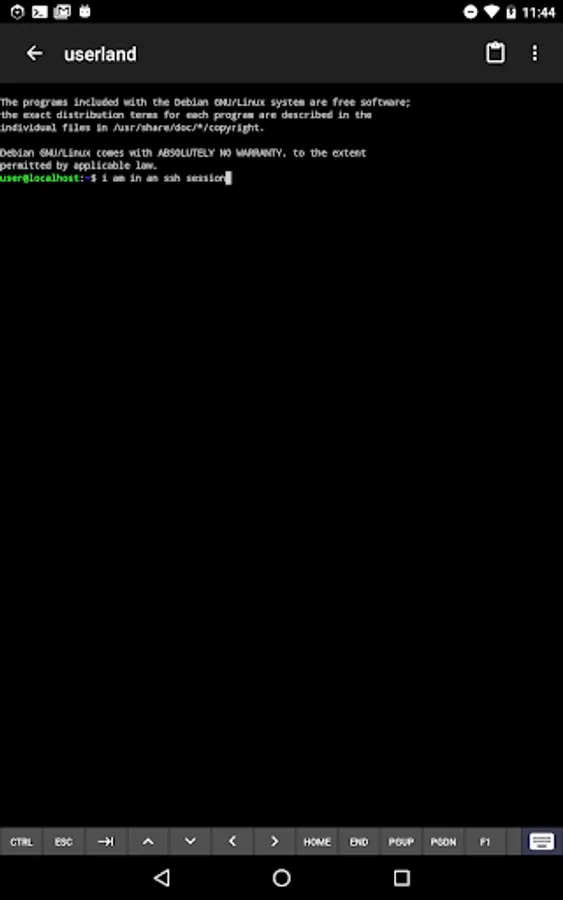
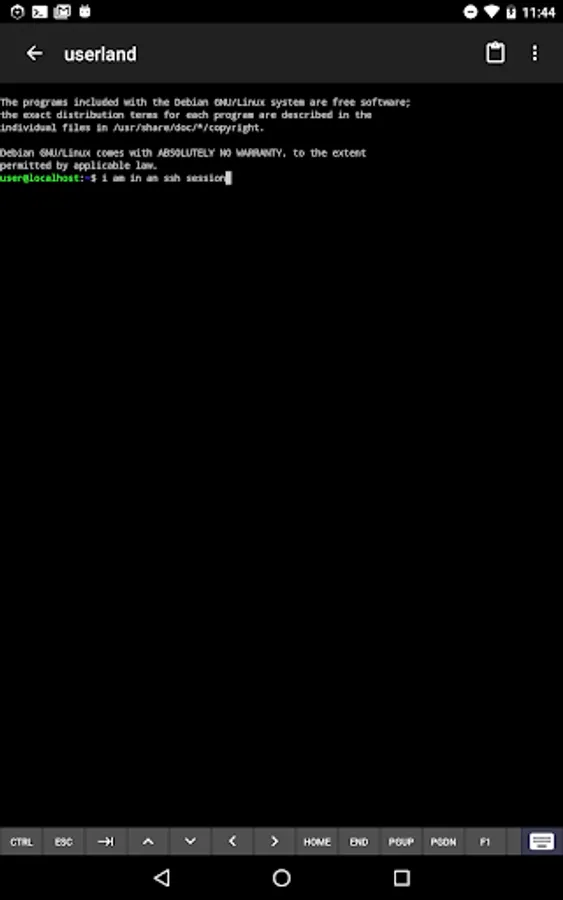
- Use a built-in terminal to access your favorite shells.
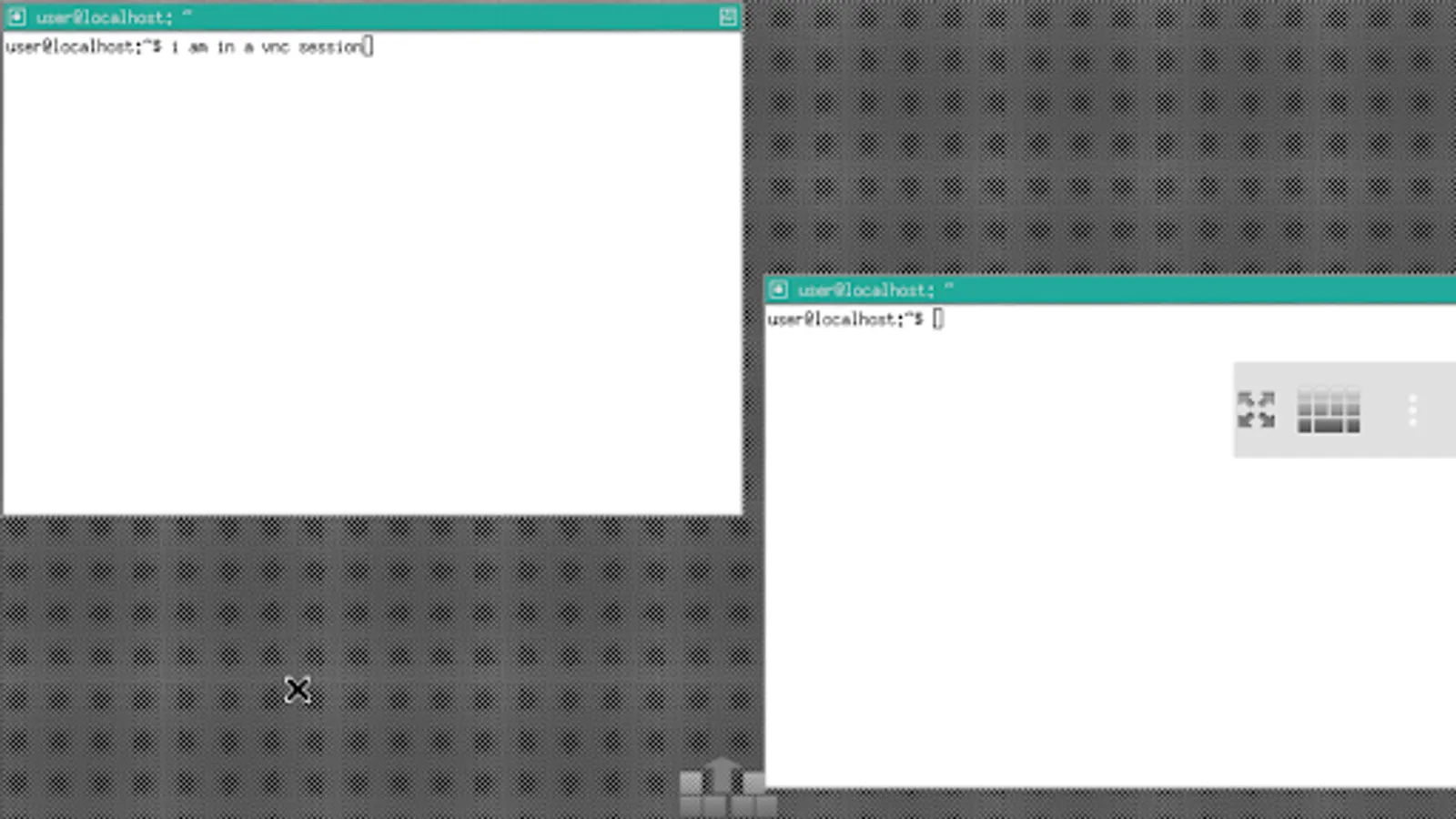
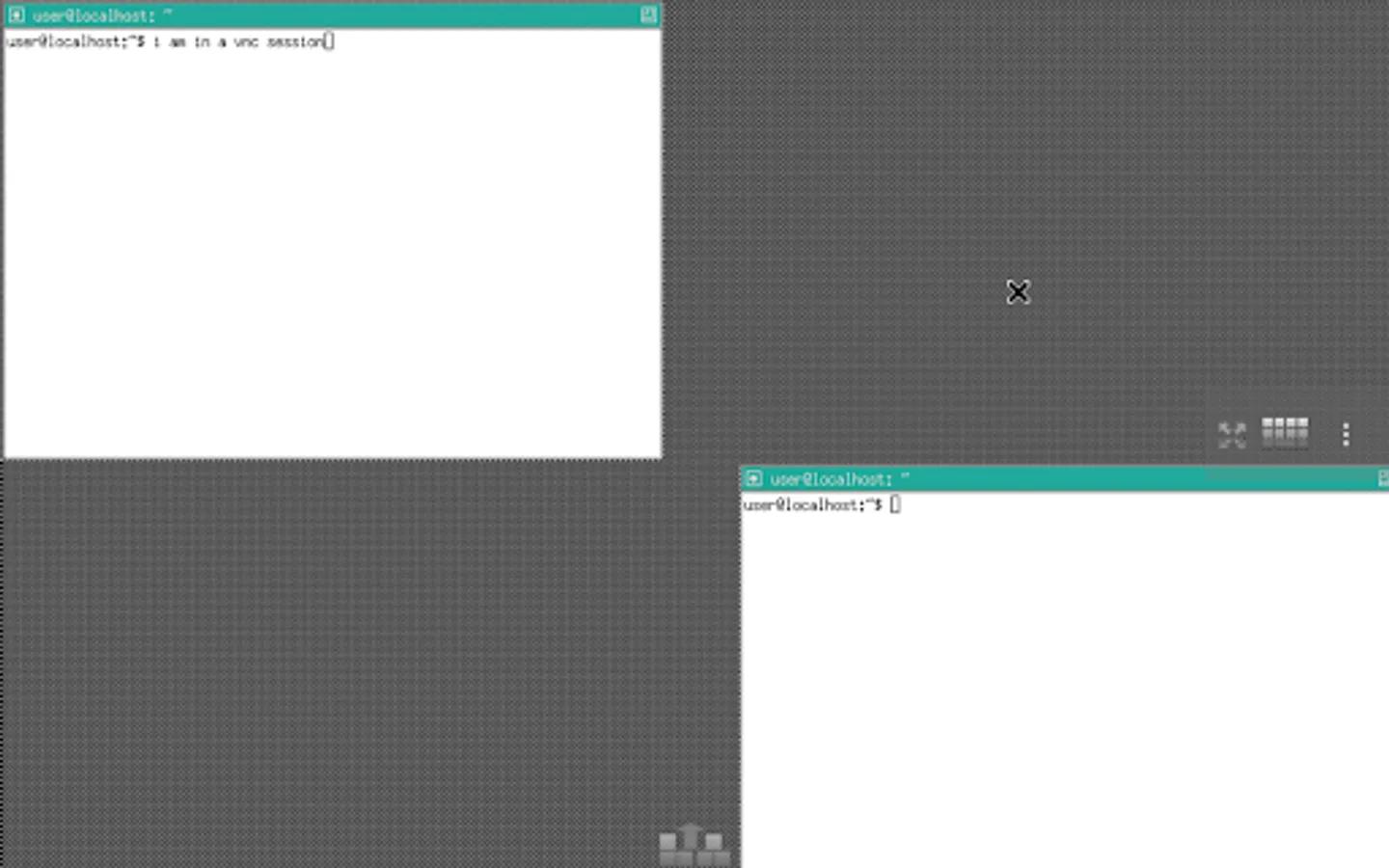
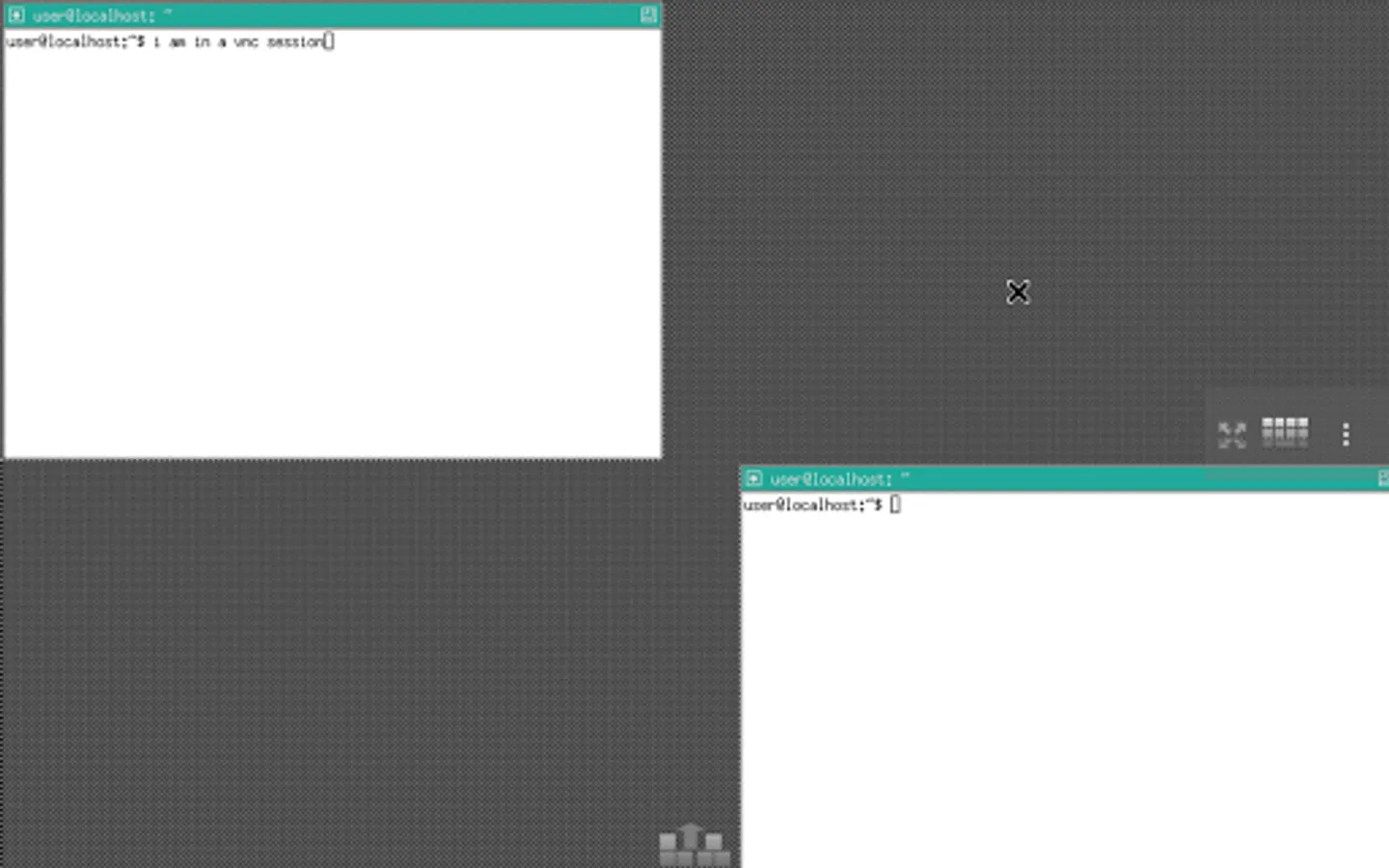
- Easily connect to VNC sessions for a graphical experience.
- Easy setup for several common Linux distributions, like Ubuntu and Debian.
- Easy setup for several common Linux applications, like Octave and Firefox.
- A way to experiment and learn Linux and other common software tools from the palm of your hand.
UserLAnd was created and is being actively maintained by the folks behind the popular Android
application, GNURoot Debian. It is meant as a replacement for the original GNURoot Debian app.
When UserLAnd first launches, it presents a list of common distributions and Linux applications.
Clicking one of these then leads to a series of set-up prompts. Once these have been completed,
UserLAnd will download and set up files required to start the task that has been selected. Based on
the set-up, you will then be connected to your Linux distribution or application in a terminal or
VNC viewing Android application.
Want to know more about getting started? View our wiki on Github:
https://github.com/CypherpunkArmory/UserLAnd/wiki/Getting-Started-in-UserLAnd
Want to ask questions, give feedback, or report any bugs you've encountered? Reach us on Github:
https://github.com/CypherpunkArmory/UserLAnd/issues
Debian, and Kali.
- No need to root your device.
- Use a built-in terminal to access your favorite shells.
- Easily connect to VNC sessions for a graphical experience.
- Easy setup for several common Linux distributions, like Ubuntu and Debian.
- Easy setup for several common Linux applications, like Octave and Firefox.
- A way to experiment and learn Linux and other common software tools from the palm of your hand.
UserLAnd was created and is being actively maintained by the folks behind the popular Android
application, GNURoot Debian. It is meant as a replacement for the original GNURoot Debian app.
When UserLAnd first launches, it presents a list of common distributions and Linux applications.
Clicking one of these then leads to a series of set-up prompts. Once these have been completed,
UserLAnd will download and set up files required to start the task that has been selected. Based on
the set-up, you will then be connected to your Linux distribution or application in a terminal or
VNC viewing Android application.
Want to know more about getting started? View our wiki on Github:
https://github.com/CypherpunkArmory/UserLAnd/wiki/Getting-Started-in-UserLAnd
Want to ask questions, give feedback, or report any bugs you've encountered? Reach us on Github:
https://github.com/CypherpunkArmory/UserLAnd/issues
UserLAnd - Linux on Android Screenshots
Tap to Rate:
Reviews for UserLAnd - Linux on Android
Ankon Polley
12/30/2025
It is good but some times files are crupt.
Lee Triebel
12/29/2025
Does what you want it to, pretty straight forward.