Touchless: Gesture Controller
Wonderful AI
3.7 ★
307 ratings
50,000+
downloads
Free
+ in-app
In this gesture controller app, you can use air gestures to control media playback and navigation on various streaming and social media apps. Includes secure on-device processing and support for multiple app categories.
AppRecs review analysis
AppRecs rating 3.7. Trustworthiness 78 out of 100. Review manipulation risk 29 out of 100. Based on a review sample analyzed.
★★★☆☆
3.7
AppRecs Rating
Ratings breakdown
5 star
46%
4 star
15%
3 star
15%
2 star
8%
1 star
15%
What to know
✓
Low review manipulation risk
29% review manipulation risk
✓
Credible reviews
78% trustworthiness score from analyzed reviews
⚠
Ad complaints
Many low ratings mention excessive ads
About Touchless: Gesture Controller
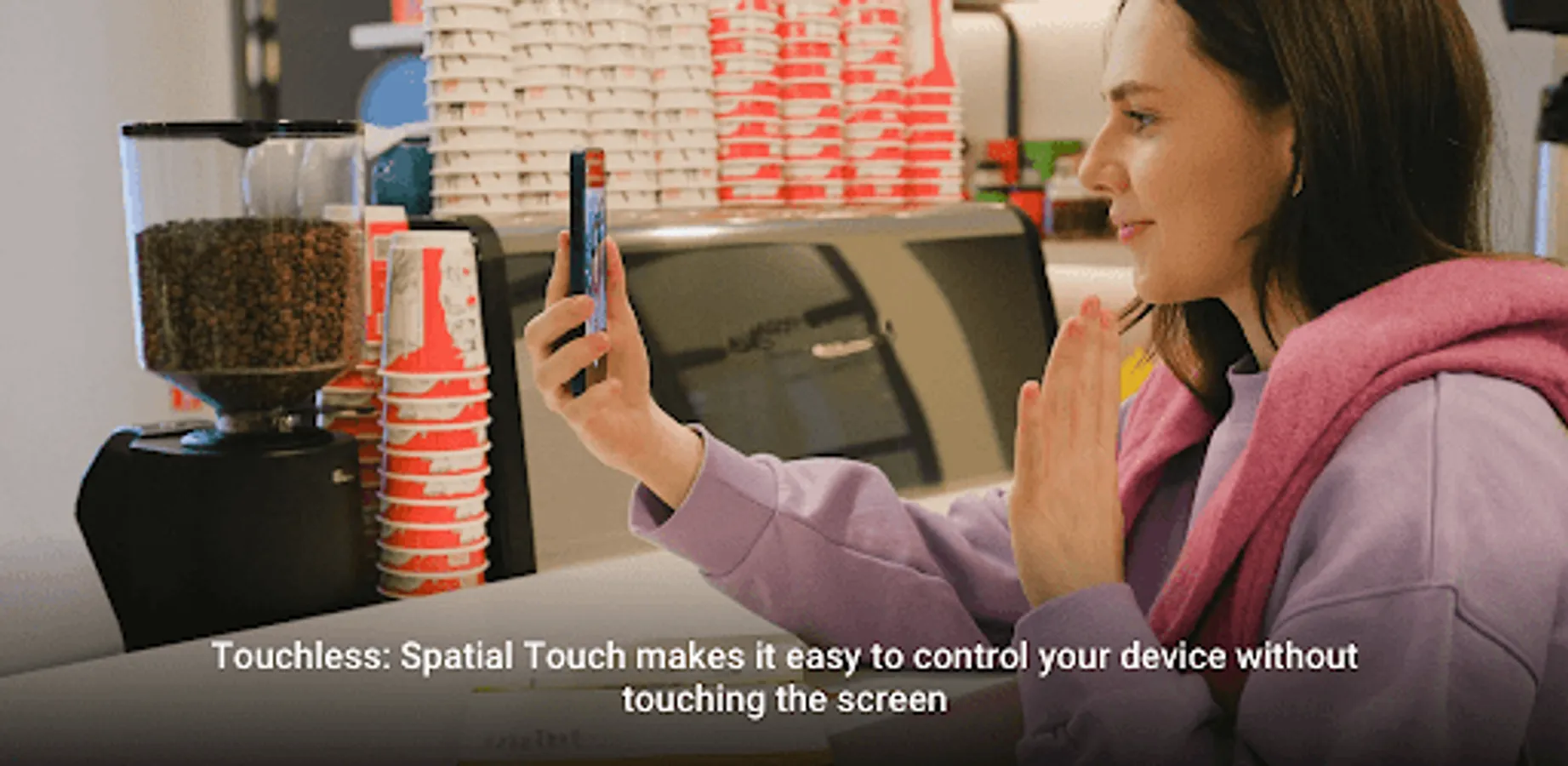
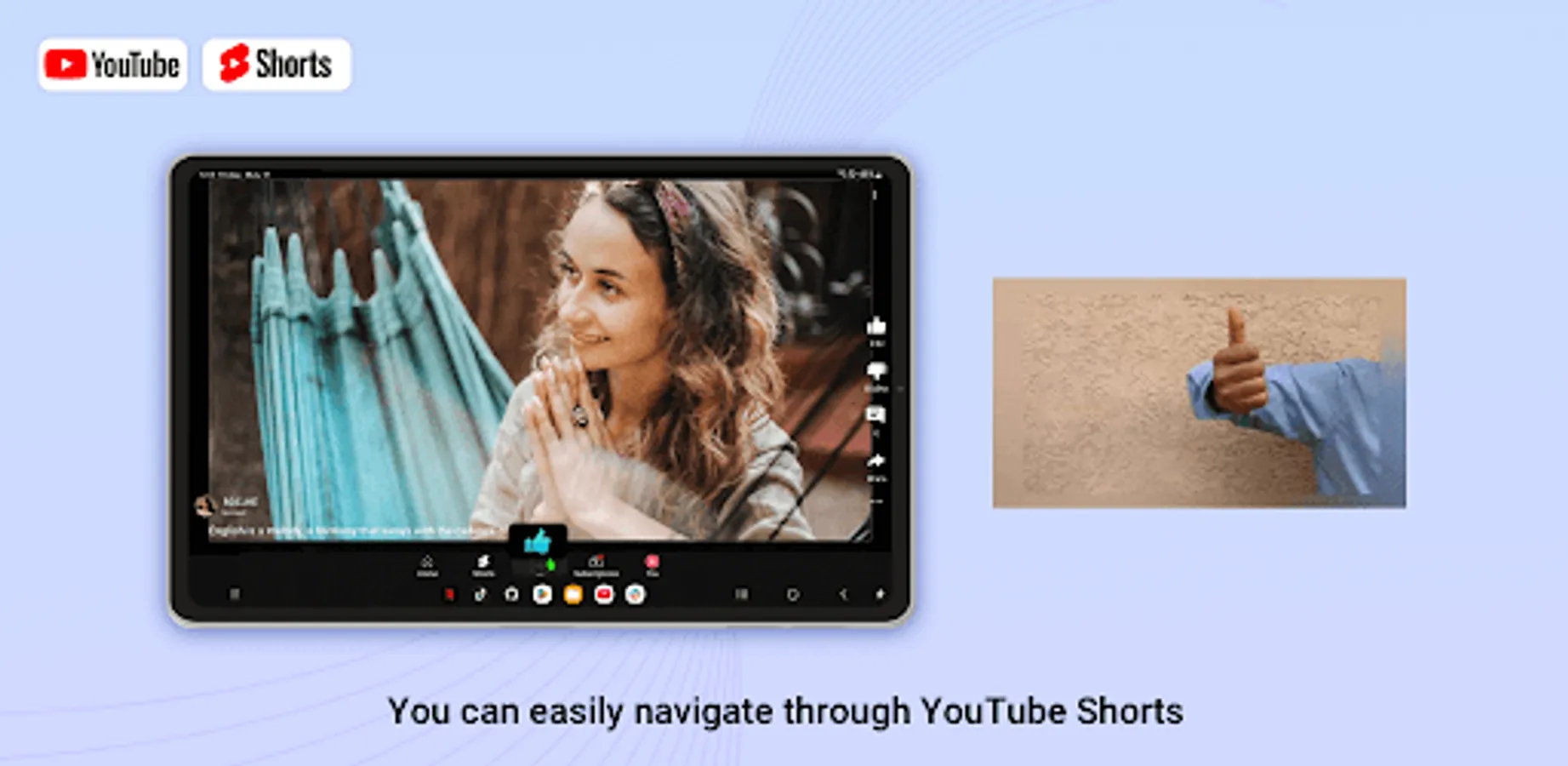
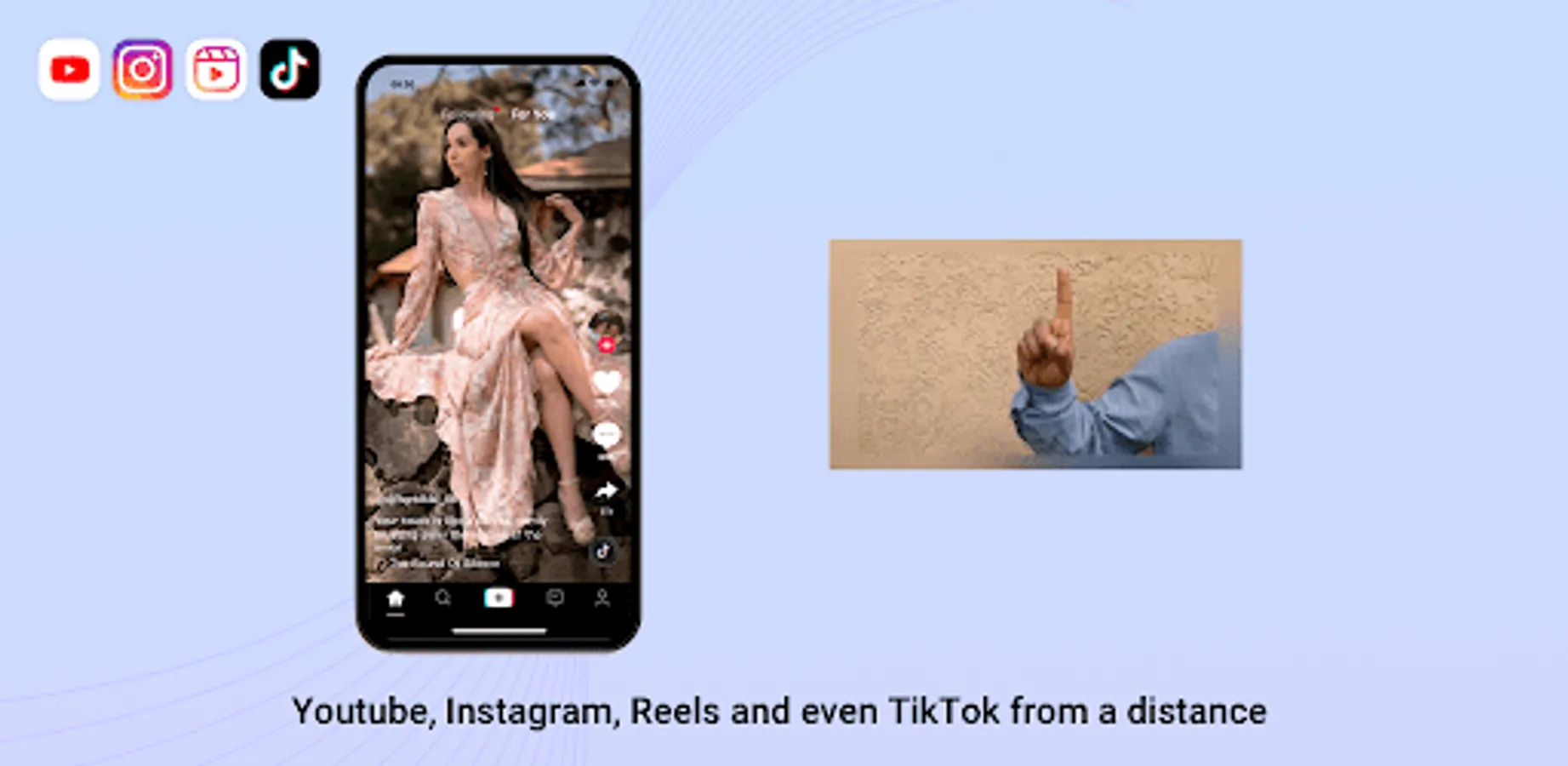
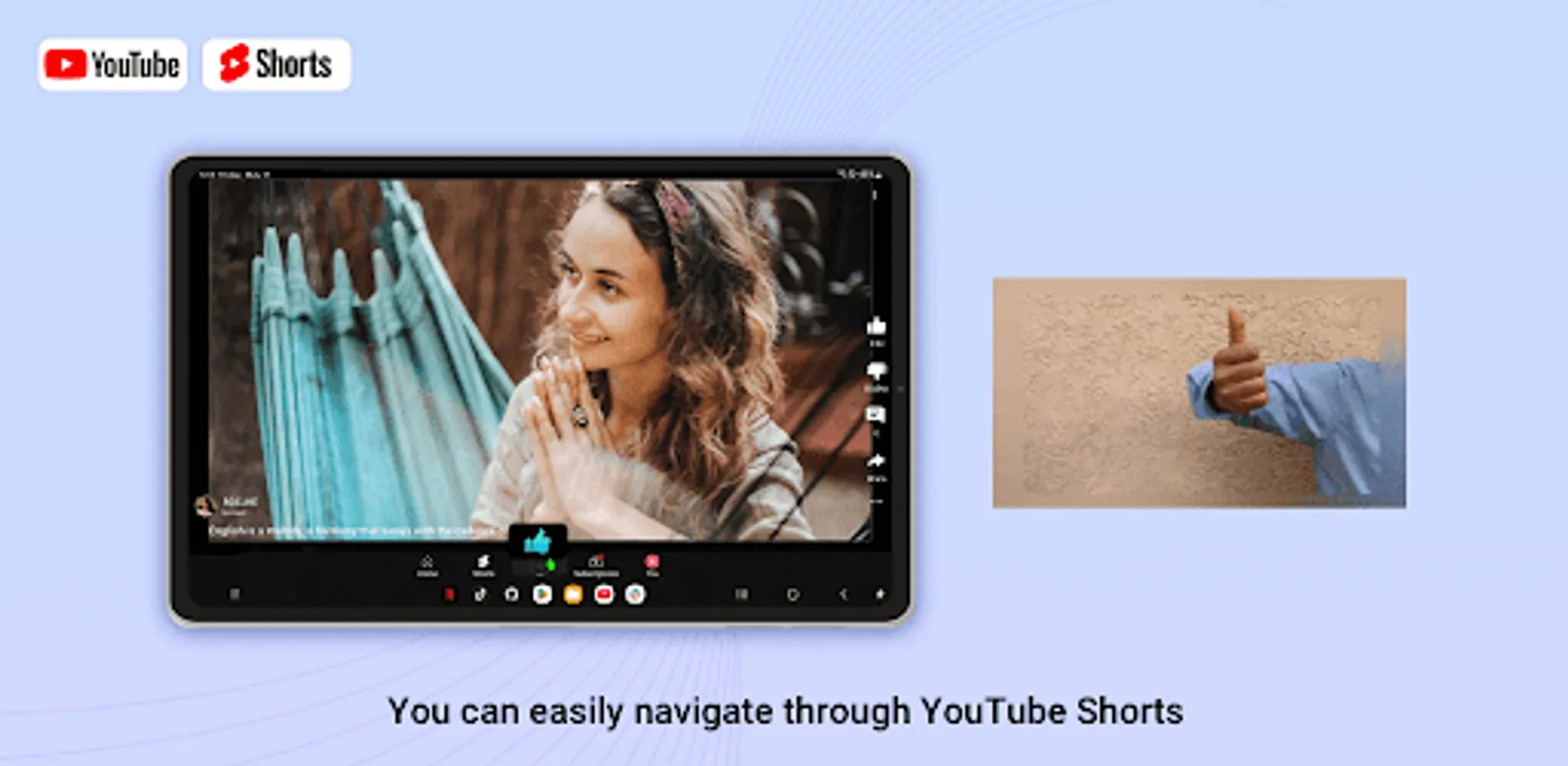
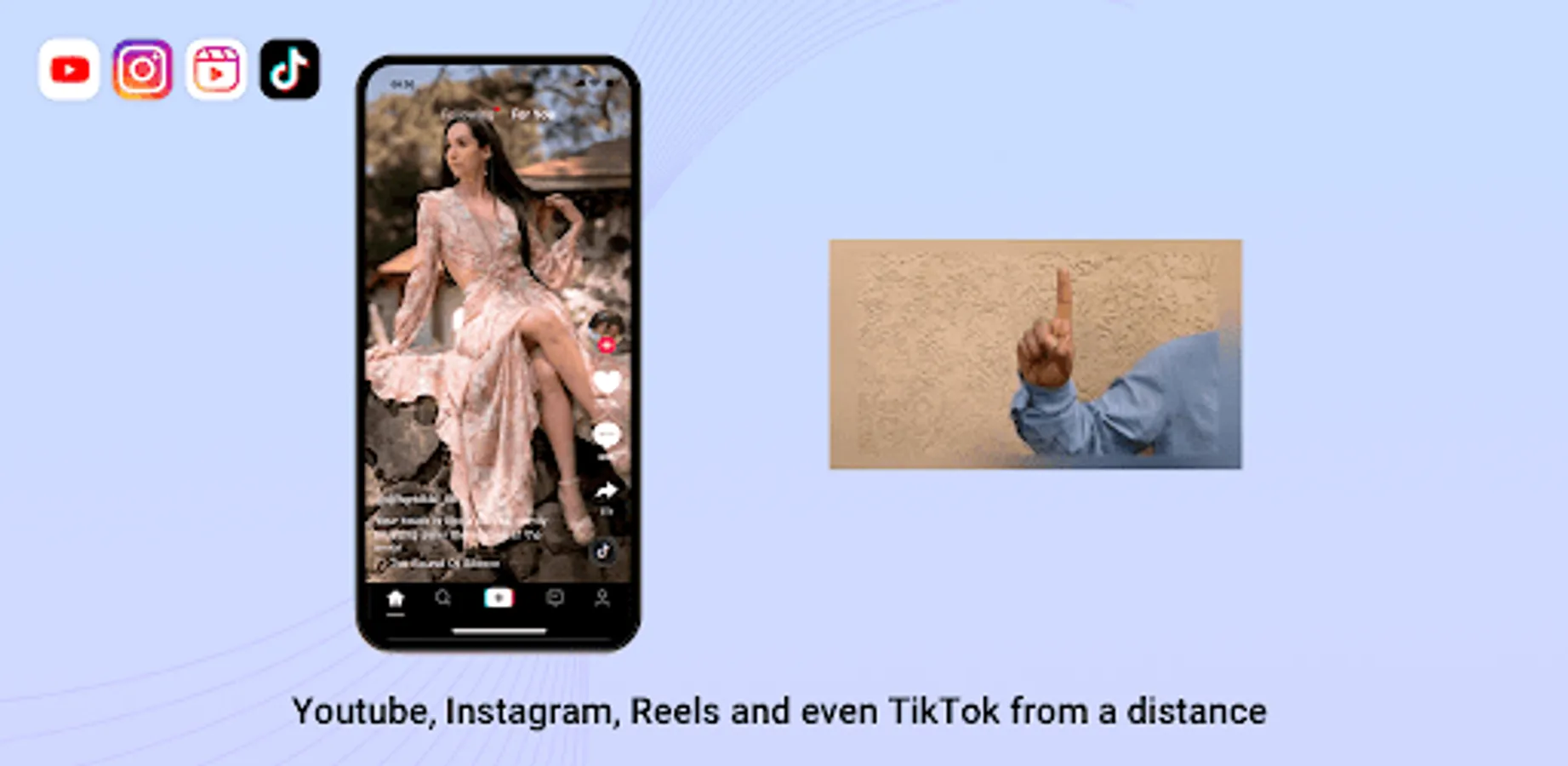
Our app is an AI-based hand gesture remote controller that allows you to control media apps from a distance without touching the screen. You can control YouTube, Shorts, Netflix, Disney Plus, Instagram, Reels, Tiktok and more apps are being added.
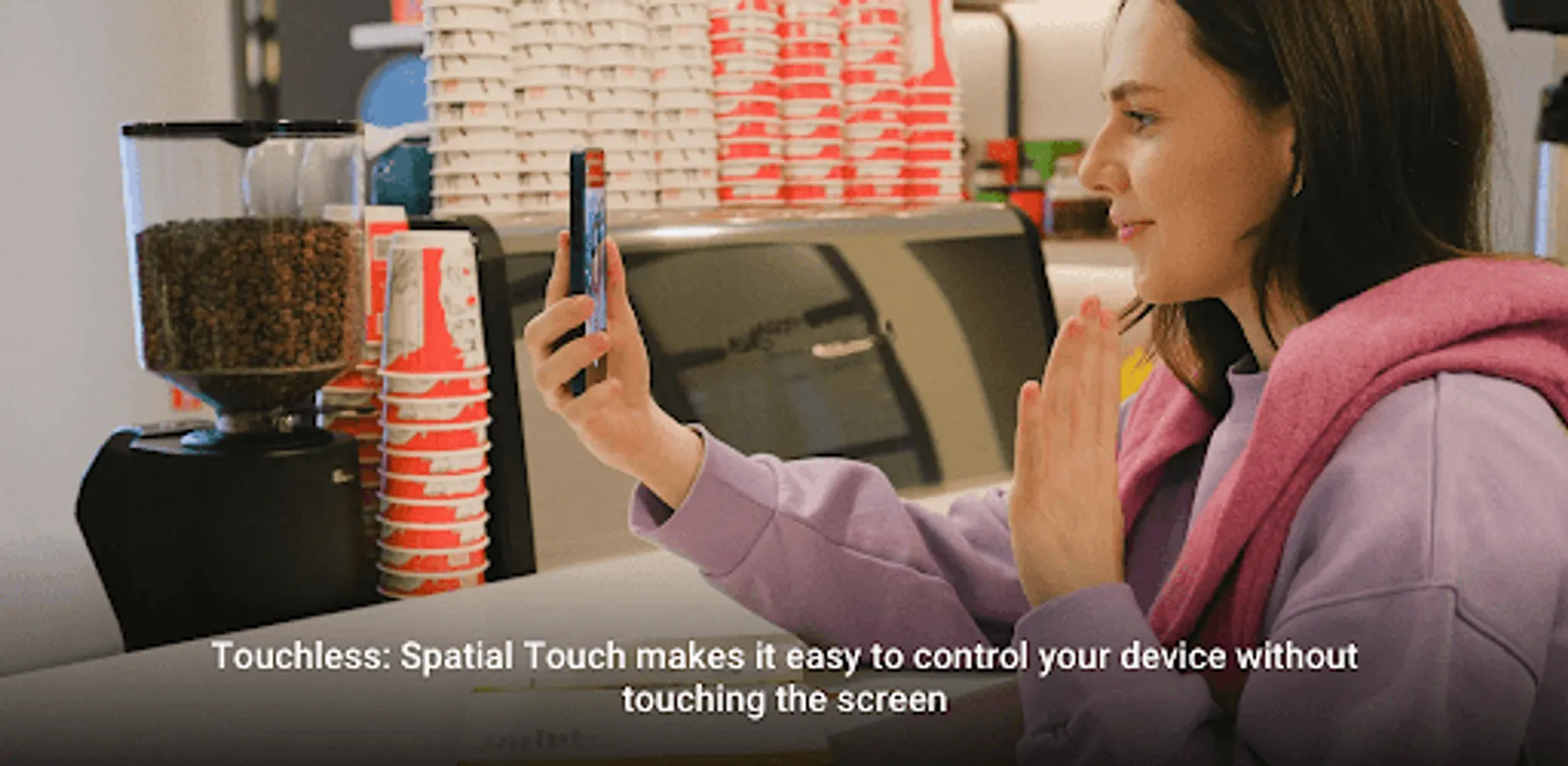
When you are busy and cannot touch the screen with your mobile phone, you can easily control your mobile device according to the gesture instructions we have given, giving you a relaxed and intelligent experience.
Function:
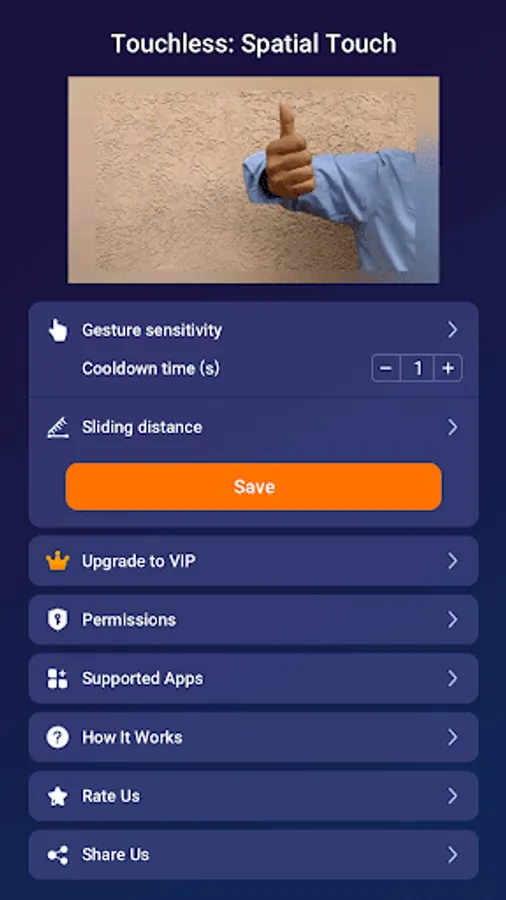
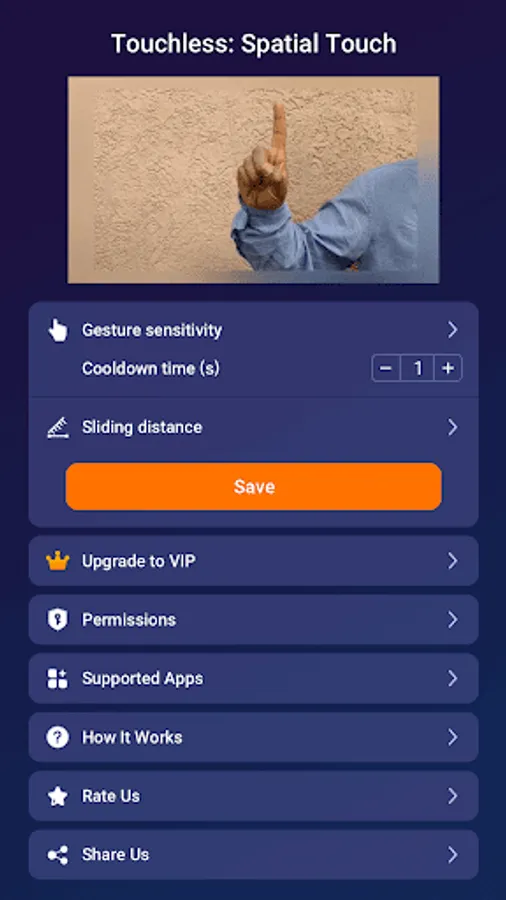
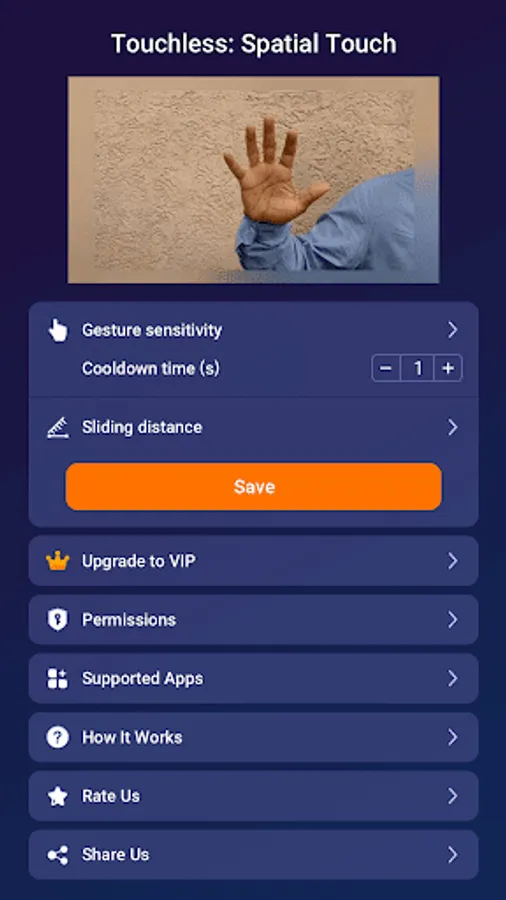
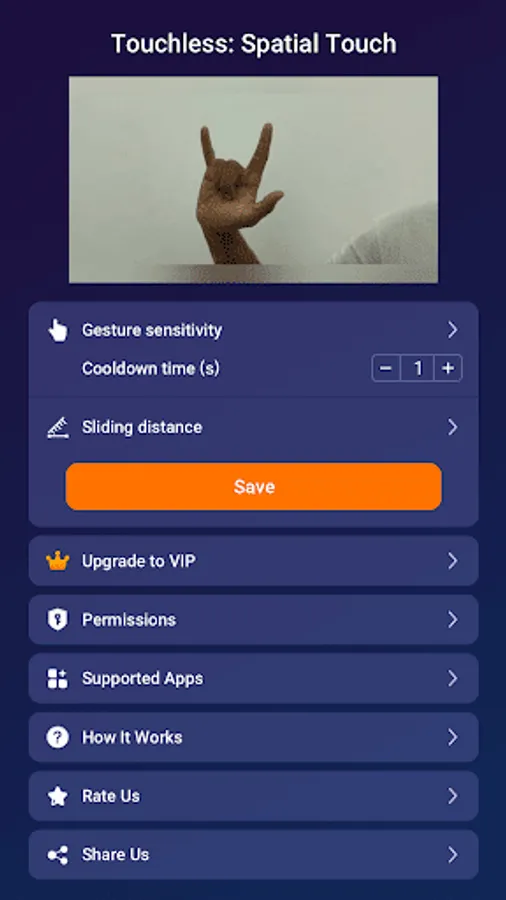
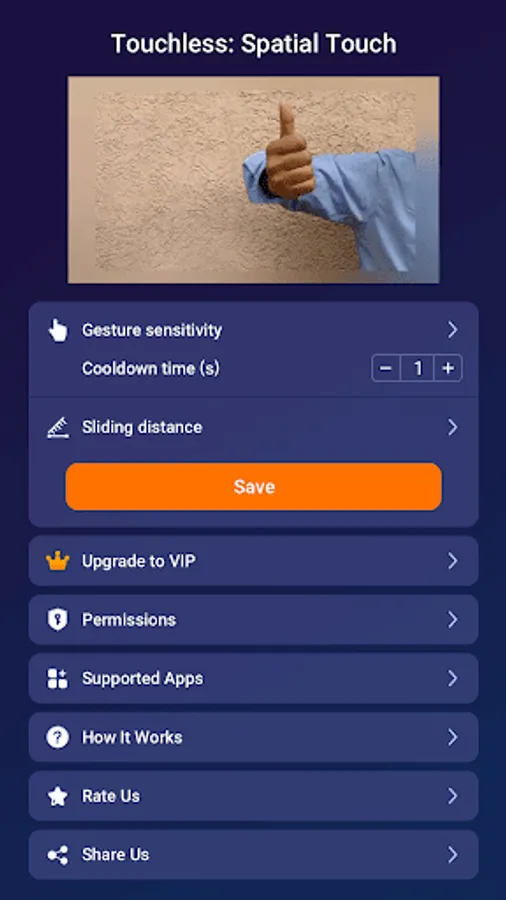
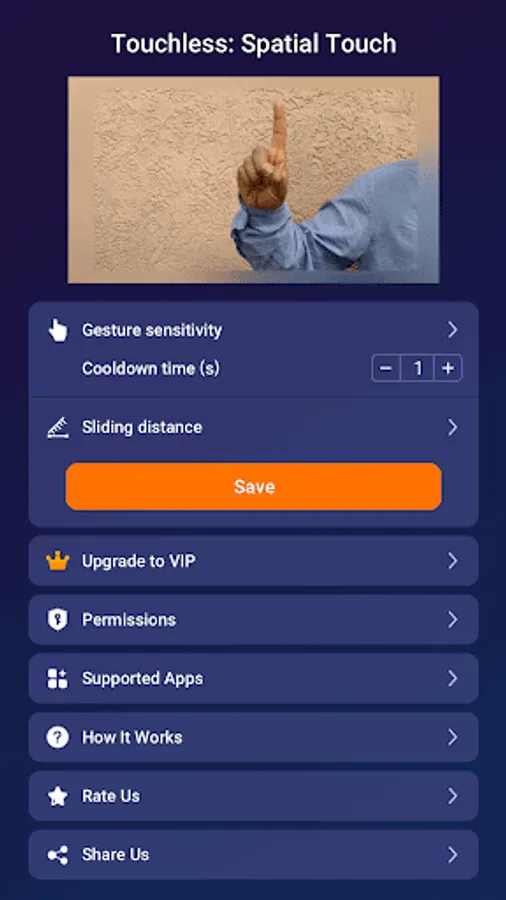
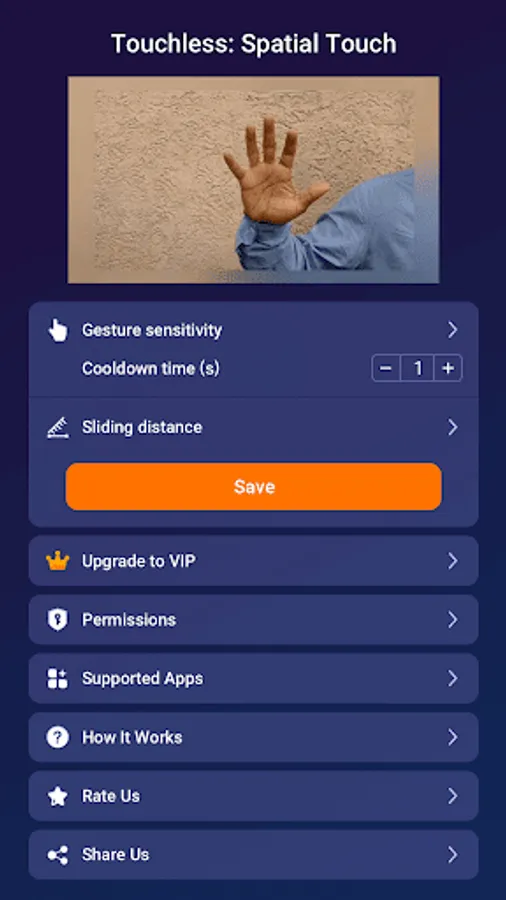
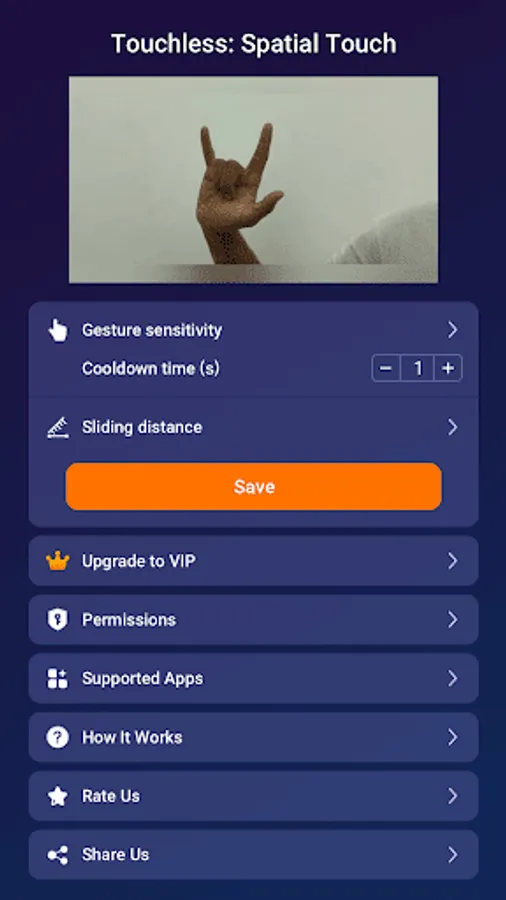
1. Air Gestures: Control media playback, pause, volume adjustment, navigation, scrolling, and more using air gestures without touching the screen.
2. Remote Control: You can control your device from a distance of up to 2 meters, and it works perfectly in various environments and postures.
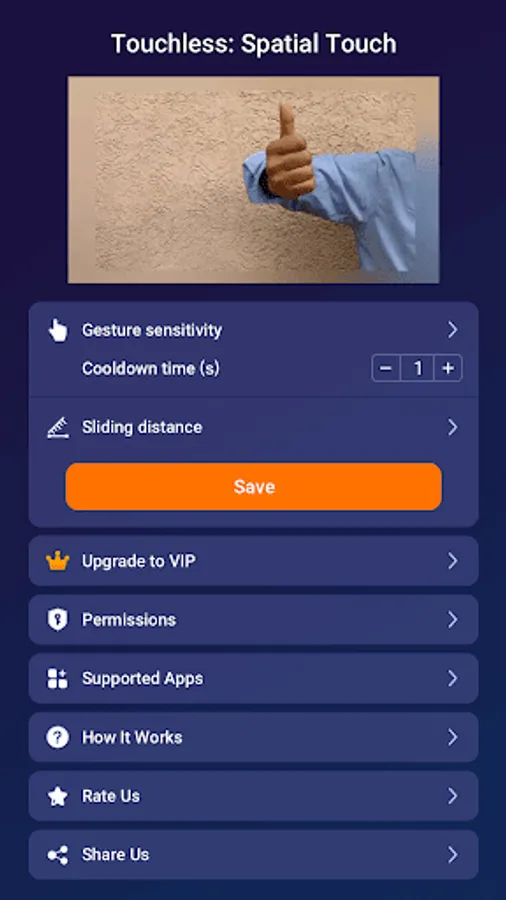
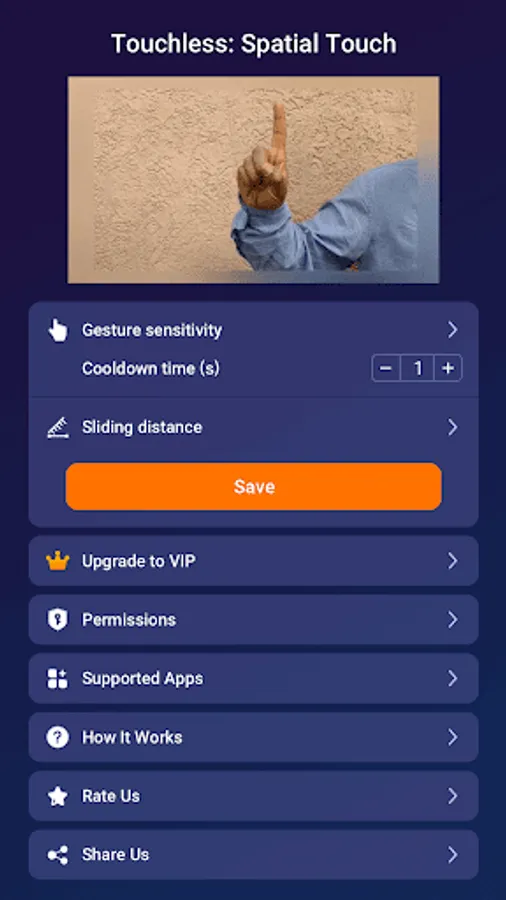
3. State of the art gesture recognition: Minimized false gesture detections with a variety of hand filters. You can lower the filter for easier use or set a stronger filter for more stable performance.
4. Security and Intelligence:
We do not store or transfer any images or videos outside your device; all processing is done within your device.
5. Virtual Touch:
Control your phone remotely without touching the screen
Apps Supported:
Major video and music streaming services and social medias. More apps will be added in the near future.
1. Short Forms - Youtube Shorts, Reels, Tiktok
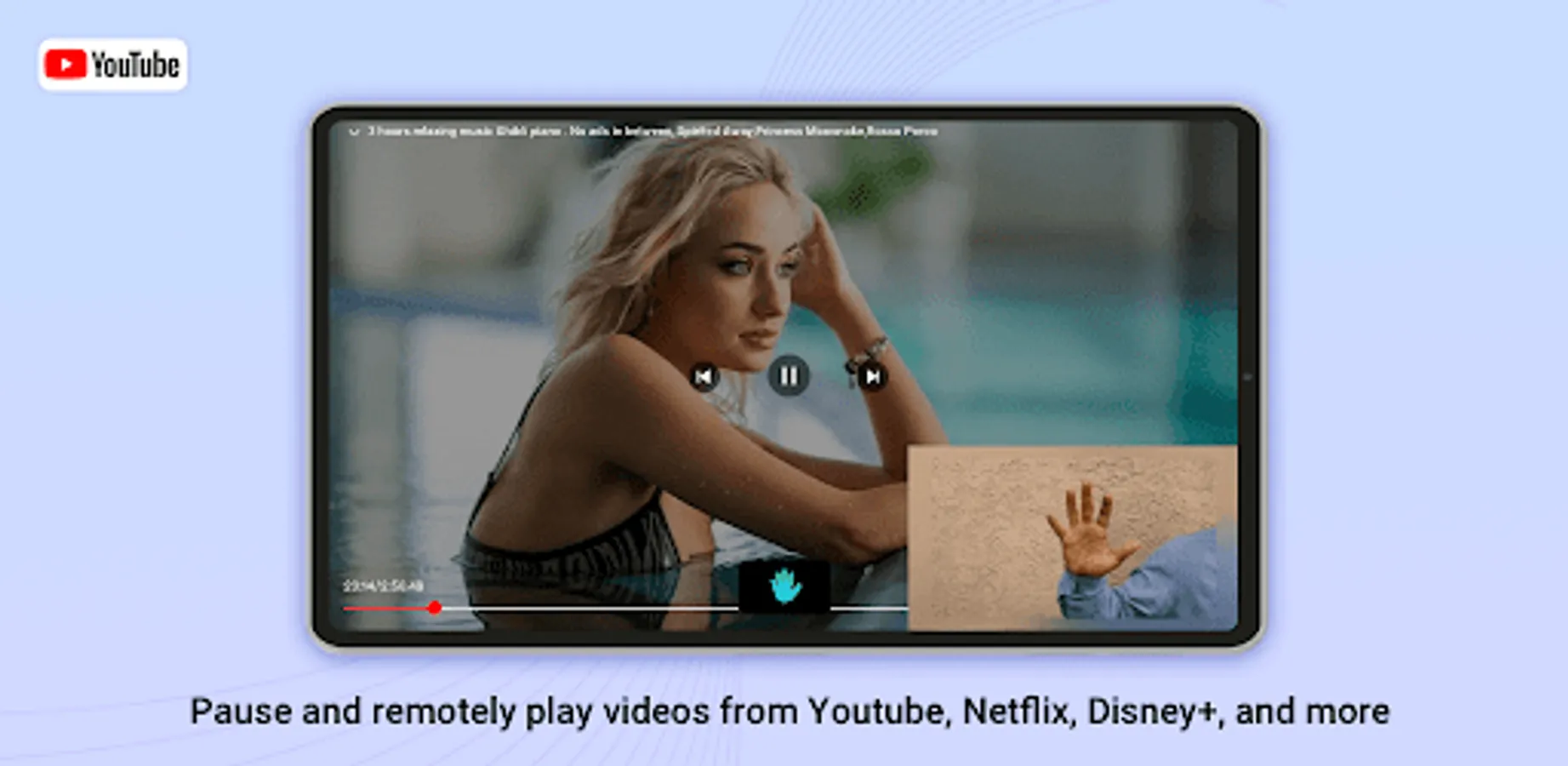
2. Video Streaming Services - YouTube, Netflix, Disney+, Amazon Prime, Hulu, Coupang Play
3. Music Streaming Services - Spotify, Youtube music, Tidal
4. Social Media: Instagram Feed, Instagram story
Key Functions:
1. Swipe up and Swipe down:Go to the Previous/Next video
2. Play/Pause video, YouTube, Instagram, TikTok, etc.
3. One Finger and Two Fingers: Adjust Volume
4. Like videos: Use gestures to like videos I like, YouTube, Instagram, TikTok, etc.
- Minimum System Requirements
1. Processor: Qualcomm Snapdragon 7 series or newer is recommended.
2. RAM: 4GB or more is recommended
3. Operating System: Android 8.0 (Oreo) or higher
4. Camera: Minimum 720p resolution, 1080p or higher is recommended
- Please note that these are general guidelines, and the actual performance can vary depending on the devices.
How to use our app:
1. After opening the app, grant relevant permissions first.
2. Gesture practice: supports sliding up, down, volume increase and decrease, play and pause
3. Open the supported app
Relevant permissions need to be granted:
1. Camera: Allow to detect and analyze hand gestures. It is not used to capture or store your images or videos. Camera images are not transmitted to the internet, all image information is processed locally on your device.
2. Accessibility control permissions: Use the AccessibilityService API to identify the currently running application and send gesture signals to the application (such as swipe up, swipe down, volume up, volume down, play, and pause). Use an overlay to display gesture indicators on the screen.
How to grant permissions:
Settings>Accessibility>Installed Apps>Allow Touchless
When you are busy and cannot touch the screen with your mobile phone, you can easily control your mobile device according to the gesture instructions we have given, giving you a relaxed and intelligent experience.
Function:
1. Air Gestures: Control media playback, pause, volume adjustment, navigation, scrolling, and more using air gestures without touching the screen.
2. Remote Control: You can control your device from a distance of up to 2 meters, and it works perfectly in various environments and postures.
3. State of the art gesture recognition: Minimized false gesture detections with a variety of hand filters. You can lower the filter for easier use or set a stronger filter for more stable performance.
4. Security and Intelligence:
We do not store or transfer any images or videos outside your device; all processing is done within your device.
5. Virtual Touch:
Control your phone remotely without touching the screen
Apps Supported:
Major video and music streaming services and social medias. More apps will be added in the near future.
1. Short Forms - Youtube Shorts, Reels, Tiktok
2. Video Streaming Services - YouTube, Netflix, Disney+, Amazon Prime, Hulu, Coupang Play
3. Music Streaming Services - Spotify, Youtube music, Tidal
4. Social Media: Instagram Feed, Instagram story
Key Functions:
1. Swipe up and Swipe down:Go to the Previous/Next video
2. Play/Pause video, YouTube, Instagram, TikTok, etc.
3. One Finger and Two Fingers: Adjust Volume
4. Like videos: Use gestures to like videos I like, YouTube, Instagram, TikTok, etc.
- Minimum System Requirements
1. Processor: Qualcomm Snapdragon 7 series or newer is recommended.
2. RAM: 4GB or more is recommended
3. Operating System: Android 8.0 (Oreo) or higher
4. Camera: Minimum 720p resolution, 1080p or higher is recommended
- Please note that these are general guidelines, and the actual performance can vary depending on the devices.
How to use our app:
1. After opening the app, grant relevant permissions first.
2. Gesture practice: supports sliding up, down, volume increase and decrease, play and pause
3. Open the supported app
Relevant permissions need to be granted:
1. Camera: Allow to detect and analyze hand gestures. It is not used to capture or store your images or videos. Camera images are not transmitted to the internet, all image information is processed locally on your device.
2. Accessibility control permissions: Use the AccessibilityService API to identify the currently running application and send gesture signals to the application (such as swipe up, swipe down, volume up, volume down, play, and pause). Use an overlay to display gesture indicators on the screen.
How to grant permissions:
Settings>Accessibility>Installed Apps>Allow Touchless
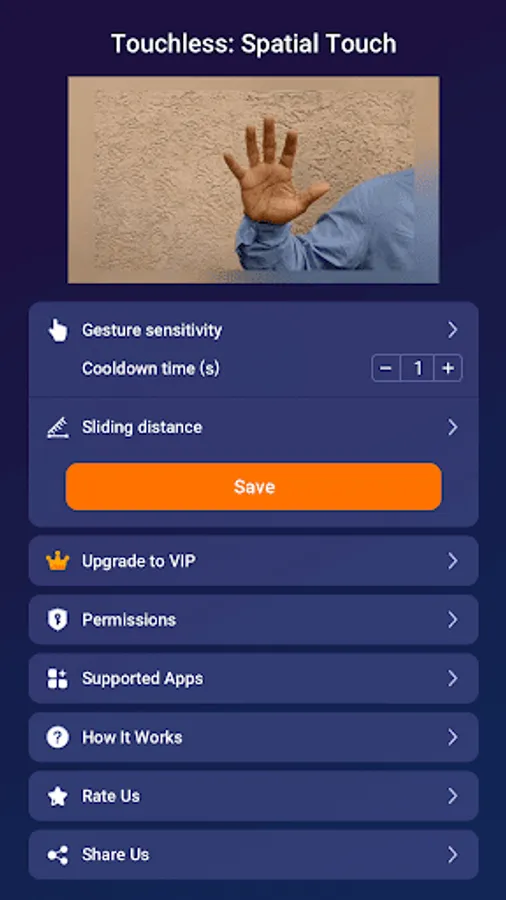
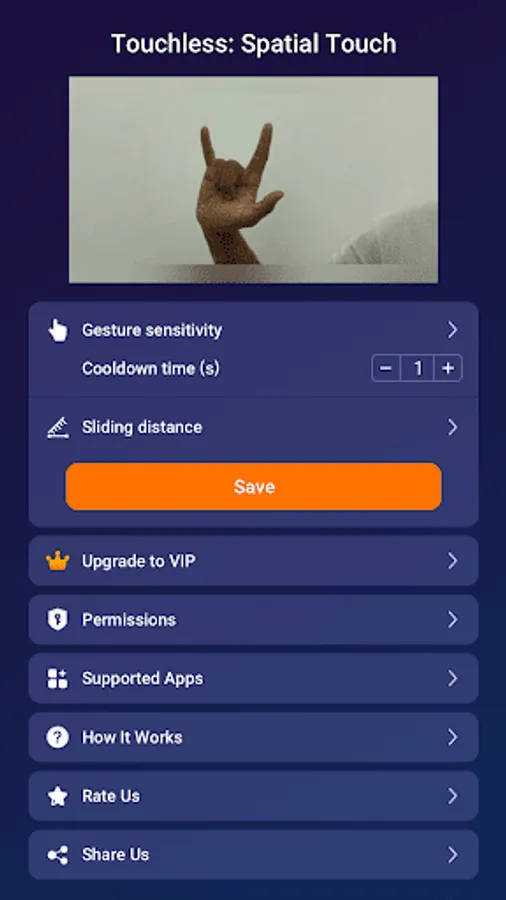
Touchless: Gesture Controller Screenshots
Tap to Rate:
Reviews for Touchless: Gesture Controller
Adam Fooks (Fooksie88)
2/23/2026
i knew the gestures dont try its not good try the then done like that i will not do this
Orion
2/22/2026
this was the best