TurboGaming: Game Speed FPS
PHA Inc
2.6 ★
store rating
100,000+
downloads
Free
+ in-app
In this utility app, you can manage device settings to enhance gaming sessions by adjusting display options and muting notifications. Includes FPS stability tools, display controls, and distraction blocking features.
AppRecs review analysis
AppRecs rating 2.2. Trustworthiness 82 out of 100. Review manipulation risk 28 out of 100. Based on a review sample analyzed.
★★☆☆☆
2.2
AppRecs Rating
Ratings breakdown
5 star
40%
4 star
0%
3 star
0%
2 star
0%
1 star
60%
What to know
⚠
Ad complaints
Many low ratings mention excessive ads
⚠
Mixed user feedback
Average 2.6★ rating suggests room for improvement
⚠
High negative review ratio
60% of sampled ratings are 1–2 stars
About TurboGaming: Game Speed FPS
Make your mobile gaming sessions more focused and enjoyable with simple tools to manage your device’s screen, notifications, and settings.
🔥 Features:
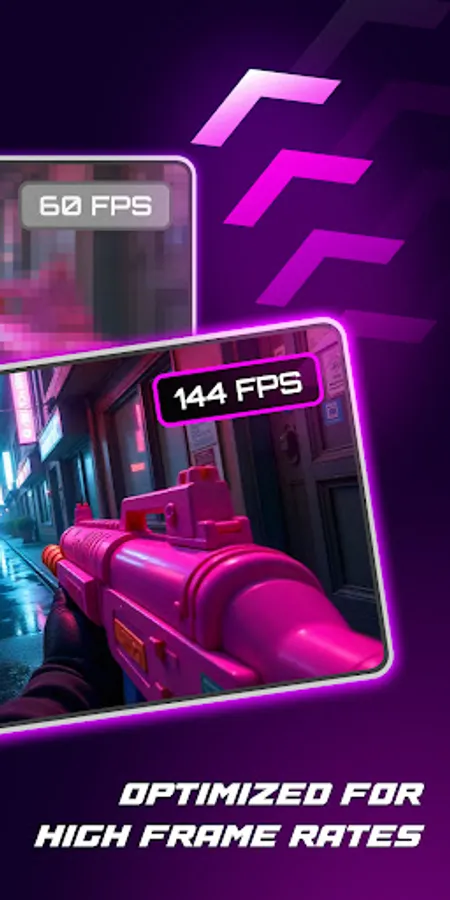
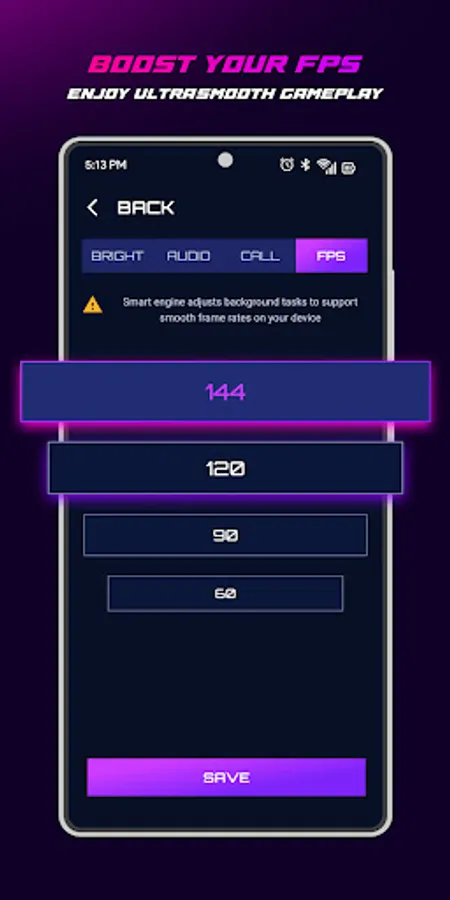
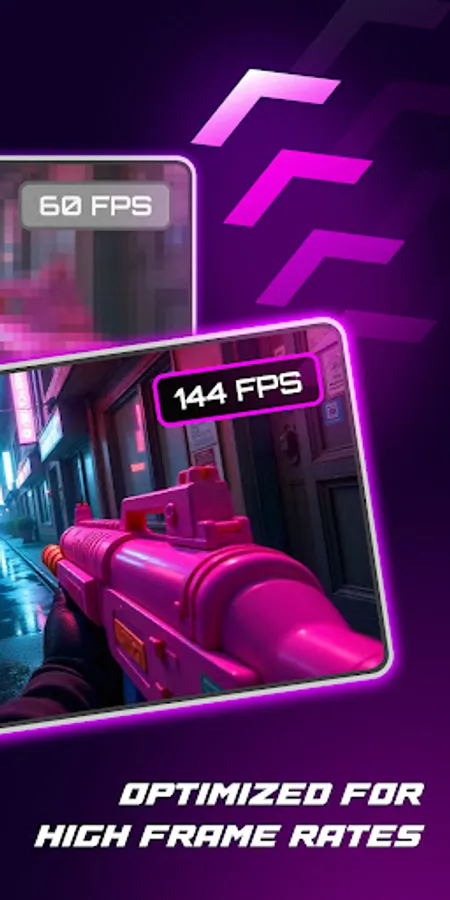
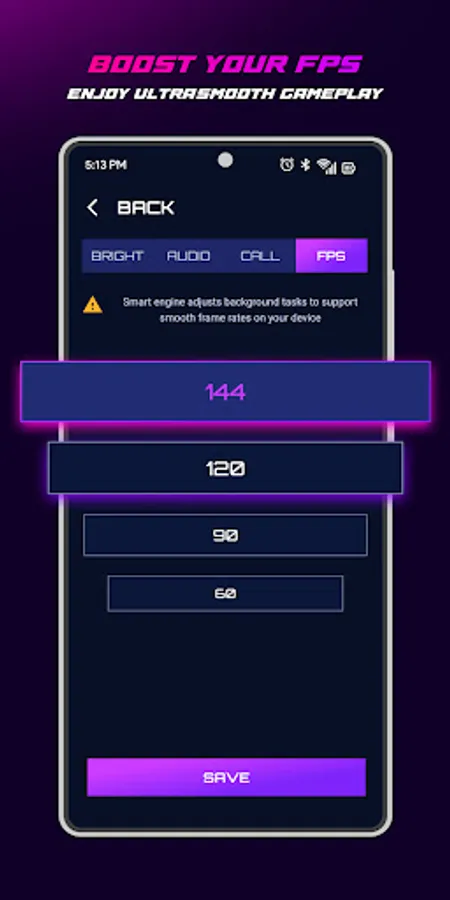
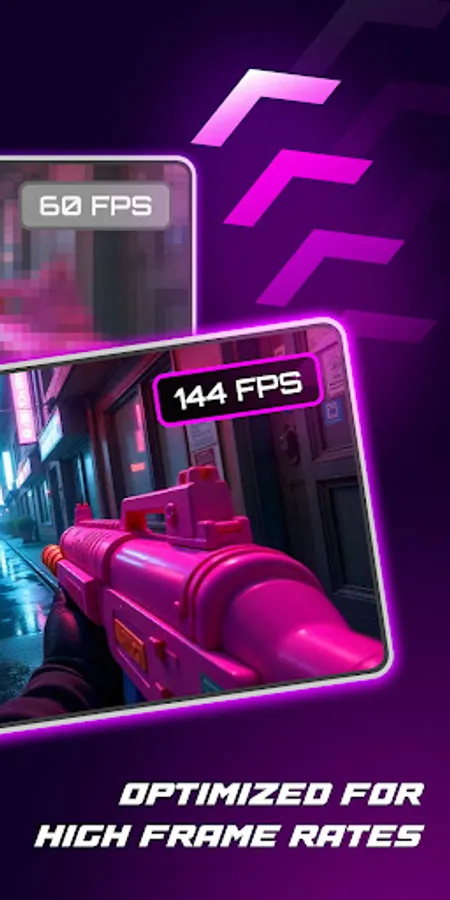
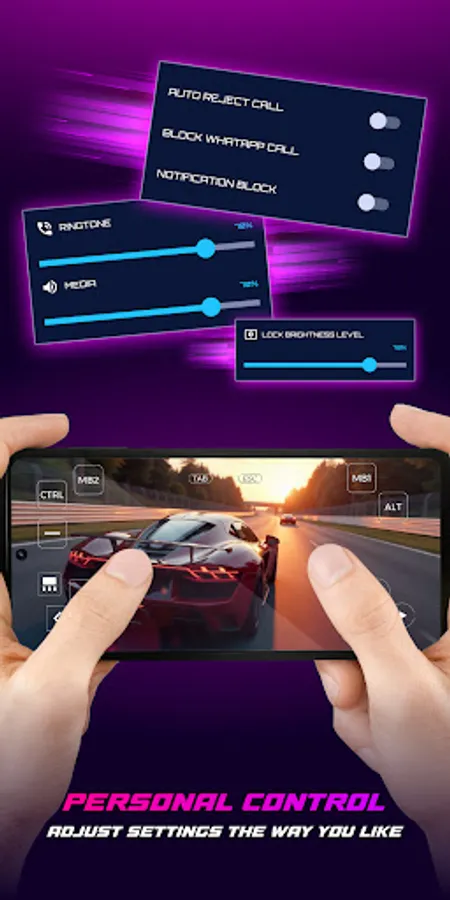
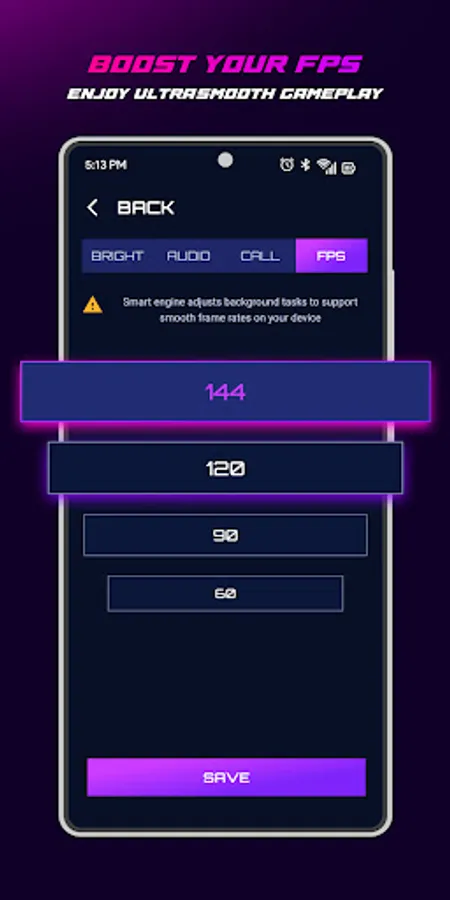
• FPS Stability Assist: Helps create better conditions for smoother gameplay on supported devices.
• Display Control: Toggle screen options to save battery or pause comfortably.
• Brightness Adjustment: Fine-tune your screen for day or night gaming.
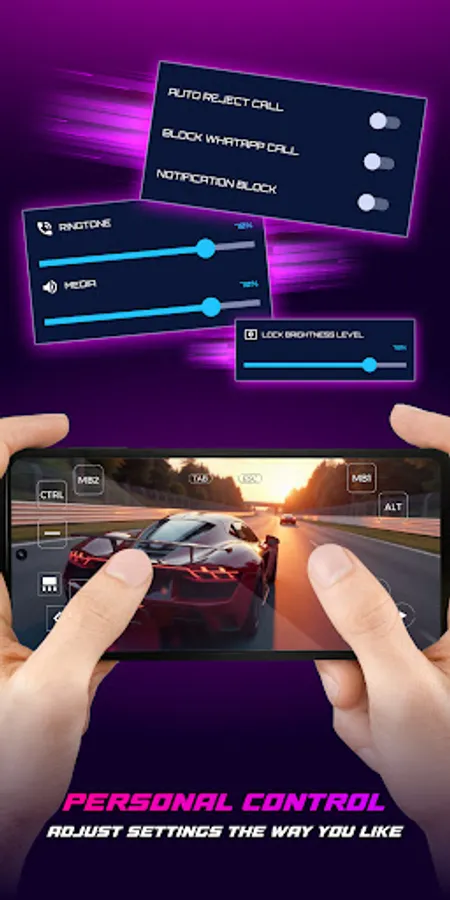
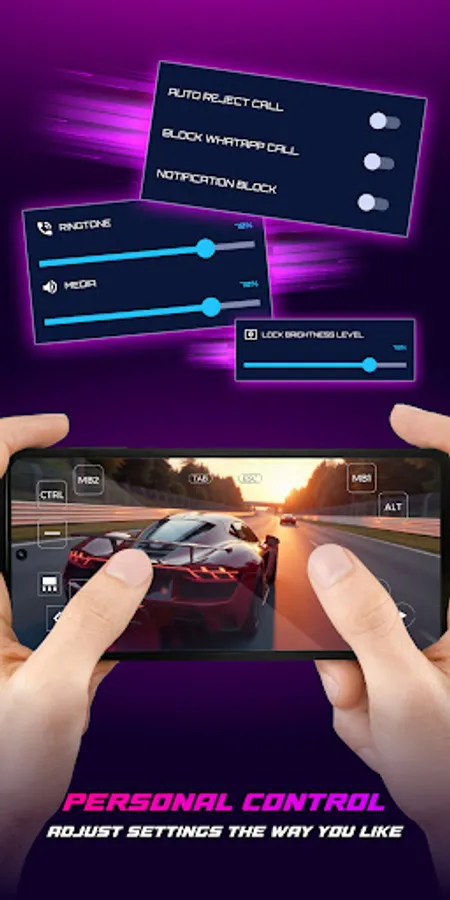
• Distraction Blocker: Mute notification and ringtone sounds using Android’s Do Not Disturb (enabled only with your permission; does not block or auto-reject calls).
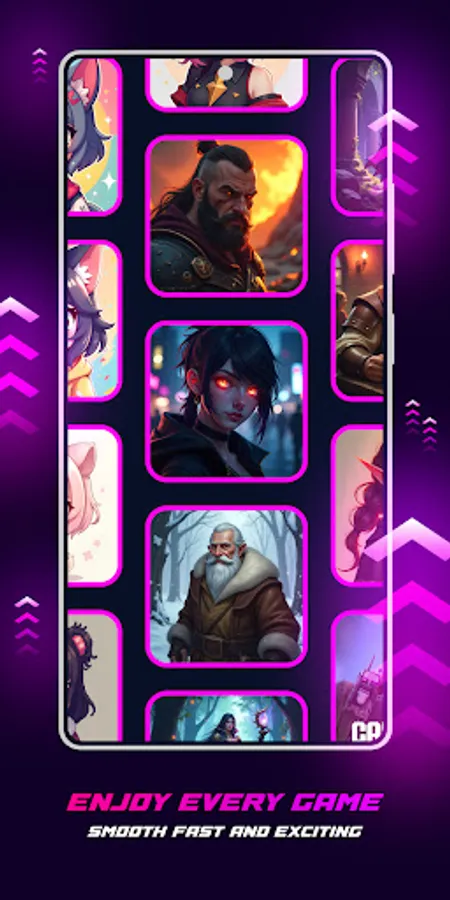
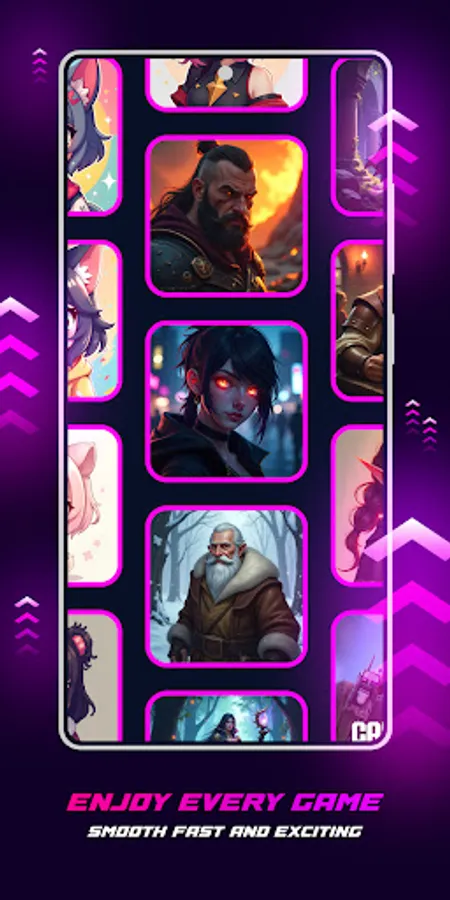
🎮 Works with all types of mobile games—FPS, MOBA, RPG, and more!
⚙️ Permissions Used:
• Resource Management (optional): May pause background tasks to support gaming conditions. Results vary depending on device/OS.
• Do Not Disturb Access: Lets you mute notifications and sounds during a session (after you enable it in Android Settings).
• Write Settings: Allows the app to apply your chosen screen brightness and media settings.
• Post Notifications (optional): To display status or reminders; can be turned off anytime.
• Internet: Required for app updates and showing ads.
🚀 How to Use:
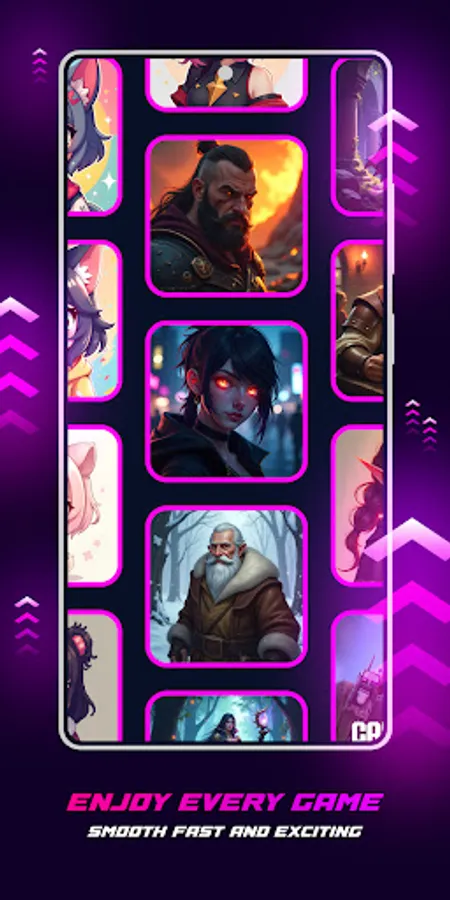
Choose your game from the hub.
Adjust screen brightness or enable distraction blocking.
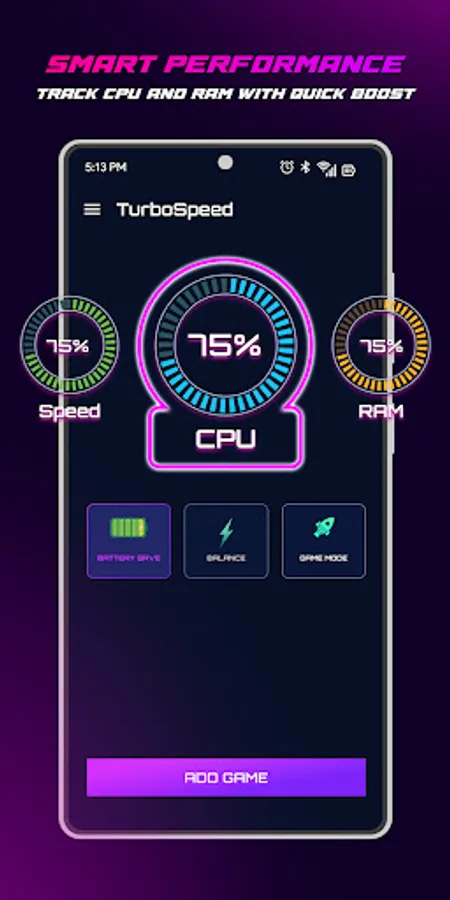
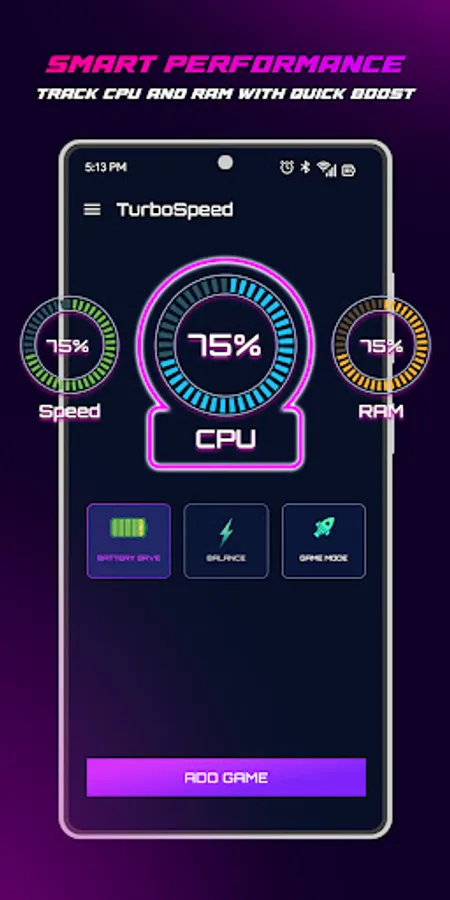
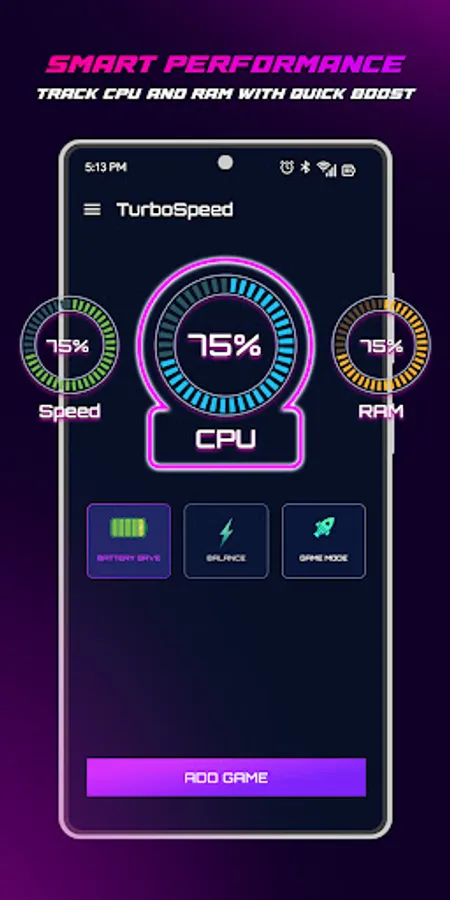
View system info before you start.
Launch your game and enjoy a more focused experience.
❗ Disclaimer:
TurboGaming is a utility tool designed to assist mobile gamers. It does not modify game files or networks, and performance results may vary by device. This app is not affiliated with any game developers or publishers.
This app uses AccessibilityServices API for below functions:
- We use this permission to detect which app is currently in the foreground so we can automatically enable or disable certain game settings.
- We do not collect any data or take actions that users do not do
- We never publicly disclose any personal or sensitive user data related to financial or payment activities or any government identification numbers, photos and contacts, etc.
🔥 Features:
• FPS Stability Assist: Helps create better conditions for smoother gameplay on supported devices.
• Display Control: Toggle screen options to save battery or pause comfortably.
• Brightness Adjustment: Fine-tune your screen for day or night gaming.
• Distraction Blocker: Mute notification and ringtone sounds using Android’s Do Not Disturb (enabled only with your permission; does not block or auto-reject calls).
🎮 Works with all types of mobile games—FPS, MOBA, RPG, and more!
⚙️ Permissions Used:
• Resource Management (optional): May pause background tasks to support gaming conditions. Results vary depending on device/OS.
• Do Not Disturb Access: Lets you mute notifications and sounds during a session (after you enable it in Android Settings).
• Write Settings: Allows the app to apply your chosen screen brightness and media settings.
• Post Notifications (optional): To display status or reminders; can be turned off anytime.
• Internet: Required for app updates and showing ads.
🚀 How to Use:
Choose your game from the hub.
Adjust screen brightness or enable distraction blocking.
View system info before you start.
Launch your game and enjoy a more focused experience.
❗ Disclaimer:
TurboGaming is a utility tool designed to assist mobile gamers. It does not modify game files or networks, and performance results may vary by device. This app is not affiliated with any game developers or publishers.
This app uses AccessibilityServices API for below functions:
- We use this permission to detect which app is currently in the foreground so we can automatically enable or disable certain game settings.
- We do not collect any data or take actions that users do not do
- We never publicly disclose any personal or sensitive user data related to financial or payment activities or any government identification numbers, photos and contacts, etc.