Remote Control for Sam SmartTV
PHA Inc
4.3 ★
store rating
1,000,000+
downloads
Free
+ in-app
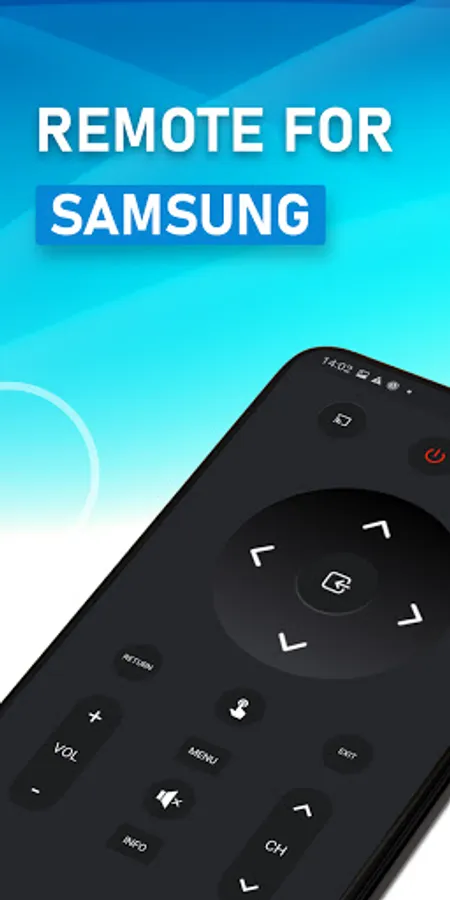
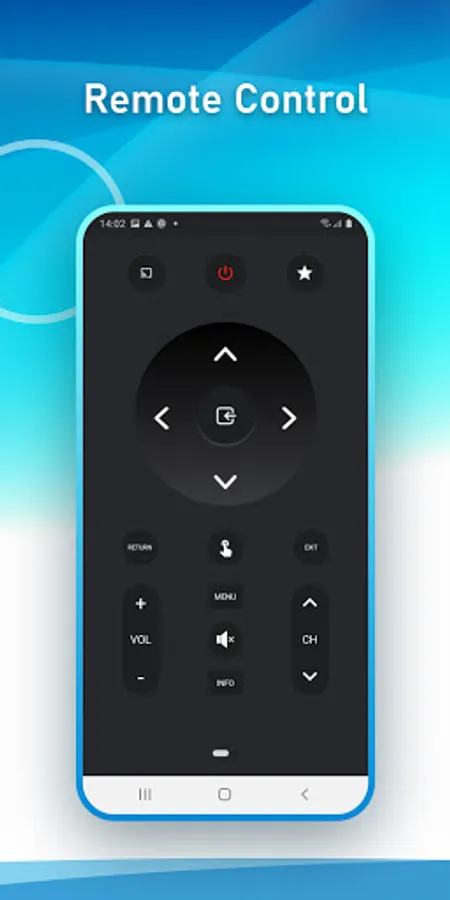
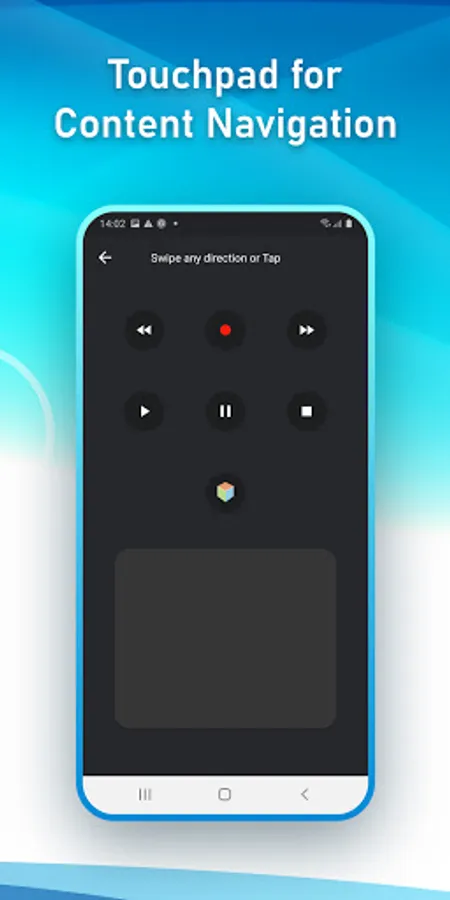
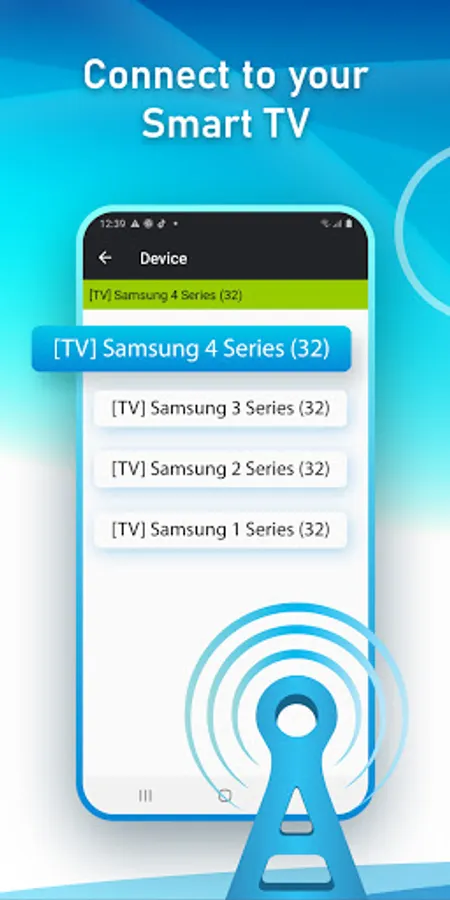
In this remote control app, you can use your mobile device to navigate and control your Smart TV functions. Includes Wi-Fi connection setup, virtual remote interface, and TV control features.
AppRecs review analysis
AppRecs rating 3.9. Trustworthiness 81 out of 100. Review manipulation risk 31 out of 100. Based on a review sample analyzed.
★★★☆☆
3.9
AppRecs Rating
Ratings breakdown
5 star
73%
4 star
8%
3 star
6%
2 star
4%
1 star
10%
What to know
✓
Credible reviews
81% trustworthiness score from analyzed reviews
✓
High user satisfaction
81% of sampled ratings are 4+ stars (4.3★ average)
⚠
Ad complaints
Many low ratings mention excessive ads
About Remote Control for Sam SmartTV
SamRemote is a virtual remote control that lets you control your Smart TV. The application is completely free.
To use the Remote Control for Sam SmartTV, you must have your mobile is on the same wifi network as your TV and you accept the message that appears on your TV. Because the application runs through the wireless network, it is not necessary to be close to the TV.
If by mistake you have refused the confirmation message of your TV ( Message for establishing communication ), it is possible to change your selection by going to :
/ Menu / Network / AllShare Settings
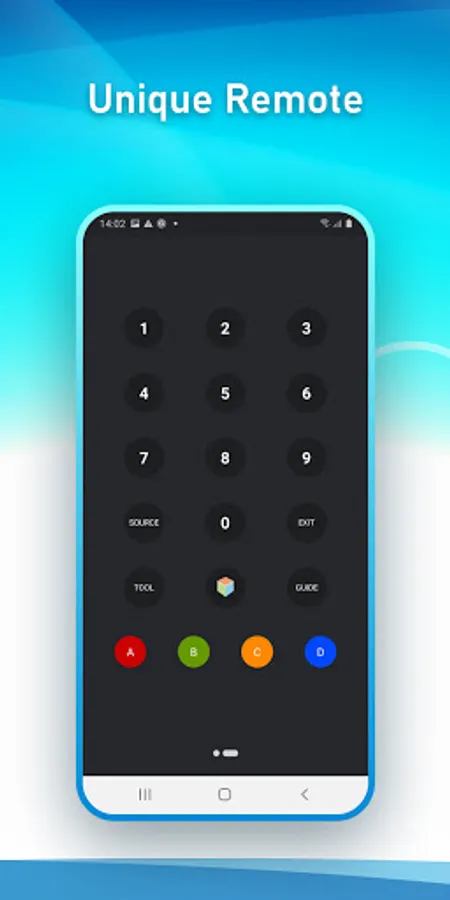
In addition to a careful representation of the remote control, you can use all the functionality of the real remote.
Remote Control for Sam SmartTV works with the following tv:
- Series C (2010) with internet
- Series D (2011) with All Share
- E Series (2012) with All Share
- Series F (2013) with All Share
- Series K-L-M-N (2016/2017/2018)
DISCLAIMER
SamRemote is neither an official Samsung product nor are we affiliated with the Samsung Electronics company.
To use the Remote Control for Sam SmartTV, you must have your mobile is on the same wifi network as your TV and you accept the message that appears on your TV. Because the application runs through the wireless network, it is not necessary to be close to the TV.
If by mistake you have refused the confirmation message of your TV ( Message for establishing communication ), it is possible to change your selection by going to :
/ Menu / Network / AllShare Settings
In addition to a careful representation of the remote control, you can use all the functionality of the real remote.
Remote Control for Sam SmartTV works with the following tv:
- Series C (2010) with internet
- Series D (2011) with All Share
- E Series (2012) with All Share
- Series F (2013) with All Share
- Series K-L-M-N (2016/2017/2018)
DISCLAIMER
SamRemote is neither an official Samsung product nor are we affiliated with the Samsung Electronics company.