WiFi Analyzer
Soapysoft
4.3 ★
792 ratings
100,000+
downloads
Free
+ in-app
Use this WiFi analyzer to visualize signals and identify the best channels for your network. Includes real-time signal graphs, nearby access point listing, and bandwidth information.
AppRecs review analysis
AppRecs rating 4.3. Trustworthiness 0 out of 100. Review manipulation risk 0 out of 100. Based on a review sample analyzed.
★★★★☆
4.3
AppRecs Rating
Ratings breakdown
5 star
70%
4 star
16%
3 star
2%
2 star
2%
1 star
10%
What to know
✓
High user satisfaction
86% of sampled ratings are 4+ stars (4.3★ average)
✓
Authentic reviews
Natural distribution, no red flags
About WiFi Analyzer
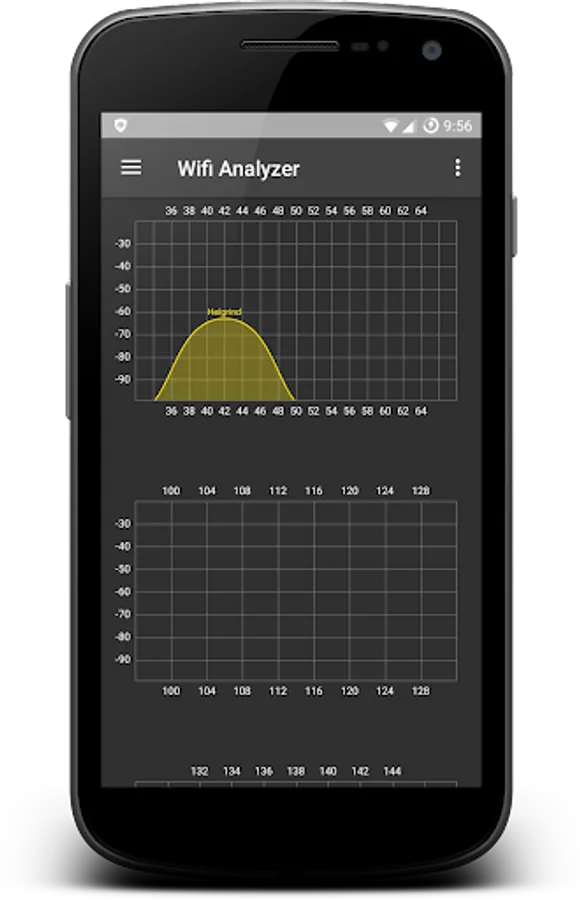
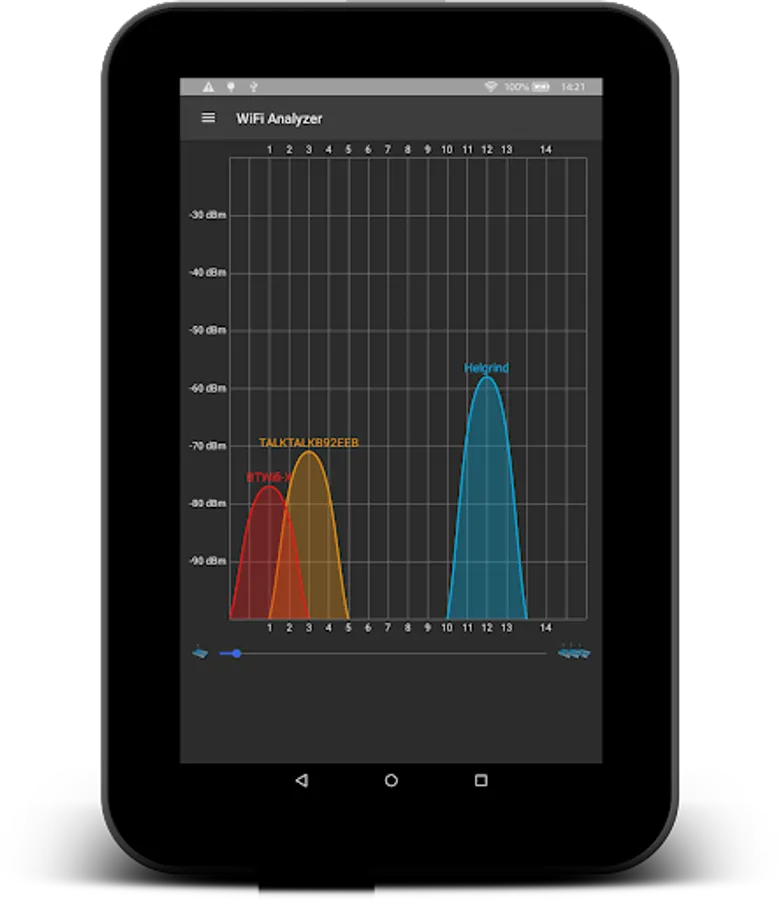
WiFi Analyzer allows you to visualize WiFi signals all around you. Works with 2.4Ghz and 5Ghz networks. Make your WiFi Faster!
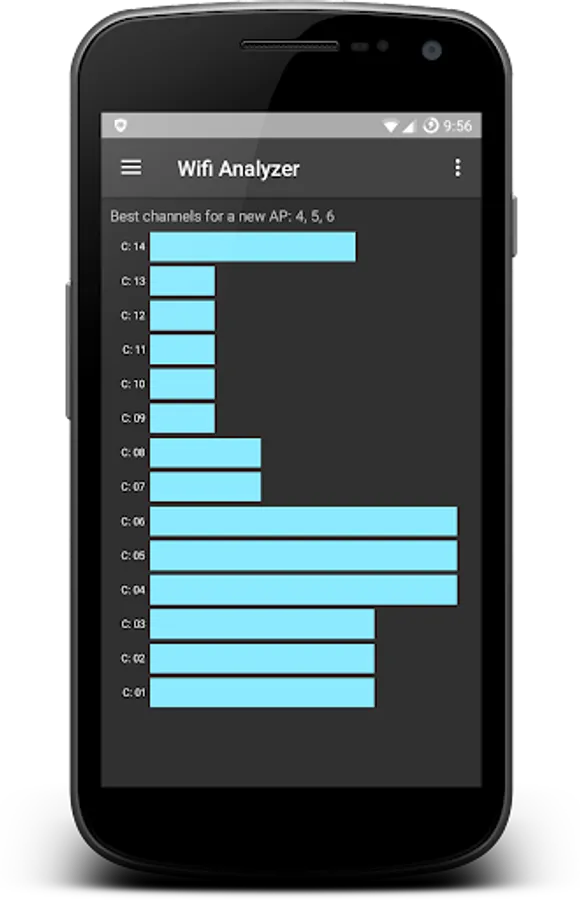
Use WiFi Analyzer to find the best channel for your WiFi access point or router, to increase your WiFi Speed. Android 6.0/Marshmallow+ users you can also view the WiFi signal bandwidth.
Features
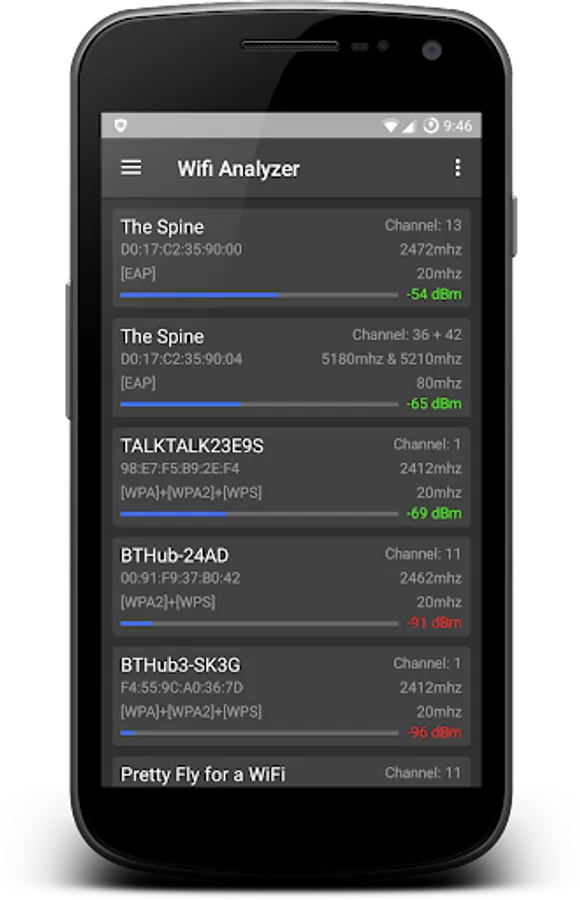
✦ List nearby Access Points
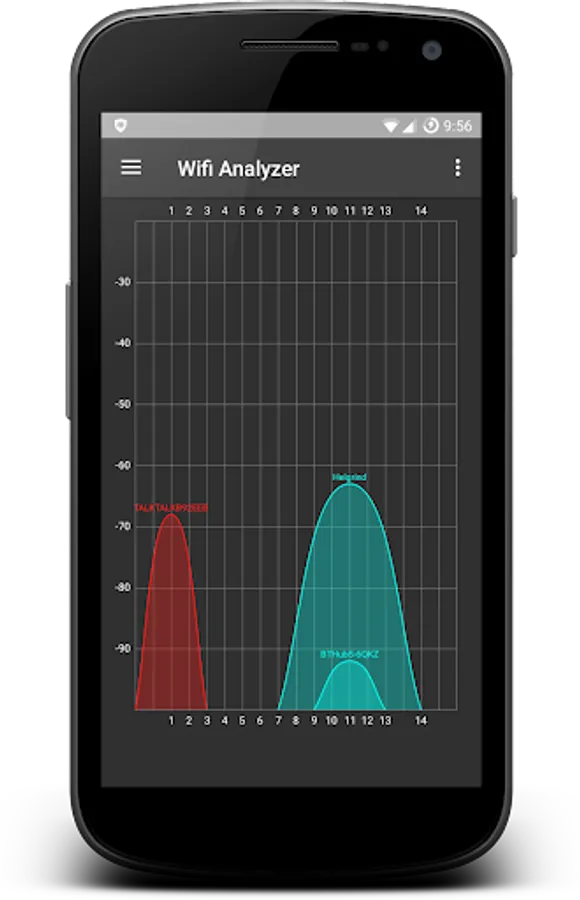
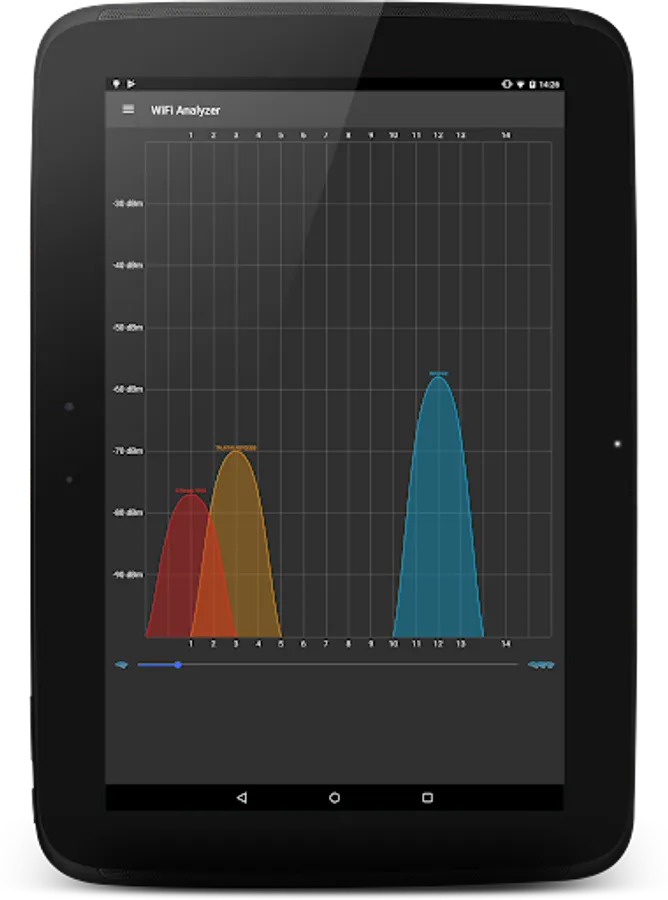
✦ Animated graphs show signal strength in real time.
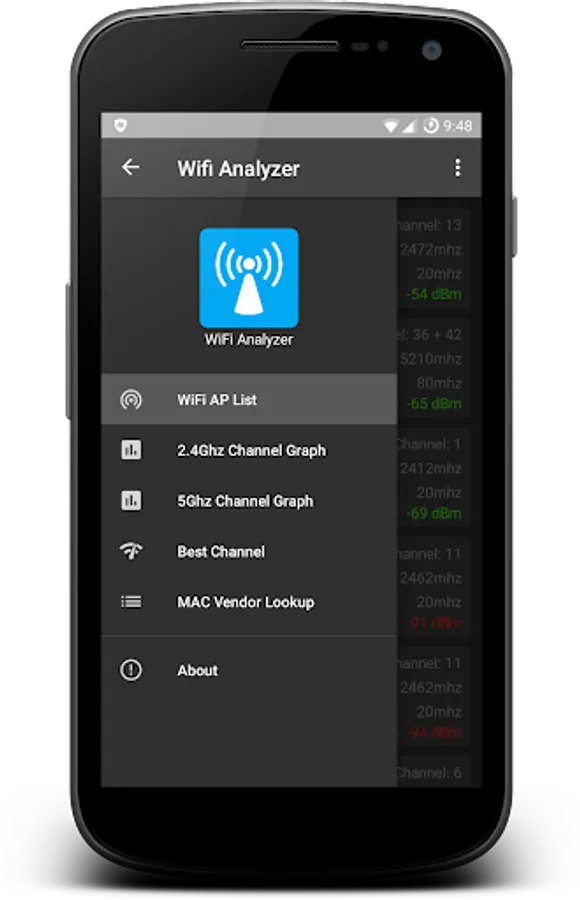
✦ Show the best channel for a new AP
✦ Displays the bandwidth of the Wi-Fi signals ie 20/40/80/160mhz
✦ Find the optimum position for your AP
✦ Lookup router vendor from MAC address
✦ Speed up WiFi
WiFi Analyser will speed up your wlan speed by showing you the fastest channel to set your Access Point on.
✦ *NOTE* Android 6.0/Marshmallow+ users must grant the Location permission to be able to scan for WiFi networks. Scan results will be blank otherwise.
Permissions Used
✦ In-app purchases - You can remove the adverts by making a small donation.
✦ View network connections - A simple check to see if the app can access the internet
✦ course location - Needed to scan WiFi.
Use WiFi Analyzer to find the best channel for your WiFi access point or router, to increase your WiFi Speed. Android 6.0/Marshmallow+ users you can also view the WiFi signal bandwidth.
Features
✦ List nearby Access Points
✦ Animated graphs show signal strength in real time.
✦ Show the best channel for a new AP
✦ Displays the bandwidth of the Wi-Fi signals ie 20/40/80/160mhz
✦ Find the optimum position for your AP
✦ Lookup router vendor from MAC address
✦ Speed up WiFi
WiFi Analyser will speed up your wlan speed by showing you the fastest channel to set your Access Point on.
✦ *NOTE* Android 6.0/Marshmallow+ users must grant the Location permission to be able to scan for WiFi networks. Scan results will be blank otherwise.
Permissions Used
✦ In-app purchases - You can remove the adverts by making a small donation.
✦ View network connections - A simple check to see if the app can access the internet
✦ course location - Needed to scan WiFi.
WiFi Analyzer Screenshots
Tap to Rate:


