
OFF (Screen Off / Screen Lock)
Stan Ht. Wu
4.2 ★
1K ratings
100,000+
downloads
Free
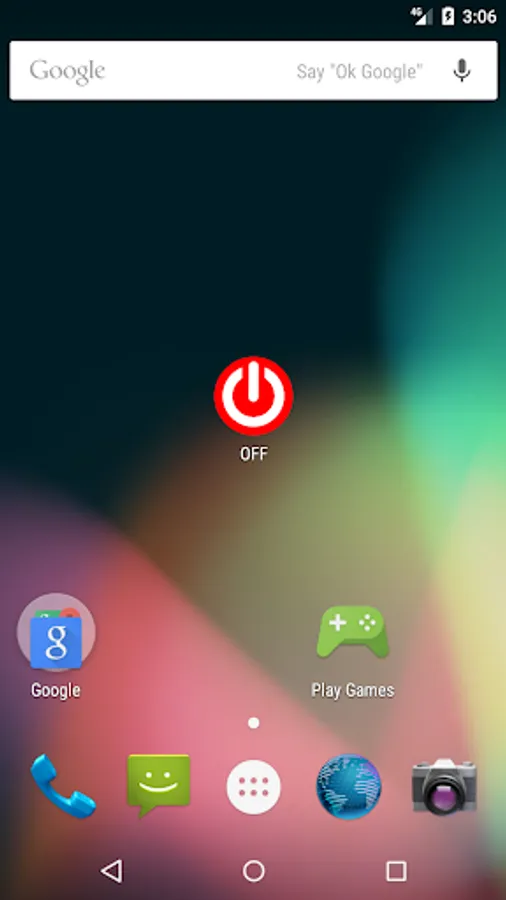
With this screen lock app, you can lock your device screen to reduce power button usage and conserve resources. Includes device administrator access settings and auto self-exit feature.
AppRecs review analysis
AppRecs rating 4.3. Trustworthiness 61 out of 100. Review manipulation risk 40 out of 100. Based on a review sample analyzed.
★★★★☆
4.3
AppRecs Rating
Ratings breakdown
5 star
74%
4 star
4%
3 star
0%
2 star
11%
1 star
11%
What to know
⚠
Questionable review patterns
40% review manipulation risk - some review patterns appear unusual
⚠
Review quality concerns
44% of sampled 5-star reviews are very short
About OFF (Screen Off / Screen Lock)
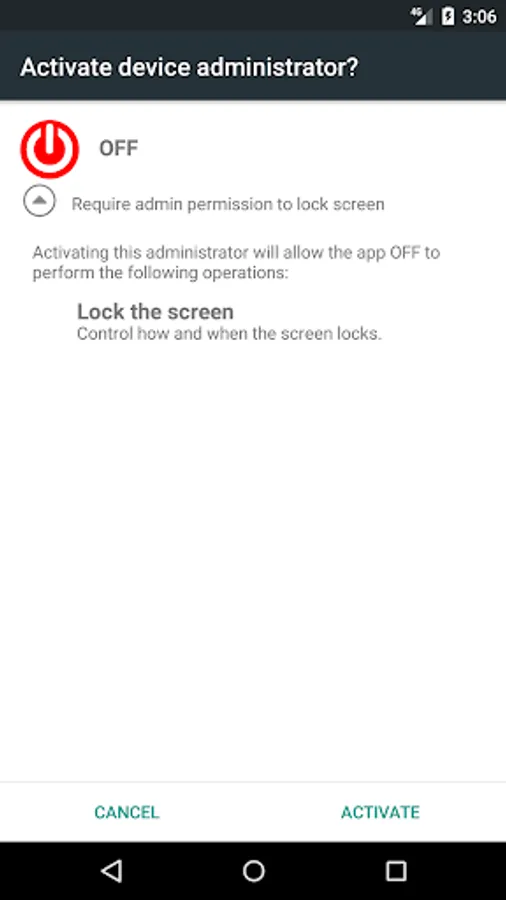
This app requires device administrator privileges - to lock screen
Q: HOWTO USE IT?
A: Please to refer YouTube video :
https://youtu.be/dLjuuSCOUos
Q: HOWTO UNLOCK?
A: Please to refer YouTube video :
https://youtu.be/Xy14yI98Gro
Protecting the Power Button of mobile phones from intensive use by reducing the frequency of pressing physical button.
If your phone doesn’t have the double click lock built-in soft screen lock button or the leather cover lock, then you may consider using this App
⭐️⭐️⭐️This App is designed for Non-fingerprint only ! ⭐️⭐️⭐️
Looking for fingerprint unlock issue solution ?
Please try https://play.google.com/store/apps/details?id=org.stanwu.smartscreenlockpro
This app will not occupied the RAM resource and background CPU power of your phone that will auto self-exit and release all of your precious resources and the most important thing — it is AD-free!
!!!!!!! IMPORTANT JOB BEFORE USE !!!!!!!
This app requires device administrator privileges - to lock screen
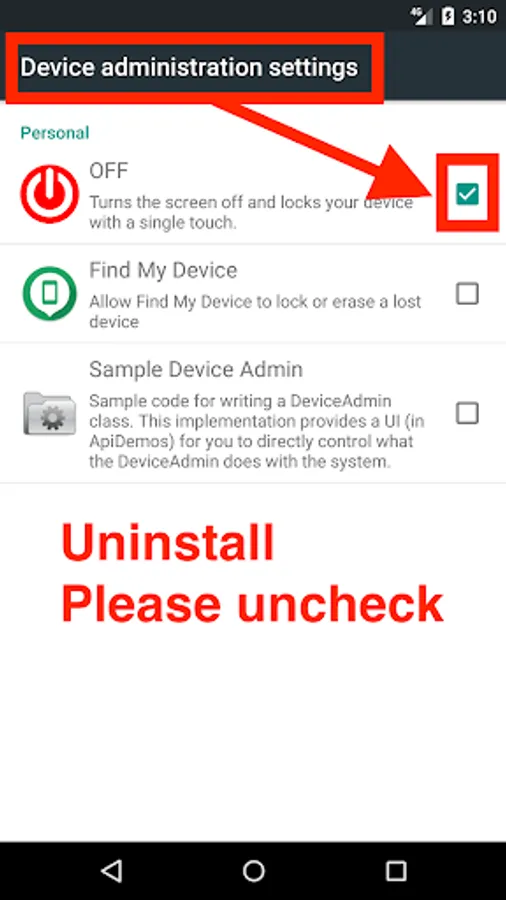
You have to [Settings] -> [Security] -> [Device administrators] to enable App
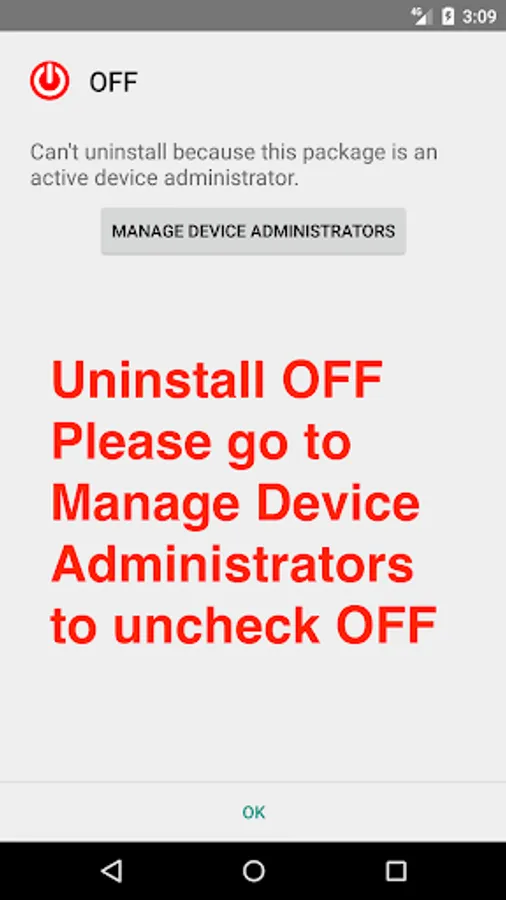
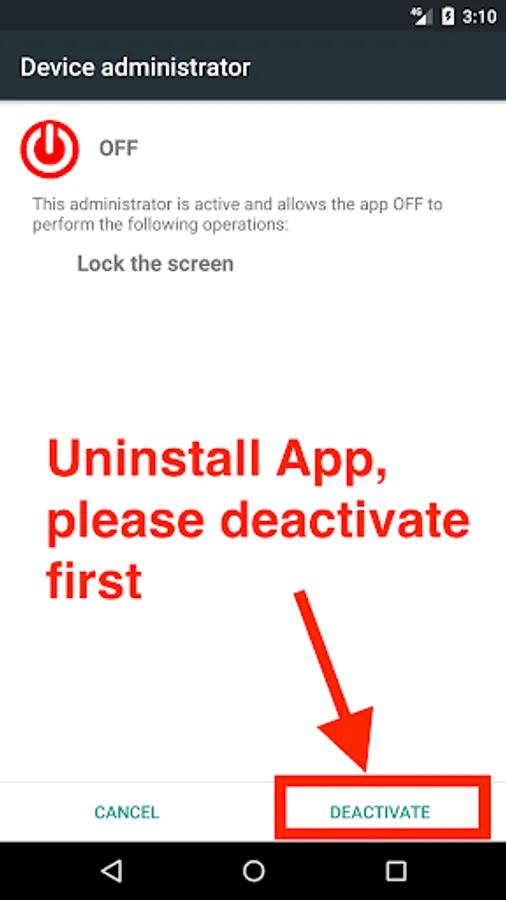
If you wish to remove this App that
You have to [Settings] -> [Security] -> [Device administrators] to disable App
Please don't forget to rate and give your valuable comments. Your satisfaction is important to us, this encourage us to work harder and better.
Improvement suggestions are most welcome, let us know what you need and we will provide updates as and when ready. :-D
Q: HOWTO USE IT?
A: Please to refer YouTube video :
https://youtu.be/dLjuuSCOUos
Q: HOWTO UNLOCK?
A: Please to refer YouTube video :
https://youtu.be/Xy14yI98Gro
Protecting the Power Button of mobile phones from intensive use by reducing the frequency of pressing physical button.
If your phone doesn’t have the double click lock built-in soft screen lock button or the leather cover lock, then you may consider using this App
⭐️⭐️⭐️This App is designed for Non-fingerprint only ! ⭐️⭐️⭐️
Looking for fingerprint unlock issue solution ?
Please try https://play.google.com/store/apps/details?id=org.stanwu.smartscreenlockpro
This app will not occupied the RAM resource and background CPU power of your phone that will auto self-exit and release all of your precious resources and the most important thing — it is AD-free!
!!!!!!! IMPORTANT JOB BEFORE USE !!!!!!!
This app requires device administrator privileges - to lock screen
You have to [Settings] -> [Security] -> [Device administrators] to enable App
If you wish to remove this App that
You have to [Settings] -> [Security] -> [Device administrators] to disable App
Please don't forget to rate and give your valuable comments. Your satisfaction is important to us, this encourage us to work harder and better.
Improvement suggestions are most welcome, let us know what you need and we will provide updates as and when ready. :-D
OFF (Screen Off / Screen Lock) Screenshots
Tap to Rate:
Reviews for OFF (Screen Off / Screen Lock)
Hrishikesh Banik
2/1/2025
Good
Abi Khairunnas
11/24/2023
Please dont change anything