
Control your motorized window coverings using this app to adjust settings, create scenes, and set schedules. Includes remote access, customizable scenes, and automated operation features.
AppRecs review analysis
AppRecs rating 4.2. Trustworthiness 75 out of 100. Review manipulation risk 21 out of 100. Based on a review sample analyzed.
★★★★☆
4.2
AppRecs Rating
Ratings breakdown
5 star
77%
4 star
9%
3 star
2%
2 star
2%
1 star
9%
What to know
✓
Low review manipulation risk
21% review manipulation risk
✓
Credible reviews
75% trustworthiness score from analyzed reviews
✓
High user satisfaction
87% of sampled ratings are 4+ stars (4.4★ average)
About PowerView
Features:
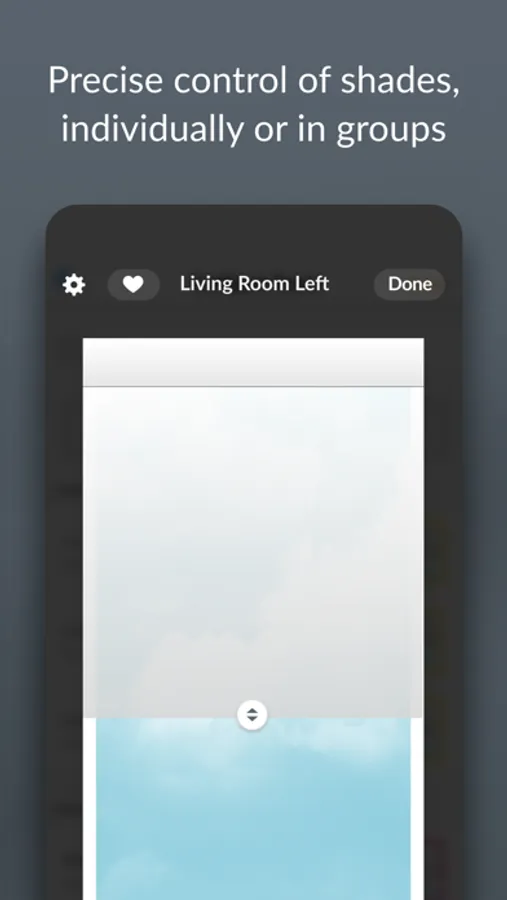
• Control Hunter Douglas motorized window coverings, individually or in groups, throughout your entire home.
• Quickly and easily navigate the app using built-in tabs: Dashboard, Rooms, Scenes, and Schedules.
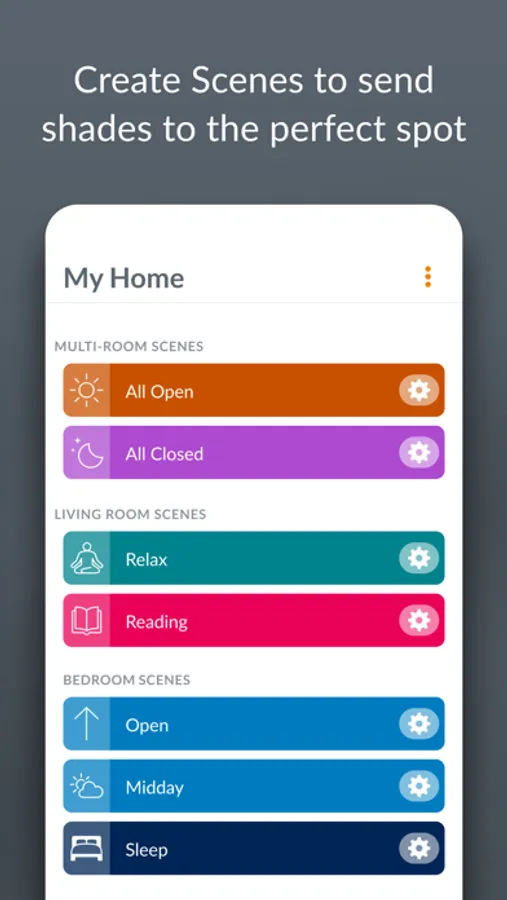
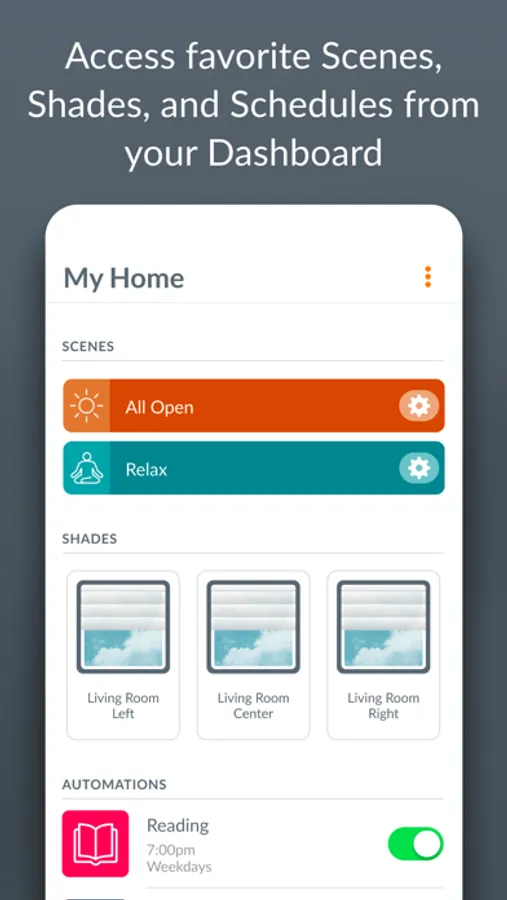
• Add favorite Scenes, Shades, and Schedules to your Dashboard, so they appear first whenever you open the app.
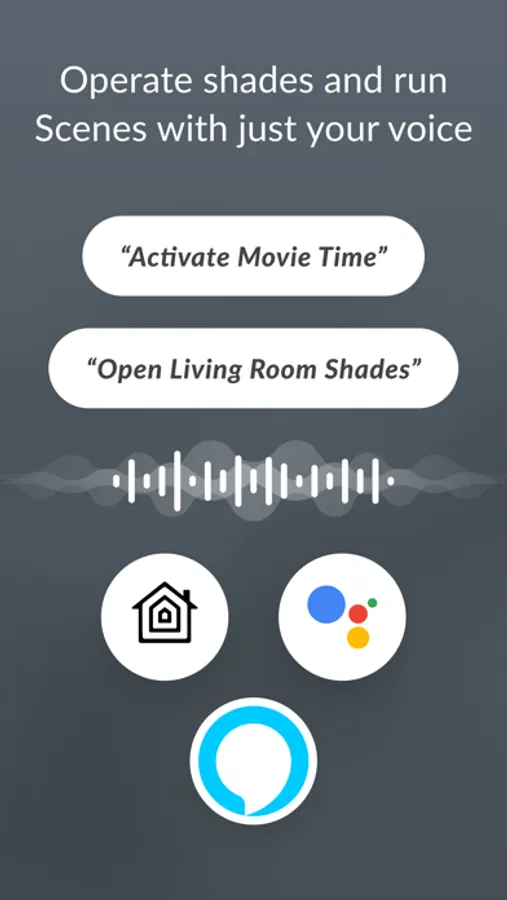
• Create customized shade position settings called "Scenes" for convenience, or to manage your natural lighting and privacy needs throughout the day.
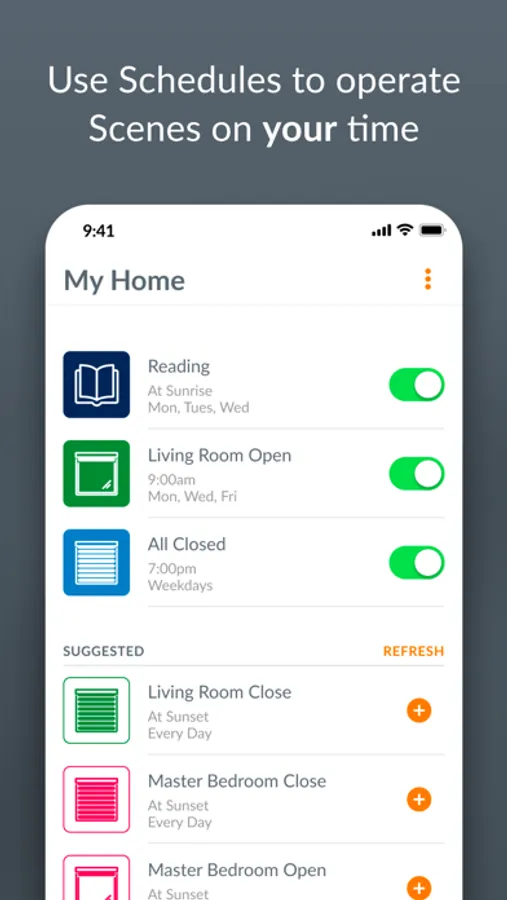
• Put your Scenes in motion using Schedules. Easily program your Scenes to activate automatically at different times of day to deliver the look and comfort you want, without you having to press a button. Configure Schedules to occur at a specific time, or based on unique Sunrise and Sunset times in your specific location.
• Easily enable or disable Schedules, so that your blinds take the day off when you do.
• Manage your Home from anywhere with RemoteConnect™. This requires a PowerView® Gateway, an Internet connection, and initial in-home setup.
If you need help or have a question, email us at PowerView@hunterdouglas.com or call 1-844-PWR-VIEW (US), 1-800-265-8000 (Canada).
PowerView Screenshots
Tap to Rate:
Reviews for PowerView
DakotaMilkshakes
App Response
1) When invoking a scene in a room, the app becomes unresponsive. 2) There’s no way to engage ALL shades at once.
199mac
Battery Drain
It’s nice to have the app automatically open and close the shades. However, my battery is completely drained after a little over 1 year. I was told it should last about 5 yrs. Sounds like it may be the latest update. I also don’t like having to continue to open the app to reconnect communication with the shade.