
In this control app, you can manage your smart home devices and customize your interface. Includes device control, room navigation, and personalization options.
AppRecs review analysis
AppRecs rating 2.8. Trustworthiness 73 out of 100. Review manipulation risk 22 out of 100. Based on a review sample analyzed.
★★☆☆☆
2.8
AppRecs Rating
Ratings breakdown
5 star
42%
4 star
7%
3 star
8%
2 star
9%
1 star
34%
What to know
✓
Low review manipulation risk
22% review manipulation risk
⚠
Pricing complaints
Many low ratings mention paywalls or pricing
⚠
High negative review ratio
44% of sampled ratings are 1–2 stars
About Control4 for OS 3
------------
NOTE: Prior to using this app, your Control4 system must be updated to Control4 Smart Home OS 3 or later. If you are unsure of the software version on your system, check with your Control4 Dealer or login to your Control4 account at control4.com.
------------
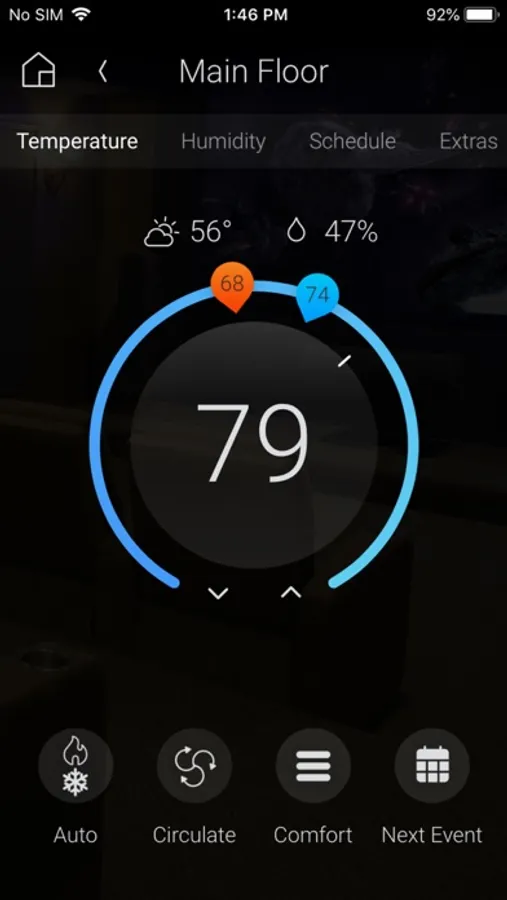
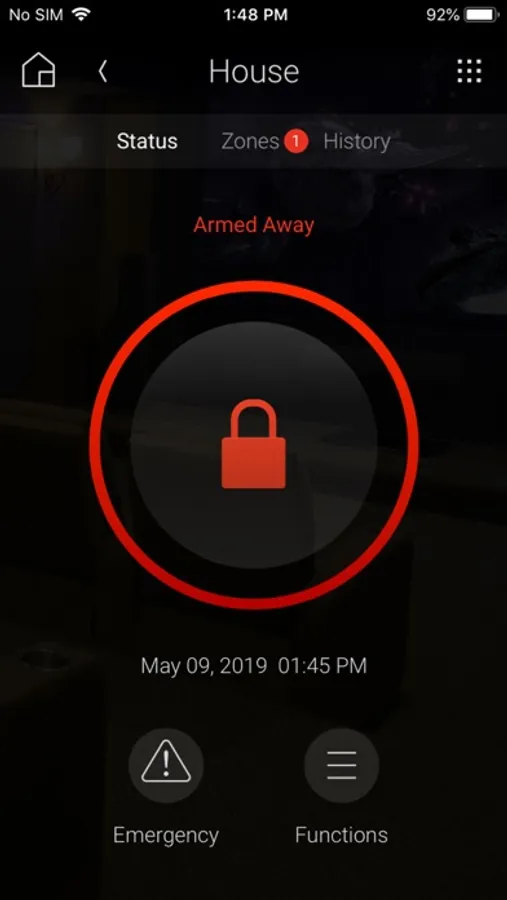
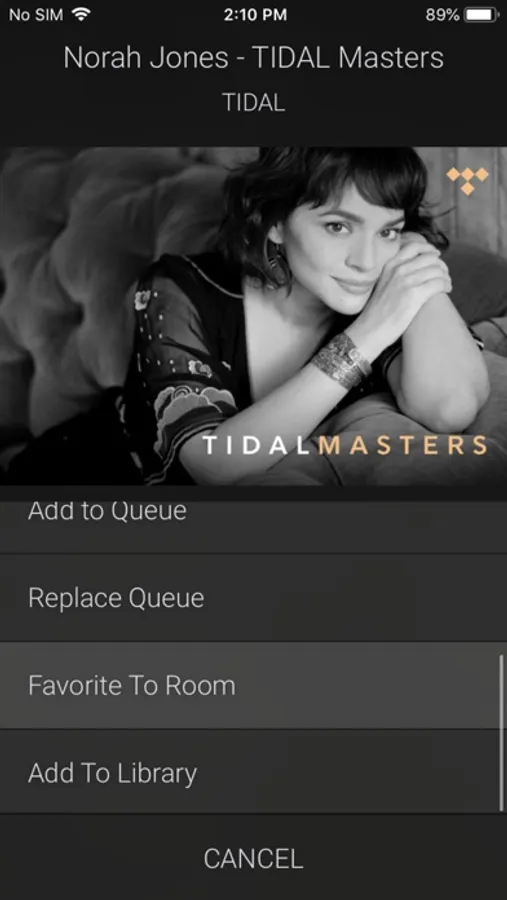
Smart Home OS 3 was thoughtfully redesigned to make it more personal and the smart home OS of choice for families. It enables you to check on the status and control your entire smart home including music, video, lights, thermostats, security system, cameras, door locks, garage doors, pools, and much more.
New features in OS 3
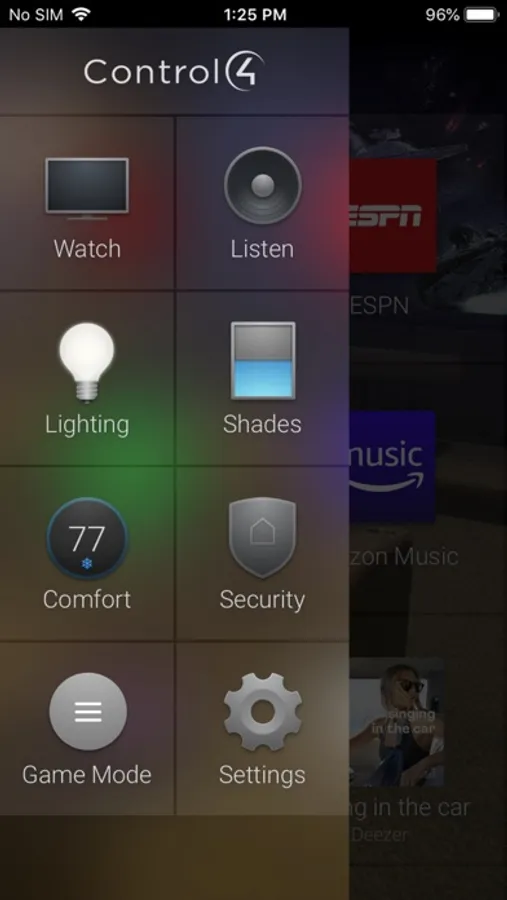
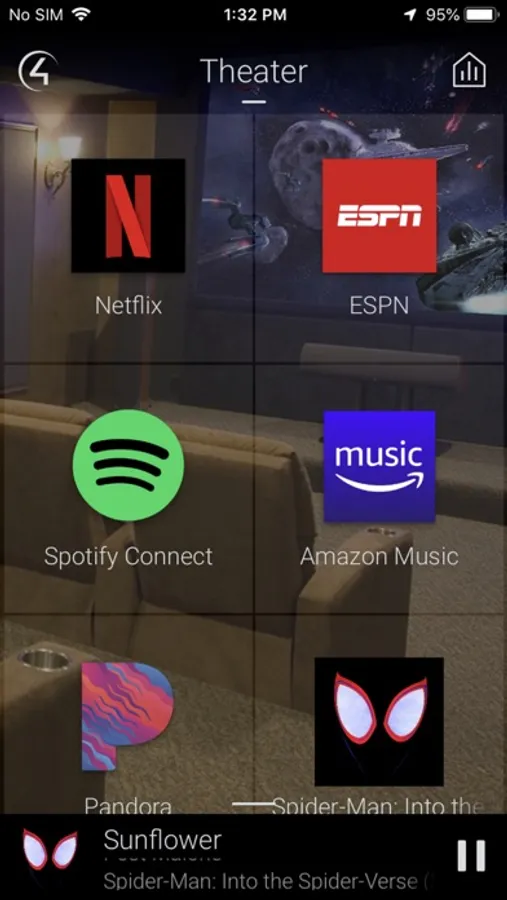
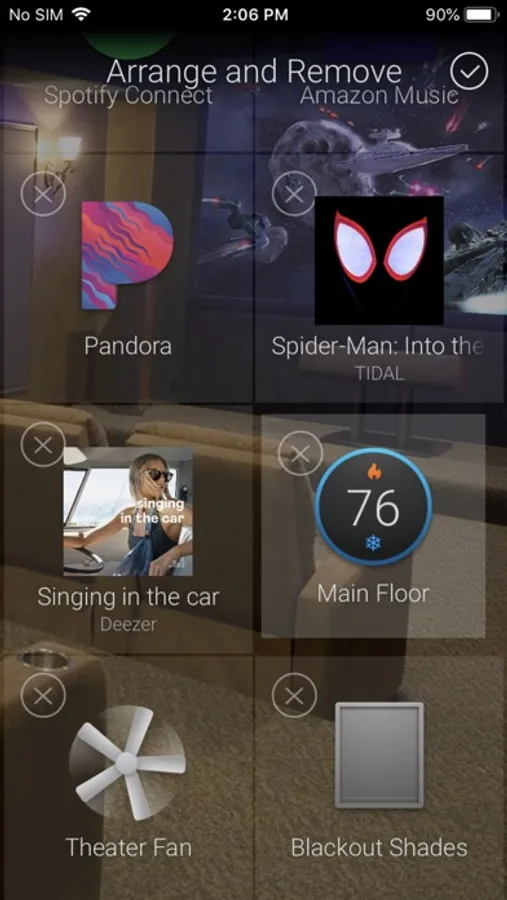
• Favorites give you fast access to the devices and sources that you use most
• Quickly personalize the interface right from the app
• Each room can have its own favorites for fast access to the things you use most
• Hide icons that are less important, but easily access them through the room menu
• Swipe between favorite rooms to quickly navigate around the home
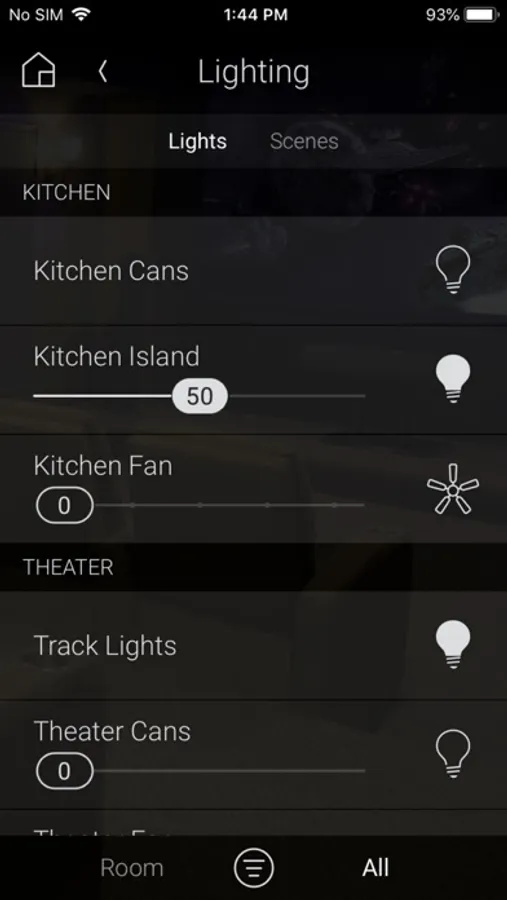
• Filtering lets you see all lights, locks and shades, or just those that are on, unlocked or open
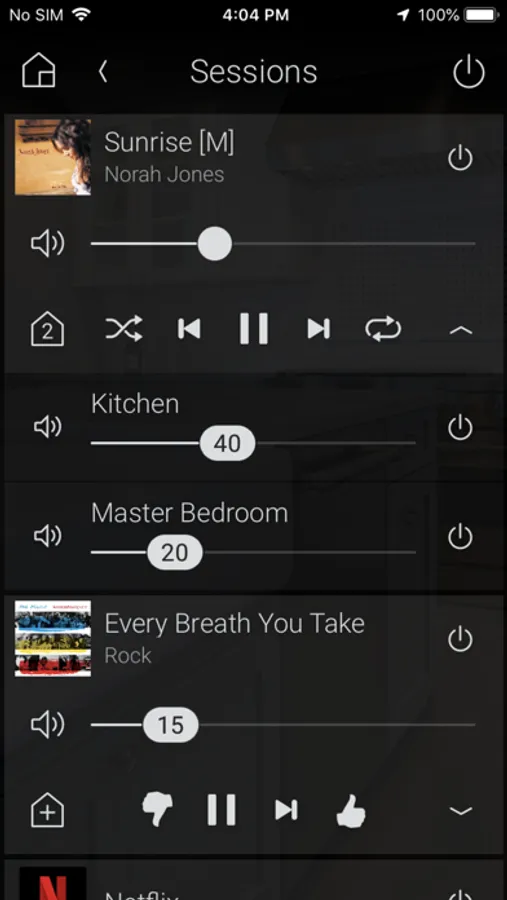
• All-new Active Media Bar shows what’s currently playing and gives you fast control of media
• Easily adjust volume through a new, intuitive volume slider control
• Background wallpapers for each room can now be easily changed right from the app
Visit Control4.com to learn more, find a showroom near you, or find a independent professional integrator.
Control4 for OS 3 Screenshots

Tap to Rate:
Reviews for Control4 for OS 3
Comcastuser89
App no longer works
Updated app. No longer controls my whole home audio. Kinda expected this some day as the installers could never get the Control4 system to control my home theater. Most money I have ever spent on an AV system that doesn’t work.
JeMo33
Hello, McFly?
Not sure how the most recent uodate can be worse than the OS it replaced, but it is. Does anyone at C4 read these user reviews?