In this collaborative drawing app, users can draw simultaneously on a shared canvas using multiple devices. Includes real-time synchronization, simple tools, and save options.
AppRecs review analysis
AppRecs rating 4.1. Trustworthiness 80 out of 100. Review manipulation risk 22 out of 100. Based on a review sample analyzed.
★★★★☆
4.1
AppRecs Rating
Ratings breakdown
5 star
64%
4 star
12%
3 star
5%
2 star
0%
1 star
19%
What to know
✓
Low review manipulation risk
22% review manipulation risk
✓
Credible reviews
80% trustworthiness score from analyzed reviews
✓
High user satisfaction
76% of sampled ratings are 4+ stars (4.0★ average)
About Canvas ~ Draw Together
Canvas is a collaborative drawing app that lets you draw together with your family, friends, coworkers, or classmates. Using your iPhone, iPad, and iPod touch you can draw on a single canvas and have everything show up on the other screens instantly.
Canvas works wirelessly. It seamlessly connects to nearby devices anywhere you are, and doesn't need a wifi hotspot or require a data plan. So whether you are at home, in the office, or even on a long flight, Canvas will work!
With Canvas for iOS, you can:
— Draw together on a single canvas on 2 devices with the free version, and up to 8 devices with Canvas Pro.
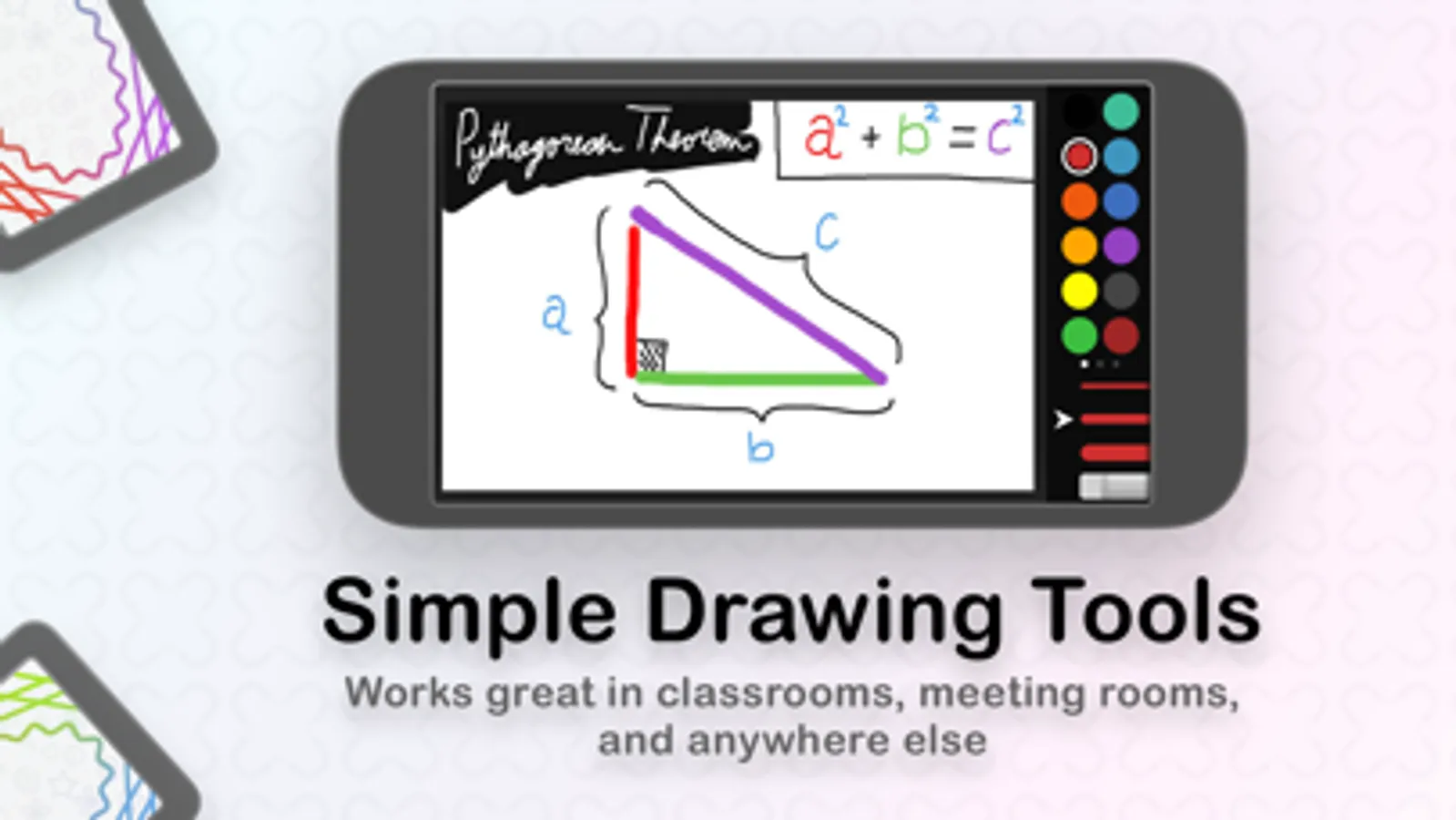
— Simple Drawing Tools.
— Pinch to zoom for more detailed drawing.
— Save your drawings directly to the camera roll.
Canvas works wirelessly. It seamlessly connects to nearby devices anywhere you are, and doesn't need a wifi hotspot or require a data plan. So whether you are at home, in the office, or even on a long flight, Canvas will work!
With Canvas for iOS, you can:
— Draw together on a single canvas on 2 devices with the free version, and up to 8 devices with Canvas Pro.
— Simple Drawing Tools.
— Pinch to zoom for more detailed drawing.
— Save your drawings directly to the camera roll.
Canvas ~ Draw Together Screenshots
Tap to Rate:
Reviews for Canvas ~ Draw Together
Malani 58 and 67 girly
𝓘 𝓸𝓷𝓵𝔂 𝓹𝓾𝓽 𝓯𝓲𝓿𝓮 𝓼𝓽𝓪𝓻𝓼 𝓼𝓸 𝔂𝓸𝓾 𝓬𝓪𝓷 𝓼𝓮𝓮 𝓽𝓱𝓲𝓼
𝓦𝓞𝓡𝓢𝓣 𝓐𝓟𝓟 𝓣𝓗𝓐𝓣 𝓘 𝓒𝓐𝓝'𝓣 𝓔𝓥𝓔𝓝 𝓔𝓧𝓟𝓛𝓐𝓘𝓝 𝓗𝓞𝓦 𝓑𝓐𝓓 𝓘𝓣 𝓘𝓢
🪬Geek_Gremlin🪬
Works so good!!!!
Canvas works so good I keep doing drawings with some friends I just wish it had more color options still I love this app!!!