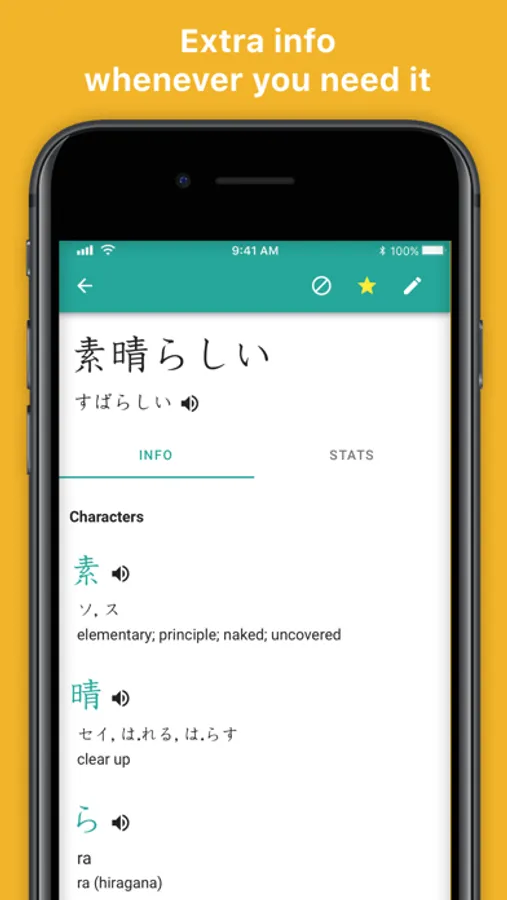
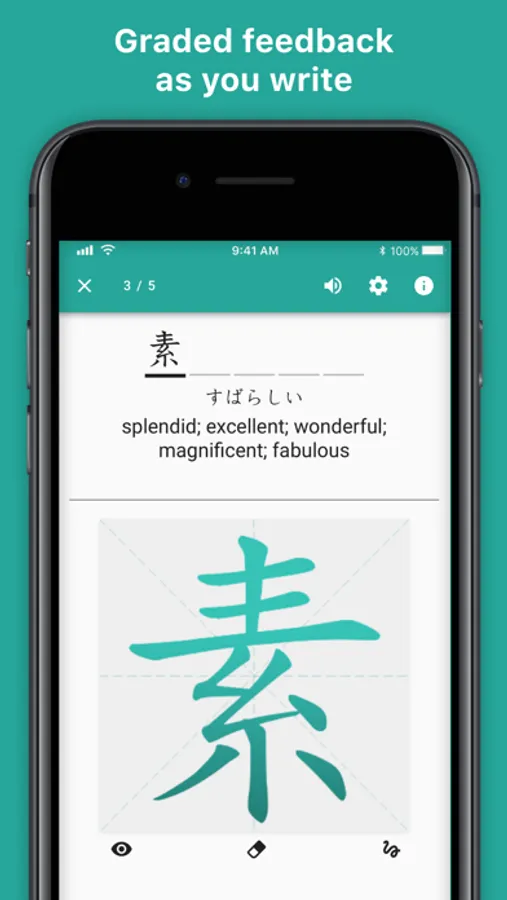
Practice Japanese writing by drawing characters and reviewing decks with this app. Includes characters from Hiragana, Katakana, and Kanji, along with topic-based and difficulty-based decks.
AppRecs review analysis
AppRecs rating 5.0. Trustworthiness 76 out of 100. Review manipulation risk 27 out of 100. Based on a review sample analyzed.
★★★★★
5.0
AppRecs Rating
Ratings breakdown
5 star
82%
4 star
10%
3 star
4%
2 star
1%
1 star
4%
What to know
✓
Low review manipulation risk
27% review manipulation risk
✓
Credible reviews
76% trustworthiness score from analyzed reviews
✓
High user satisfaction
82% of sampled ratings are 5 stars
About Skritter: Write Japanese
Skritter has existed for more than 10 years, and for a good reason: our learners are amazing! They help us with feedback, which allows us to create what we think is the best Japanese writing app out there!
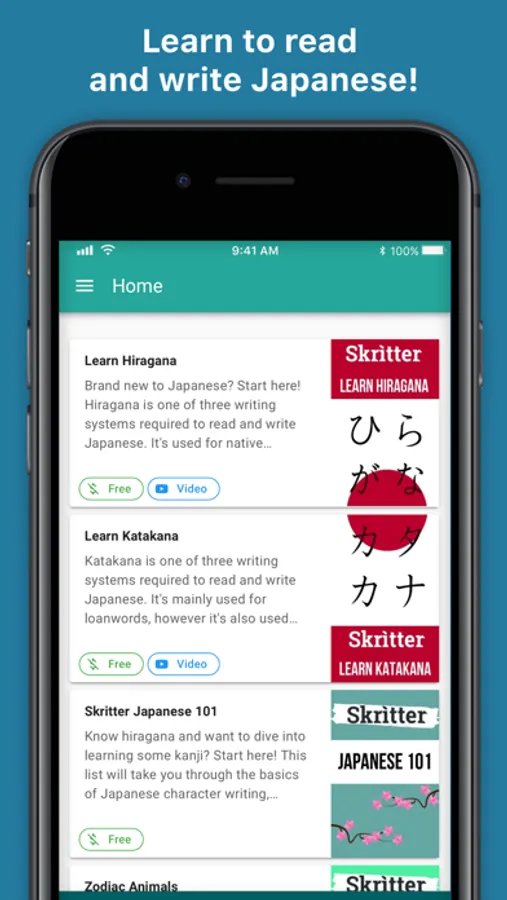
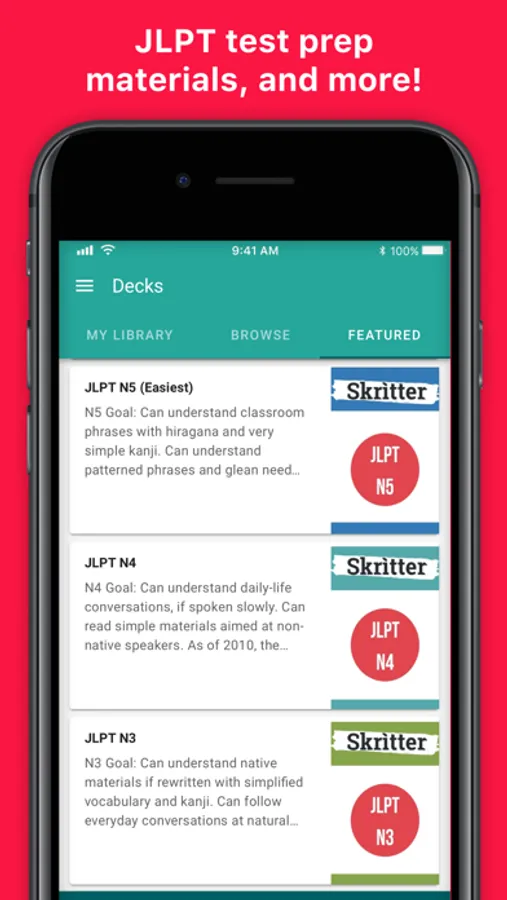
Japanese writing uses three different scripts; Hiragana, Katakana, and Kanji. Skritter offers all three and you can learn them through our “decks” (similar to a card deck) based on topics and difficulty.
Deck examples:
- Survival Japanese (for traveling in Japan)
- Food and drinks (learn to understand the menus at your favorite Japanese restaurant with delicious sushi, ramen, and other dishes)
- Cultural topics like Samurai Japanese
- More advanced topics like foreign policy
- And many more…
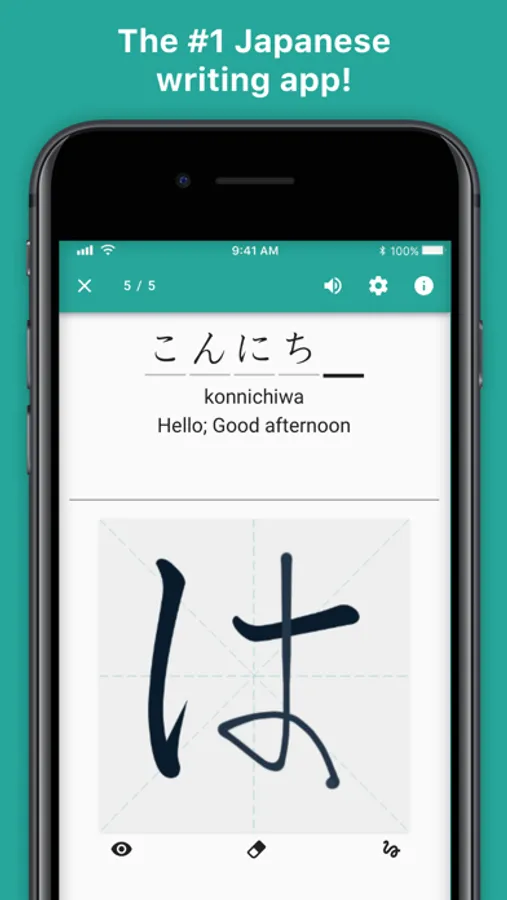
First, you learn a character’s meaning, then practice drawing it and before you know it, you’ll want to learn thousands of characters, and words like these two happy users:
“If I could only keep one app on my iPod, this would be it without a doubt. Skritter will change your life!”
― Wendy Werneth, UN Translator
“Learning to write characters has never been so fun. From writing zero to 2000+ characters in six months!”
― Brian Jackson, Economist
Have questions, problems, or feedback? We would love to hear from you. Reach out to us at team@skritter.com
---------------------------------
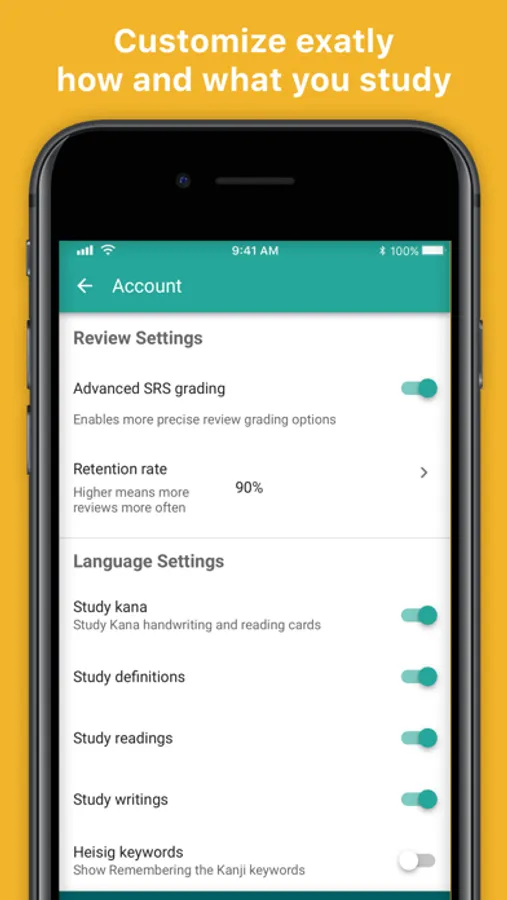
Guest accounts enjoy free access to select decks forever! Unlock Review mode, and study anything you want with a premium subscription, which is available for purchase in the app. Big savings offered on 12-month subscriptions!
• One month subscription (automatically renewed until canceled)
• 12-month subscription (automatically renewed until canceled)
Recurring billing, cancel anytime. Within 24 hours before the subscription period ends, you will be charged through your iTunes account. Manage your subscription from your iTunes App Store settings where you can turn off auto-renewal at any time. Any unused portion of a free trial period, if offered, will be forfeited when the user purchases a subscription to that publication, where applicable.
Privacy Policy: https://skritter.com/legal
Terms of Use: https://docs.skritter.com/article/133-terms-of-use
Skritter: Write Japanese Screenshots
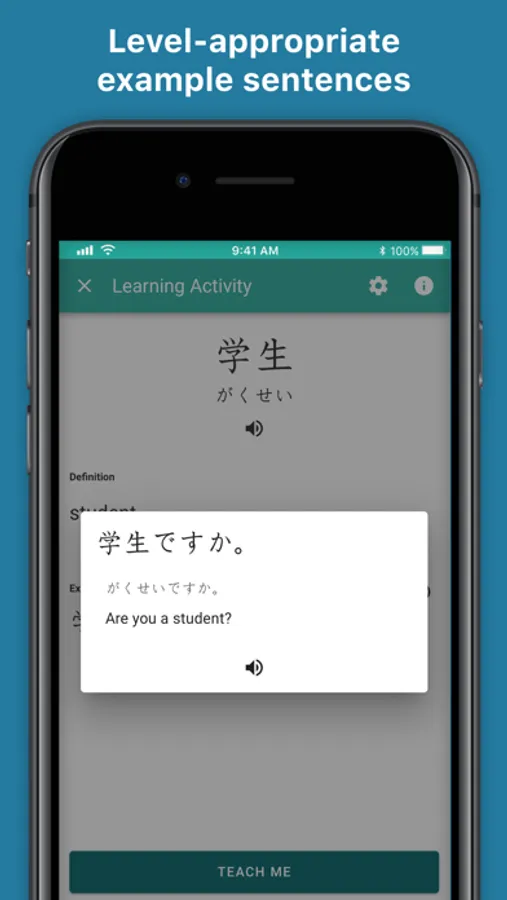
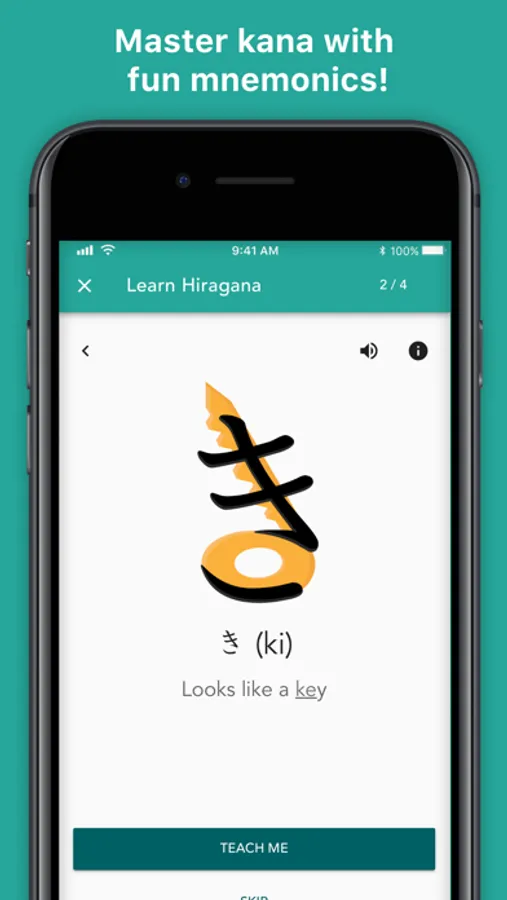
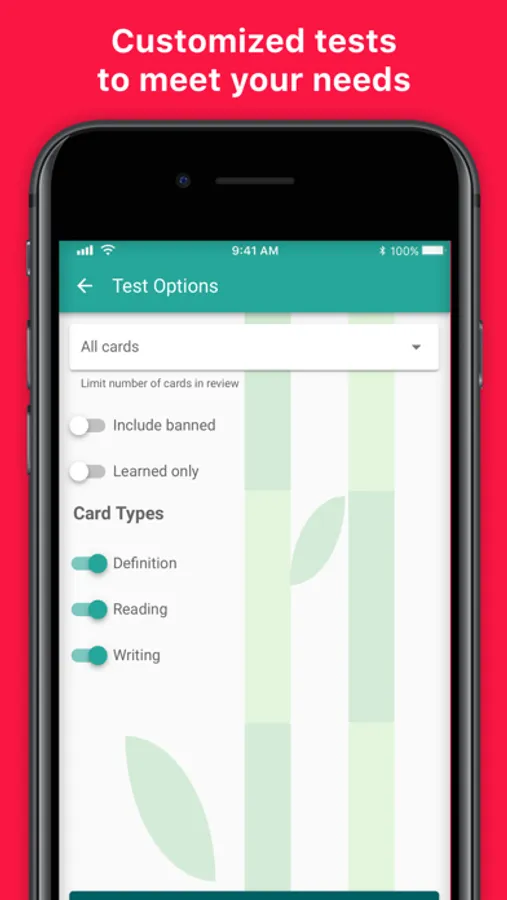
Tap to Rate:
Reviews for Skritter: Write Japanese
TokyoAperture
The most I pay for any app
This is the most expensive app I pay for … and I like it! I’m probably a corner case in terms of a user, as I’m fluent in Japanese and can read regular novels, write business emails etc without problem. However, ask me to write the same kanji by hand… and I turn into elementary level. Since I can already read the N1 kanji, this has been a super effective way to add handwriting. Highly recommended.
Phibonachi
Good. Could be great.
The subscription model is fair. The srs works well. Writing training is why I got it, and I’ve found it helpful, though not perfect (possible to register clearly wrong writing as correct.). I think I would find it all much more useful, enough to keep a paid subscription going longer, if there were example sentences. Several power word/character, ideally.