With this CAD viewer app, you can open EAGLE PCB files, inspect layouts, select components, and manage the Bill of Materials. Includes 3D rendering, file import options from web, Dropbox, and email, and library management.
AppRecs review analysis
AppRecs rating 3.2. Trustworthiness 79 out of 100. Review manipulation risk 38 out of 100. Based on a review sample analyzed.
★★★☆☆
3.2
AppRecs Rating
Ratings breakdown
5 star
46%
4 star
0%
3 star
15%
2 star
15%
1 star
23%
What to know
✓
Credible reviews
79% trustworthiness score from analyzed reviews
About Copper - EAGLE CAD Viewer
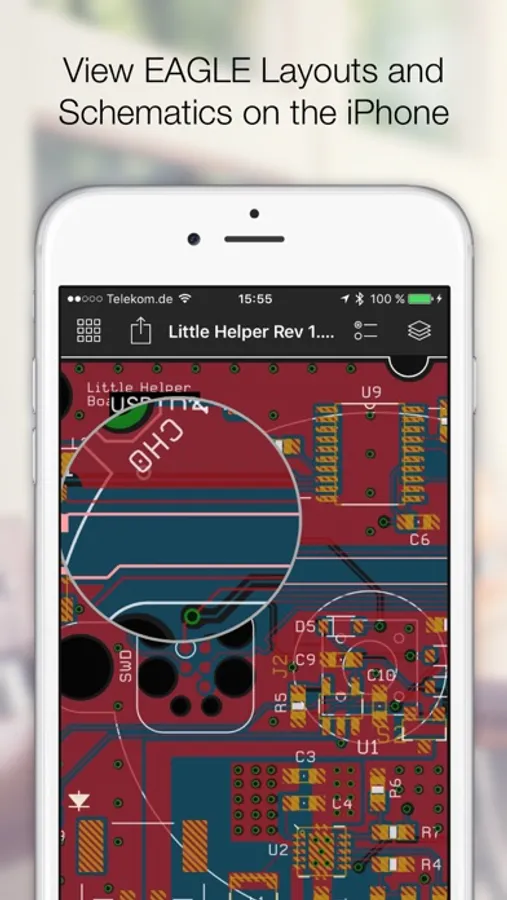
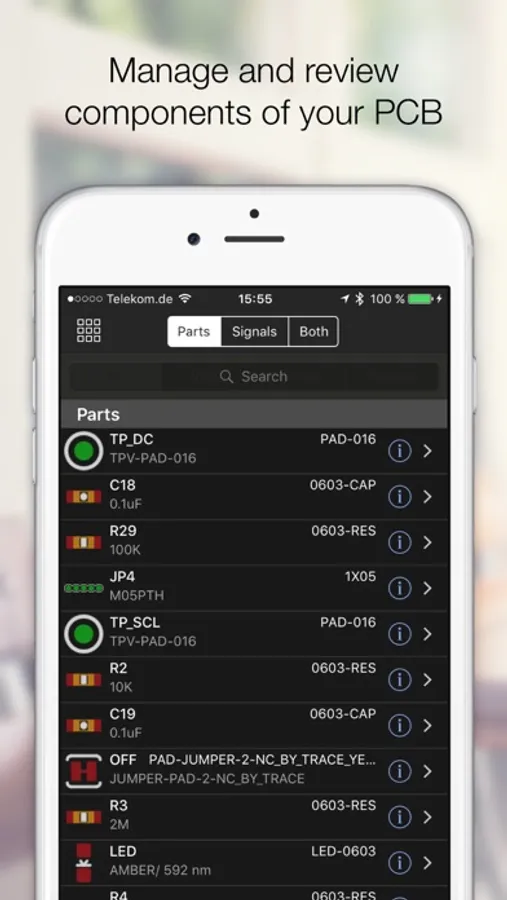
Open any EAGLE CAD file (from version 6 and above) directly on your iPhone and investigate the PCB layout and schematics with your finger. Select parts and signals, manage parts and Bill of Materials.
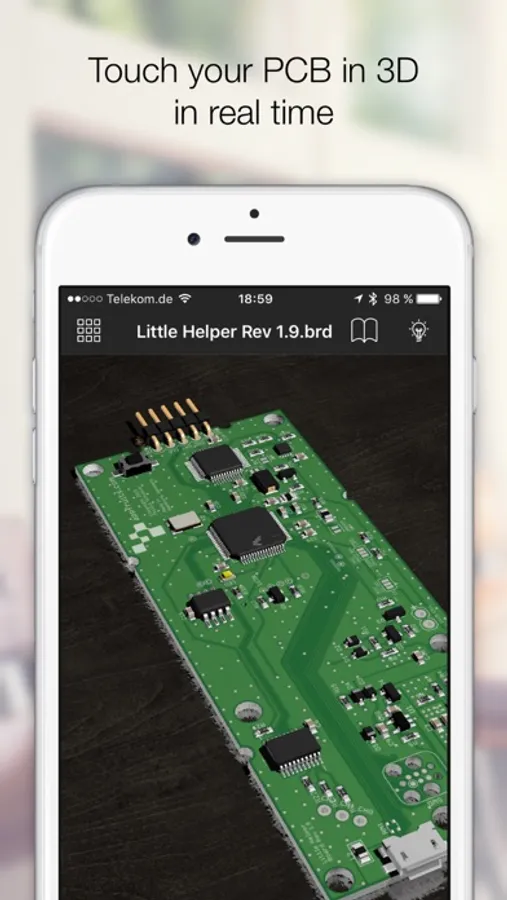
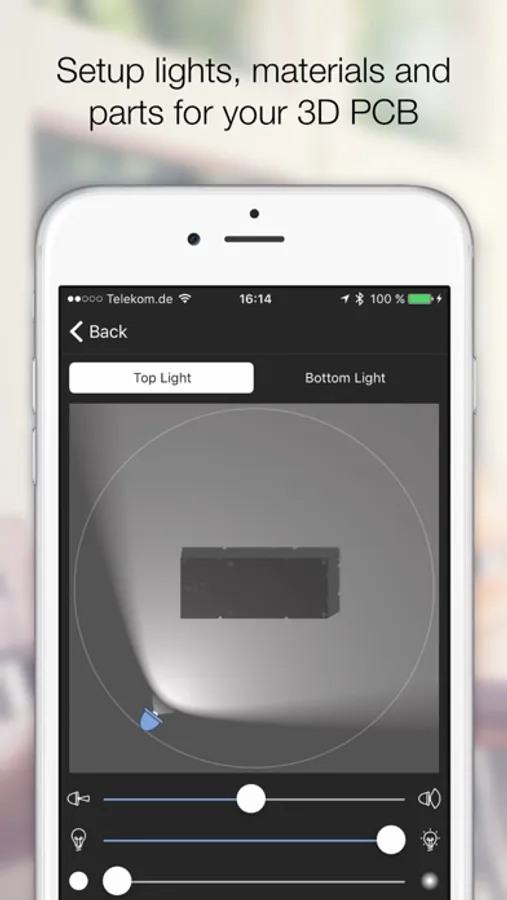
Copper creates 3D versions of your PCB including parts that you assign from our extensive 3D model library to your footprints. Copper then renders a photorealistic representation in real time that you can touch, rotate and move in a virtual studio. Setup lights and materials like the solder mask or the floor.
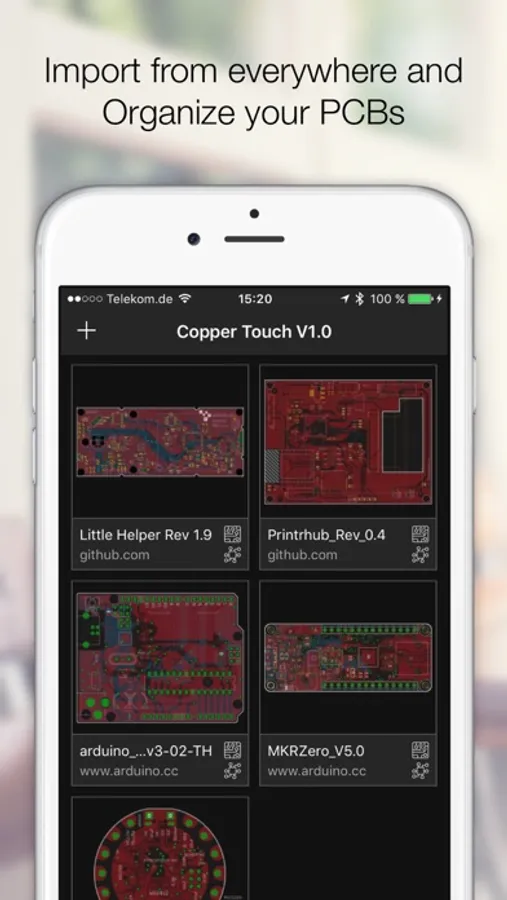
Import EAGLE files from any source like the web (just download a ZIP file with EAGLE files), from Github, your Dropbox, or send PCB files directly via Airdrop, Mail or iMessage to your iPhone or iPad.
Every file you import is kept in Coppers library. This way you can build up a nice library of PCBs and Schematics right in your pocket.
Copper is also available for the Mac and both share the same codebase and file format.
Copper creates 3D versions of your PCB including parts that you assign from our extensive 3D model library to your footprints. Copper then renders a photorealistic representation in real time that you can touch, rotate and move in a virtual studio. Setup lights and materials like the solder mask or the floor.
Import EAGLE files from any source like the web (just download a ZIP file with EAGLE files), from Github, your Dropbox, or send PCB files directly via Airdrop, Mail or iMessage to your iPhone or iPad.
Every file you import is kept in Coppers library. This way you can build up a nice library of PCBs and Schematics right in your pocket.
Copper is also available for the Mac and both share the same codebase and file format.
Copper - EAGLE CAD Viewer Screenshots
Tap to Rate:
Reviews for Copper - EAGLE CAD Viewer
sketobandito
Nope
Won’t download anything…why? Seriously?
parsazh
Useful app
Hi,this is useful app but it’s needed to update to be better but don’t happen,I don’t know why!!…? But good and only this one work to open eagle files It will be great that happens for altiume “.pcbdoc” and “gerber” files but i don’t find any app in app store😔😑