AppRecs review analysis
AppRecs rating 4.2. Trustworthiness 78 out of 100. Review manipulation risk 24 out of 100. Based on a review sample analyzed.
★★★★☆
4.2
AppRecs Rating
Ratings breakdown
5 star
56%
4 star
22%
3 star
11%
2 star
11%
1 star
0%
What to know
✓
Low review manipulation risk
24% review manipulation risk
✓
Credible reviews
78% trustworthiness score from analyzed reviews
✓
High user satisfaction
78% of sampled ratings are 4+ stars (4.2★ average)
About MIDI Macros
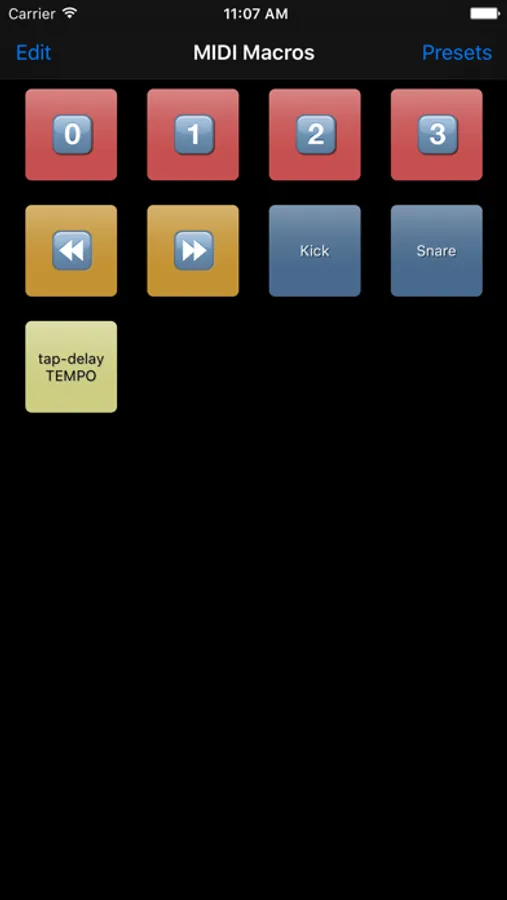
You can make macros to do whatever you want using MIDI:
- toggle between synthesizer's presets
- control your FX units' parameters
- control your DAW and it's plugins
- add extra buttons to your digital mixer
- do all of the above simultaneously
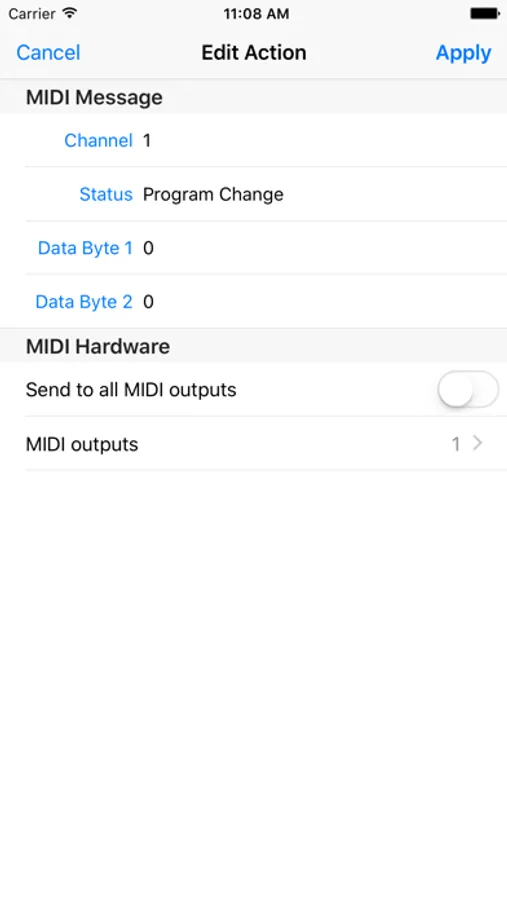
Look up the MIDI messages required for your setup in the device's manuals. Please feel free to contact me if you have questions or need any help, via contact@oscarbouwmans.nl.
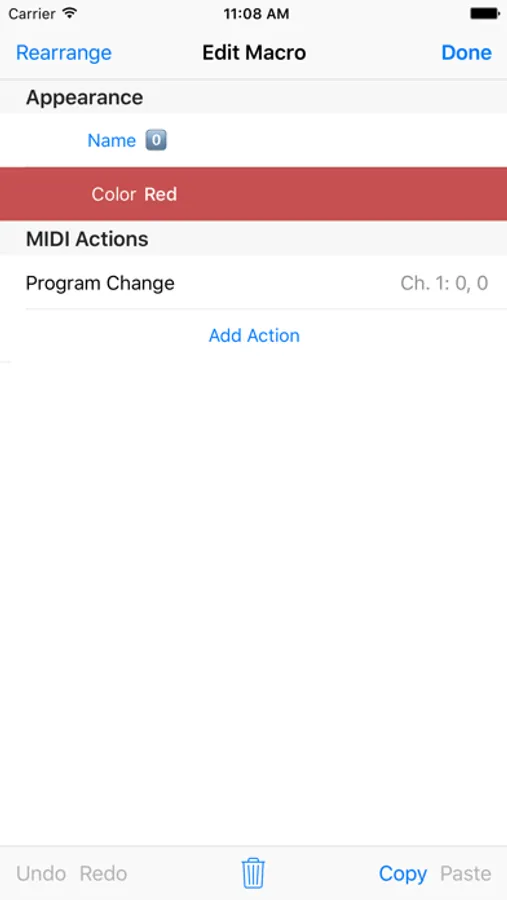
Every macro can send multiple MIDI messages, to any of the connected MIDI devices. So, for example, one macro can toggle 3 different actions, on 3 different devices. Or 1 action, on 9 devices. Etc.
MIDI Devices can be connected to your iOS device via USB*, Bluetooth, or WiFi.
*requires the Apple Camera Connection Kit or other compatible adapters
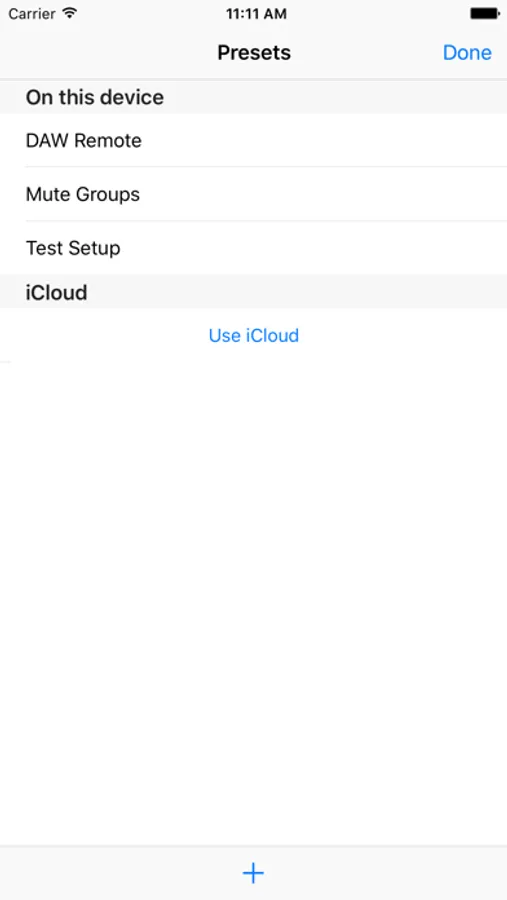
Macro sets can be stored in presets. Presets can either be stored locally on the iOS device, or in iCloud, allowing you to synchronise presets between your devices. A future update will allow presets to be sent to other devices using AirDrop. This way you can send presets from your iPad to your iPhone for example, or to a friend who has a similar setup.
MIDI Macros Screenshots

Tap to Rate:
Reviews for MIDI Macros
Obxa
Still the best thing out there
Not sure if this is app is “abandon-ware” at this point. But it’s amazingly powerful. There are other program apps out there - some are overkill, and others that don’t do extended MIDi CC. If you need to send bank changes (not just 0-127 program changes) this is the app you need.. Old as it is, it works flawlessly. With Blue tooth Midi no less. Was also a great way to repurpose old tech- able to run this on an “ancient” 2019 iPad mini with IOS 12. . Though it does support newer iPads and OS too. I’d gladly pay a bit more if the Dev ever decides to update- but in the meantime, it’s pretty darn good. I’m controlling a hybrid hardware/virtual live rig and able to send group and individual patches to all my boards. There is a lack of documentation- something I’m working on doing on my channel.
Basses41
Perfect for what I need
I’ve been using this app for 2-3 years and it’s exactly what I need. I use it to change settings for 2 keyboards in live playing situations. I set up midi commands for each sound I need, run it through an iRig midi interface and by just touching the iPad can change the sounds to the selected setting. Its a very basic app, but I was able to learn it quickly and it does all I need. I’ve had no issues with it.