In this photo editing app, you can adjust background blur and focus points to enhance portrait images. Includes effects like lens blur, tilt, macro, and depth map visualization.
About Slør
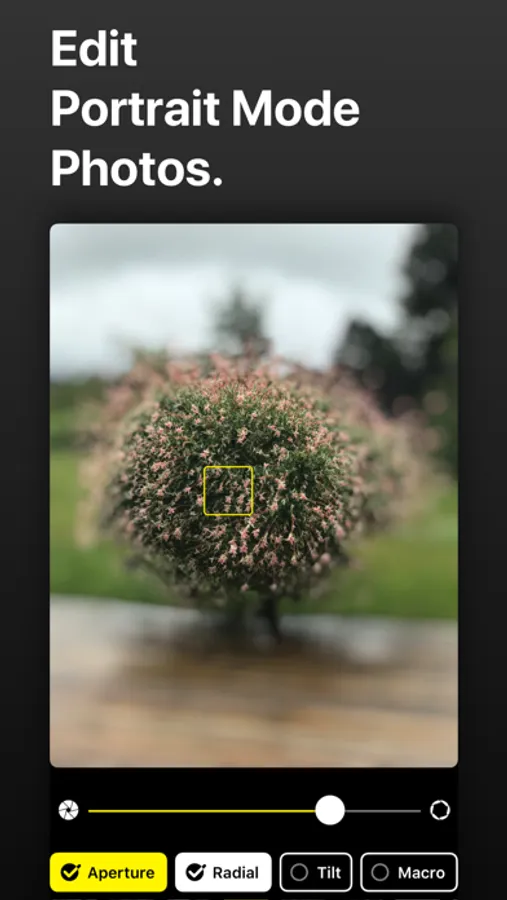
Edit Portrait Mode photos.
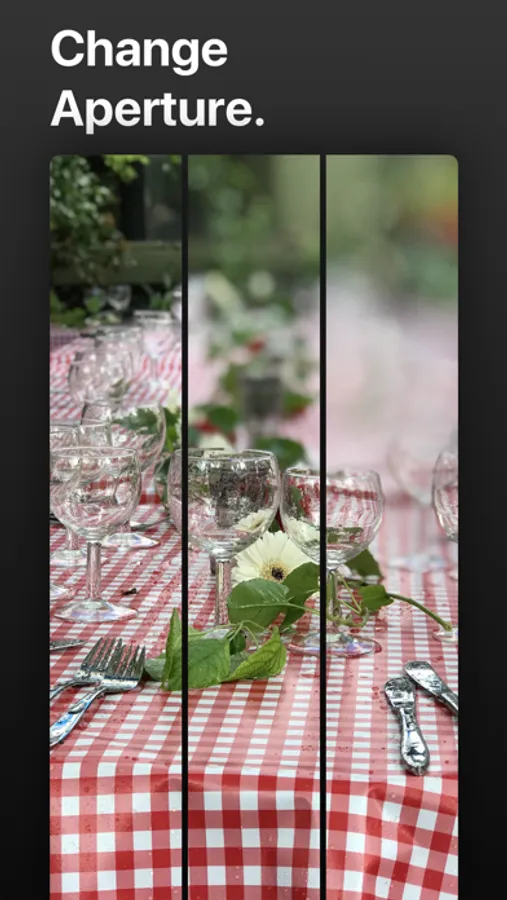
› Adjust background blur.
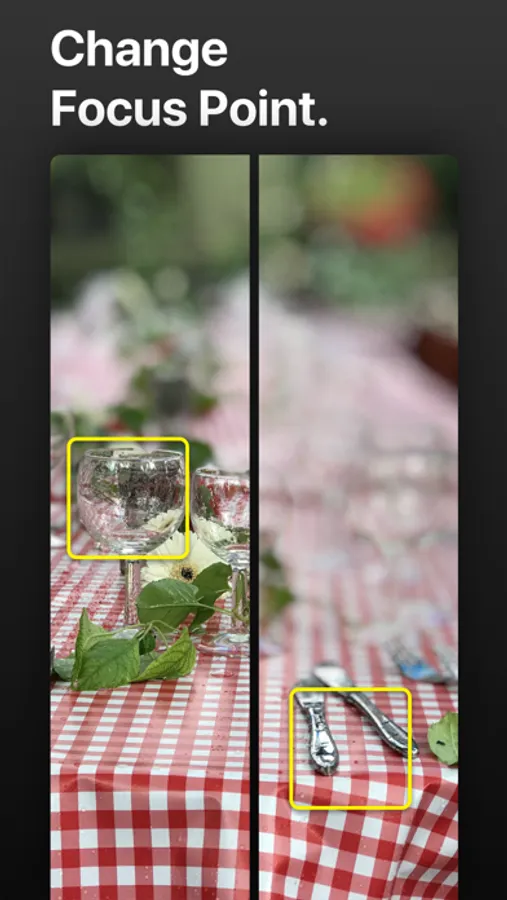
› Adjust focus point.
› Higher quality.
Combine Effects.
› Lens Blur. Add a radial effect for blurring everything around the subject additionally for dramatic effect.
› Tilt. Adjust the focal plane by tilting it, just like a tilt-shift lens does on a DSLR.
› Macro. Simulates moving subjects closer. Allows for more aggressive background blur, even for subjects farther away.
› Depth Map. Smart preview depth information with a quick 3D Touch to quickly see how radial and tilt affects it.
Deep iOS integration.
› Slør saves all edits to your Photo Library as modification that doesn't override the original photo data.
› Photo Editing Extension. Quickly open photos for edit directly in the Photos.app.
Accessible
› Adaptable font sizes,
› Smart Invert, and
› Voice Over support.
Available in English, Spanish, French, German, Russian, Italian, Turkish, Norwegian, Swedish, and Danish.
The app has a fallback mode for photos that doesn't contain depth information, but it works best with photos taken with Portrait Mode on dual camera iPhones, like iPhone X, iPhone 8 Plus, and iPhone 7 Plus. Slør also works with Portrait Mode photos taken using the front facing True Depth camera on the iPhone X.
› Adjust background blur.
› Adjust focus point.
› Higher quality.
Combine Effects.
› Lens Blur. Add a radial effect for blurring everything around the subject additionally for dramatic effect.
› Tilt. Adjust the focal plane by tilting it, just like a tilt-shift lens does on a DSLR.
› Macro. Simulates moving subjects closer. Allows for more aggressive background blur, even for subjects farther away.
› Depth Map. Smart preview depth information with a quick 3D Touch to quickly see how radial and tilt affects it.
Deep iOS integration.
› Slør saves all edits to your Photo Library as modification that doesn't override the original photo data.
› Photo Editing Extension. Quickly open photos for edit directly in the Photos.app.
Accessible
› Adaptable font sizes,
› Smart Invert, and
› Voice Over support.
Available in English, Spanish, French, German, Russian, Italian, Turkish, Norwegian, Swedish, and Danish.
The app has a fallback mode for photos that doesn't contain depth information, but it works best with photos taken with Portrait Mode on dual camera iPhones, like iPhone X, iPhone 8 Plus, and iPhone 7 Plus. Slør also works with Portrait Mode photos taken using the front facing True Depth camera on the iPhone X.
Slør Screenshots
Tap to Rate: