With this camera app, you can capture photos with depth data and edit raw depth maps using professional tools. Includes face detection, 3D viewer, import and export options.
AppRecs review analysis
AppRecs rating 2.7. Trustworthiness 80 out of 100. Review manipulation risk 21 out of 100. Based on a review sample analyzed.
★★☆☆☆
2.7
AppRecs Rating
Ratings breakdown
5 star
33%
4 star
5%
3 star
12%
2 star
14%
1 star
35%
What to know
✓
Low review manipulation risk
21% review manipulation risk
⚠
Mixed user feedback
Average 2.9★ rating suggests room for improvement
⚠
High negative review ratio
49% of sampled ratings are 1–2 stars
About Depth Cam - Depth Editor
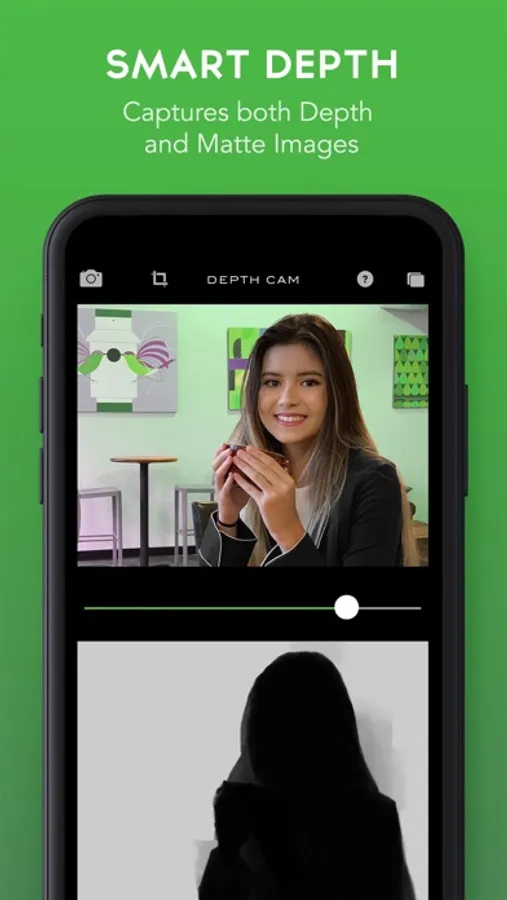
DepthCam includes a suite of professional tools for editing depth maps. Load any Portrait Mode photo and view/edit the depth data.
You can crop and rotate your photos while keeping the depth data perfectly aligned.
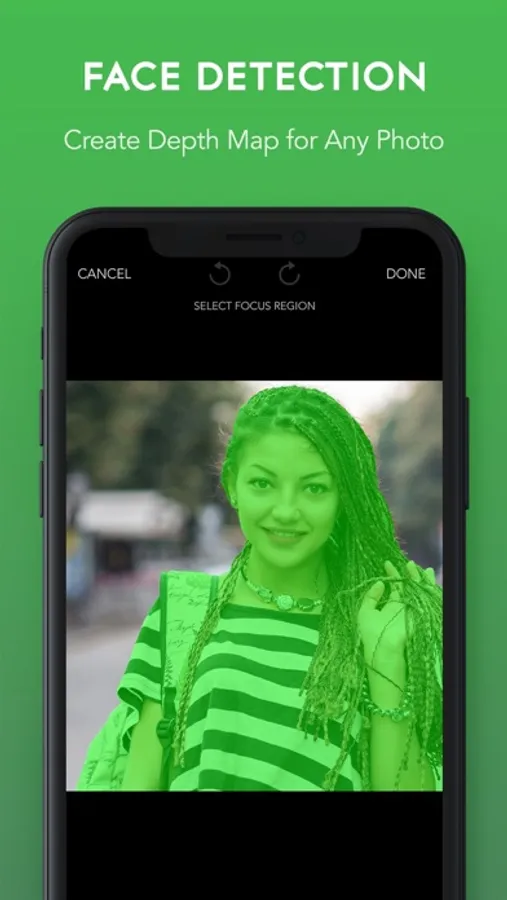
With the new Face Detection, you can create a depth map for any photo.
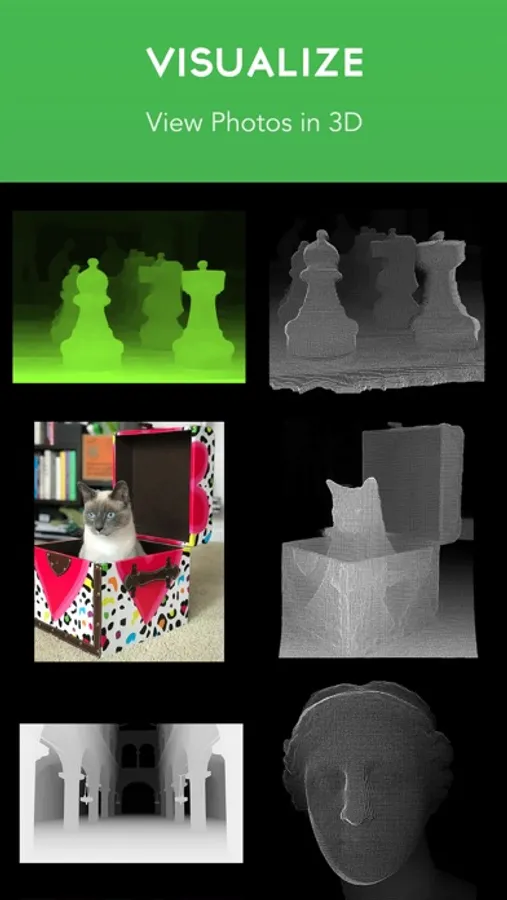
Includes 3D viewer of depth data.
Features
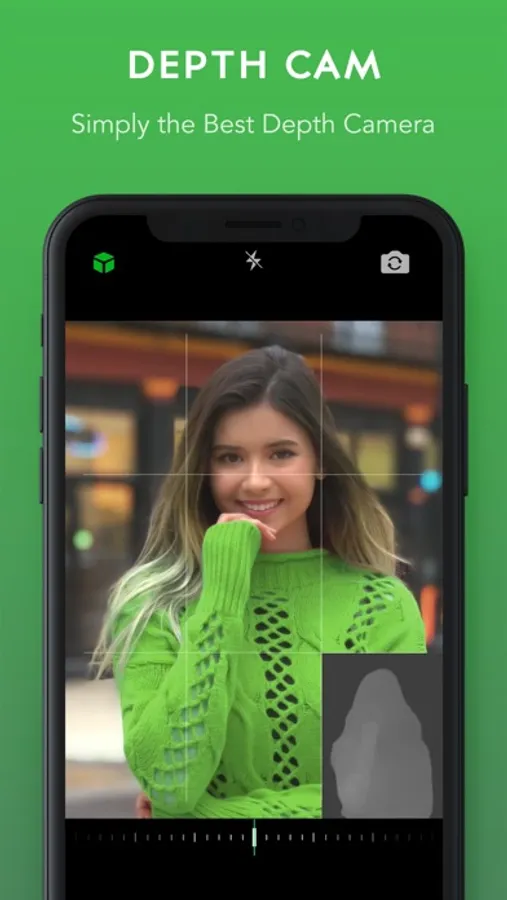
- Capture photos with the Depth API
- Real-time preview of depth
- Edit raw depth data
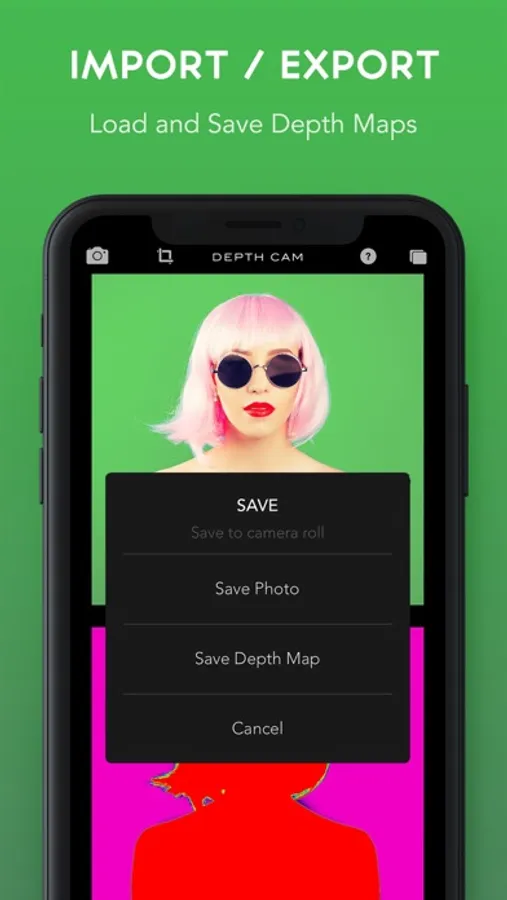
- Import/Export depth data
- Face Detection
Even if you don't have a two camera device, you can still load and edit photos with depth data.
Depth Cam - Depth Editor Screenshots
Tap to Rate:
Reviews for Depth Cam - Depth Editor
WiildBill
Help please James!
I’ve been with you from the beginning and have most all your great apps thank you. I’d very much like to edit in this app without using a painterly app. But your editor does not work as intended. It draws black/gray/white lines of different sizes, regardless of setting - against the green shaded depth map. 😵💫 Then, hitting the little eye icon makes it one level more confusing, and doesn’t appear to work. Sometimes the soft/hard brush setting is available, and sometimes not. The color sampler doesn’t appear to work. I’ve spent two days and four hours of trying different permutations. (and like to think I’m the better pic of the litter). [Checking out your newer AI app!] Kindly help, please! 🙏 Thank you!
Hop on Pop Jr.
What is the mission of this app.
What is depth cam trying to accomplish next to what the app says it does. Editing photo’s depth data is a hard task given the tools we have to choose from. Photos don’t generate functional depth maps. Painting in app is harder to do then simply painting in a photo editor. Maybe there is something I’m missing. A lot of work went into making this app. I appreciate that it is reaching for something but what? I purchased it because I was hoping to creat more realistic depth maps. I am wondering what the developers mission is here? Maybe something completely different. As it stands it’s not doing one thing thoroughly enough.