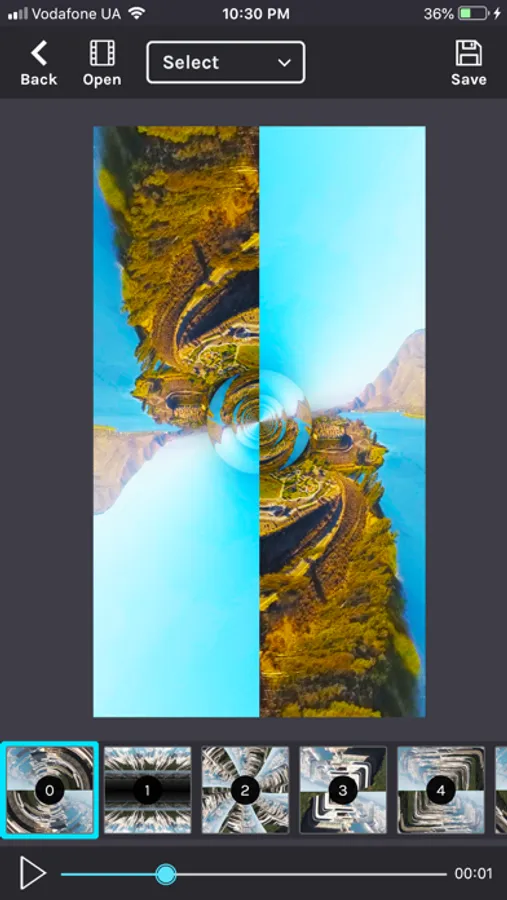
Use this video editing app to add 3D objects and glitch effects to your videos. Includes 200 grid presets, adjustable effects, and curve controls for customization.
AppRecs review analysis
AppRecs rating 4.4. Trustworthiness 73 out of 100. Review manipulation risk 23 out of 100. Based on a review sample analyzed.
★★★★☆
4.4
AppRecs Rating
Ratings breakdown
5 star
85%
4 star
7%
3 star
1%
2 star
2%
1 star
4%
What to know
✓
Low review manipulation risk
23% review manipulation risk
✓
Credible reviews
73% trustworthiness score from analyzed reviews
✓
High user satisfaction
85% of sampled ratings are 5 stars
About KinoGlitch
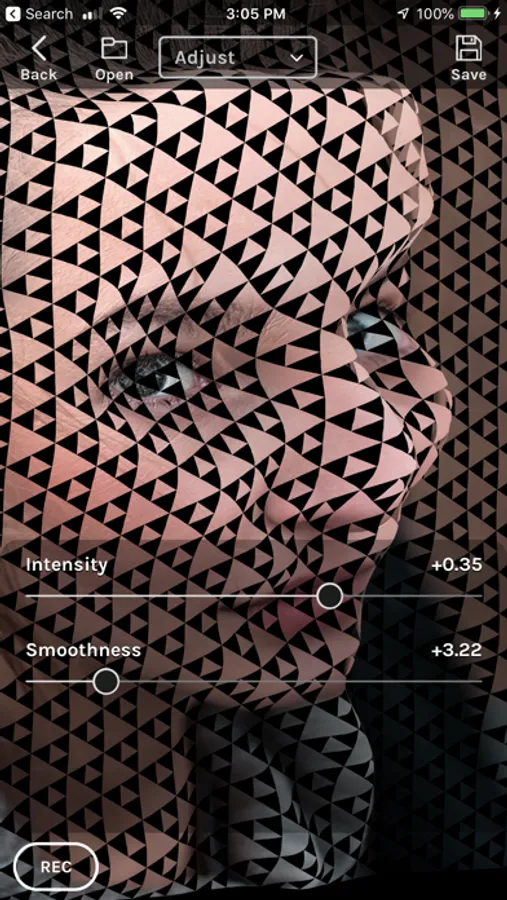
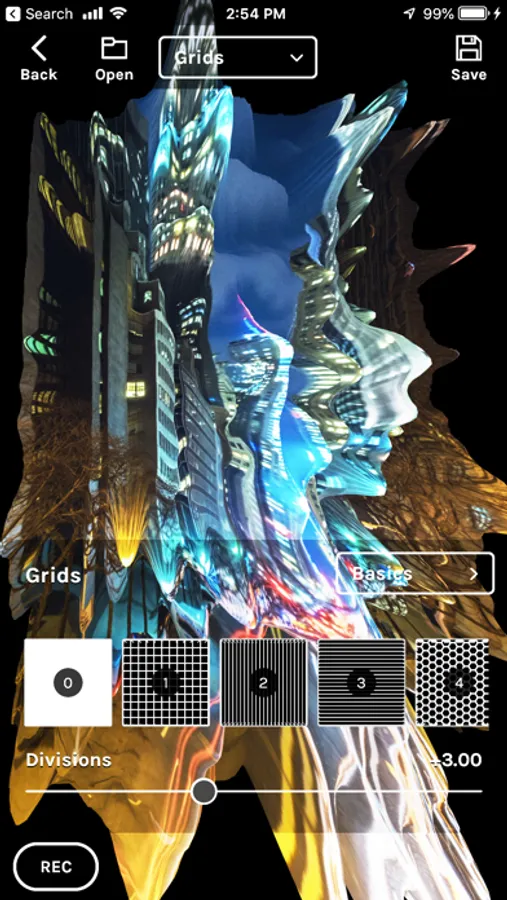
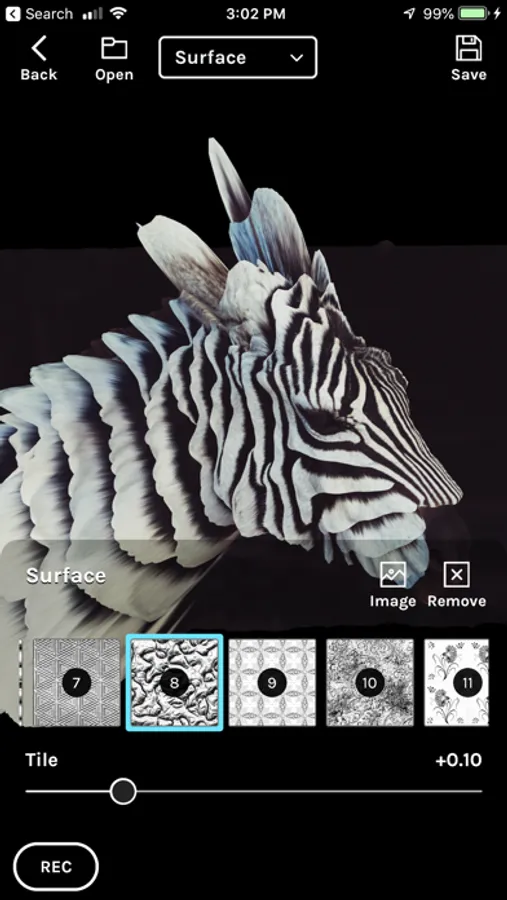
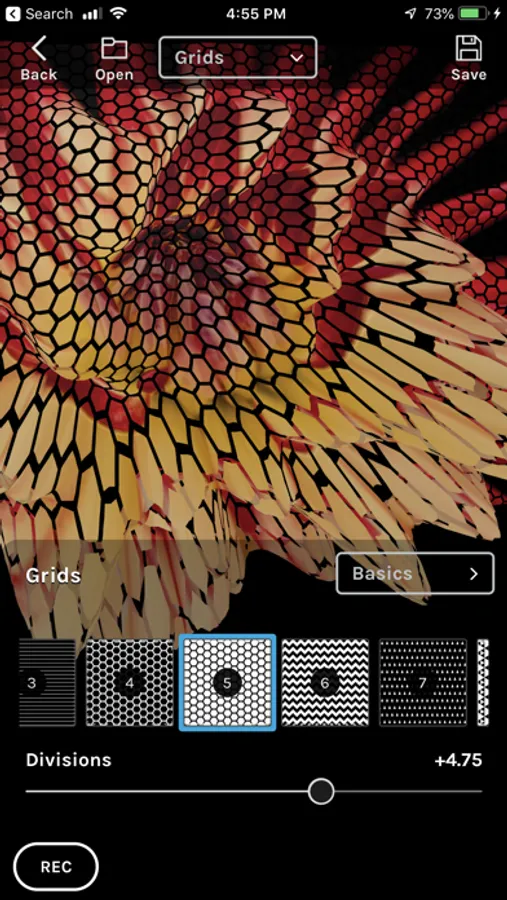
The app comes with 200 grid presets that you can apply to your objects, and offers a variety of adjustments for maximum creativity. You can control the divisions and intensity of each grid, blend your own images, set the background image, and control the transparency of your objects. Once you've created your 3D objects, you can record their movement and apply effects to your video.
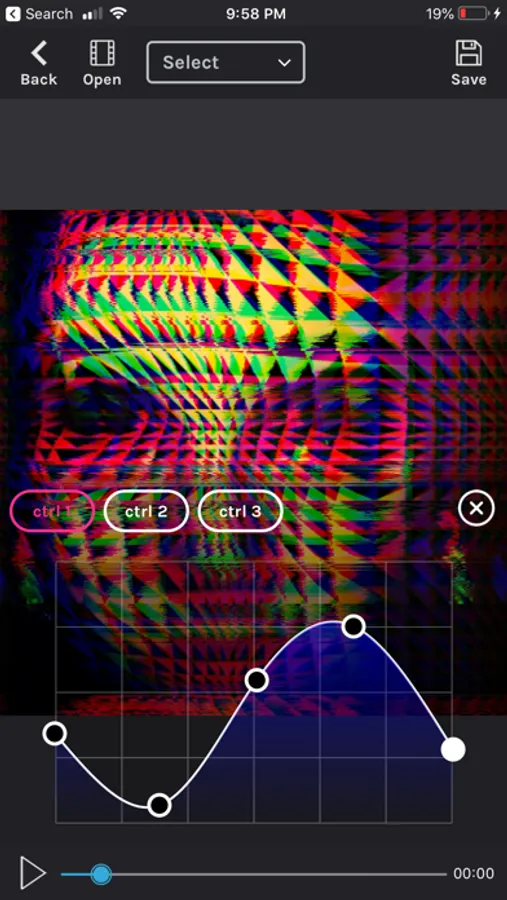
Our app also offers more than 50 effects that you can control with curves of values vs time.
Terms of Use (EULA): https://www.apple.com/legal/internet-services/itunes/dev/stdeula/
Visit Instagram: @kinoglitch to see some examples of what you can create with our app!
KinoGlitch Screenshots
Tap to Rate:
Reviews for KinoGlitch
trudyshearts
Something has changed
I am not able to remove the grid.
mrcooper1127
Excellent image prep app / important art tool
I use the app to pre prep influence images before taking them further using AI. It gives me super unique “DNA” for starting many of my AI explorations. If you haven’t made this part of your AI process/work flow, then you are missing a ton of original “paths or seeds” to launch from into your AI process. Look like everyone else using AI —-or get this app into your work flow and differentiate your work w/the amazing jumping off points it will give you. +++5 STARS!!!