With this photo editing app, you can apply over 500 effects, customize images with brushes, and import Photoshop brushes. Includes a variety of filters, adjustment tools, and an import feature for external assets.
AppRecs review analysis
AppRecs rating 3.7. Trustworthiness 87 out of 100. Review manipulation risk 21 out of 100. Based on a review sample analyzed.
★★★☆☆
3.7
AppRecs Rating
Ratings breakdown
5 star
71%
4 star
4%
3 star
4%
2 star
4%
1 star
17%
What to know
✓
Low review manipulation risk
21% review manipulation risk
✓
Credible reviews
87% trustworthiness score from analyzed reviews
⚠
Pricing complaints
Many low ratings mention paywalls or pricing
About iColorama S
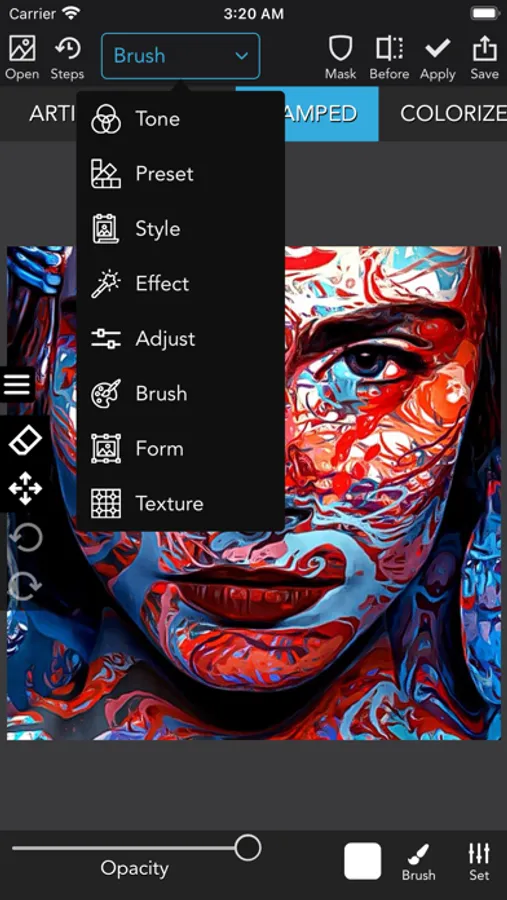
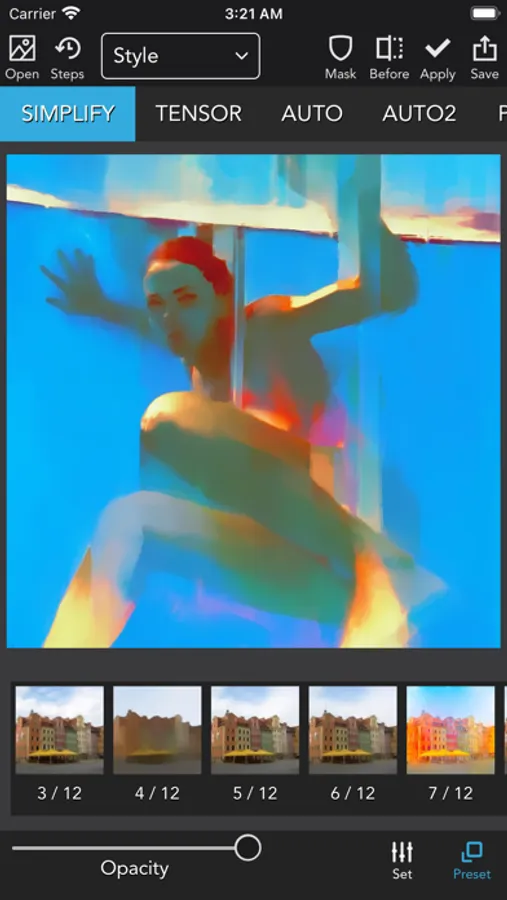
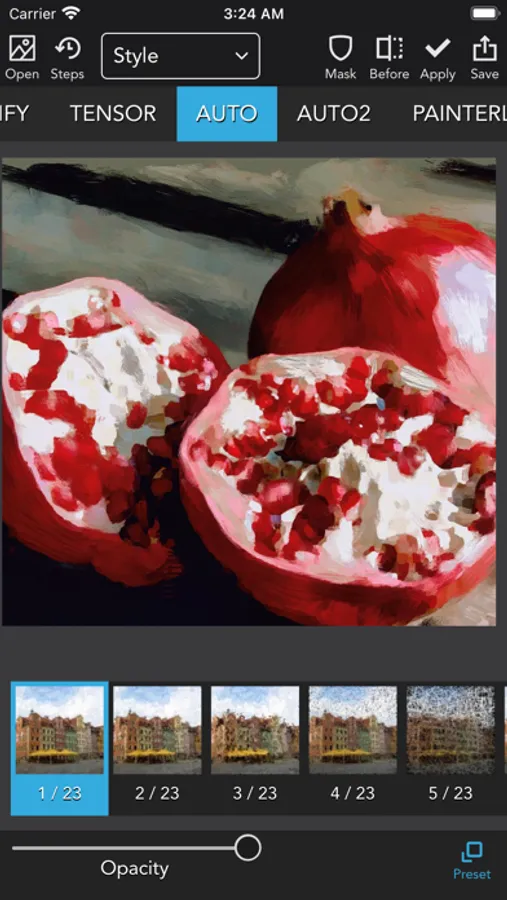
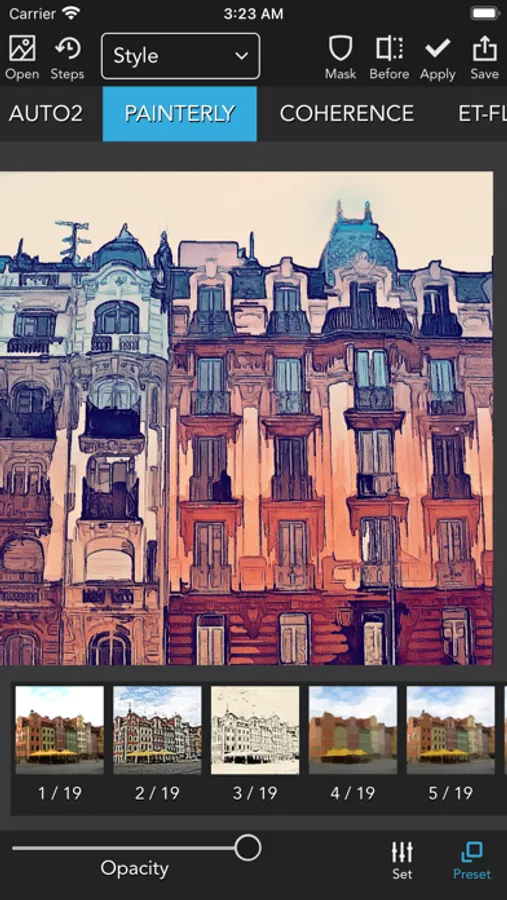
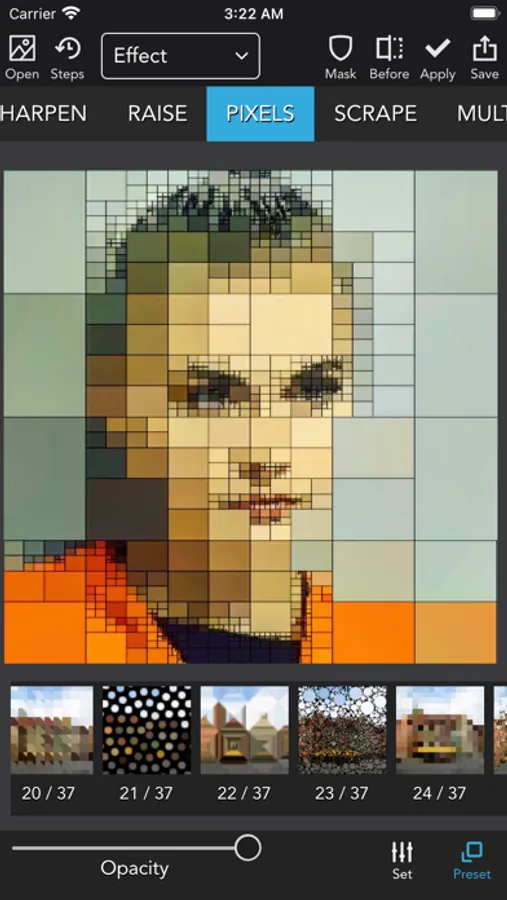
There are too many effects to be listed here, more than 500! The effects are from simple image adjustments to complicated graphic transformations.
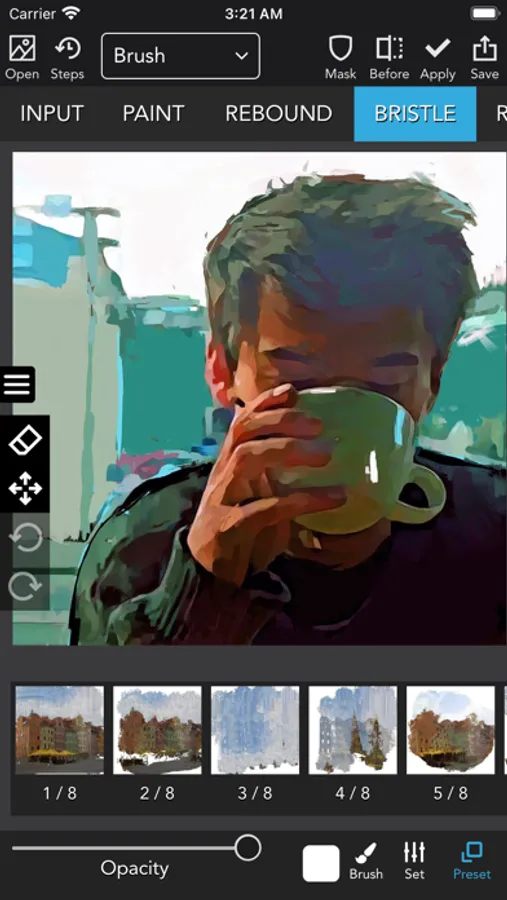
Images can also be repainted with many different brushes, and you can import and use Photoshop brushes!
Just check the tag #icolorama on Instagram and find more than 300 000 images that have been edited using this app!
Start creating your own art today with iColorama!
iColorama S Screenshots
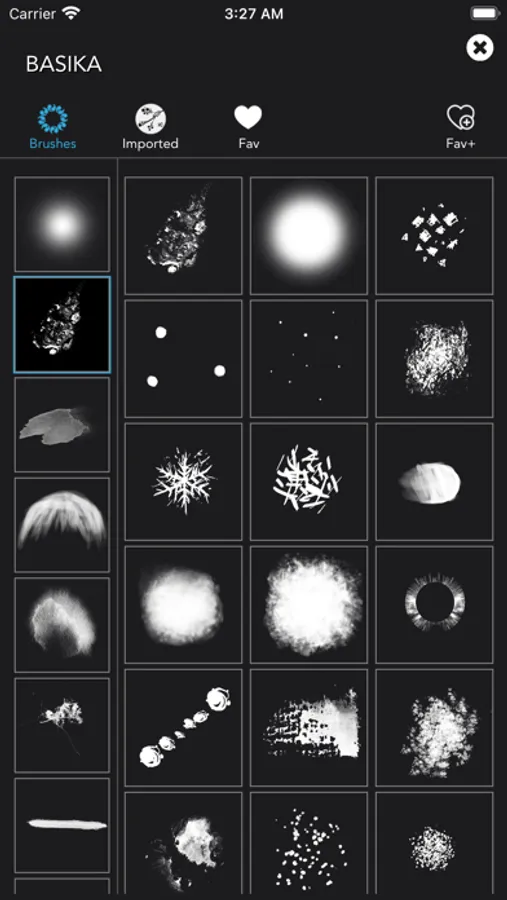
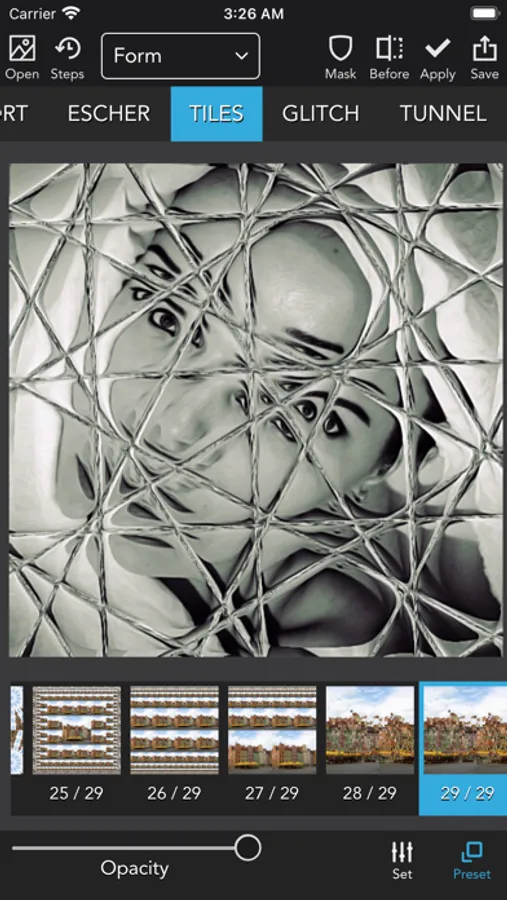
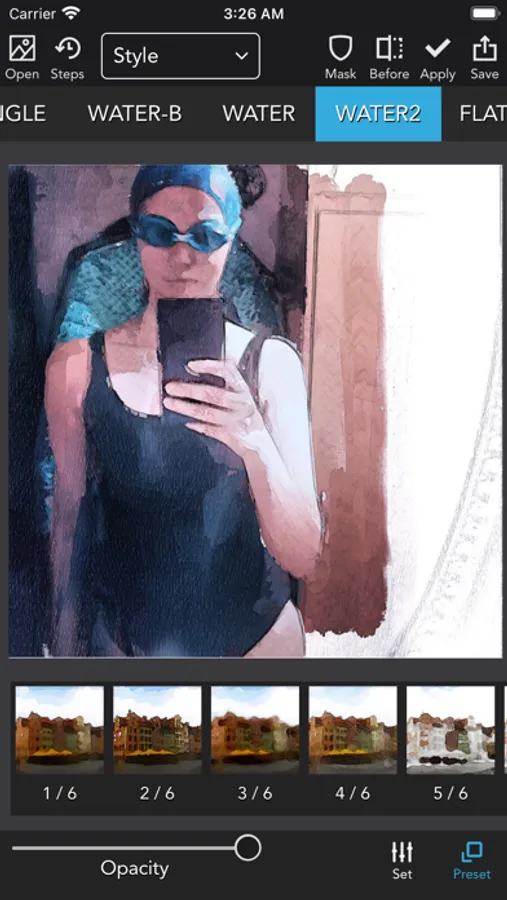
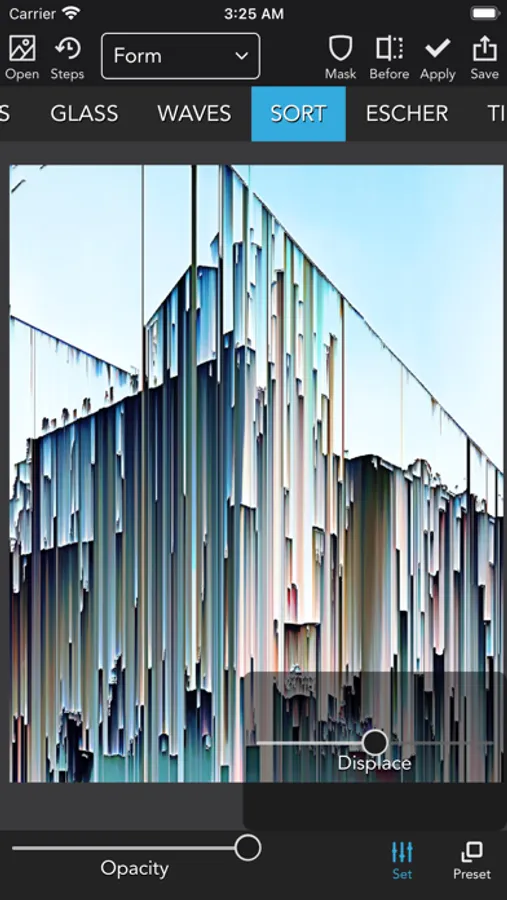
Tap to Rate:
Reviews for iColorama S
Puppeteer71
Best comprehensive art program for photos
I wrote a long review that somehow review! Rather than re-write it & taking more of my time, I highly recommend it: It’s intuitive Tutorials are unnecessary for artists who are experienced in art & graphic programs Lots of tools Check out a variety of the tools: Presets, Styles & Effects offer some amazing features. Effects has various layering options & Styles has flattening options. keep in mind that there are additional selections to choose from when clicking on a tool. Take time to explore & play around with the tools. There are many options & you can create a variety of options & styles - I have created a variety styles: check out my Instagram page for a small (large) selection of how I utilise IColourama: @FelisFelidaeFae 😺 No Subscription!! You purchase the program without worrying about a subscription fees each month & losing material because your subscription lapsed. Many substantial programs like Photoshop require subscription. I haven’t experienced crashing, even when exporting. Works really well with Darkroom Minor quibbles: No zoom/detail options Difficulty masking out background or unwanted objects. No foreground, background & depth masking to enhance depth & focal point in pictures. I need to use the program Darkroom along w/IColourama Apple Pencil doesn’t cause lag, but doesn’t take full advantage of the program. It’s specifically for still images, not for animation. Even considering the quibbles, the pluses far outweigh them Highly recommended
909hello
not ok now
I paid for app and now the wheel is in the photo effects unless I pay for it again. I was a fun app to use and stylizing but will not pay for it twice and never a subscription for me. I guess this is bye.